
 15
15presentation
College Essay Thesis Builder Slides
Build stronger academic arguments with a college essay thesis builder featuring guided examples, revision prompts, and editable PowerPoint and Google Slides.
Google SlidesPowerPoint
document · English
Use Family Conversation Planner Slides to guide kid-friendly check-ins, share responsibilities, record decisions, and keep household plans on track.
Design notes
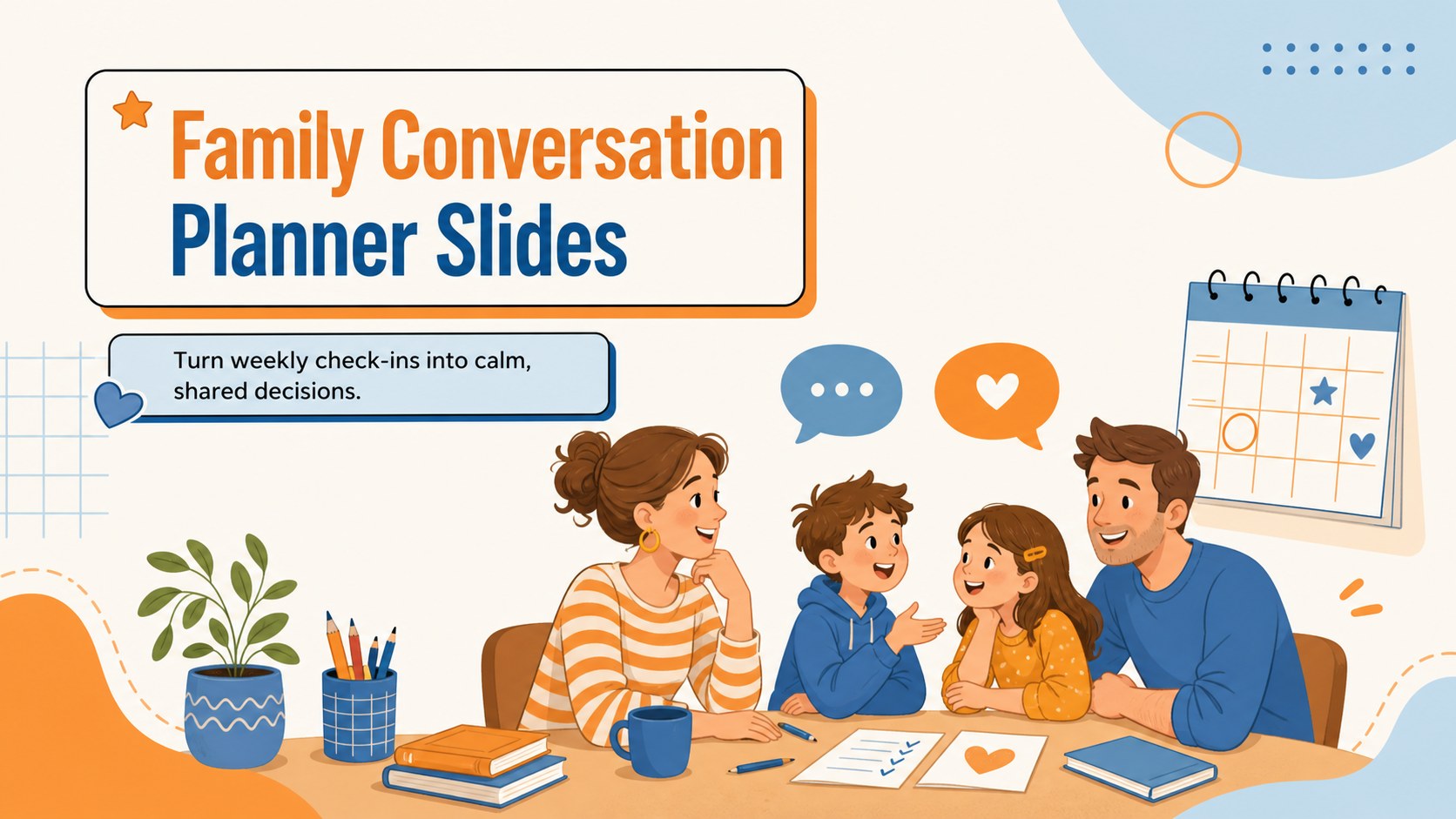
Family Conversation Planner Slides bring structure to household check-ins without making them feel formal. The cheerful orange-and-blue design gives parents, children, and caregivers an inviting space to discuss plans, solve small problems, and make decisions together. Use the deck in PowerPoint or Google Slides for weekly conversations, special-event planning, or quick morning check-ins.
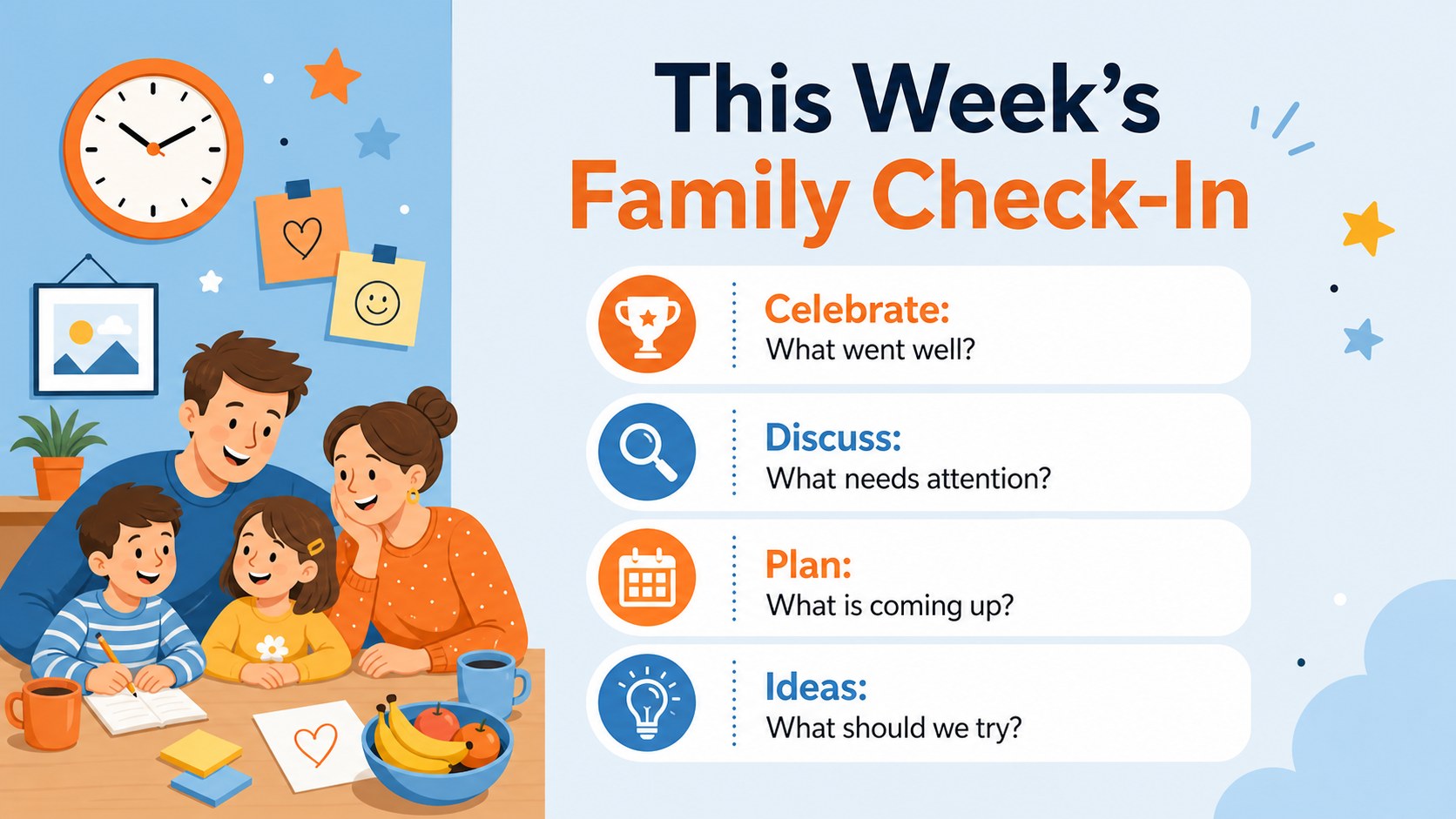
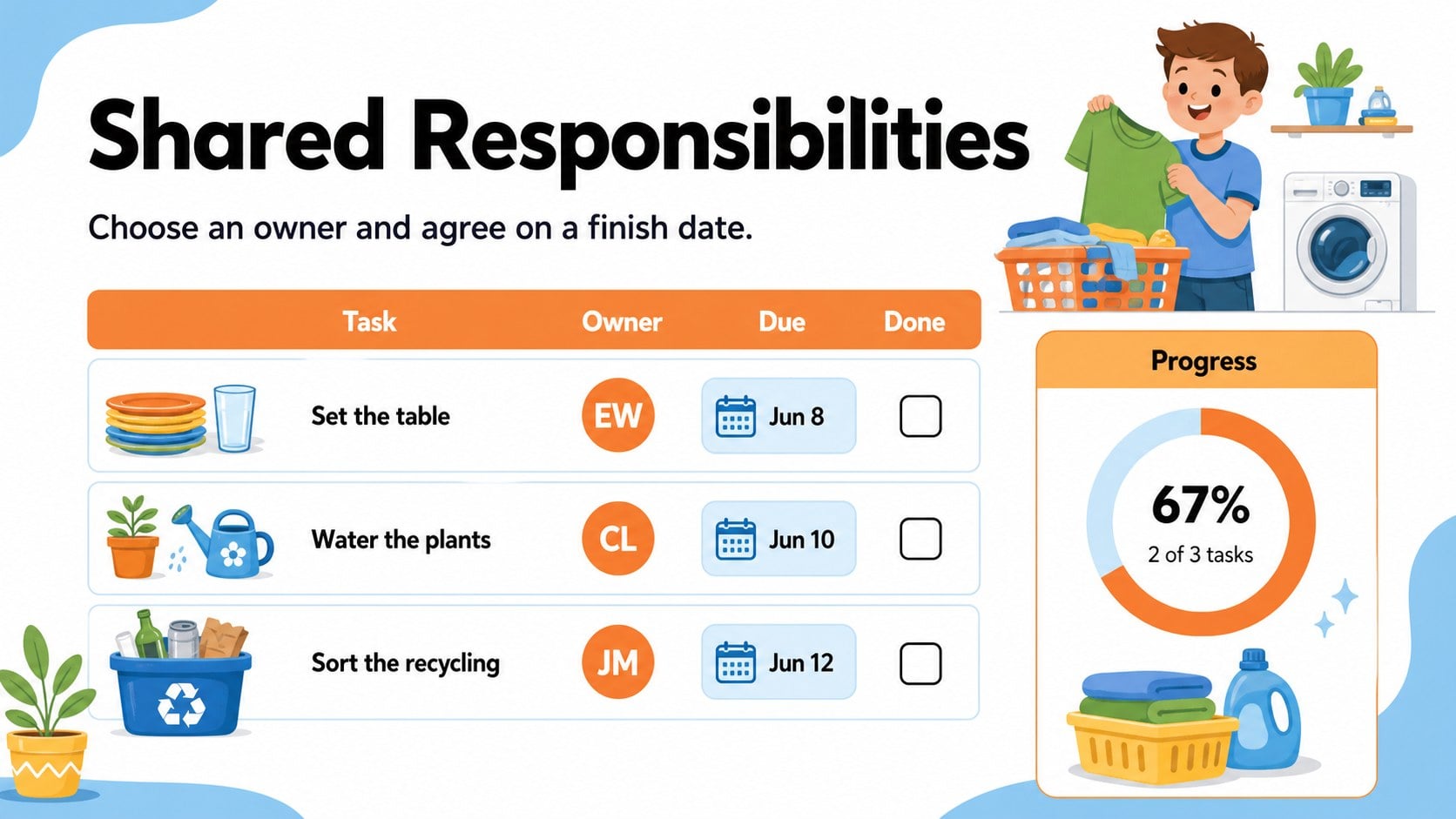
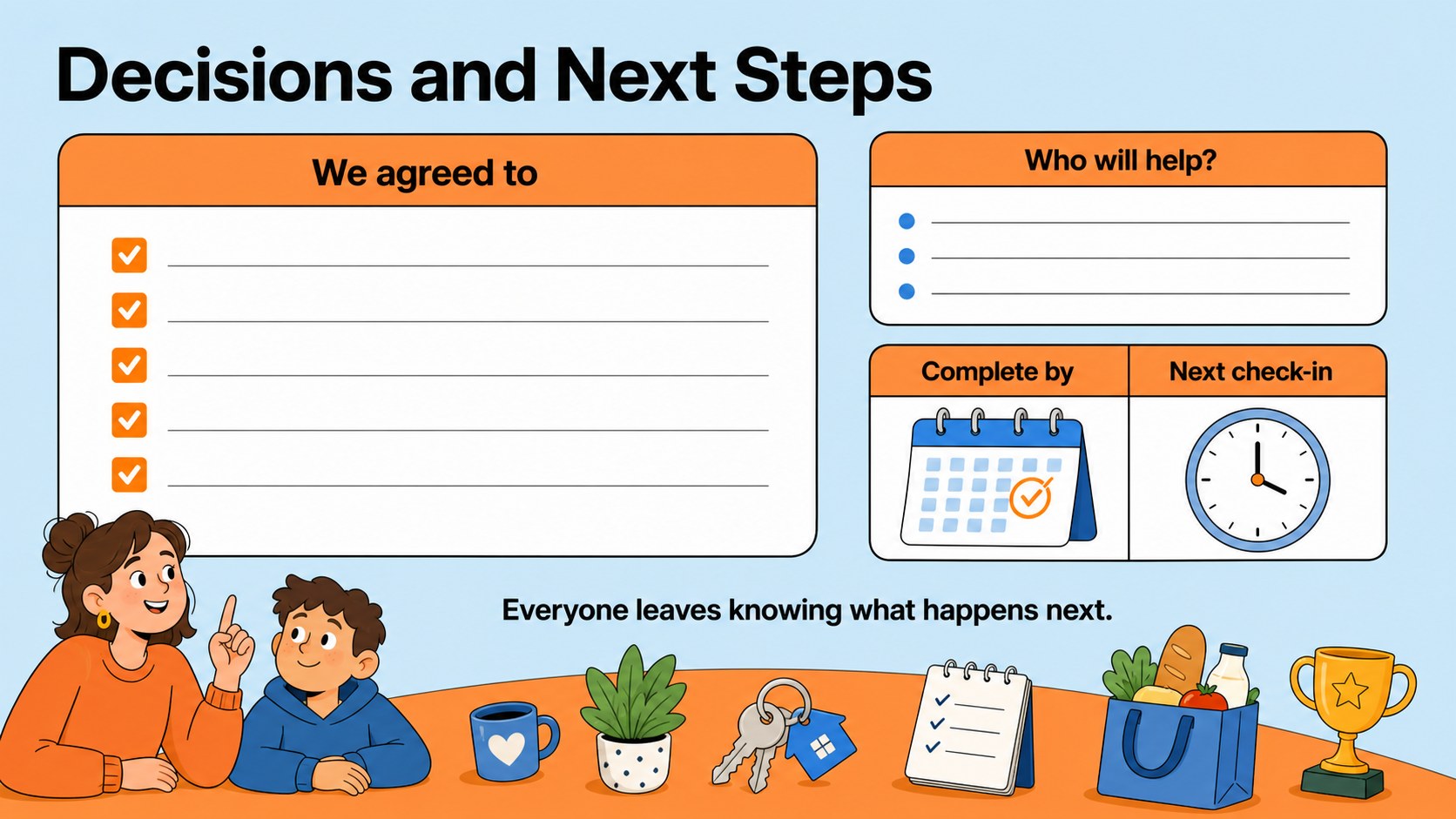
Inside, you will find a welcoming cover, a guided discussion agenda, a shared responsibilities board, and a decisions-and-next-steps summary. Prompts for celebrations, current priorities, ideas, task owners, and due dates keep each conversation focused. Every page can be edited, reordered, duplicated, or adapted with your own family name, routines, and discussion topics.
This weekly family check in slides deck is useful for parents introducing children to shared planning, blended households coordinating schedules, and caregivers managing routines across busy weeks. It also works as a shared chores discussion template when responsibilities need to be divided clearly and fairly. The illustrated, kid-friendly layout supports participation while leaving enough room for practical notes.
Choose Family Conversation Planner Slides when you need a kid friendly household discussion deck that feels warm, organized, and easy to revisit. Present it on a screen during the conversation or export completed pages for a simple record of agreements and upcoming plans.
Perfect for: weekly household check-in; shared chore planning; family schedule coordination; vacation decision session; parent-child goal discussion.
Frequently asked questions
Practical details
Yes. You can replace every prompt, change task owners and dates, duplicate sections, and add your own household routines or discussion topics.
The template is designed for PowerPoint and Google Slides. Its text, colors, illustrations, and page order can be customized in either platform.
Yes. Shorten the prompts, use simple task labels, and add familiar pictures or symbols to make each section easier to follow. The bright illustrated design is already suited to family participation.
It works well for a weekly check-in, but you can also use individual slides whenever a decision or schedule change needs discussion. Duplicate the summary page to keep a running record of agreements.
Keep exploring
15Build stronger academic arguments with a college essay thesis builder featuring guided examples, revision prompts, and editable PowerPoint and Google Slides.
 15
15Build an engaging World UFO Day session with this flying saucer history lesson deck, featuring retro green-and-brown slides for PowerPoint and Google Slides.
 14
14Plan a memorable Lunar New Year campaign with the 2036 Dragon Year Celebration Theme, featuring bold red-and-yellow slides for lessons and events.
 15
15Build a thoughtful classroom discussion with this interfaith awareness lesson deck, featuring editable blue-and-white slides for PowerPoint and Google Slides.
 15
15Use this environmental awareness lesson deck to teach climate action through illustrated activities, discussion prompts, and ready-to-edit visuals.
 15
15Build playful lessons and party stories with a kid-friendly zombie celebration theme in purple, green and pastel blue for PowerPoint and Google Slides.
 15
15Build eerie lessons, campaigns, and story pitches with an undead survival scenario theme featuring editable slides for PowerPoint and Google Slides.
 16
16Turn environmental research into a clear story with a Watercolor Ecology Presentation Theme for PowerPoint and Google Slides in calming green and blue.