
 15
15presentation
College Essay Thesis Builder Slides
Build stronger academic arguments with a college essay thesis builder featuring guided examples, revision prompts, and editable PowerPoint and Google Slides.
Google SlidesPowerPoint
presentation · English
Build warm, engaging lessons with this faith-based learning hub slide deck for Christian schools, featuring editable blue illustrations in PowerPoint and…

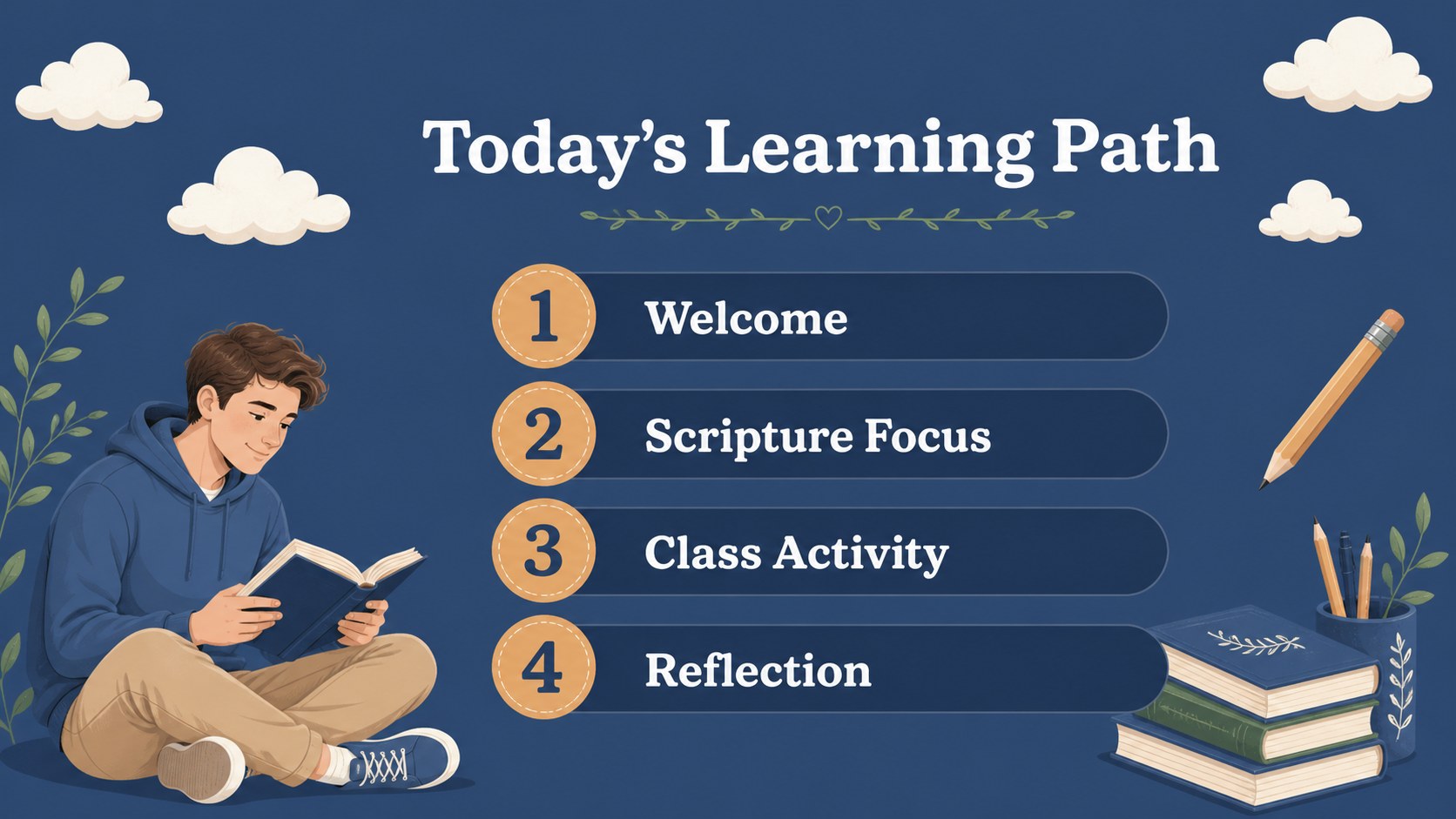
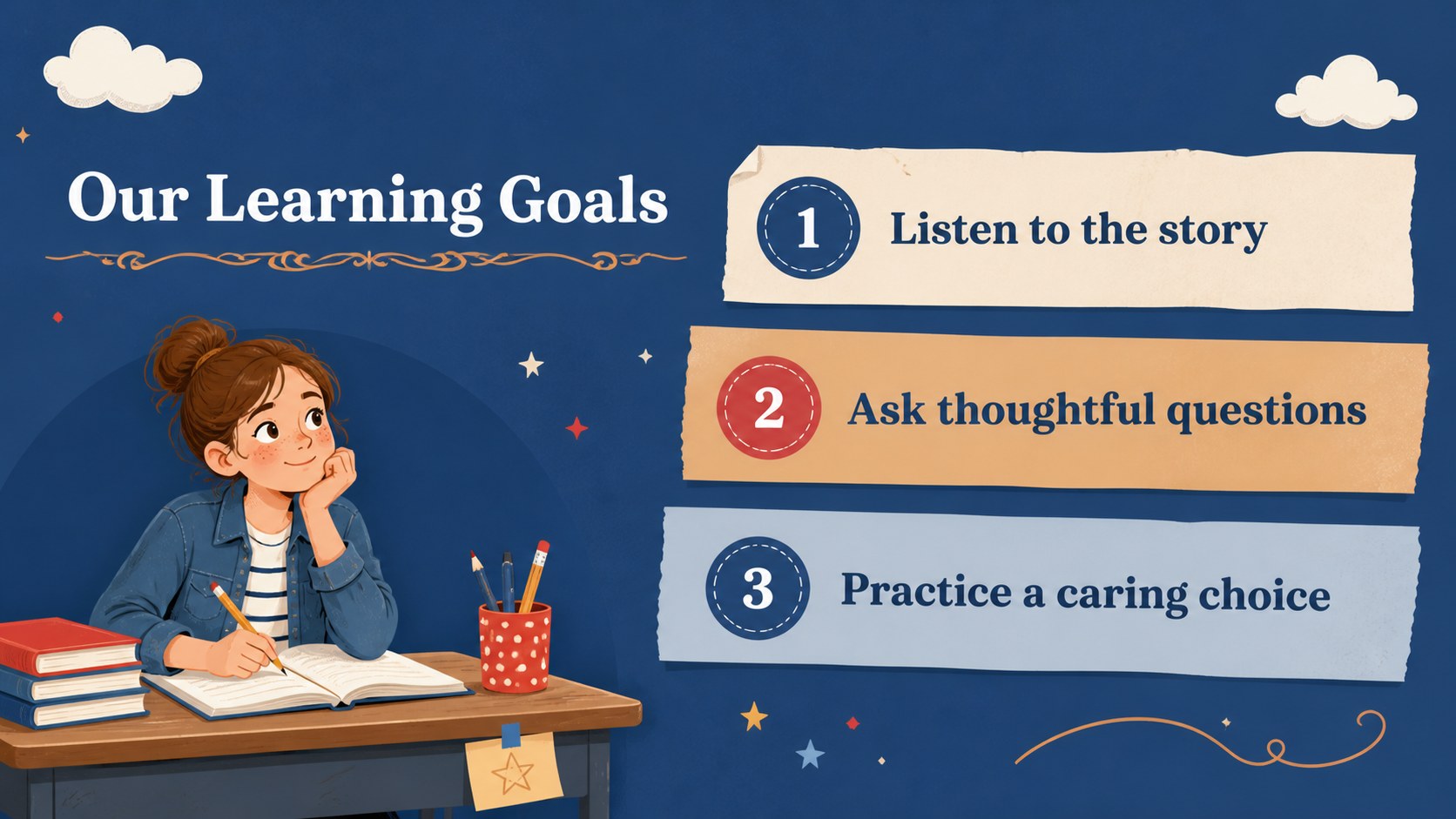

Design notes
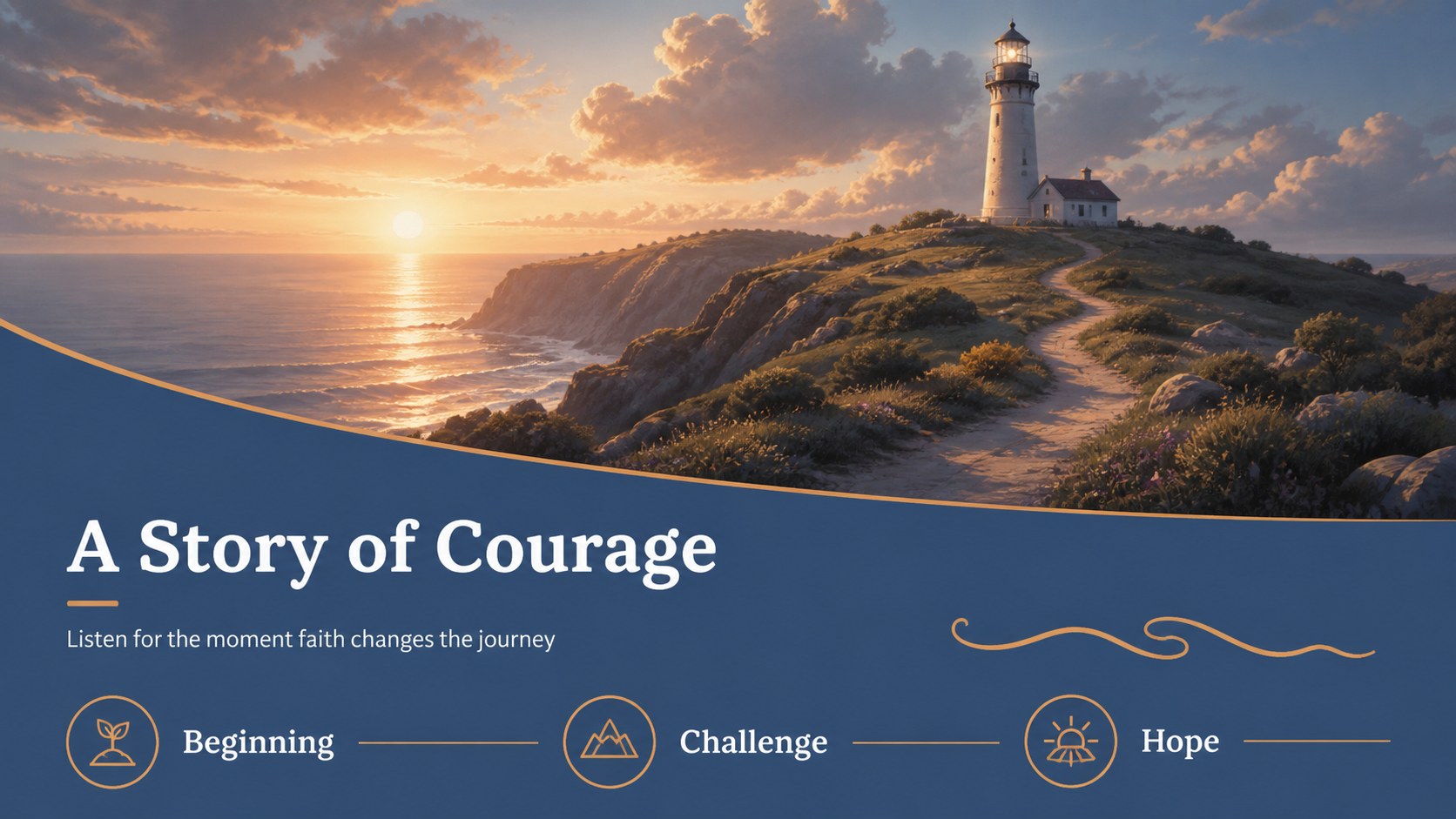
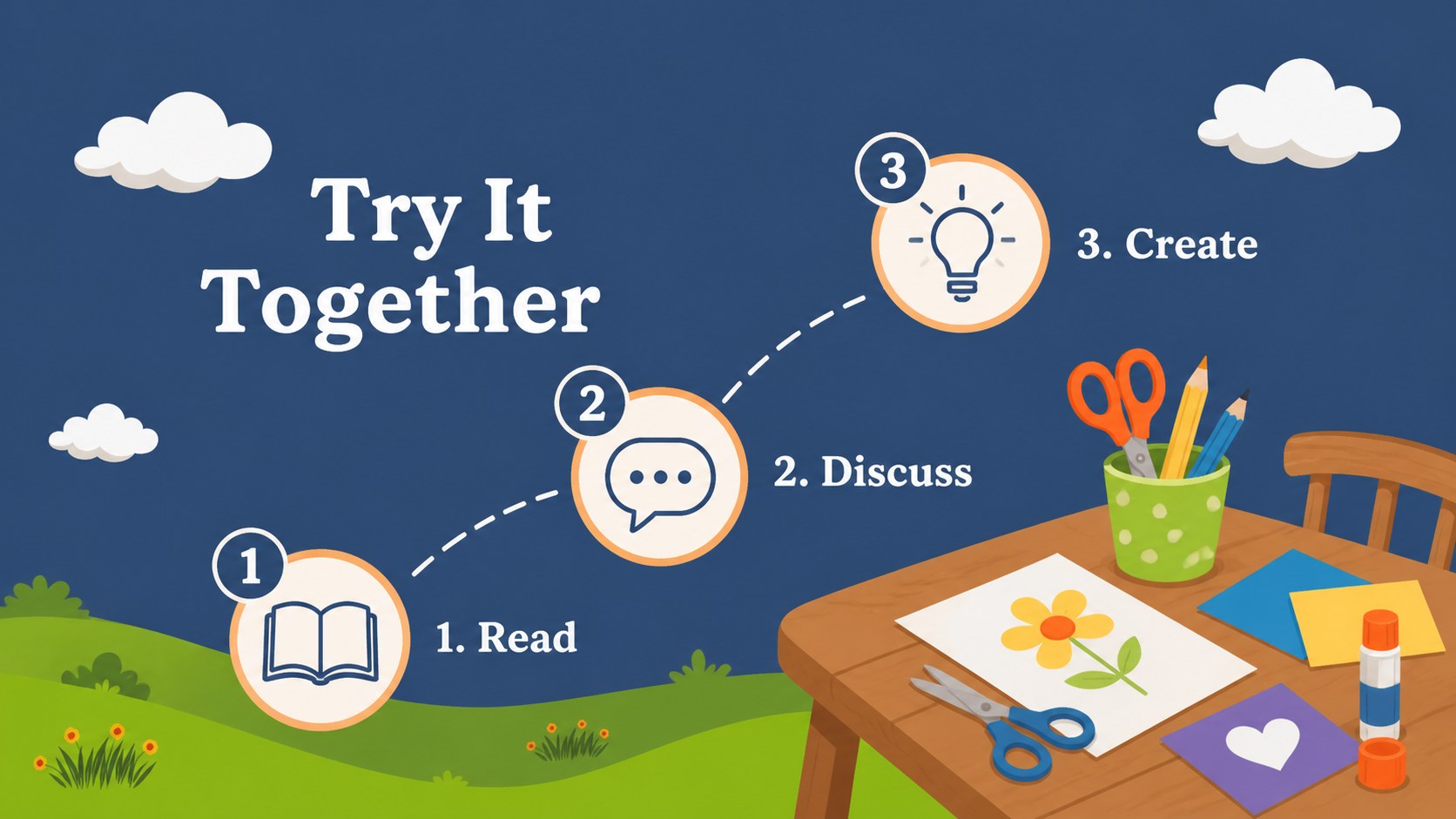
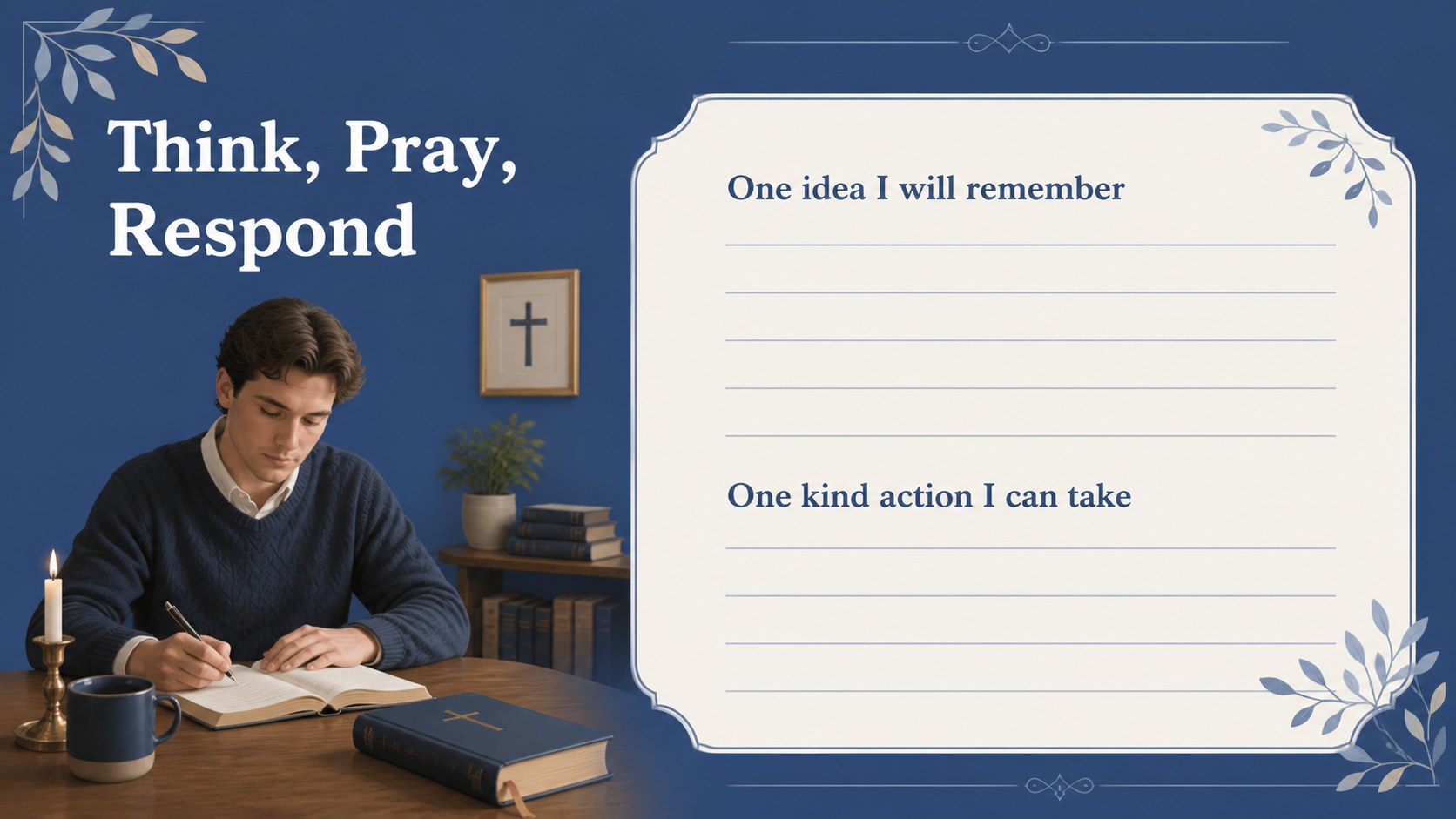
Create welcoming, organized lessons with a faith-based learning hub slide deck designed for Christian schools, Sunday school programs, and elementary religious education. Its friendly illustrated style, calm blue palette, and approachable layouts help teachers introduce Bible topics, guide discussion, and make classroom routines feel connected.
Inside, you will find more than 25 editable slide layouts for lesson openings, scripture focus, learning goals, activity instructions, story summaries, reflection prompts, class announcements, and closing thoughts. The deck also includes adaptable charts, frames, lines, shapes, transitions, and animation-ready elements. Use the layouts to build a Christian school curriculum presentation, prepare a weekly Bible lesson, or create a visual guide for a family ministry gathering.
The design uses Alegreya Sans SC with blue as the defining color, creating a gentle visual identity that works for young learners without feeling overly busy. Teachers, ministry coordinators, homeschool groups, and school administrators can customize text, illustrations, pacing, and examples in PowerPoint or Google Slides. Add your own scripture references, classroom activities, prayer prompts, or school information to shape a consistent teaching experience from the first slide to the last.
Perfect for: weekly Bible lesson; Christian school curriculum briefing; Sunday school activity; family ministry presentation; homeschool faith lesson.
Frequently asked questions
Can I edit this deck in PowerPoint? Yes. The presentation is designed for PowerPoint editing, so you can replace text, adjust layouts, and add your own lesson materials. The included shapes and visual elements can be adapted to suit different age groups.
Practical details
Yes. The presentation is designed for PowerPoint editing, so you can replace text, adjust layouts, and add your own lesson materials. The included shapes and visual elements can be adapted to suit different age groups.
Yes, you can open and customize the slides in Google Slides. Review fonts and transitions after importing, then update scripture references, activities, and school details directly in your browser.
Use it for Bible stories, scripture introductions, classroom devotionals, religious education units, or family ministry sessions. The layouts also support announcements, reflection questions, activity directions, and end-of-lesson recaps.
The blue palette and illustrated elements establish the visual style, but editable objects can be adjusted in the supported presentation editors. You can also add school logos or original artwork where appropriate.
Keep exploring
15Build stronger academic arguments with a college essay thesis builder featuring guided examples, revision prompts, and editable PowerPoint and Google Slides.
 15
15Build an engaging World UFO Day session with this flying saucer history lesson deck, featuring retro green-and-brown slides for PowerPoint and Google Slides.
 14
14Plan a memorable Lunar New Year campaign with the 2036 Dragon Year Celebration Theme, featuring bold red-and-yellow slides for lessons and events.
 15
15Build a thoughtful classroom discussion with this interfaith awareness lesson deck, featuring editable blue-and-white slides for PowerPoint and Google Slides.
 15
15Use this environmental awareness lesson deck to teach climate action through illustrated activities, discussion prompts, and ready-to-edit visuals.
 15
15Build playful lessons and party stories with a kid-friendly zombie celebration theme in purple, green and pastel blue for PowerPoint and Google Slides.
 15
15Build eerie lessons, campaigns, and story pitches with an undead survival scenario theme featuring editable slides for PowerPoint and Google Slides.
 16
16Turn environmental research into a clear story with a Watercolor Ecology Presentation Theme for PowerPoint and Google Slides in calming green and blue.