
 15
15presentation
College Essay Thesis Builder Slides
Build stronger academic arguments with a college essay thesis builder featuring guided examples, revision prompts, and editable PowerPoint and Google Slides.
Google SlidesPowerPoint
presentation · English
Lead focused staff sessions with a faculty meeting action planner for tracking priorities, decisions, owners, and follow-ups in PowerPoint or Google Slides.

Design notes
Bring structure to recurring staff sessions with the Faculty Meeting Action Planner, a clean presentation template designed to move conversations from updates to clear outcomes. Its blue, gray, and yellow pastel palette pairs with minimal geometric details for a calm, professional look that works across secondary schools, colleges, departments, and academic programs.
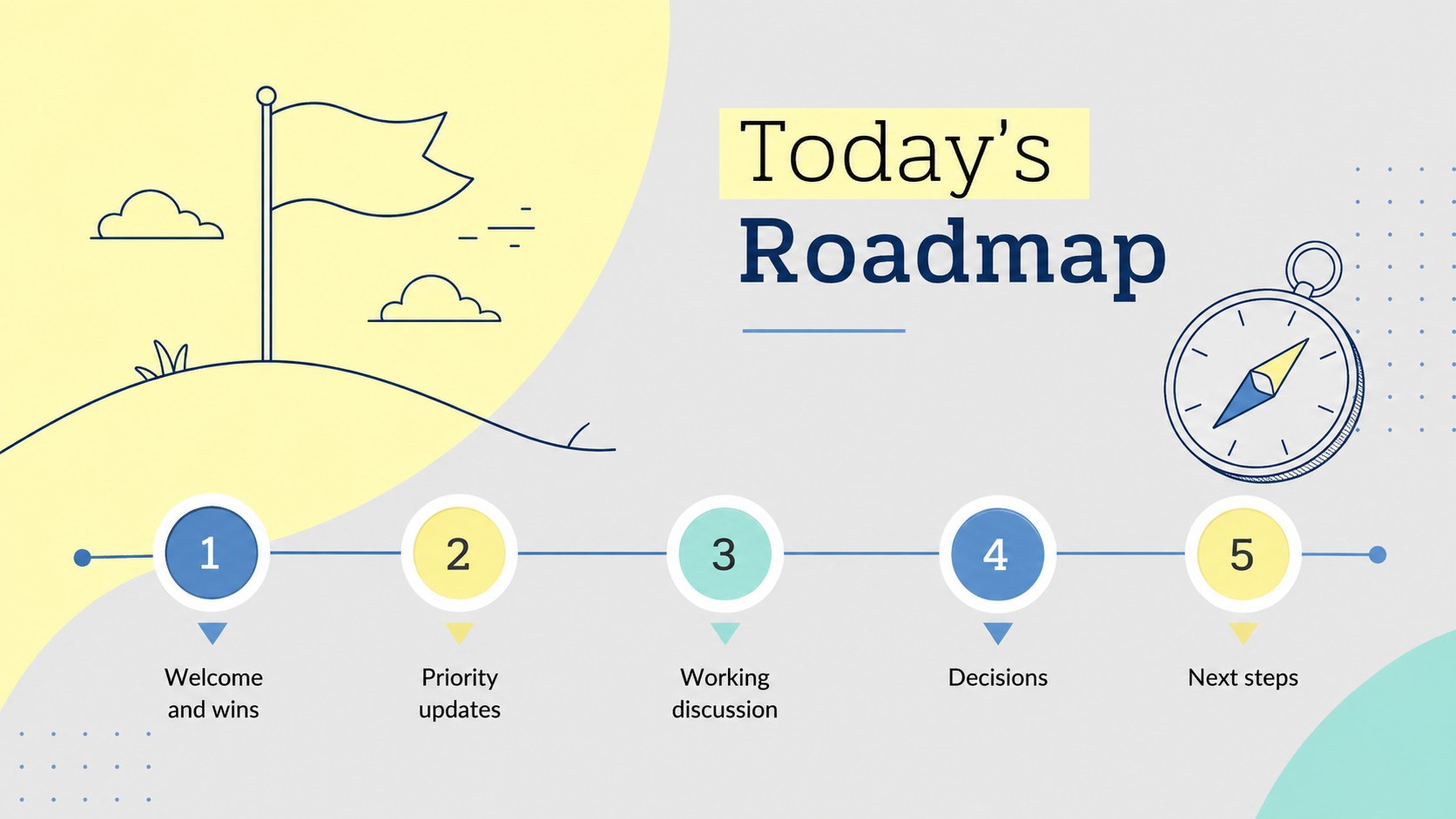
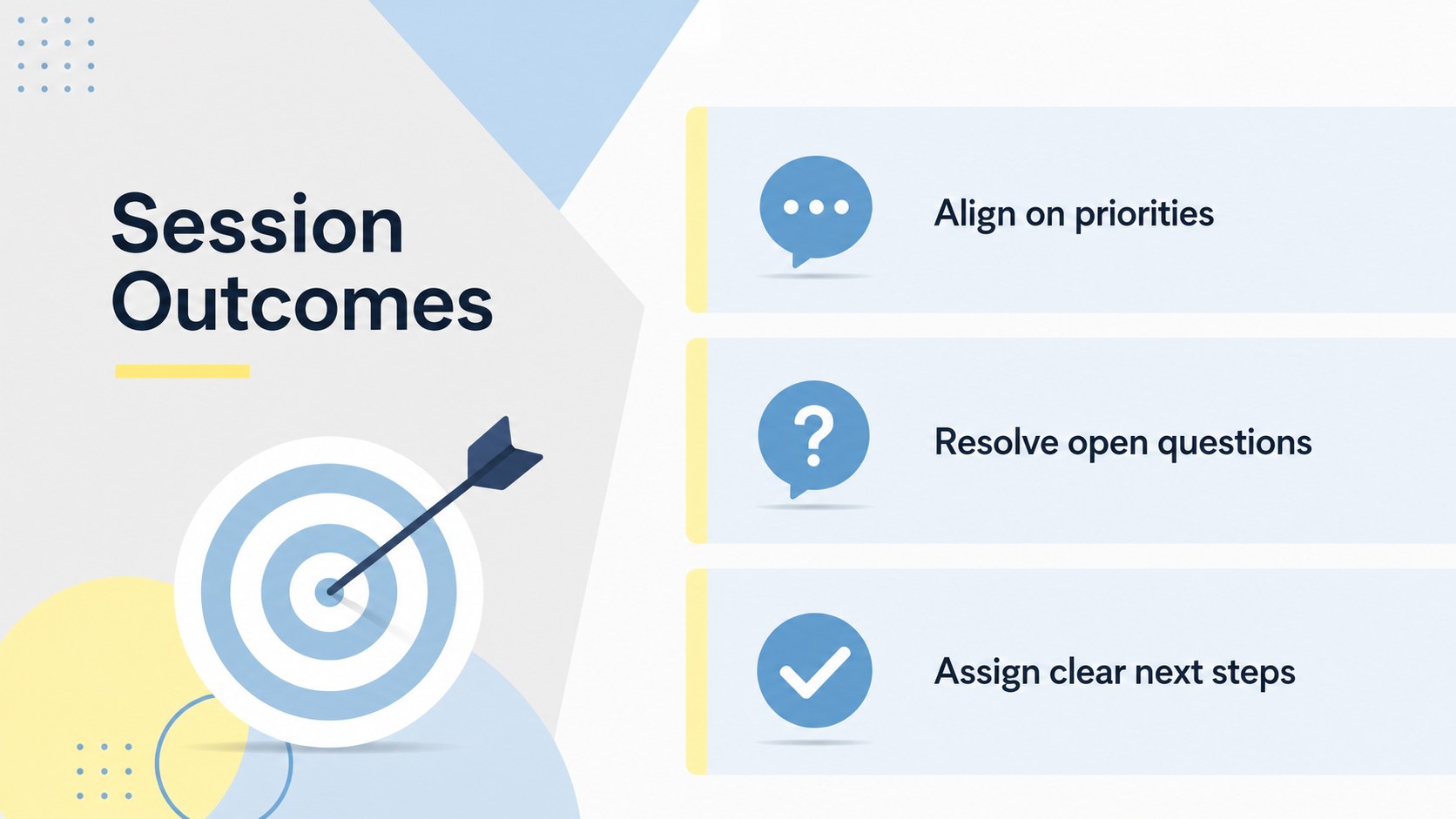
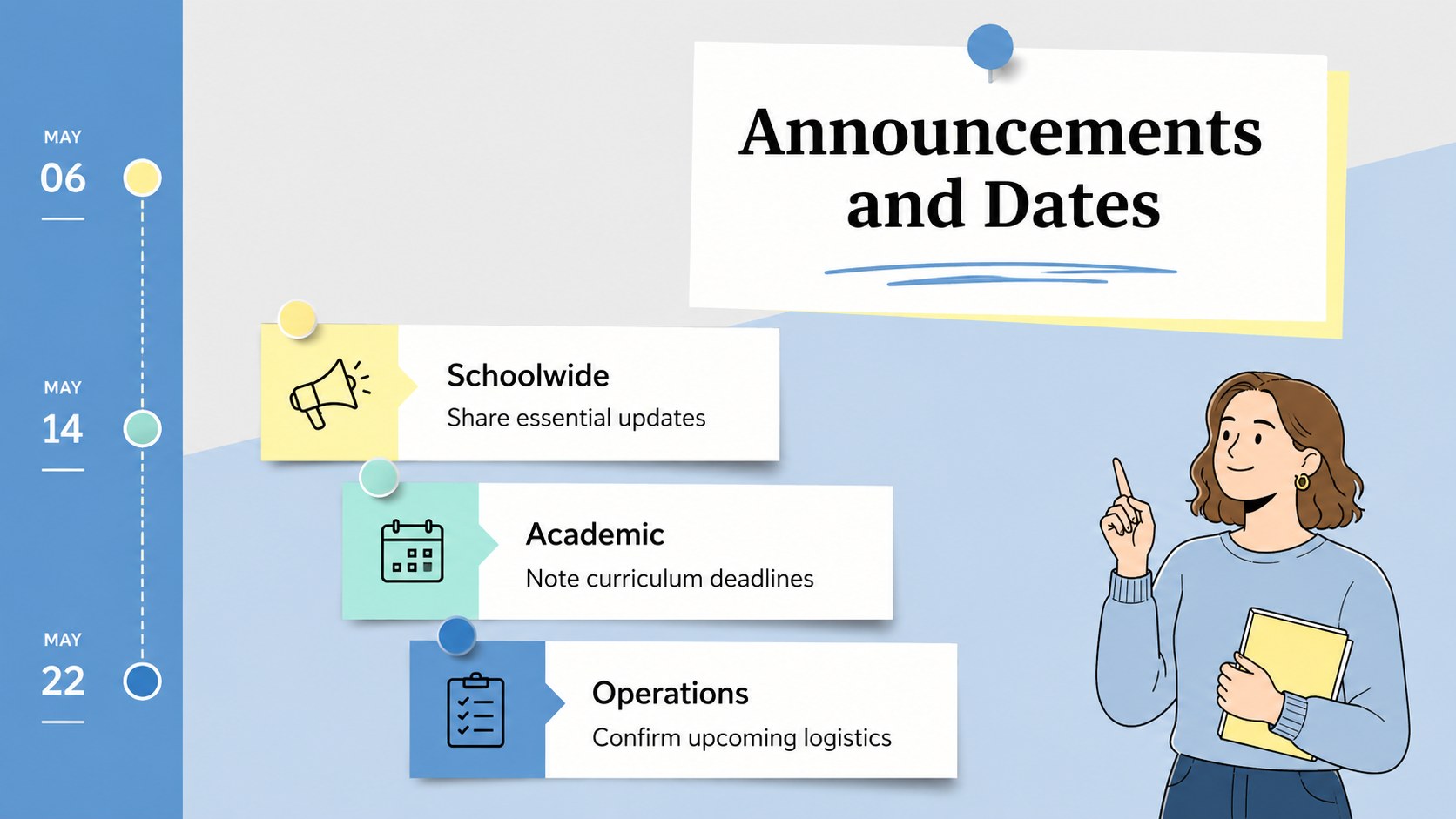
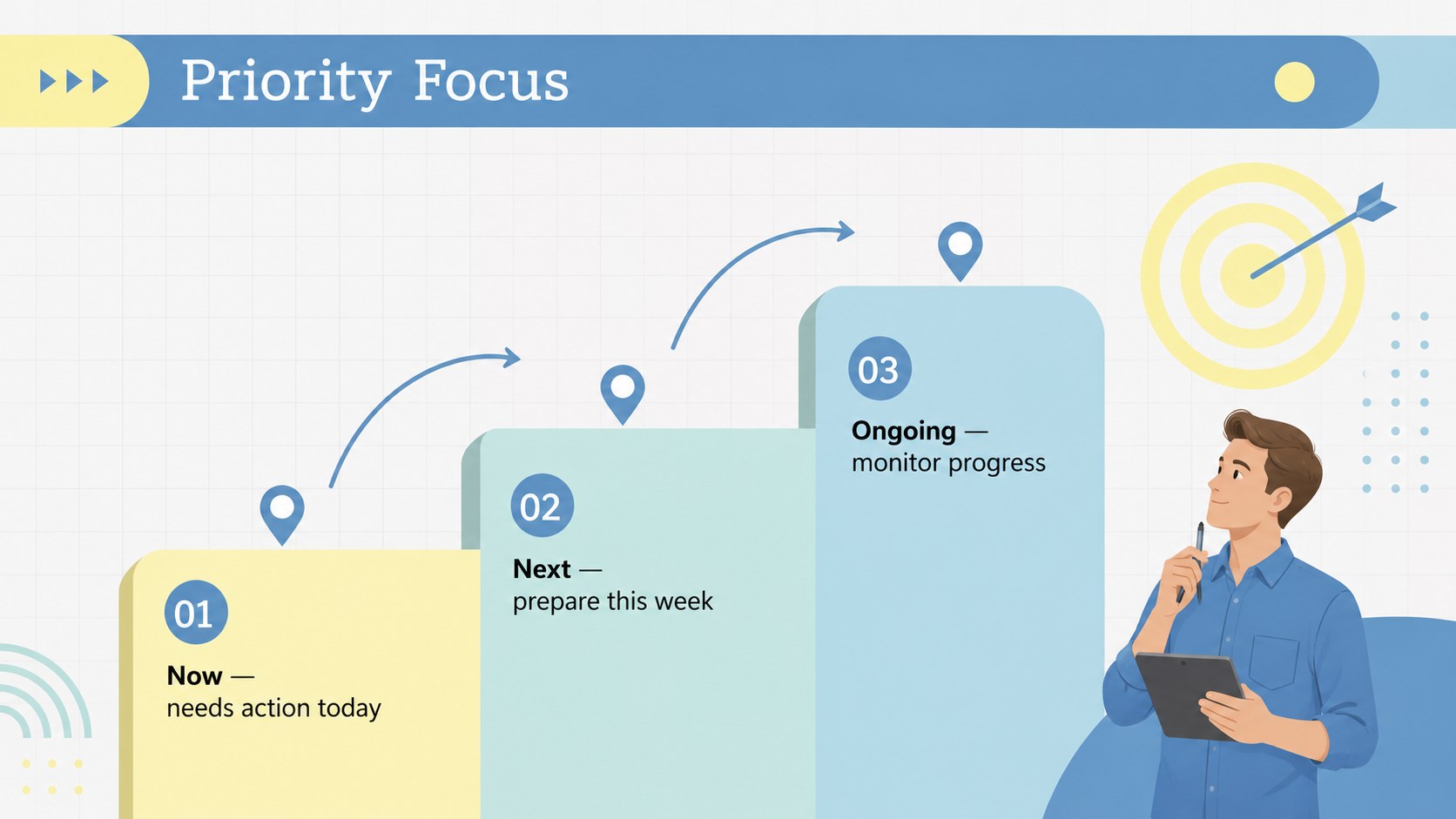
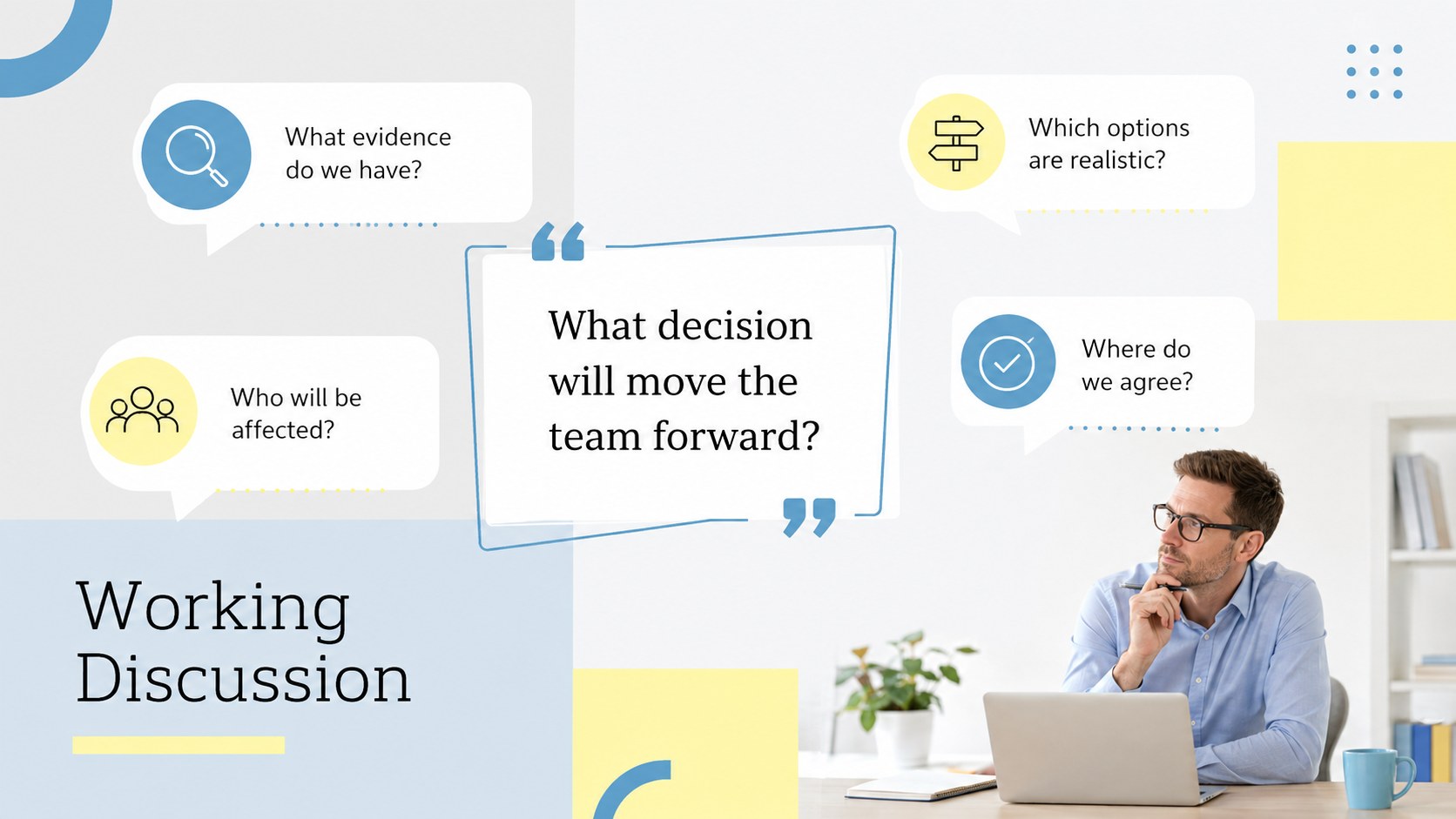
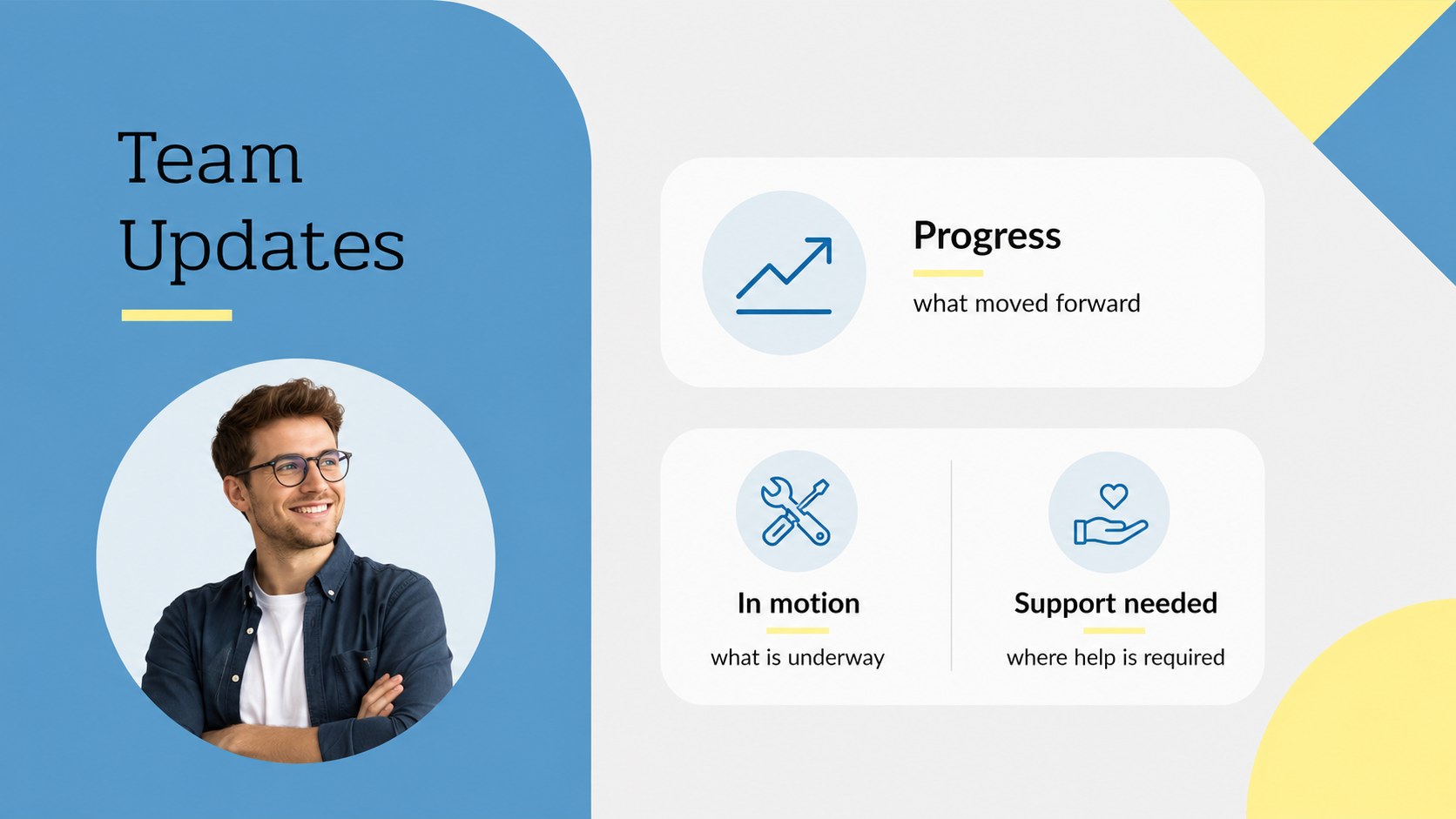
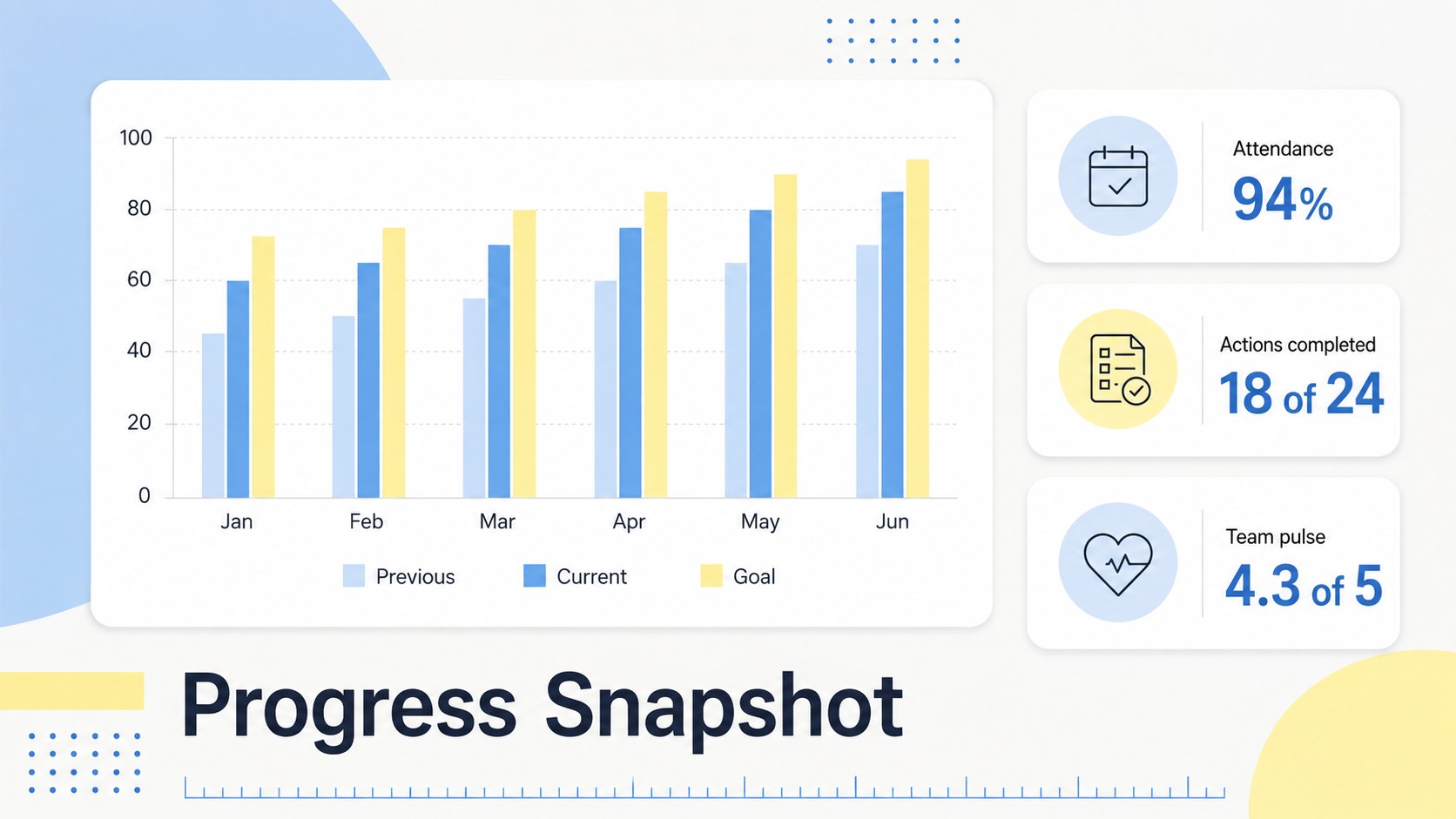
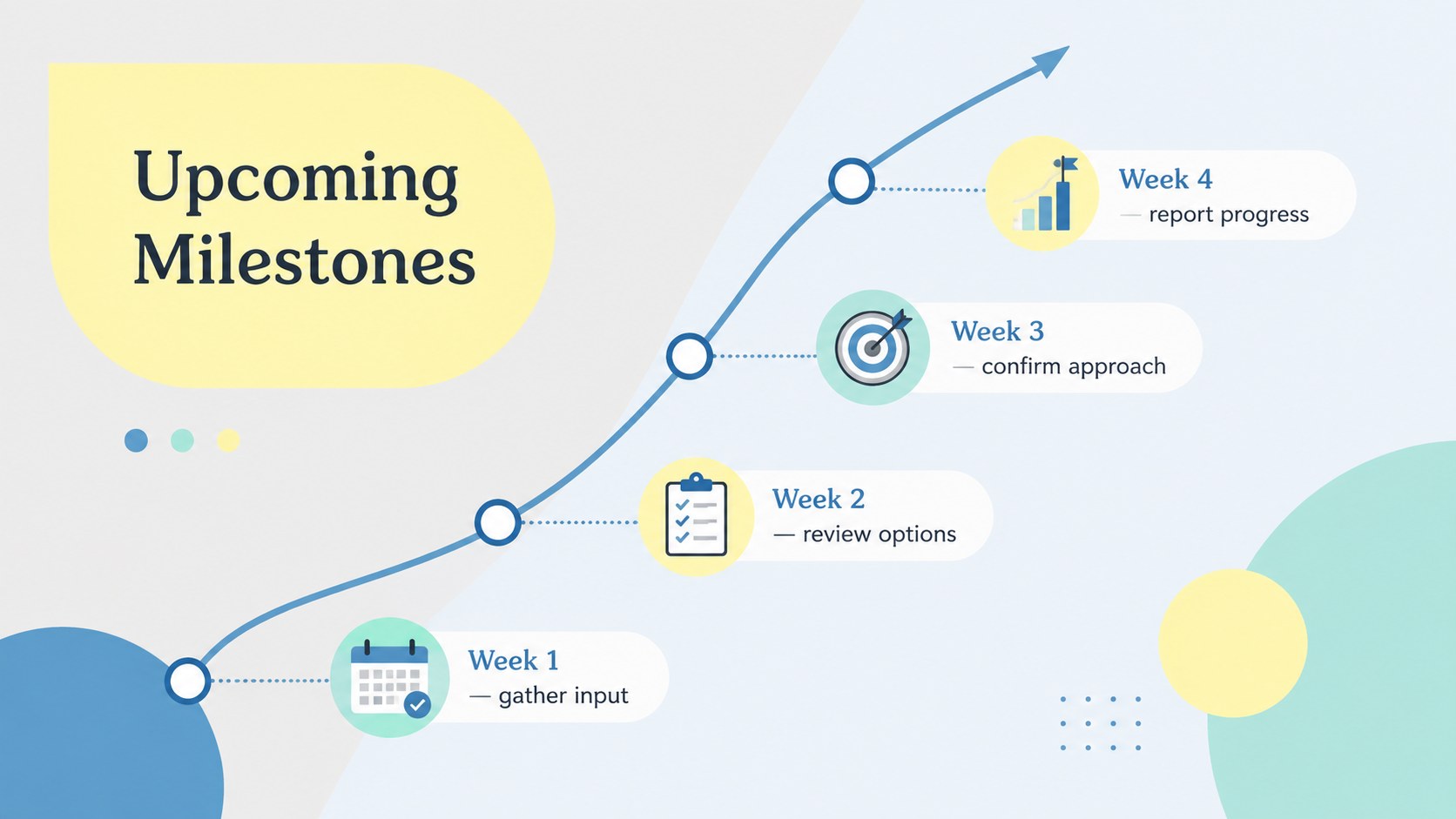
Use the ready-made layouts to build a focused school staff meeting presentation with session goals, announcements, priority topics, discussion prompts, data highlights, and upcoming dates. Dedicated decision logs and action tables help record what was agreed, who owns each task, and when follow-up is due. The deck also includes space for team wins, support requests, open questions, collaboration norms, and next-meeting preparation, creating a practical teacher team action plan rather than a passive set of notes.
This faculty meeting action planner is suited to principals, department chairs, instructional coordinators, faculty leads, and administrators who manage regular educator check-ins. Every slide can be edited in PowerPoint or Google Slides, including text, colors, shapes, tables, and section order. Adapt the layouts for weekly briefings, curriculum planning, professional learning groups, or faculty meeting follow-up slides while preserving a consistent visual system throughout the deck.
Perfect for: weekly faculty check-in; department planning session; curriculum coordination meeting; professional learning group; school leadership briefing.
Frequently asked questions
Can I edit every section of the planner? Yes. You can revise the wording, reorder sections, change colors, resize shapes, and customize action tables to match your meeting process.
Practical details
Yes. You can revise the wording, reorder sections, change colors, resize shapes, and customize action tables to match your meeting process.
The template is designed for PowerPoint and Google Slides. Import behavior can vary slightly, so review fonts, spacing, and transitions after opening the deck.
Yes. Replace the sample topics with department updates, curriculum goals, professional learning tasks, or administrative priorities while keeping the same planning structure.
Use the decision log and action-item layouts to assign an owner, deadline, status, and next step. Duplicate those slides for each meeting to maintain a consistent follow-up record.
Keep exploring
15Build stronger academic arguments with a college essay thesis builder featuring guided examples, revision prompts, and editable PowerPoint and Google Slides.
 15
15Build an engaging World UFO Day session with this flying saucer history lesson deck, featuring retro green-and-brown slides for PowerPoint and Google Slides.
 14
14Plan a memorable Lunar New Year campaign with the 2036 Dragon Year Celebration Theme, featuring bold red-and-yellow slides for lessons and events.
 15
15Build a thoughtful classroom discussion with this interfaith awareness lesson deck, featuring editable blue-and-white slides for PowerPoint and Google Slides.
 15
15Use this environmental awareness lesson deck to teach climate action through illustrated activities, discussion prompts, and ready-to-edit visuals.
 15
15Build playful lessons and party stories with a kid-friendly zombie celebration theme in purple, green and pastel blue for PowerPoint and Google Slides.
 15
15Build eerie lessons, campaigns, and story pitches with an undead survival scenario theme featuring editable slides for PowerPoint and Google Slides.
 16
16Turn environmental research into a clear story with a Watercolor Ecology Presentation Theme for PowerPoint and Google Slides in calming green and blue.