
 15
15presentation
College Essay Thesis Builder Slides
Build stronger academic arguments with a college essay thesis builder featuring guided examples, revision prompts, and editable PowerPoint and Google Slides.
Google SlidesPowerPoint
presentation · English
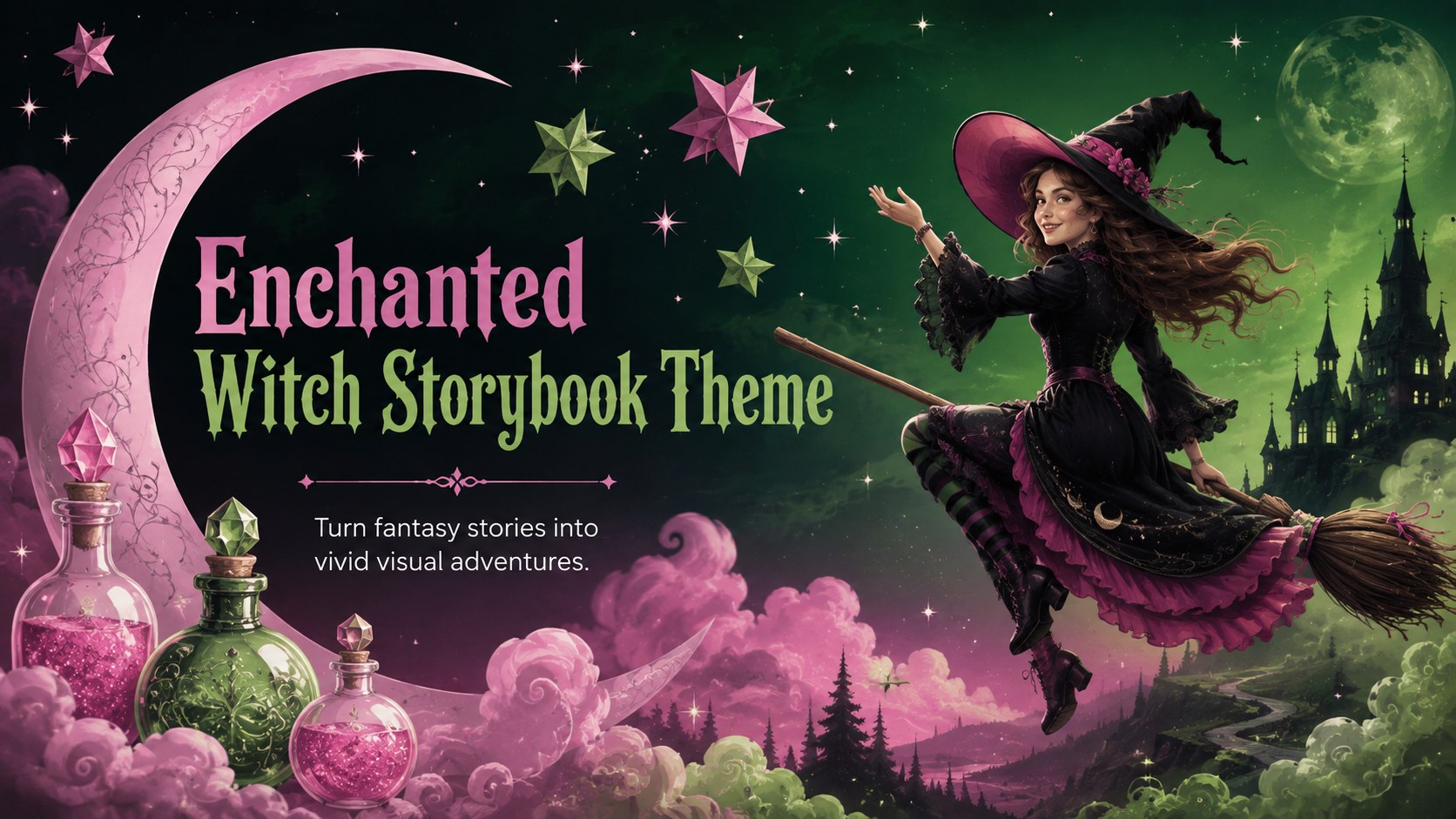
Build magical lessons and tales with an Enchanted Witch Storybook Theme featuring bold green-and-pink art for PowerPoint and Google Slides.
Design notes
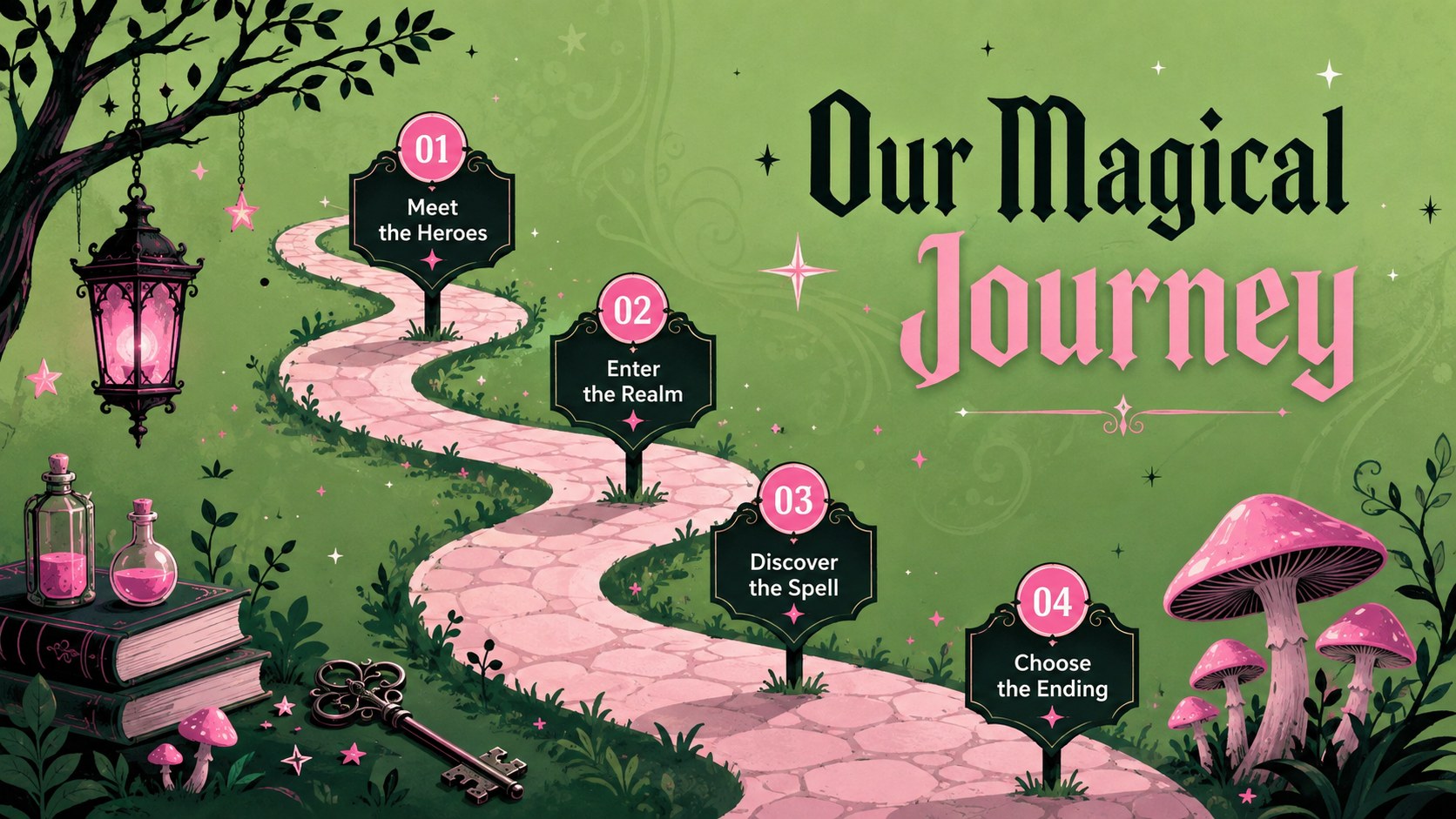
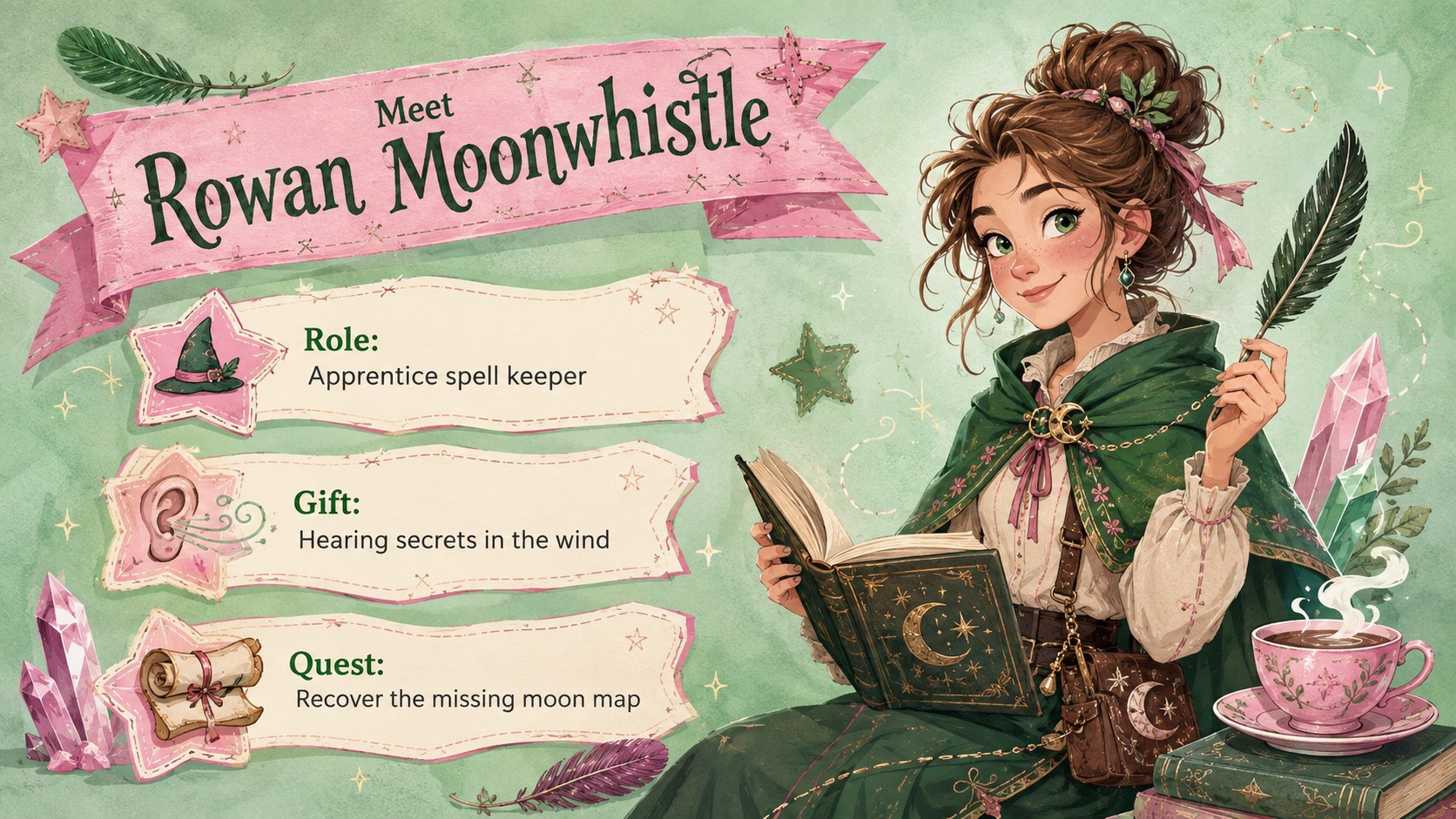
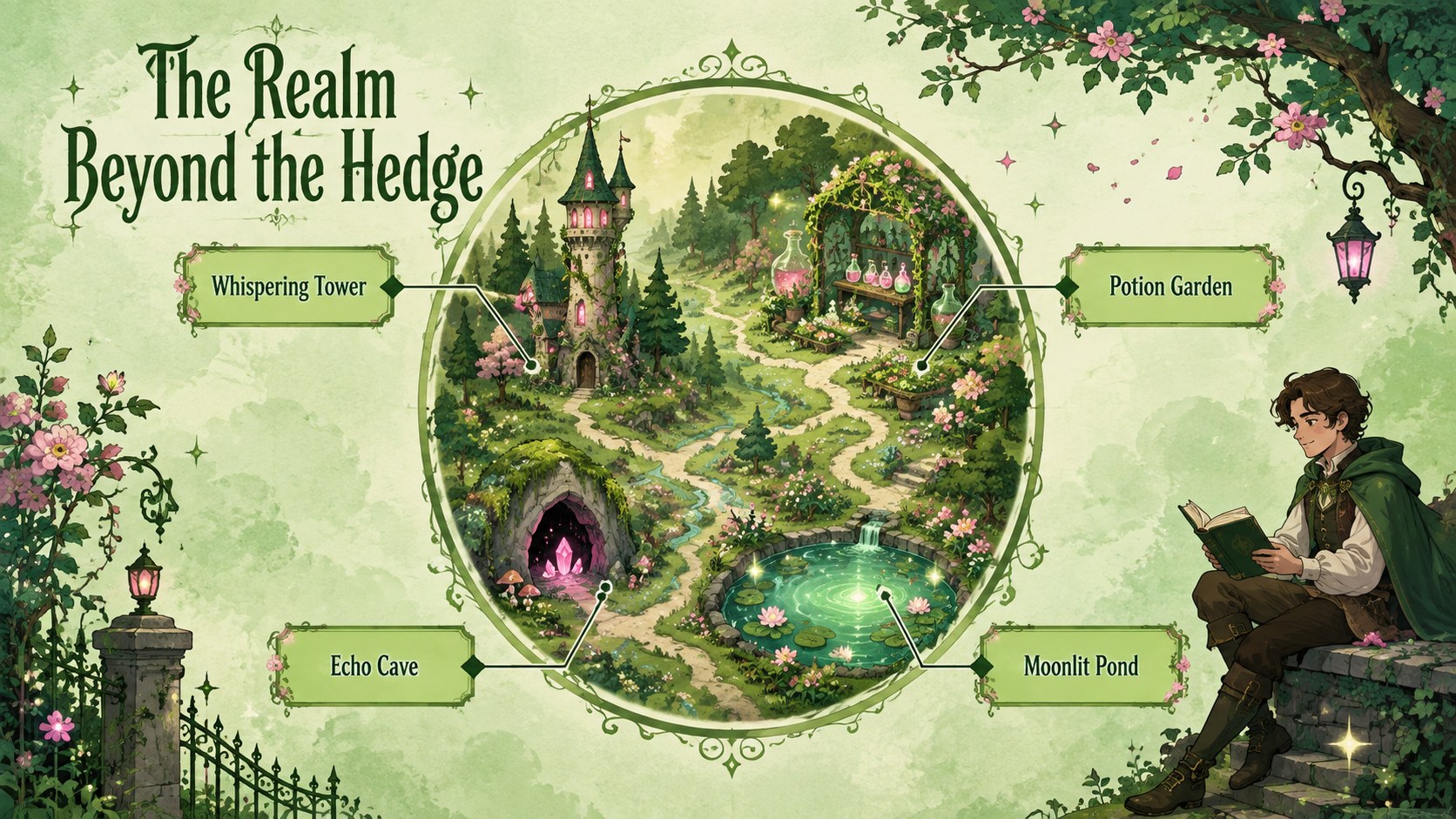
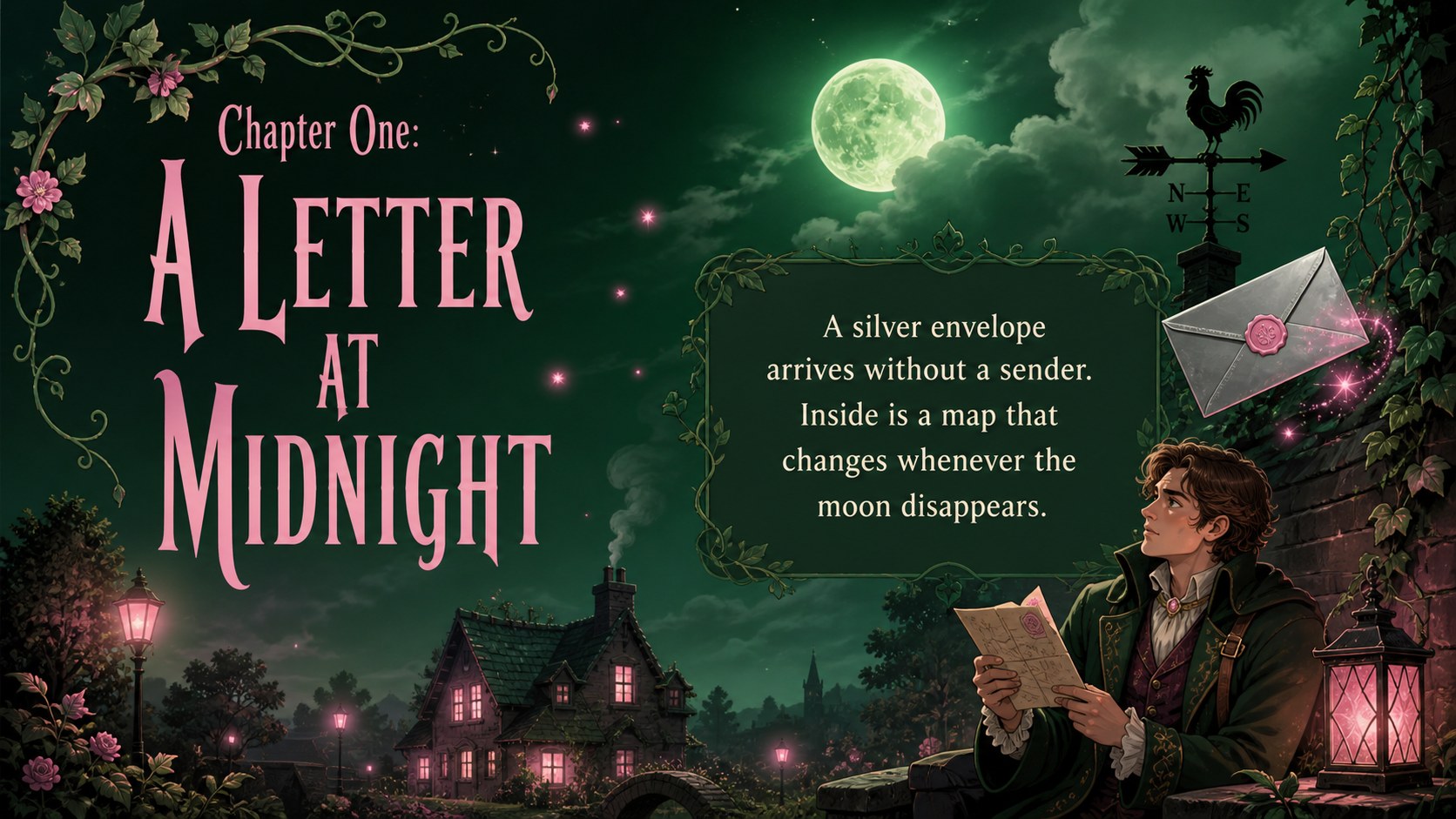
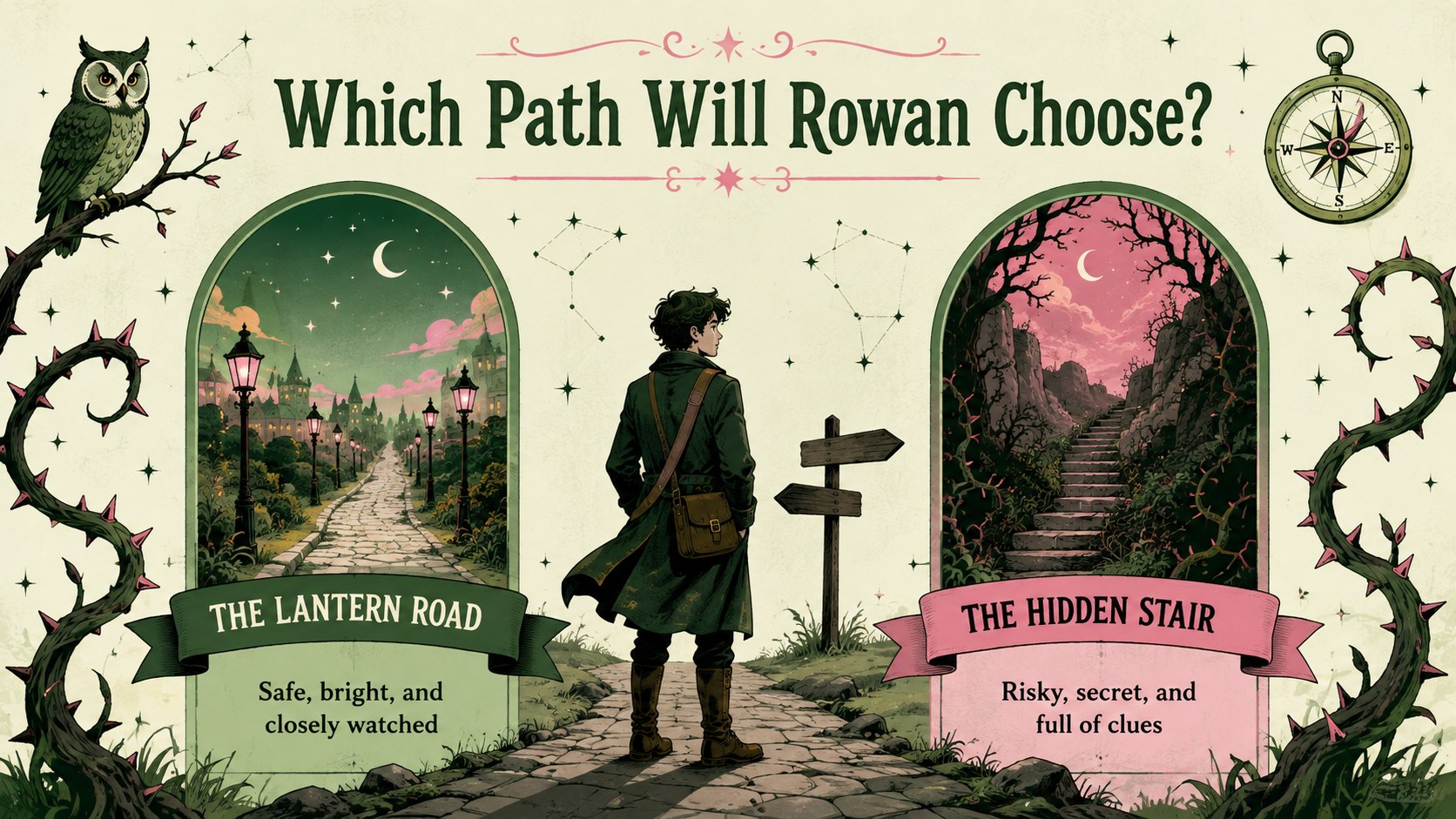
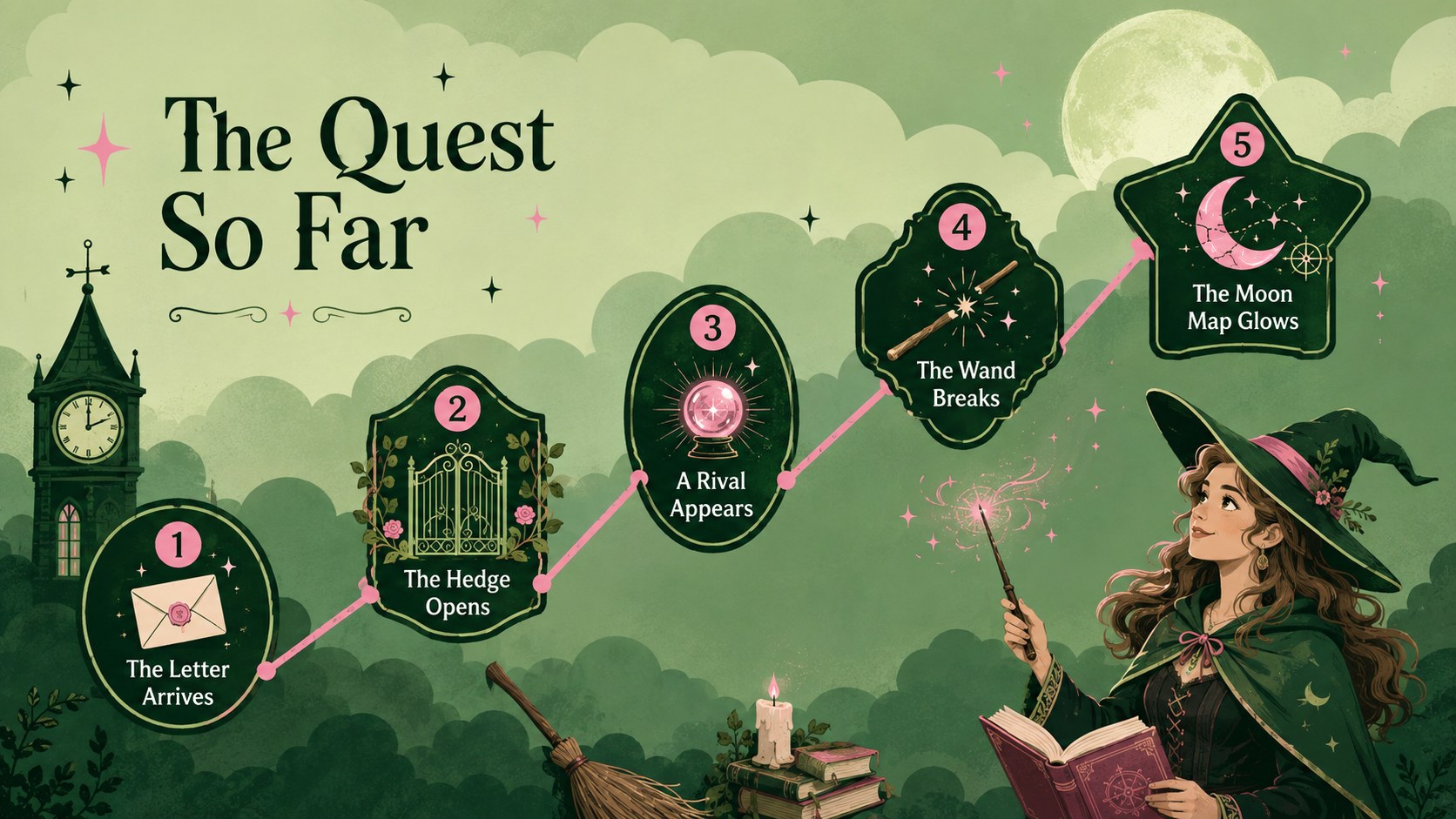
The Enchanted Witch Storybook Theme gives fantasy narratives, classroom activities, and creative projects a vivid setting filled with playful magic. Its bold green and pink palette pairs whimsical clouds, bubbles, stars, potions, and spellbook-inspired details with clear spaces for titles and storytelling. Use the slides to introduce an imaginary realm, develop original characters, explain magical objects, or guide an audience through an illustrated adventure.
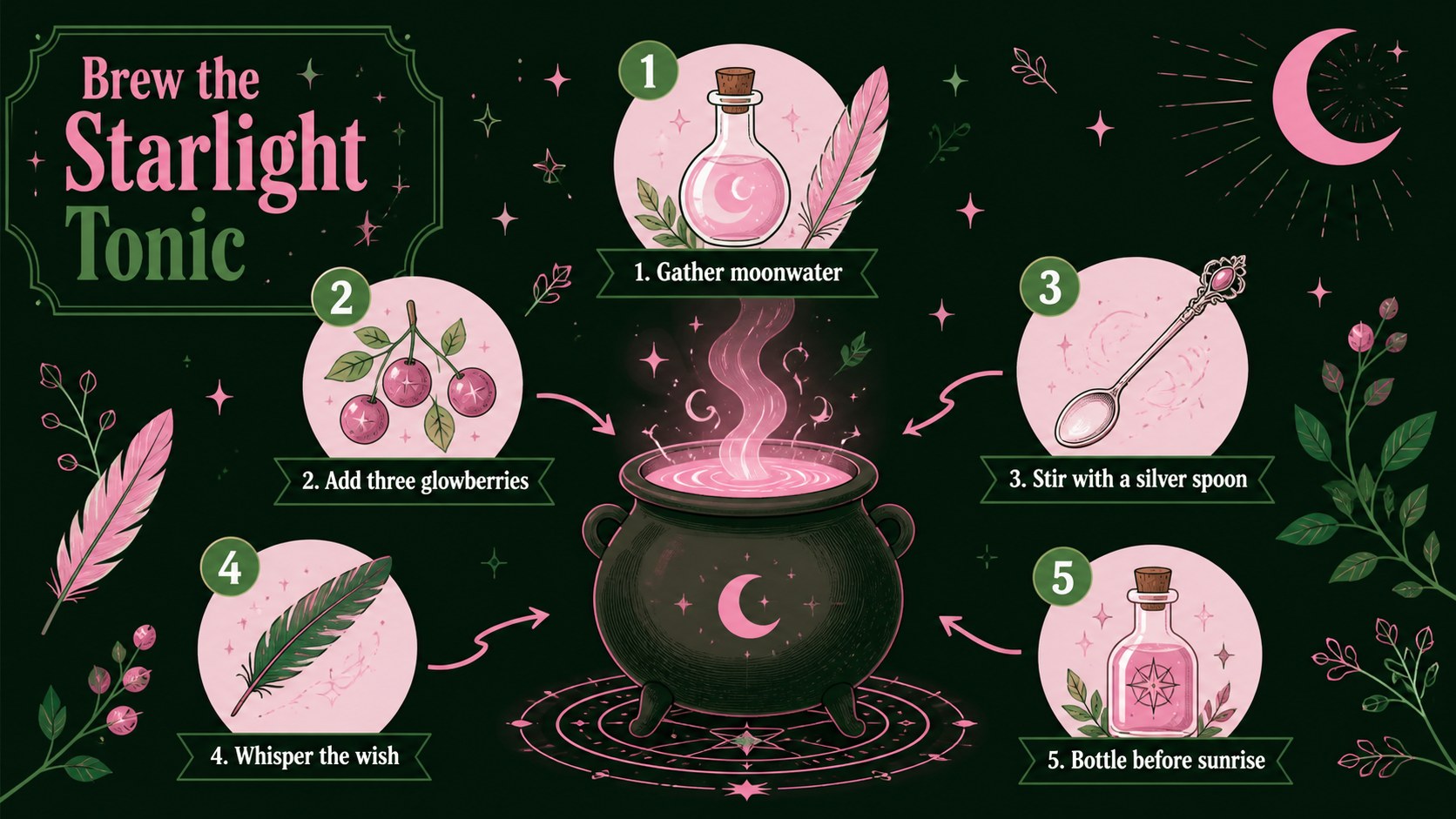
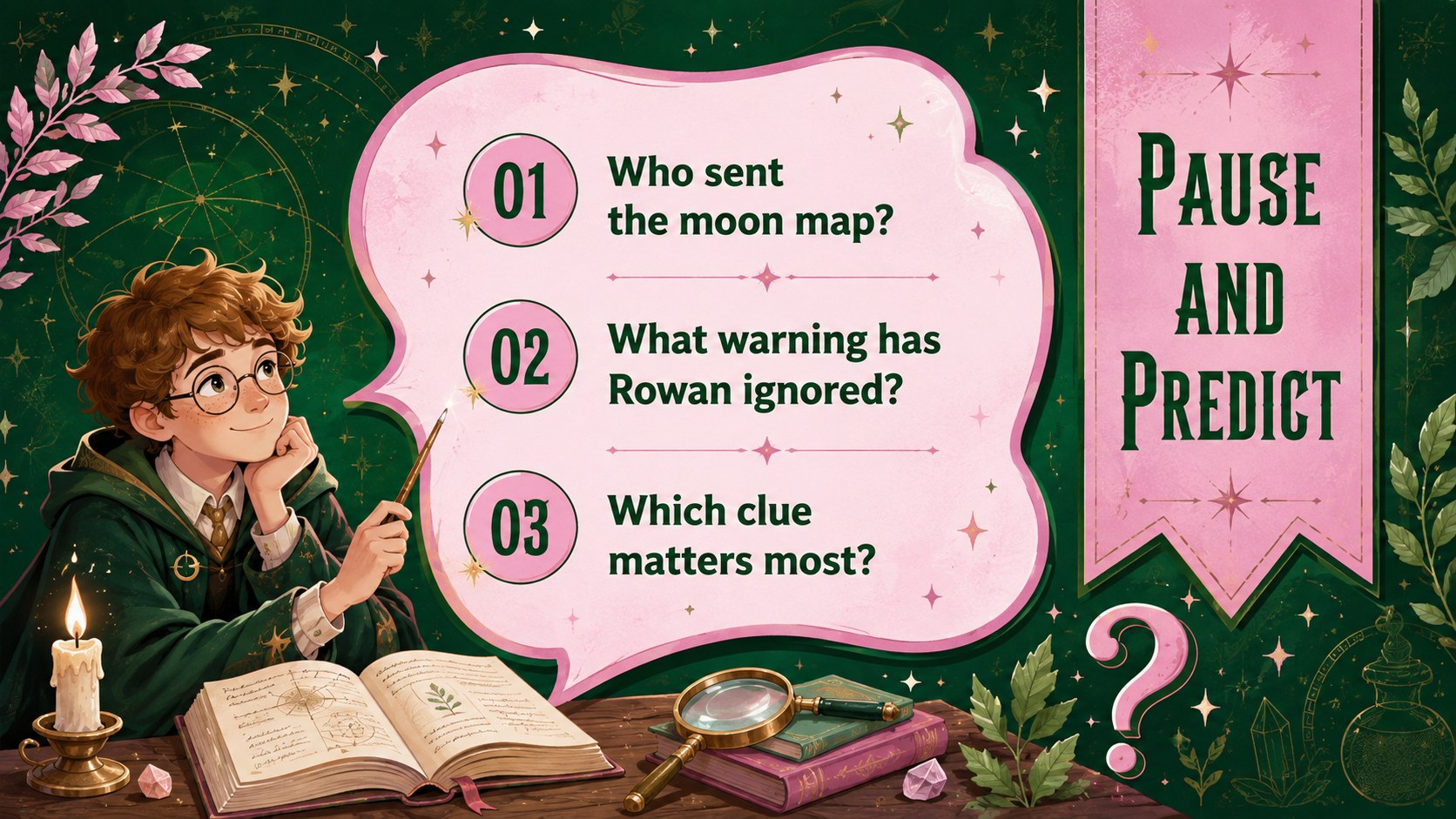
Inside, you will find 15 adaptable 16:9 layouts covering a title page, story map, character profiles, chapter dividers, potion instructions, comparisons, timelines, lesson prompts, and a closing scene. Every page can be edited in PowerPoint or Google Slides, including its wording, colors, fonts, shapes, and image placement. The varied compositions also make this a useful whimsical witch presentation template for projects that need more structure than a simple decorative background.
This fantasy storytelling slides deck suits teachers, young writers, librarians, event hosts, and anyone presenting folklore or imaginative fiction. Educators can turn it into a magical story lesson for students, while writers can use it to outline plot twists and character journeys. The energetic illustrated style keeps the experience lighthearted, theatrical, and easy to follow without sacrificing practical space for information.
Perfect for: fantasy creative writing lesson; witch-themed story reading; fairytale plot outline; library storytelling session; magical event presentation.
Frequently asked questions
Can I edit every part of the presentation? Yes. You can revise the text, move illustrations, recolor shapes, change fonts, and reorganize layouts to match your story or lesson.
Practical details
Yes. You can revise the text, move illustrations, recolor shapes, change fonts, and reorganize layouts to match your story or lesson.
The template is designed for Microsoft PowerPoint and Google Slides. Some fonts or transitions may render slightly differently between the two platforms.
Yes. Replace the sample story prompts with vocabulary tasks, reading questions, character exercises, or group activities appropriate for your students.
Adjust the green and pink accents, swap decorative illustrations, and add your own character or setting images. Keep strong contrast around text so each slide remains easy to read.
Keep exploring
15Build stronger academic arguments with a college essay thesis builder featuring guided examples, revision prompts, and editable PowerPoint and Google Slides.
 15
15Build an engaging World UFO Day session with this flying saucer history lesson deck, featuring retro green-and-brown slides for PowerPoint and Google Slides.
 14
14Plan a memorable Lunar New Year campaign with the 2036 Dragon Year Celebration Theme, featuring bold red-and-yellow slides for lessons and events.
 15
15Build a thoughtful classroom discussion with this interfaith awareness lesson deck, featuring editable blue-and-white slides for PowerPoint and Google Slides.
 15
15Use this environmental awareness lesson deck to teach climate action through illustrated activities, discussion prompts, and ready-to-edit visuals.
 15
15Build playful lessons and party stories with a kid-friendly zombie celebration theme in purple, green and pastel blue for PowerPoint and Google Slides.
 15
15Build eerie lessons, campaigns, and story pitches with an undead survival scenario theme featuring editable slides for PowerPoint and Google Slides.
 16
16Turn environmental research into a clear story with a Watercolor Ecology Presentation Theme for PowerPoint and Google Slides in calming green and blue.