
 15
15presentation
College Essay Thesis Builder Slides
Build stronger academic arguments with a college essay thesis builder featuring guided examples, revision prompts, and editable PowerPoint and Google Slides.
Google SlidesPowerPoint
presentation · English
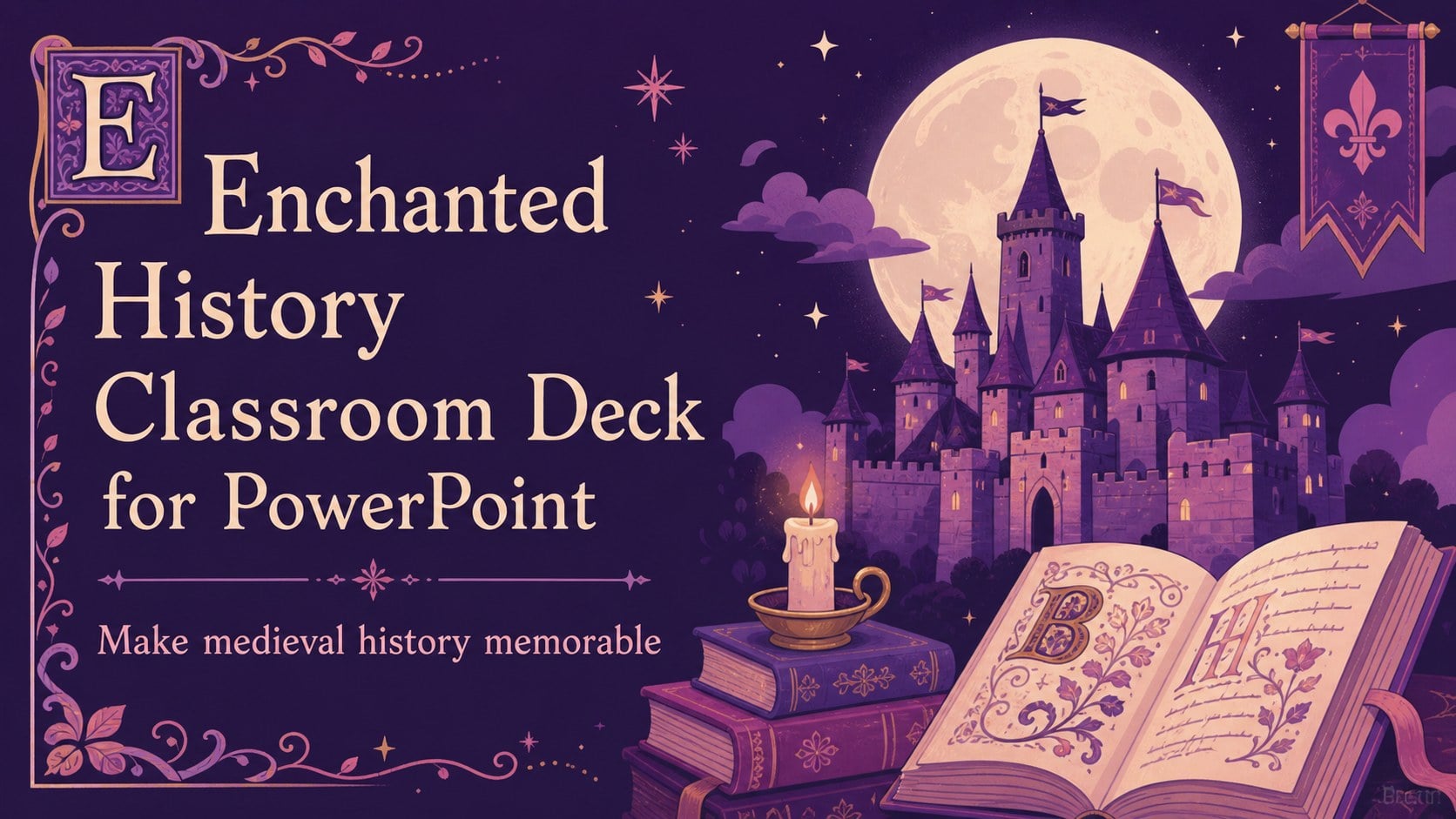
Build memorable medieval history lessons with an enchanted history classroom deck in PowerPoint and Google Slides, featuring vivid purple visuals and…
Design notes
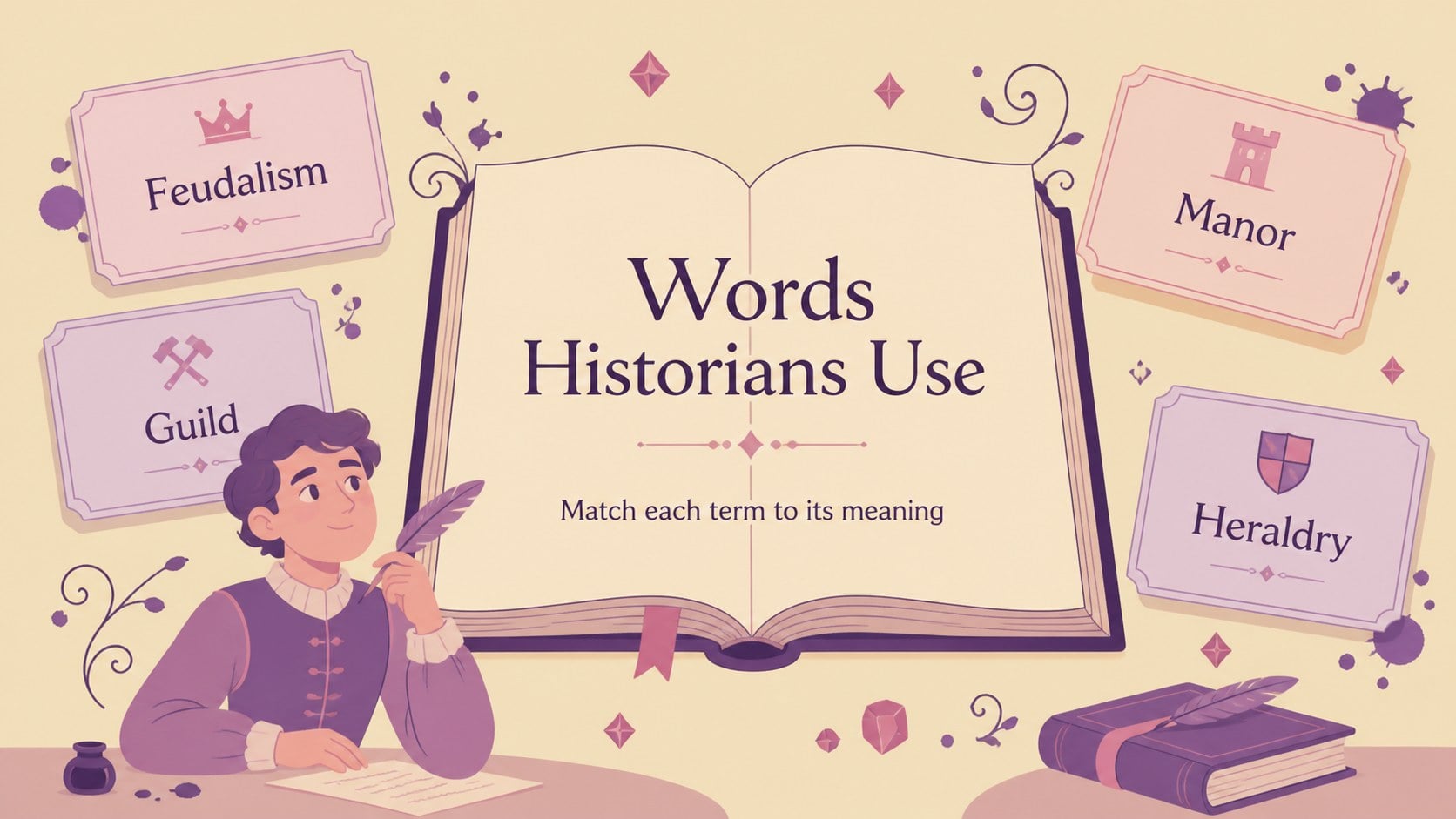
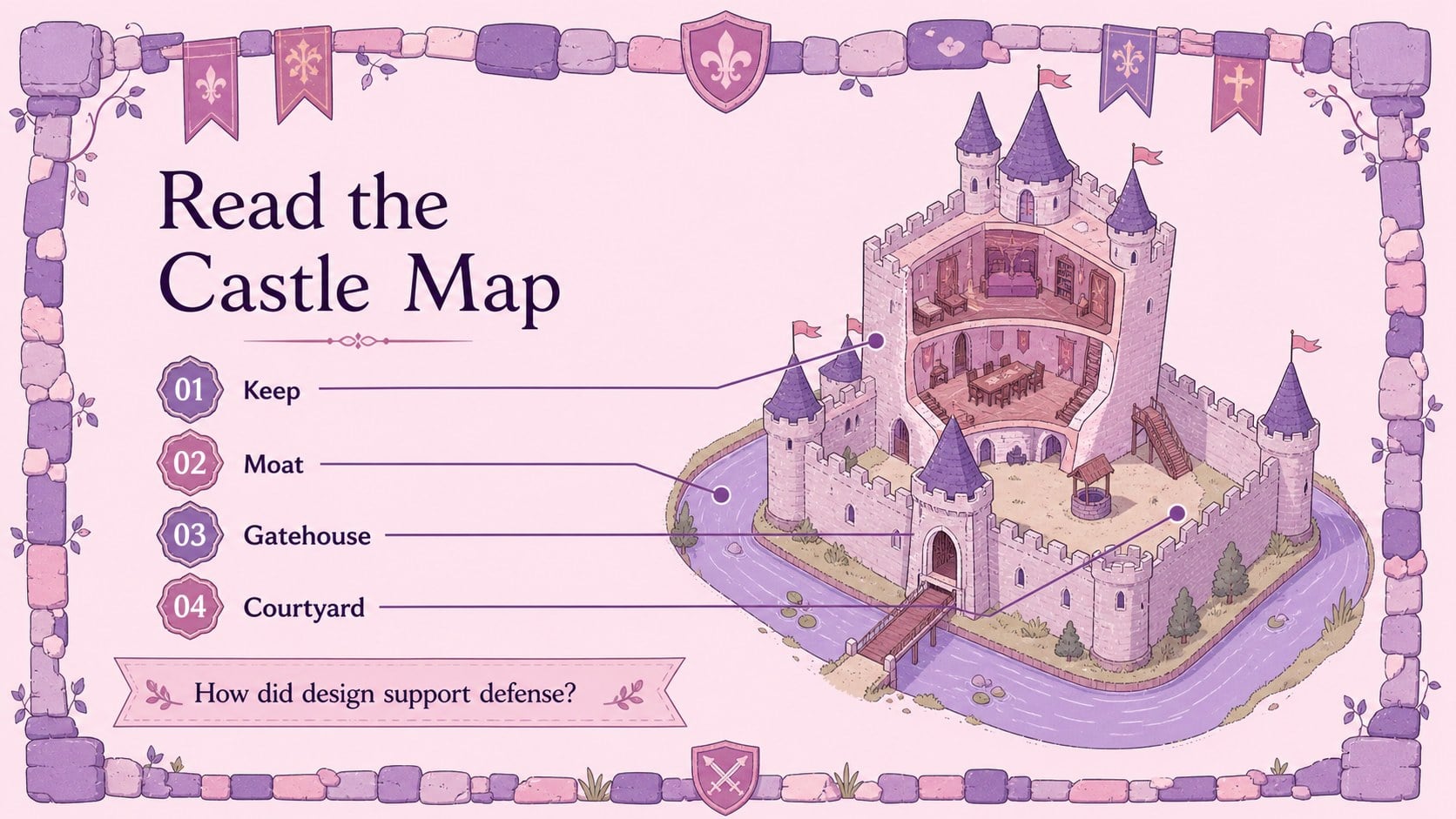
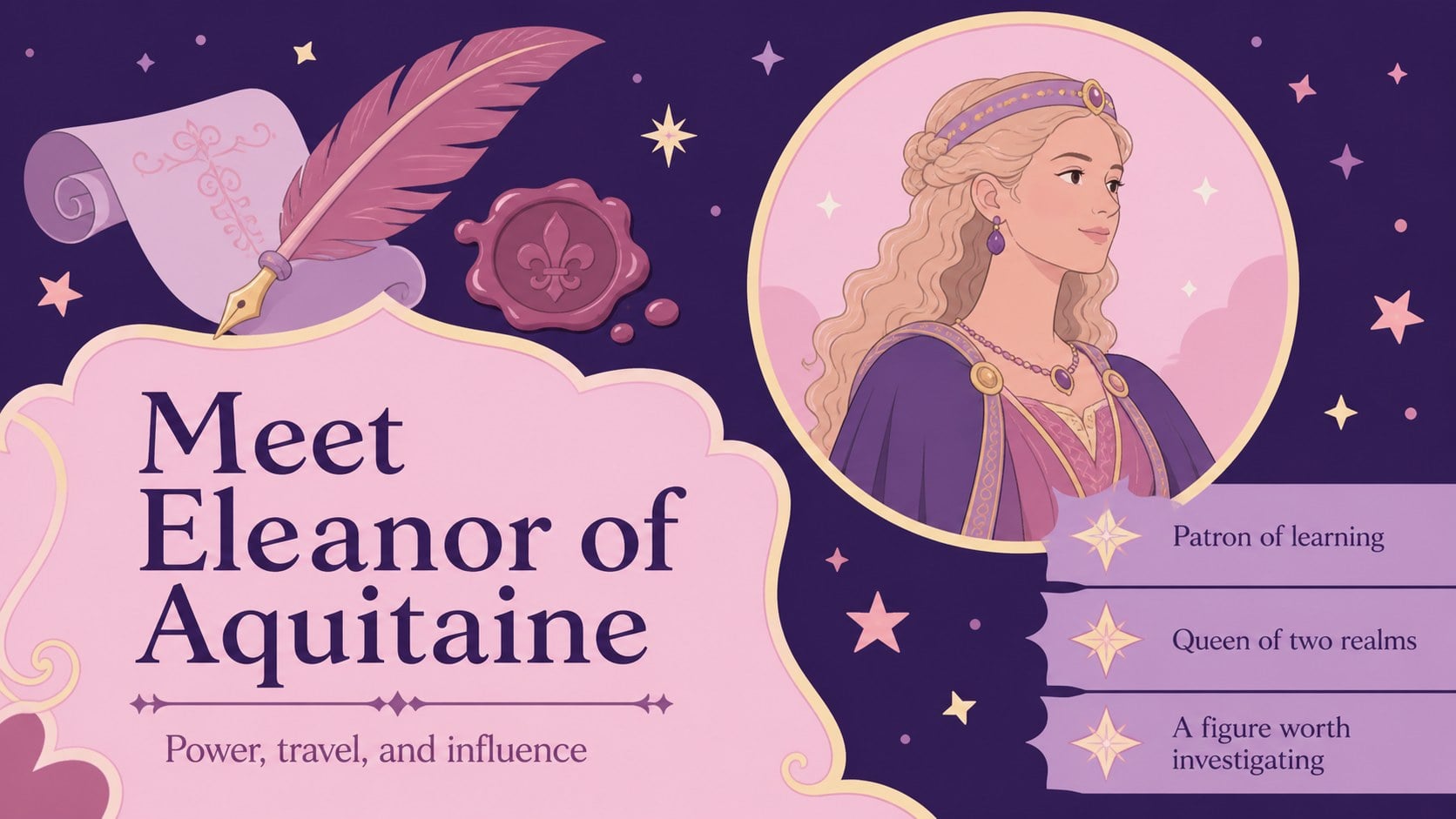
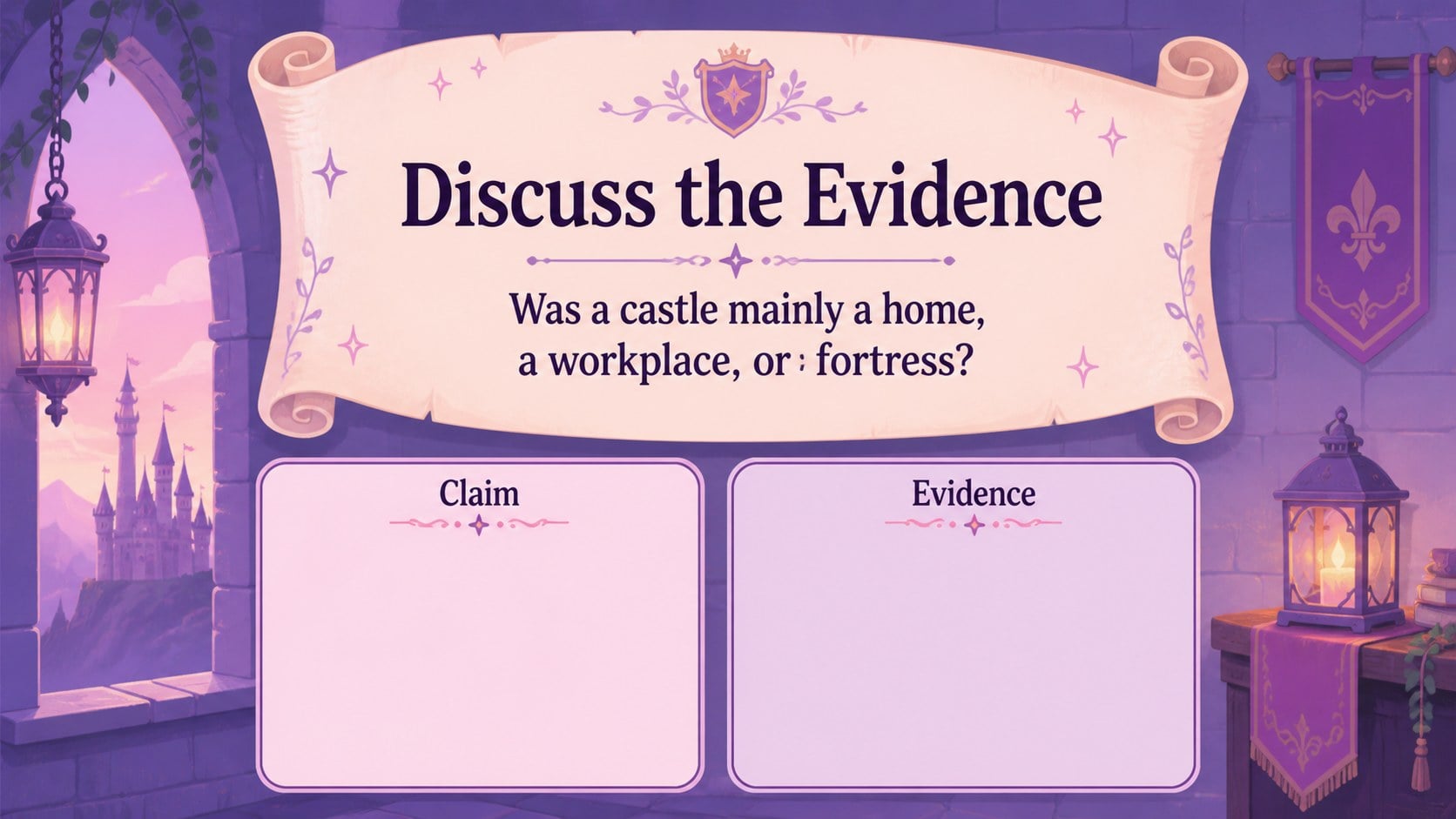
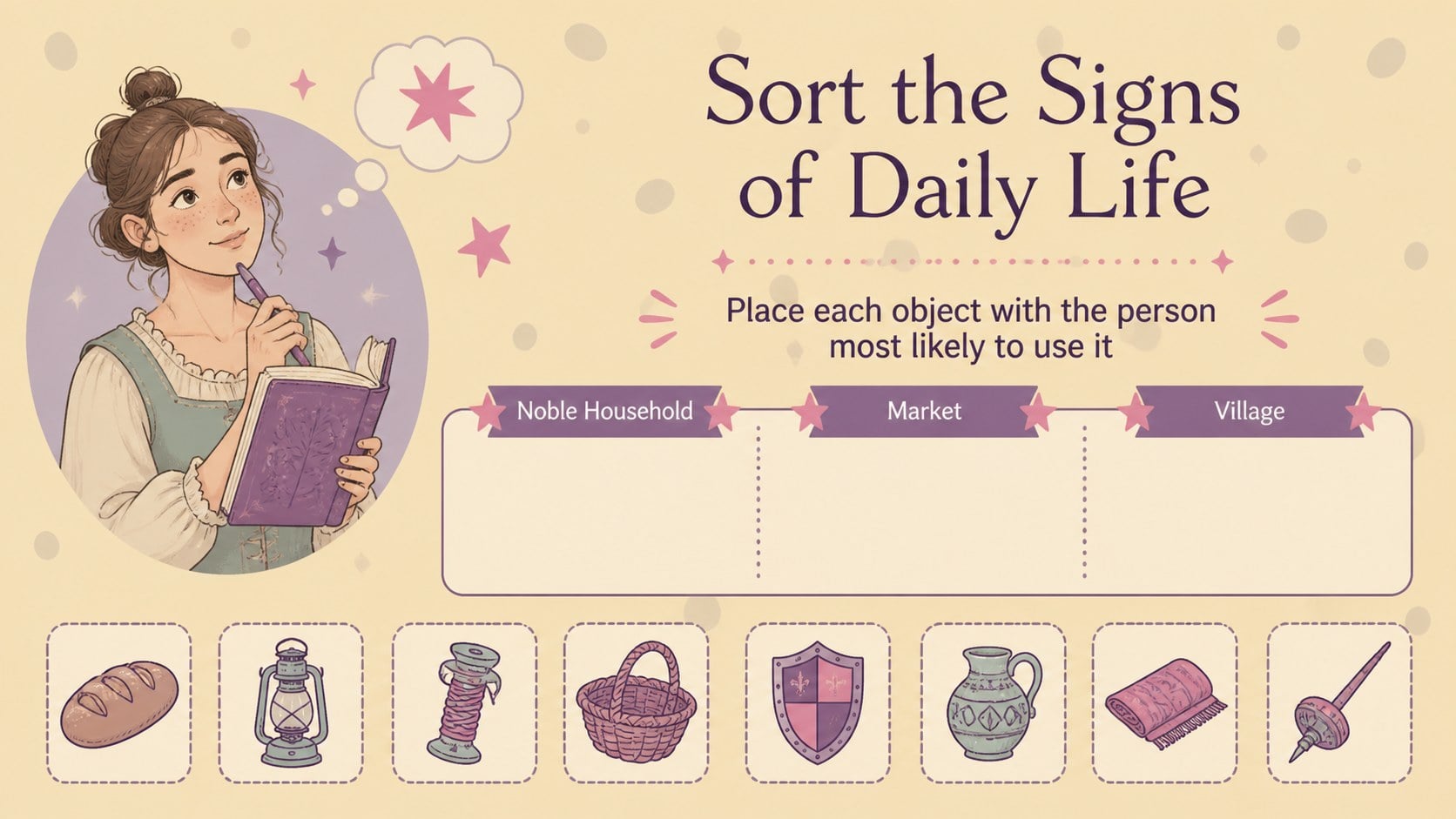
Make medieval history feel vivid, approachable, and ready for discussion with this enchanted history classroom deck. Designed for middle and high school educators, it combines charming illustrated details with a playful purple, violet, and pink palette that can help students connect with unfamiliar eras and ideas. The visual language is cheerful and imaginative while remaining structured enough for lesson delivery.
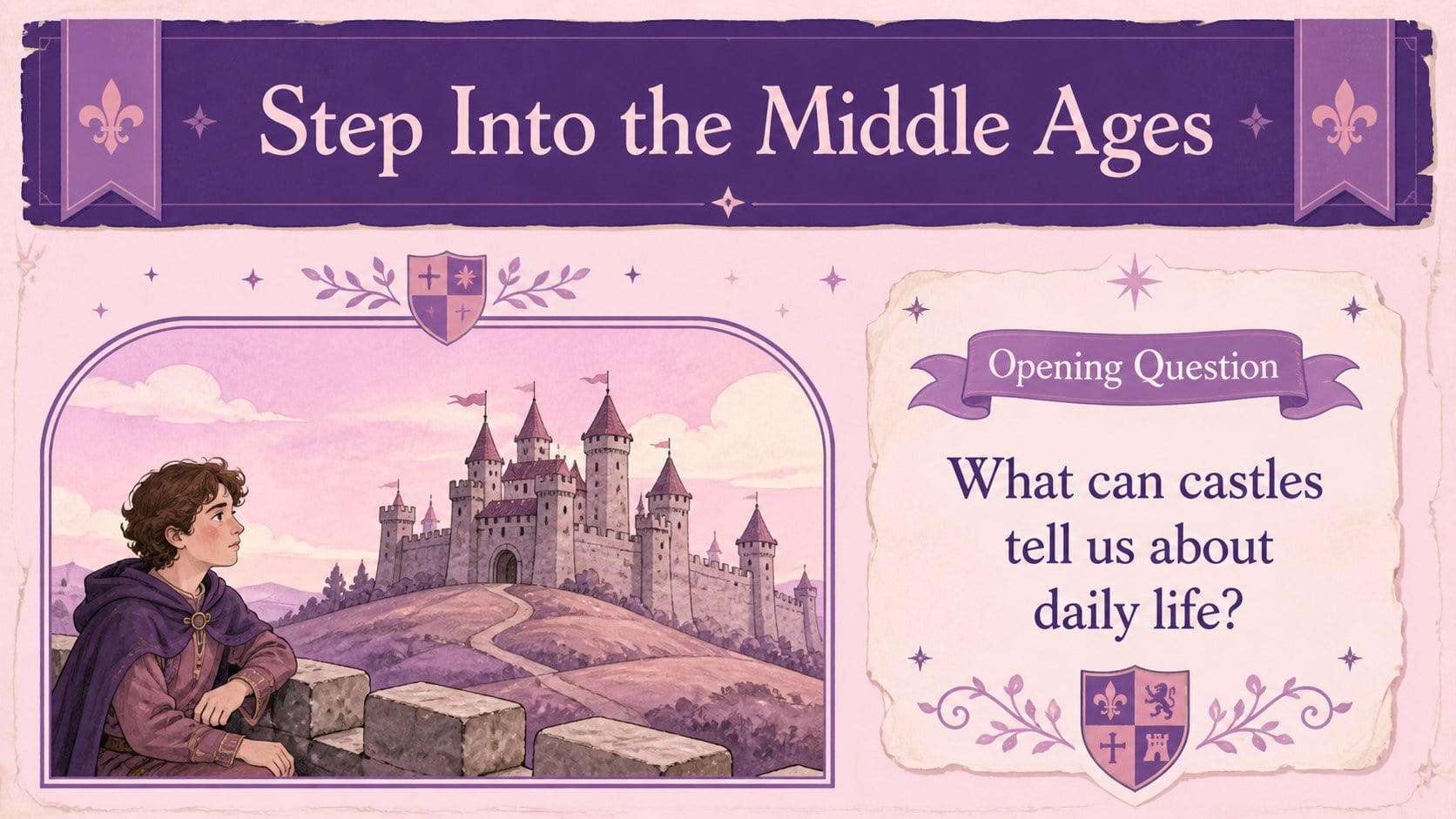
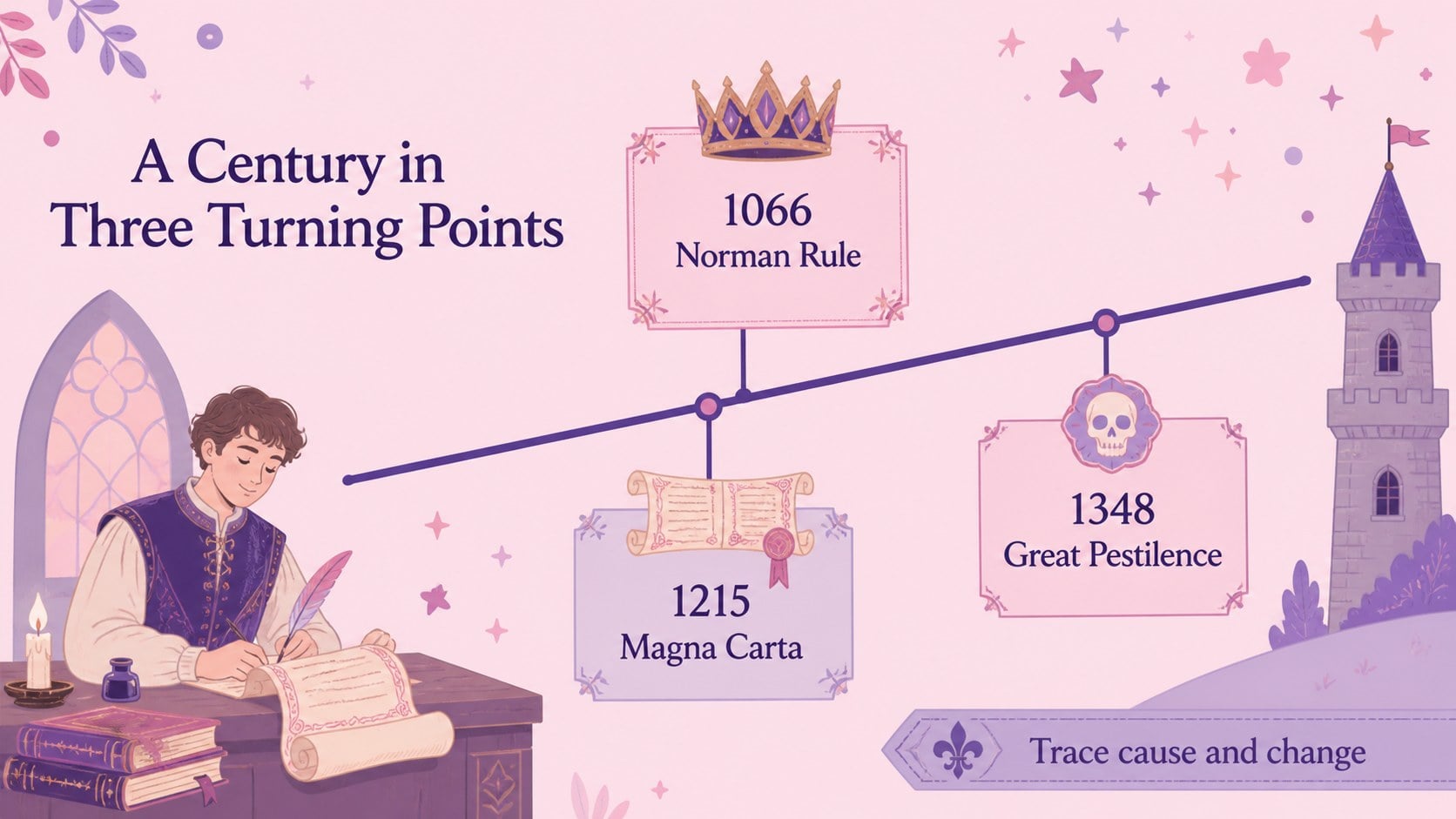
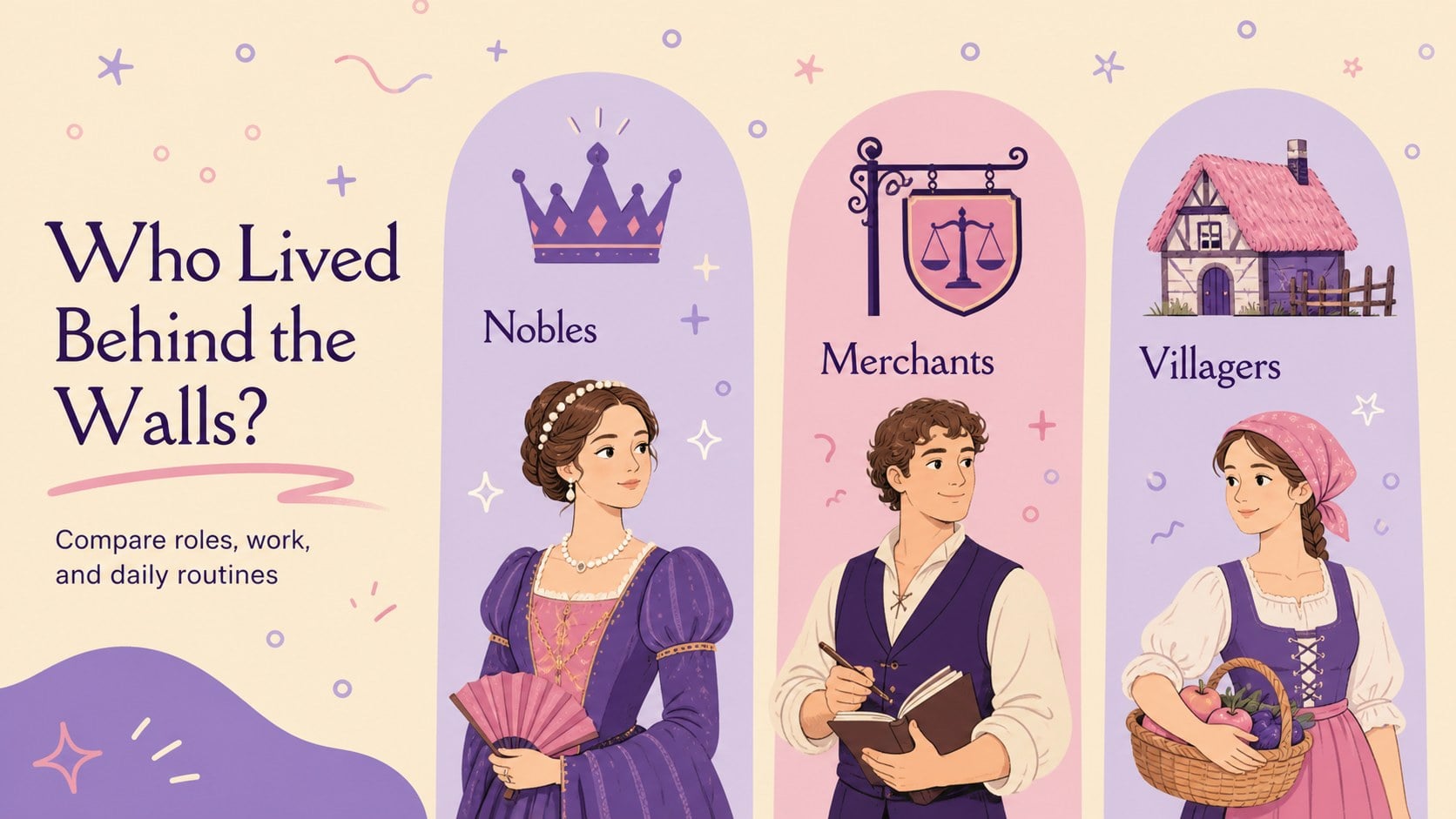
Inside, you will find more than 25 editable presentation layouts for introducing a topic, mapping a historical timeline, comparing people or events, presenting key terms, and prompting classroom reflection. Charts, frames, shapes, quote layouts, image placeholders, and activity pages give teachers practical ways to vary the pace of a lesson. The Della Respira and Roboto font pairing adds a storybook character to headings while keeping supporting text clear.
Use this medieval history lesson presentation for a unit opener, a group research report, a castle and society lesson, or a review session before assessment. The files work with PowerPoint and Google Slides, making it simple to adjust text, colors, illustrations, and teaching notes for your curriculum. Present the deck as-is for a whimsical classroom mood or adapt its components into a broader history unit.
Perfect for: middle school medieval history lesson; high school historical research report; castle life classroom unit; medieval timeline review; student group history presentation.
Frequently asked questions
Can I edit this deck in PowerPoint? Yes. The presentation is designed for PowerPoint editing, so you can change headings, body copy, colors, images, and layout elements. You can also add speaker notes for lesson prompts or discussion questions.
Practical details
Yes. The presentation is designed for PowerPoint editing, so you can change headings, body copy, colors, images, and layout elements. You can also add speaker notes for lesson prompts or discussion questions.
Yes, you can open and edit the presentation in Google Slides. Review fonts and animations after importing, then adjust them if your classroom presentation needs a slightly different setup.
It works especially well for medieval Europe, castle life, social structures, historical figures, and chronological units. Its activity and comparison layouts can also be adapted for other history topics.
Yes. Replace the violet, purple, and pink accents with colors that match your school materials or lesson theme. The editable shapes and text styles make it easy to keep the visual system consistent.
Keep exploring
15Build stronger academic arguments with a college essay thesis builder featuring guided examples, revision prompts, and editable PowerPoint and Google Slides.
 15
15Build an engaging World UFO Day session with this flying saucer history lesson deck, featuring retro green-and-brown slides for PowerPoint and Google Slides.
 14
14Plan a memorable Lunar New Year campaign with the 2036 Dragon Year Celebration Theme, featuring bold red-and-yellow slides for lessons and events.
 15
15Build a thoughtful classroom discussion with this interfaith awareness lesson deck, featuring editable blue-and-white slides for PowerPoint and Google Slides.
 15
15Use this environmental awareness lesson deck to teach climate action through illustrated activities, discussion prompts, and ready-to-edit visuals.
 15
15Build playful lessons and party stories with a kid-friendly zombie celebration theme in purple, green and pastel blue for PowerPoint and Google Slides.
 15
15Build eerie lessons, campaigns, and story pitches with an undead survival scenario theme featuring editable slides for PowerPoint and Google Slides.
 16
16Turn environmental research into a clear story with a Watercolor Ecology Presentation Theme for PowerPoint and Google Slides in calming green and blue.