
 15
15presentation
College Essay Thesis Builder Slides
Build stronger academic arguments with a college essay thesis builder featuring guided examples, revision prompts, and editable PowerPoint and Google Slides.
Google SlidesPowerPoint
presentation · English
Set the scene with an enchanted green prom celebration theme for event reveals, student guidance, photo recaps, and planning in PowerPoint or Google Slides.


Design notes
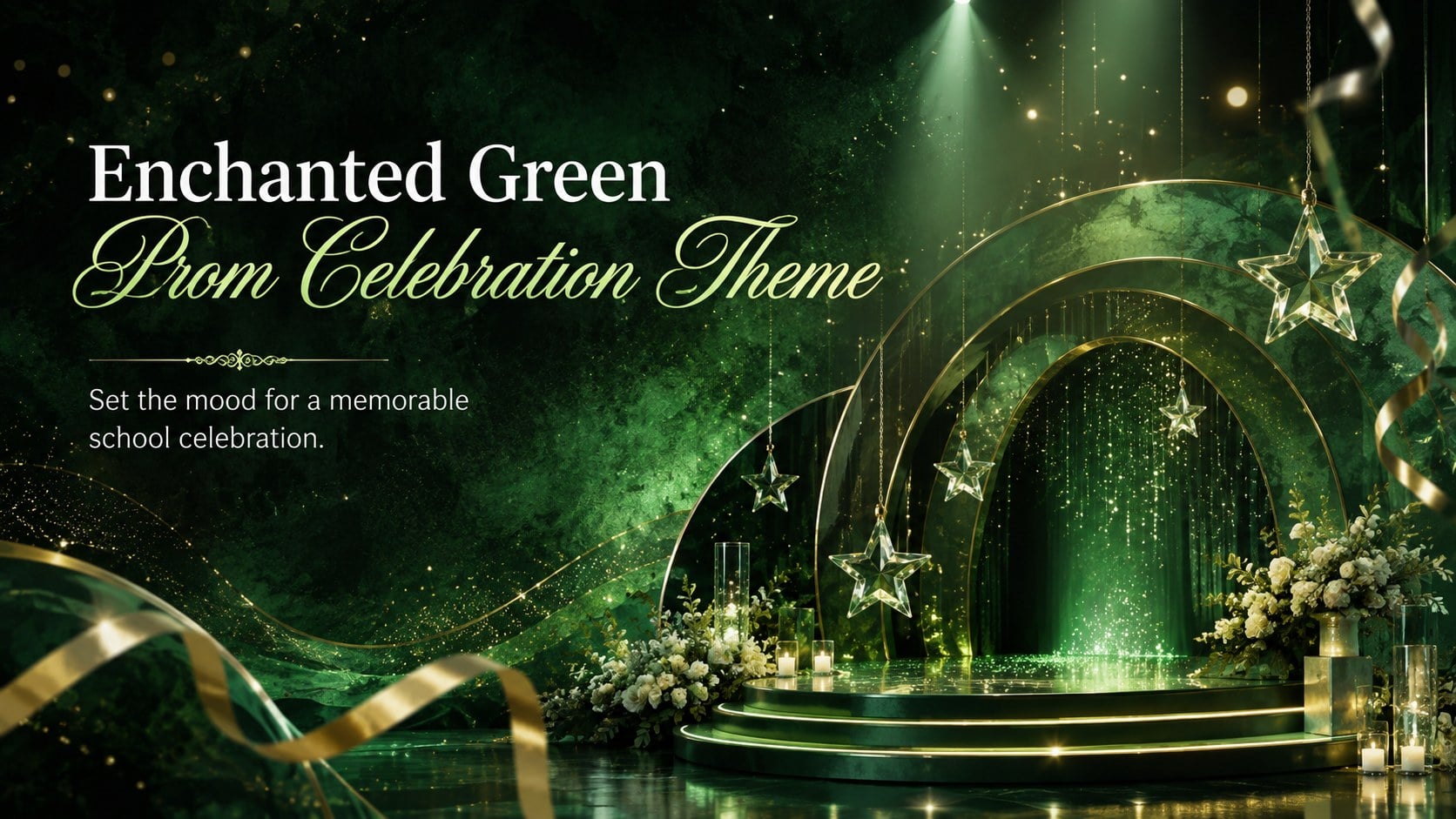
Bring a polished sense of occasion to the school calendar with this enchanted green prom celebration theme. Dimensional emerald scenery, luminous accents, and fantasy-inspired details create an exciting setting for introducing the formal, building anticipation, or presenting information during an assembly. The design feels festive and modern while keeping important messages clear for students, families, and staff.
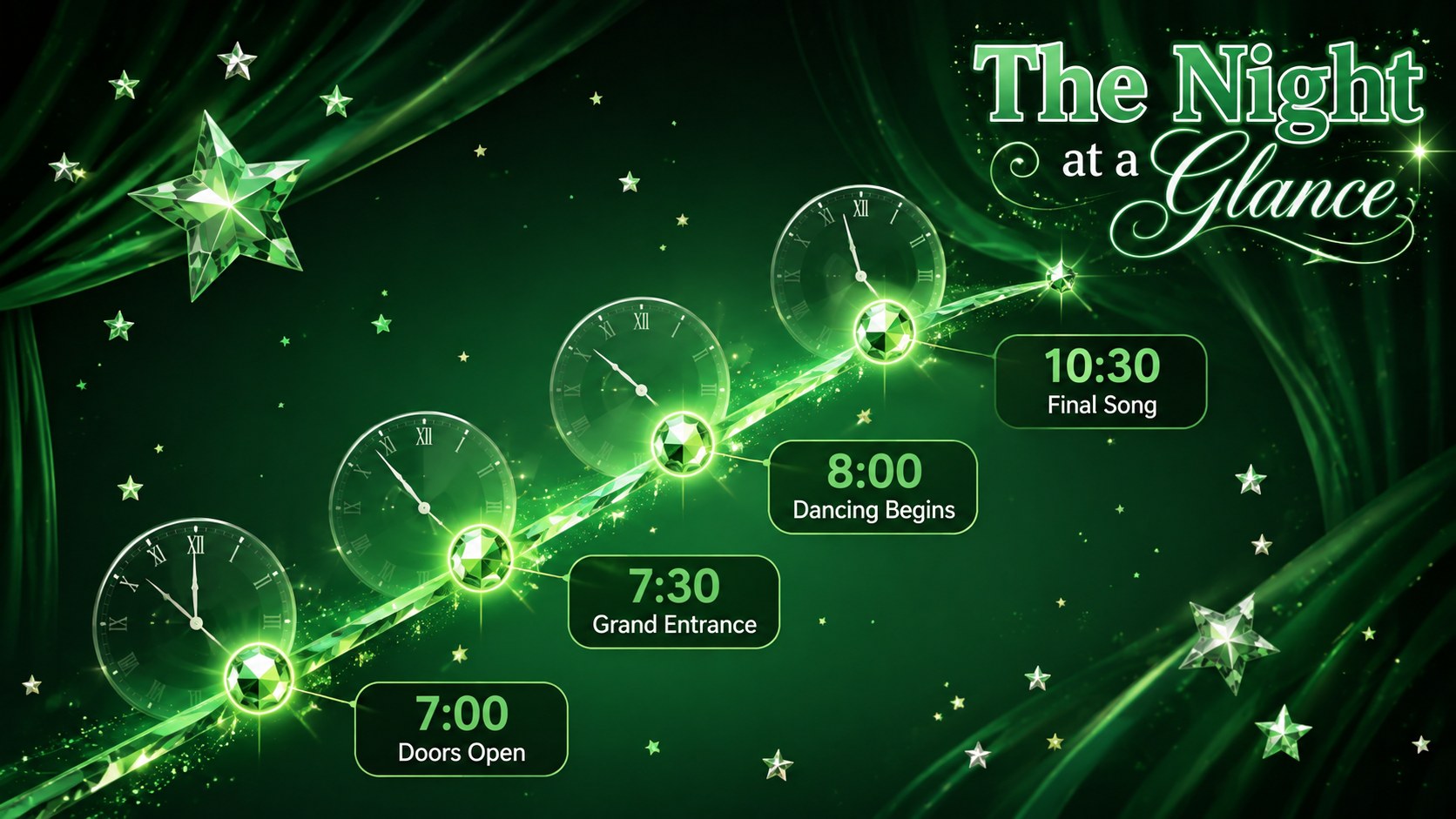
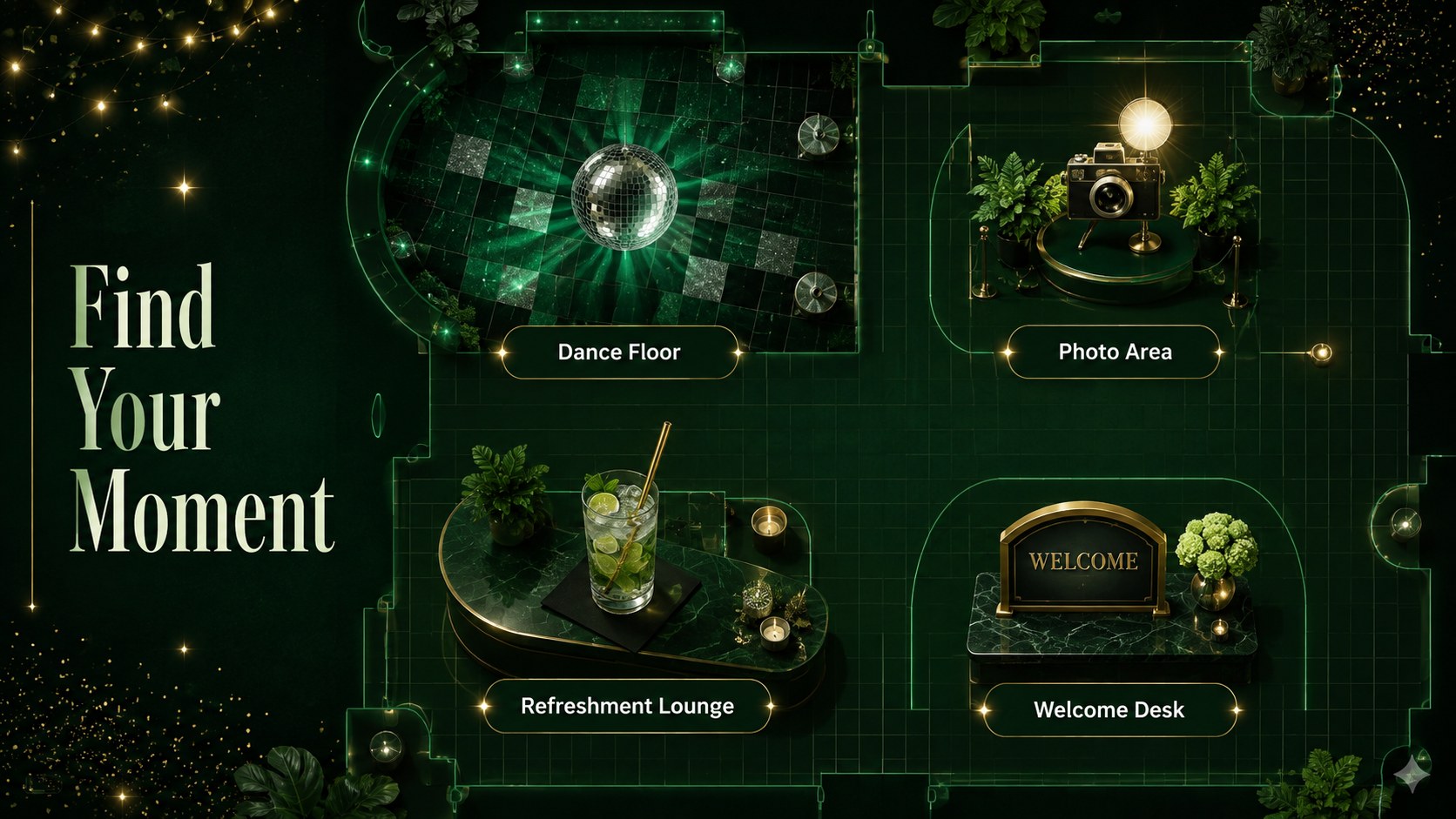
The five-slide collection includes an event cover, celebration overview, evening schedule, venue highlights, and a memorable closing screen. Use these school dance event slides to announce dates, explain arrival procedures, showcase entertainment, highlight photo areas, or share key reminders. Each layout can also become part of a prom planning presentation template for committees coordinating music, decorations, refreshments, guest expectations, and event timing.
Teachers, student councils, activity coordinators, and school administrators can edit the deck in PowerPoint or Google Slides. Replace the sample wording, adjust the schedule, add school-approved photographs, and modify the green palette to complement your event identity. The layouts also work as a prom photo recap presentation after the celebration, giving organizers a cohesive way to share favorite moments and thank everyone who contributed. With widescreen formatting and adaptable visual elements, the theme supports everything from early planning meetings to the final on-screen welcome at the venue.
Perfect for: prom date announcement; student planning committee briefing; formal dance schedule display; venue orientation presentation; post-event photo recap.
Frequently asked questions
Can I edit the text and schedule? Yes. Replace every sample heading, time, location, and reminder with details for your school event, then resize or reposition text boxes as needed.
Practical details
Yes. Replace every sample heading, time, location, and reminder with details for your school event, then resize or reposition text boxes as needed.
The template is designed for PowerPoint and Google Slides. Review fonts, transitions, and image placement after importing so the final deck displays consistently.
Yes. Update the emerald tones, accent colors, and text styles to coordinate with your school identity or prom theme while preserving sufficient contrast.
Yes. Replace planning content with event photographs, captions, acknowledgments, and memorable highlights to create a cohesive post-prom recap.
Keep exploring
15Build stronger academic arguments with a college essay thesis builder featuring guided examples, revision prompts, and editable PowerPoint and Google Slides.
 15
15Build an engaging World UFO Day session with this flying saucer history lesson deck, featuring retro green-and-brown slides for PowerPoint and Google Slides.
 14
14Plan a memorable Lunar New Year campaign with the 2036 Dragon Year Celebration Theme, featuring bold red-and-yellow slides for lessons and events.
 15
15Build a thoughtful classroom discussion with this interfaith awareness lesson deck, featuring editable blue-and-white slides for PowerPoint and Google Slides.
 15
15Use this environmental awareness lesson deck to teach climate action through illustrated activities, discussion prompts, and ready-to-edit visuals.
 15
15Build playful lessons and party stories with a kid-friendly zombie celebration theme in purple, green and pastel blue for PowerPoint and Google Slides.
 15
15Build eerie lessons, campaigns, and story pitches with an undead survival scenario theme featuring editable slides for PowerPoint and Google Slides.
 16
16Turn environmental research into a clear story with a Watercolor Ecology Presentation Theme for PowerPoint and Google Slides in calming green and blue.