
 15
15presentation
College Essay Thesis Builder Slides
Build stronger academic arguments with a college essay thesis builder featuring guided examples, revision prompts, and editable PowerPoint and Google Slides.
Google SlidesPowerPoint
presentation · English
Use this emerald circuit technology deck to explain systems, data, and innovation with editable green layouts for PowerPoint and Google Slides.

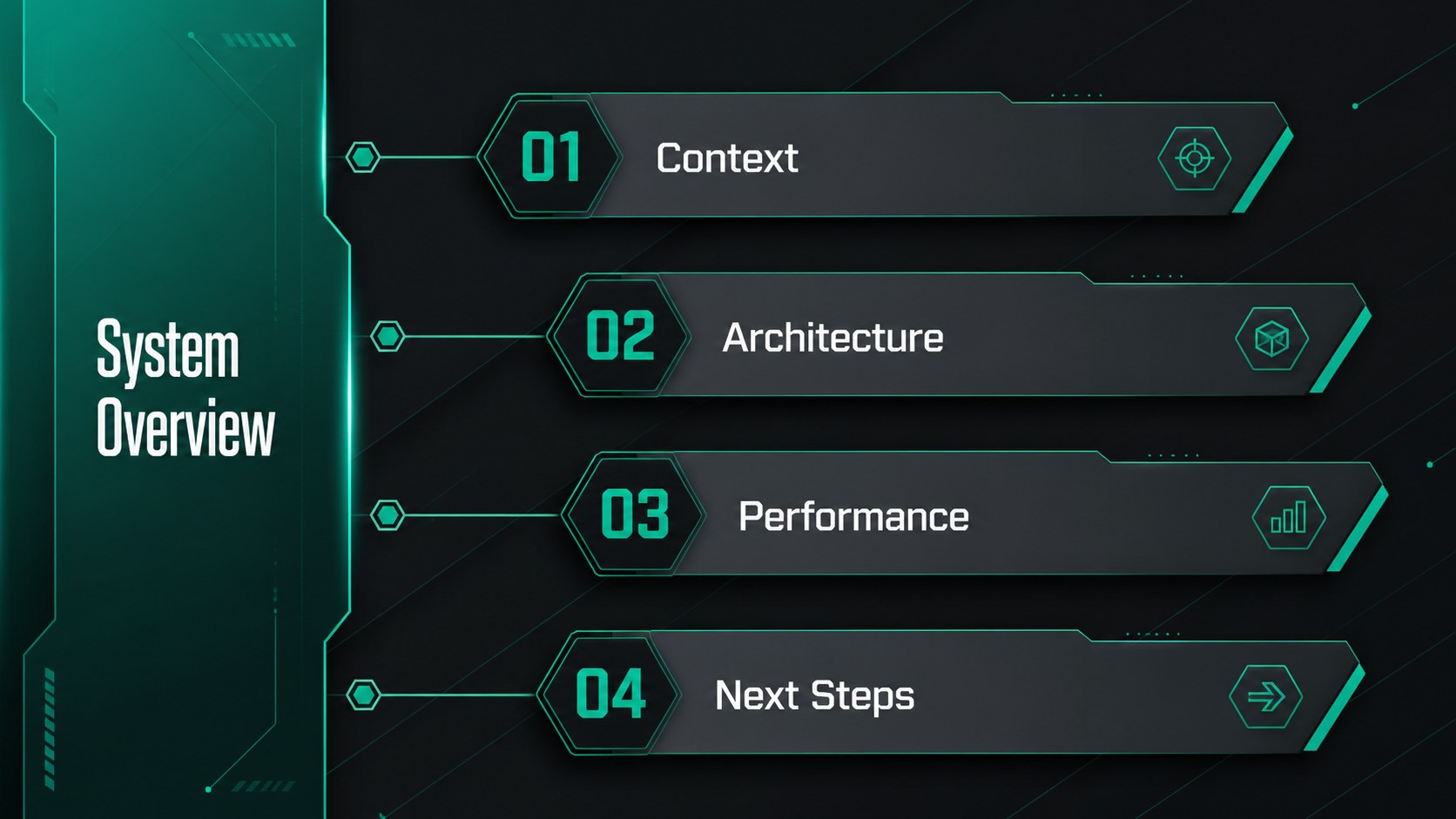



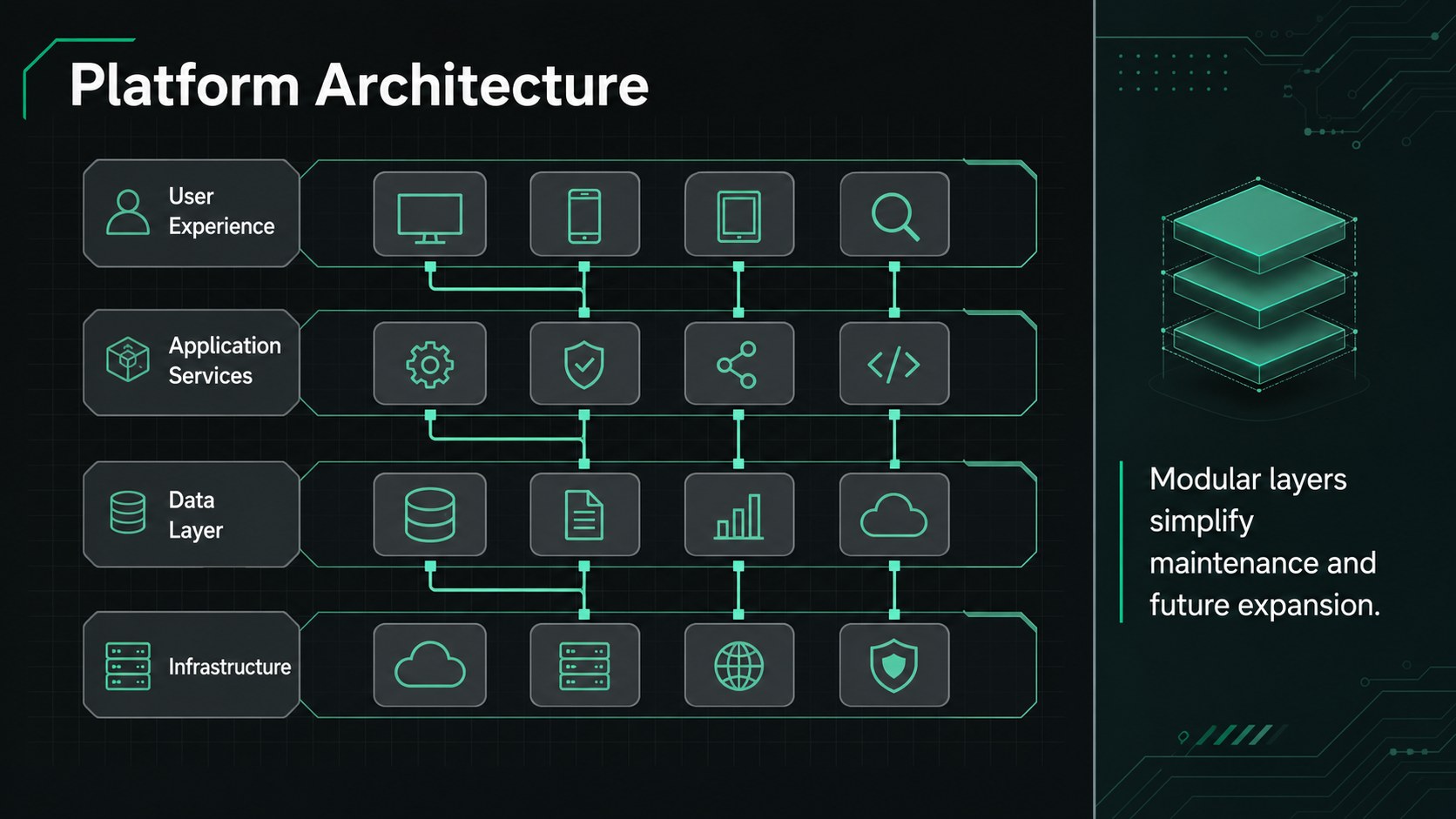



Design notes
The Emerald Circuit Technology Deck gives technical subjects a focused visual framework without overwhelming the audience. Built around luminous green accents, dark neutral surfaces, and abstract circuit paths, this editable emerald circuit technology deck suits presentations about software, electronics, scientific research, data systems, and digital transformation. Its crisp typography and controlled futuristic styling keep detailed information approachable.
The collection includes 16:9 layouts for opening statements, agendas, process explanations, system diagrams, timelines, metrics, comparisons, team profiles, and closing remarks. Charts, tables, icon arrangements, maps, and modular content blocks help you build a green technology presentation template that remains consistent from cover to conclusion. Colors, text, images, and graphic elements can be adjusted to reflect your organization or project.
Use the deck in PowerPoint or Google Slides for an engineering project presentation, a technology strategy meeting, a research briefing, or a product architecture review. It is especially useful for developers, analysts, educators, scientists, consultants, and project leads who need an editable circuit board slide deck with a professional tone. The layouts balance visual energy with practical space for evidence, explanations, and next steps.
Perfect for: engineering project presentation; software architecture review; technology strategy meeting; electronics research briefing; digital transformation proposal; science classroom lecture.
Frequently asked questions
Can I edit every element in this technology deck? Yes. You can revise the text, recolor the circuit graphics, replace images, and adjust charts or diagrams to match your subject and visual identity.
Practical details
Yes. You can revise the text, recolor the circuit graphics, replace images, and adjust charts or diagrams to match your subject and visual identity.
The slides are designed for Microsoft PowerPoint and Google Slides. Both platforms support the widescreen layouts and standard editable elements.
Update the theme colors or select individual shapes and accents to apply your preferred shades. For good readability, retain strong contrast between the background, body text, and highlighted data.
The visual system works well for software, electronics, artificial intelligence, data infrastructure, engineering, scientific research, and digital transformation. The layouts can also support technical lessons and internal project updates.
Keep exploring
15Build stronger academic arguments with a college essay thesis builder featuring guided examples, revision prompts, and editable PowerPoint and Google Slides.
 15
15Build an engaging World UFO Day session with this flying saucer history lesson deck, featuring retro green-and-brown slides for PowerPoint and Google Slides.
 14
14Plan a memorable Lunar New Year campaign with the 2036 Dragon Year Celebration Theme, featuring bold red-and-yellow slides for lessons and events.
 15
15Build a thoughtful classroom discussion with this interfaith awareness lesson deck, featuring editable blue-and-white slides for PowerPoint and Google Slides.
 15
15Use this environmental awareness lesson deck to teach climate action through illustrated activities, discussion prompts, and ready-to-edit visuals.
 15
15Build playful lessons and party stories with a kid-friendly zombie celebration theme in purple, green and pastel blue for PowerPoint and Google Slides.
 15
15Build eerie lessons, campaigns, and story pitches with an undead survival scenario theme featuring editable slides for PowerPoint and Google Slides.
 16
16Turn environmental research into a clear story with a Watercolor Ecology Presentation Theme for PowerPoint and Google Slides in calming green and blue.