
 15
15presentation
College Essay Thesis Builder Slides
Build stronger academic arguments with a college essay thesis builder featuring guided examples, revision prompts, and editable PowerPoint and Google Slides.
Google SlidesPowerPoint
presentation · English
Build lively classroom lessons with elementary music workshop slides for rhythm, instruments, listening games, and creative activities in PowerPoint or…
Design notes
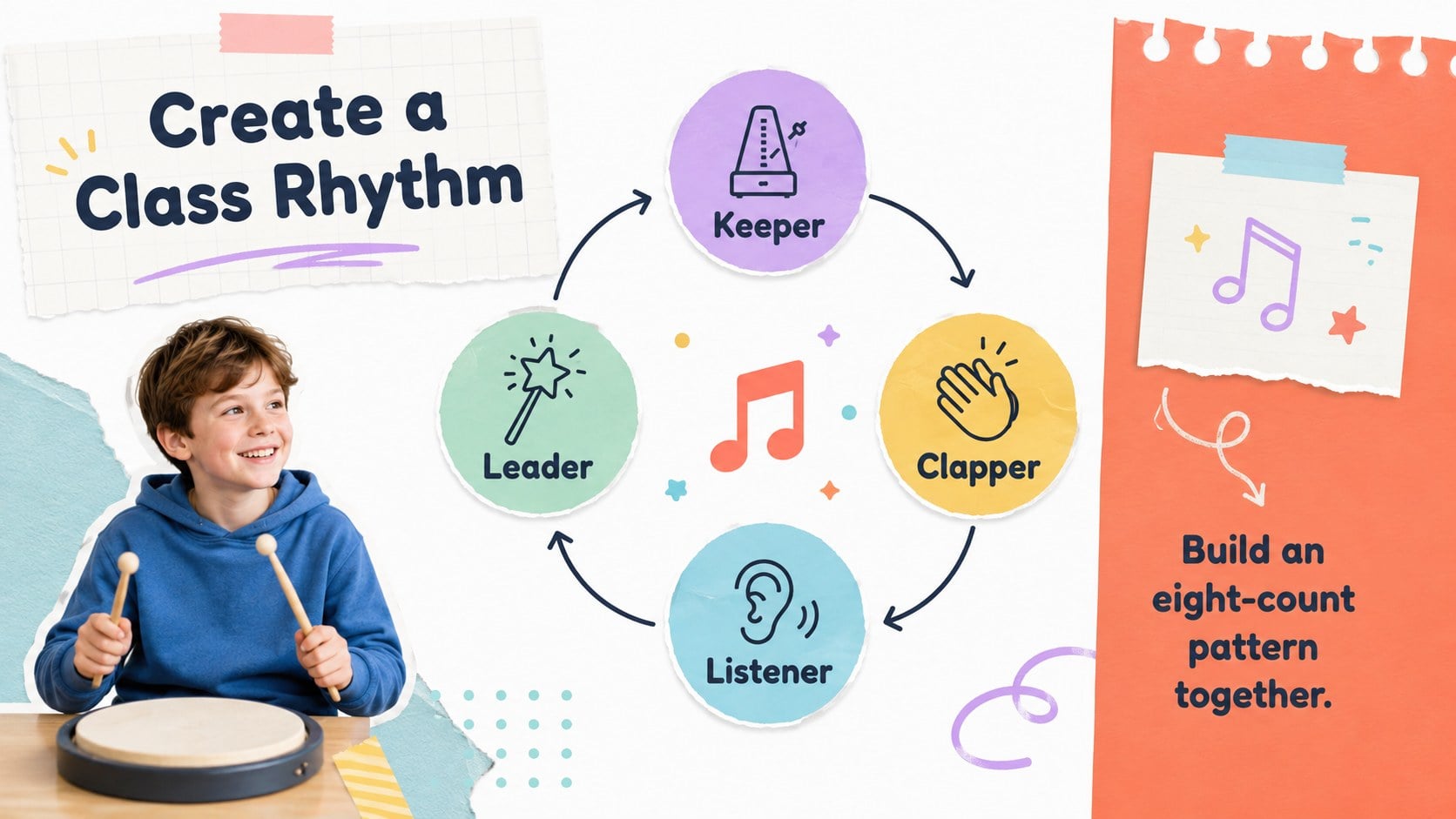
Make every music lesson feel hands-on with elementary music workshop slides designed for curious young learners. The bright white, orange, and pastel palette creates an upbeat classroom mood, while paper-inspired accents and animated transitions keep the lesson moving without overwhelming the content.
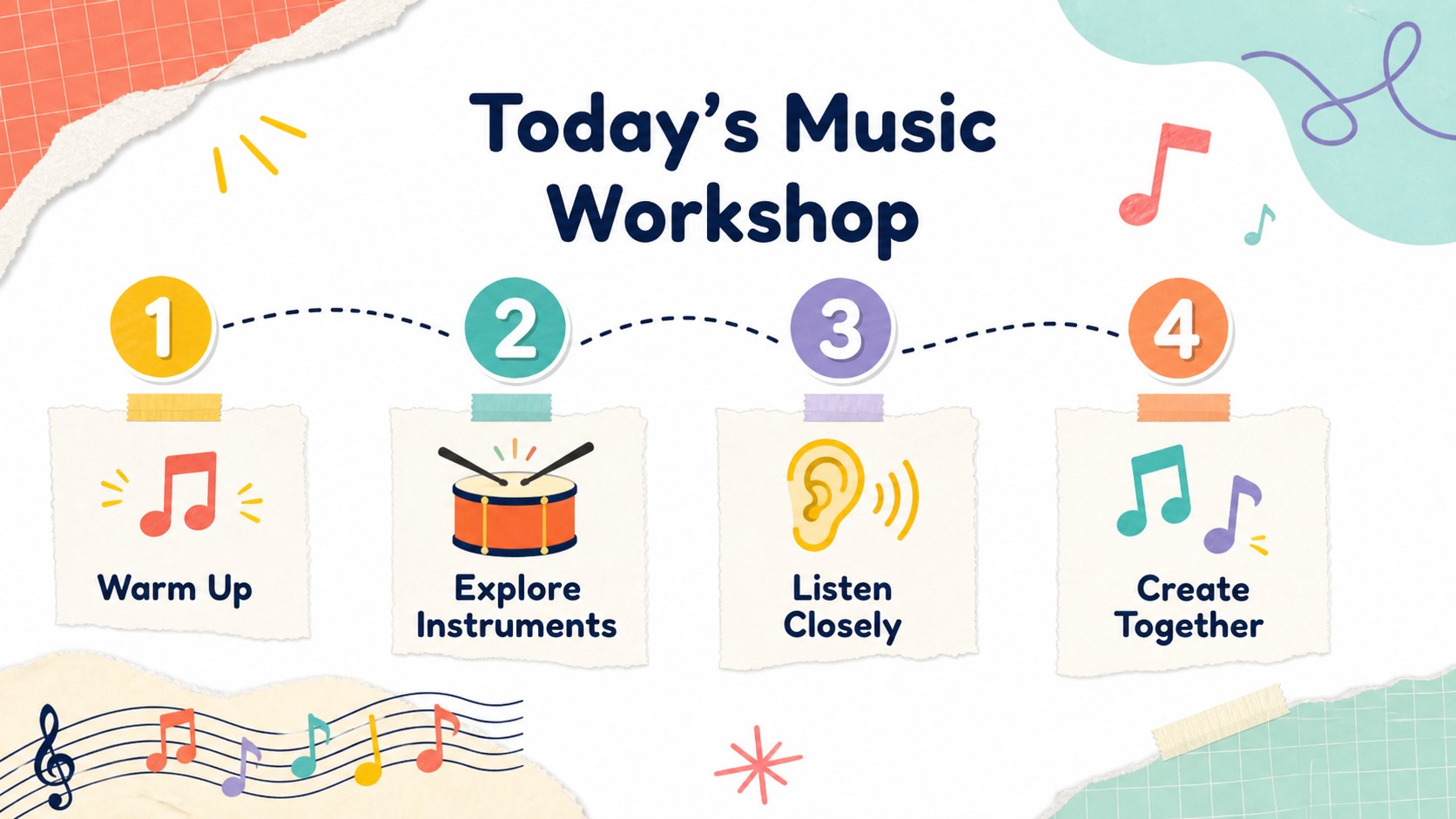
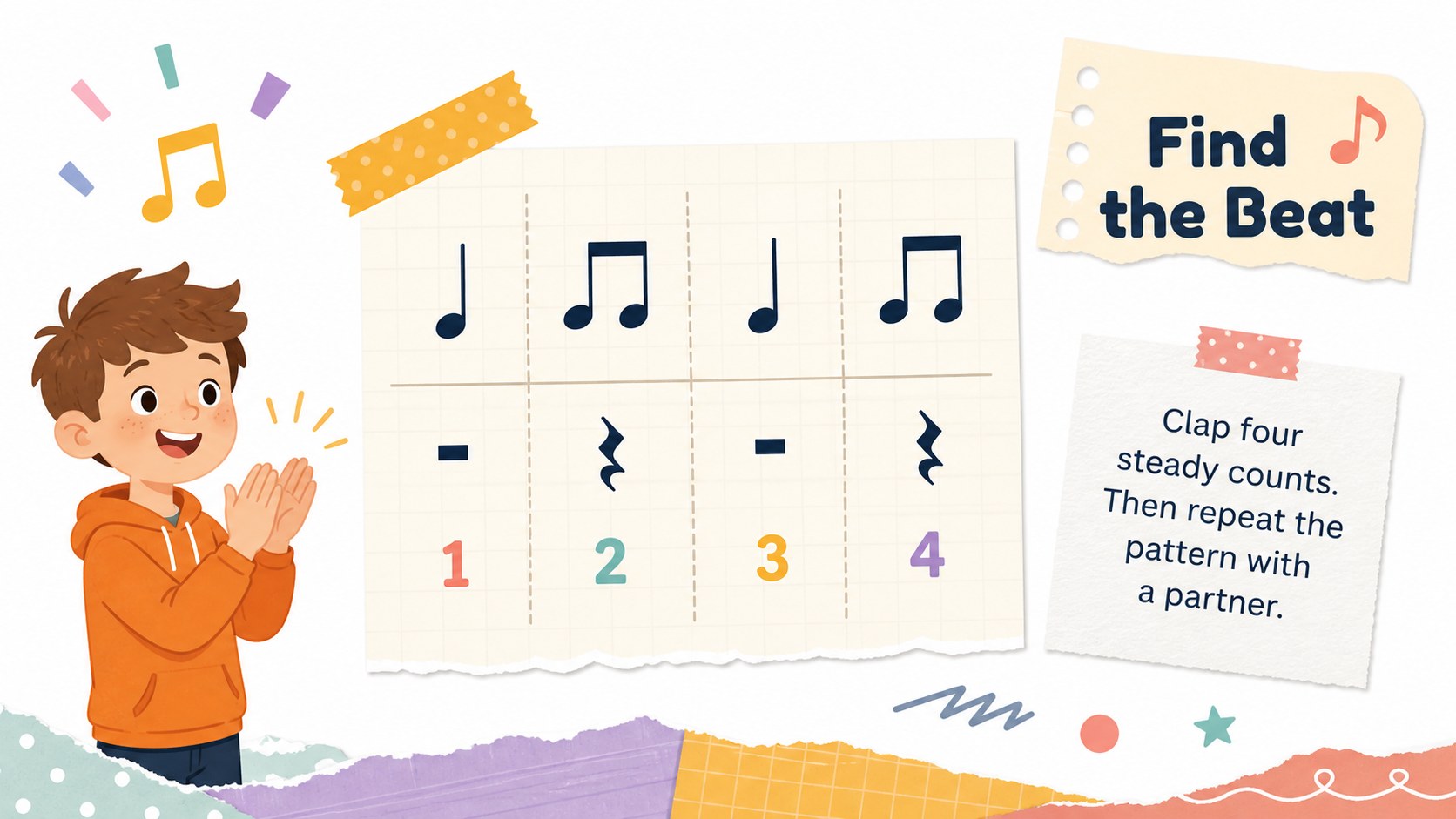
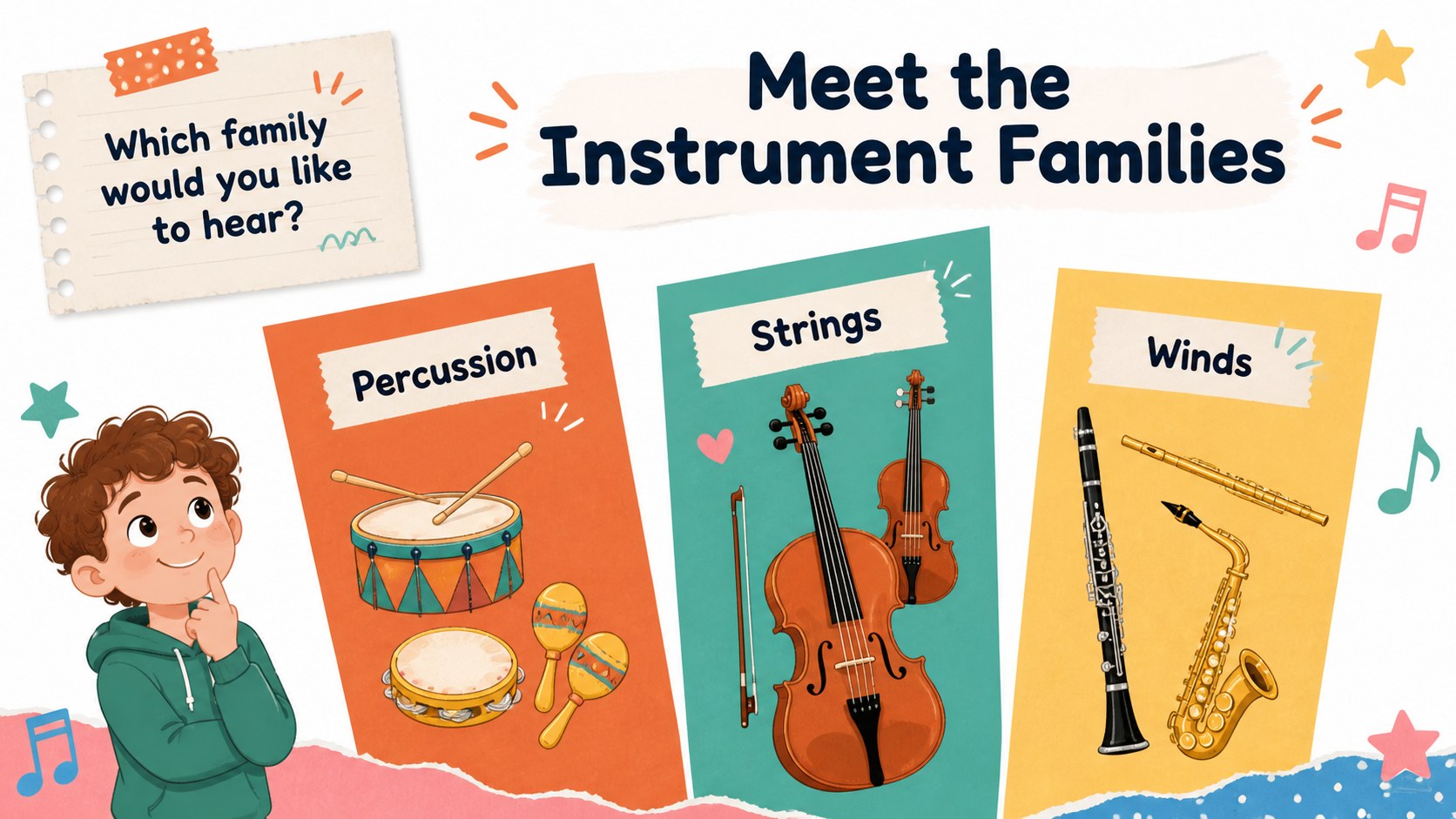
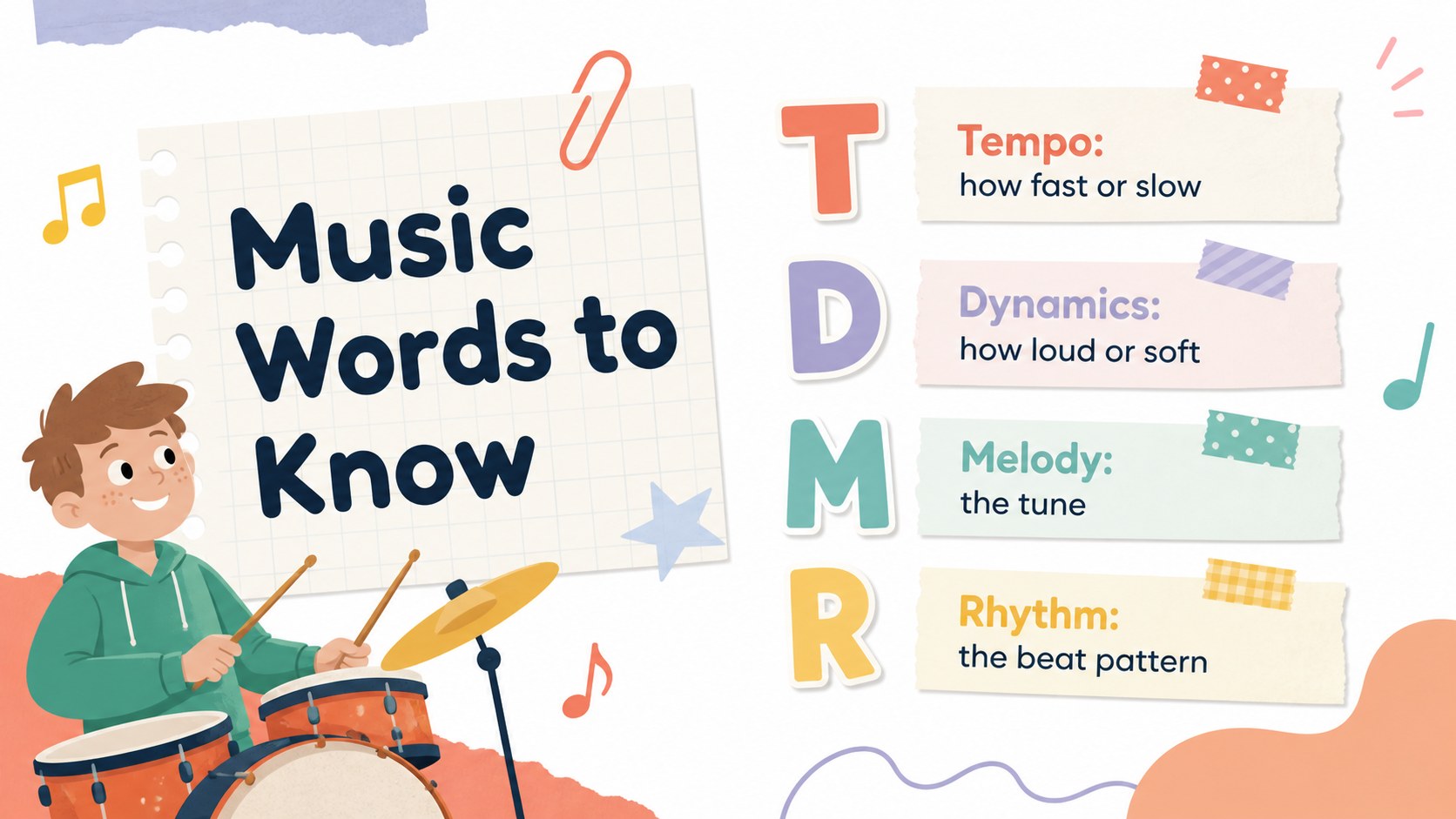
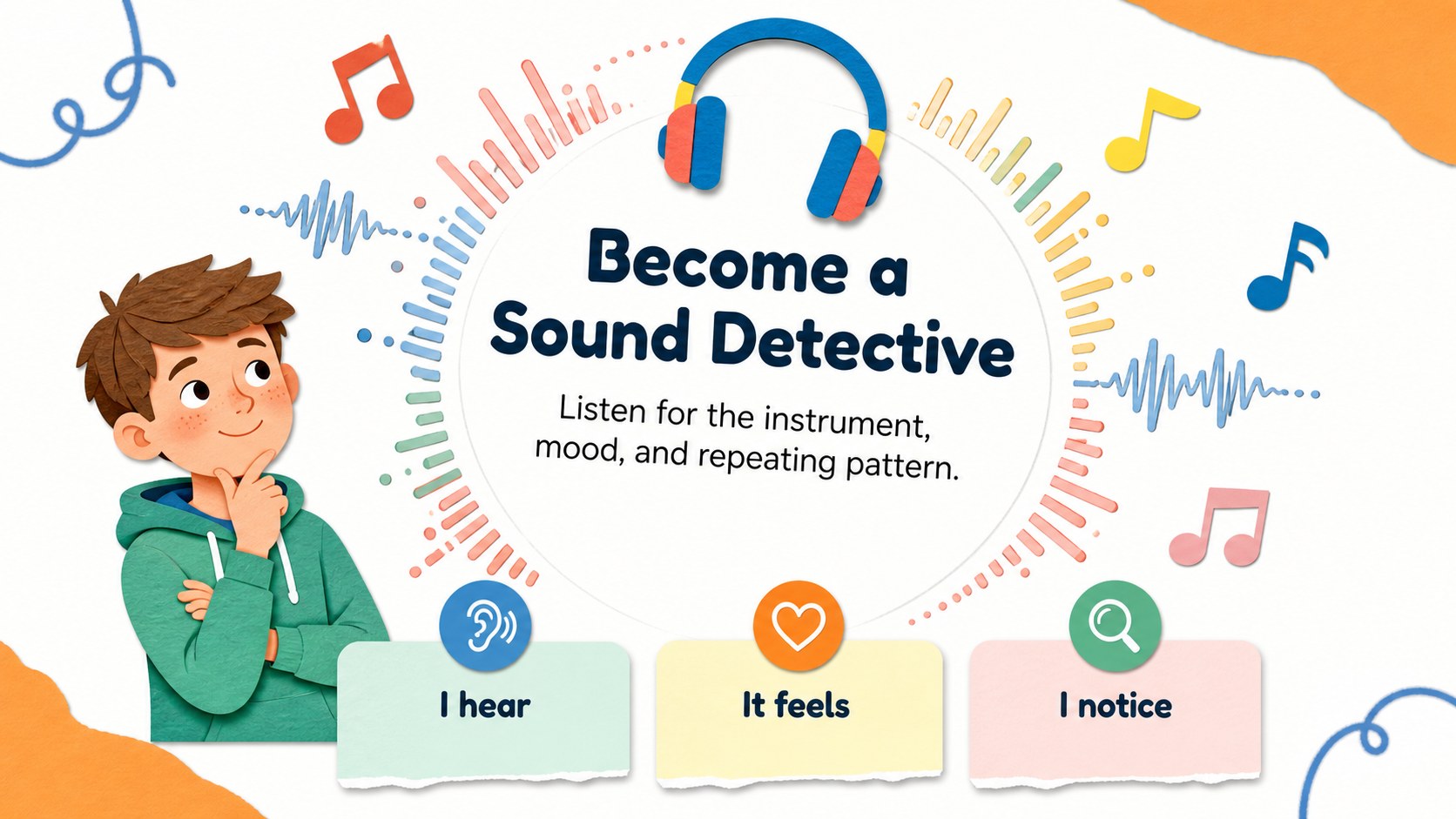
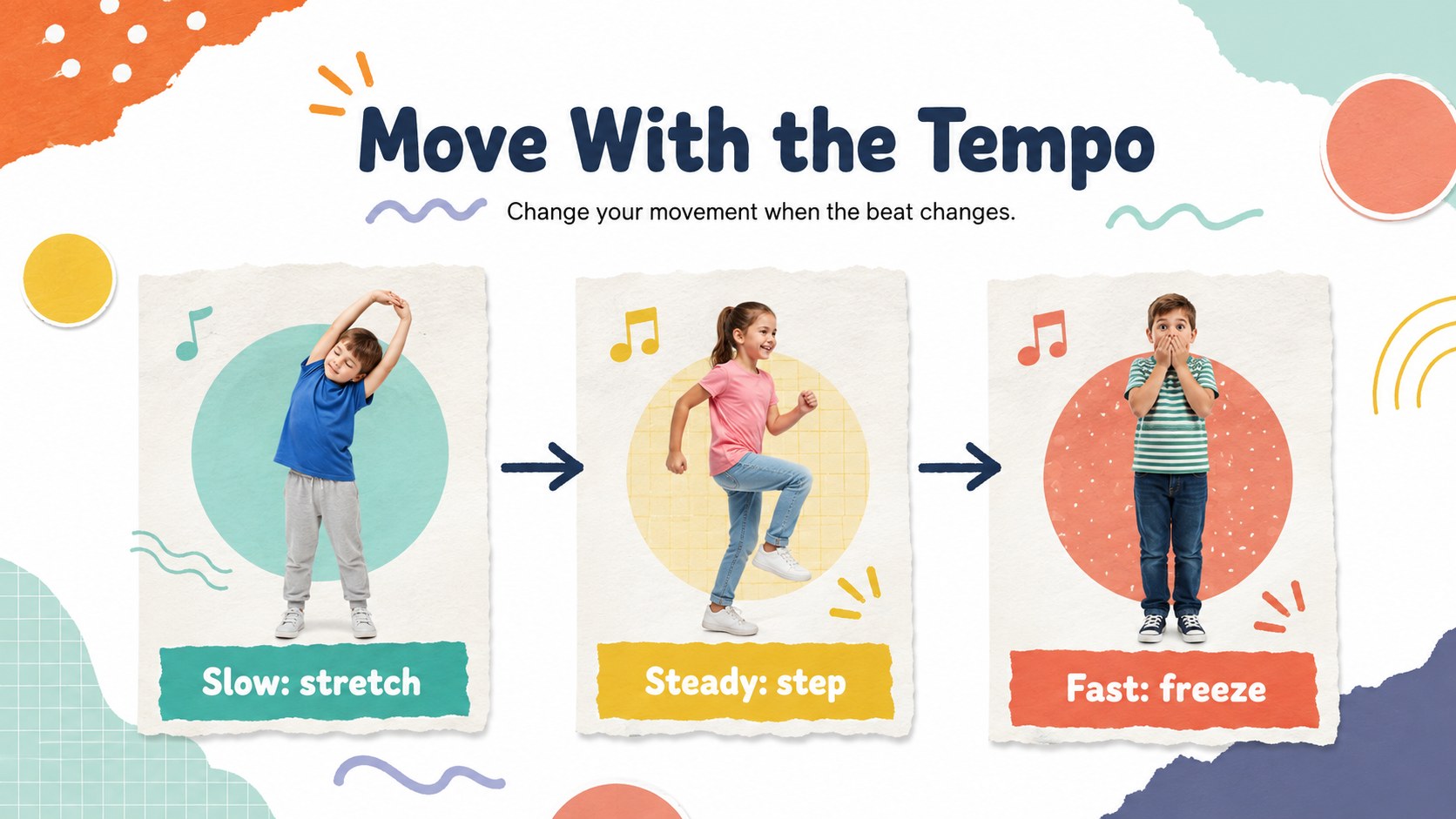
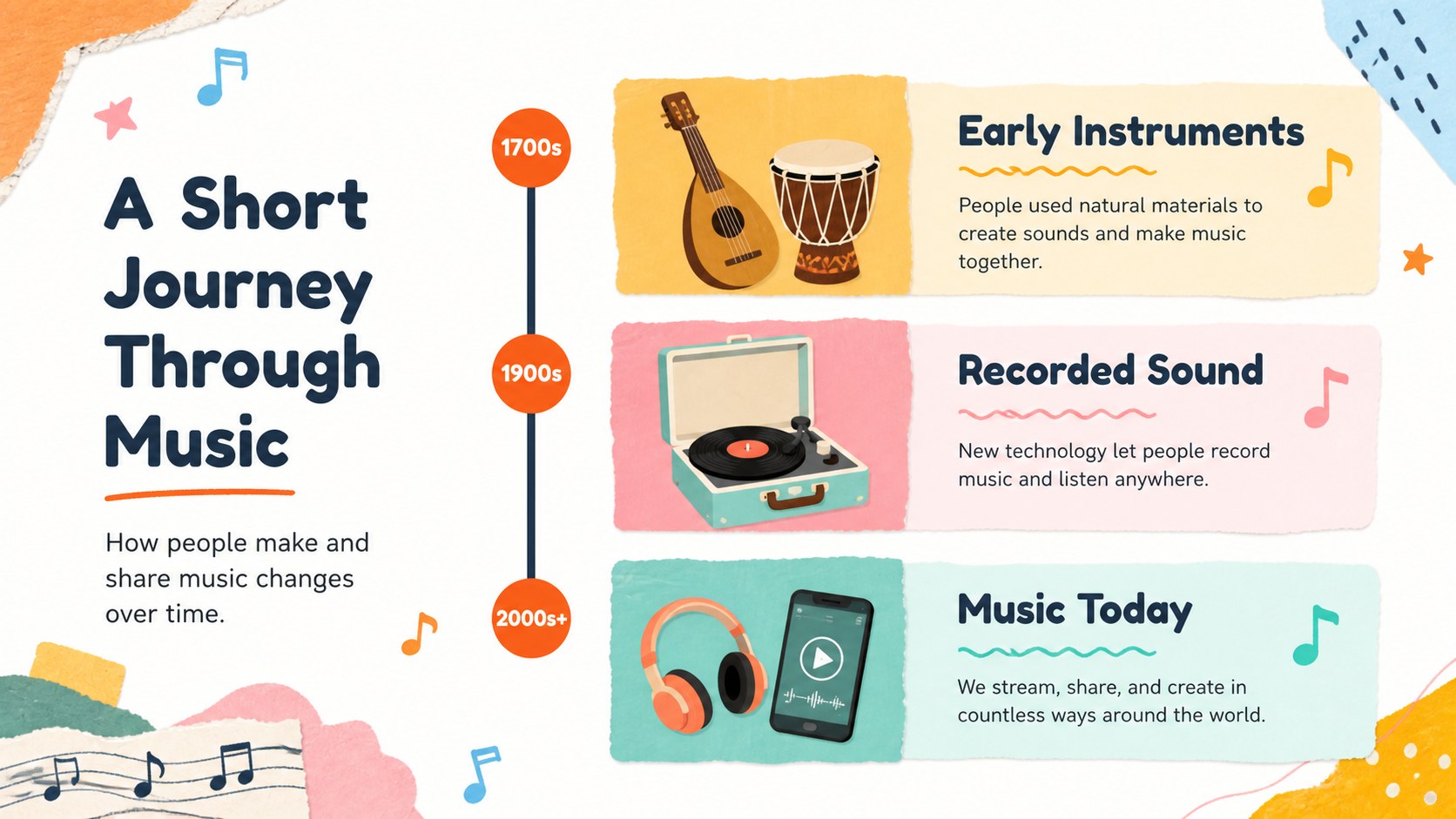
Inside, you’ll find flexible layouts for learning goals, rhythm warm-ups, instrument introductions, listening activities, vocabulary, music history, and group challenges. Add notation, illustrations, photographs, short instructions, or discussion prompts to create a lesson that matches your class. A visual resource page supplies editable shapes, frames, icons, and decorative elements for building new activities.
These elementary music workshop slides are useful for general music teachers, substitute teachers, homeschool educators, and after-school program leaders. Use them for a weekly classroom presentation, an elementary rhythm lesson, a beginner instrument showcase, or a lively review session before an assessment. Edit the text, colors, images, and animations in PowerPoint or Google Slides, then present directly from your preferred platform or share the finished deck with colleagues.
Perfect for: weekly elementary music class; rhythm warm-up activity; instrument family introduction; music listening workshop; homeschool music lesson.
Frequently asked questions
Can I edit these slides in PowerPoint? Yes. The presentation is designed for PowerPoint editing, including text, images, shapes, colors, and animations. Replace the sample content with examples that fit your students and curriculum.
Practical details
Yes. The presentation is designed for PowerPoint editing, including text, images, shapes, colors, and animations. Replace the sample content with examples that fit your students and curriculum.
Yes, you can open and customize the deck in Google Slides. Review transitions and fonts after importing, since some effects may display slightly differently between platforms.
The layouts support rhythm, tempo, dynamics, instrument families, listening activities, vocabulary, and basic music history. You can also adapt the activity pages for rehearsal instructions or group games.
Yes. Update the theme colors and individual graphic elements to match your classroom or school identity. The layouts remain flexible when you add new illustrations, notation, or photos.
Keep exploring
15Build stronger academic arguments with a college essay thesis builder featuring guided examples, revision prompts, and editable PowerPoint and Google Slides.
 15
15Build an engaging World UFO Day session with this flying saucer history lesson deck, featuring retro green-and-brown slides for PowerPoint and Google Slides.
 14
14Plan a memorable Lunar New Year campaign with the 2036 Dragon Year Celebration Theme, featuring bold red-and-yellow slides for lessons and events.
 15
15Build a thoughtful classroom discussion with this interfaith awareness lesson deck, featuring editable blue-and-white slides for PowerPoint and Google Slides.
 15
15Use this environmental awareness lesson deck to teach climate action through illustrated activities, discussion prompts, and ready-to-edit visuals.
 15
15Build playful lessons and party stories with a kid-friendly zombie celebration theme in purple, green and pastel blue for PowerPoint and Google Slides.
 15
15Build eerie lessons, campaigns, and story pitches with an undead survival scenario theme featuring editable slides for PowerPoint and Google Slides.
 16
16Turn environmental research into a clear story with a Watercolor Ecology Presentation Theme for PowerPoint and Google Slides in calming green and blue.