
 15
15presentation
College Essay Thesis Builder Slides
Build stronger academic arguments with a college essay thesis builder featuring guided examples, revision prompts, and editable PowerPoint and Google Slides.
Google SlidesPowerPoint
presentation · English
Organize lessons, routines, and class updates with elementary classroom planner slides in bright blue and yellow PowerPoint and Google Slides formats.

Design notes
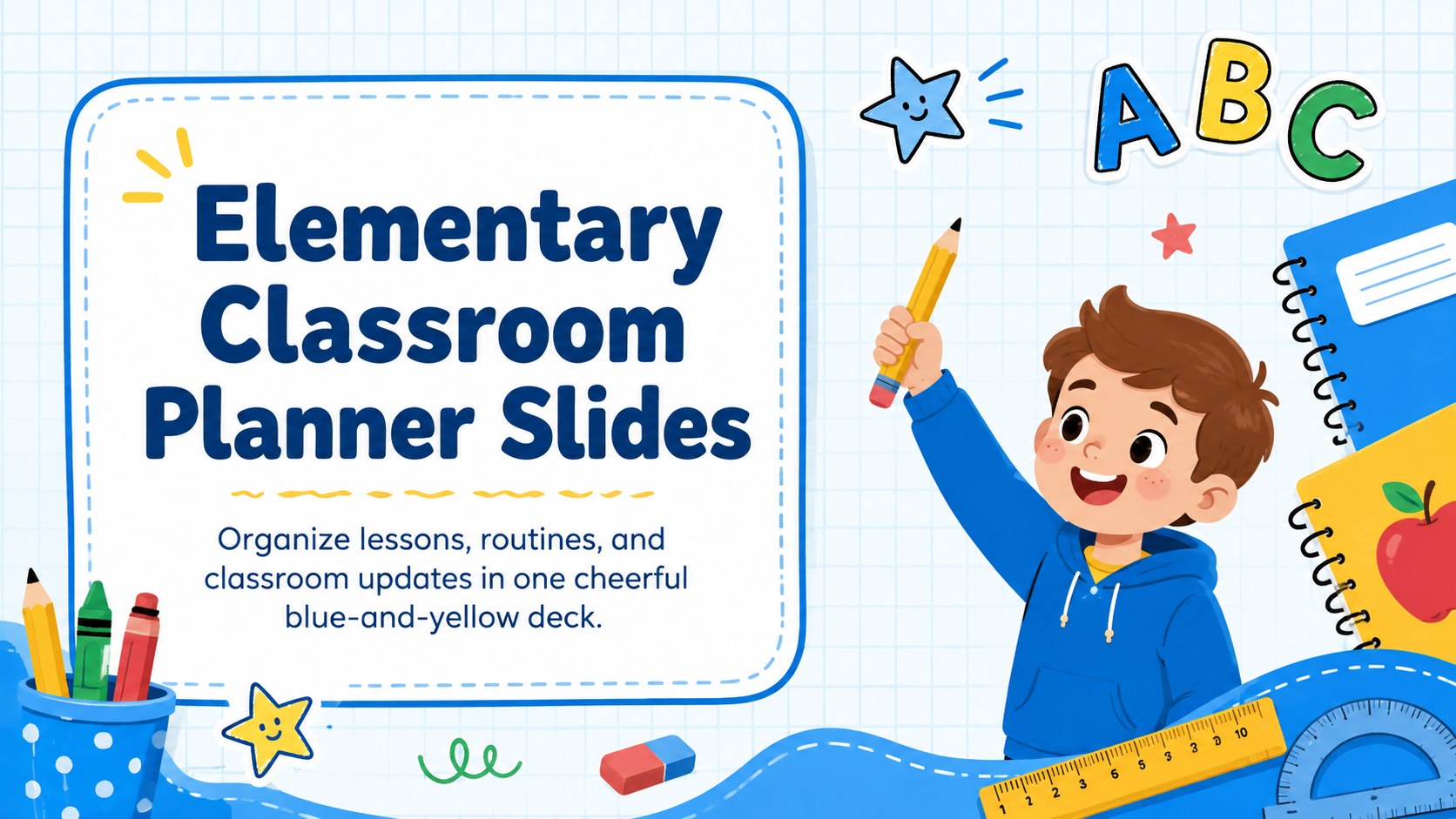
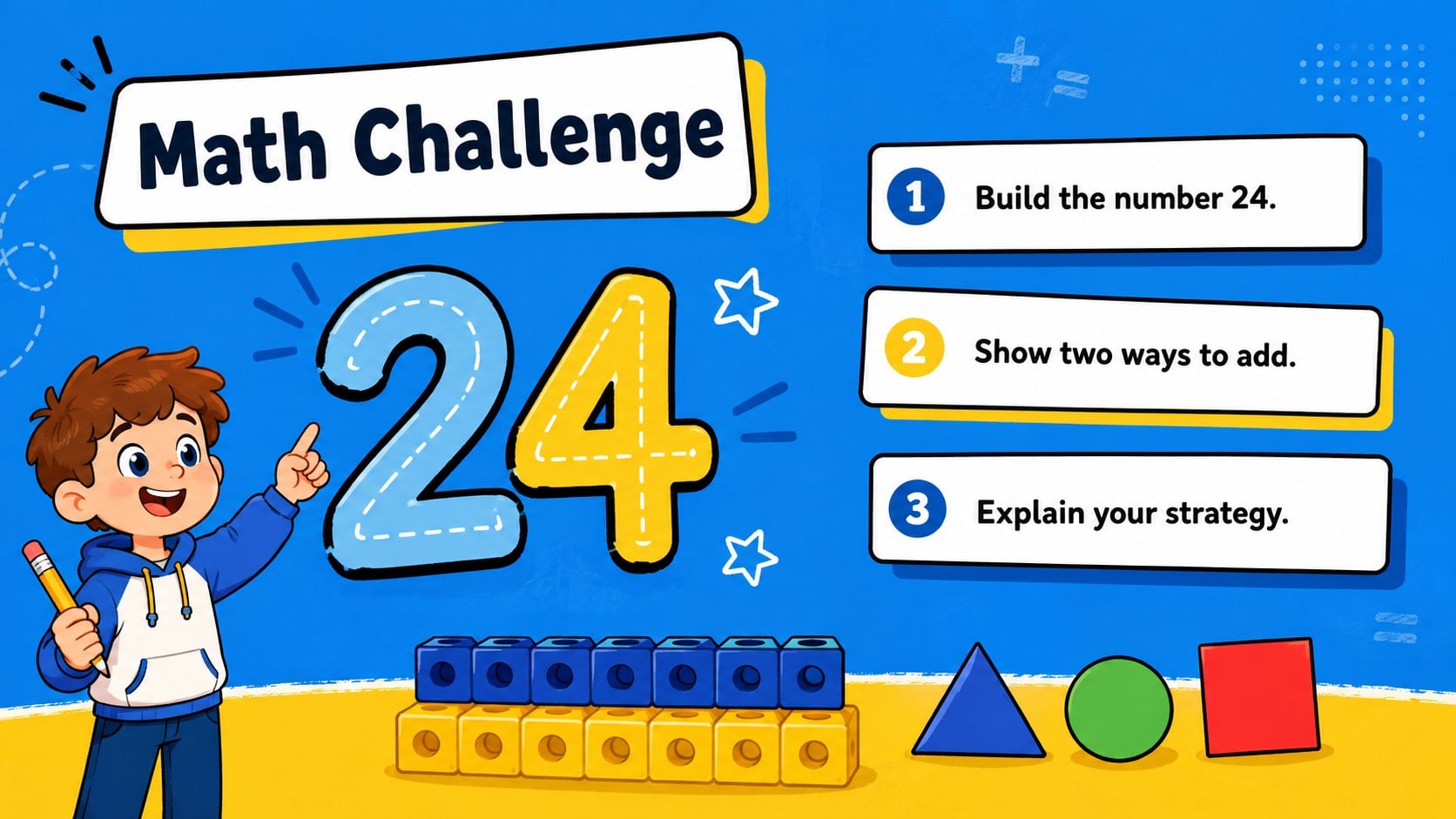
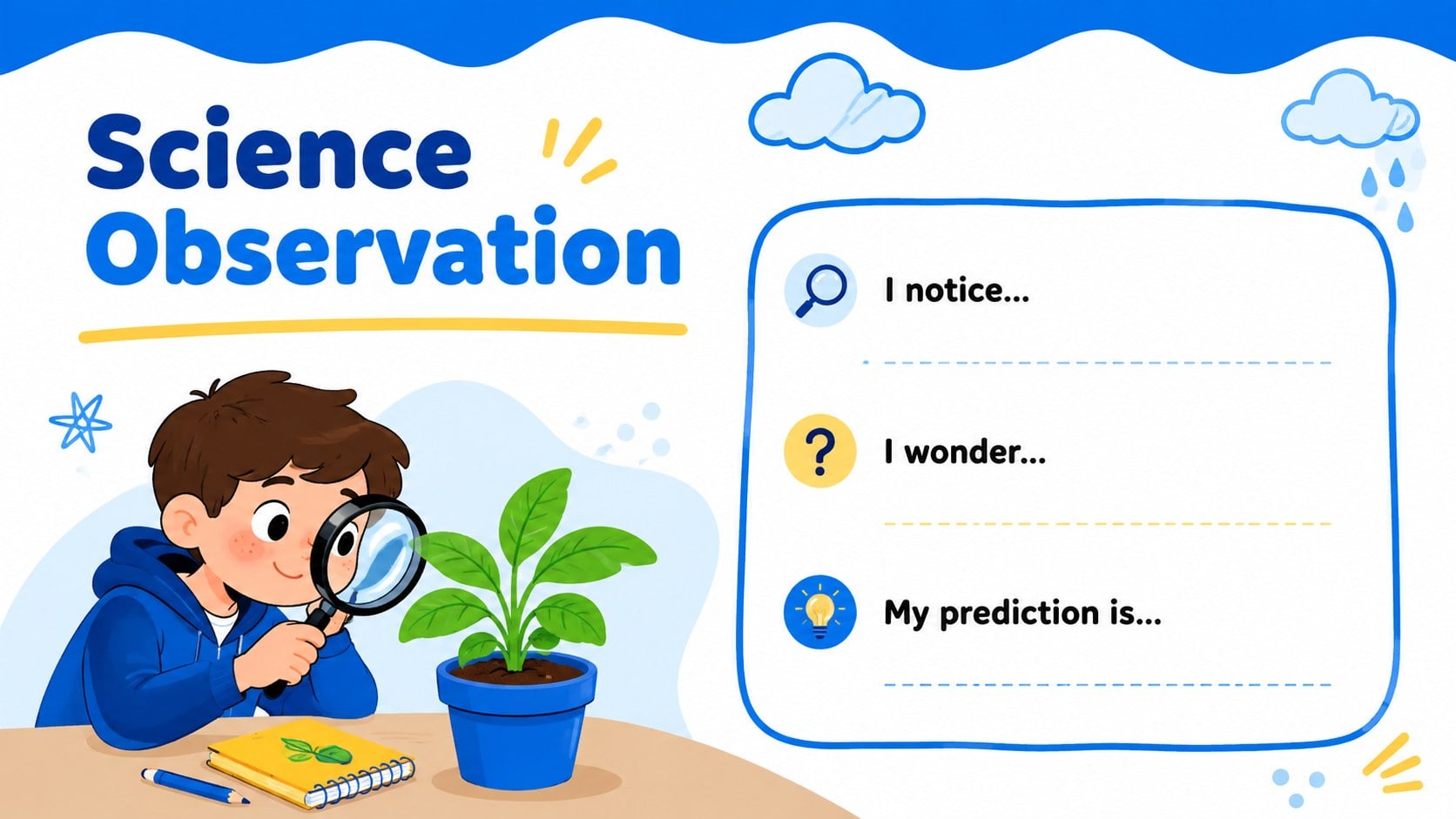
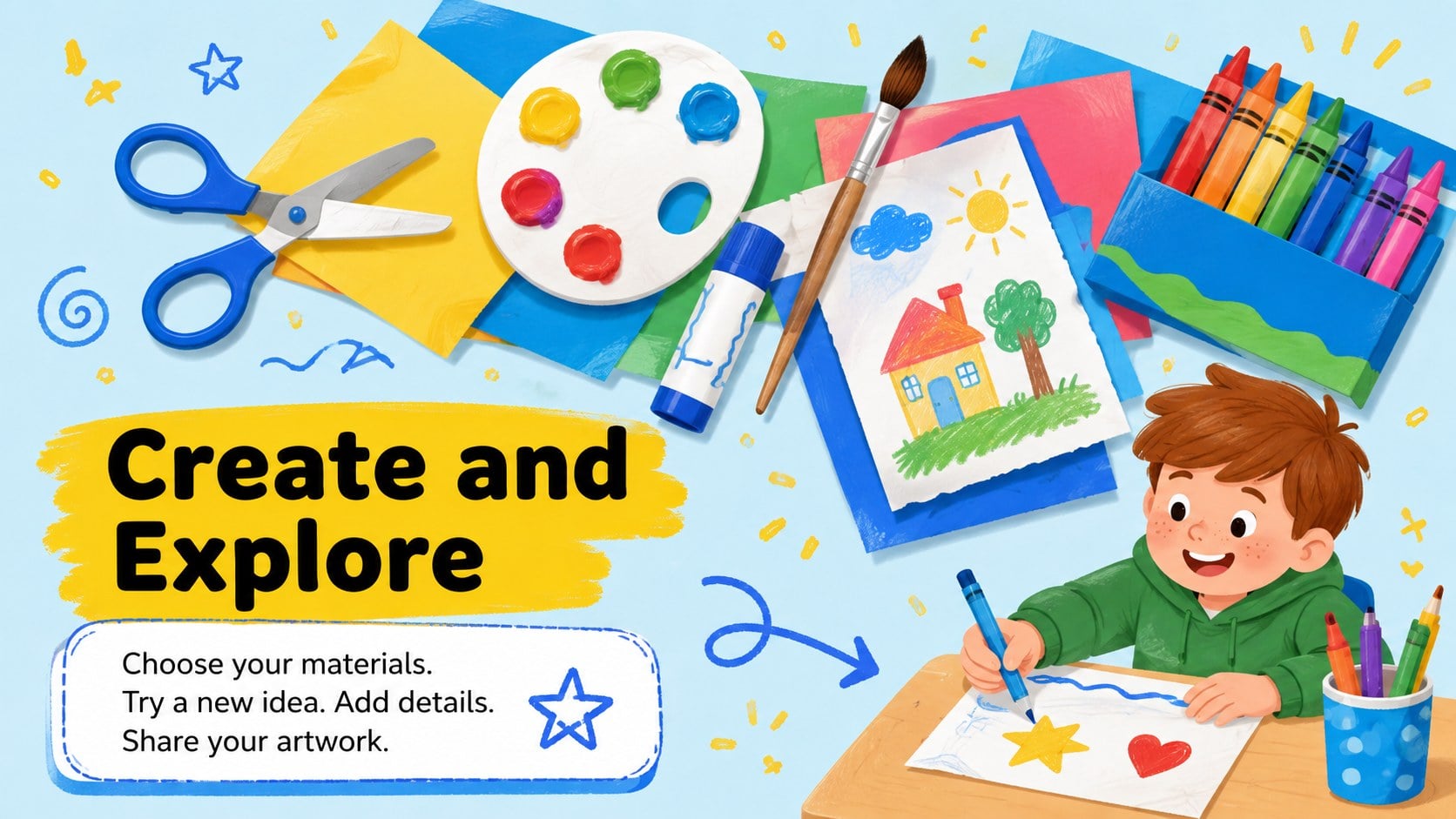
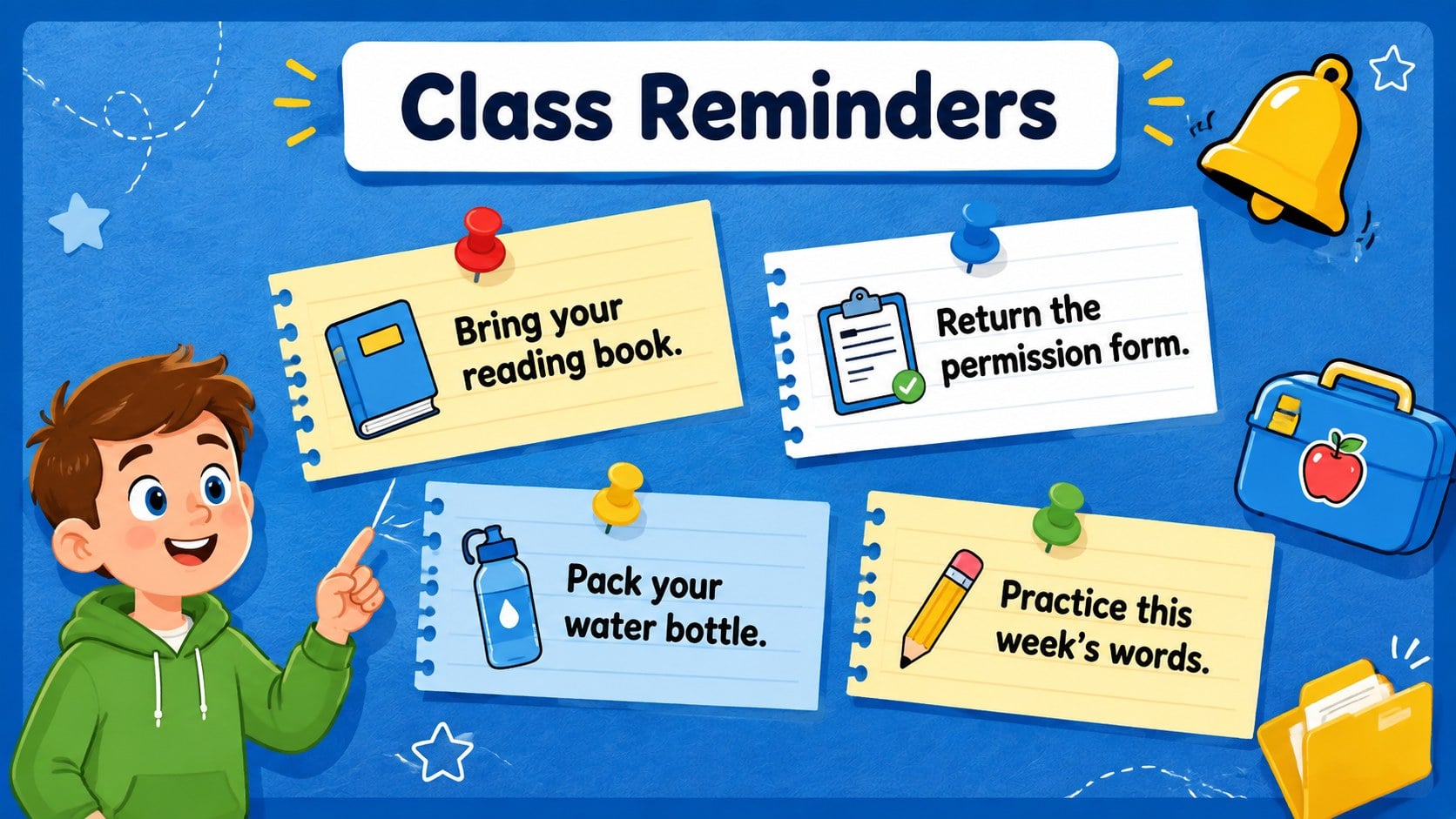
Elementary Classroom Planner Slides give teachers a bright, practical way to guide young learners through lessons, routines, and daily activities. The cheerful blue-and-yellow palette, friendly illustrations, and rounded Nunito typography create an approachable classroom atmosphere while keeping instructions easy to scan. Use this deck as a back to school classroom organizer or adapt it for regular teaching throughout the term.
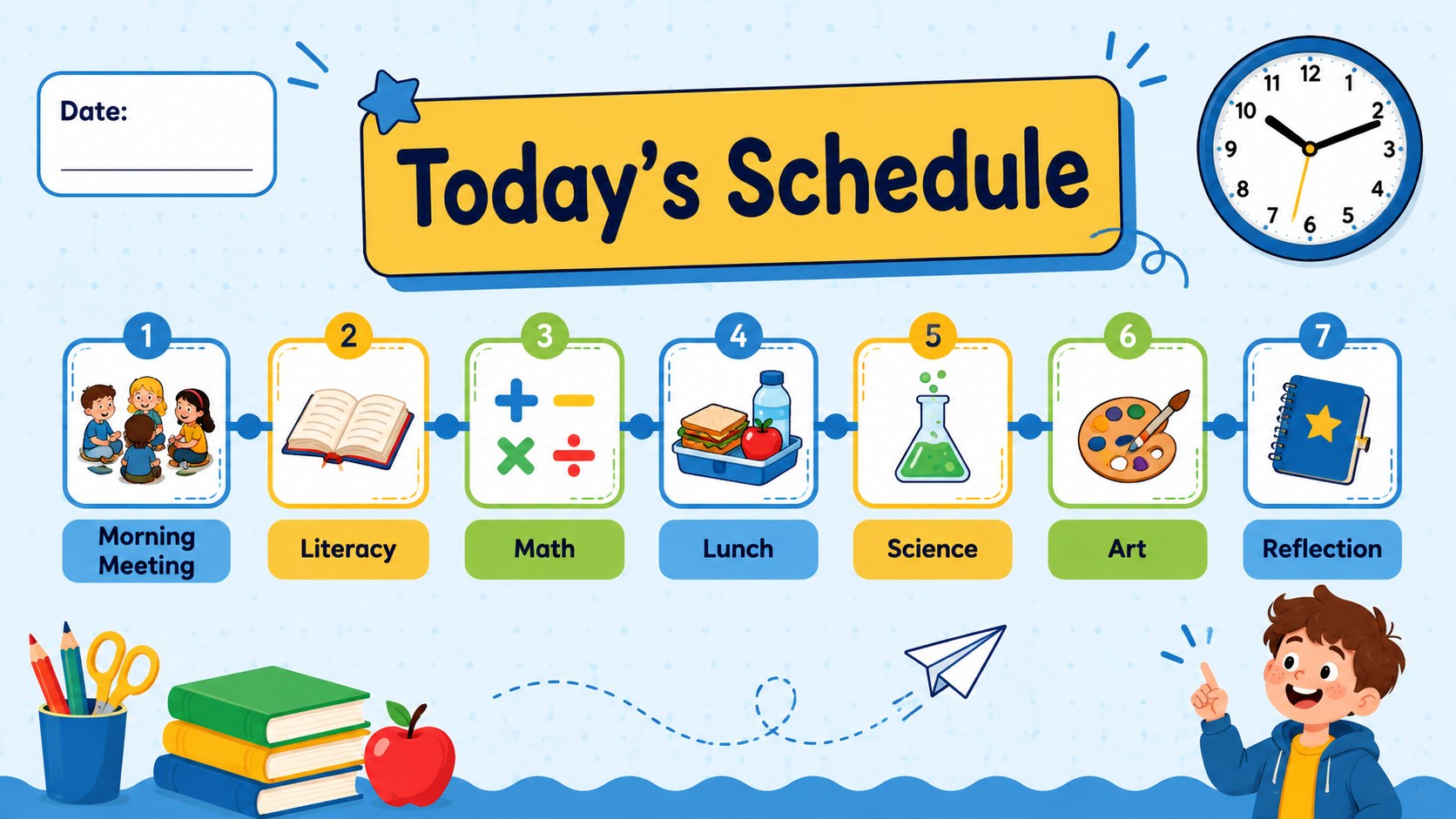
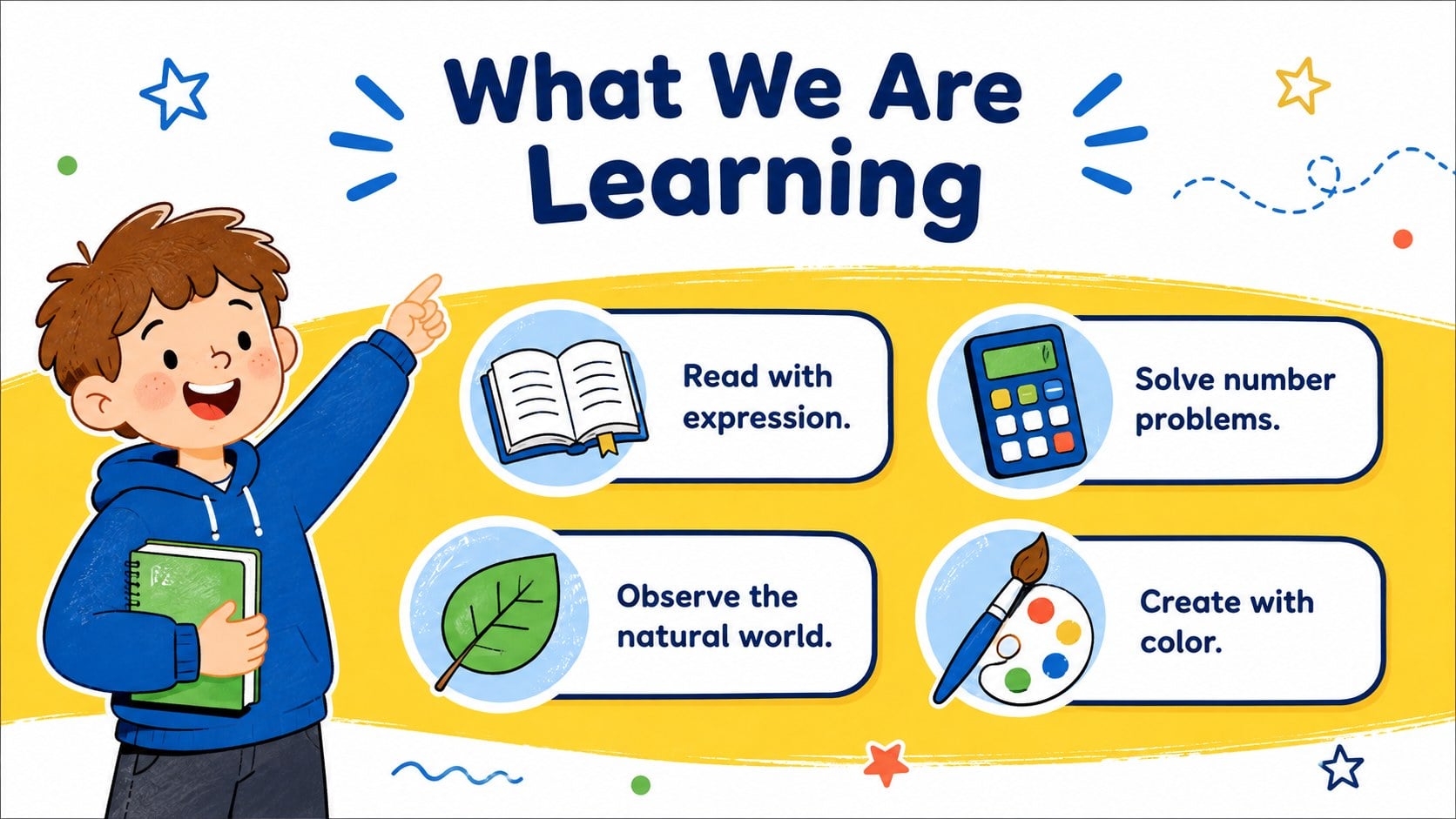
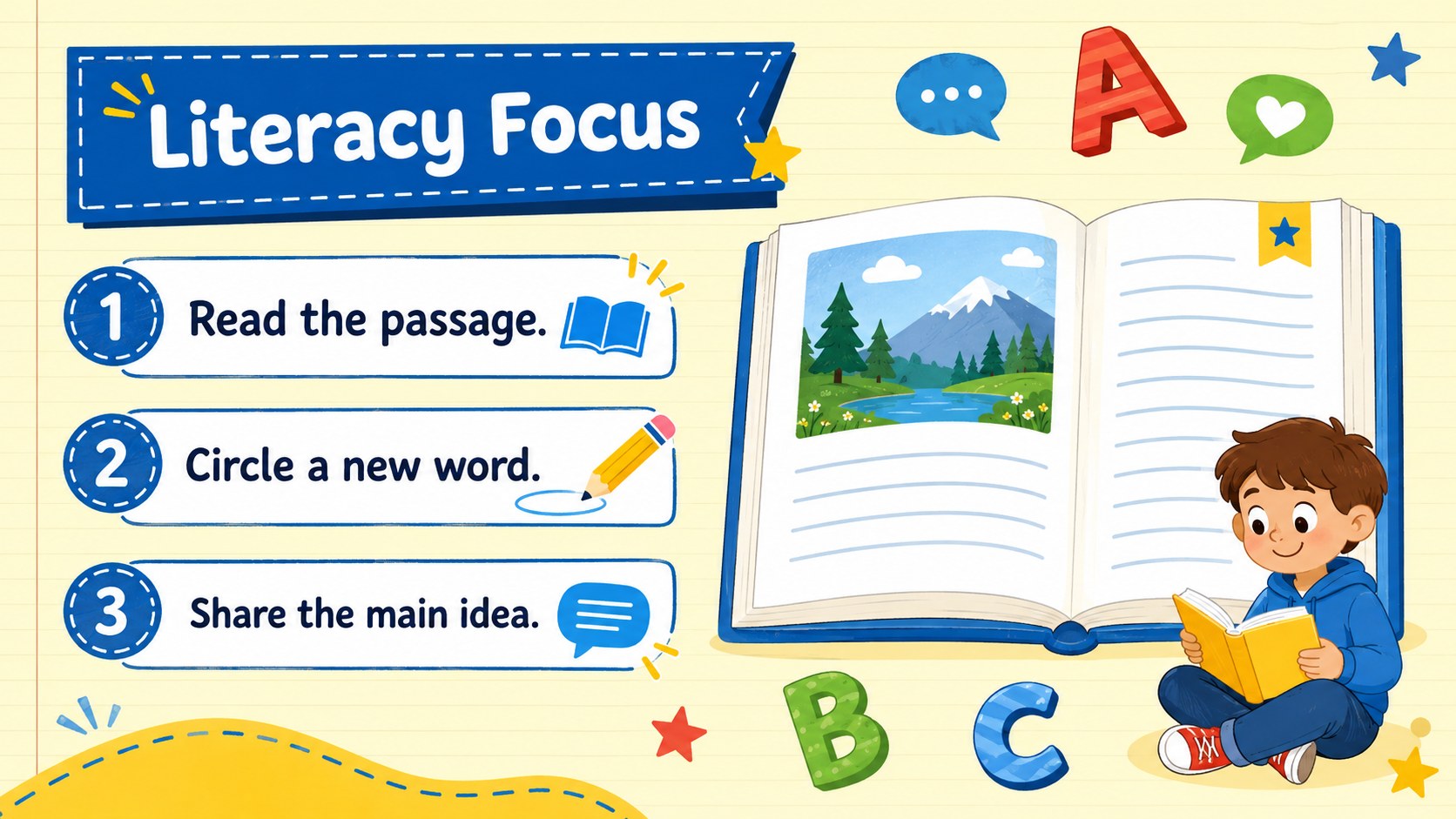
The 15-slide collection includes layouts for morning welcomes, daily schedules, subject introductions, learning goals, literacy practice, math activities, science observations, creative projects, reminders, and reflection. A dedicated classroom brain break slide deck layout makes it easy to add movement between focused tasks, while planning pages help teachers coordinate lessons across the week. Every 16:9 slide can be edited in PowerPoint or Google Slides, including its wording, colors, shapes, and visual elements.
Designed for elementary educators, teaching assistants, tutors, and homeschool families, this blue and yellow classroom presentation supports both projected instruction and asynchronous lesson sharing. Built-in content areas provide useful structure without locking teachers into a fixed teaching method. Add class rules, homework notes, vocabulary, discussion prompts, or student milestones to create a daily lesson schedule template for teachers that feels consistent, welcoming, and ready for real classroom use.
Perfect for: daily classroom agenda; elementary lesson planning; back to school orientation; subject activity presentation; homeschool weekly schedule; classroom routine review.
Frequently asked questions
Can I edit these classroom planner slides? Yes. You can change the text, colors, illustrations, shapes, and activity prompts to match your class, curriculum, and weekly schedule.
Practical details
Yes. You can change the text, colors, illustrations, shapes, and activity prompts to match your class, curriculum, and weekly schedule.
The template is designed for Microsoft PowerPoint and Google Slides. Both platforms support editing, presenting, and sharing the 16:9 layouts.
Yes. The flexible layouts work for literacy, math, science, art, social studies, and general homeroom activities. Replace the sample prompts with your own learning goals and instructions.
Add your class name, timetable, vocabulary, rules, homework, and student-friendly directions. You can also duplicate activity layouts to build a complete daily or weekly lesson sequence.
Keep exploring
15Build stronger academic arguments with a college essay thesis builder featuring guided examples, revision prompts, and editable PowerPoint and Google Slides.
 15
15Build an engaging World UFO Day session with this flying saucer history lesson deck, featuring retro green-and-brown slides for PowerPoint and Google Slides.
 14
14Plan a memorable Lunar New Year campaign with the 2036 Dragon Year Celebration Theme, featuring bold red-and-yellow slides for lessons and events.
 15
15Build a thoughtful classroom discussion with this interfaith awareness lesson deck, featuring editable blue-and-white slides for PowerPoint and Google Slides.
 15
15Use this environmental awareness lesson deck to teach climate action through illustrated activities, discussion prompts, and ready-to-edit visuals.
 15
15Build playful lessons and party stories with a kid-friendly zombie celebration theme in purple, green and pastel blue for PowerPoint and Google Slides.
 15
15Build eerie lessons, campaigns, and story pitches with an undead survival scenario theme featuring editable slides for PowerPoint and Google Slides.
 16
16Turn environmental research into a clear story with a Watercolor Ecology Presentation Theme for PowerPoint and Google Slides in calming green and blue.