
 15
15presentation
College Essay Thesis Builder Slides
Build stronger academic arguments with a college essay thesis builder featuring guided examples, revision prompts, and editable PowerPoint and Google Slides.
Google SlidesPowerPoint
presentation · English
Build lively classroom lessons with elementary chalkboard lesson slides in green and brown, featuring playful layouts for PowerPoint and Google Slides.
Design notes
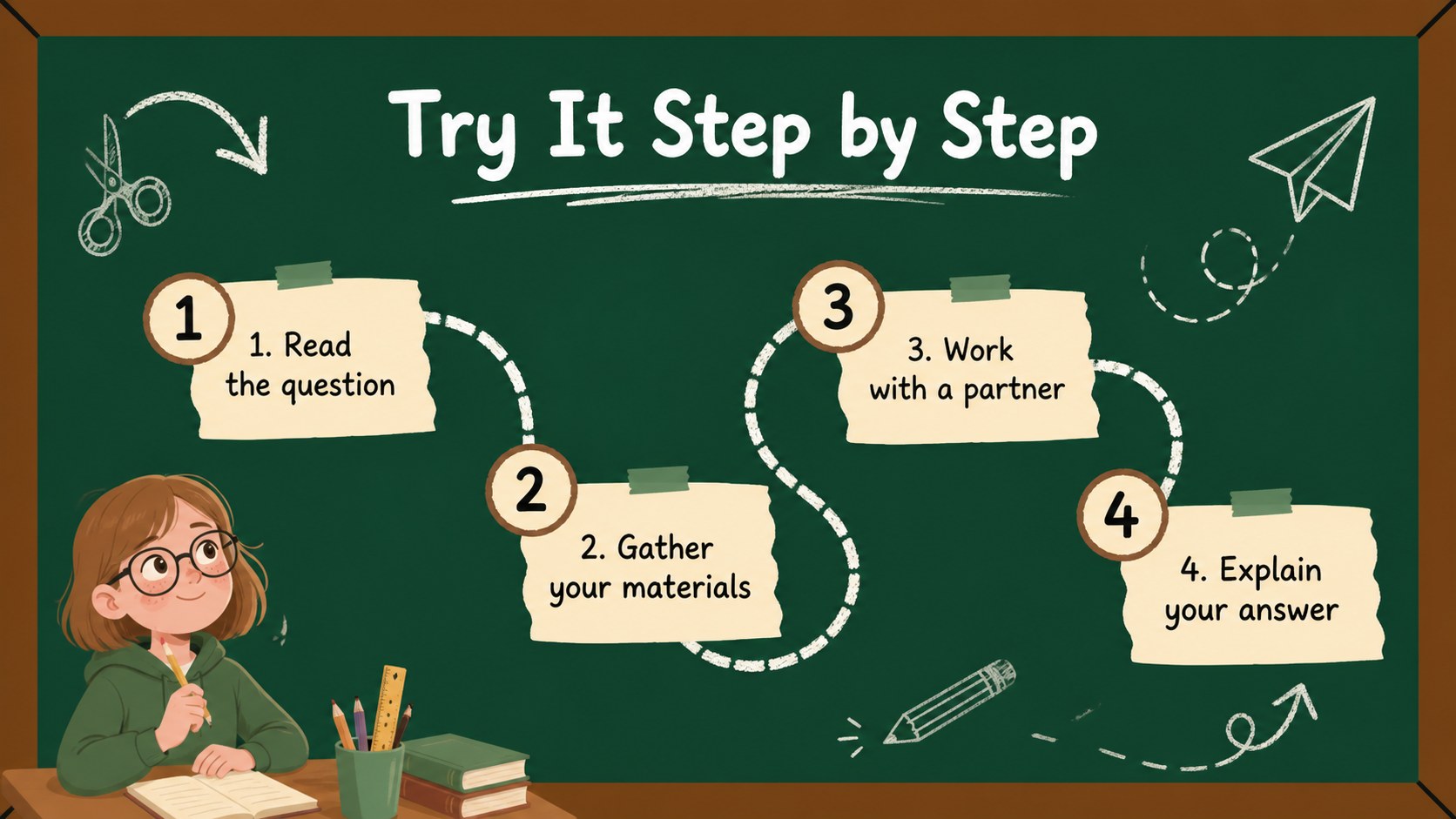
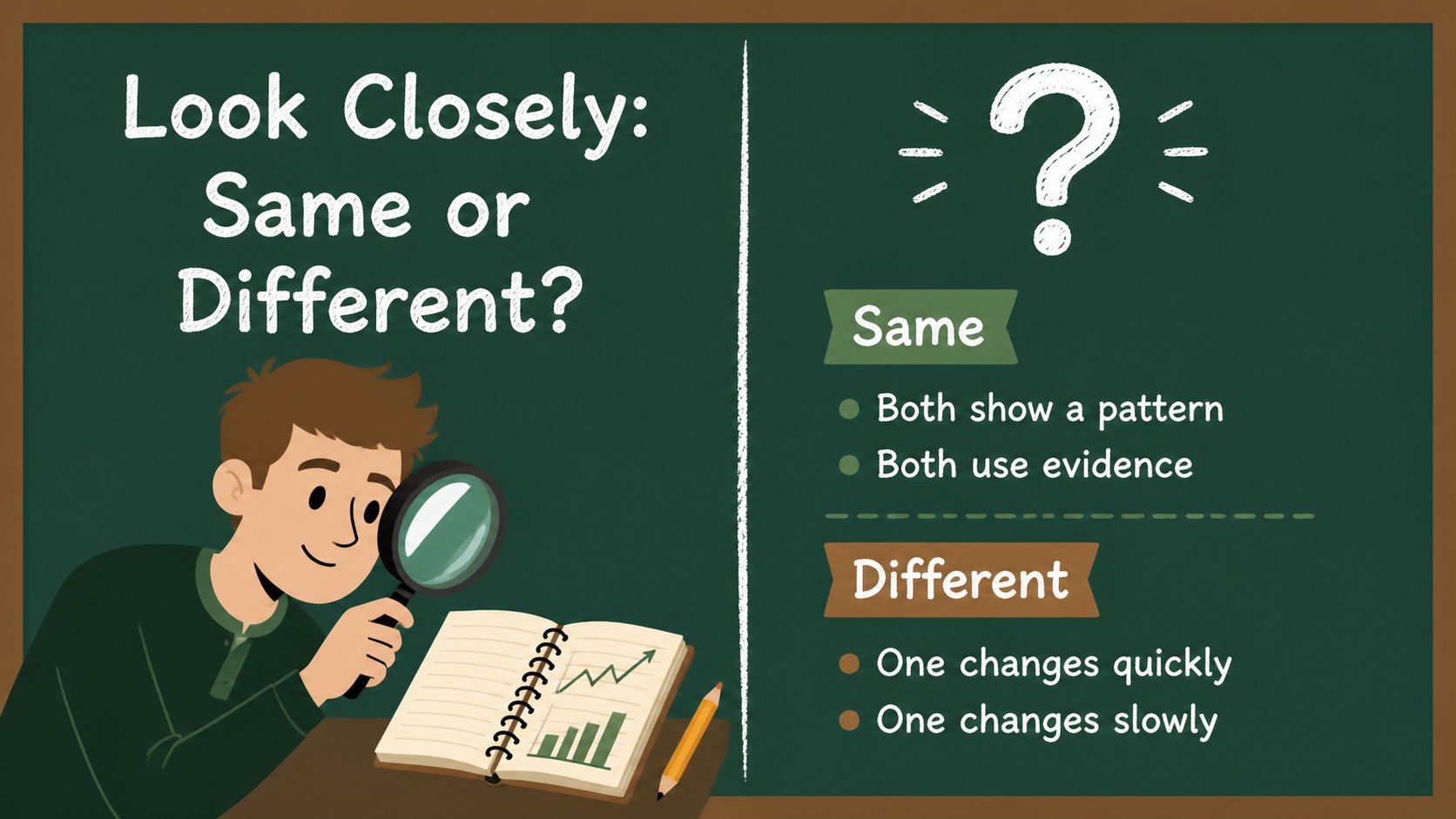
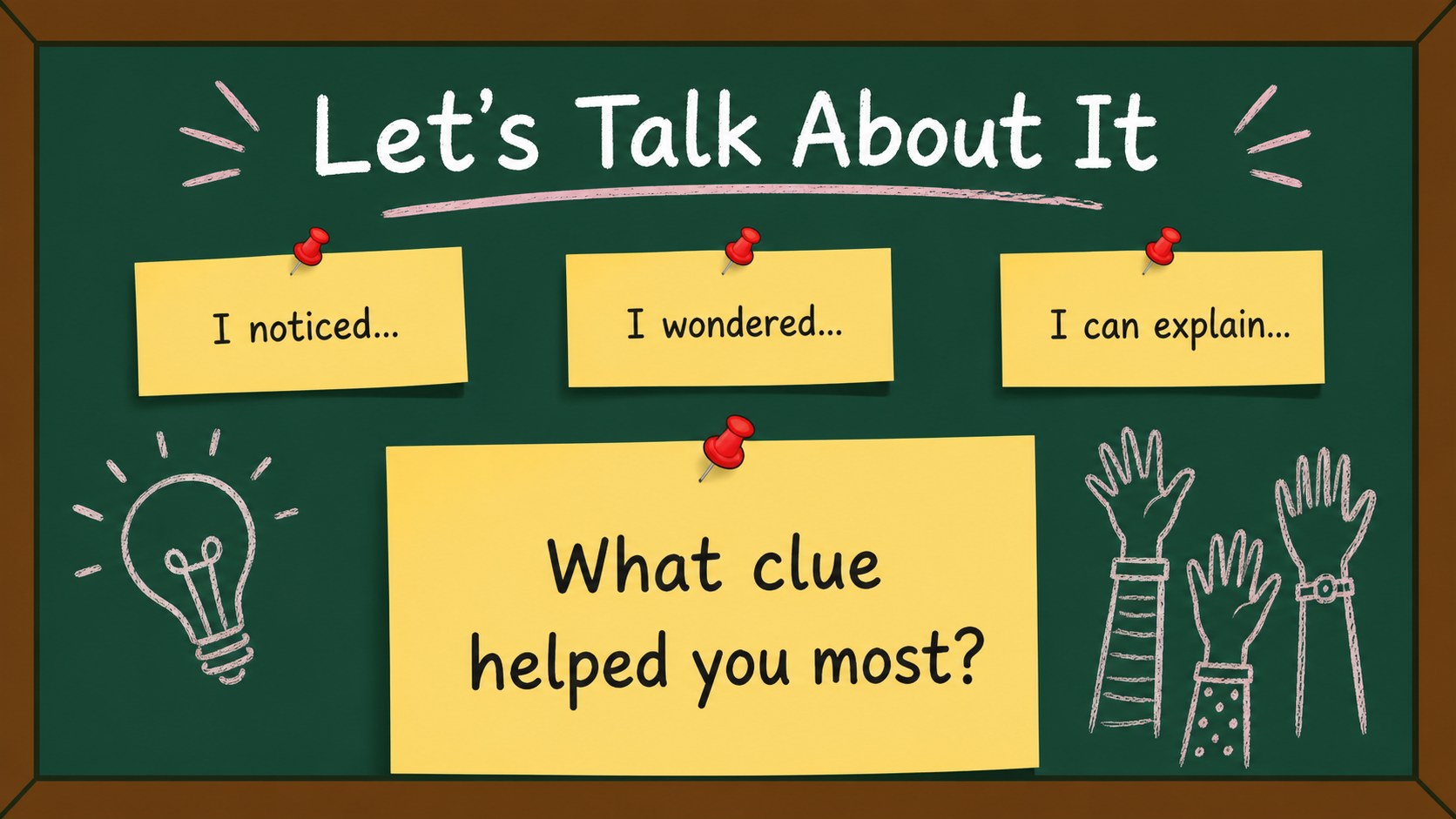
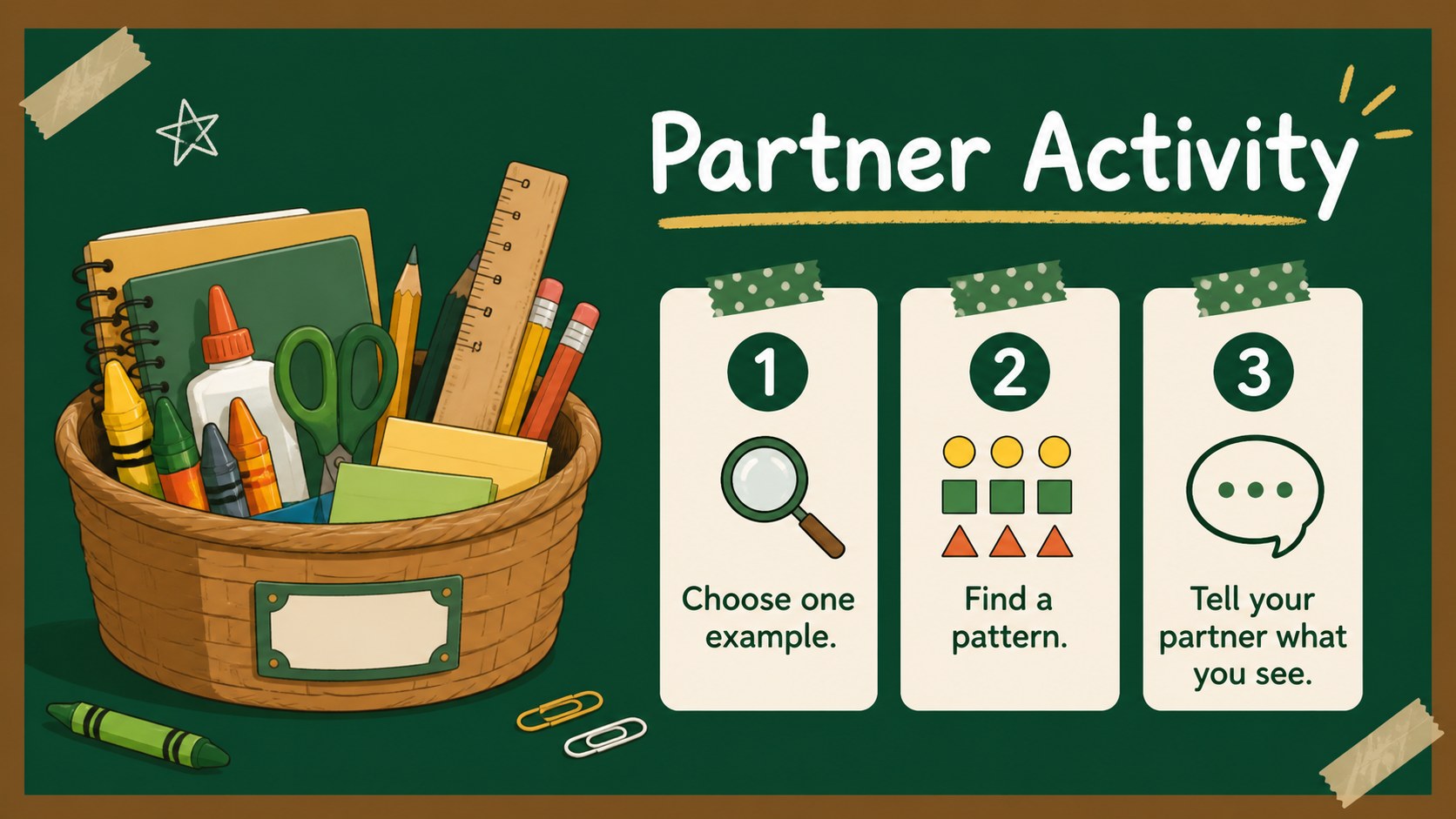
Elementary chalkboard lesson slides bring a warm, playful classroom feeling to presentations for young learners. The green and brown palette, hand-drawn details, and illustrated school motifs create an inviting backdrop for teaching without overwhelming the information. Use this deck to make everyday explanations, classroom routines, and family communications easier for children to follow.
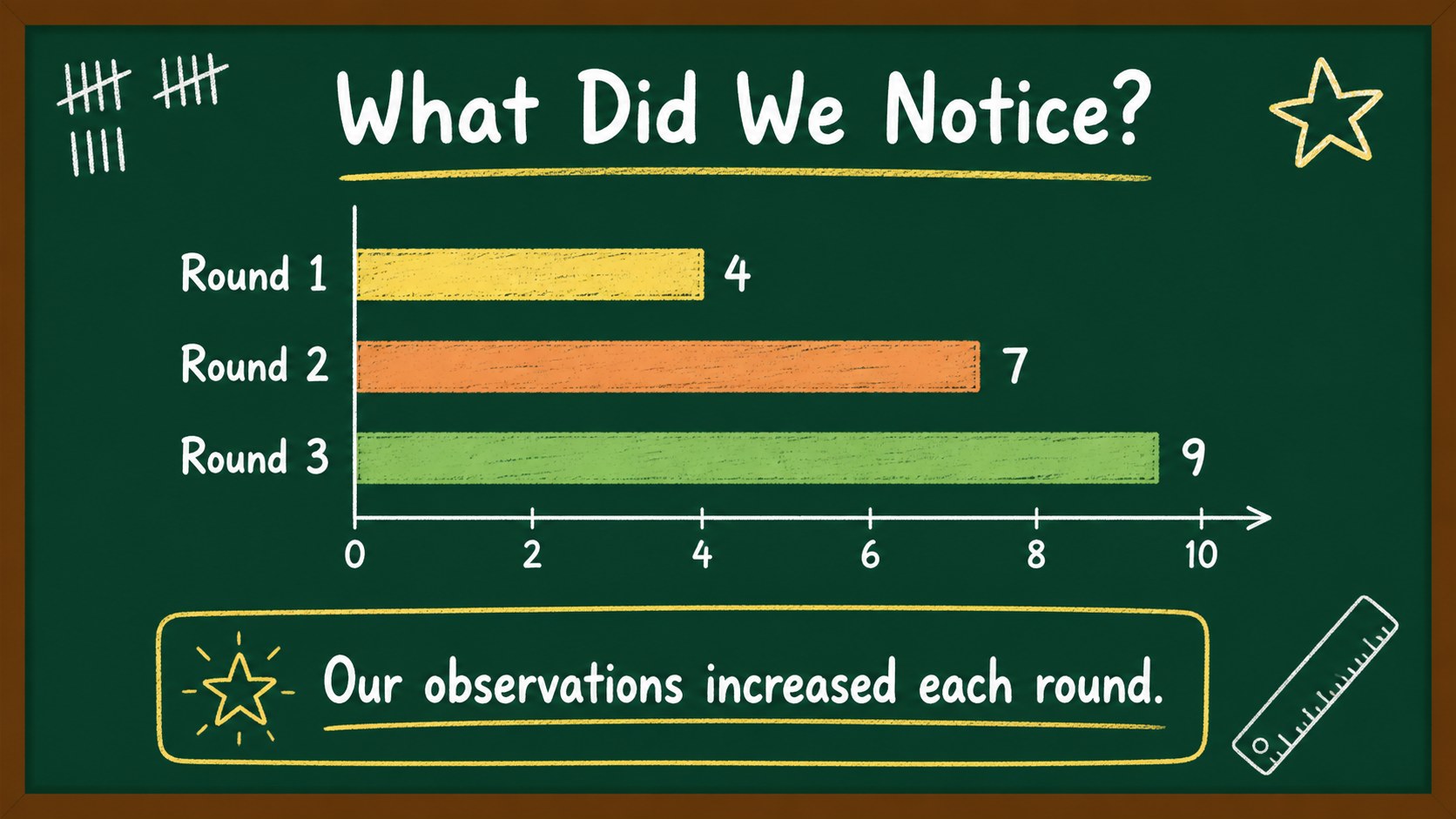
Inside, you’ll find 15 editable 16:9 slides for PowerPoint and Google Slides, including a title layout, lesson goals, agenda, vocabulary, step-by-step instruction, comparison content, activity prompts, simple data displays, and a closing recap. Rearrange the layouts, update the text, and adapt the charts, frames, lines, and doodle-style shapes to suit your subject. The design uses Dekko and Gaegu for an informal handwritten look, with green and brown accents throughout.
These elementary chalkboard lesson slides are useful for primary teachers, tutors, homeschooling families, and school staff preparing engaging visual materials. Build a phonics activity, introduce a science topic, explain classroom expectations, or prepare a parent-teacher update. The files can be edited, presented, shared, or exported in common formats, making them practical for both in-person and remote learning.
Perfect for: primary school science lesson; phonics and reading activity; classroom rules presentation; homeschool learning session; parent-teacher information meeting.
Frequently asked questions
Can I edit these elementary chalkboard lesson slides in PowerPoint? Yes. The presentation is designed for PowerPoint editing, so you can replace text, adjust colors, move elements, and add your own images or charts. The layouts are formatted in a 16:9 widescreen ratio.
Practical details
Yes. The presentation is designed for PowerPoint editing, so you can replace text, adjust colors, move elements, and add your own images or charts. The layouts are formatted in a 16:9 widescreen ratio.
Yes, the deck can be opened and customized in Google Slides. Check the fonts after importing and replace them with comparable options if your workspace does not have Dekko or Gaegu installed.
The layouts suit reading, science, mathematics, social studies, classroom routines, and general school announcements. Add subject-specific vocabulary, diagrams, activity instructions, or review questions to make the deck fit your lesson.
Yes. The friendly illustrated style works for parent-teacher meetings, homework guidance, classroom newsletters, and school event briefings. Replace the student-facing prompts with schedules, reminders, or progress highlights.
Keep exploring
15Build stronger academic arguments with a college essay thesis builder featuring guided examples, revision prompts, and editable PowerPoint and Google Slides.
 15
15Build an engaging World UFO Day session with this flying saucer history lesson deck, featuring retro green-and-brown slides for PowerPoint and Google Slides.
 14
14Plan a memorable Lunar New Year campaign with the 2036 Dragon Year Celebration Theme, featuring bold red-and-yellow slides for lessons and events.
 15
15Build a thoughtful classroom discussion with this interfaith awareness lesson deck, featuring editable blue-and-white slides for PowerPoint and Google Slides.
 15
15Use this environmental awareness lesson deck to teach climate action through illustrated activities, discussion prompts, and ready-to-edit visuals.
 15
15Build playful lessons and party stories with a kid-friendly zombie celebration theme in purple, green and pastel blue for PowerPoint and Google Slides.
 15
15Build eerie lessons, campaigns, and story pitches with an undead survival scenario theme featuring editable slides for PowerPoint and Google Slides.
 16
16Turn environmental research into a clear story with a Watercolor Ecology Presentation Theme for PowerPoint and Google Slides in calming green and blue.