
 15
15presentation
College Essay Thesis Builder Slides
Build stronger academic arguments with a college essay thesis builder featuring guided examples, revision prompts, and editable PowerPoint and Google Slides.
Google SlidesPowerPoint
presentation · English
Create polished class memories with an elegant gradient school yearbook kit for PowerPoint and Google Slides, from elementary school through college.




Design notes
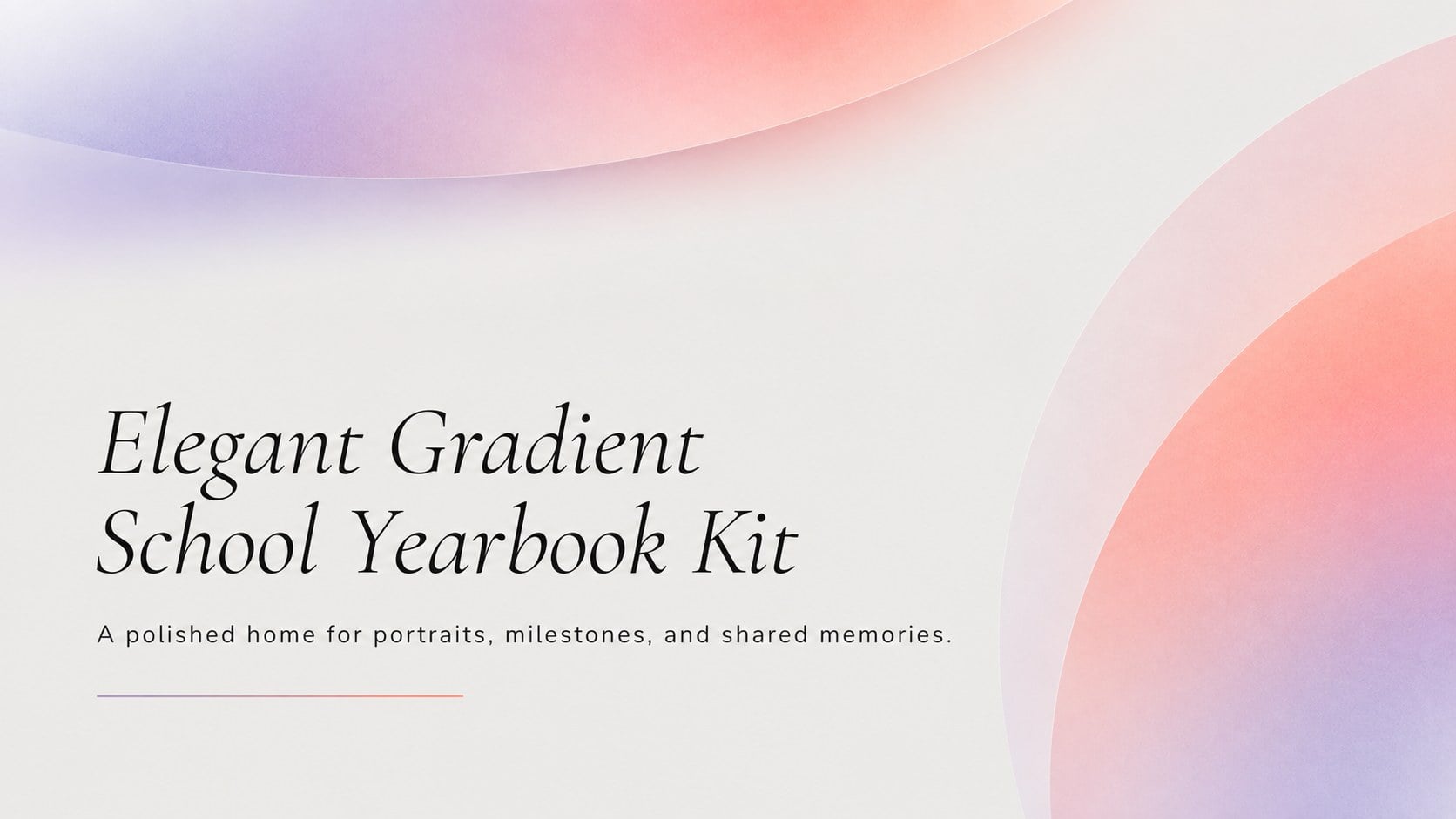
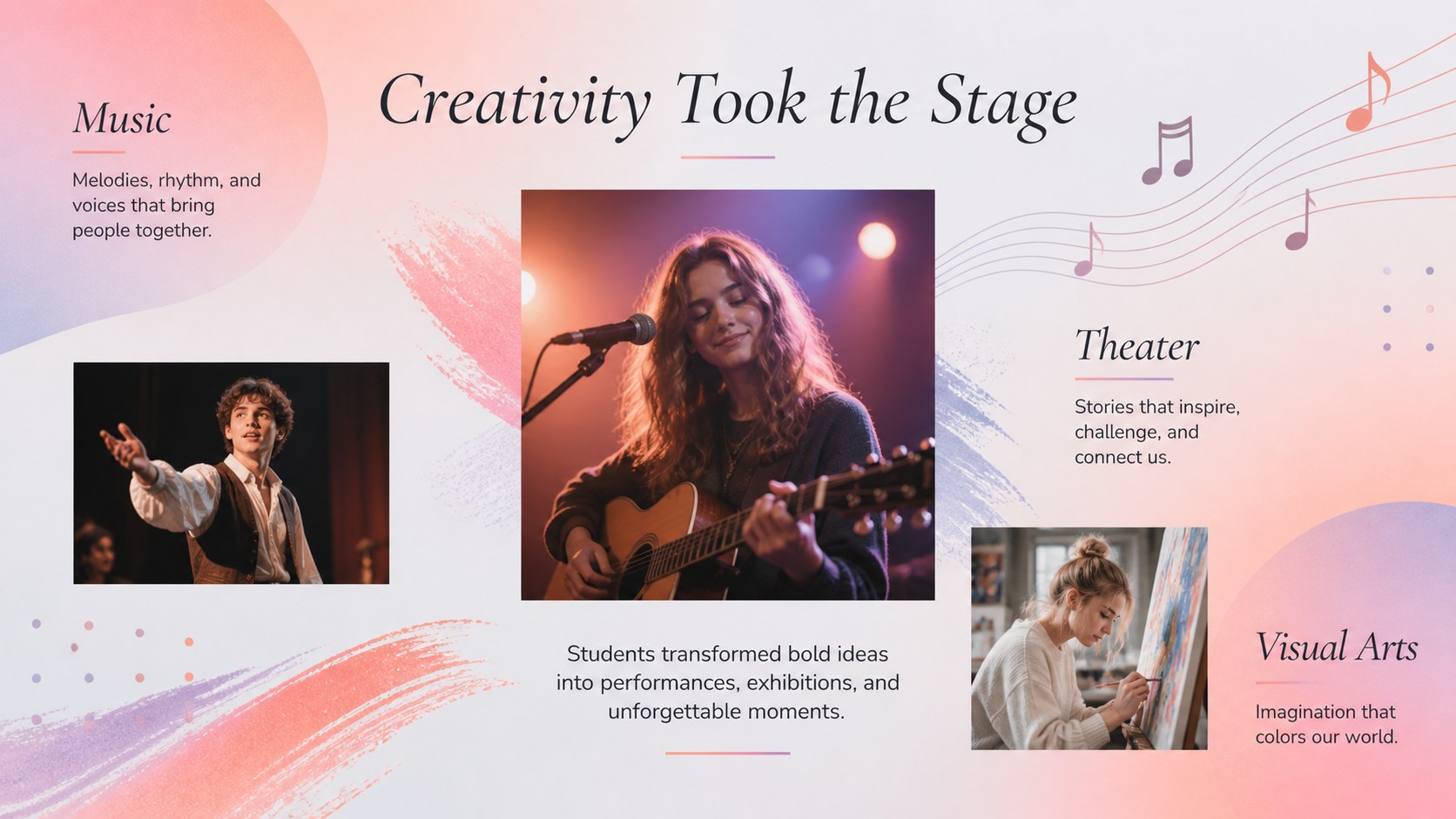
Preserve the personality of an academic year with this elegant gradient school yearbook kit for PowerPoint and Google Slides. Restrained typography, generous spacing, and layered pastel gradients in purple, red, orange, and soft grey give every memory a polished editorial finish without distracting from student photography.
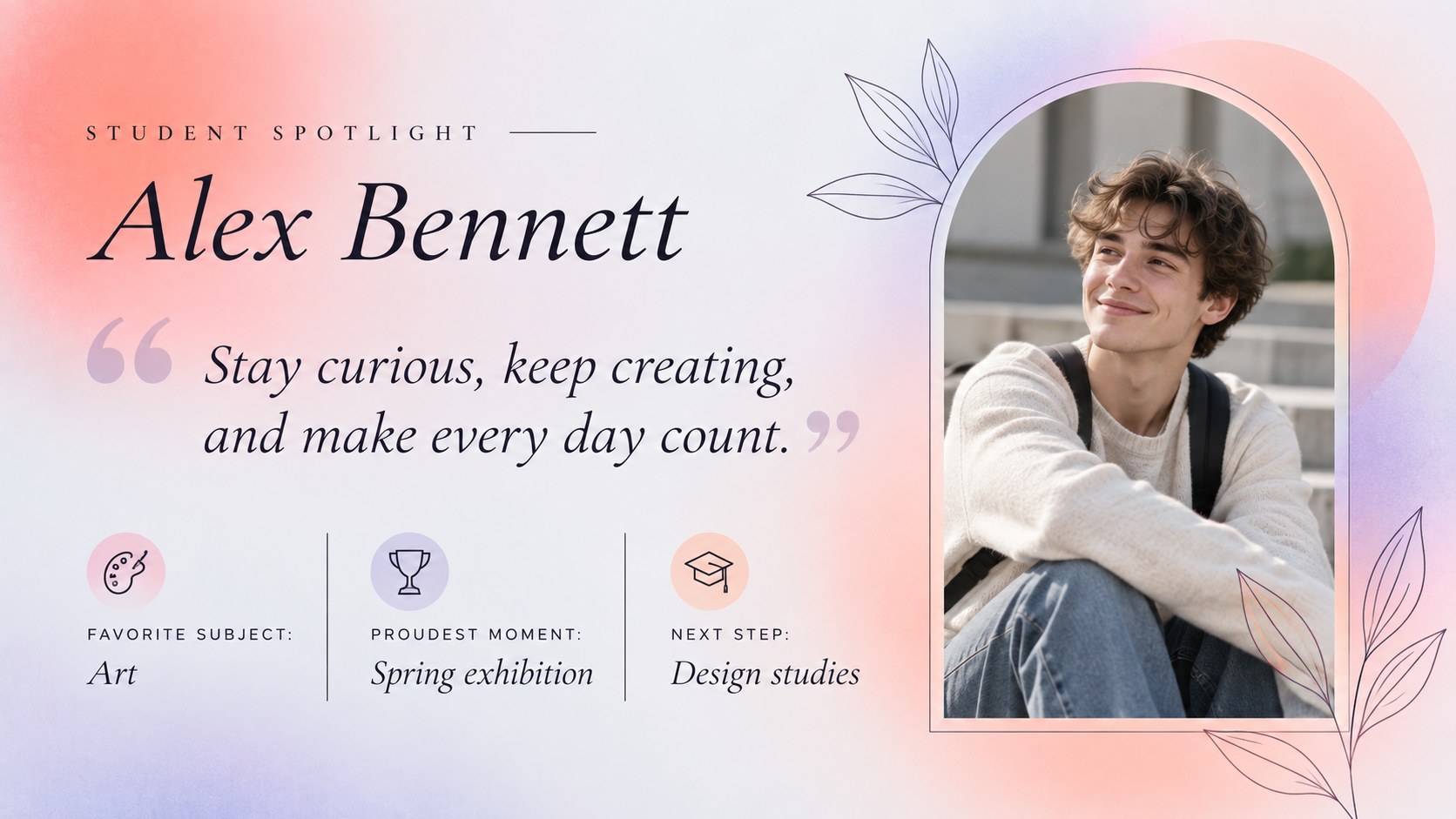
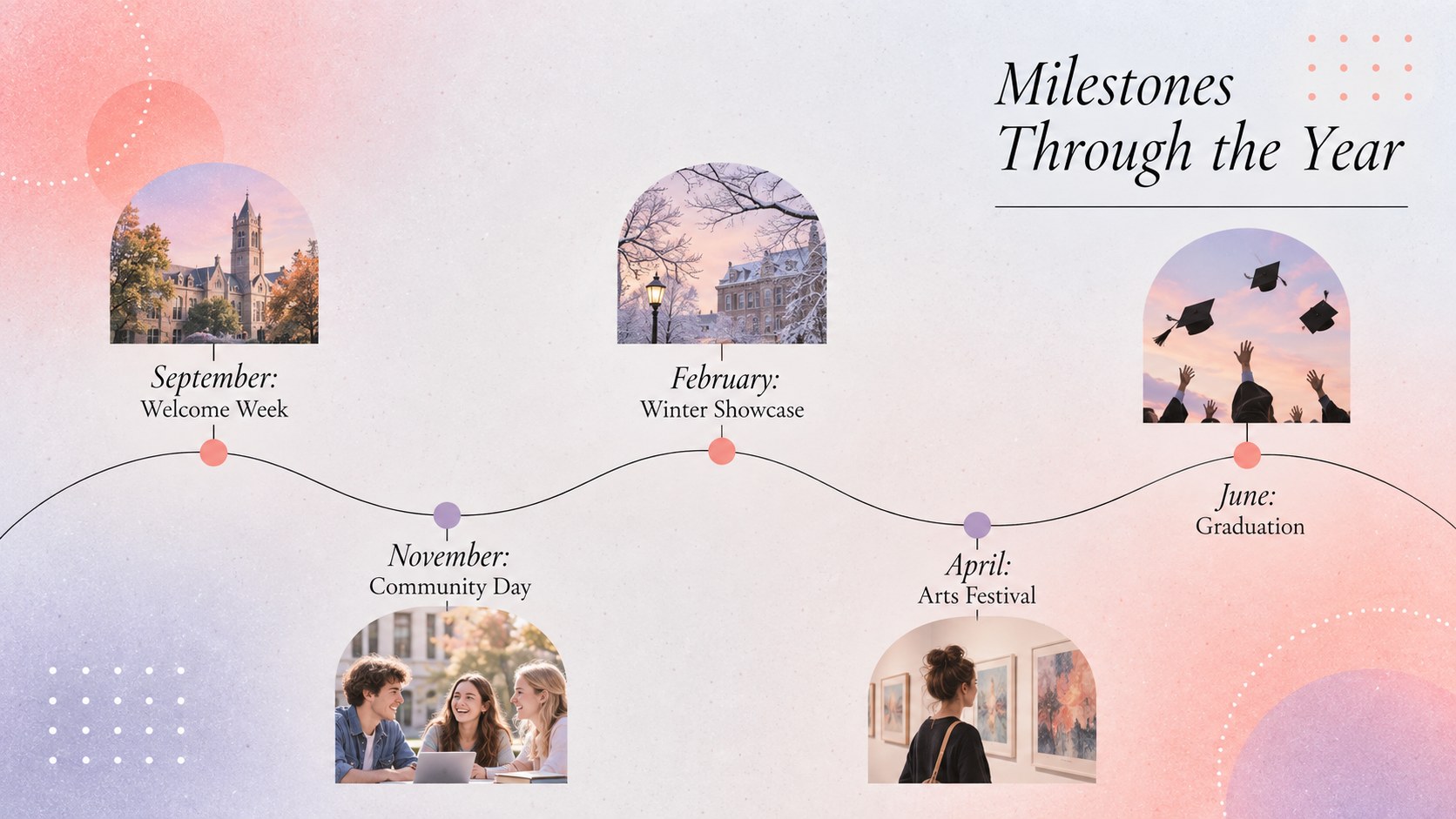
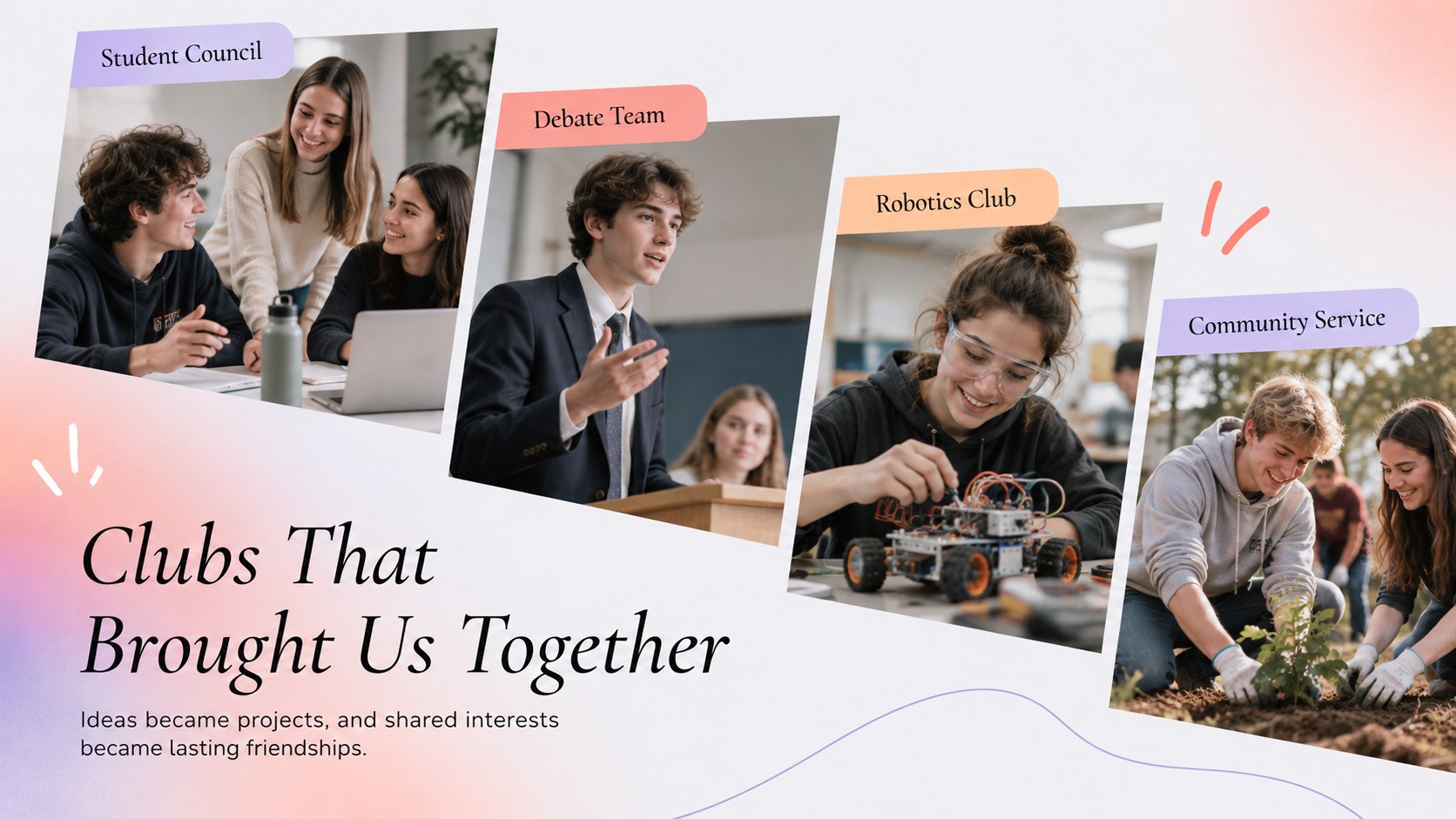
The deck provides flexible layouts for class introductions, student portraits, faculty profiles, clubs, athletics, performances, awards, memorable events, candid photo collections, signatures, and closing reflections. Use it as an editable school yearbook PowerPoint template or a Google Slides yearbook layout, then replace the sample text and image frames with content from your own school community. Coordinated dividers, timelines, quote pages, and photo grids help longer publications remain visually consistent.
This template is designed for teachers, student committees, school administrators, graduating classes, and campus communications teams. It works equally well as an elementary school yearbook presentation, a high school memory book, or a college class retrospective. Every slide can be adapted to match school colors, preferred typefaces, and available photography while retaining the elegant minimal character of the original design direction. The result can be presented at a graduation event, shared digitally, or exported for use as a keepsake.
Perfect for: graduating class yearbook; student portrait showcase; school awards recap; clubs and athletics review; graduation ceremony slideshow; digital class memory book.
Frequently asked questions
Can I edit this yearbook in PowerPoint and Google Slides? Yes. The layouts, text, colors, and image placeholders can be customized in PowerPoint or Google Slides. Some font spacing may require minor adjustment when moving between platforms.
Practical details
Yes. The layouts, text, colors, and image placeholders can be customized in PowerPoint or Google Slides. Some font spacing may require minor adjustment when moving between platforms.
Replace each sample image with a portrait and crop it within the existing frame. Duplicate profile layouts when you need additional students while keeping names and captions consistently positioned.
Yes. Change the purple, red, orange, pastel, and grey fills through the format controls in your presentation software. Use two or three approved school colors throughout the deck for a cohesive result.
Yes. The layouts work for elementary, high school, and college yearbooks. Adjust section names, profile details, activities, and photography to suit the age group and school community.
Keep exploring
15Build stronger academic arguments with a college essay thesis builder featuring guided examples, revision prompts, and editable PowerPoint and Google Slides.
 15
15Build an engaging World UFO Day session with this flying saucer history lesson deck, featuring retro green-and-brown slides for PowerPoint and Google Slides.
 14
14Plan a memorable Lunar New Year campaign with the 2036 Dragon Year Celebration Theme, featuring bold red-and-yellow slides for lessons and events.
 15
15Build a thoughtful classroom discussion with this interfaith awareness lesson deck, featuring editable blue-and-white slides for PowerPoint and Google Slides.
 15
15Use this environmental awareness lesson deck to teach climate action through illustrated activities, discussion prompts, and ready-to-edit visuals.
 15
15Build playful lessons and party stories with a kid-friendly zombie celebration theme in purple, green and pastel blue for PowerPoint and Google Slides.
 15
15Build eerie lessons, campaigns, and story pitches with an undead survival scenario theme featuring editable slides for PowerPoint and Google Slides.
 16
16Turn environmental research into a clear story with a Watercolor Ecology Presentation Theme for PowerPoint and Google Slides in calming green and blue.