
 15
15presentation
College Essay Thesis Builder Slides
Build stronger academic arguments with a college essay thesis builder featuring guided examples, revision prompts, and editable PowerPoint and Google Slides.
Google SlidesPowerPoint
presentation · English
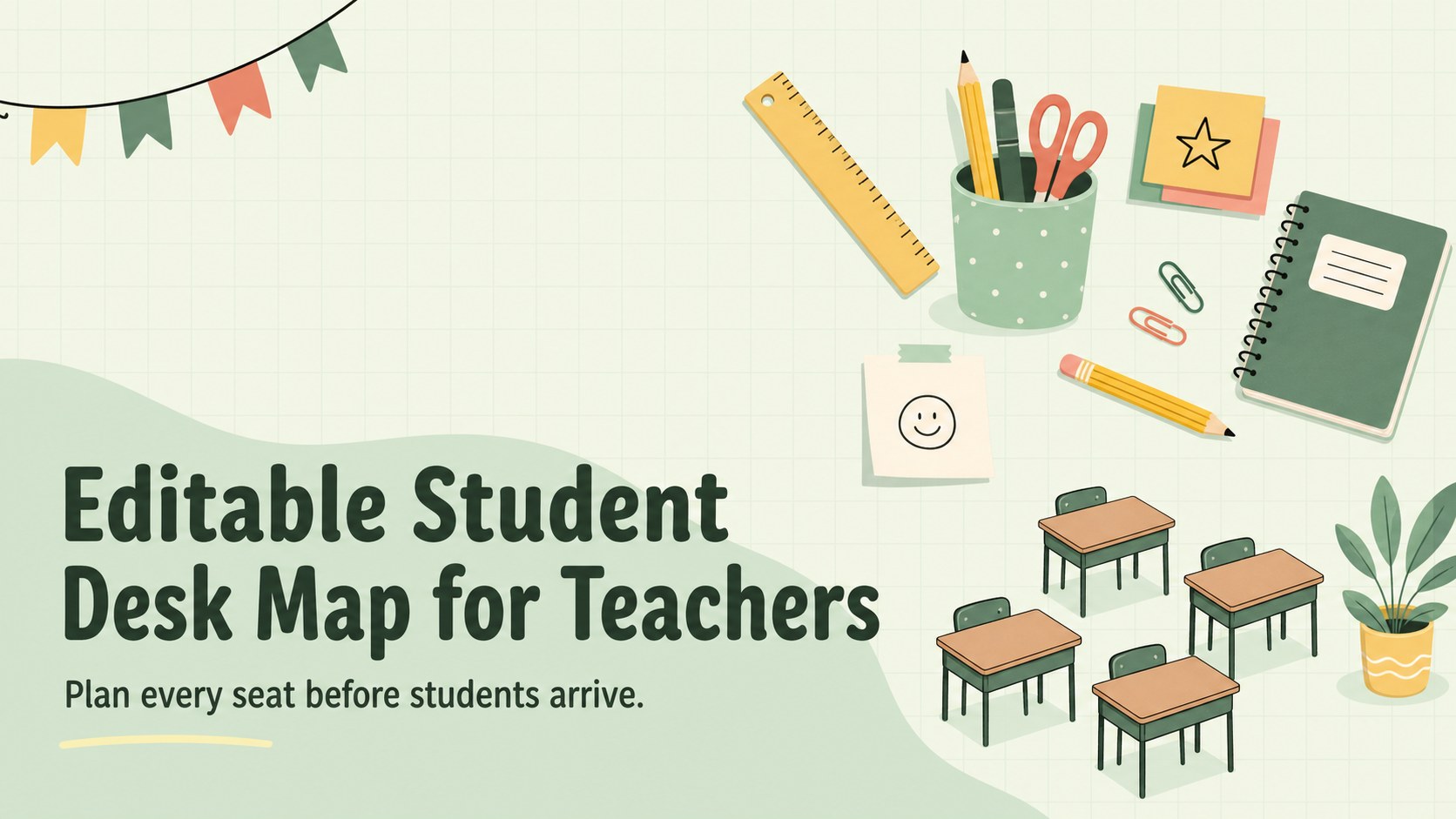
Build a calmer first-day setup with an editable student desk map for PowerPoint and Google Slides, featuring three green illustrated layouts.
Design notes
Create an organized learning space with an editable student desk map designed for quick, practical planning. The clean green palette, simple illustrations, and approachable school-themed details give teachers a clear view of where every learner belongs without making the layout feel overly formal. Edit the slides in PowerPoint or Google Slides, then present them on screen or print them for classroom reference.
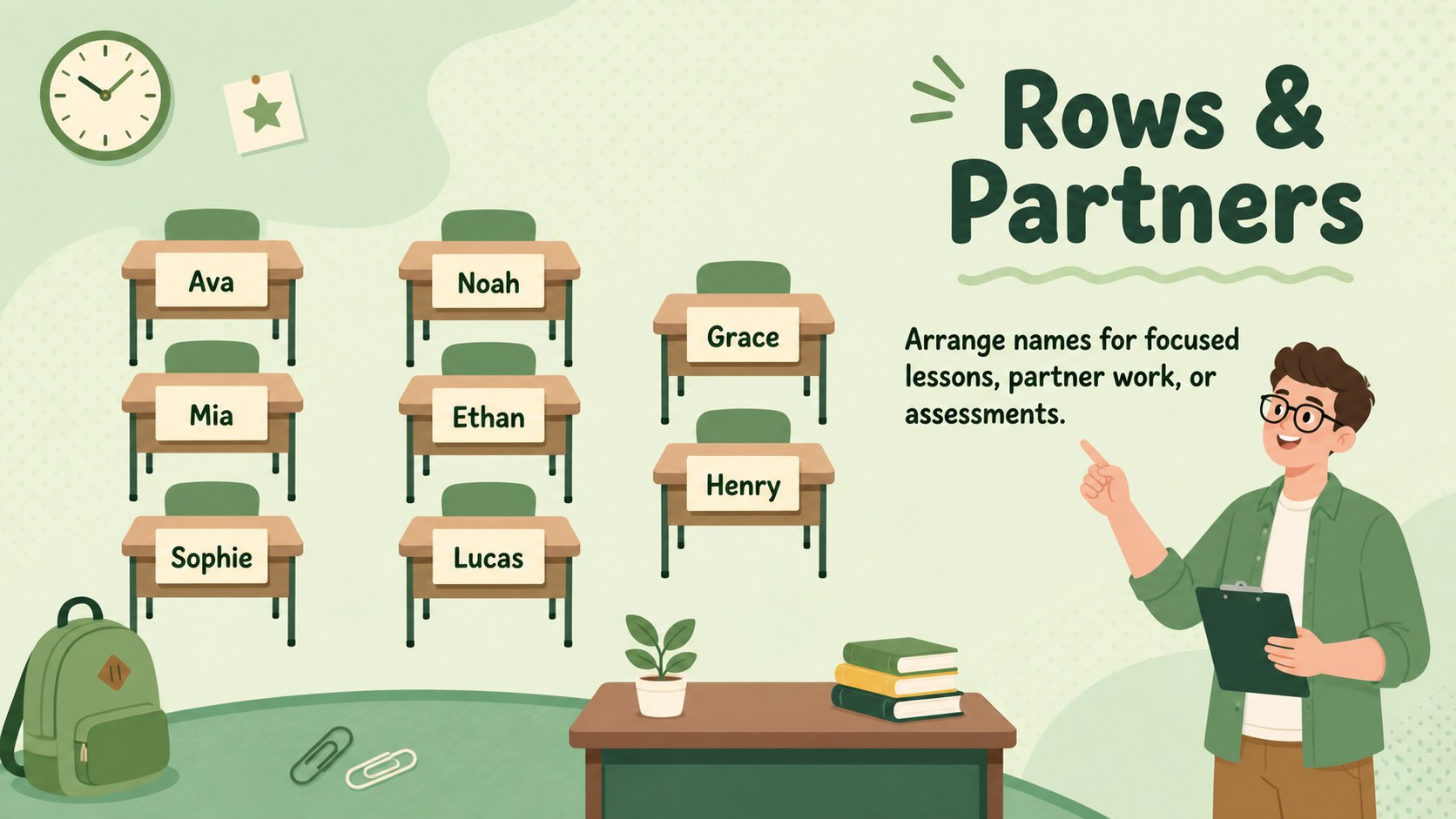
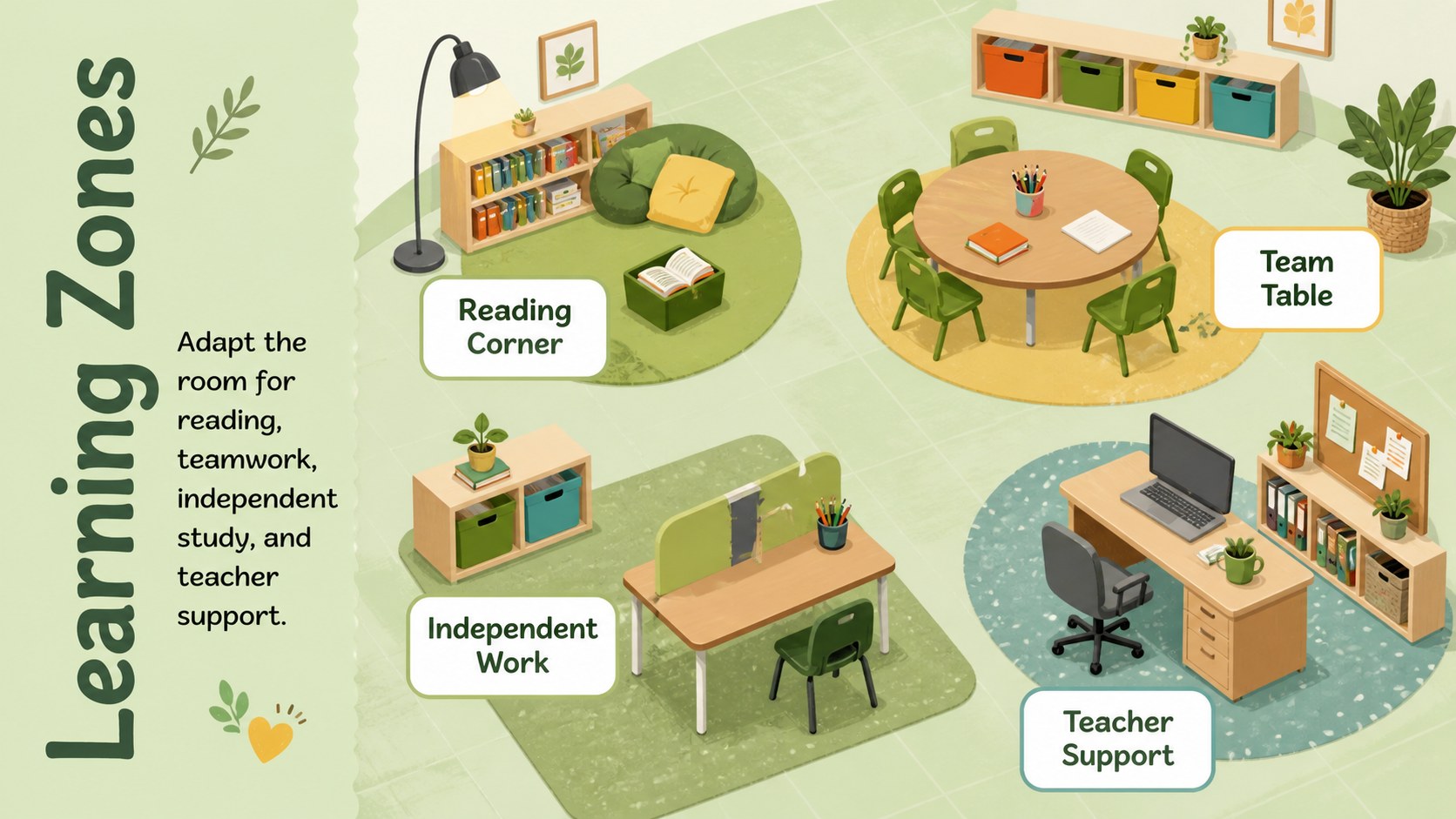
Inside are three coordinated layouts for different room setups. Use the cover as a welcoming overview, build an editable student desk layout template with rows and partner pairs, or divide the room into flexible learning zones. Name fields, desk shapes, labels, and decorative elements can be moved or replaced, making the set useful as a student name seating grid for changing classes and term-by-term adjustments.
This resource is intended for elementary and middle school teachers, substitute teachers, tutors, and school coordinators. It works especially well for first-day introductions, group rotations, behavior planning, assessment seating, and family open-house displays. The uncluttered format also makes it easy to prepare a printable desk assignment poster for a classroom door, teacher binder, or supply folder. Whether your room uses traditional rows, paired desks, or collaborative tables, these slides provide a cheerful starting point that can be adapted as often as your class changes.
Perfect for: first-day seat assignments; elementary classroom setup; group rotation planning; assessment seating arrangements; substitute teacher reference.
Frequently asked questions
Can I change the student names and desk positions? Yes. All name fields, desk shapes, labels, and decorative elements can be edited, duplicated, moved, or removed to match your room.
Practical details
Yes. All name fields, desk shapes, labels, and decorative elements can be edited, duplicated, moved, or removed to match your room.
The slides are designed for PowerPoint and Google Slides. You can edit them online or on your computer, depending on the platform you use.
Yes. After customizing the map, export or print the selected slide using your preferred paper size and printer settings. Check the print preview first to confirm margins and scaling.
Yes. Rearrange the included shapes to represent paired desks, table groups, learning stations, floor seating, or other classroom zones.
Keep exploring
15Build stronger academic arguments with a college essay thesis builder featuring guided examples, revision prompts, and editable PowerPoint and Google Slides.
 15
15Build an engaging World UFO Day session with this flying saucer history lesson deck, featuring retro green-and-brown slides for PowerPoint and Google Slides.
 14
14Plan a memorable Lunar New Year campaign with the 2036 Dragon Year Celebration Theme, featuring bold red-and-yellow slides for lessons and events.
 15
15Build a thoughtful classroom discussion with this interfaith awareness lesson deck, featuring editable blue-and-white slides for PowerPoint and Google Slides.
 15
15Use this environmental awareness lesson deck to teach climate action through illustrated activities, discussion prompts, and ready-to-edit visuals.
 15
15Build playful lessons and party stories with a kid-friendly zombie celebration theme in purple, green and pastel blue for PowerPoint and Google Slides.
 15
15Build eerie lessons, campaigns, and story pitches with an undead survival scenario theme featuring editable slides for PowerPoint and Google Slides.
 16
16Turn environmental research into a clear story with a Watercolor Ecology Presentation Theme for PowerPoint and Google Slides in calming green and blue.