
 15
15presentation
College Essay Thesis Builder Slides
Build stronger academic arguments with a college essay thesis builder featuring guided examples, revision prompts, and editable PowerPoint and Google Slides.
Google SlidesPowerPoint
presentation · English
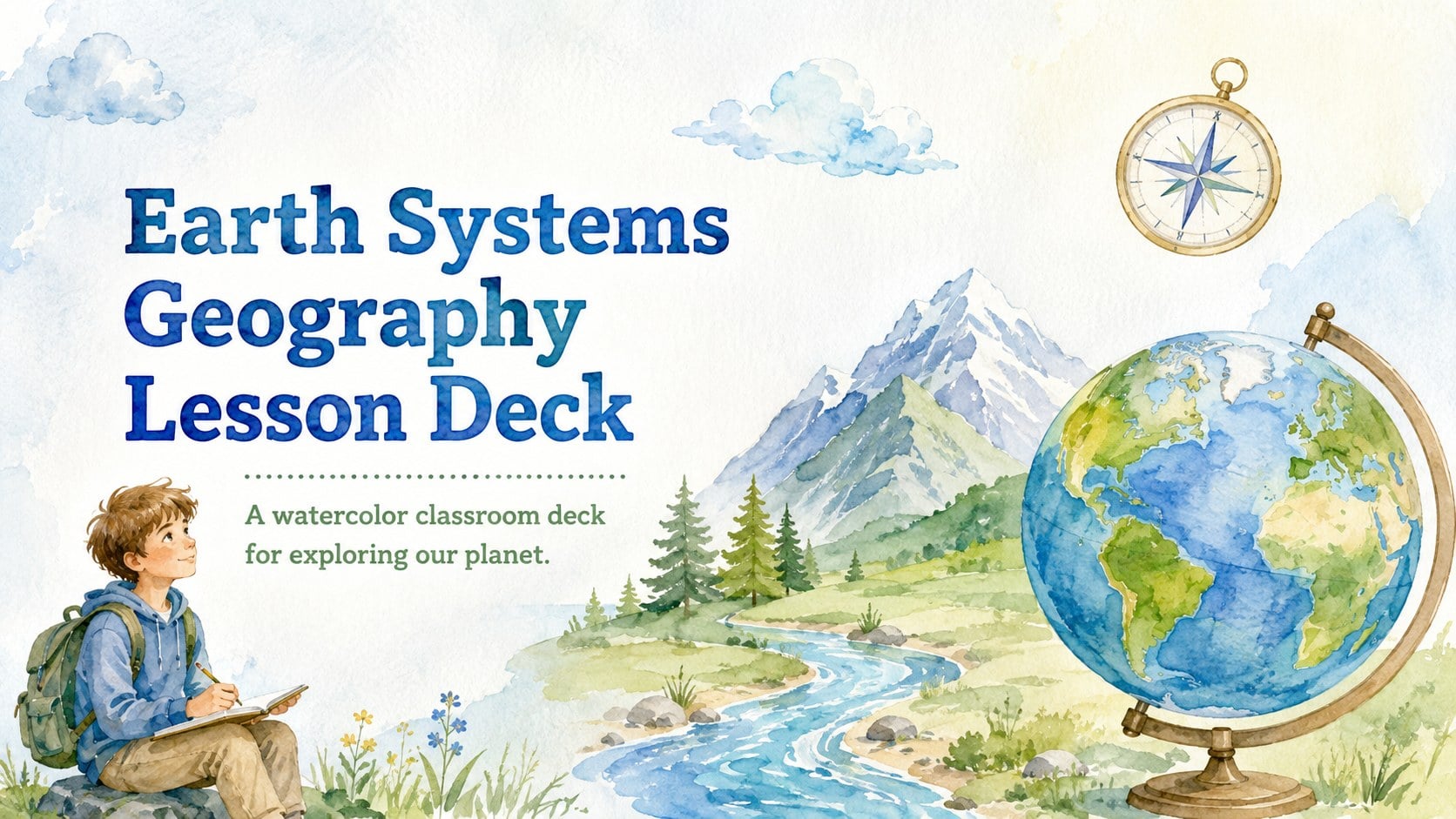
Make physical geography easier to teach with this Earth Systems Geography Lesson Deck, featuring editable watercolor layouts for PowerPoint and Google Slides.
Design notes
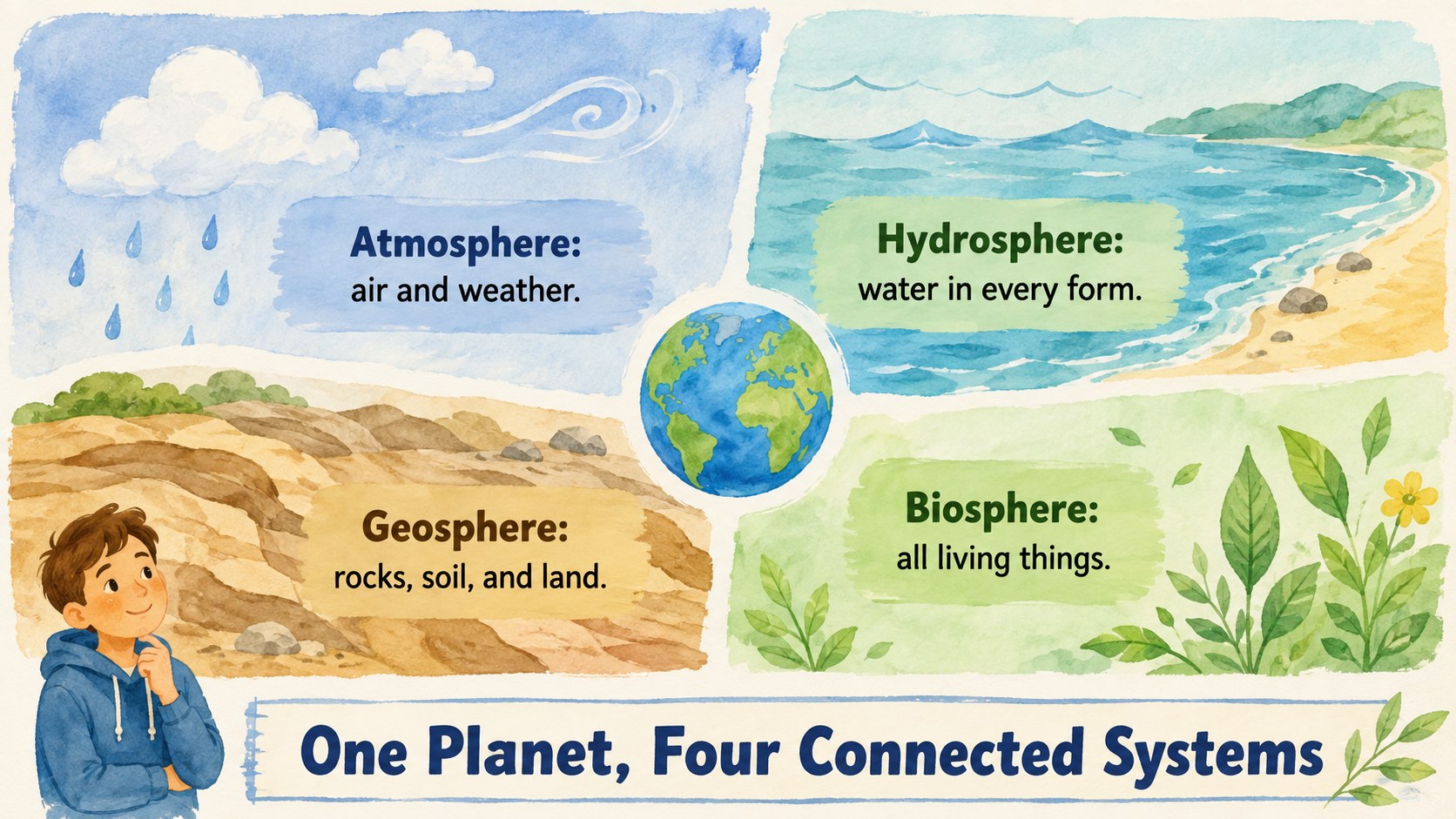
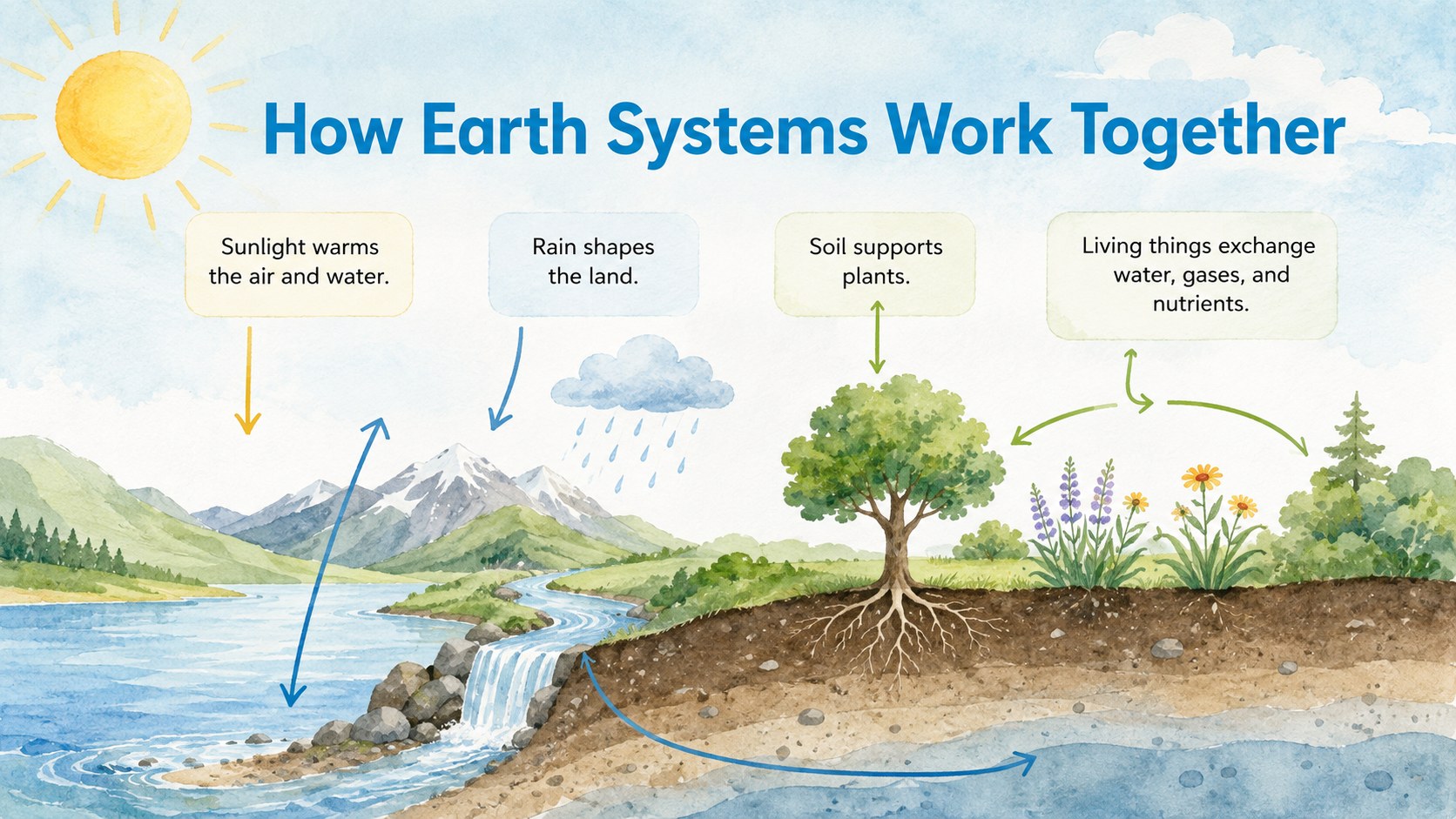
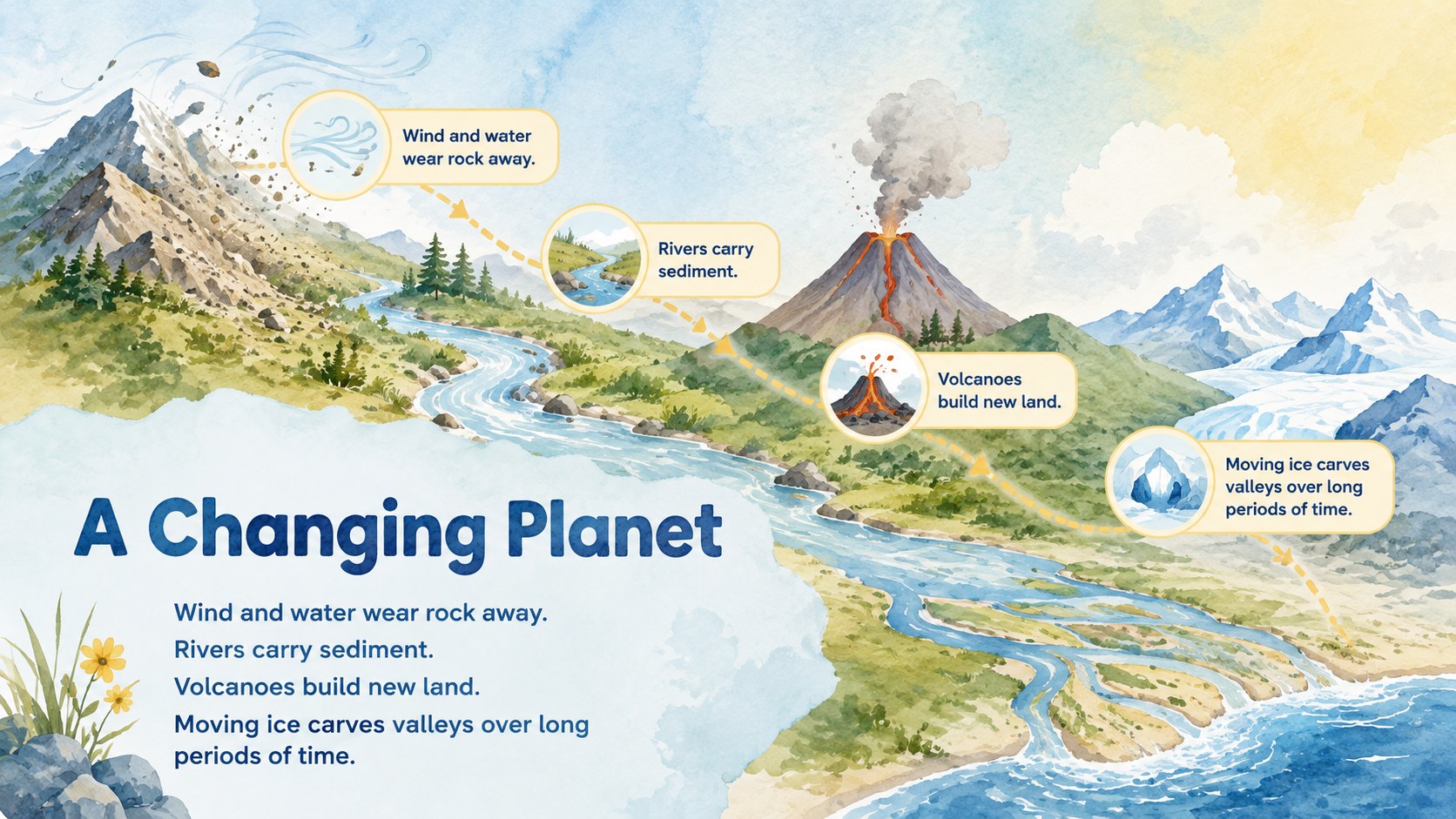
Help students connect the features they see on a globe with the natural systems shaping our world. This Earth Systems Geography Lesson Deck uses soft blue, green, and yellow watercolor artwork to make physical geography approachable, memorable, and easy to discuss. Its storybook-inspired visual style supports focused learning without making scientific concepts feel overly technical.
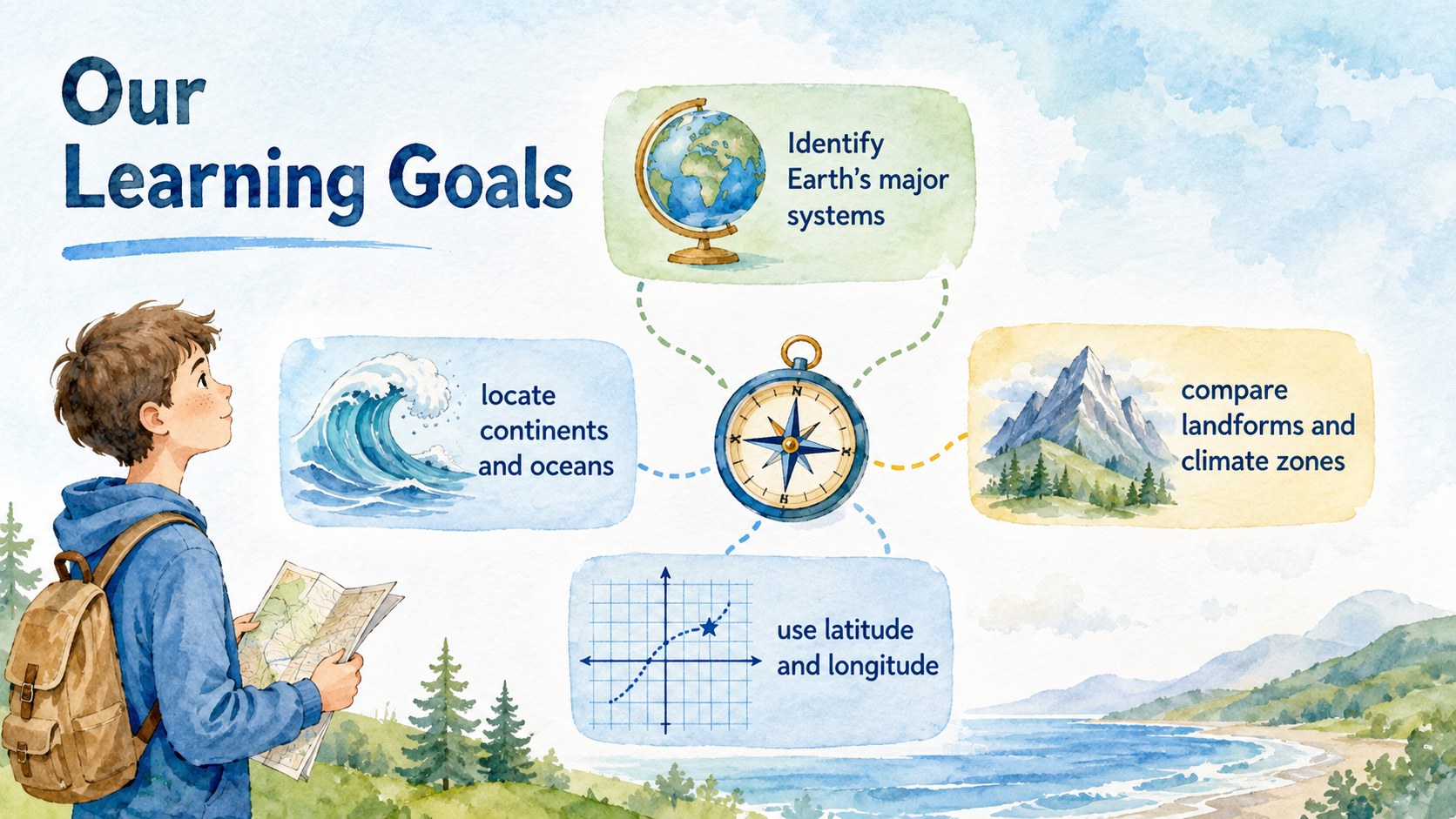
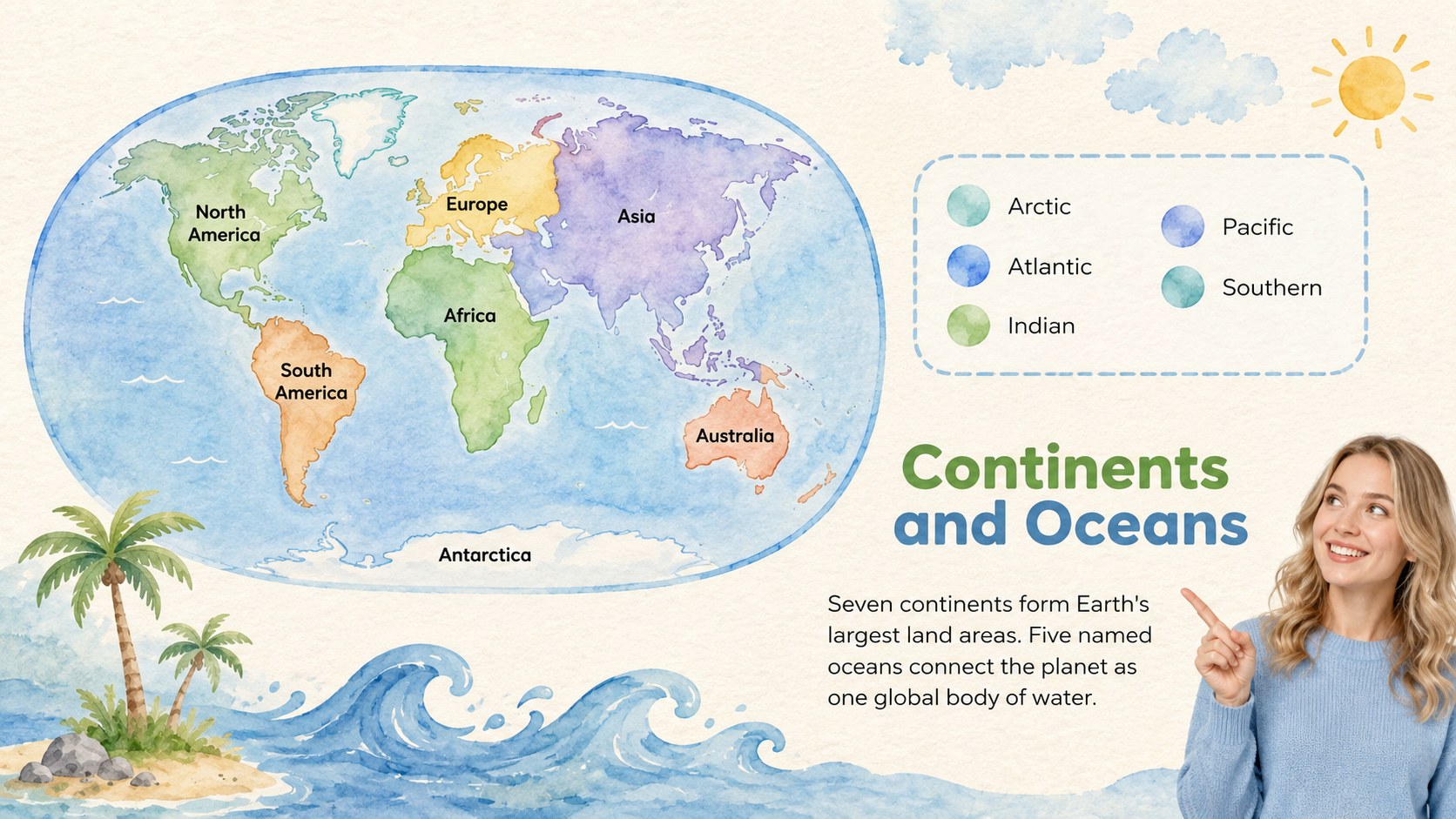
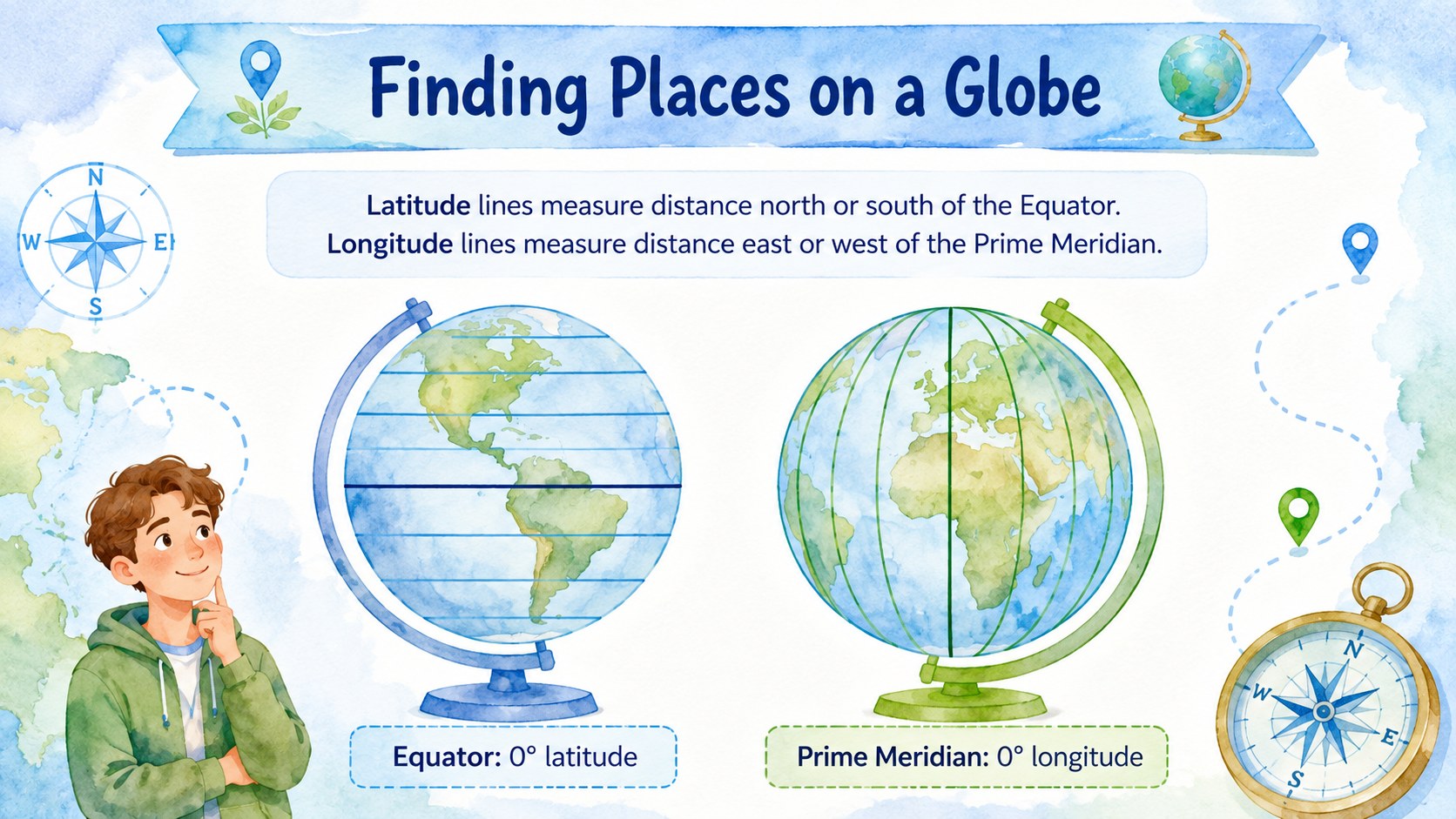
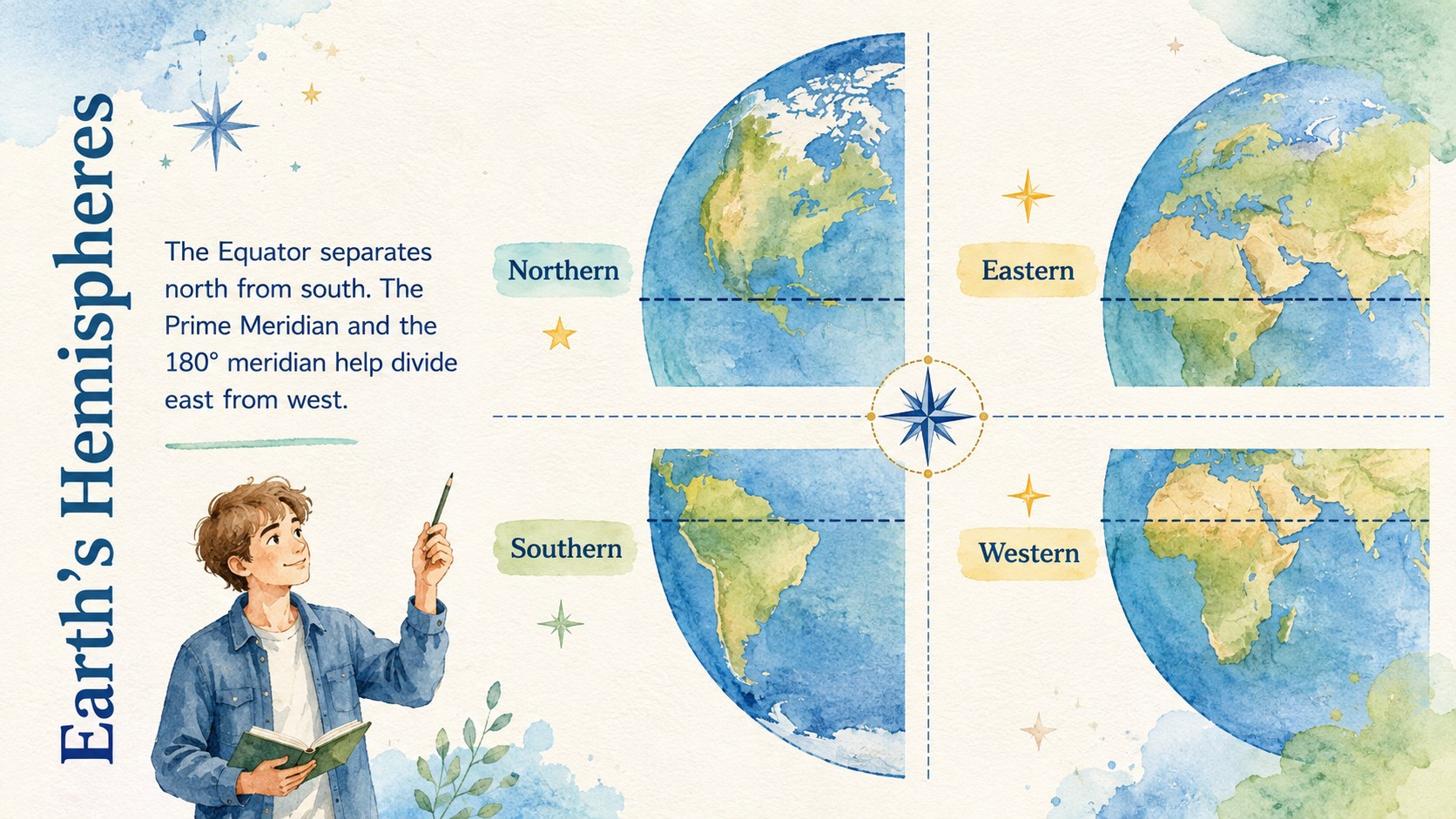
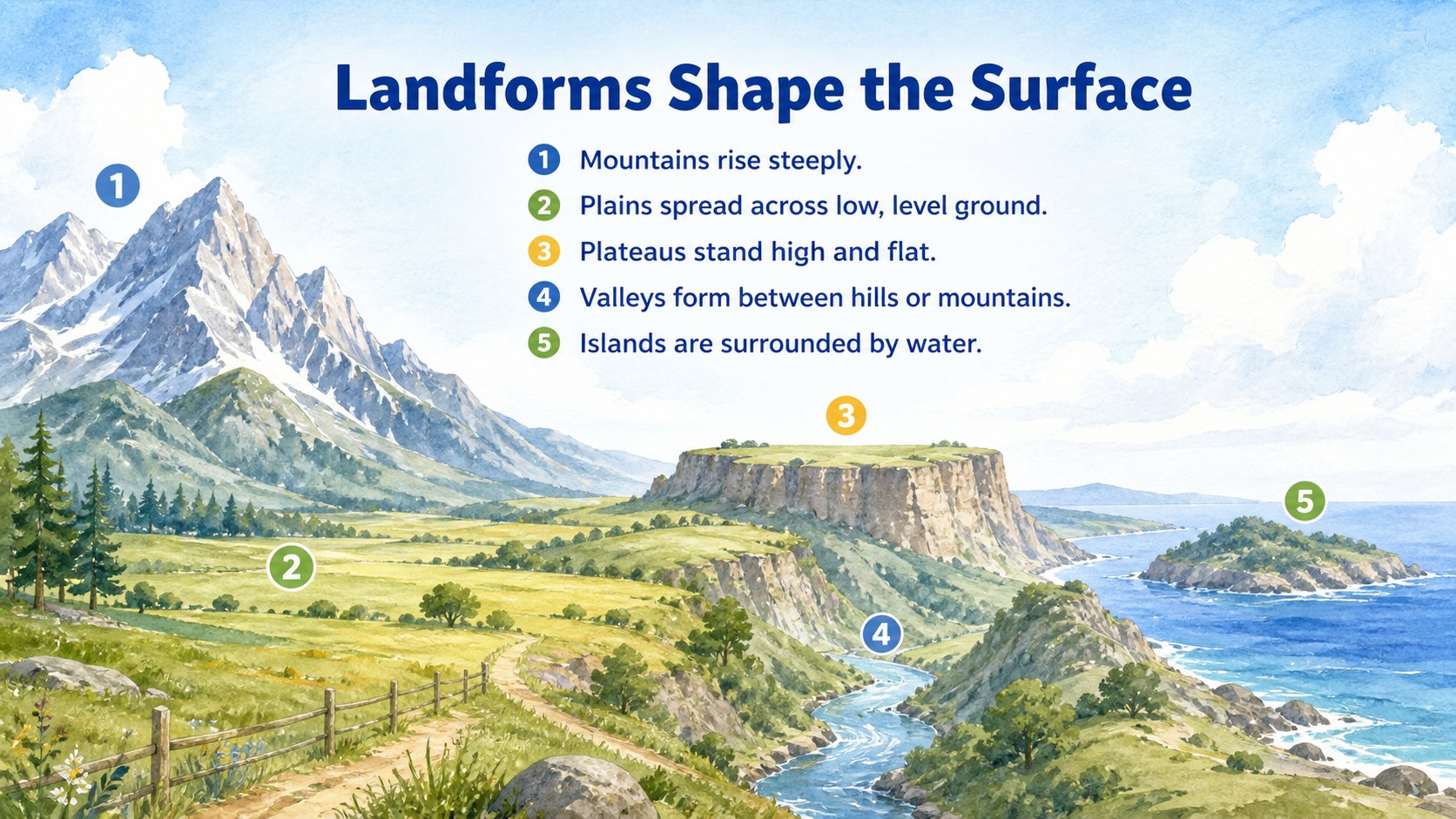
The deck includes layouts for learning goals, Earth system overviews, continents and oceans, hemispheres, latitude and longitude, landforms, climate zones, map-reading activities, review questions, and a final recap. Teachers can adapt the physical geography slides for middle school by replacing examples, adding local maps, or adjusting vocabulary. The collection also works as a watercolor Earth science presentation for interdisciplinary units that connect geography, geology, climate, and environmental studies.
Designed for classroom instruction, independent projects, revision sessions, and student-led reports, these slides are ready to edit in PowerPoint and Google Slides. Educators can change colors, reorganize sections, insert diagrams, and add speaker notes while preserving the cohesive watercolor look. Use the continents and oceans teaching slides as a complete lesson sequence or select individual layouts to support an existing geography curriculum. With clear content structures and inviting illustrations, the deck gives teachers a flexible way to guide observation, comparison, discussion, and assessment.
Perfect for: middle school geography lesson; continents and oceans unit; globe reading activity; Earth science review; student geography report.
Frequently asked questions
Can I edit the lesson content and illustrations? Yes. You can replace text, move visual elements, recolor shapes, and add your own maps or diagrams. The layouts are structured so teachers can adjust the difficulty and vocabulary for different grade levels.
Practical details
Yes. You can replace text, move visual elements, recolor shapes, and add your own maps or diagrams. The layouts are structured so teachers can adjust the difficulty and vocabulary for different grade levels.
The deck is designed for PowerPoint and Google Slides. Fonts, spacing, and image placement may vary slightly between platforms, so review the slides after importing them.
Yes. Individual sections can be copied into another presentation or reordered to match your curriculum. The overview, activity, quiz, and recap layouts also work well as a compact lesson sequence.
Add regional examples, local landforms, familiar climate zones, or maps connected to your class. You can also simplify definitions, add discussion prompts, or turn the review slides into group activities.
Keep exploring
15Build stronger academic arguments with a college essay thesis builder featuring guided examples, revision prompts, and editable PowerPoint and Google Slides.
 15
15Build an engaging World UFO Day session with this flying saucer history lesson deck, featuring retro green-and-brown slides for PowerPoint and Google Slides.
 14
14Plan a memorable Lunar New Year campaign with the 2036 Dragon Year Celebration Theme, featuring bold red-and-yellow slides for lessons and events.
 15
15Build a thoughtful classroom discussion with this interfaith awareness lesson deck, featuring editable blue-and-white slides for PowerPoint and Google Slides.
 15
15Use this environmental awareness lesson deck to teach climate action through illustrated activities, discussion prompts, and ready-to-edit visuals.
 15
15Build playful lessons and party stories with a kid-friendly zombie celebration theme in purple, green and pastel blue for PowerPoint and Google Slides.
 15
15Build eerie lessons, campaigns, and story pitches with an undead survival scenario theme featuring editable slides for PowerPoint and Google Slides.
 16
16Turn environmental research into a clear story with a Watercolor Ecology Presentation Theme for PowerPoint and Google Slides in calming green and blue.