
 15
15presentation
College Essay Thesis Builder Slides
Build stronger academic arguments with a college essay thesis builder featuring guided examples, revision prompts, and editable PowerPoint and Google Slides.
Google SlidesPowerPoint
presentation · English
Make day and night easy to explain with Earth Rotation Classroom Visuals, an editable blue-and-green teaching set for PowerPoint and Google Slides.
Design notes
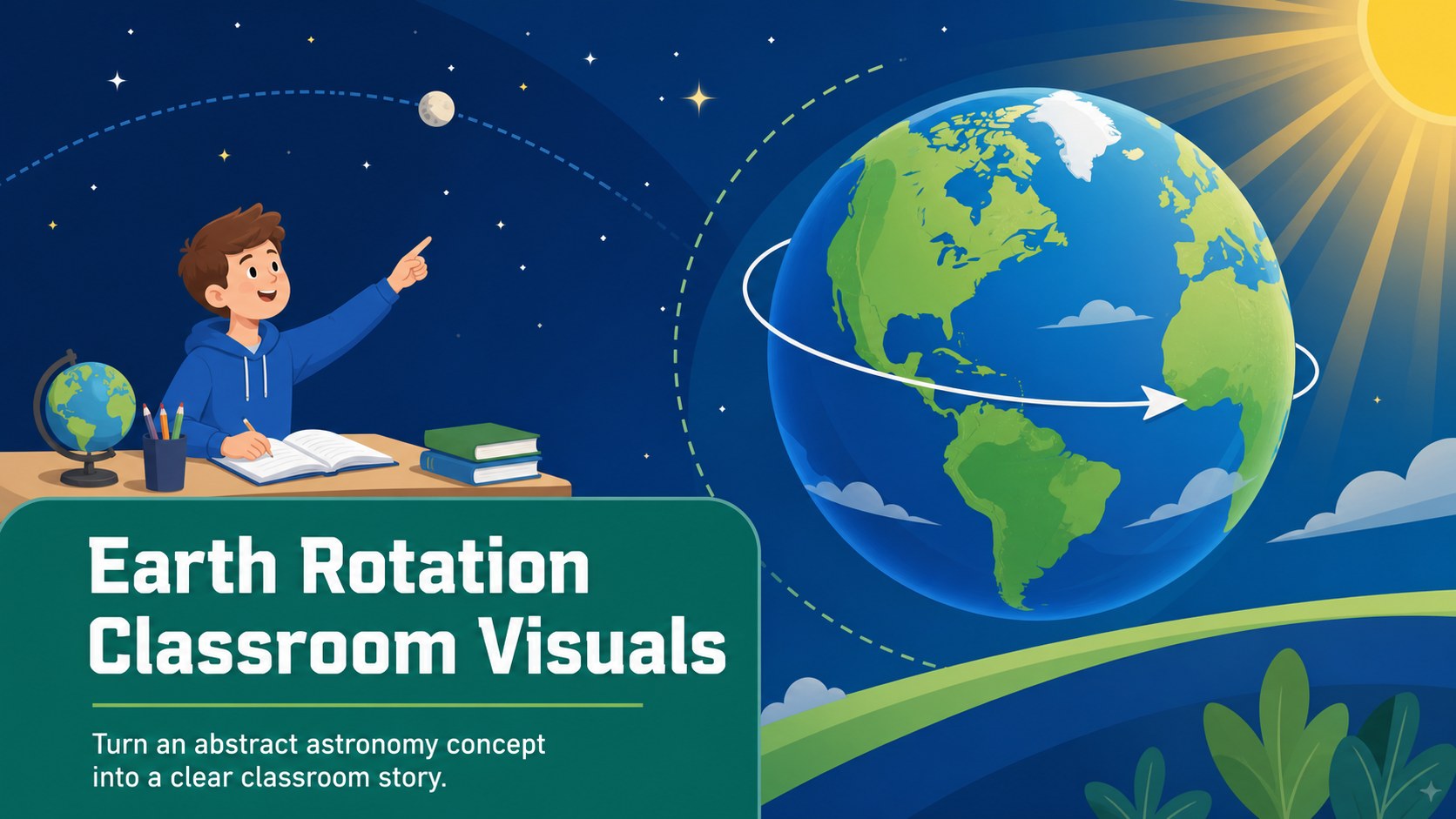
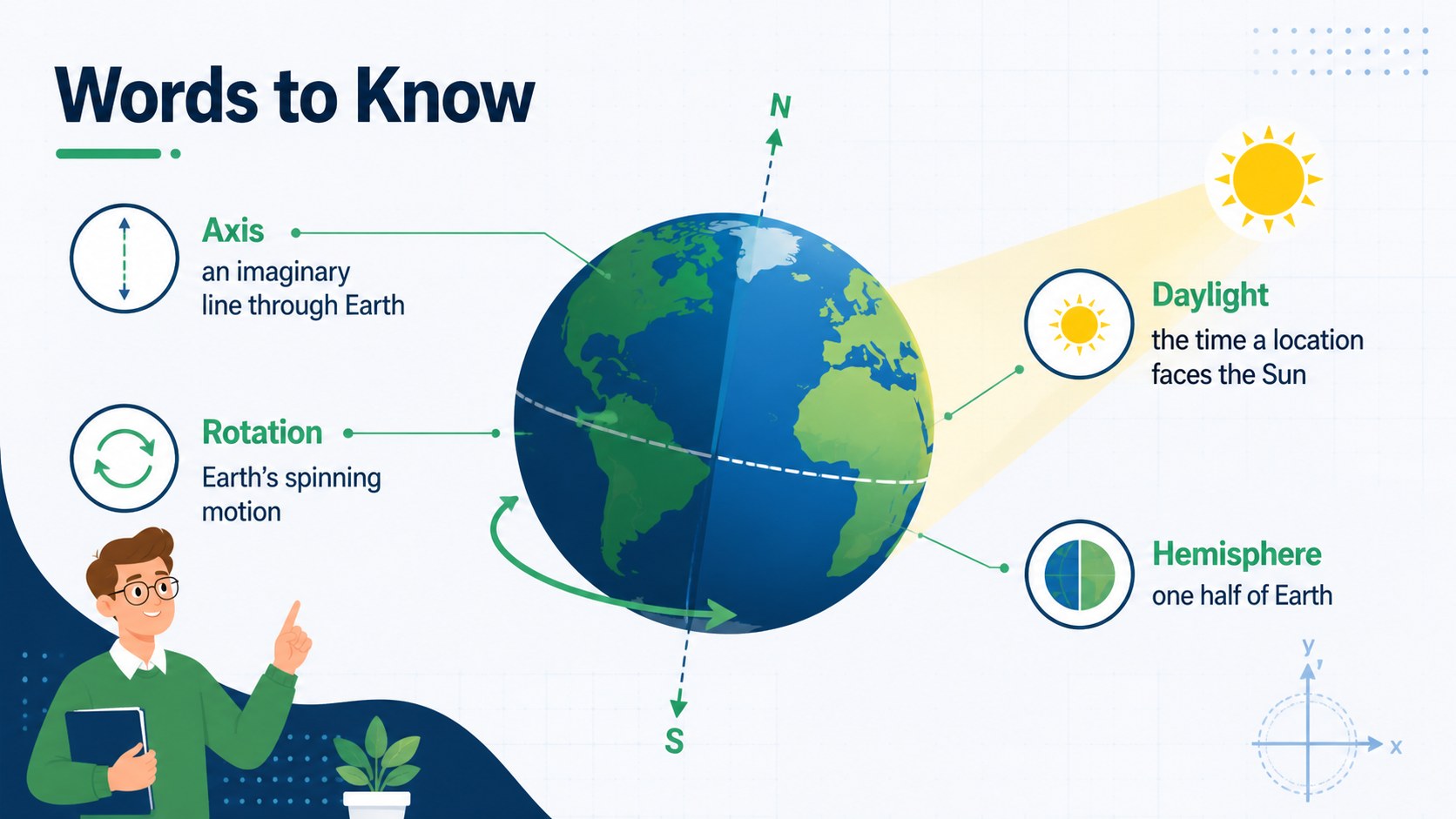
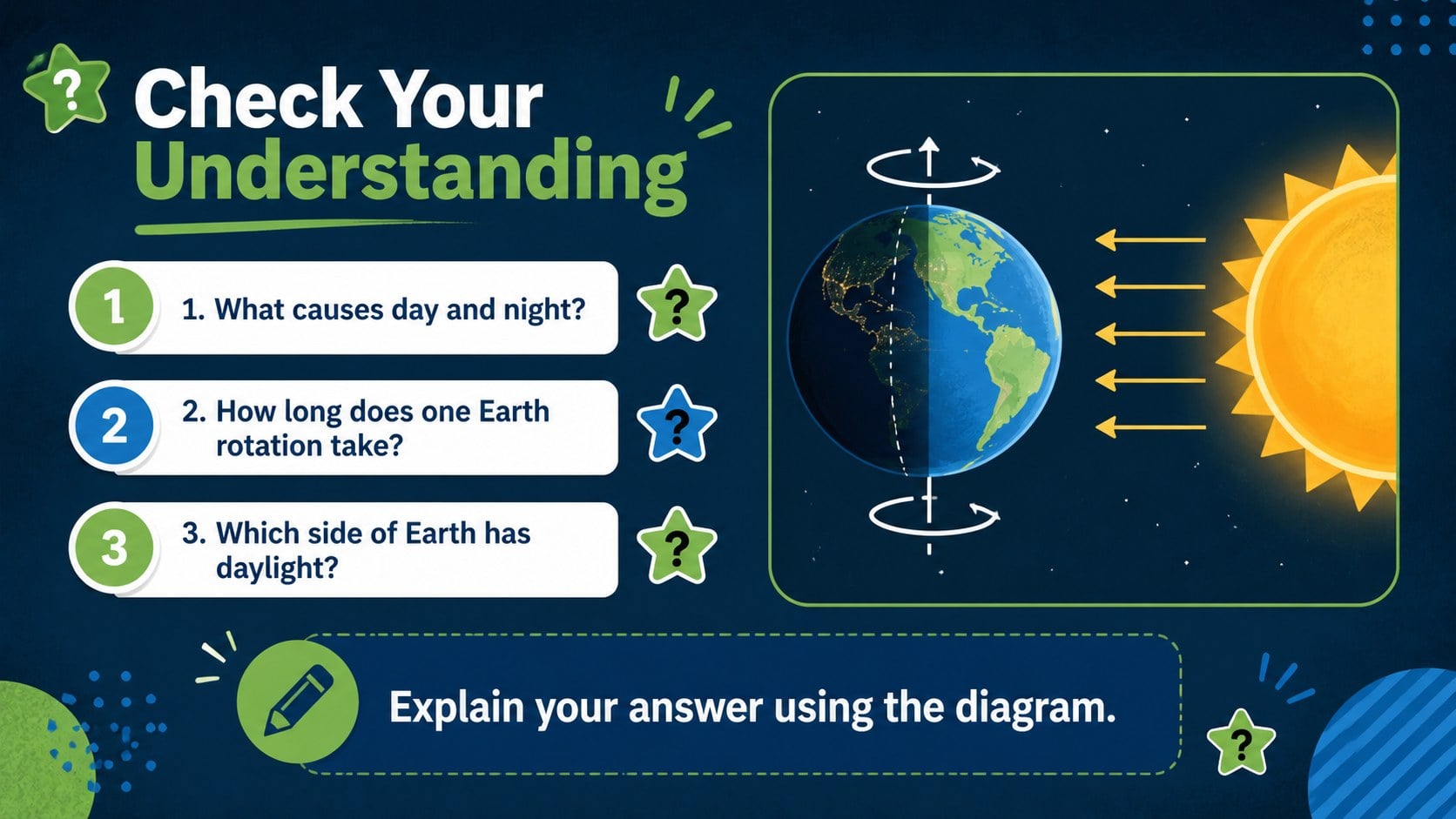
Earth Rotation Classroom Visuals turn the science behind day and night into an approachable learning sequence for younger students. The calming blue-and-green palette, friendly planetary illustrations, and concise explanations help teachers introduce Earth's daily motion without overwhelming the class. Use the set as a day and night lesson presentation, a projected classroom visual, or a resource for guided discussion.
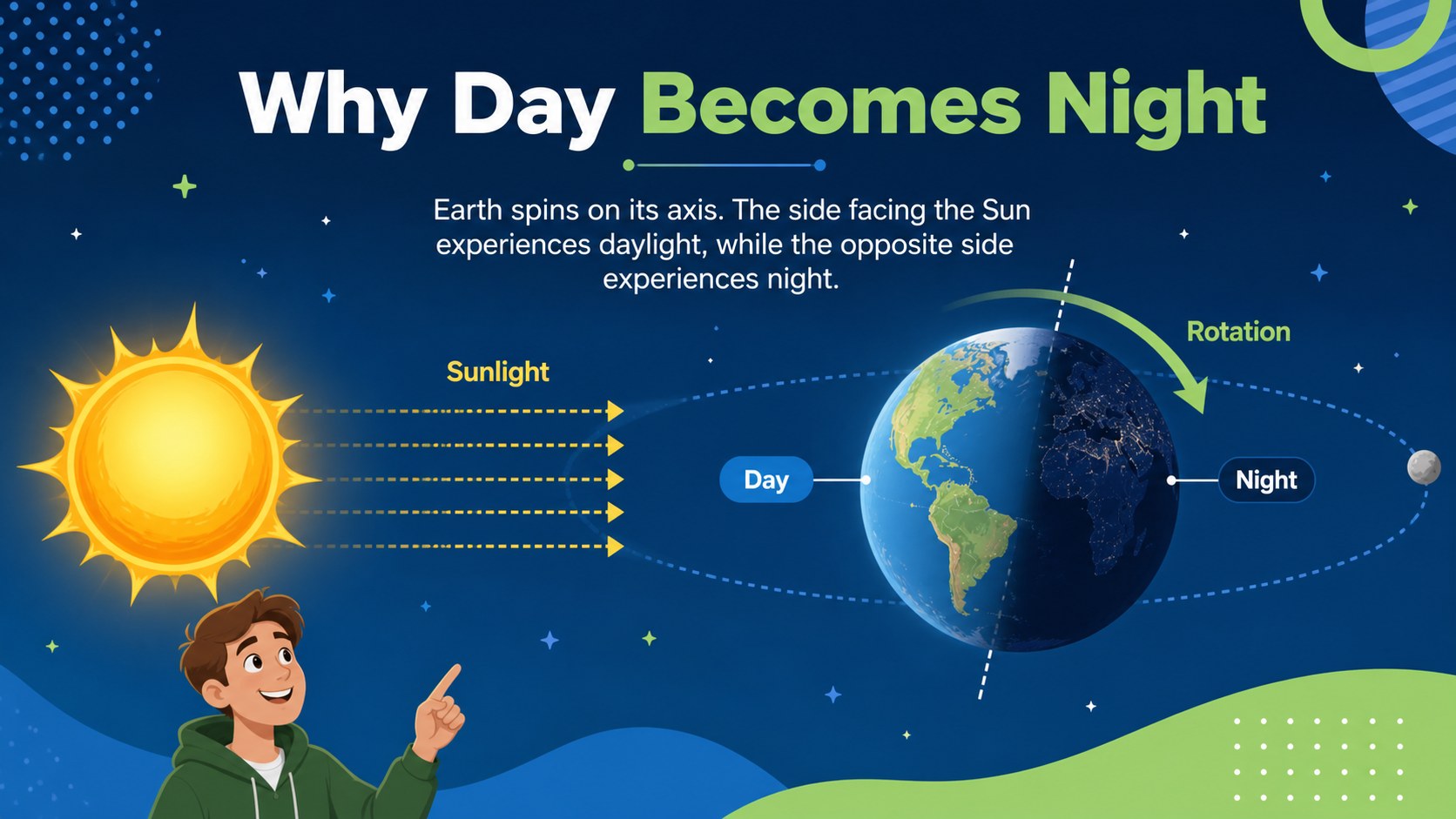
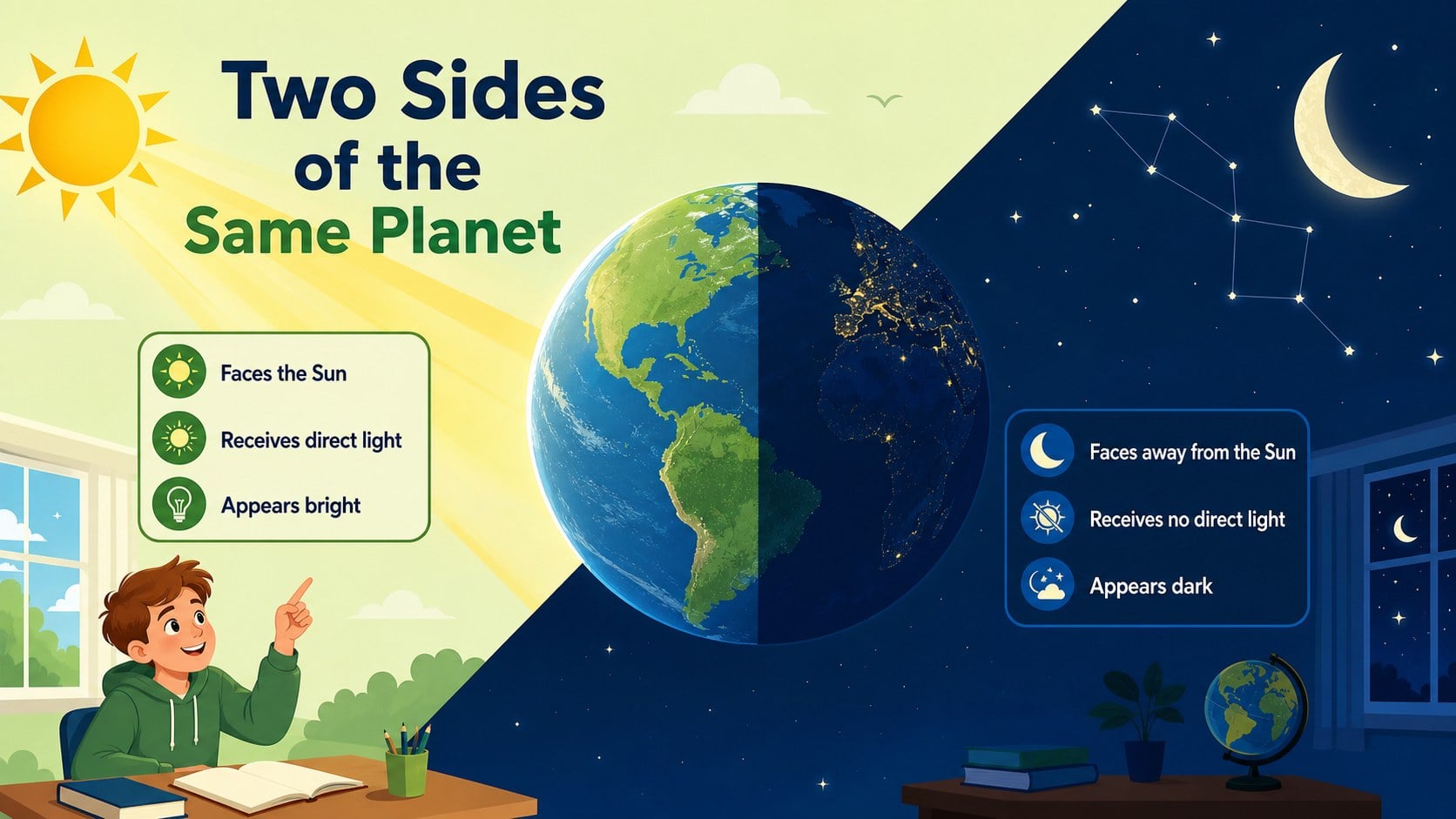
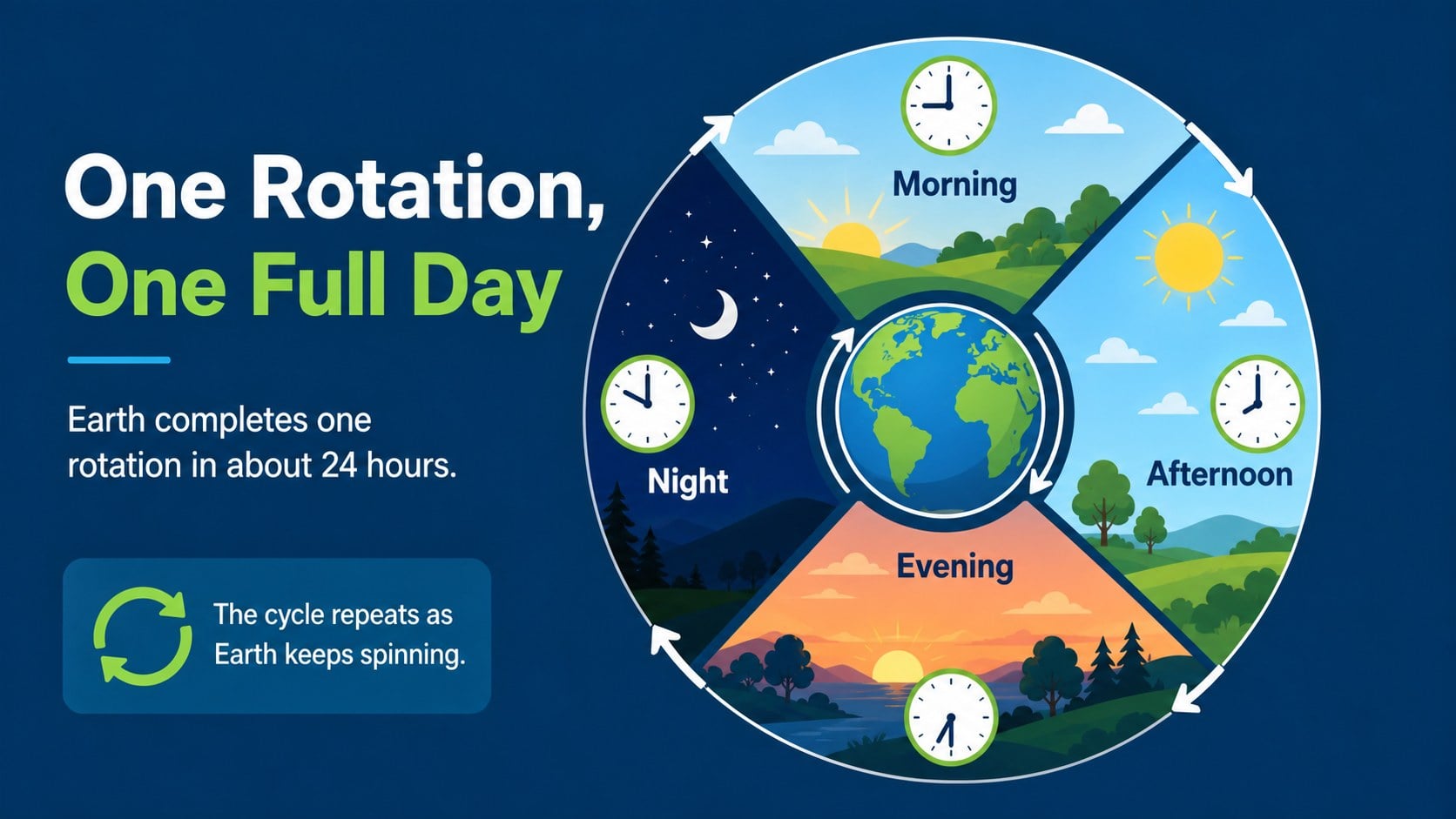
The six-slide collection includes an opening overview, a simple Earth rotation diagram for students, a comparison of the illuminated and shadowed sides of the planet, a 24-hour cycle sequence, key vocabulary, and a quick knowledge check. Each layout provides space for short explanations, labels, arrows, and visual cues. Teachers can adjust the wording, replace examples, recolor shapes, or add questions in PowerPoint and Google Slides.
Designed for elementary science instruction, geography units, homeschooling, tutoring, and educational workshops, this blue green astronomy slide deck supports both whole-class teaching and independent review. It can also serve as an Earth rotation classroom poster when a single diagram needs to be displayed or printed. The consistent illustrative style makes complex spatial ideas easier to follow while leaving enough room for educators to adapt the material to different grade levels and lesson objectives.
Perfect for: elementary science lesson; day and night classroom discussion; homeschool astronomy unit; geography concept review; science tutoring session.
Frequently asked questions
Can I edit the diagrams and lesson text? Yes. Labels, text boxes, colors, shapes, and diagram elements can be adjusted to match your lesson plan and student age group.
Practical details
Yes. Labels, text boxes, colors, shapes, and diagram elements can be adjusted to match your lesson plan and student age group.
The template is designed for PowerPoint and Google Slides. Font spacing and object placement should be reviewed after importing to ensure they match your local settings.
Yes. Simplify the labels for early learners or add terms such as axis, hemisphere, and illumination for older students. You can also replace the knowledge-check questions with your own.
Yes. Export the selected slide as a PDF or high-resolution image before printing. Check the printer's scaling and margin settings to preserve the full layout.
Keep exploring
15Build stronger academic arguments with a college essay thesis builder featuring guided examples, revision prompts, and editable PowerPoint and Google Slides.
 15
15Build an engaging World UFO Day session with this flying saucer history lesson deck, featuring retro green-and-brown slides for PowerPoint and Google Slides.
 14
14Plan a memorable Lunar New Year campaign with the 2036 Dragon Year Celebration Theme, featuring bold red-and-yellow slides for lessons and events.
 15
15Build a thoughtful classroom discussion with this interfaith awareness lesson deck, featuring editable blue-and-white slides for PowerPoint and Google Slides.
 15
15Use this environmental awareness lesson deck to teach climate action through illustrated activities, discussion prompts, and ready-to-edit visuals.
 15
15Build playful lessons and party stories with a kid-friendly zombie celebration theme in purple, green and pastel blue for PowerPoint and Google Slides.
 15
15Build eerie lessons, campaigns, and story pitches with an undead survival scenario theme featuring editable slides for PowerPoint and Google Slides.
 16
16Turn environmental research into a clear story with a Watercolor Ecology Presentation Theme for PowerPoint and Google Slides in calming green and blue.