
 15
15presentation
College Essay Thesis Builder Slides
Build stronger academic arguments with a college essay thesis builder featuring guided examples, revision prompts, and editable PowerPoint and Google Slides.
Google SlidesPowerPoint
presentation · English
Share milestones clearly with Early Learning Progress Report Slides, a cute beige, red, and green deck for family conferences in PowerPoint or Google Slides.
Design notes
Early Learning Progress Report Slides help educators share each child’s development in a warm, organized format. Designed for preschool and kindergarten settings, this illustrated beige, red, and green presentation balances playful classroom character with clear reporting. Use it to highlight strengths, discuss emerging skills, and give families practical ideas for continued learning.
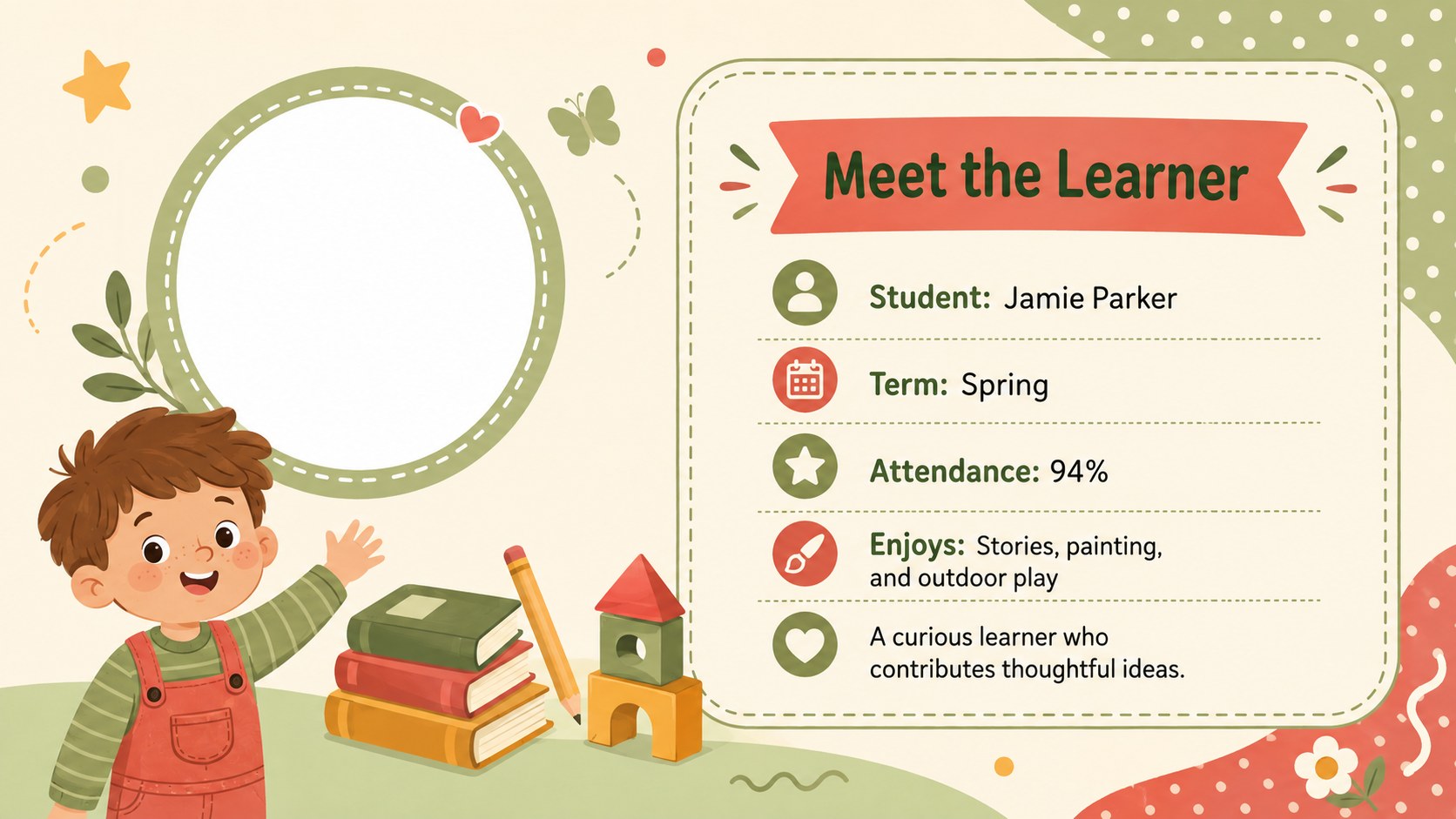
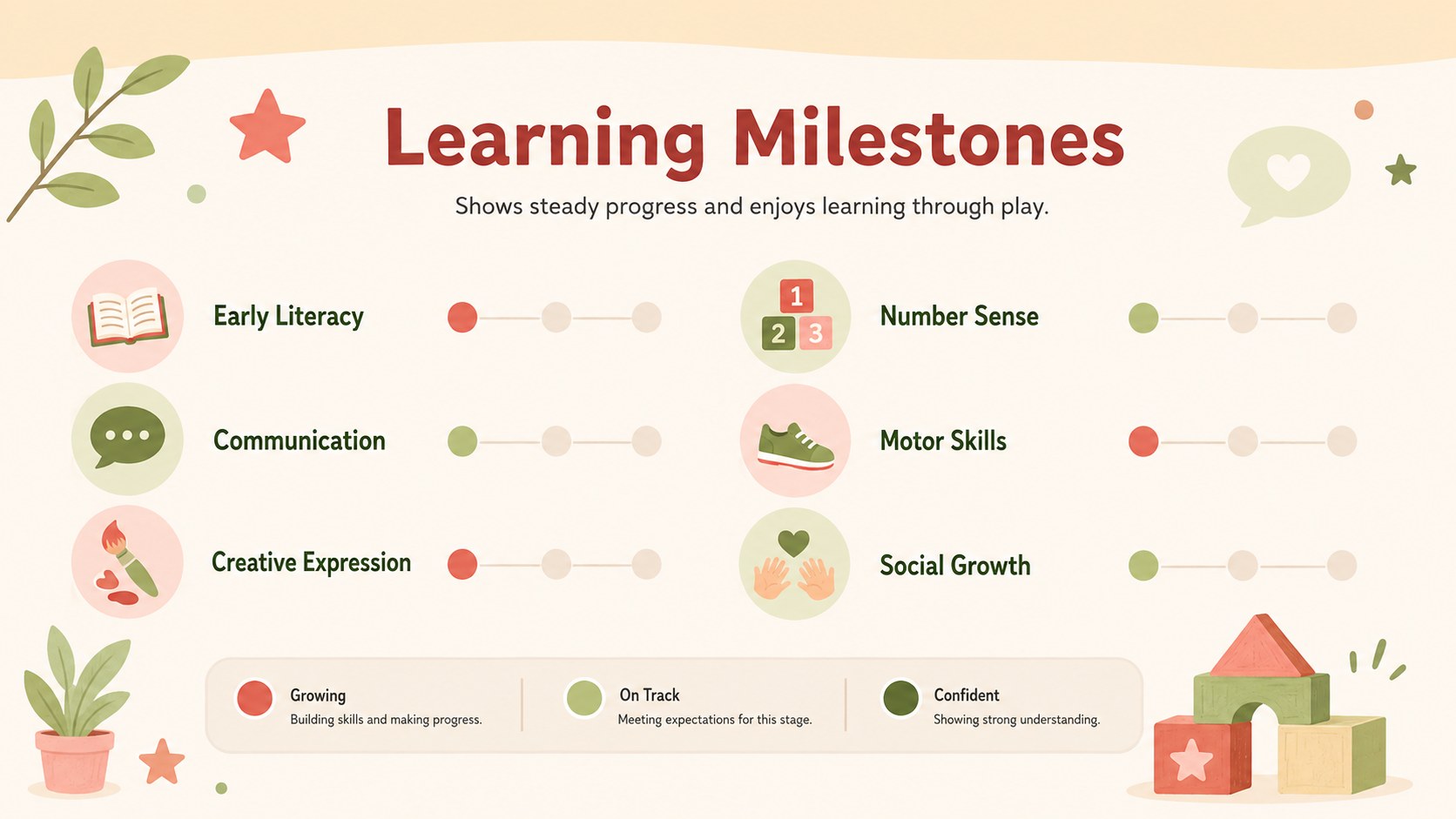
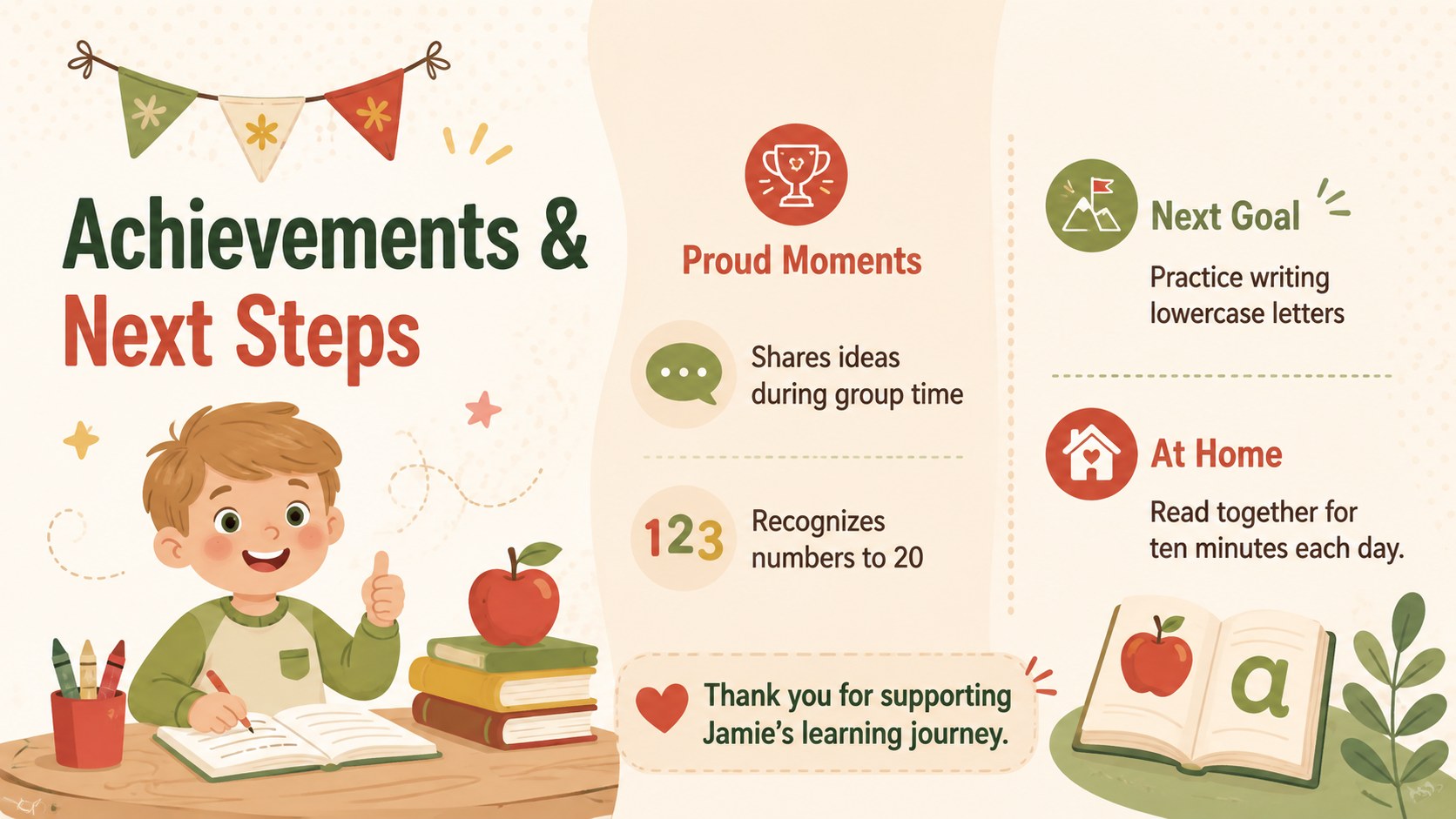
The four-slide editable preschool evaluation deck includes a welcoming cover, a student profile and attendance summary, a visual skills assessment, and a teacher comments page with space for goals. Flexible text areas support notes about literacy, early numeracy, communication, motor development, creativity, and social-emotional growth. Simple rating markers and uncluttered sections make the deck easy to scan during a meeting or export as an individual report.
This kindergarten student assessment presentation is suited to term reviews, parent-teacher conferences, learning portfolio updates, and school-readiness discussions. Teachers can replace the sample wording, adjust skill categories, add a student name, and enter personalized observations directly in PowerPoint or Google Slides. The design also works as a parent teacher conference progress slides resource when several learners need consistent, polished reports. Friendly illustrations keep the experience approachable, while the structured layout ensures that achievements, support needs, and next-step goals remain the focus.
Perfect for: parent-teacher conference; preschool term review; kindergarten skills assessment; school-readiness discussion; student portfolio update.
Frequently asked questions
Can I edit the skill categories and rating labels? Yes. All headings, observations, rating labels, and goal fields can be changed to match your school’s assessment framework. You can also duplicate sections when additional learning areas are required.
Practical details
Yes. All headings, observations, rating labels, and goal fields can be changed to match your school’s assessment framework. You can also duplicate sections when additional learning areas are required.
The deck is designed for PowerPoint and Google Slides. Layouts, text boxes, colors, and basic shapes remain editable on both platforms.
Yes. Duplicate the four-slide deck for each learner, then replace the sample details with individual achievements, observations, and next steps. Each completed report can also be exported as a PDF for printing or secure sharing.
Change the fonts, palette, icons, and illustration accents using the editing tools in PowerPoint or Google Slides. Keep strong text contrast and consistent rating colors so families can read the report quickly.
Keep exploring
15Build stronger academic arguments with a college essay thesis builder featuring guided examples, revision prompts, and editable PowerPoint and Google Slides.
 15
15Build an engaging World UFO Day session with this flying saucer history lesson deck, featuring retro green-and-brown slides for PowerPoint and Google Slides.
 14
14Plan a memorable Lunar New Year campaign with the 2036 Dragon Year Celebration Theme, featuring bold red-and-yellow slides for lessons and events.
 15
15Build a thoughtful classroom discussion with this interfaith awareness lesson deck, featuring editable blue-and-white slides for PowerPoint and Google Slides.
 15
15Use this environmental awareness lesson deck to teach climate action through illustrated activities, discussion prompts, and ready-to-edit visuals.
 15
15Build playful lessons and party stories with a kid-friendly zombie celebration theme in purple, green and pastel blue for PowerPoint and Google Slides.
 15
15Build eerie lessons, campaigns, and story pitches with an undead survival scenario theme featuring editable slides for PowerPoint and Google Slides.
 16
16Turn environmental research into a clear story with a Watercolor Ecology Presentation Theme for PowerPoint and Google Slides in calming green and blue.