
 15
15presentation
College Essay Thesis Builder Slides
Build stronger academic arguments with a college essay thesis builder featuring guided examples, revision prompts, and editable PowerPoint and Google Slides.
Google SlidesPowerPoint
presentation · English
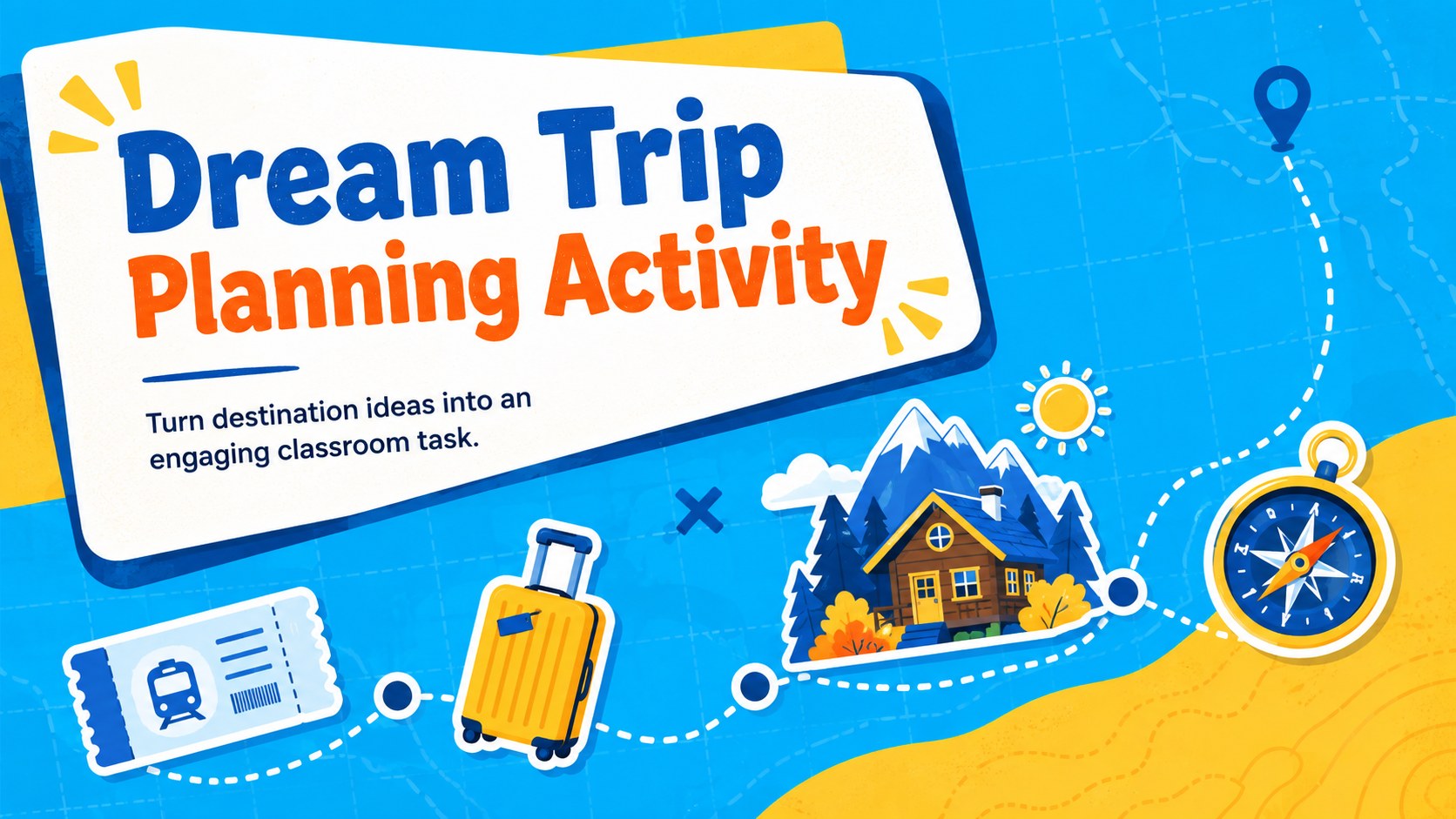
Turn destination ideas into an engaging classroom task with this Dream Trip Planning Activity in playful blue and yellow for PowerPoint and Google Slides.
Design notes
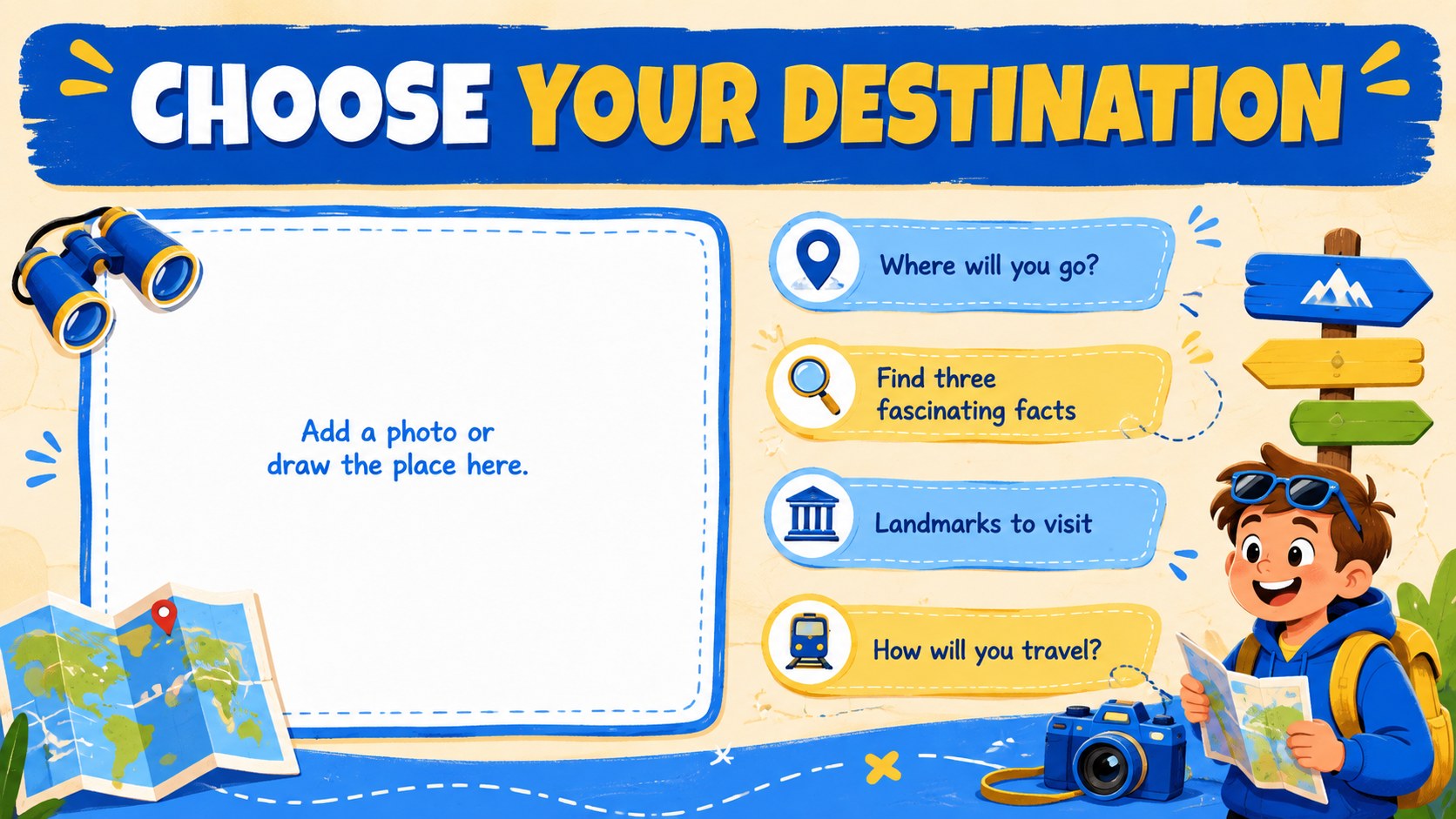
Make travel-themed learning more purposeful with this Dream Trip Planning Activity for PowerPoint and Google Slides. Bright blue and yellow backgrounds, playful illustrations and bold handwritten-style lettering create an upbeat format that feels welcoming to young learners. Students can choose a destination, gather key facts and shape their ideas into a simple, organized trip proposal.
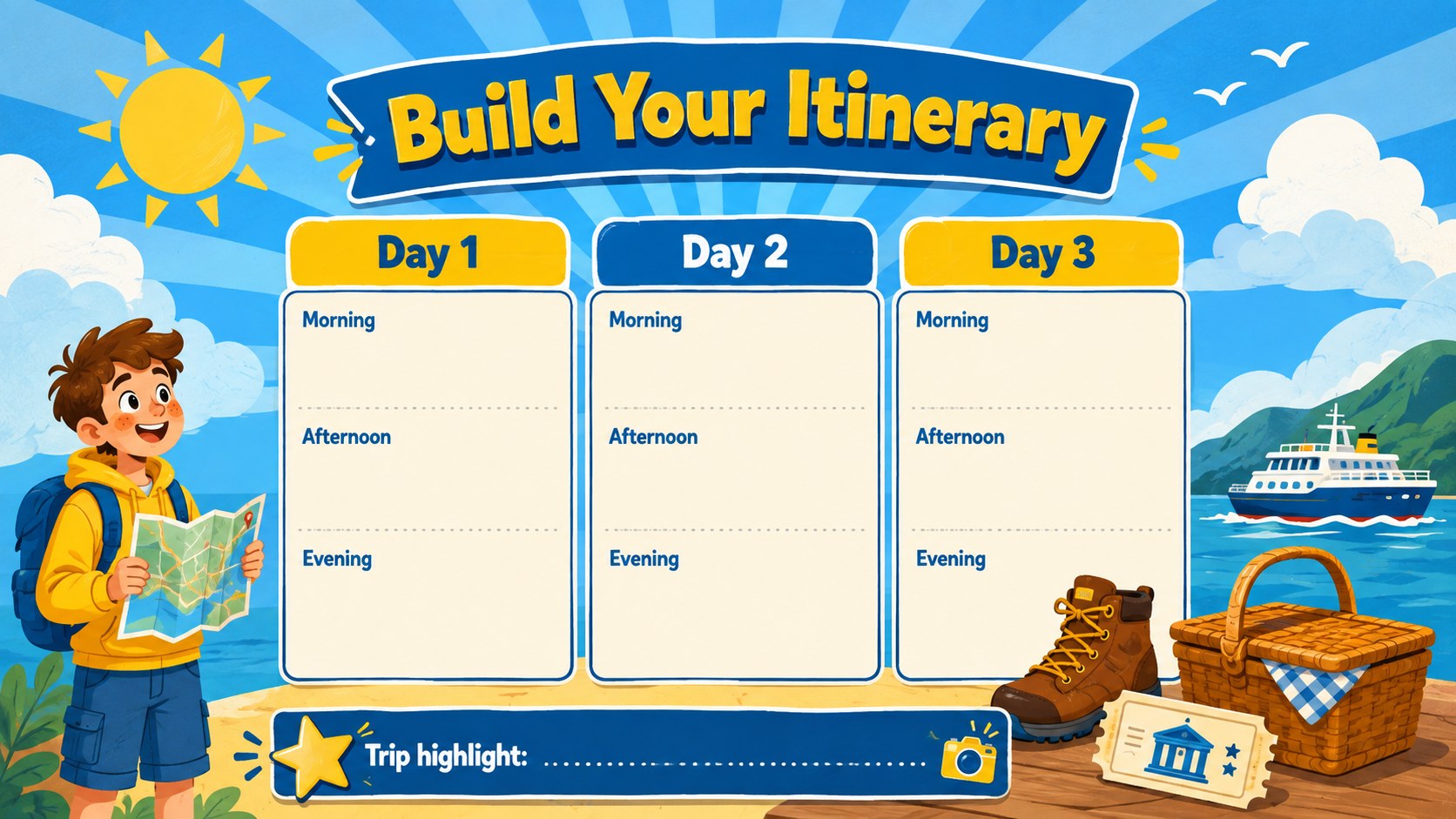
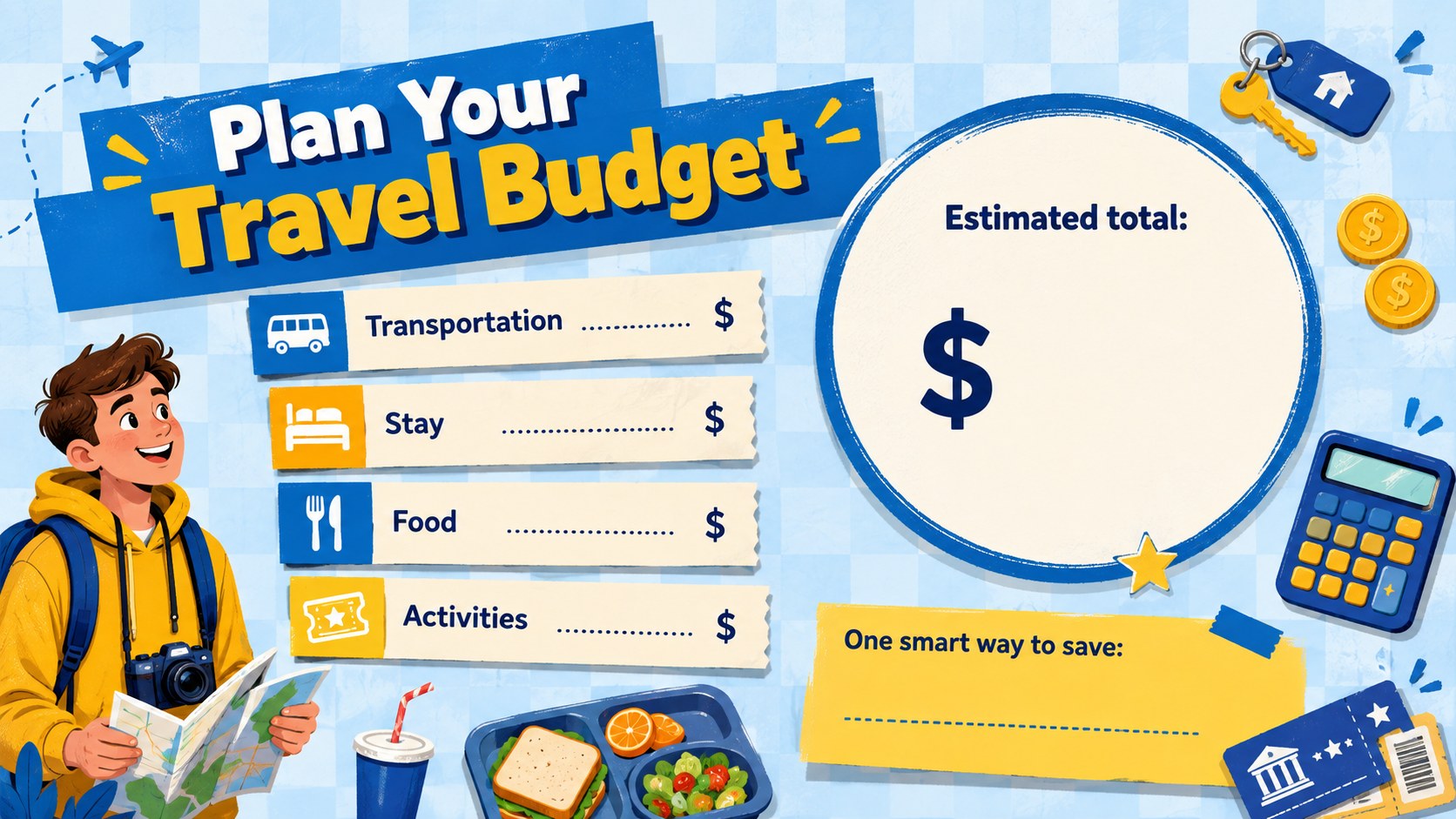
The template includes three ready-to-edit activity pages covering destination research, daily itinerary planning and a basic travel budget. Teachers can adjust every heading, prompt, color and graphic to match a specific age group or lesson objective. The layouts also provide room for transportation choices, landmarks, packing ideas and memorable experiences. Use the pages digitally or prepare them as classroom handouts after editing.
Designed as a classroom destination research activity, this resource works well for geography lessons, end-of-term projects, summer programs and cross-curricular writing practice. It can also become a vacation budgeting classroom worksheet by adding prices, totals and currency exercises. The clear structure supports independent work, partner activities and small-group presentations while giving students freedom to imagine a journey of their own.
Educators can customize the template in PowerPoint or Google Slides, add photos of locations, rearrange illustrations and adapt the prompts for different learning levels. The result is a lively student itinerary planning worksheet that turns research, organization and creativity into one accessible project.
Perfect for: classroom destination research; summer learning project; student itinerary assignment; introductory travel budgeting lesson; geography group presentation.
Frequently asked questions
Practical details
Yes. All headings, questions, colors and visual elements can be changed in PowerPoint or Google Slides. You can simplify the prompts for younger students or add research and budgeting requirements for older learners.
The template is designed for Microsoft PowerPoint and Google Slides. Upload the PowerPoint file to Google Drive if you prefer to edit and present it in Google Slides.
Yes. After customizing the activities, export the pages as PDF files and print them for classroom use. Check the print preview and scaling options to fit the content to your chosen paper size.
Replace the sample destination prompts with locations connected to your geography, language arts or math curriculum. You can also add maps, travel costs, distance calculations and local landmark photos.
Keep exploring
15Build stronger academic arguments with a college essay thesis builder featuring guided examples, revision prompts, and editable PowerPoint and Google Slides.
 15
15Build an engaging World UFO Day session with this flying saucer history lesson deck, featuring retro green-and-brown slides for PowerPoint and Google Slides.
 14
14Plan a memorable Lunar New Year campaign with the 2036 Dragon Year Celebration Theme, featuring bold red-and-yellow slides for lessons and events.
 15
15Build a thoughtful classroom discussion with this interfaith awareness lesson deck, featuring editable blue-and-white slides for PowerPoint and Google Slides.
 15
15Use this environmental awareness lesson deck to teach climate action through illustrated activities, discussion prompts, and ready-to-edit visuals.
 15
15Build playful lessons and party stories with a kid-friendly zombie celebration theme in purple, green and pastel blue for PowerPoint and Google Slides.
 15
15Build eerie lessons, campaigns, and story pitches with an undead survival scenario theme featuring editable slides for PowerPoint and Google Slides.
 16
16Turn environmental research into a clear story with a Watercolor Ecology Presentation Theme for PowerPoint and Google Slides in calming green and blue.