
 15
15presentation
College Essay Thesis Builder Slides
Build stronger academic arguments with a college essay thesis builder featuring guided examples, revision prompts, and editable PowerPoint and Google Slides.
Google SlidesPowerPoint
presentation · English
Build safer online habits with a digital citizenship lesson deck for schools, youth programs, and workplace workshops. Edit in PowerPoint or Google Slides.




Design notes
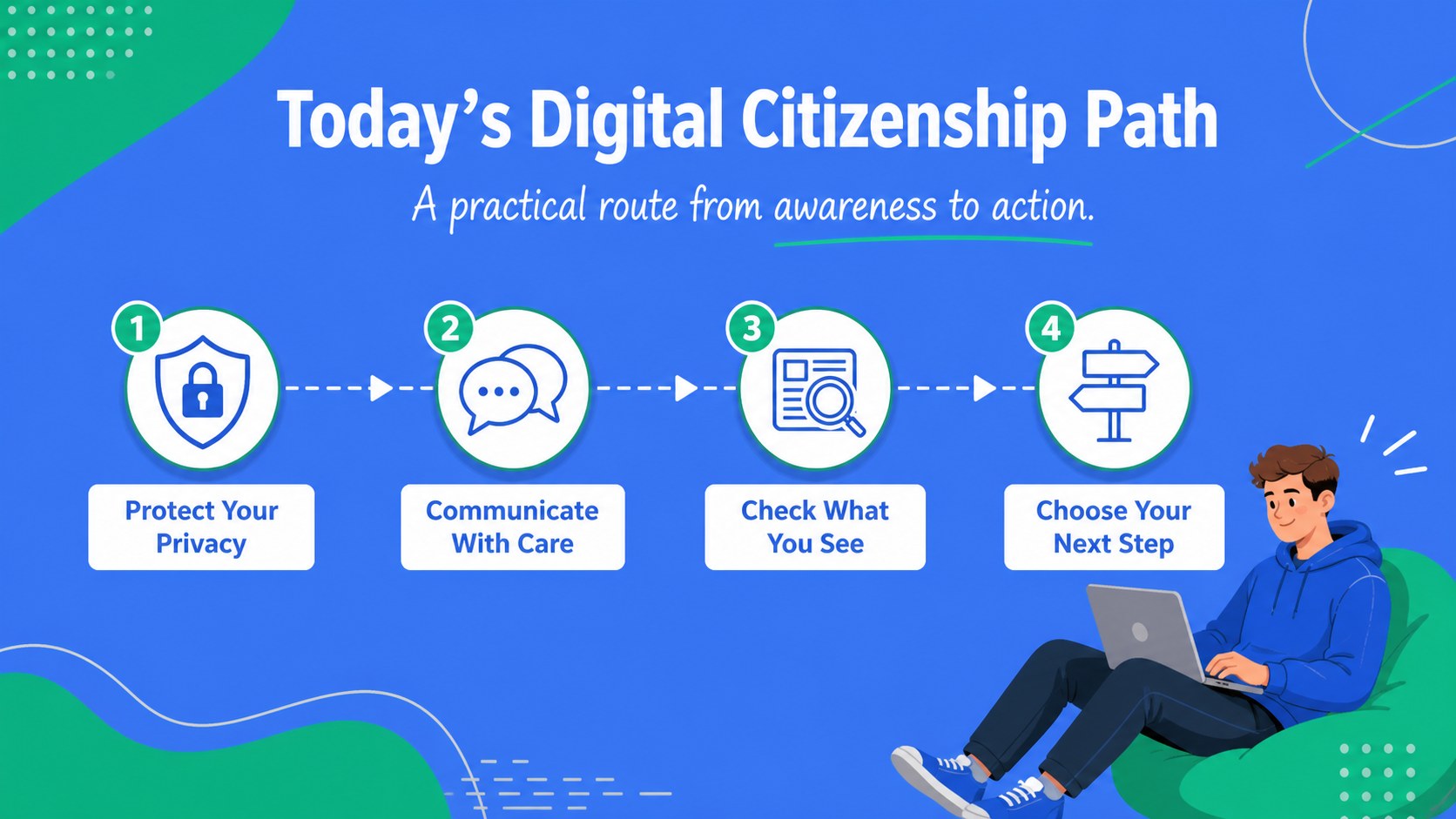
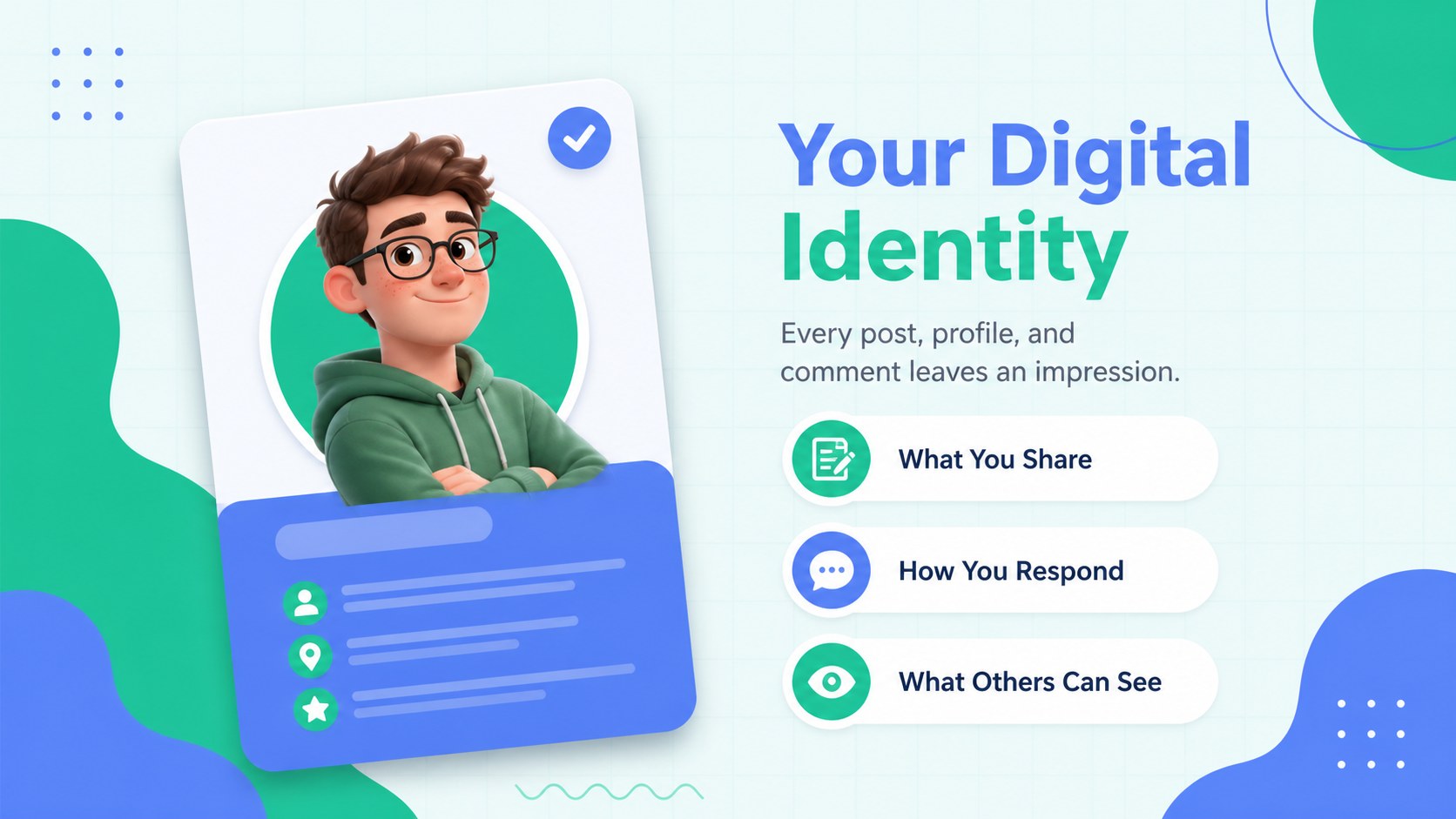
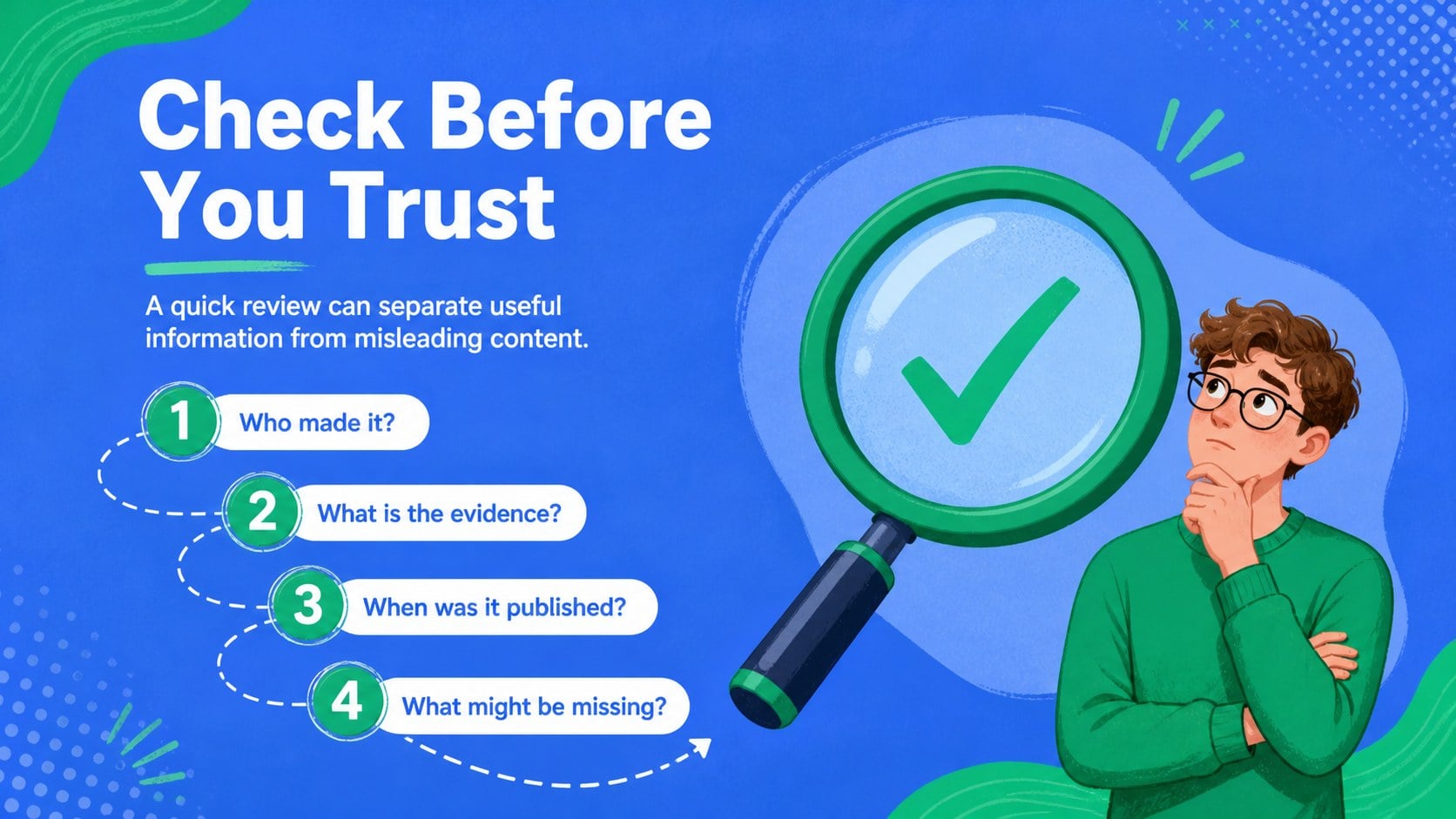
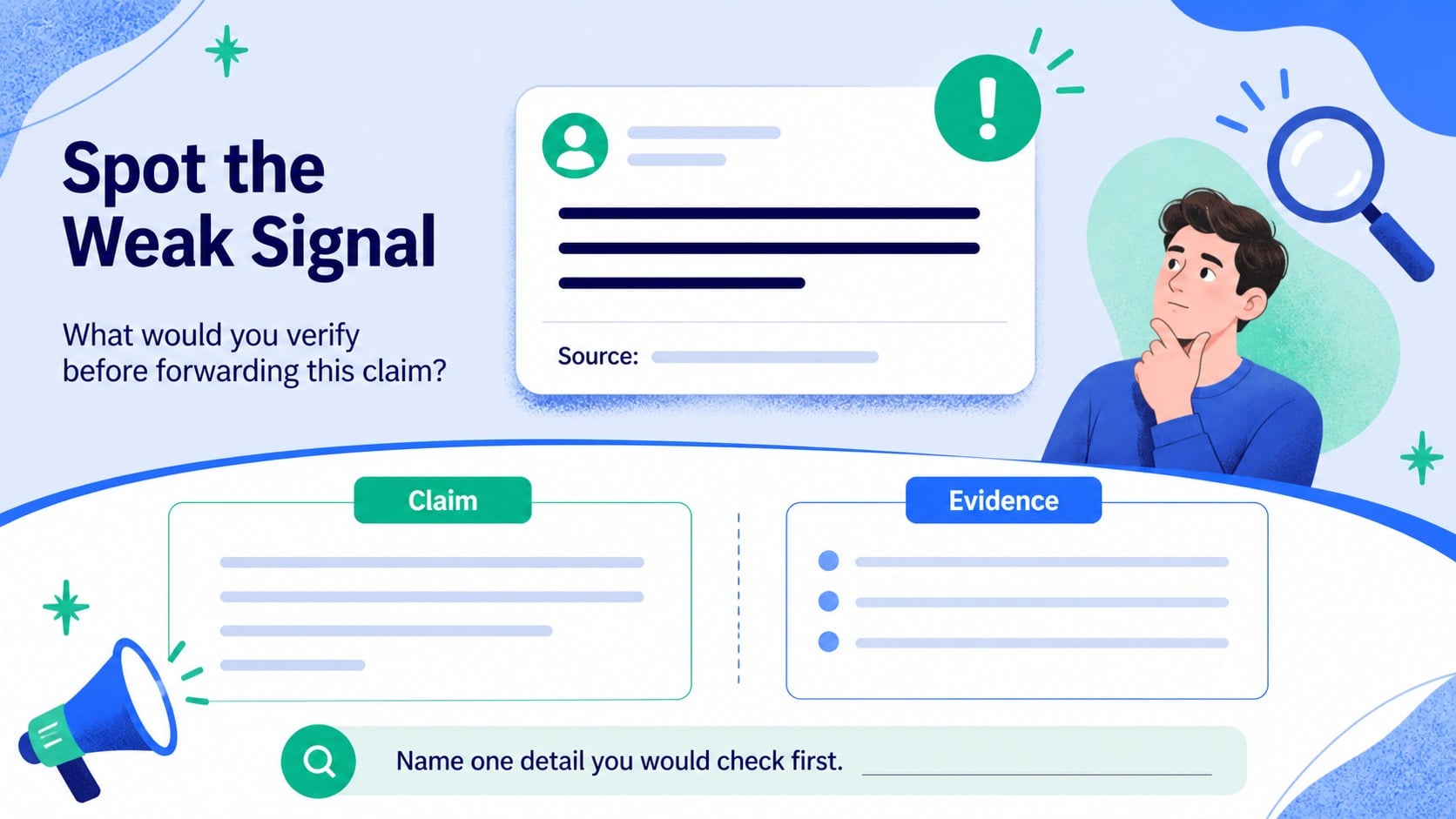
Help learners build safer, smarter online habits with a digital citizenship lesson deck designed for classrooms, youth programs, staff training, and community workshops. Its approachable illustrated style combines cool blue and fresh green accents with friendly technology-themed graphics, making serious online safety topics easier to discuss.
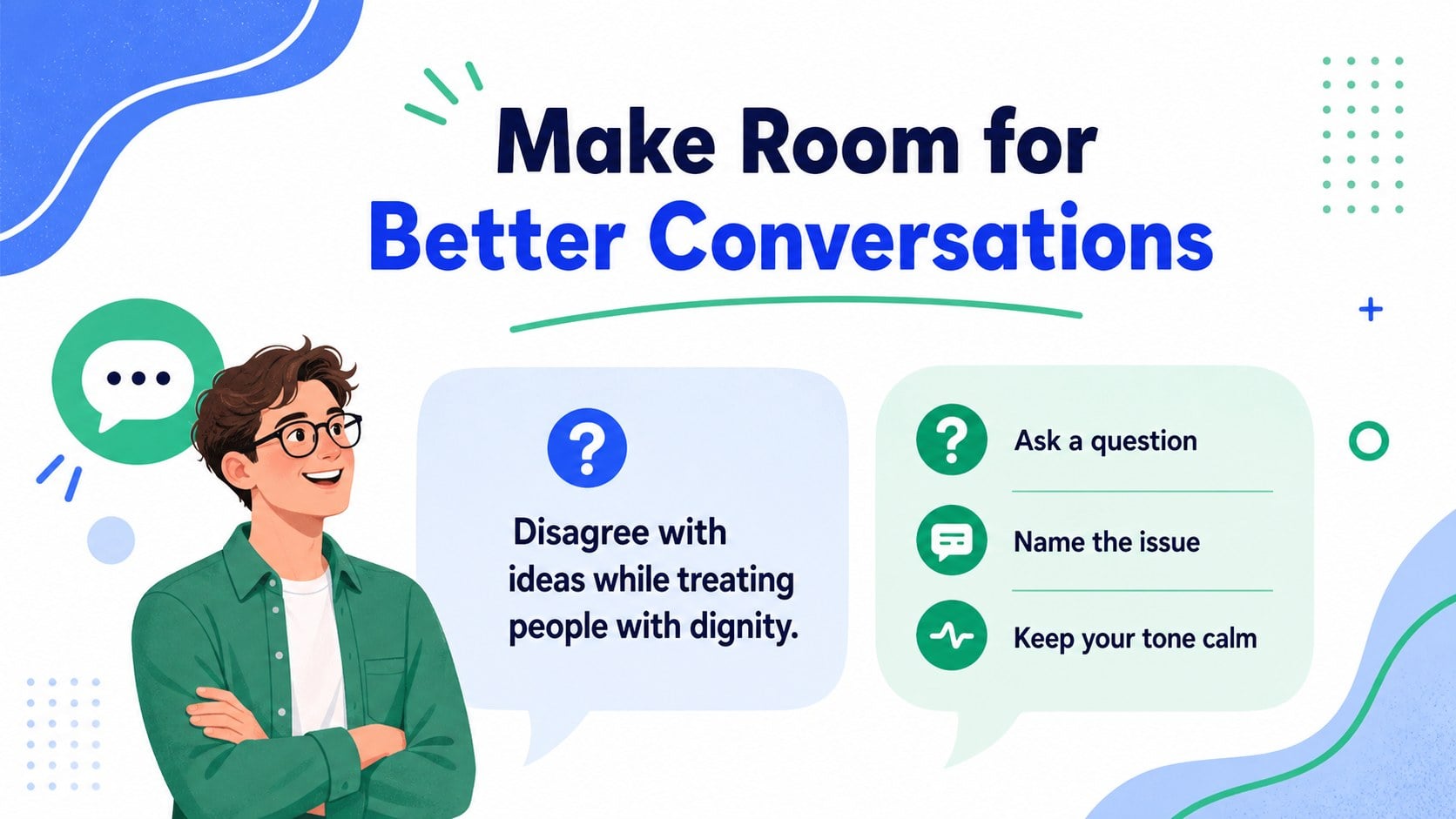
The presentation includes more than 25 editable layouts for introducing digital citizenship, explaining privacy and passwords, recognizing misleading content, practicing respectful communication, and responding to common online risks. Use the visual examples, comparison diagrams, checklists, timelines, and discussion prompts to create an online safety presentation for students or adapt the material for adult audiences. The deck also works well as digital citizenship classroom slides for lesson starters, group activities, and review sessions.
Every slide is built for PowerPoint and Google Slides, with editable text, shapes, charts, illustrations, and color elements. The single-font system uses Arimo for a clean, readable finish, while the blue-and-green palette keeps the mood positive, clear, and welcoming. Whether you are preparing internet safety workshop materials, a school assembly, or a technology webinar, this flexible template gives you a polished starting point without requiring advanced design skills.
Perfect for: school digital citizenship lesson; youth internet safety workshop; workplace cybersecurity awareness session; parent technology webinar; media literacy classroom activity.
Frequently asked questions
Can I edit this template in PowerPoint? Yes. The layouts are designed for PowerPoint and include editable text, shapes, colors, and illustrations. Replace the sample wording with your own lesson content while keeping the visual system consistent.
Practical details
Yes. The layouts are designed for PowerPoint and include editable text, shapes, colors, and illustrations. Replace the sample wording with your own lesson content while keeping the visual system consistent.
Yes, you can open and edit the presentation in Google Slides. Text, diagrams, and most design elements can be adjusted directly in the browser.
Yes. Simplify the examples and discussion prompts for younger students, or add workplace scenarios and policy language for adult audiences. The modular layouts make it easy to remove, duplicate, or reorder sections.
The deck supports lessons about privacy, strong passwords, respectful communication, misinformation, screen habits, and responding to online risks. You can also use the layouts for quizzes, group activities, recap slides, and workshop exercises.
Keep exploring
15Build stronger academic arguments with a college essay thesis builder featuring guided examples, revision prompts, and editable PowerPoint and Google Slides.
 15
15Build an engaging World UFO Day session with this flying saucer history lesson deck, featuring retro green-and-brown slides for PowerPoint and Google Slides.
 14
14Plan a memorable Lunar New Year campaign with the 2036 Dragon Year Celebration Theme, featuring bold red-and-yellow slides for lessons and events.
 15
15Build a thoughtful classroom discussion with this interfaith awareness lesson deck, featuring editable blue-and-white slides for PowerPoint and Google Slides.
 15
15Use this environmental awareness lesson deck to teach climate action through illustrated activities, discussion prompts, and ready-to-edit visuals.
 15
15Build playful lessons and party stories with a kid-friendly zombie celebration theme in purple, green and pastel blue for PowerPoint and Google Slides.
 15
15Build eerie lessons, campaigns, and story pitches with an undead survival scenario theme featuring editable slides for PowerPoint and Google Slides.
 16
16Turn environmental research into a clear story with a Watercolor Ecology Presentation Theme for PowerPoint and Google Slides in calming green and blue.