
 15
15presentation
College Essay Thesis Builder Slides
Build stronger academic arguments with a college essay thesis builder featuring guided examples, revision prompts, and editable PowerPoint and Google Slides.
Google SlidesPowerPoint
presentation · English
Make dental lessons interactive with the Dental Health Matching Activity Pack, featuring editable beige risograph slides for PowerPoint and Google Slides.
Design notes
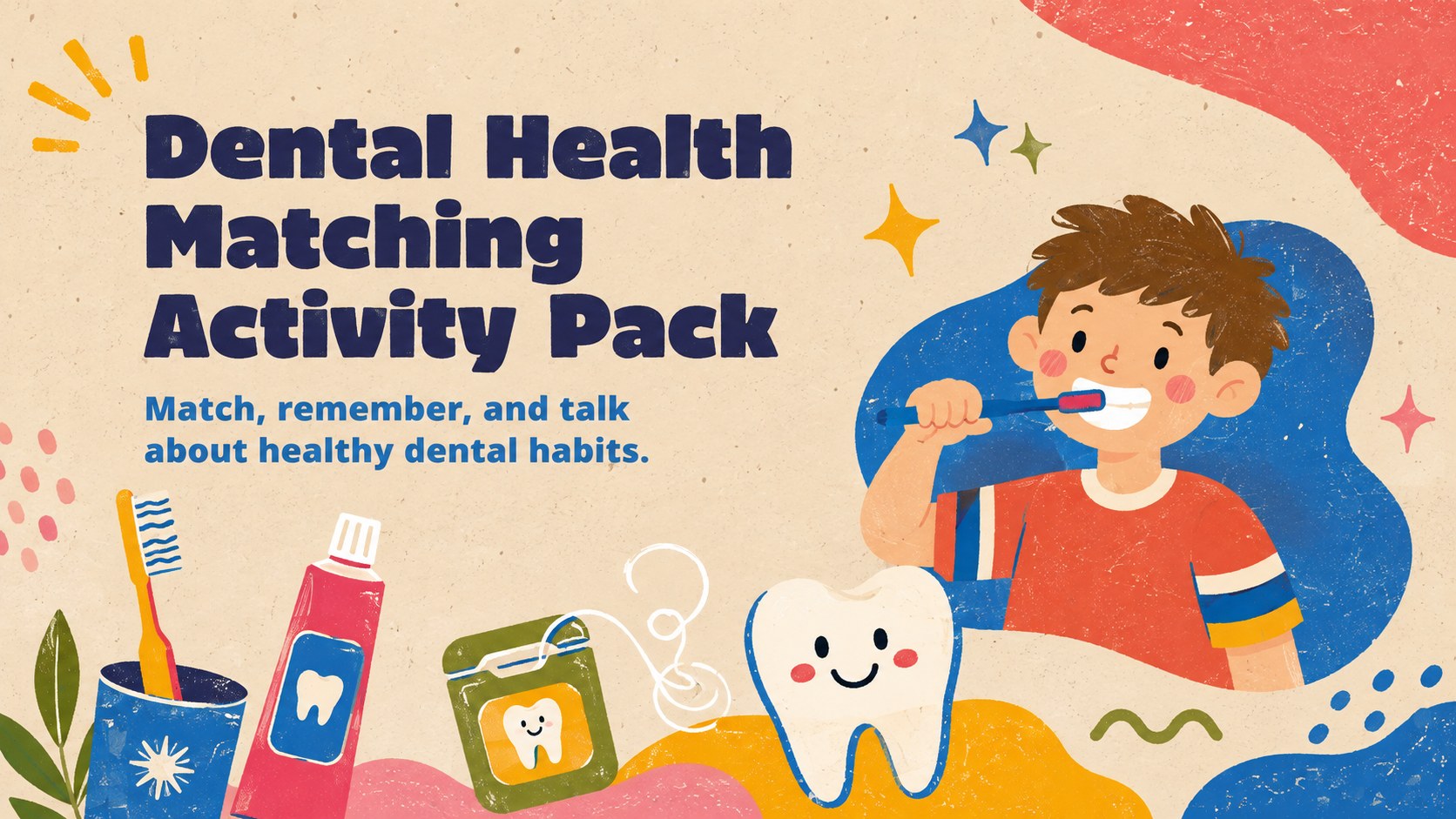
Make tooth-care concepts stick through play. The dental health matching activity pack turns oral hygiene vocabulary into a lively classroom challenge, helping children connect familiar objects, healthy routines, and simple dental facts. Warm beige backgrounds, colorful risograph textures, and cheerful hand-drawn graphics give the resource a friendly look without distracting from the activity.
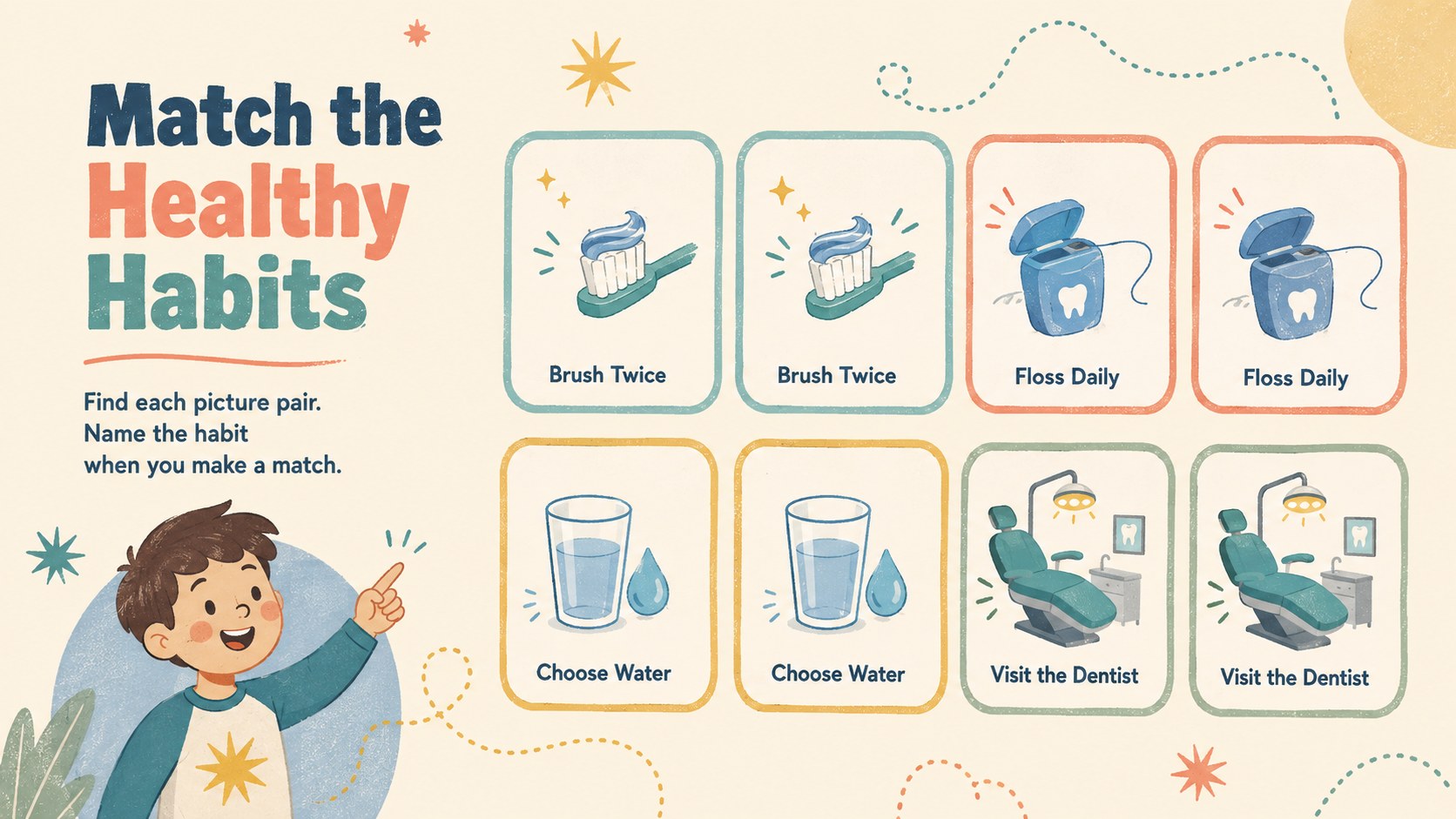
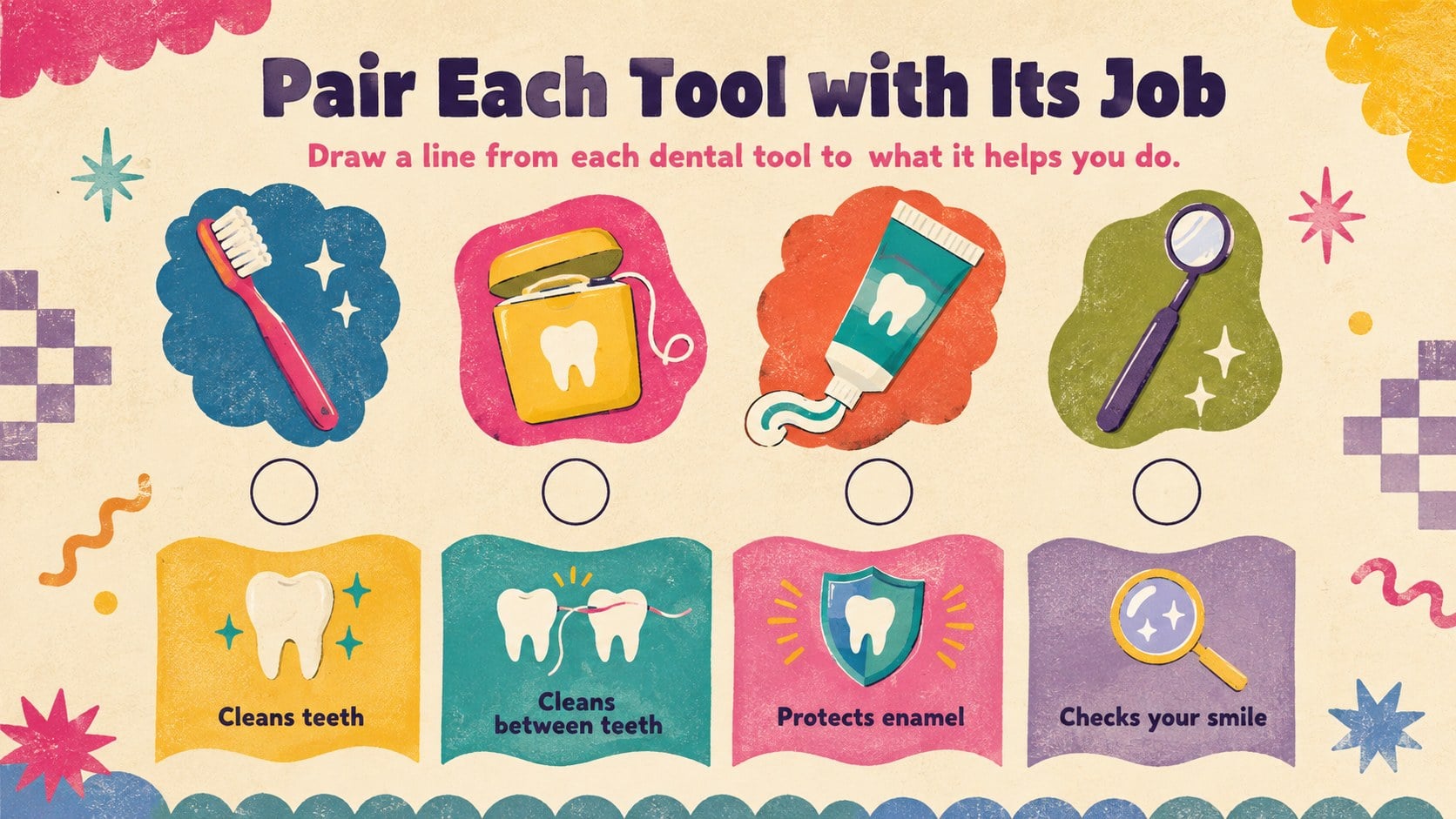
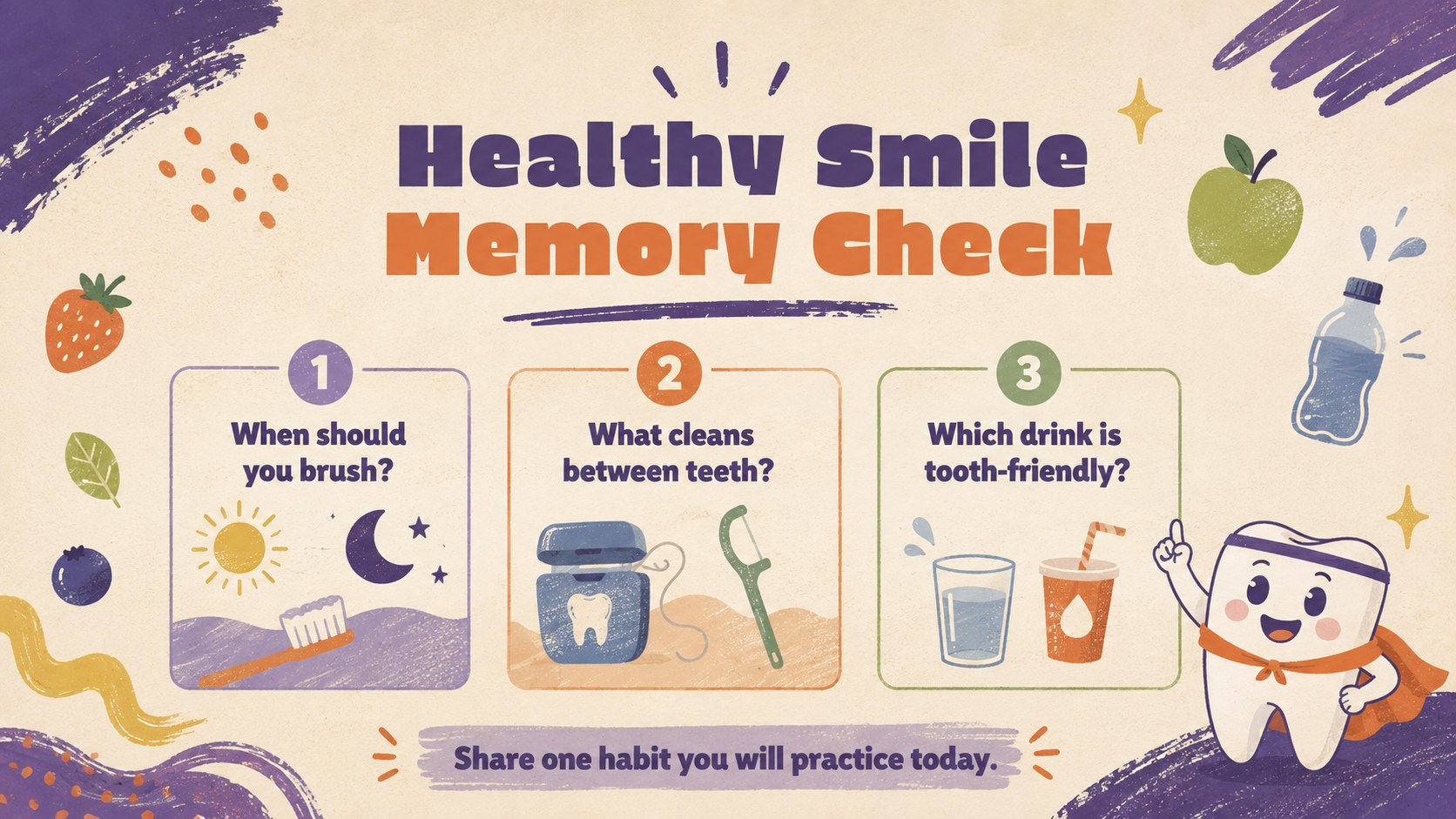
Inside are four coordinated slides for introducing the game, matching healthy habits, pairing dental tools, and checking what students remember. Teachers can replace labels, duplicate cards, adjust difficulty, or add their own questions in PowerPoint or Google Slides. Use the editable tooth matching game on a classroom display, assign it for small-group practice, or print selected pages as activity sheets.
This dental hygiene memory game for kids works well for elementary teachers, school nurses, dental educators, homeschool families, and community health presenters. It can support an oral health unit, a dentist visit theme, a health-awareness event, or a quick learning-center rotation. The oral health classroom activity slides encourage observation, recall, and discussion while reinforcing brushing, flossing, healthy food choices, and regular dental checkups.
Perfect for: elementary oral health lesson; Dental Health Month activity; school nurse classroom visit; dentist-themed learning center; homeschool hygiene unit.
Frequently asked questions
Can I edit the matching cards and instructions? Yes. All card labels, directions, colors, and activity text can be changed in PowerPoint or Google Slides. You can also duplicate cards or replace the illustrations to create easier or more challenging rounds.
Practical details
Yes. All card labels, directions, colors, and activity text can be changed in PowerPoint or Google Slides. You can also duplicate cards or replace the illustrations to create easier or more challenging rounds.
The activity pack is designed for Microsoft PowerPoint and Google Slides. Open it in your preferred platform to edit the content, present the activities, or prepare selected pages for printing.
Yes. Export individual slides as PDF files and select the appropriate scaling option in your printer settings. For reusable matching cards, print on heavier paper and laminate the pieces before cutting.
For younger learners, use fewer pairs and rely on picture-based clues. For older students, add dental vocabulary, prevention questions, or short explanations that must be matched with each illustration.
Keep exploring
15Build stronger academic arguments with a college essay thesis builder featuring guided examples, revision prompts, and editable PowerPoint and Google Slides.
 15
15Build an engaging World UFO Day session with this flying saucer history lesson deck, featuring retro green-and-brown slides for PowerPoint and Google Slides.
 14
14Plan a memorable Lunar New Year campaign with the 2036 Dragon Year Celebration Theme, featuring bold red-and-yellow slides for lessons and events.
 15
15Build a thoughtful classroom discussion with this interfaith awareness lesson deck, featuring editable blue-and-white slides for PowerPoint and Google Slides.
 15
15Use this environmental awareness lesson deck to teach climate action through illustrated activities, discussion prompts, and ready-to-edit visuals.
 15
15Build playful lessons and party stories with a kid-friendly zombie celebration theme in purple, green and pastel blue for PowerPoint and Google Slides.
 15
15Build eerie lessons, campaigns, and story pitches with an undead survival scenario theme featuring editable slides for PowerPoint and Google Slides.
 16
16Turn environmental research into a clear story with a Watercolor Ecology Presentation Theme for PowerPoint and Google Slides in calming green and blue.