
 15
15presentation
College Essay Thesis Builder Slides
Build stronger academic arguments with a college essay thesis builder featuring guided examples, revision prompts, and editable PowerPoint and Google Slides.
Google SlidesPowerPoint
presentation · English
Make tooth structure and function easy to explain with Dental Anatomy Lesson Slides, a teal illustrated classroom deck designed for PowerPoint and Google…
Design notes
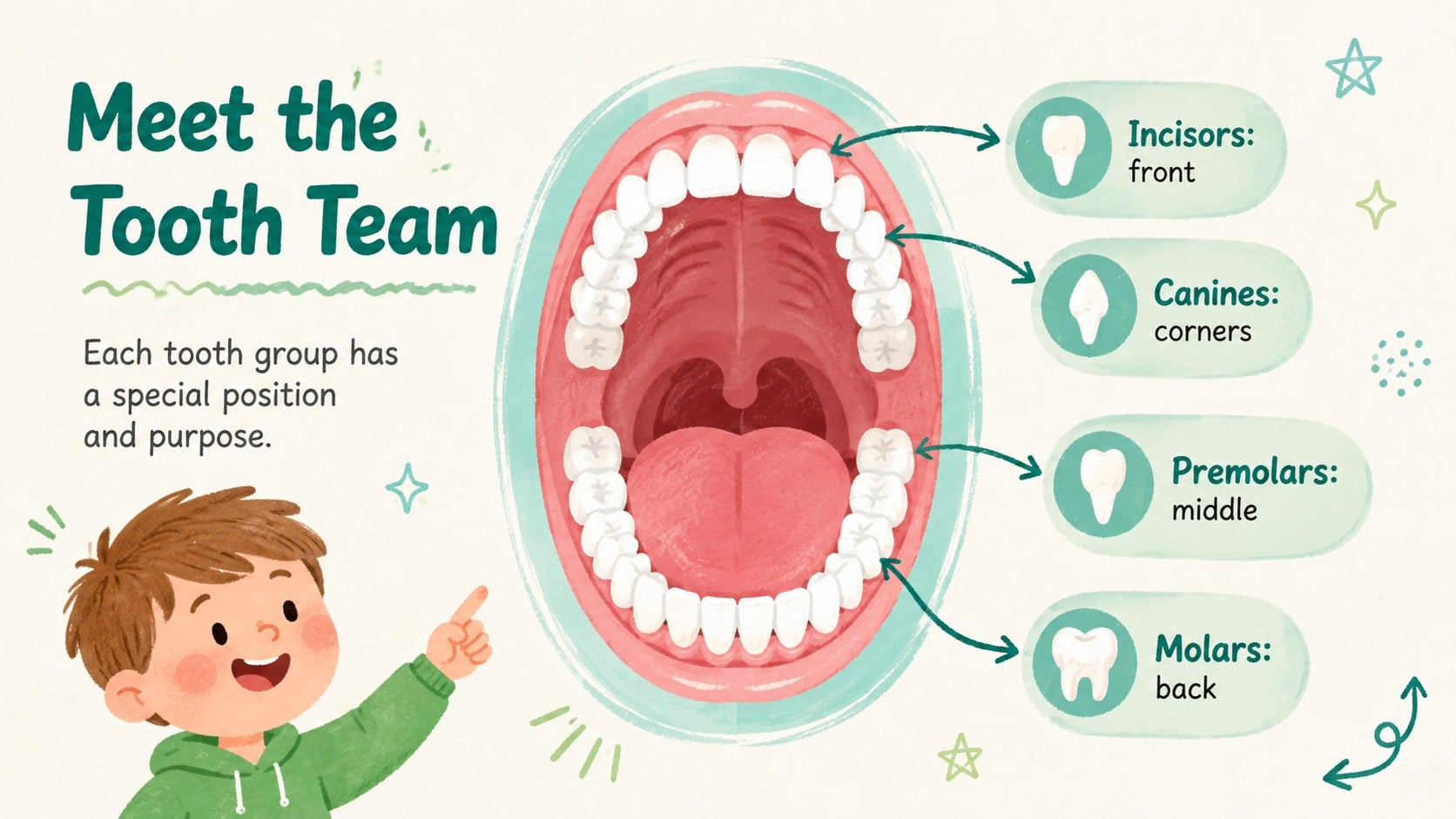
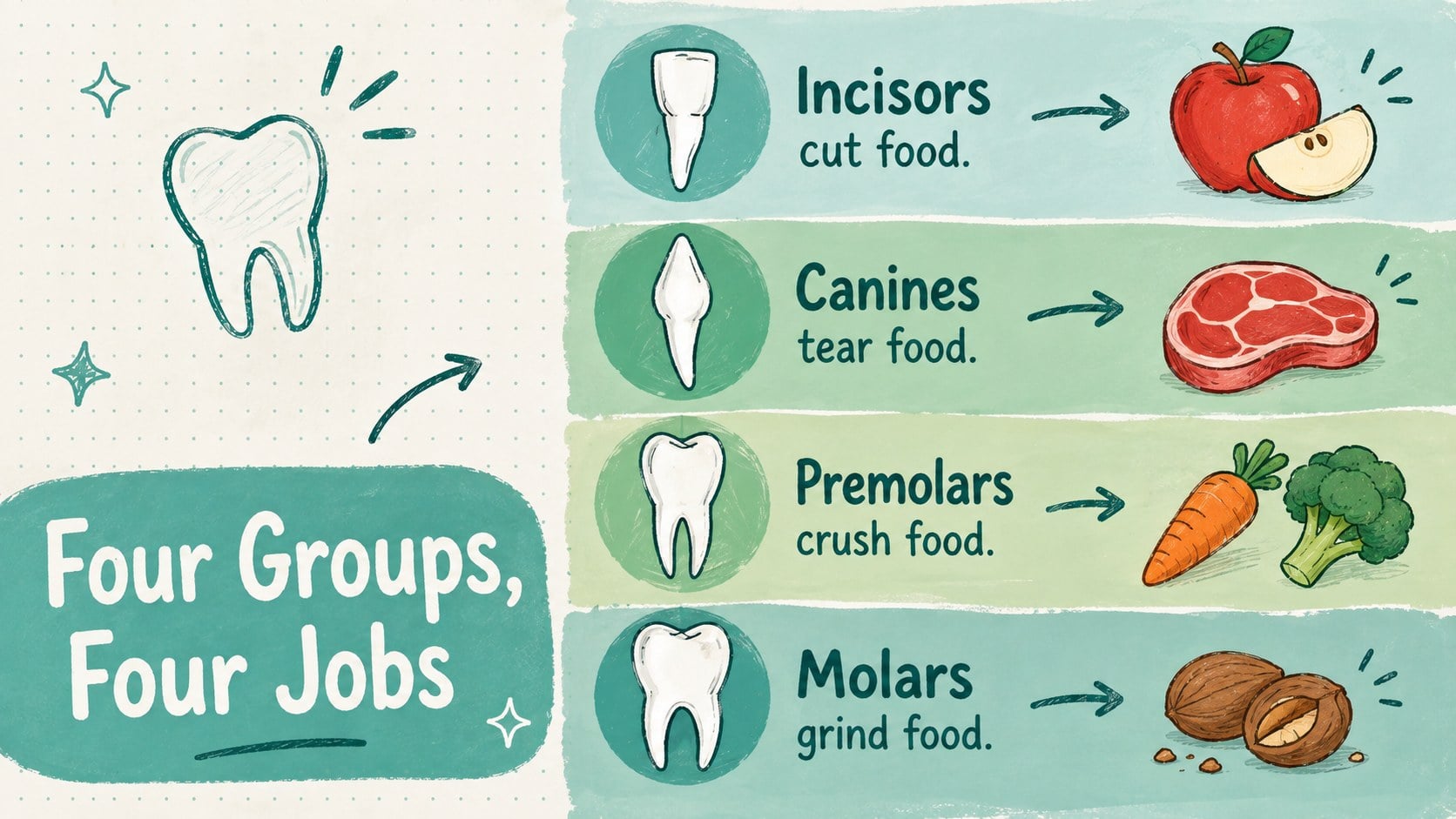
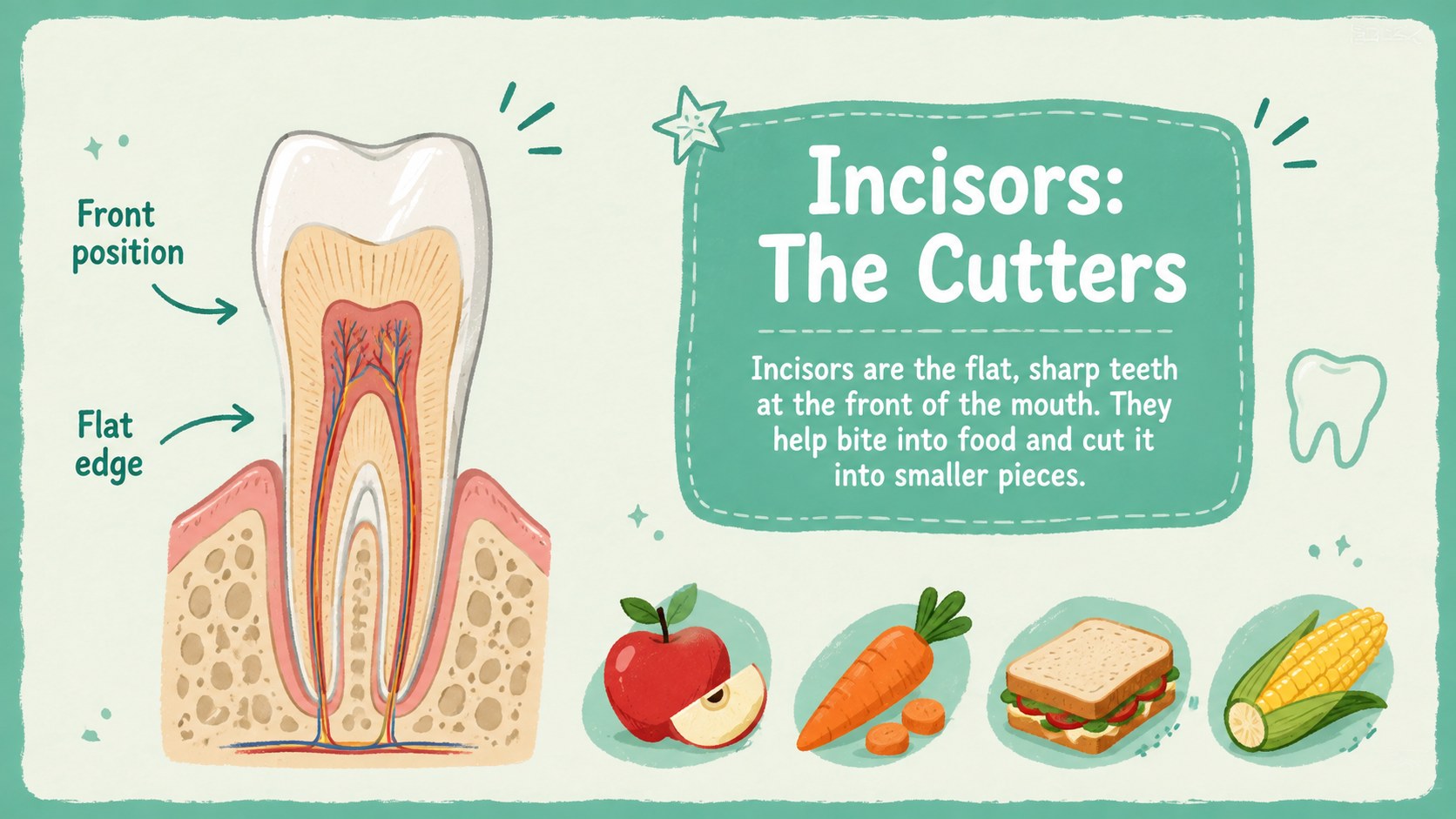
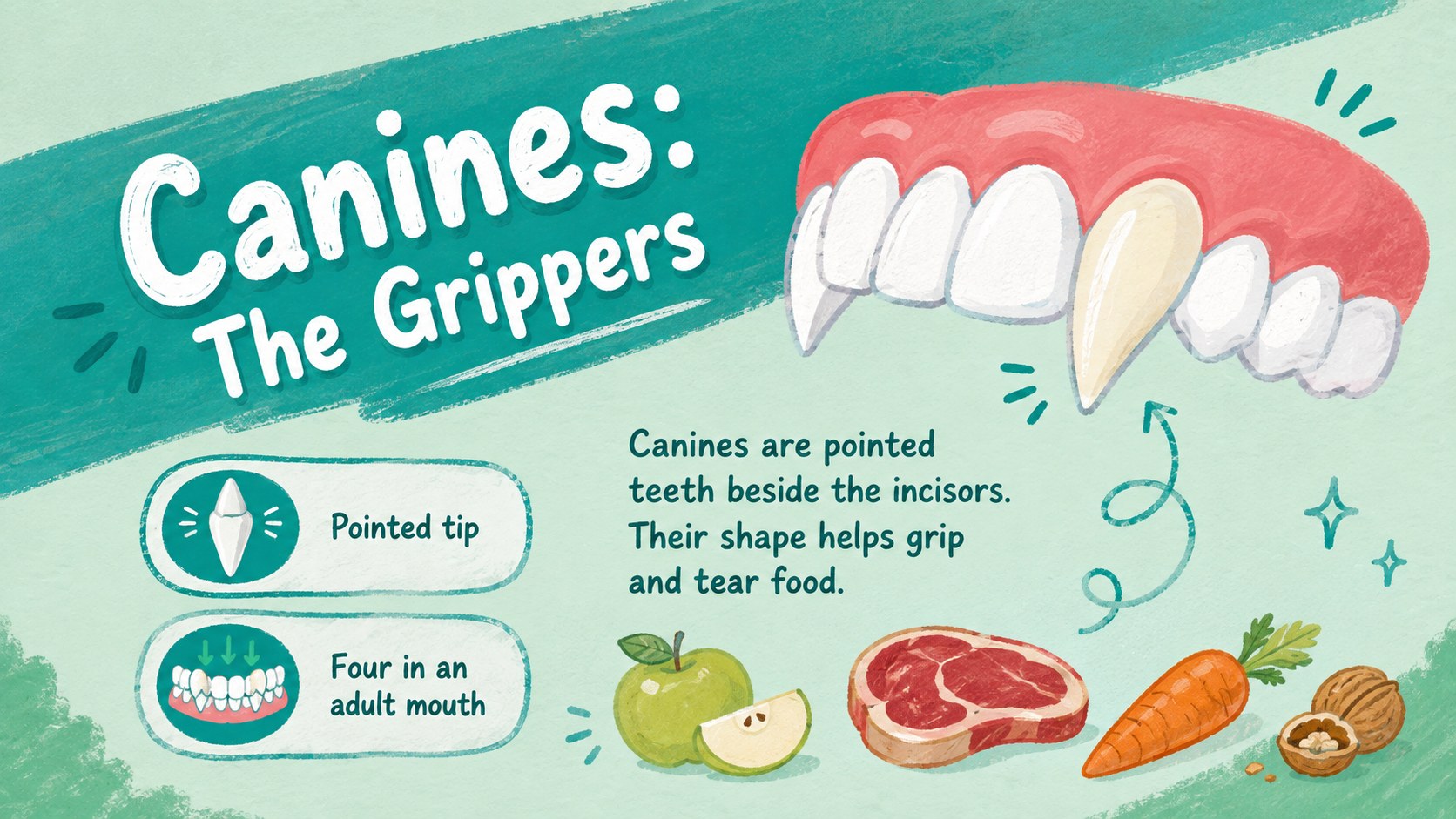
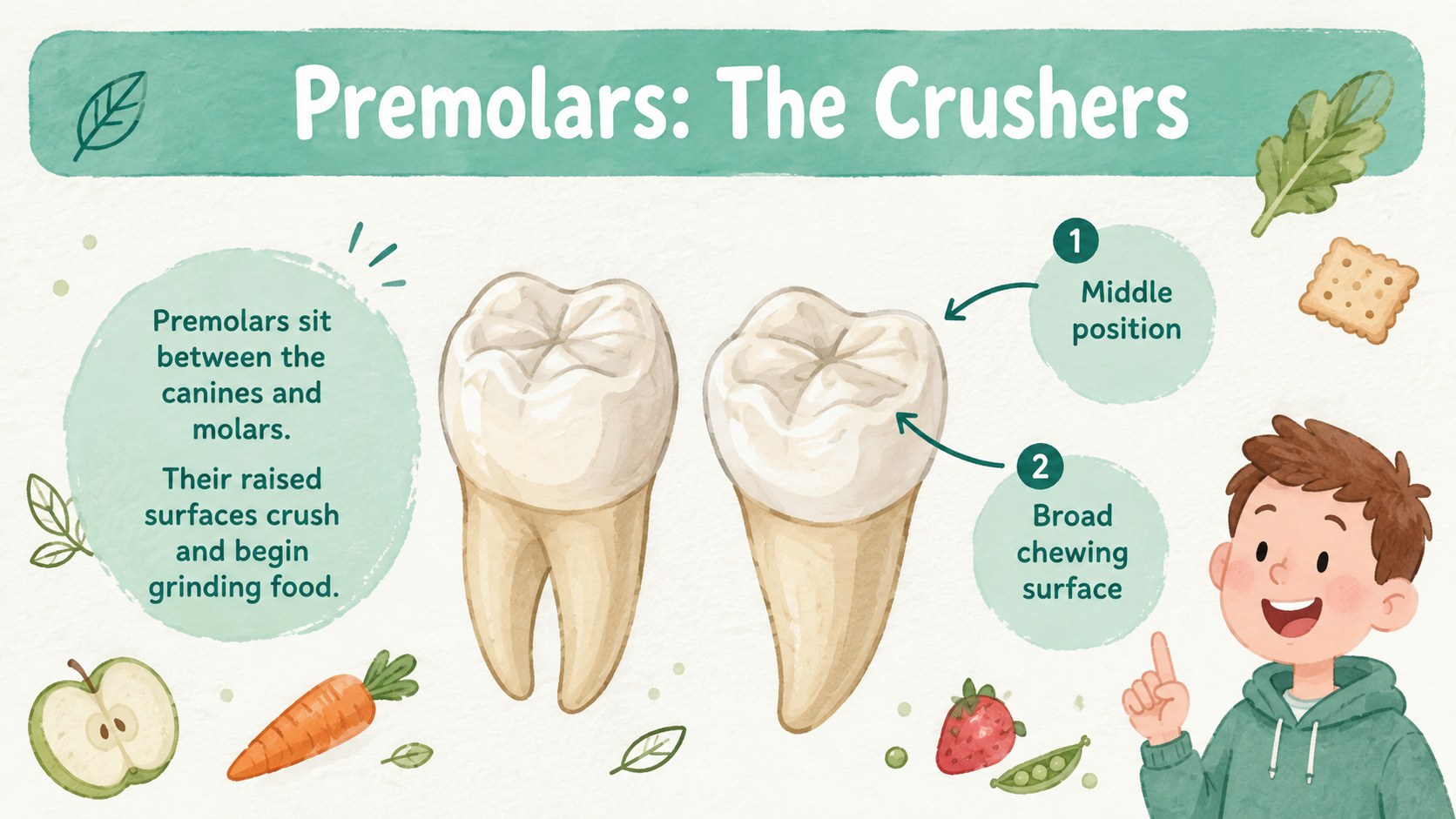
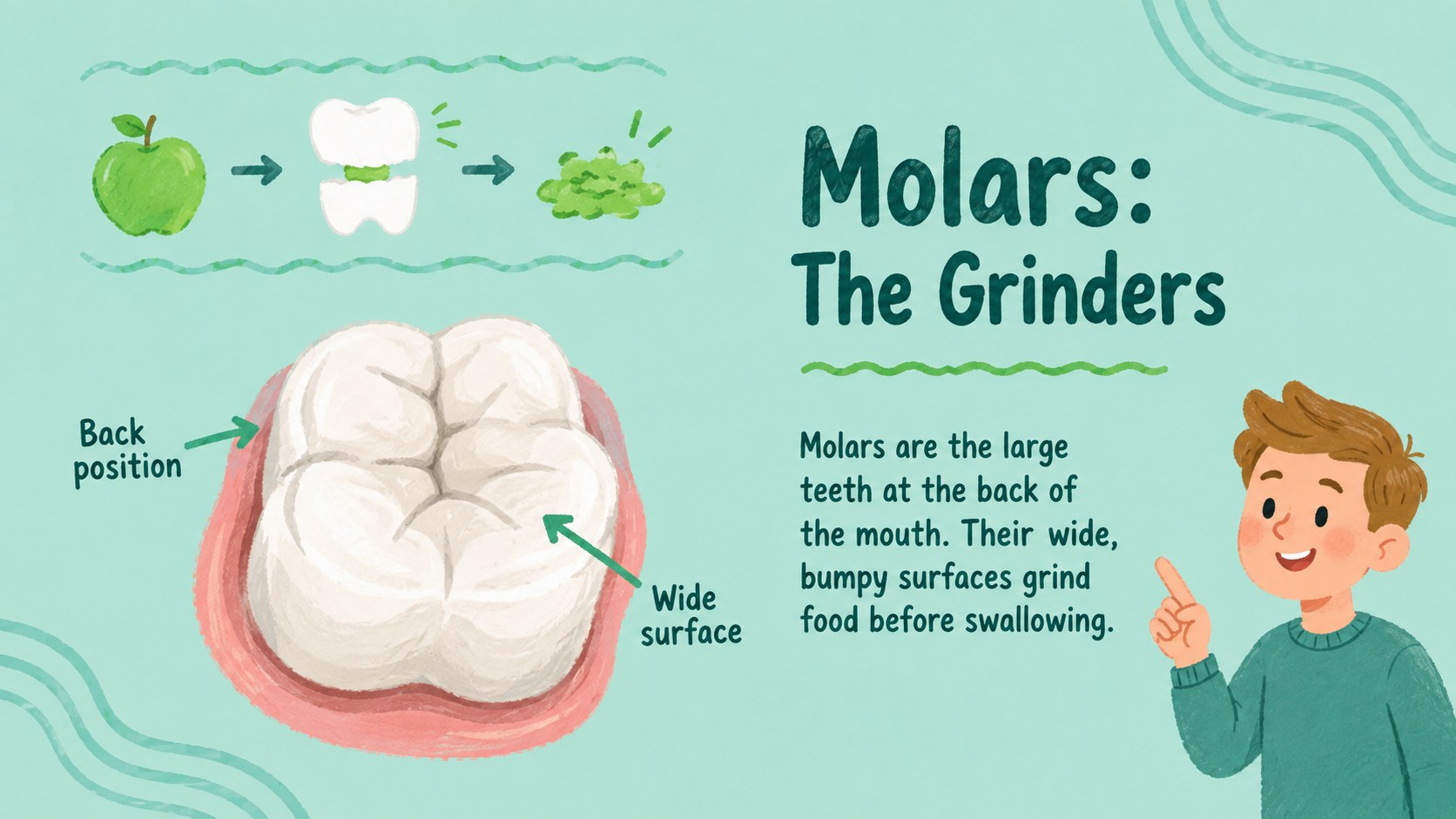
Dental Anatomy Lesson Slides turn a detailed science topic into a clear, student-friendly visual lesson. The teal and green palette, hand-drawn diagrams, and playful dental illustrations help teachers explain how teeth differ, where they are located, and what each group does. This tooth types and functions presentation is structured for classroom discussion without making the material feel overly clinical.
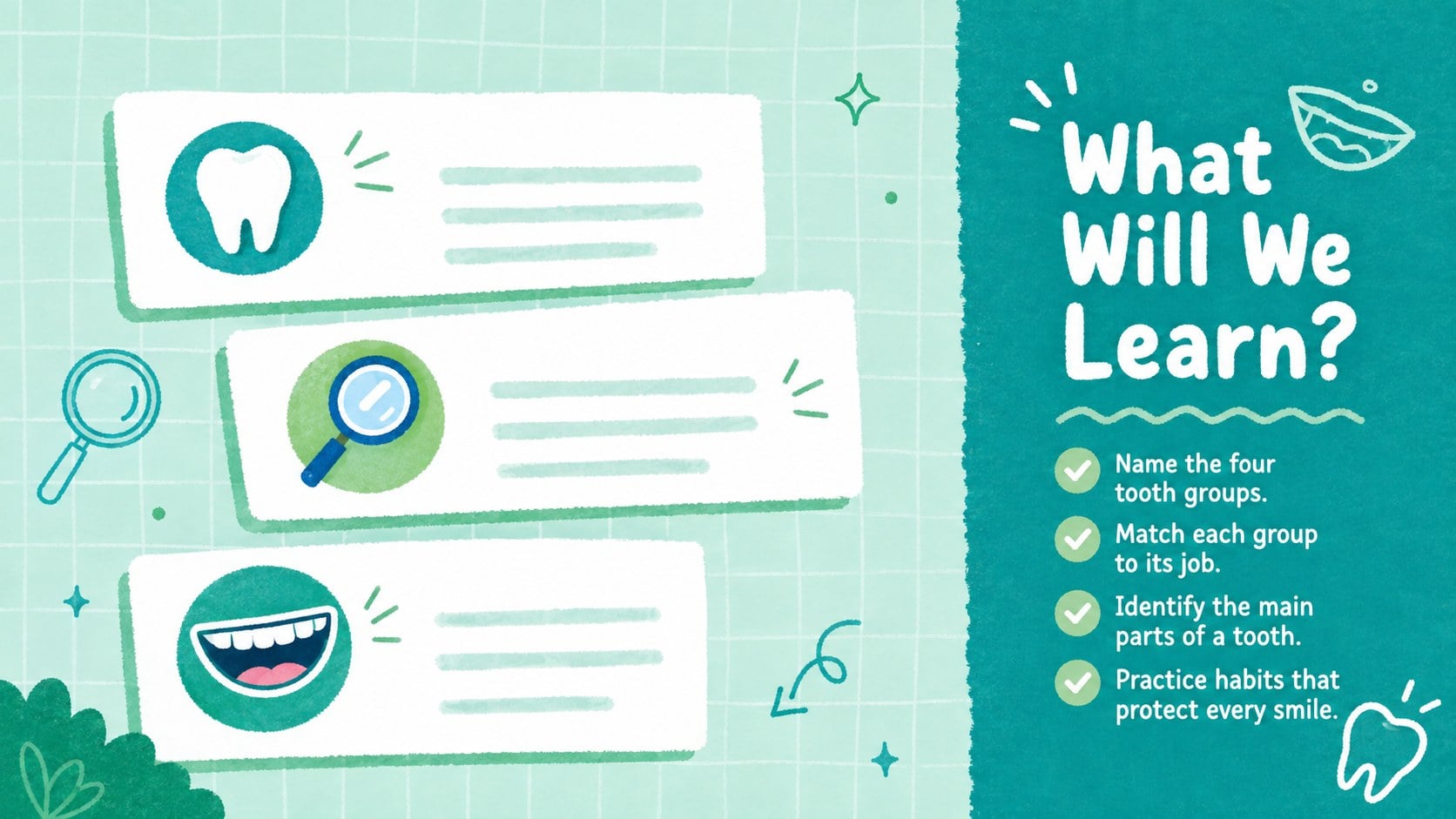
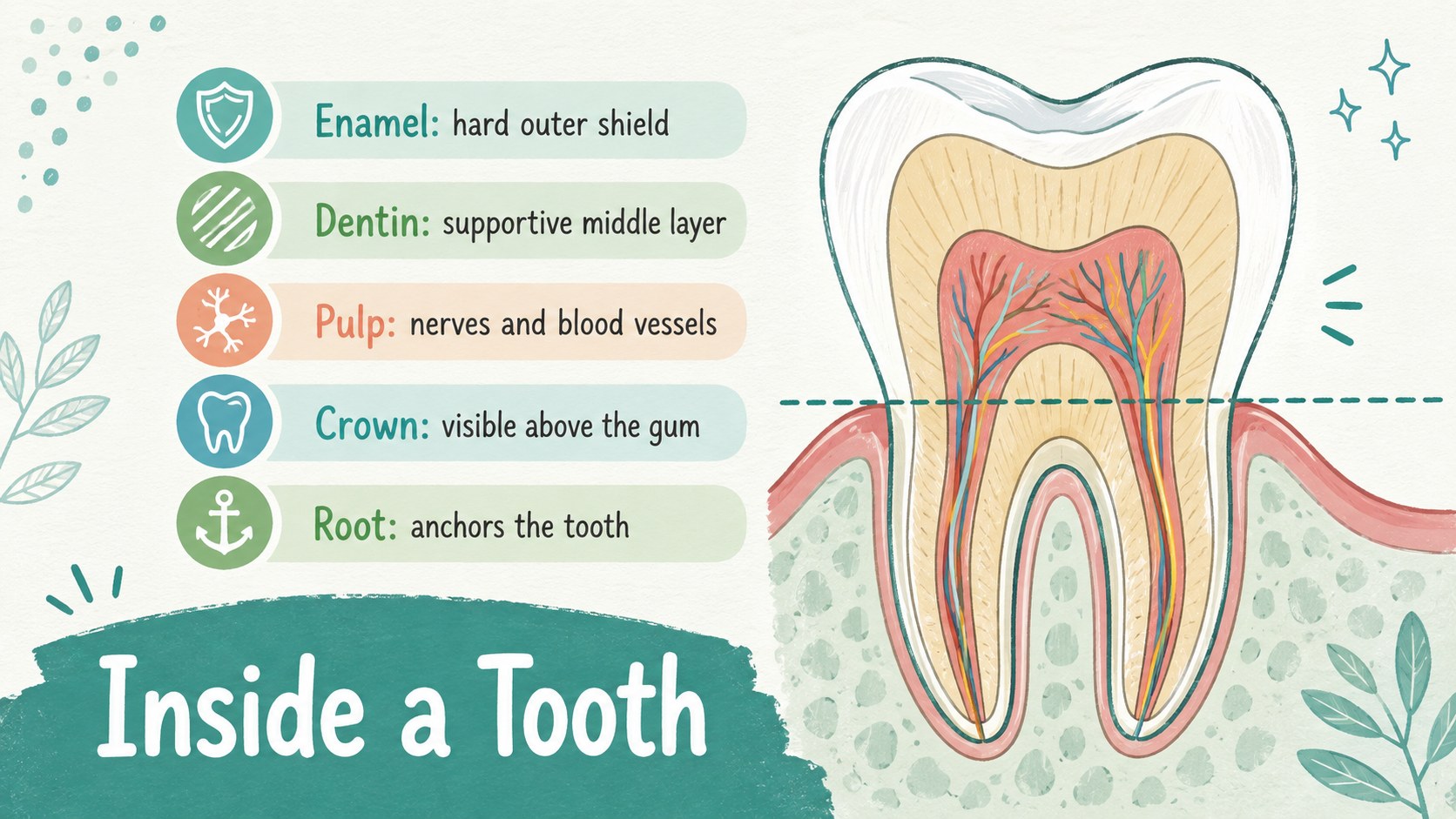
Inside the deck, learners can explore incisors, canines, premolars, and molars before examining the crown, root, enamel, dentin, and pulp. Additional layouts cover primary and permanent teeth, a simplified eruption timeline, daily care habits, comparison activities, review questions, and a closing recap. These dental anatomy slides for students provide space for concise definitions, labeled diagrams, timelines, tables, and interactive prompts.
The Dental Anatomy Lesson Slides are designed for elementary science classes, health education, introductory dental lessons, and community oral-health workshops. Teachers, tutors, dental professionals, and school health teams can adjust the wording, colors, illustrations, and activities in PowerPoint or Google Slides. Use the deck as a complete lesson, a visual study guide, or a teeth lesson template for PowerPoint that can be adapted to different age groups and learning goals.
Perfect for: elementary science lesson; school oral health workshop; dental anatomy review; student study guide; health education class.
Frequently asked questions
Can I edit the diagrams and lesson text? Yes. The labels, text boxes, colors, and supporting graphics can be adjusted to match your curriculum and the age of your learners. You can also duplicate layouts to add more examples or review activities.
Practical details
Yes. The labels, text boxes, colors, and supporting graphics can be adjusted to match your curriculum and the age of your learners. You can also duplicate layouts to add more examples or review activities.
The template is designed for Microsoft PowerPoint and Google Slides. Some fonts or transitions may display slightly differently after importing, so review the deck before presenting.
Yes. Shorten the definitions, retain the large labeled illustrations, and replace detailed anatomy terms with age-appropriate language. The comparison and quiz layouts can also be simplified into picture-based activities.
Yes. It introduces incisors, canines, premolars, and molars, then examines key parts such as enamel, dentin, pulp, crown, and root. It also includes primary and permanent teeth, eruption, care habits, and review material.
Keep exploring
15Build stronger academic arguments with a college essay thesis builder featuring guided examples, revision prompts, and editable PowerPoint and Google Slides.
 15
15Build an engaging World UFO Day session with this flying saucer history lesson deck, featuring retro green-and-brown slides for PowerPoint and Google Slides.
 14
14Plan a memorable Lunar New Year campaign with the 2036 Dragon Year Celebration Theme, featuring bold red-and-yellow slides for lessons and events.
 15
15Build a thoughtful classroom discussion with this interfaith awareness lesson deck, featuring editable blue-and-white slides for PowerPoint and Google Slides.
 15
15Use this environmental awareness lesson deck to teach climate action through illustrated activities, discussion prompts, and ready-to-edit visuals.
 15
15Build playful lessons and party stories with a kid-friendly zombie celebration theme in purple, green and pastel blue for PowerPoint and Google Slides.
 15
15Build eerie lessons, campaigns, and story pitches with an undead survival scenario theme featuring editable slides for PowerPoint and Google Slides.
 16
16Turn environmental research into a clear story with a Watercolor Ecology Presentation Theme for PowerPoint and Google Slides in calming green and blue.