
 15
15presentation
College Essay Thesis Builder Slides
Build stronger academic arguments with a college essay thesis builder featuring guided examples, revision prompts, and editable PowerPoint and Google Slides.
Google SlidesPowerPoint
presentation · English
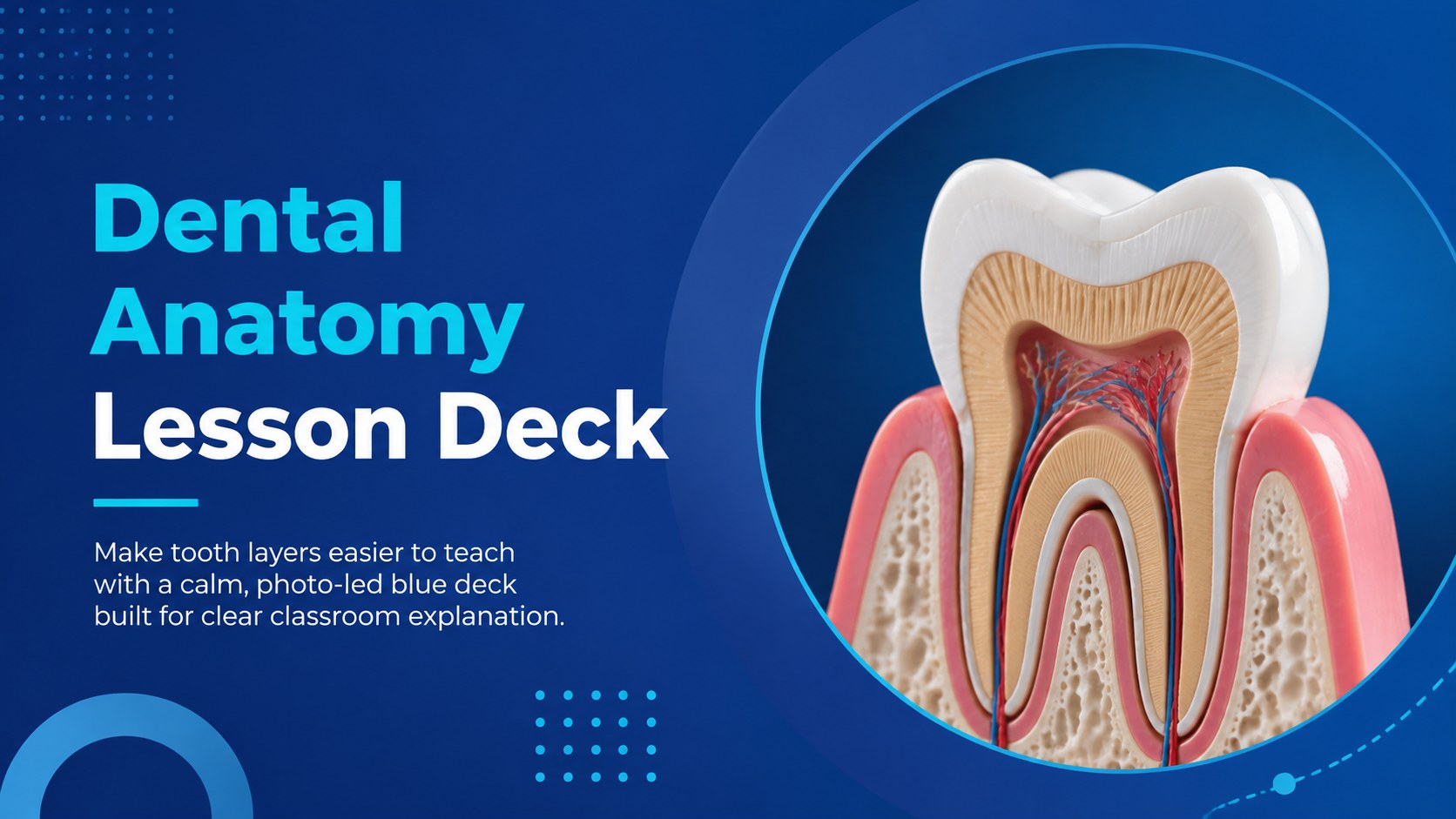
Teach tooth layers clearly with this Dental Anatomy Lesson Deck, a clean blue, photo-led template for classroom lectures in PowerPoint and Google Slides.
Design notes
Turn a complex biology topic into a clear visual lesson with this Dental Anatomy Lesson Deck. Its minimal blue design combines concise explanations, clinical photography, and structured diagrams to help learners understand how the parts of a tooth connect and function. Every layout is designed for focused teaching without distracting decoration.
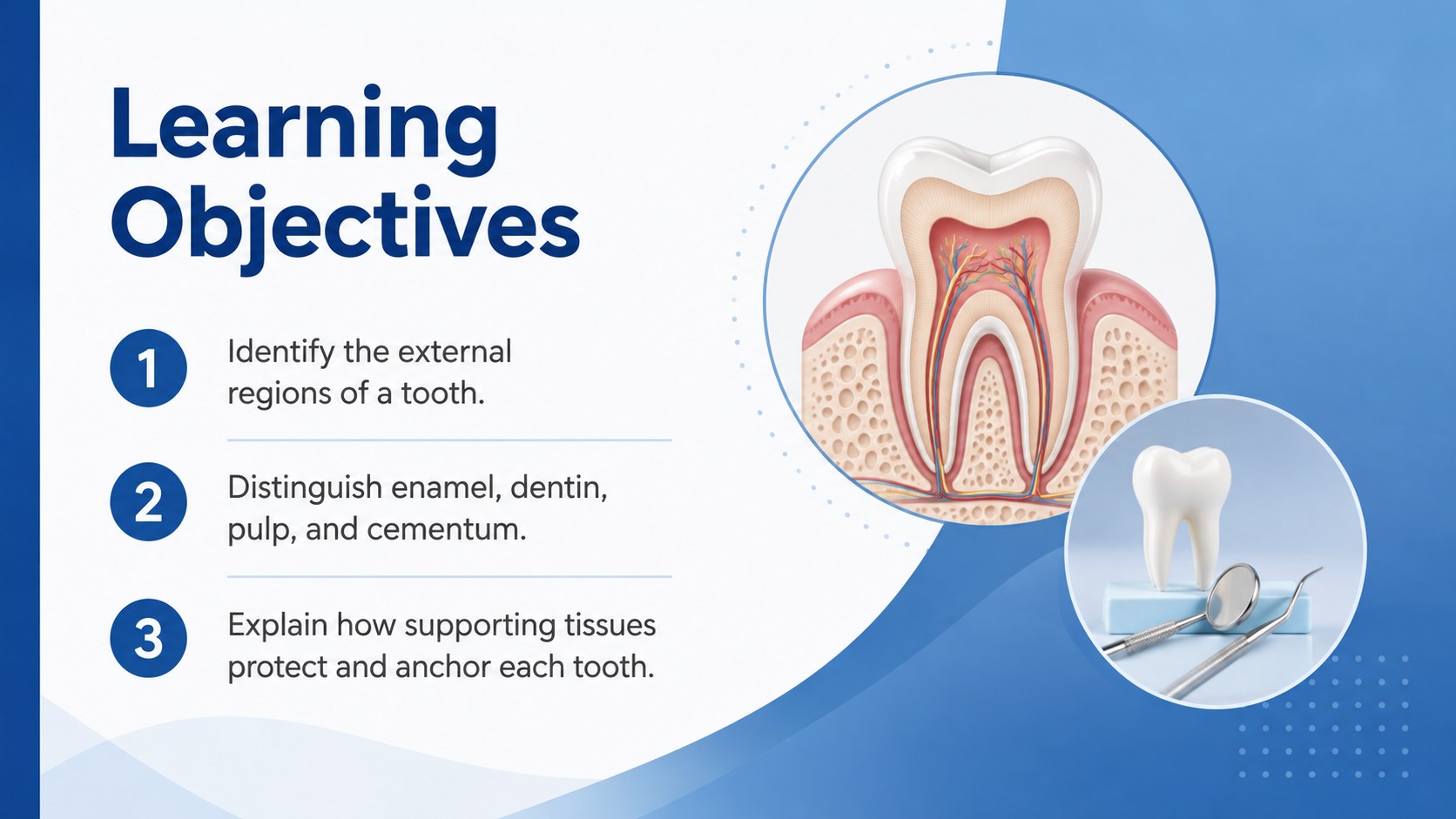
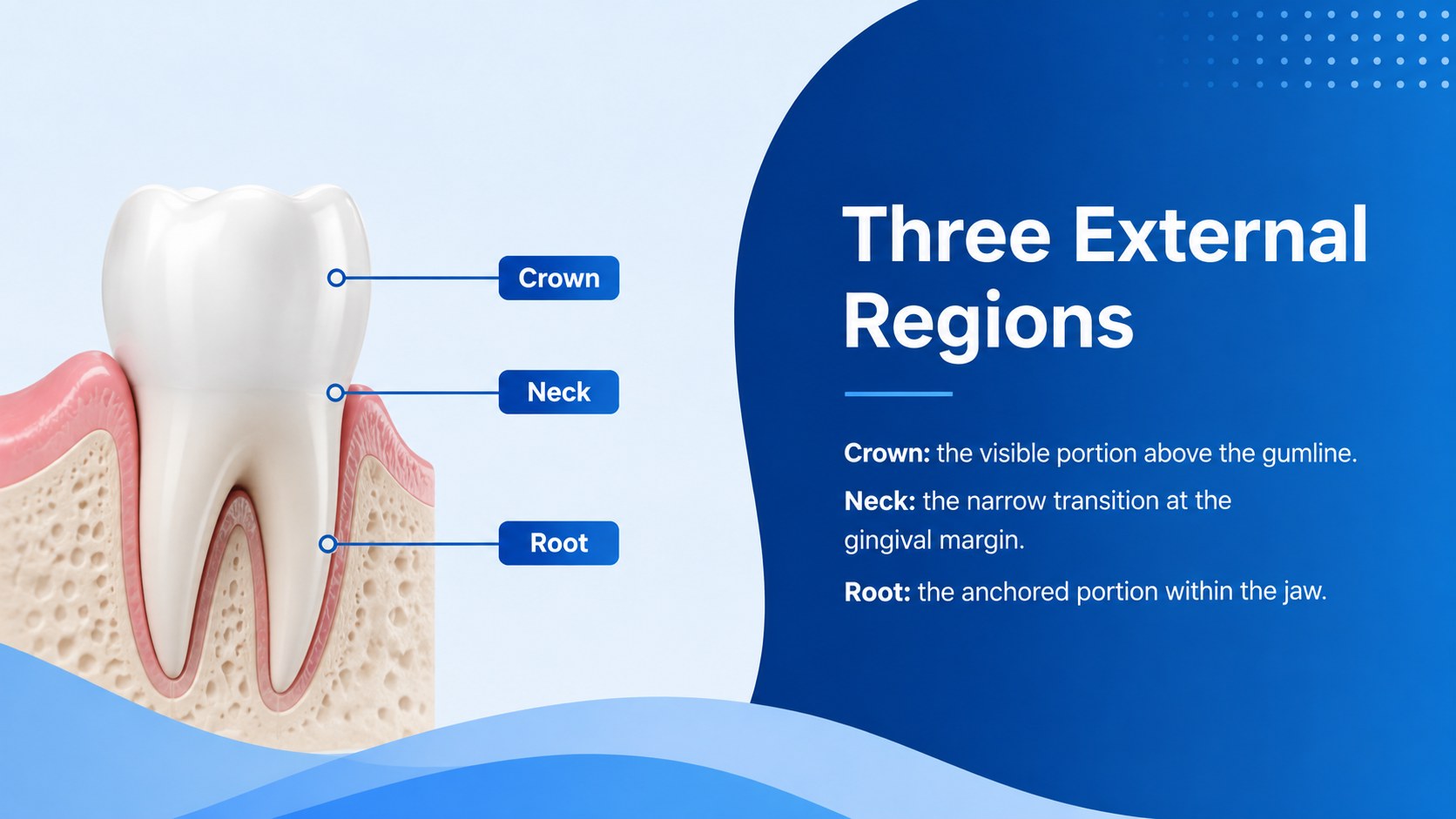
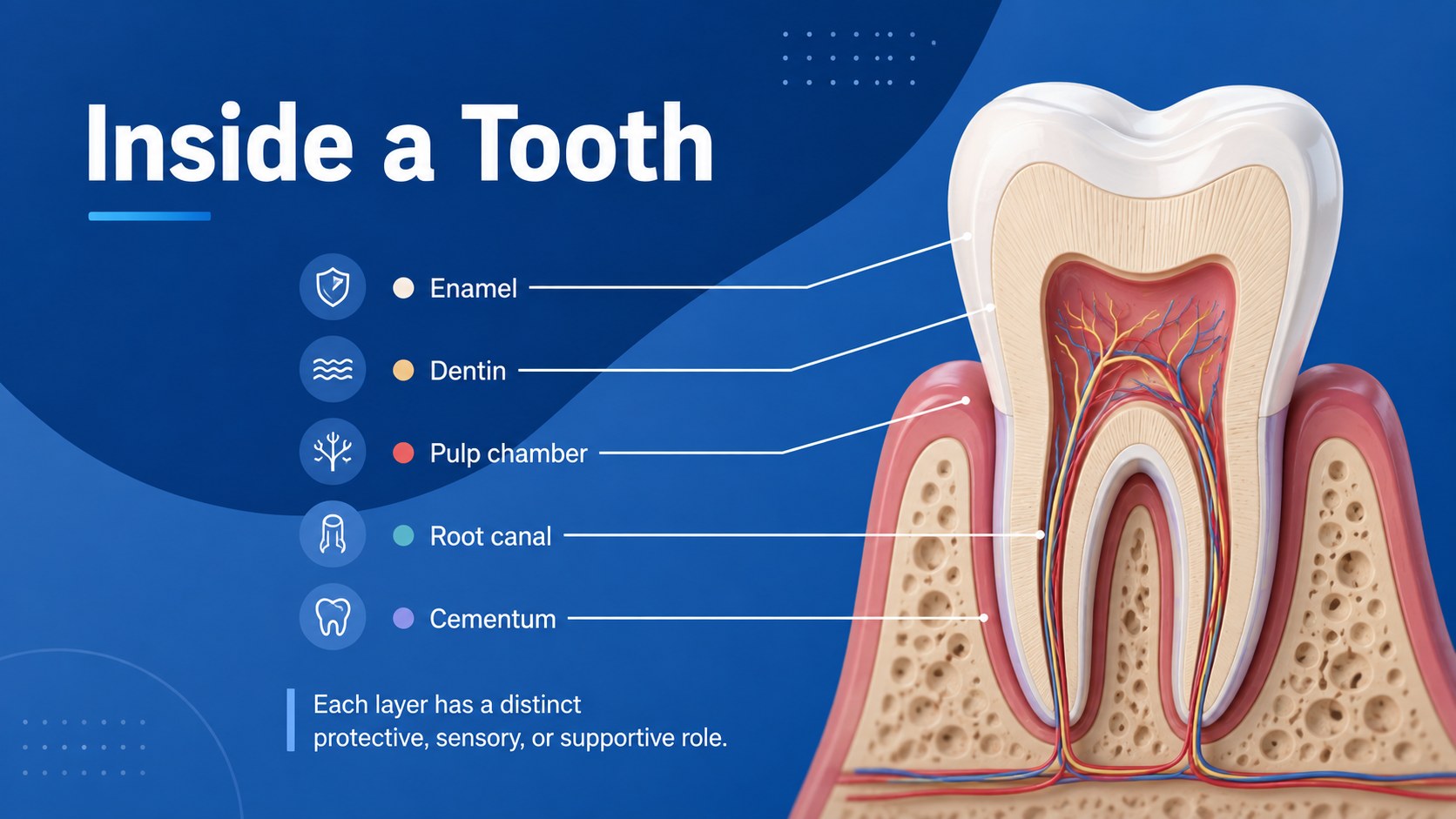
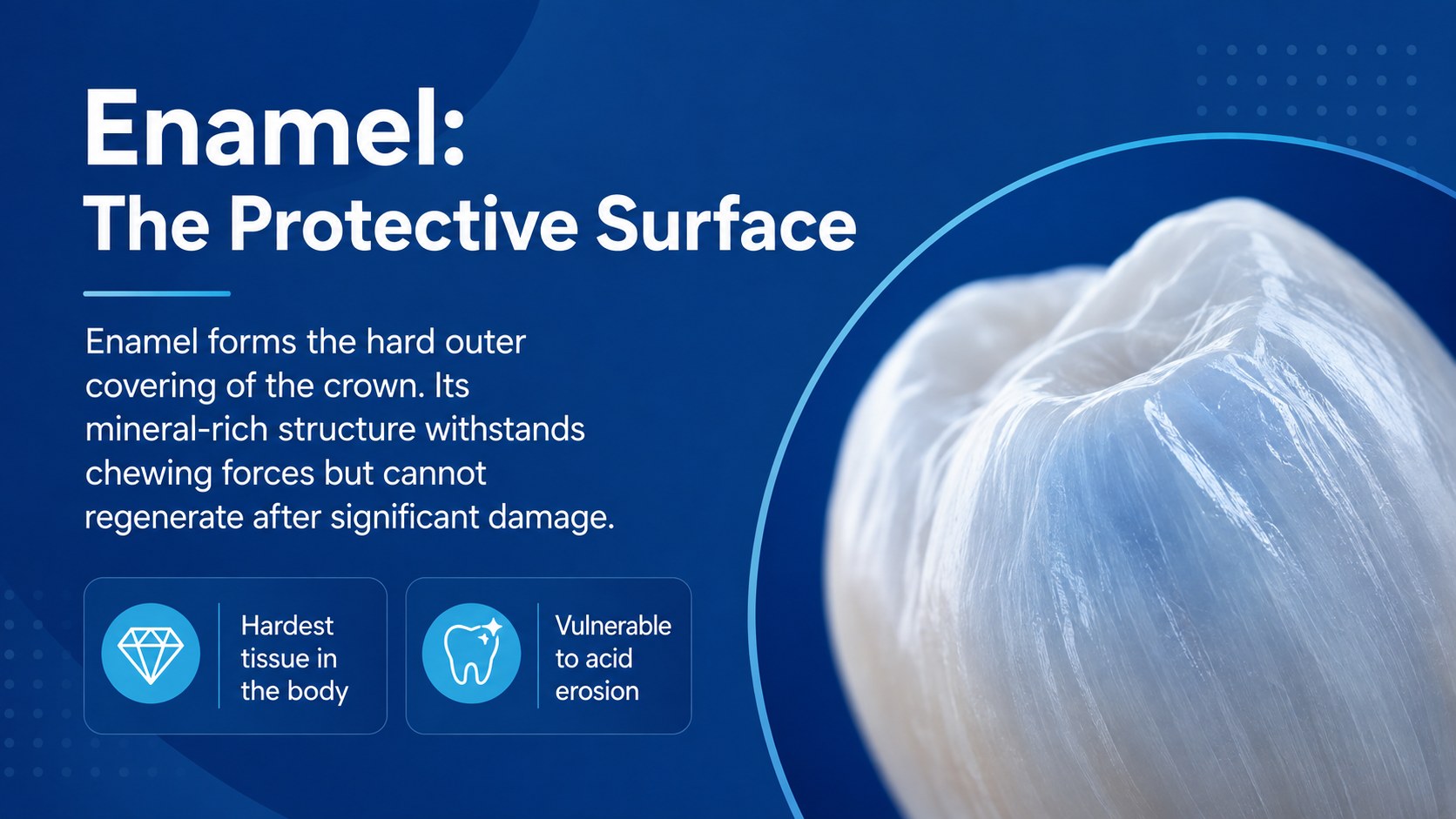
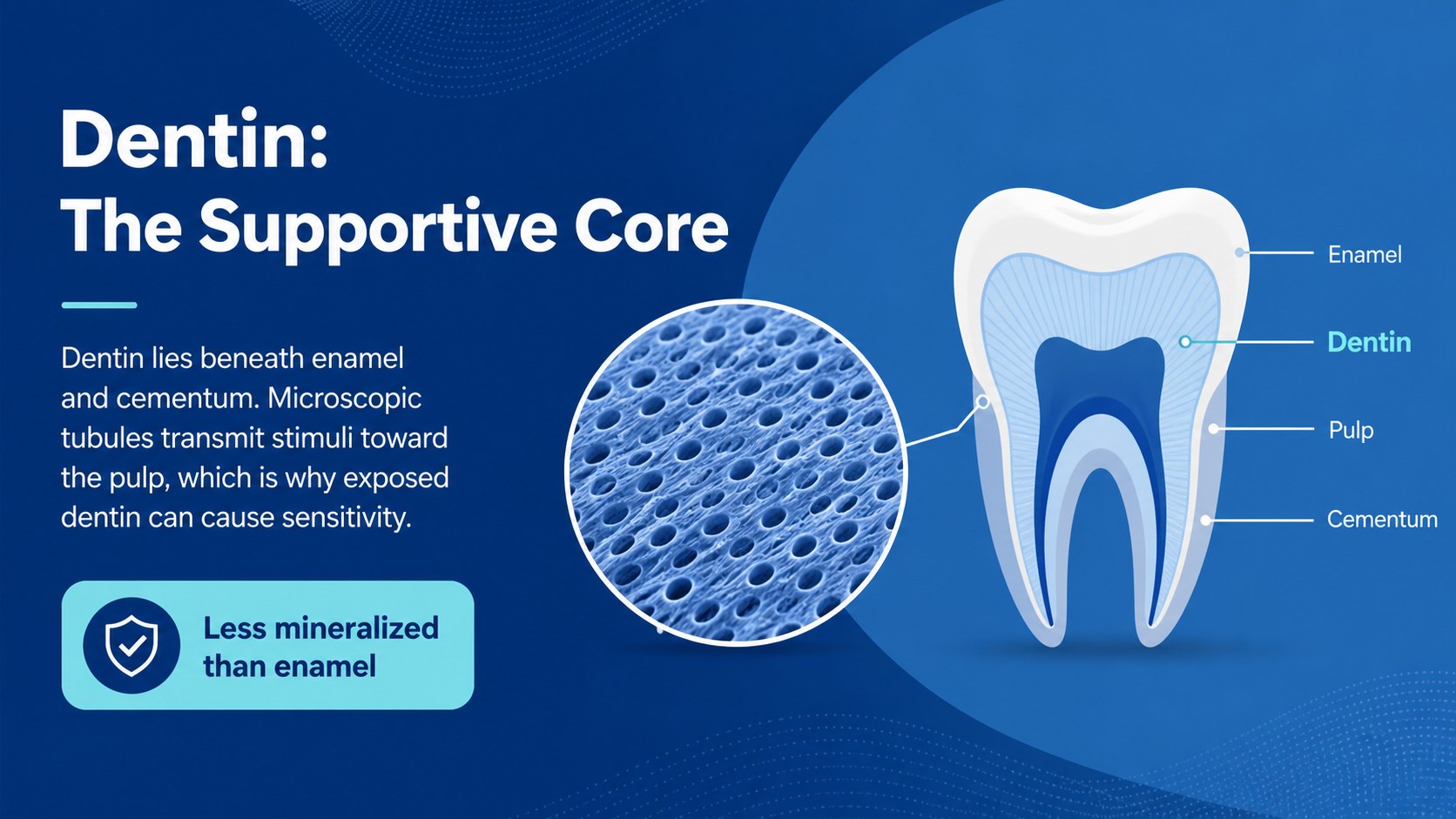
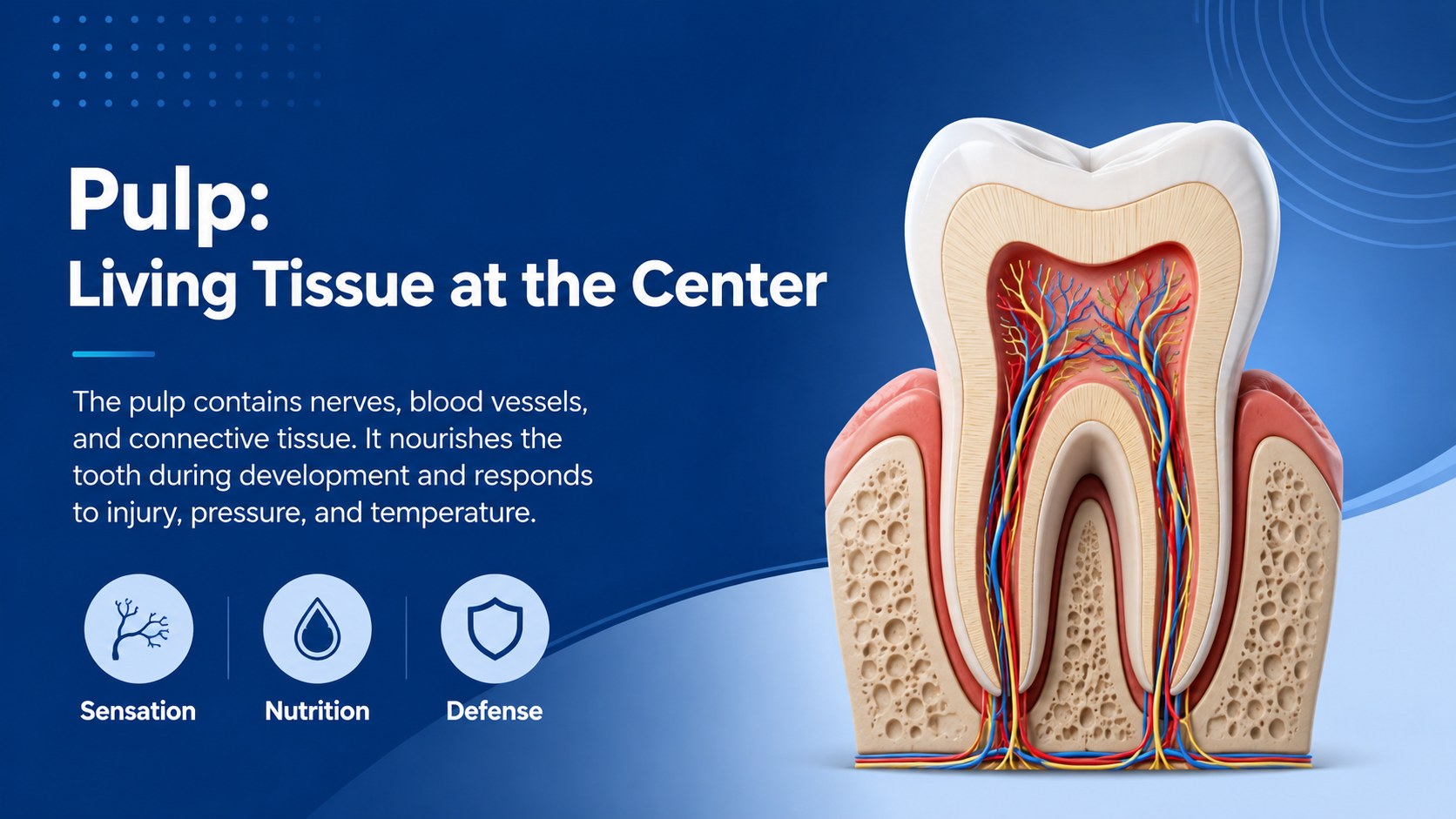
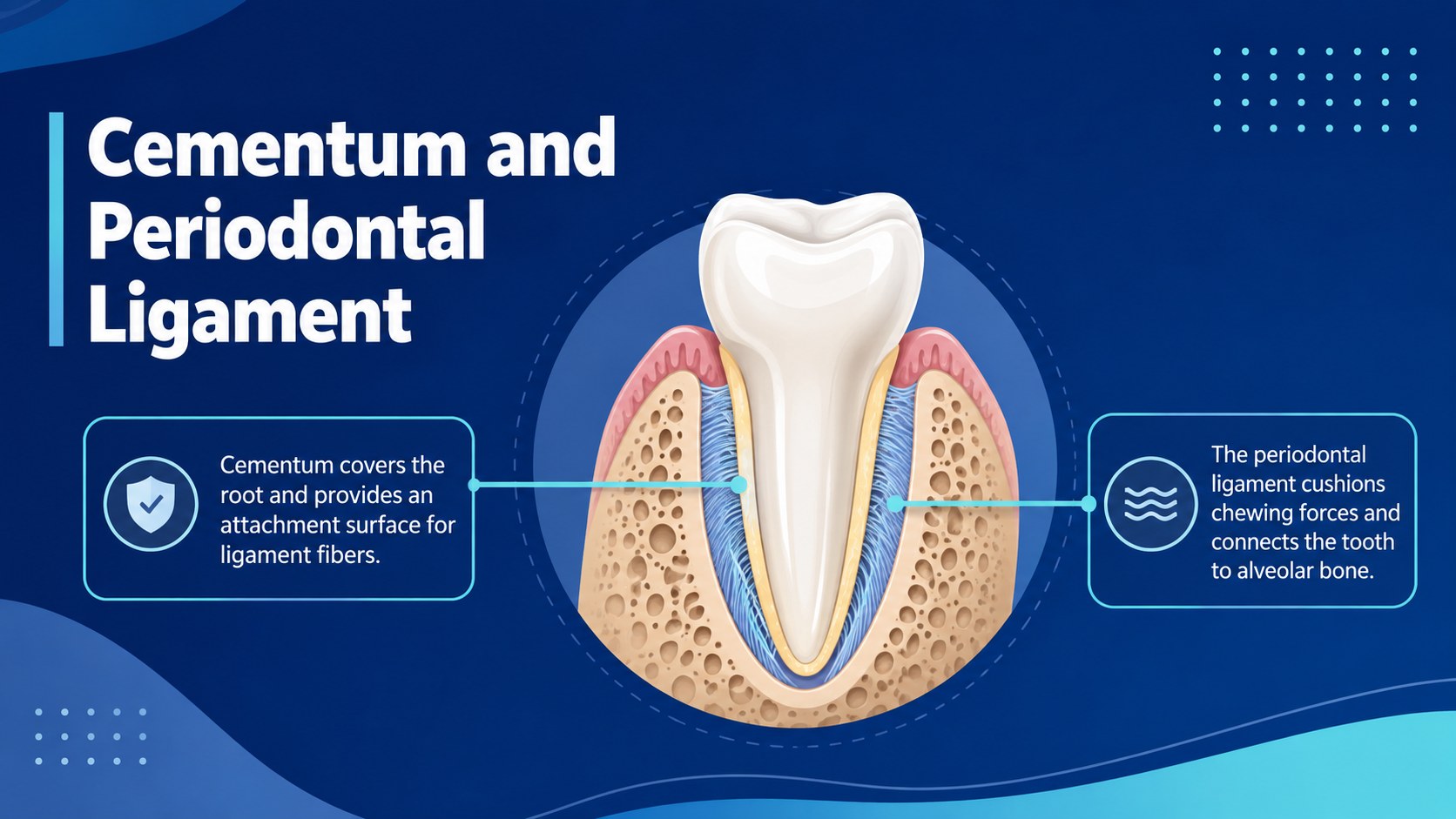
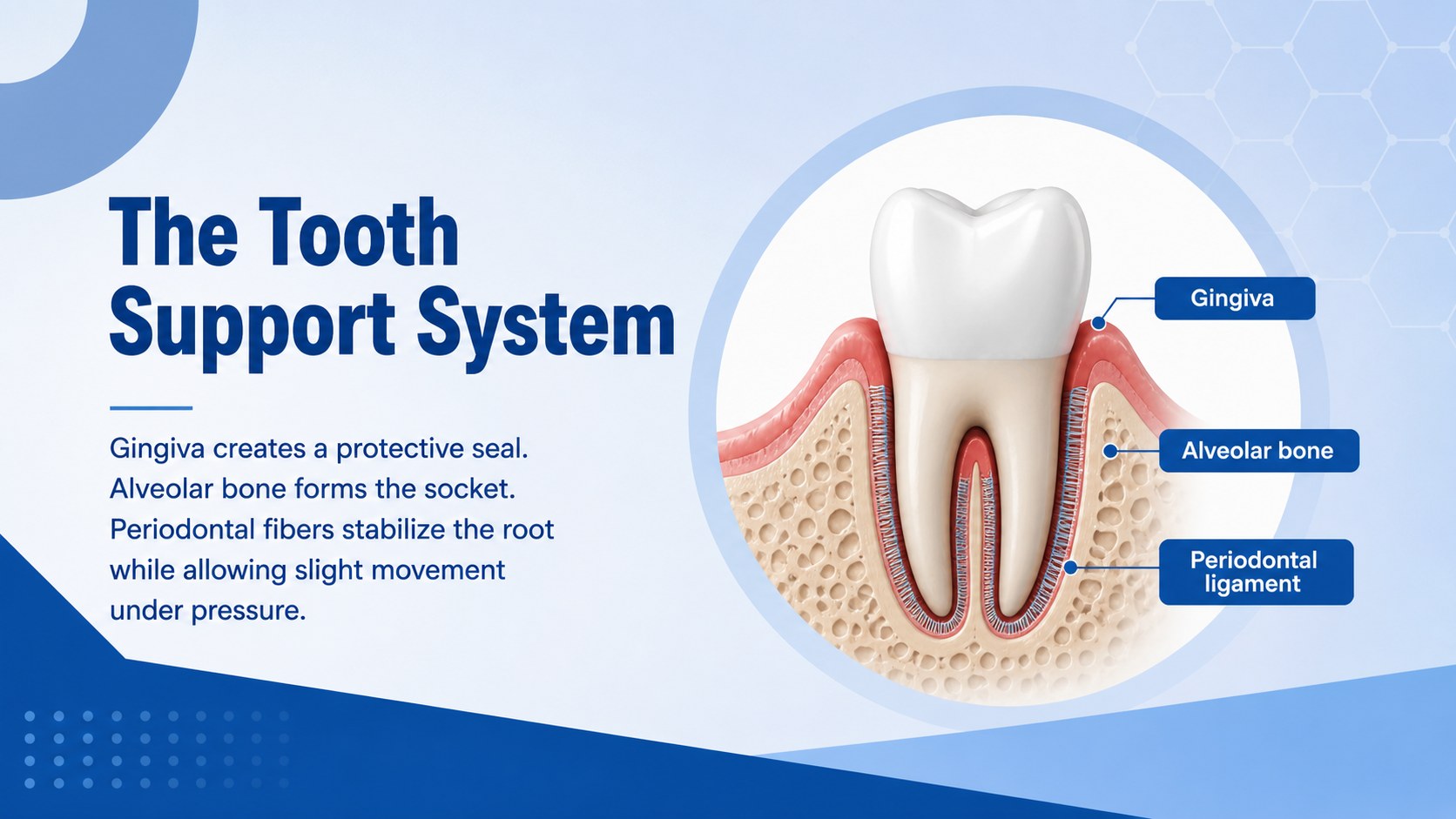
The 15-slide tooth anatomy presentation for students covers the crown and root, enamel, dentin, pulp, cementum, periodontal structures, nerves, blood vessels, tooth types, and the progression of decay. You will also find a lesson overview, learning objectives, comparison layouts, a labeled cross-section, review questions, and a final discussion prompt. Use the enamel dentin pulp diagram slides as a visual foundation, then replace labels, photographs, or supporting facts to match your curriculum.
This dental education PowerPoint template is intended for biology teachers, dental educators, hygiene instructors, healthcare trainers, and students preparing class projects. It works well for secondary science classes, introductory anatomy courses, oral health workshops, and professional development sessions. All text, colors, images, diagrams, and layout elements can be edited in PowerPoint or Google Slides. The widescreen format is suitable for classroom projection, online instruction, and exported handouts, while the restrained blue palette keeps technical information approachable and easy to scan.
Perfect for: secondary biology lesson; dental hygiene lecture; oral health workshop; student anatomy project; healthcare staff training.
Frequently asked questions
Can I edit the tooth labels and diagrams? Yes. The labels, text boxes, colors, images, and diagram elements can be adjusted to match your lesson content and terminology.
Practical details
Yes. The labels, text boxes, colors, images, and diagram elements can be adjusted to match your lesson content and terminology.
The deck is designed for PowerPoint and Google Slides. Some fonts or image positioning may vary slightly between platforms, so review the slides after importing.
Yes. Simplify the terminology for younger learners or add clinical detail, citations, and assessment questions for dental or healthcare students.
The layouts provide a coherent path from learning objectives and external tooth features to internal tissues, supporting structures, decay, and review. You can reorder or duplicate slides to fit your teaching schedule.
Keep exploring
15Build stronger academic arguments with a college essay thesis builder featuring guided examples, revision prompts, and editable PowerPoint and Google Slides.
 15
15Build an engaging World UFO Day session with this flying saucer history lesson deck, featuring retro green-and-brown slides for PowerPoint and Google Slides.
 14
14Plan a memorable Lunar New Year campaign with the 2036 Dragon Year Celebration Theme, featuring bold red-and-yellow slides for lessons and events.
 15
15Build a thoughtful classroom discussion with this interfaith awareness lesson deck, featuring editable blue-and-white slides for PowerPoint and Google Slides.
 15
15Use this environmental awareness lesson deck to teach climate action through illustrated activities, discussion prompts, and ready-to-edit visuals.
 15
15Build playful lessons and party stories with a kid-friendly zombie celebration theme in purple, green and pastel blue for PowerPoint and Google Slides.
 15
15Build eerie lessons, campaigns, and story pitches with an undead survival scenario theme featuring editable slides for PowerPoint and Google Slides.
 16
16Turn environmental research into a clear story with a Watercolor Ecology Presentation Theme for PowerPoint and Google Slides in calming green and blue.