
 15
15presentation
College Essay Thesis Builder Slides
Build stronger academic arguments with a college essay thesis builder featuring guided examples, revision prompts, and editable PowerPoint and Google Slides.
Google SlidesPowerPoint
presentation · English
Build place-value confidence with Decimal Comparison Classroom Slides, a pastel blue teaching deck editable in PowerPoint and Google Slides for young…
Design notes
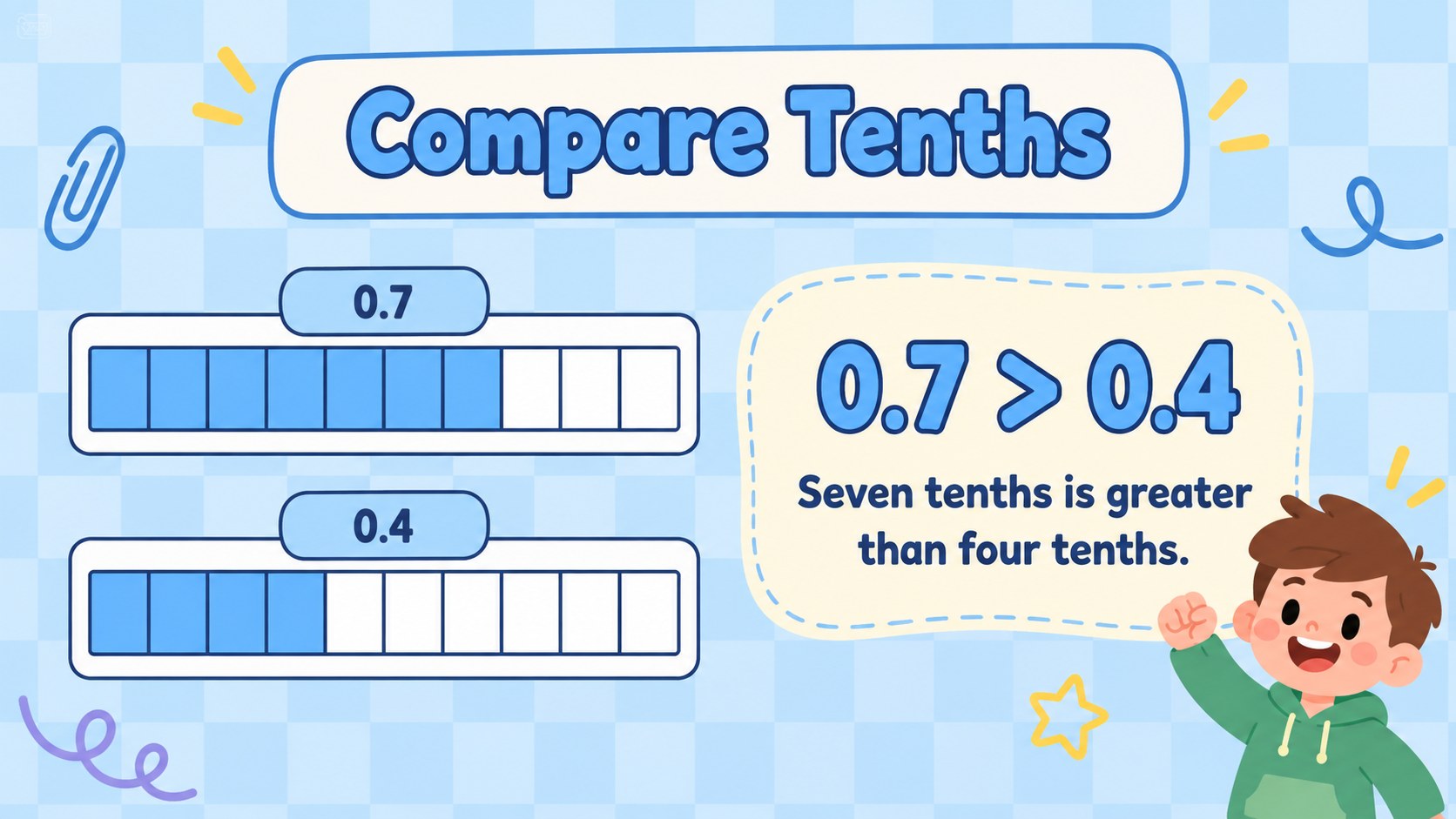
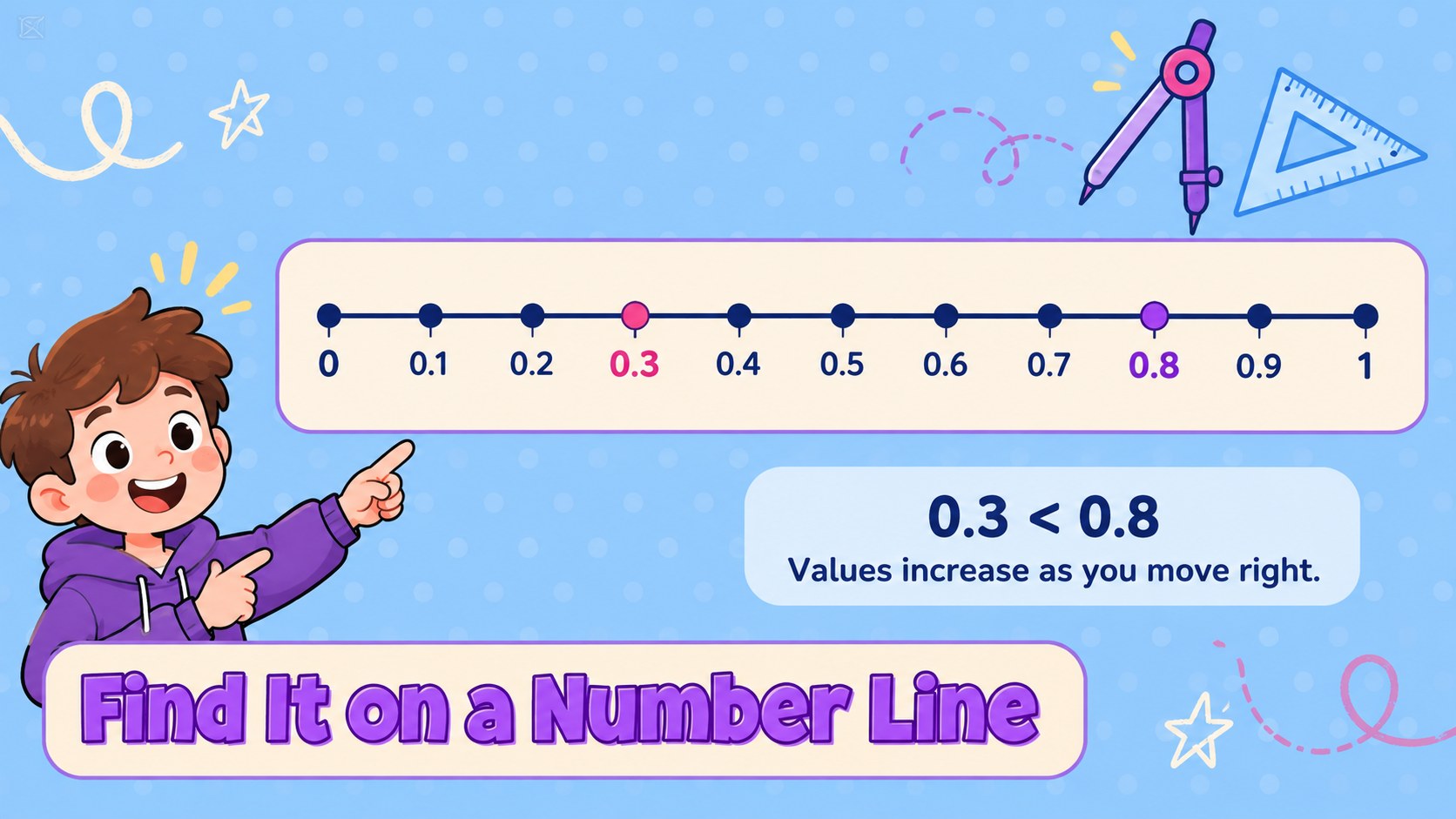
Decimal Comparison Classroom Slides helps elementary teachers turn a tricky number skill into a clear, approachable classroom discussion. A pastel blue palette, cartoon-inspired doodles, and friendly typography keep the mood light while leaving room for the mathematics. Use the deck to introduce decimal comparisons, revisit place value, or guide students through examples they can explain in their own words.
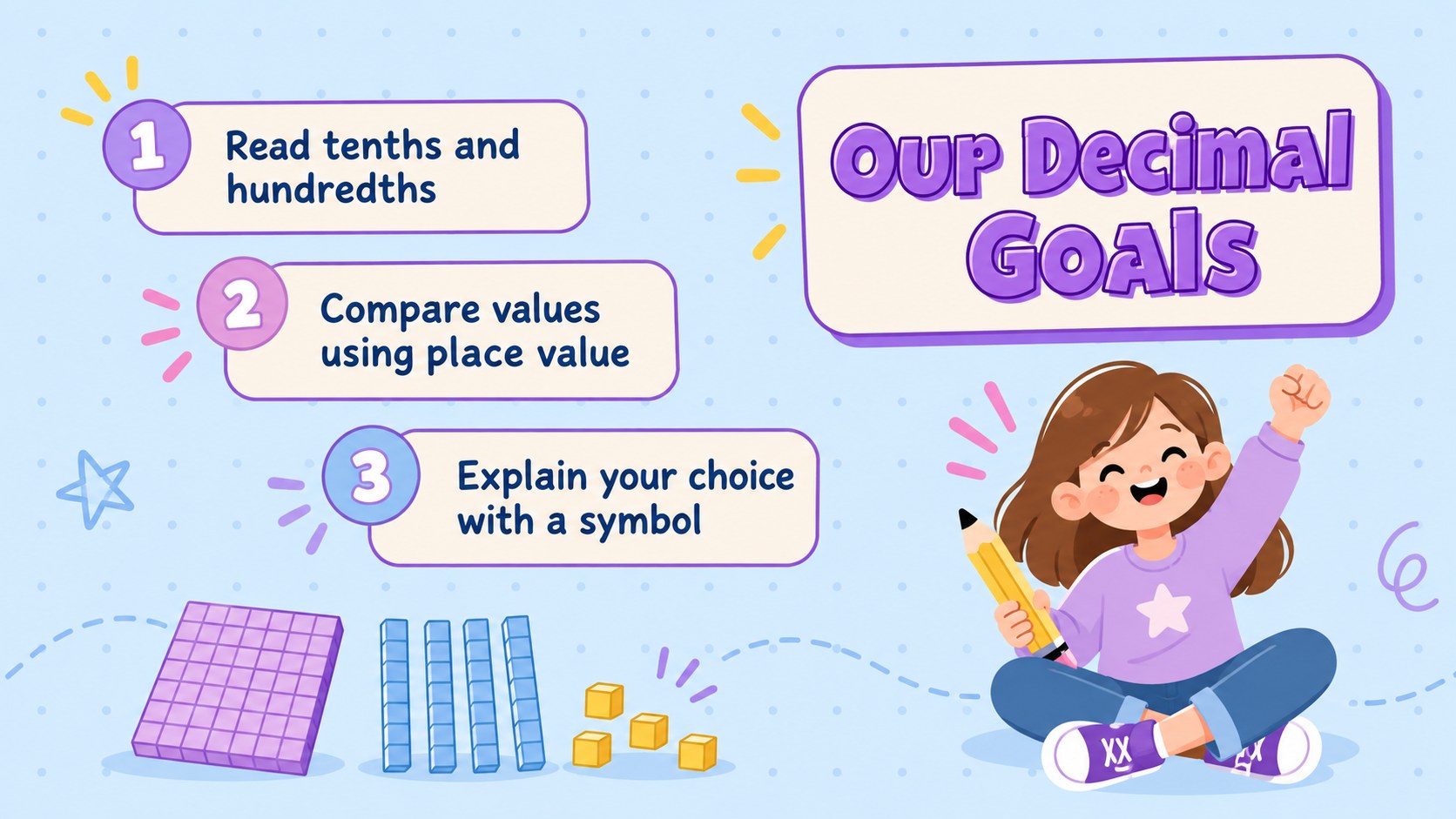
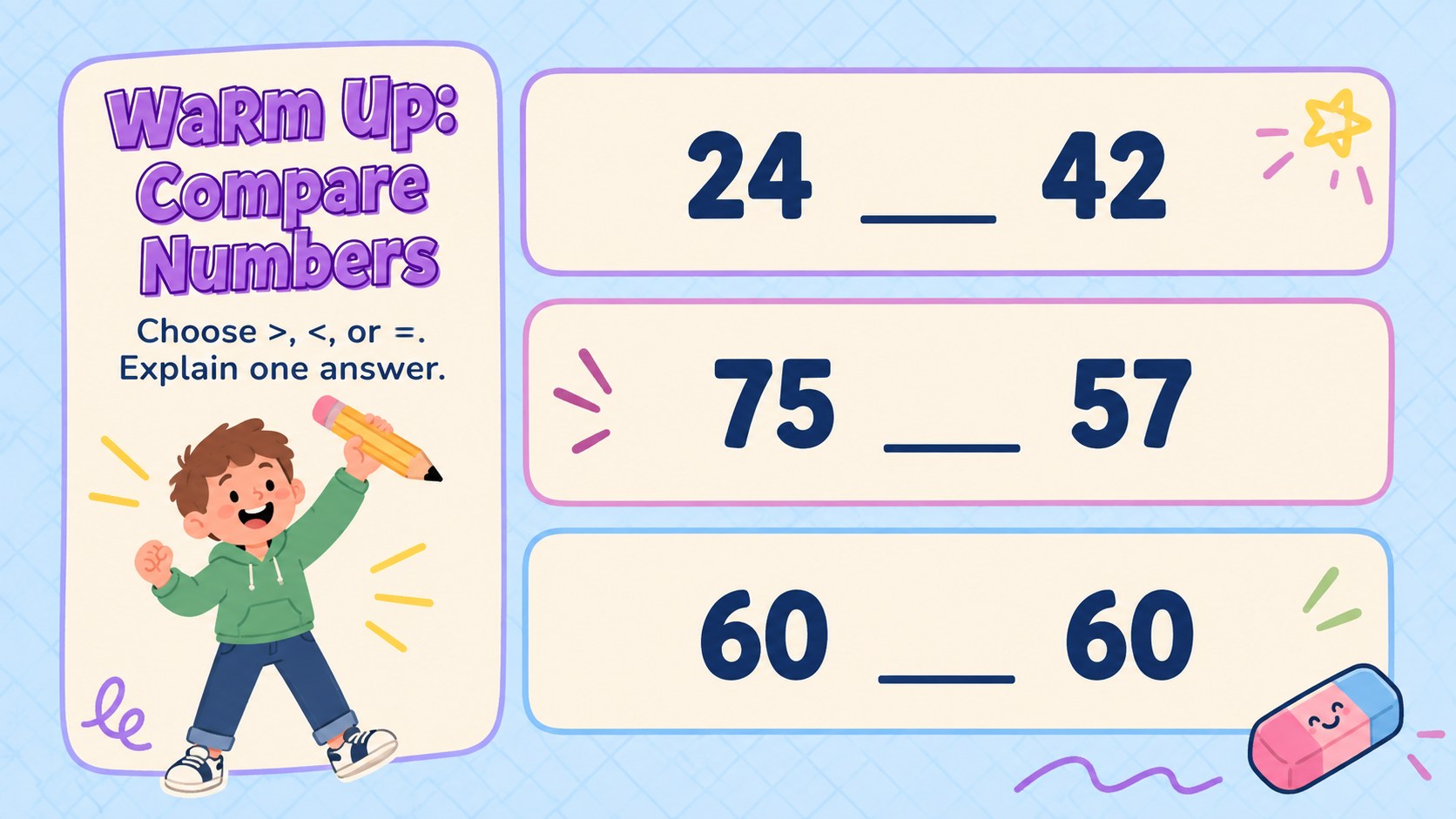
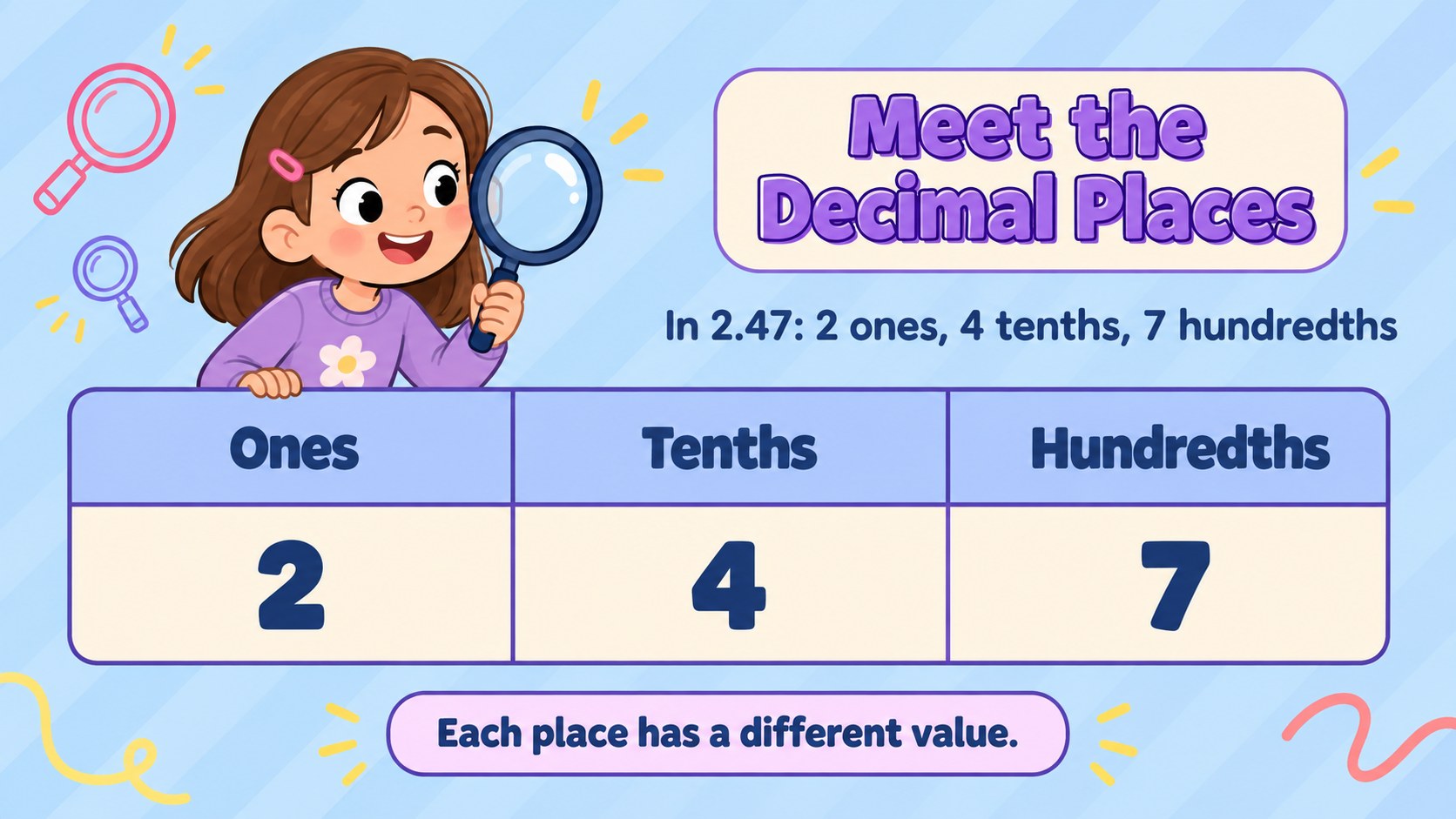
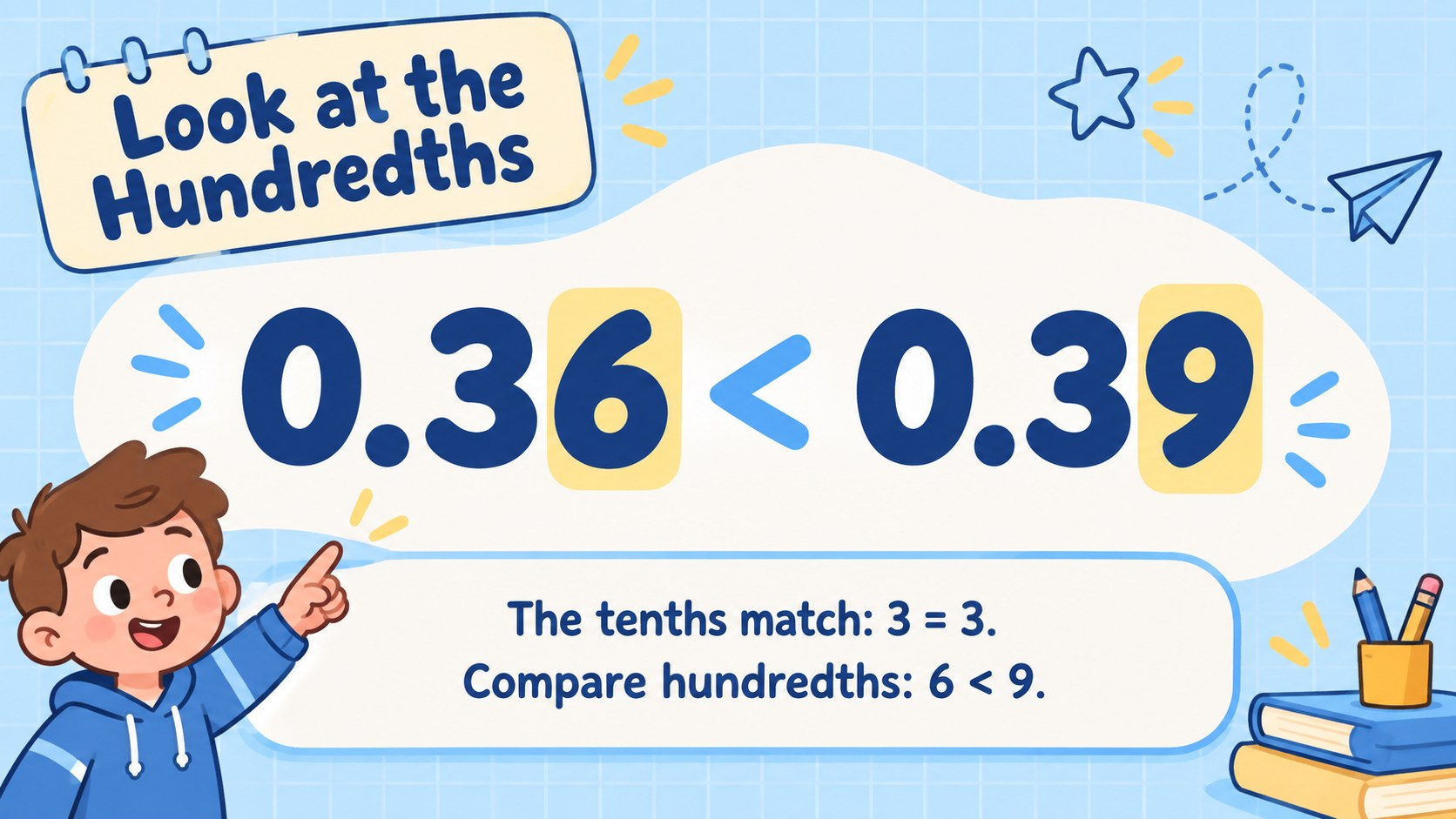
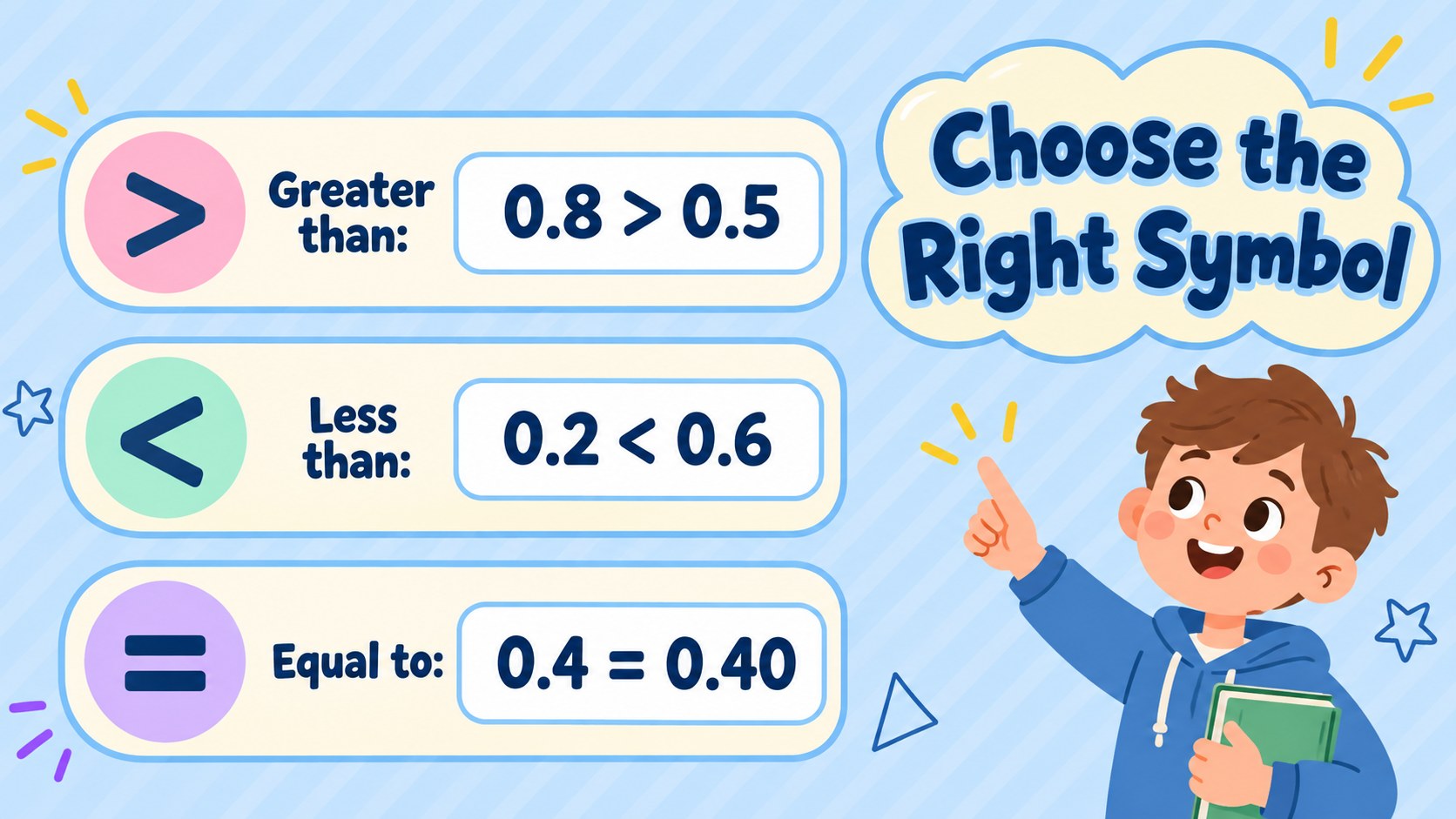
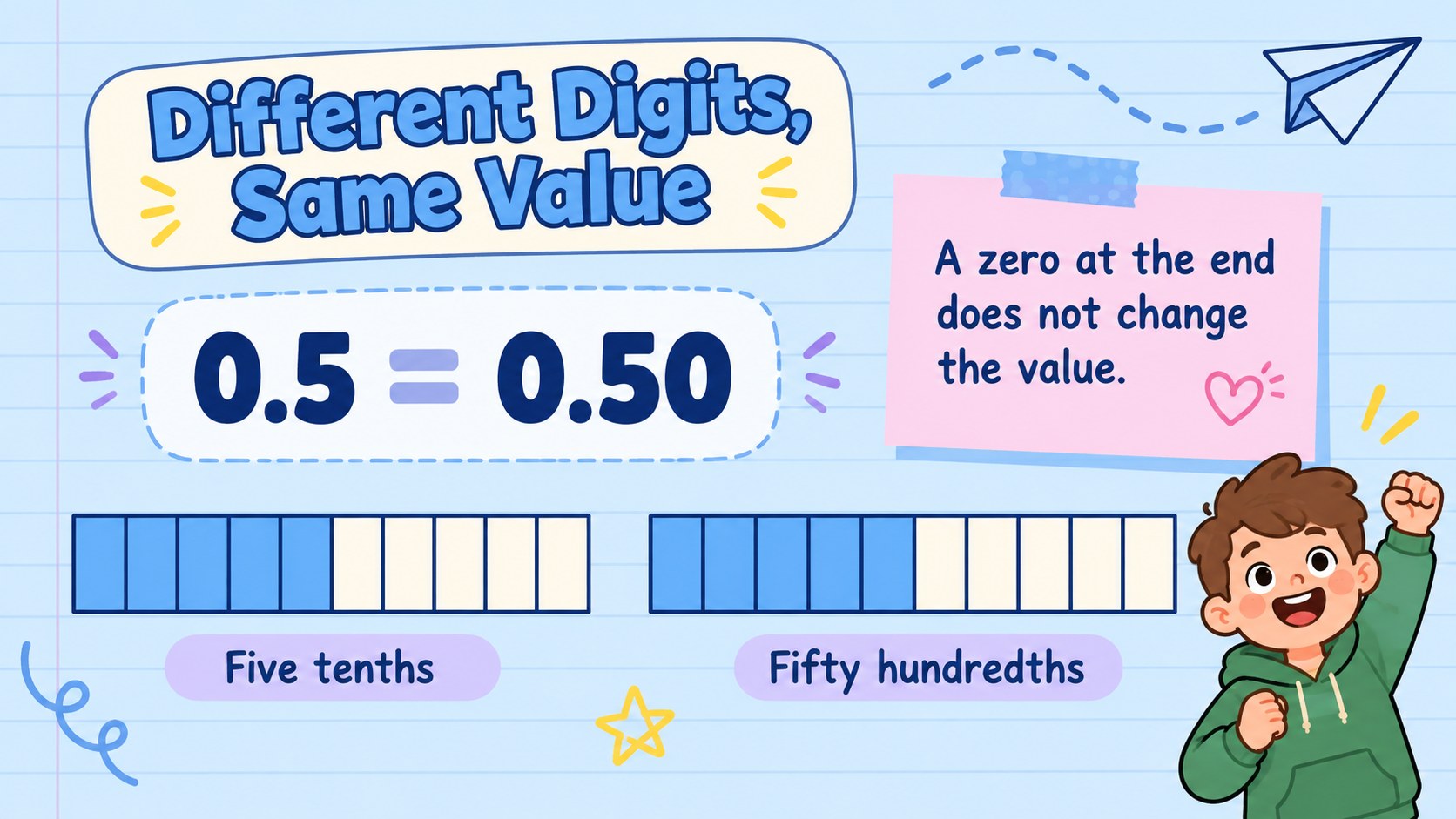
The 15-slide sequence moves from a quick whole-number warm-up into tenths, hundredths, comparison symbols, and equivalent decimals. Dedicated layouts support place-value tables, number-line examples, worked comparisons, partner questions, and an exit ticket. This decimal place value teaching deck gives you a consistent visual framework for showing why digits must be compared by position rather than by the length of a number. The comparing tenths and hundredths slides also make space for short explanations alongside numerical answers.
Designed for elementary educators, tutors, and small-group intervention, the presentation works in PowerPoint and Google Slides. Customize the example numbers, replace prompts with your own questions, and adjust the pace to suit your learners. Use it as an elementary decimal comparison activity during whole-class instruction, a focused review session, or remote teaching. The closing reflection helps students summarize their comparison strategy and gives teachers a practical checkpoint before the next lesson.
Perfect for: Elementary decimal introduction; Whole-class place-value review; Small-group decimal intervention; Partner comparison practice; Remote math instruction; End-of-lesson assessment.
Frequently asked questions
Which presentation platforms can I use? The deck supports PowerPoint and Google Slides. Open it in your preferred platform to edit the lesson text and present the slides.
Practical details
The deck supports PowerPoint and Google Slides. Open it in your preferred platform to edit the lesson text and present the slides.
Yes, replace the example values and practice questions with numbers appropriate for your class. Update the comparison signs and explanations at the same time so each example remains mathematically correct.
Begin with tenths and visual models for learners who need more support. For additional challenge, add thousandths and ask students to justify comparisons using place value.
You can adjust text, colors, and editable layout elements in PowerPoint or Google Slides. Keep a clear contrast between numbers and backgrounds so students can distinguish decimal points and place-value columns.
Keep exploring
15Build stronger academic arguments with a college essay thesis builder featuring guided examples, revision prompts, and editable PowerPoint and Google Slides.
 15
15Build an engaging World UFO Day session with this flying saucer history lesson deck, featuring retro green-and-brown slides for PowerPoint and Google Slides.
 14
14Plan a memorable Lunar New Year campaign with the 2036 Dragon Year Celebration Theme, featuring bold red-and-yellow slides for lessons and events.
 15
15Build a thoughtful classroom discussion with this interfaith awareness lesson deck, featuring editable blue-and-white slides for PowerPoint and Google Slides.
 15
15Use this environmental awareness lesson deck to teach climate action through illustrated activities, discussion prompts, and ready-to-edit visuals.
 15
15Build playful lessons and party stories with a kid-friendly zombie celebration theme in purple, green and pastel blue for PowerPoint and Google Slides.
 15
15Build eerie lessons, campaigns, and story pitches with an undead survival scenario theme featuring editable slides for PowerPoint and Google Slides.
 16
16Turn environmental research into a clear story with a Watercolor Ecology Presentation Theme for PowerPoint and Google Slides in calming green and blue.