
 15
15presentation
College Essay Thesis Builder Slides
Build stronger academic arguments with a college essay thesis builder featuring guided examples, revision prompts, and editable PowerPoint and Google Slides.
Google SlidesPowerPoint
presentation · English
Plan lessons, errands, and events with a December holiday planning calendar in red and green, editable in PowerPoint and Google Slides for school, home, or…


Design notes
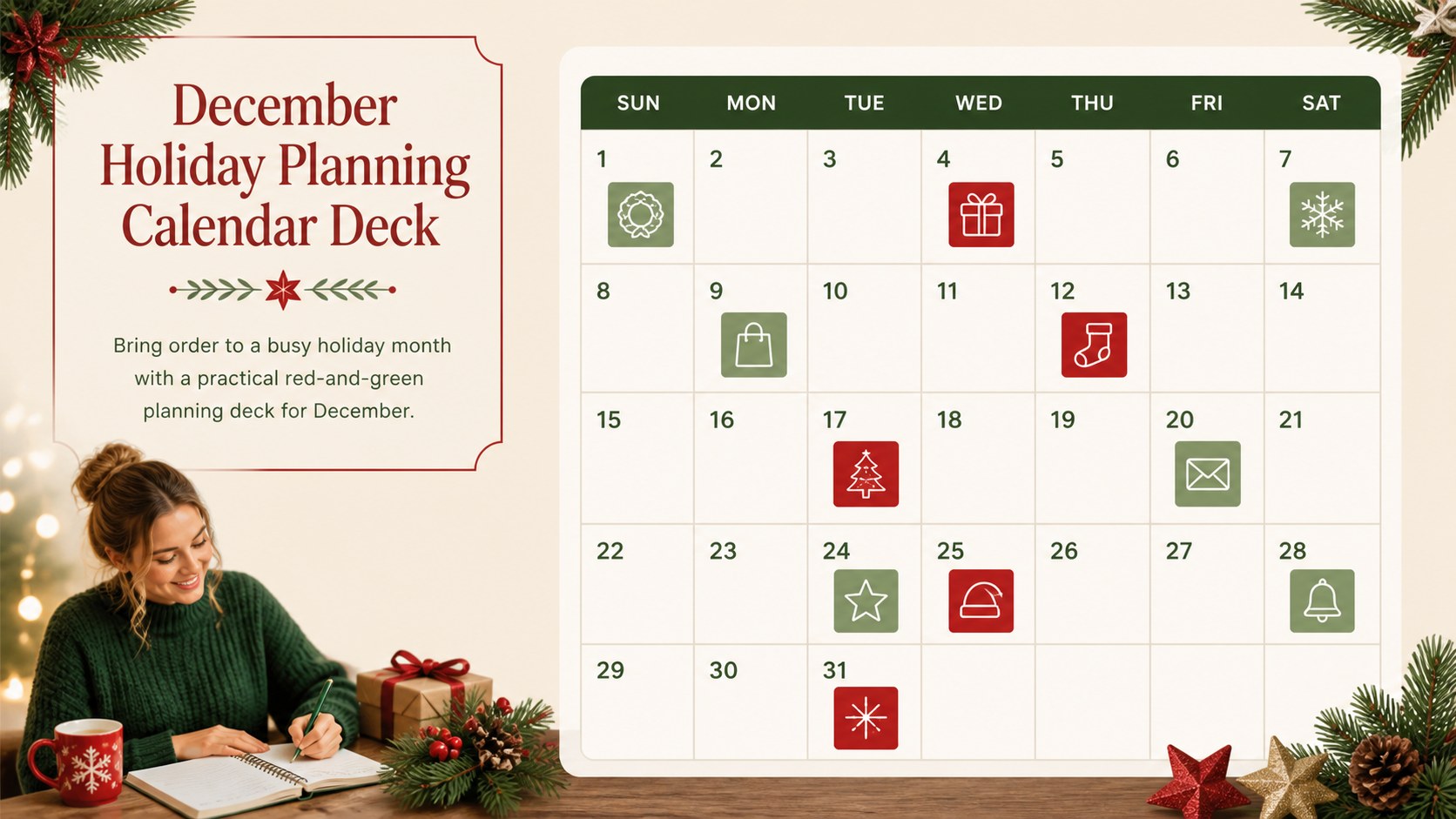
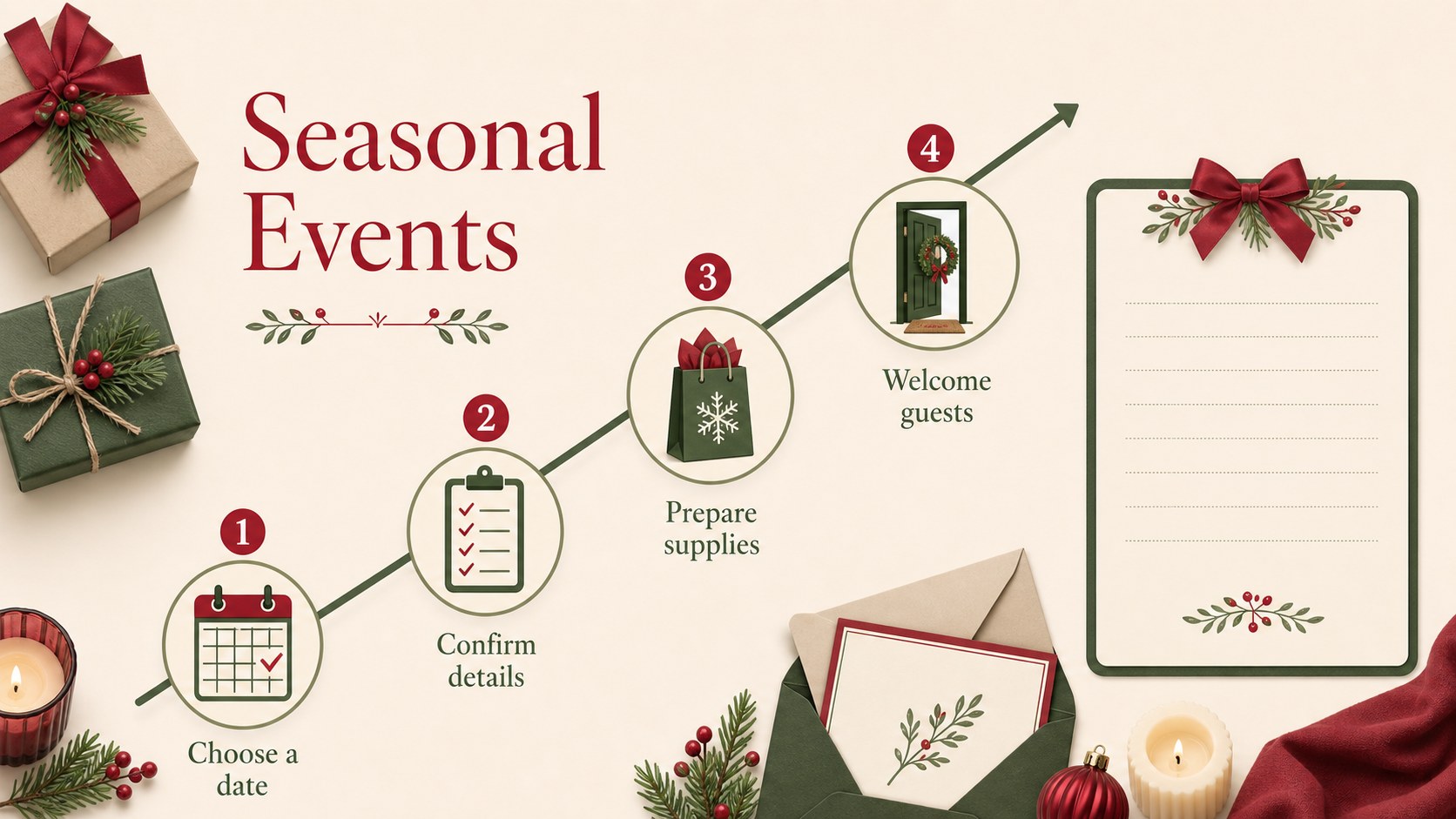
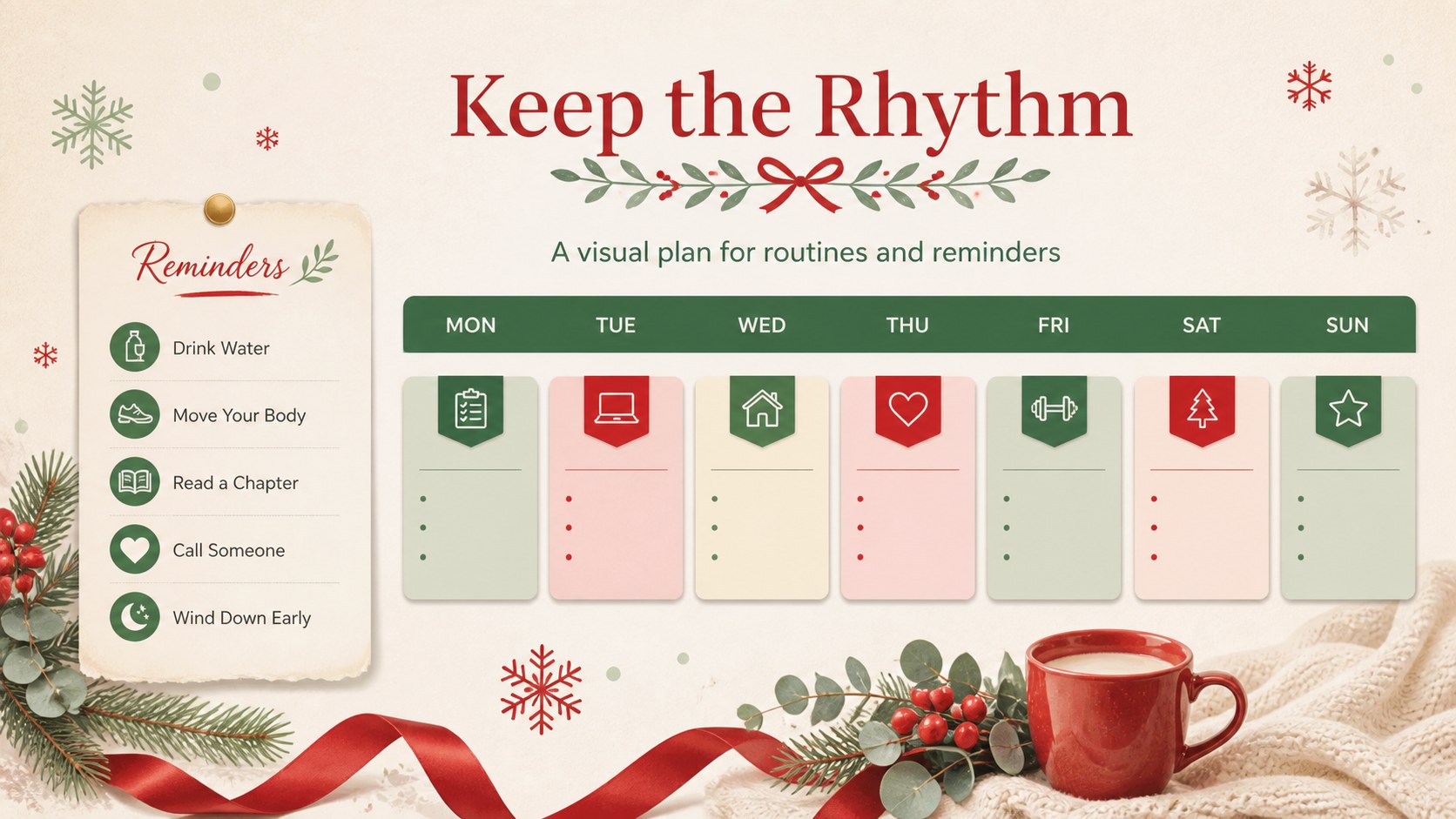
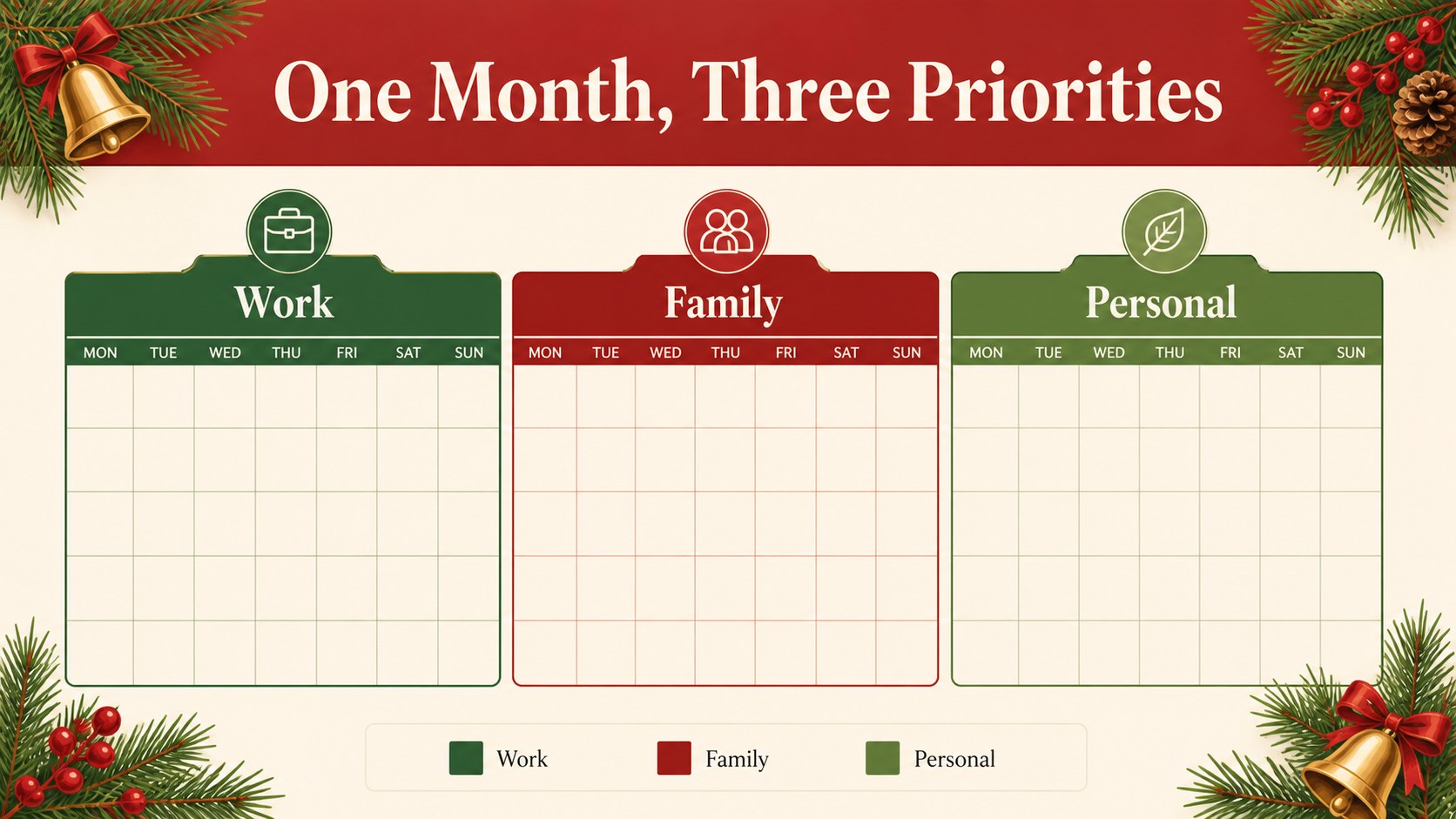
Bring order to a busy holiday month with a practical red-and-green planning deck for December. This December holiday planning calendar combines clean organization with a warm seasonal look, helping users map daily priorities, school activities, celebrations, appointments, and end-of-year deadlines in one adaptable presentation.
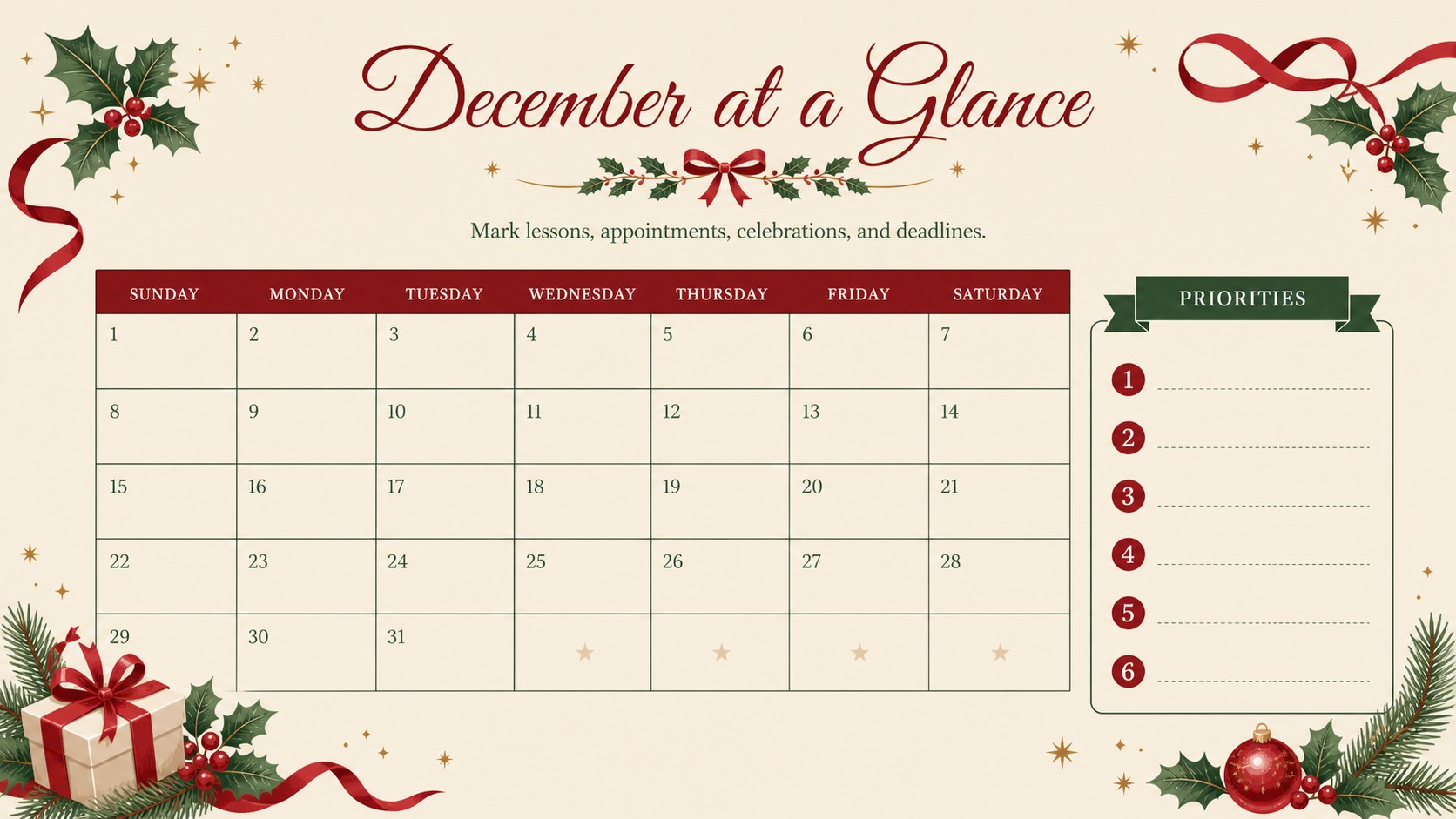
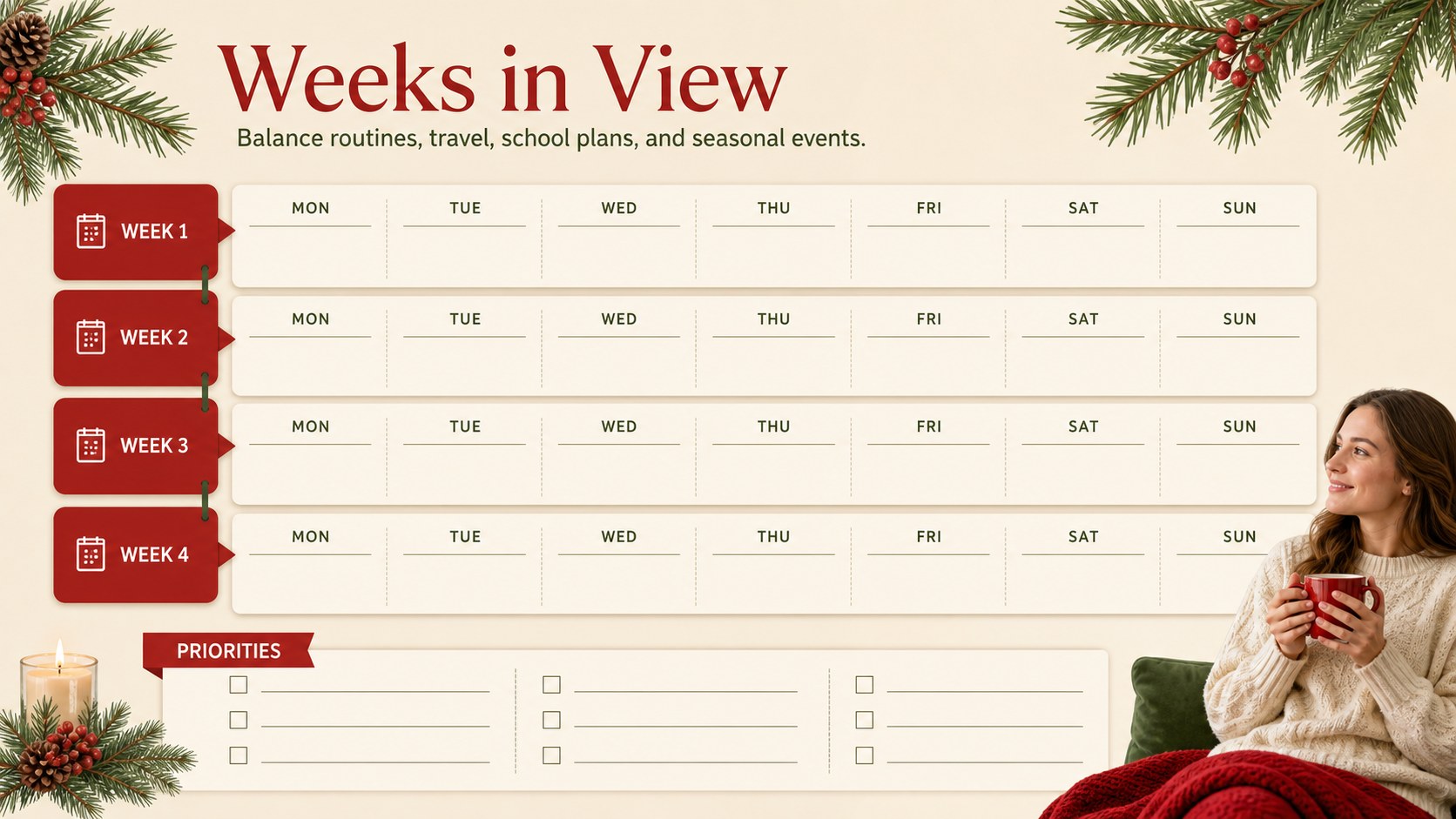
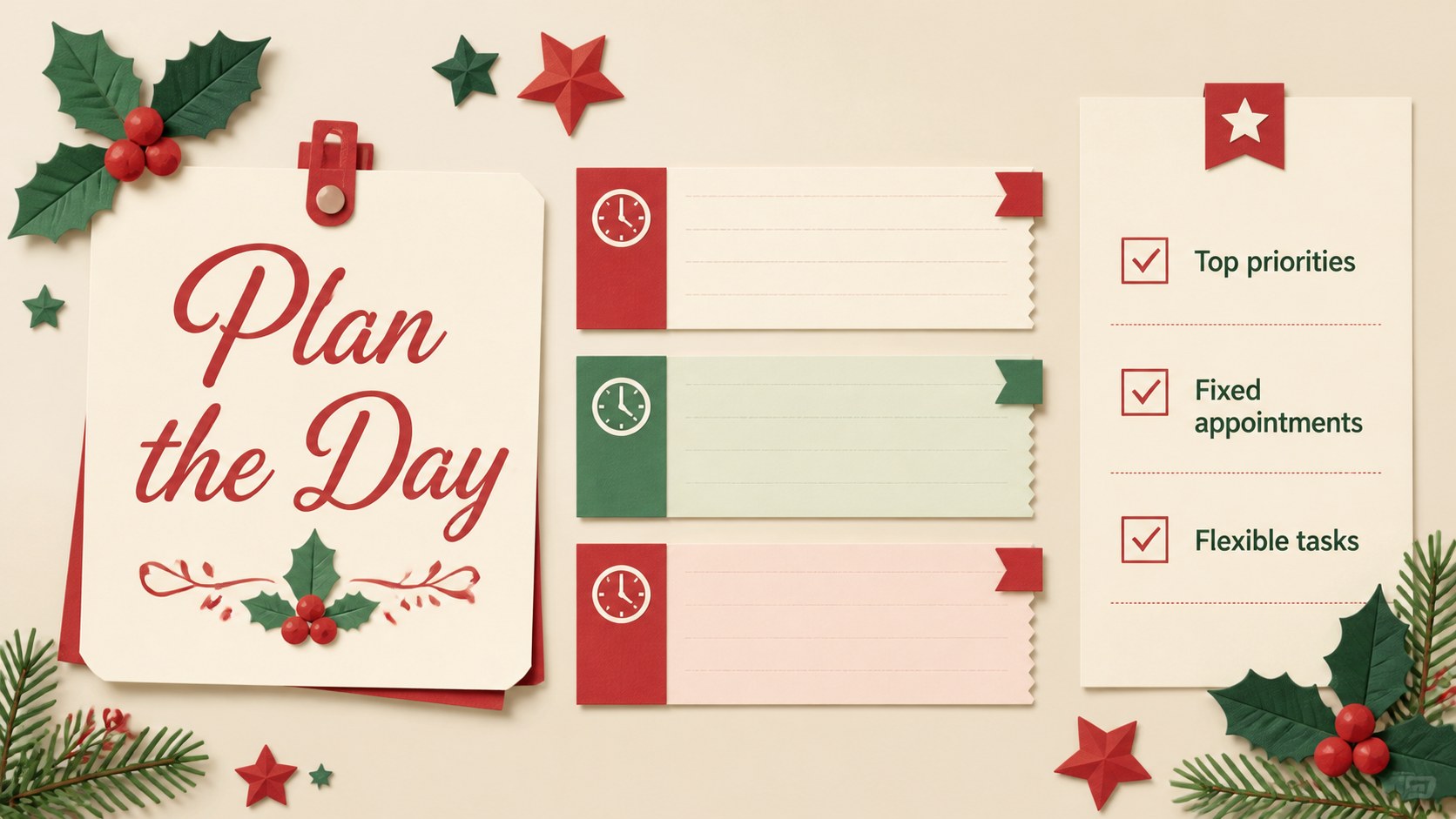
Inside, you’ll find more than 25 editable slides for monthly overviews, weekly planning, daily checklists, event tracking, notes, priorities, and reflective wrap-ups. The layouts use Forum and Great Vibes typography alongside green and red accents, festive shapes, timeline structures, and uncluttered content areas. Rearrange sections, change colors, add images, or replace sample text to match a classroom, household, team, or personal planning system.
This holiday schedule presentation is designed for teachers organizing December lessons, families coordinating seasonal activities, office teams managing year-end tasks, and anyone who wants a visual December planner for PowerPoint. It also works as a Christmas classroom calendar, a staff planning tool, or a printable preparation guide after exporting your finished slides. Use the deck in PowerPoint or Google Slides, then share the updated file with collaborators or present it on screen.
Perfect for: December classroom lesson planning; family holiday activity scheduling; year-end office task management; Christmas event coordination; personal daily priority tracking.
Frequently asked questions
Can I edit this deck in PowerPoint? Yes. The presentation is designed for PowerPoint, with editable text, shapes, colors, and layout elements. Replace the sample content with your own dates, tasks, lessons, or events.
Practical details
Yes. The presentation is designed for PowerPoint, with editable text, shapes, colors, and layout elements. Replace the sample content with your own dates, tasks, lessons, or events.
Yes, you can open and customize the deck in Google Slides. Review the font substitutions after importing and adjust any spacing that changes during conversion.
Yes. The layouts support classroom schedules, family plans, office deadlines, event preparation, and personal checklists. Duplicate or remove sections to create a planning flow that fits your month.
Yes. All major design elements can be recolored to suit your project while preserving the seasonal visual direction. You can also modify the typography, add images, and export the completed deck for sharing or printing.
Keep exploring
15Build stronger academic arguments with a college essay thesis builder featuring guided examples, revision prompts, and editable PowerPoint and Google Slides.
 15
15Build an engaging World UFO Day session with this flying saucer history lesson deck, featuring retro green-and-brown slides for PowerPoint and Google Slides.
 14
14Plan a memorable Lunar New Year campaign with the 2036 Dragon Year Celebration Theme, featuring bold red-and-yellow slides for lessons and events.
 15
15Build a thoughtful classroom discussion with this interfaith awareness lesson deck, featuring editable blue-and-white slides for PowerPoint and Google Slides.
 15
15Use this environmental awareness lesson deck to teach climate action through illustrated activities, discussion prompts, and ready-to-edit visuals.
 15
15Build playful lessons and party stories with a kid-friendly zombie celebration theme in purple, green and pastel blue for PowerPoint and Google Slides.
 15
15Build eerie lessons, campaigns, and story pitches with an undead survival scenario theme featuring editable slides for PowerPoint and Google Slides.
 16
16Turn environmental research into a clear story with a Watercolor Ecology Presentation Theme for PowerPoint and Google Slides in calming green and blue.