
 15
15presentation
College Essay Thesis Builder Slides
Build stronger academic arguments with a college essay thesis builder featuring guided examples, revision prompts, and editable PowerPoint and Google Slides.
Google SlidesPowerPoint
presentation · English
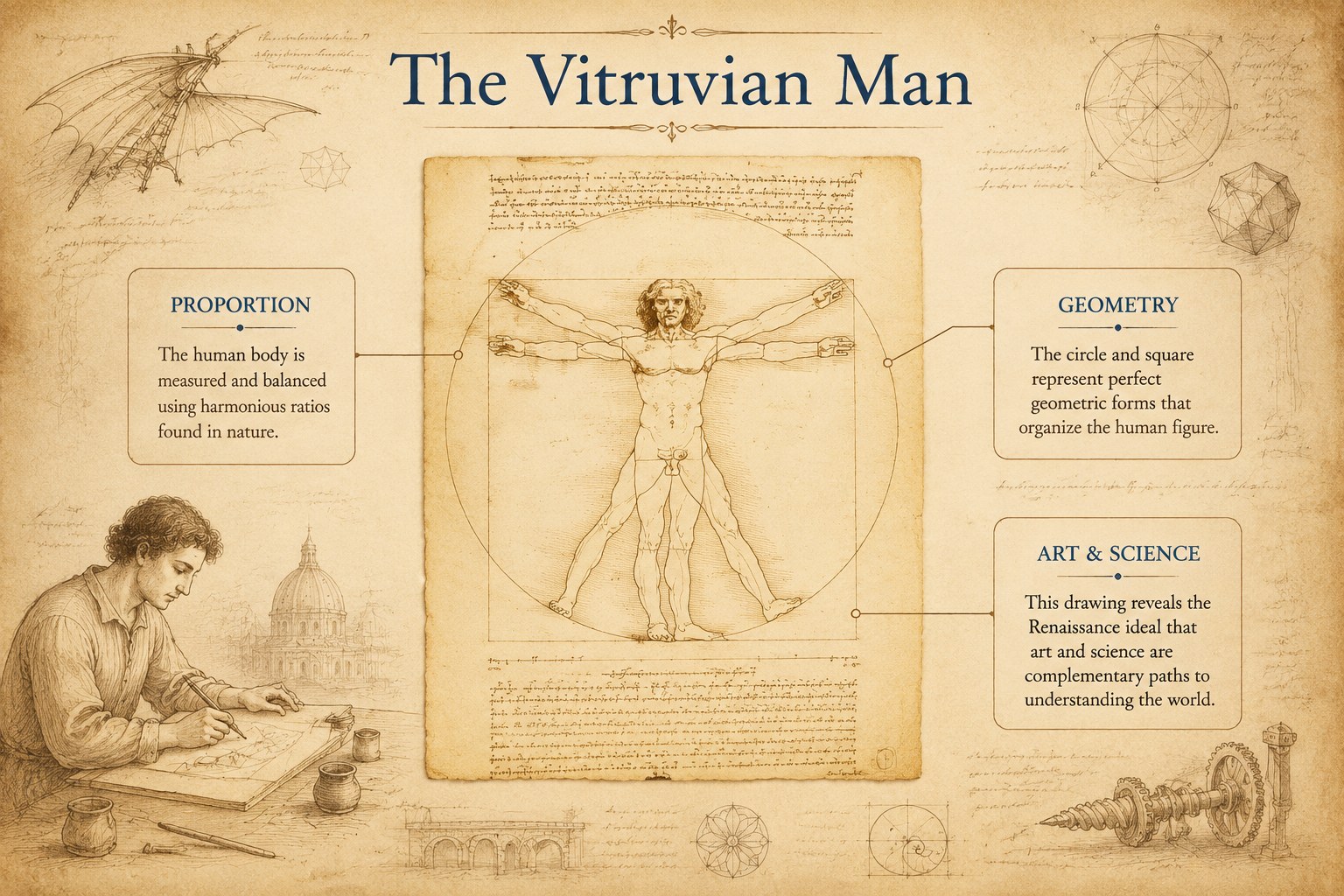
Teach art, invention, and Renaissance history with the Da Vinci Renaissance Learning Deck, an editable vintage scrapbook resource for PowerPoint and Google…
Design notes
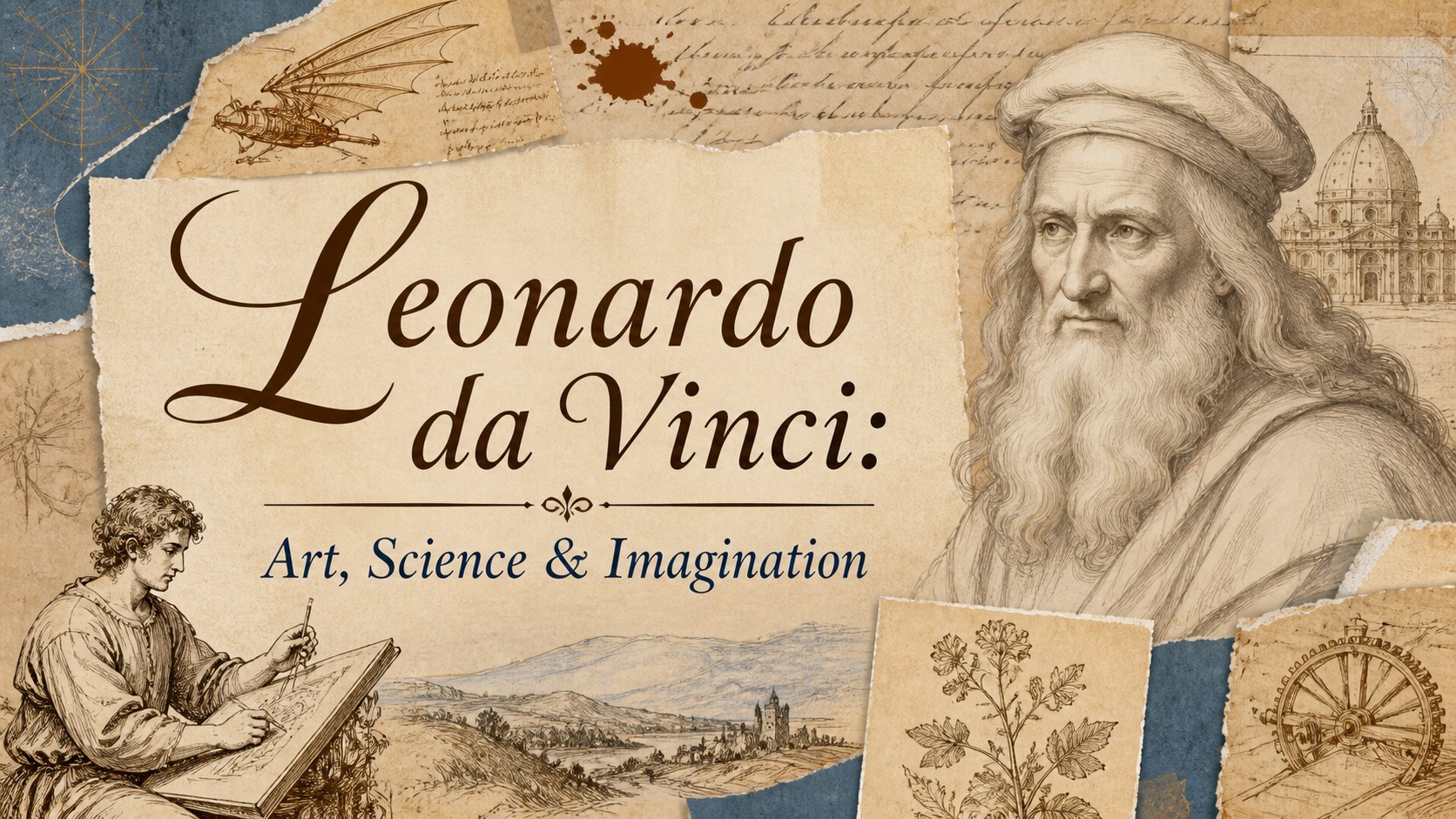
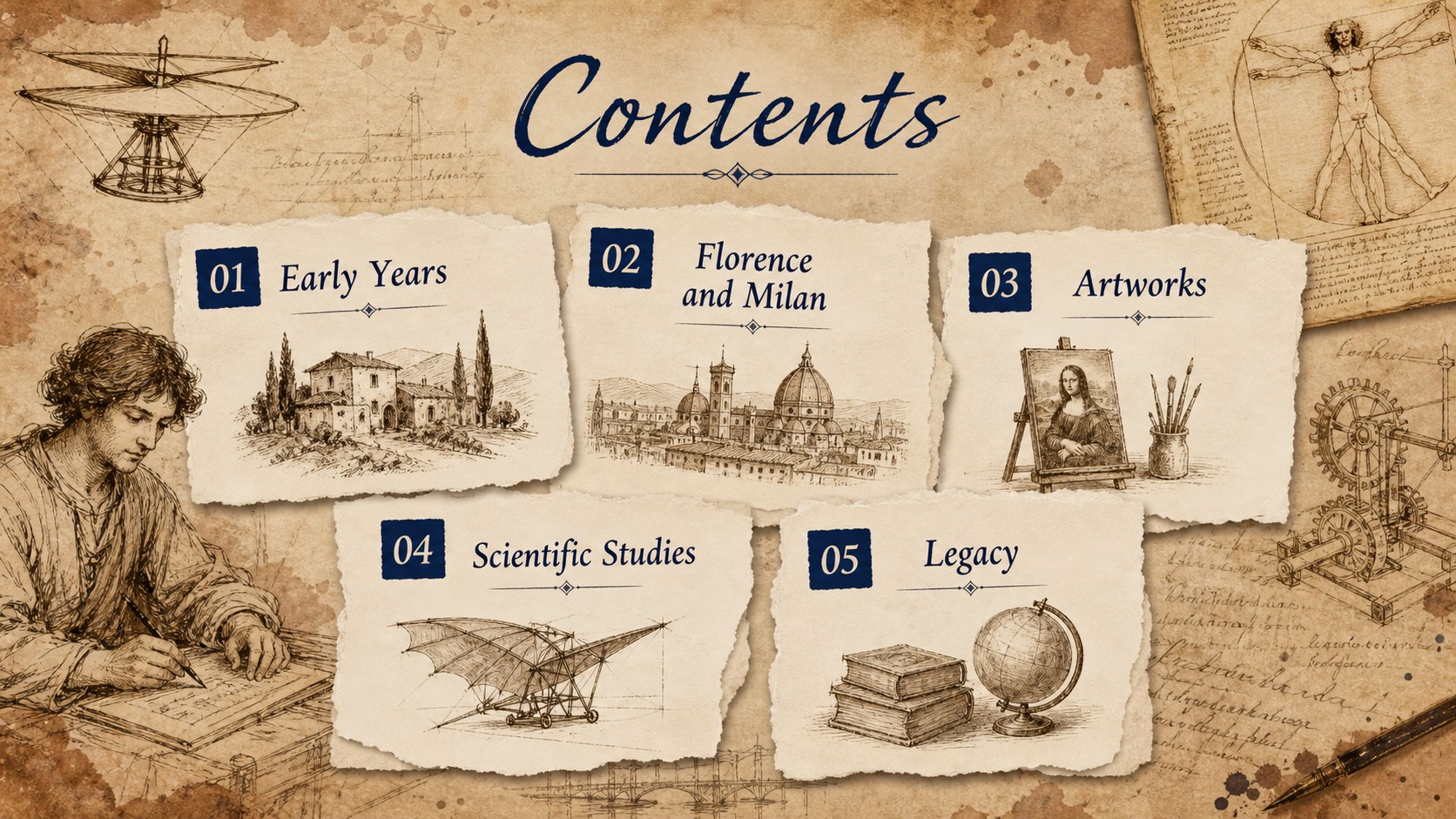
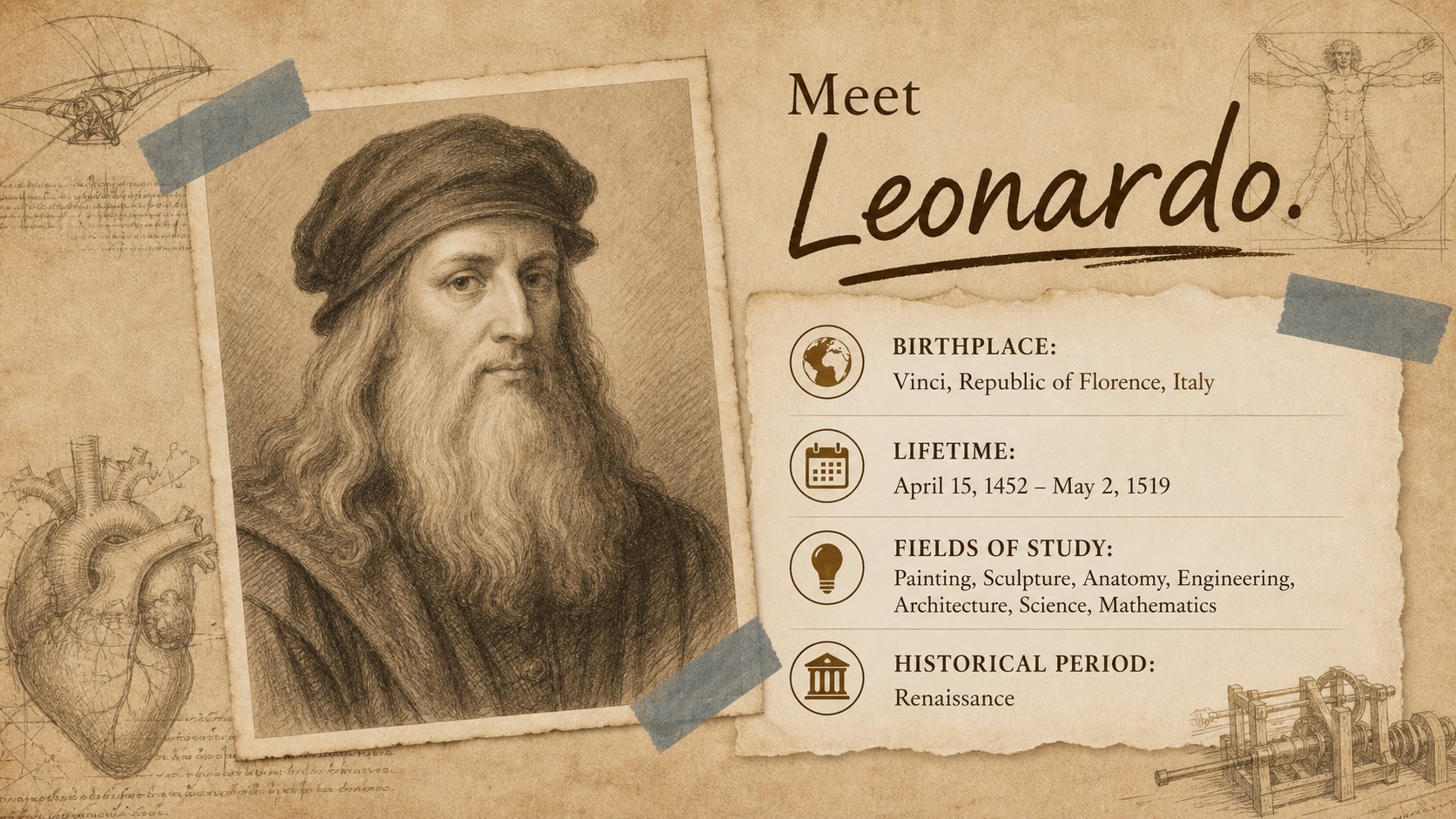
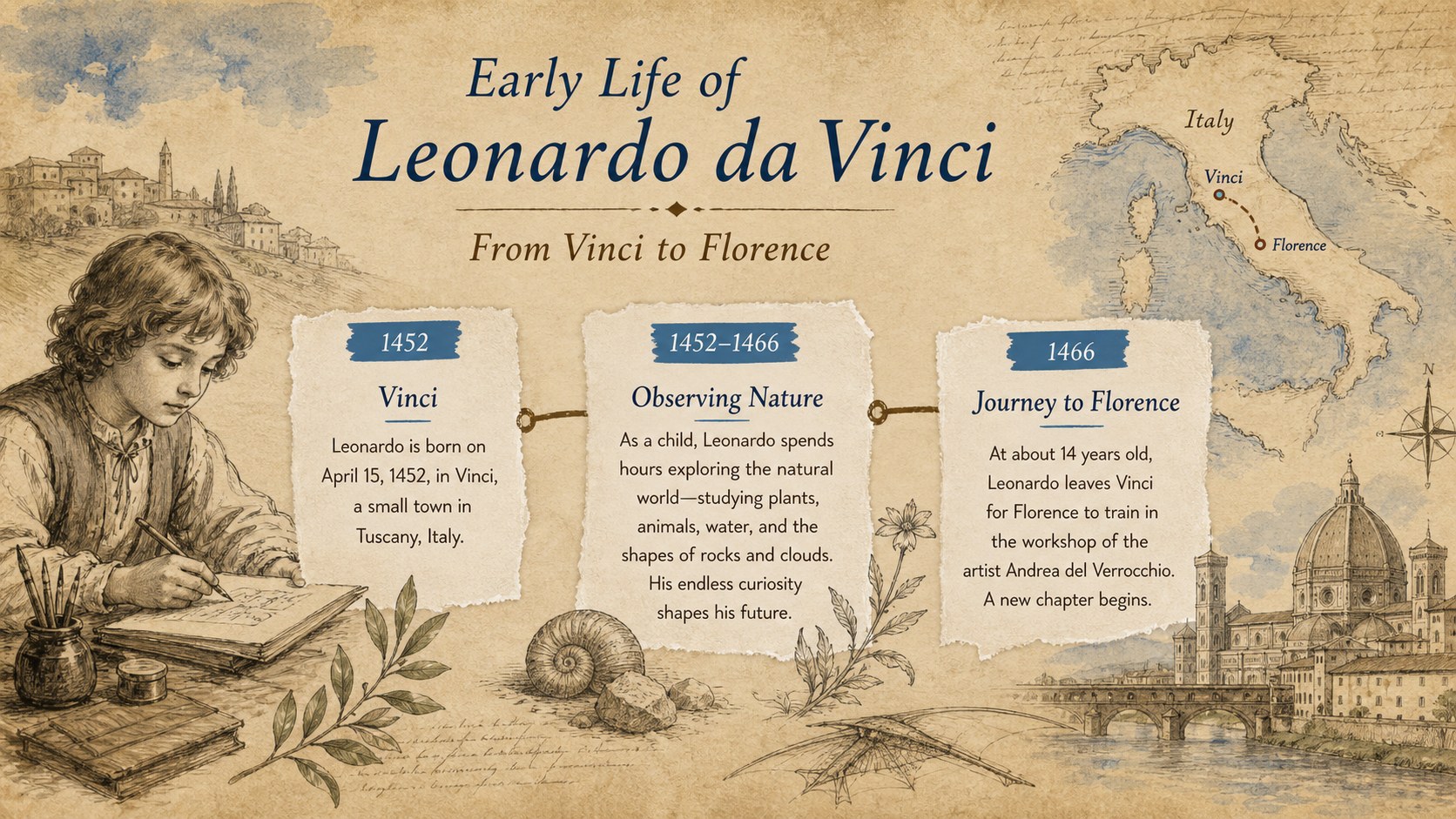
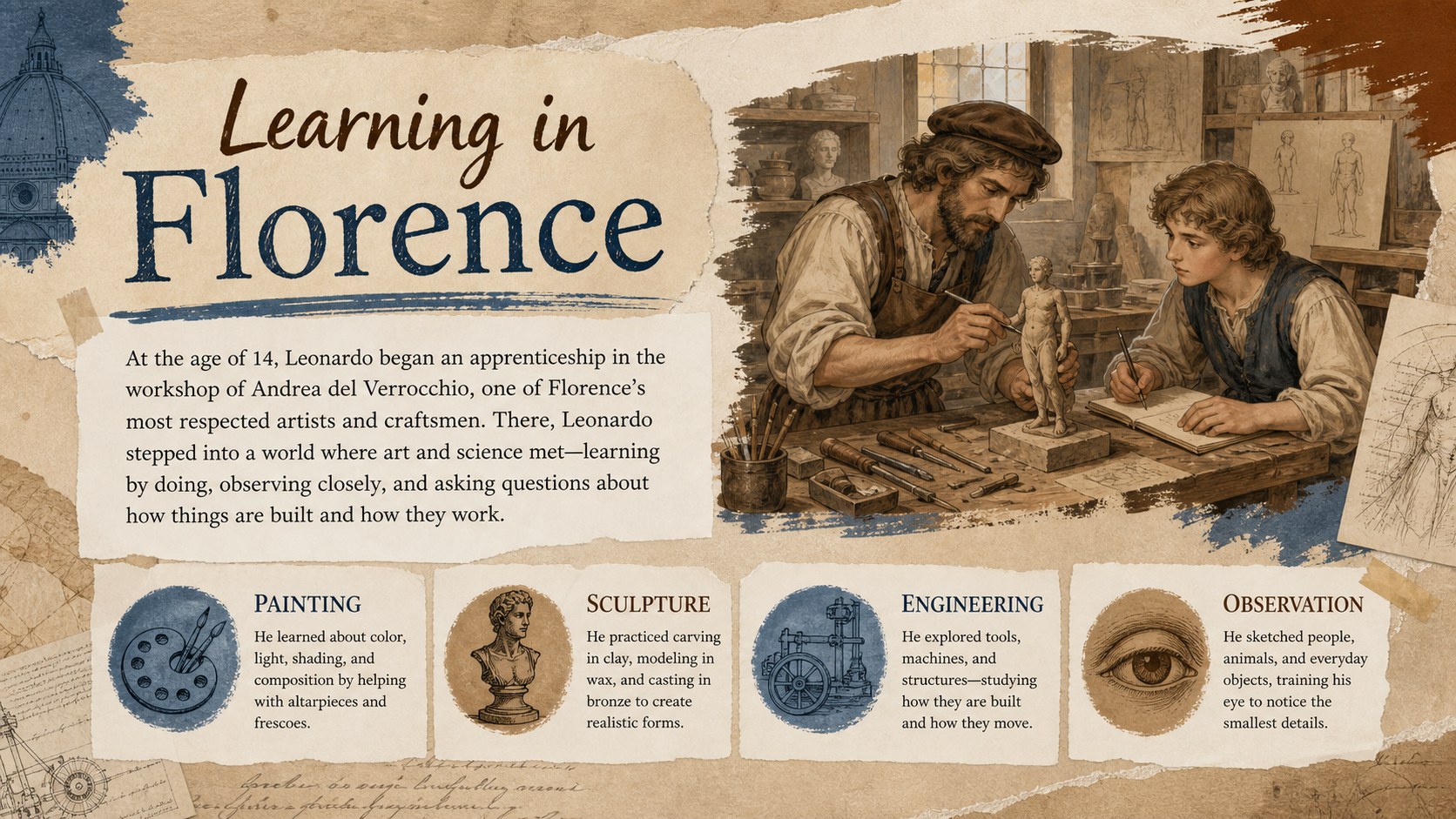
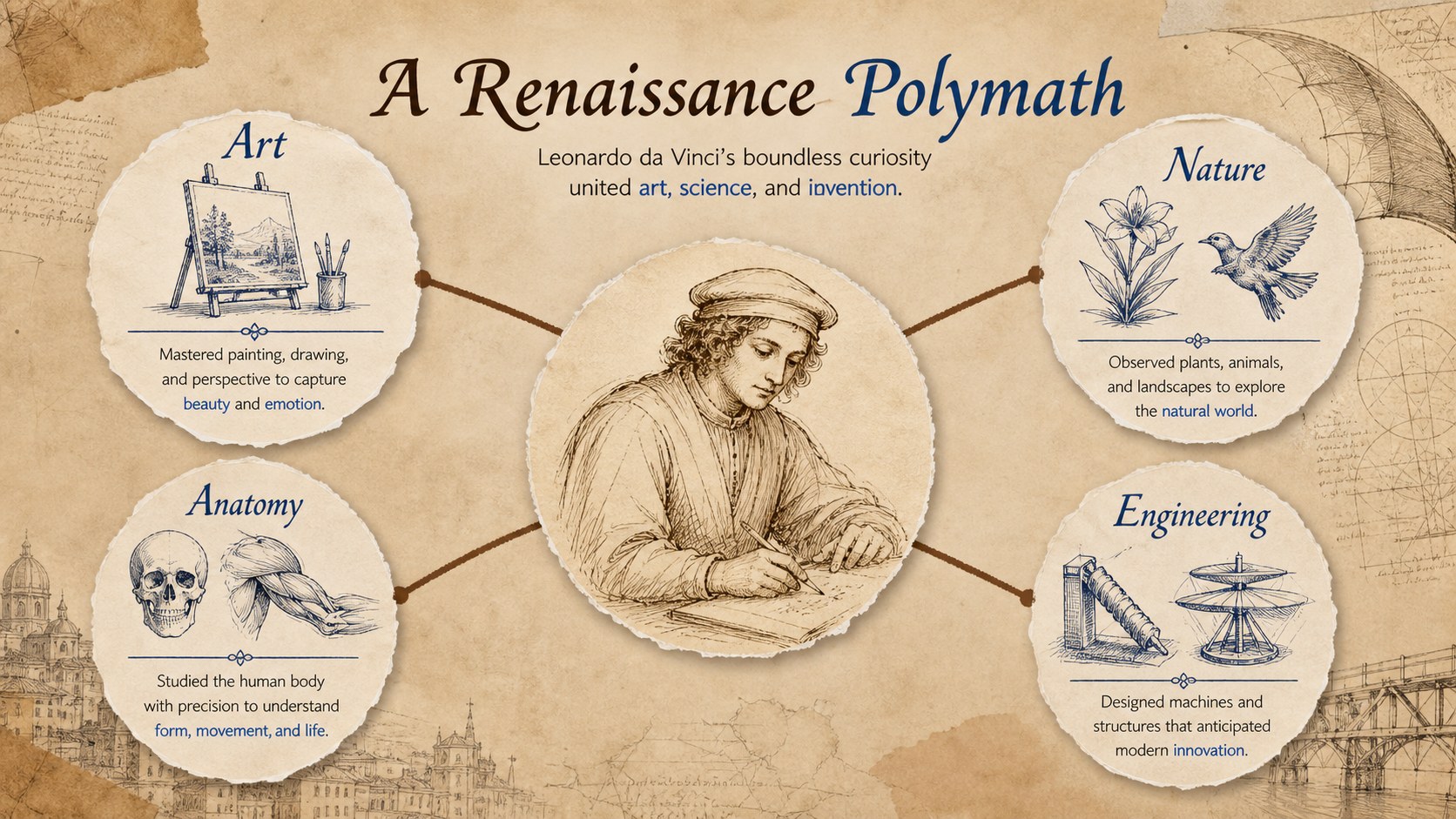
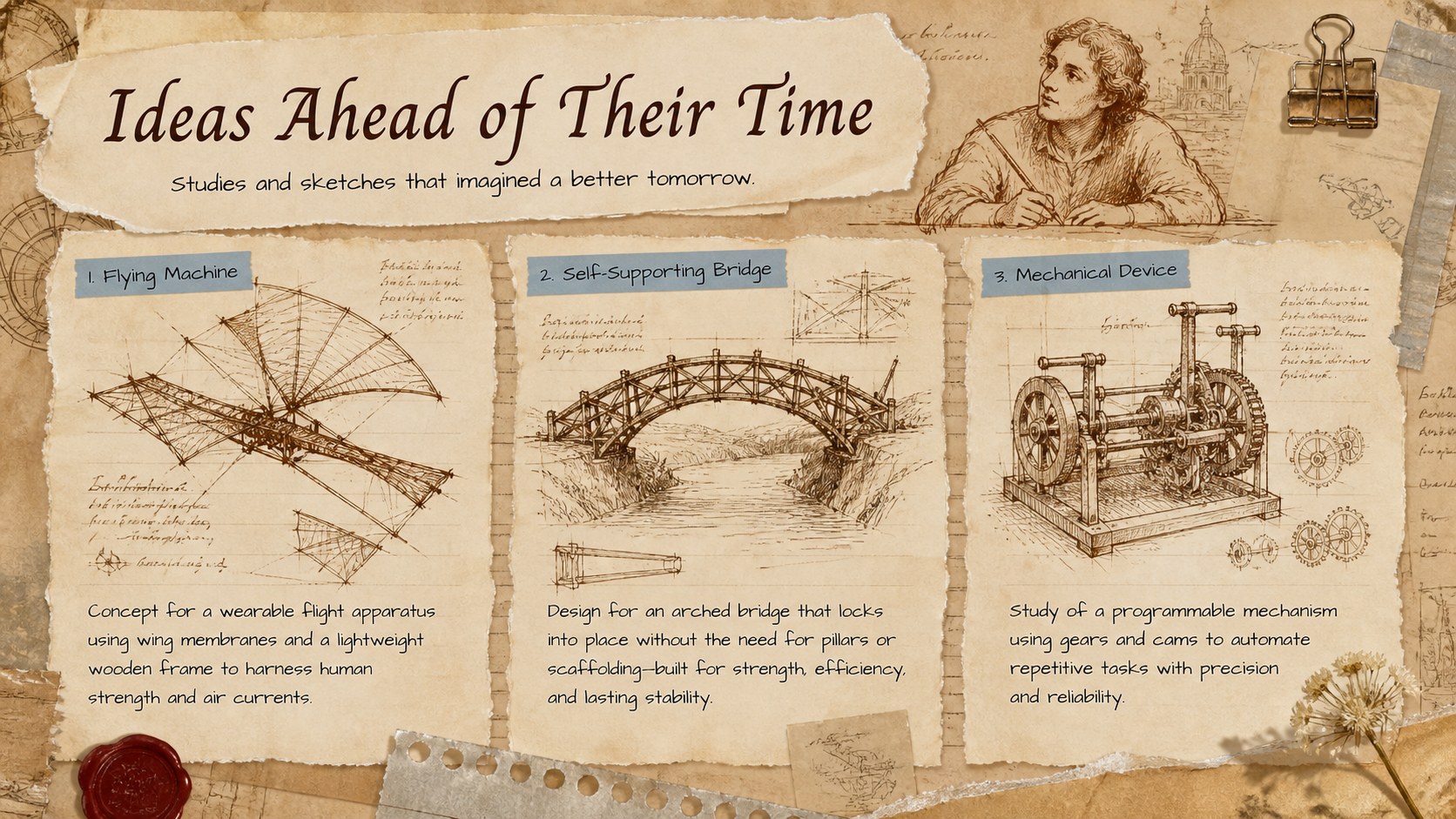
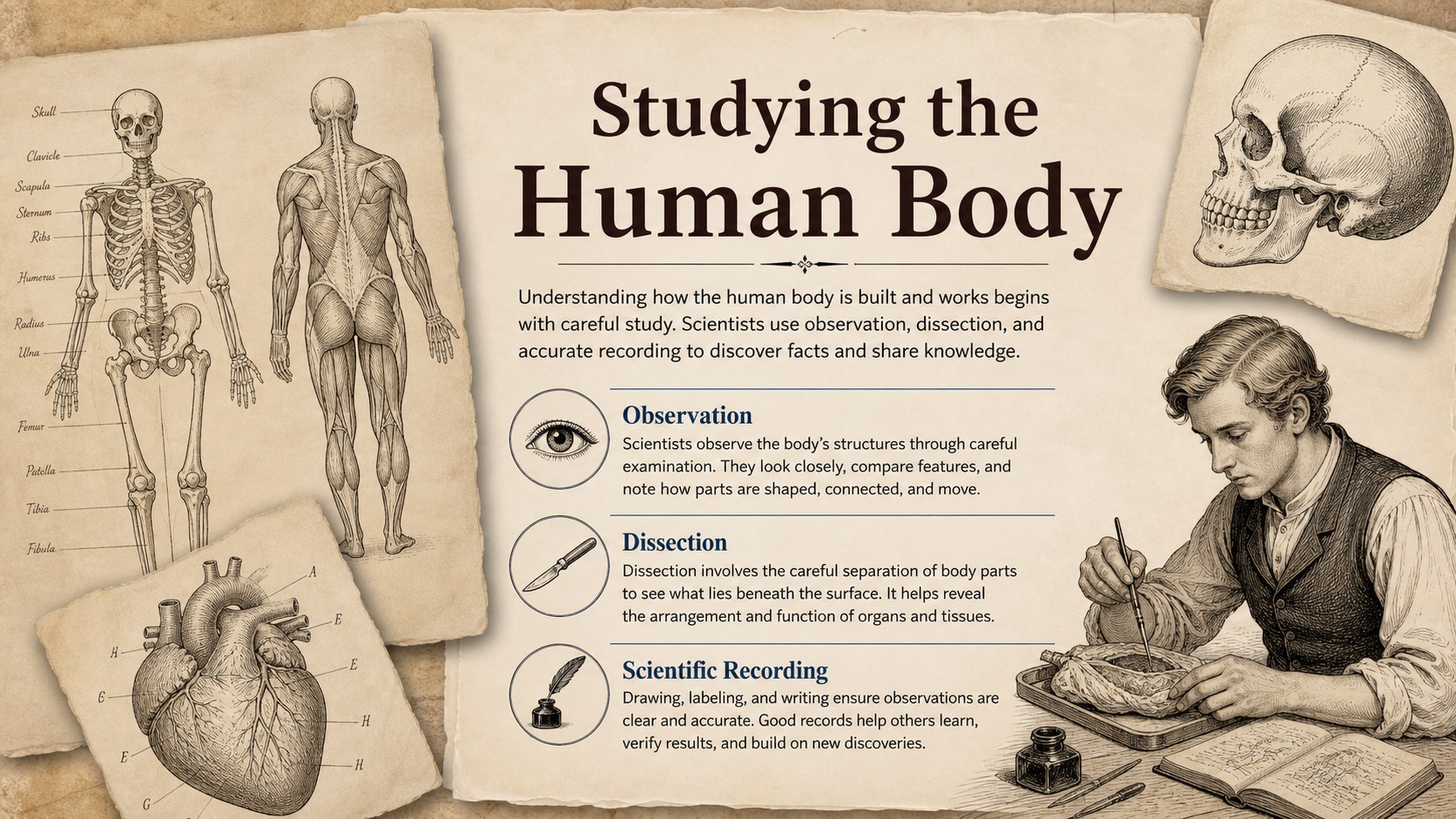
Turn a wide-ranging historical topic into a clear visual narrative with the Da Vinci Renaissance Learning Deck. Designed for educators, students, museum programs, and history enthusiasts, this Leonardo da Vinci classroom presentation explores the artist's life through aged-paper textures, hand-drawn details, and a balanced beige, brown, and blue palette. Use it as a set of renaissance inventor lesson slides, an art history report, or a da vinci art and science deck for interdisciplinary learning. The presentation includes 18 ready-to-edit 16:9 layouts with space for timelines, artwork analysis, discoveries, quotations, diagrams, and research notes. Every slide can be customized in PowerPoint or Google Slides, making it easy to adjust the text, images, colors, transitions, and structure for your audience.
Perfect for: Renaissance history lesson; student research presentation; art and science classroom project; museum education workshop; historical figure report; Mona Lisa artwork analysis.
Frequently asked questions
Which presentation programs support this deck? The slides are designed for PowerPoint and Google Slides. Import the file into your preferred platform, then edit the layouts and presentation content normally.
Can I adapt the deck for different grade levels? Yes. Replace the supplied text with simpler summaries for younger learners or add primary-source notes, citations, and deeper analysis for advanced classes.
Can the vintage scrapbook design be customized? Yes. You can change the beige, brown, and blue colors, replace artwork, reposition paper elements, and update the typography while retaining the archival visual style.
Practical details
The slides are designed for PowerPoint and Google Slides. Import the file into your preferred platform, then edit the layouts and presentation content normally.
Yes. Replace the supplied text with simpler summaries for younger learners or add primary-source notes, citations, and deeper analysis for advanced classes.
Yes. You can change the beige, brown, and blue colors, replace artwork, reposition paper elements, and update the typography while retaining the archival visual style.
The layouts can be repurposed for other Renaissance artists, inventors, or historical figures. Timeline, gallery, quotation, and research layouts are especially useful for broader humanities projects.
Keep exploring
15Build stronger academic arguments with a college essay thesis builder featuring guided examples, revision prompts, and editable PowerPoint and Google Slides.
 15
15Build an engaging World UFO Day session with this flying saucer history lesson deck, featuring retro green-and-brown slides for PowerPoint and Google Slides.
 14
14Plan a memorable Lunar New Year campaign with the 2036 Dragon Year Celebration Theme, featuring bold red-and-yellow slides for lessons and events.
 15
15Build a thoughtful classroom discussion with this interfaith awareness lesson deck, featuring editable blue-and-white slides for PowerPoint and Google Slides.
 15
15Use this environmental awareness lesson deck to teach climate action through illustrated activities, discussion prompts, and ready-to-edit visuals.
 15
15Build playful lessons and party stories with a kid-friendly zombie celebration theme in purple, green and pastel blue for PowerPoint and Google Slides.
 15
15Build eerie lessons, campaigns, and story pitches with an undead survival scenario theme featuring editable slides for PowerPoint and Google Slides.
 16
16Turn environmental research into a clear story with a Watercolor Ecology Presentation Theme for PowerPoint and Google Slides in calming green and blue.