
 15
15presentation
College Essay Thesis Builder Slides
Build stronger academic arguments with a college essay thesis builder featuring guided examples, revision prompts, and editable PowerPoint and Google Slides.
Google SlidesPowerPoint
presentation · English
Build memorable art lessons with a cut-paper art classroom presentation featuring bold organic collage layouts for PowerPoint and Google Slides.
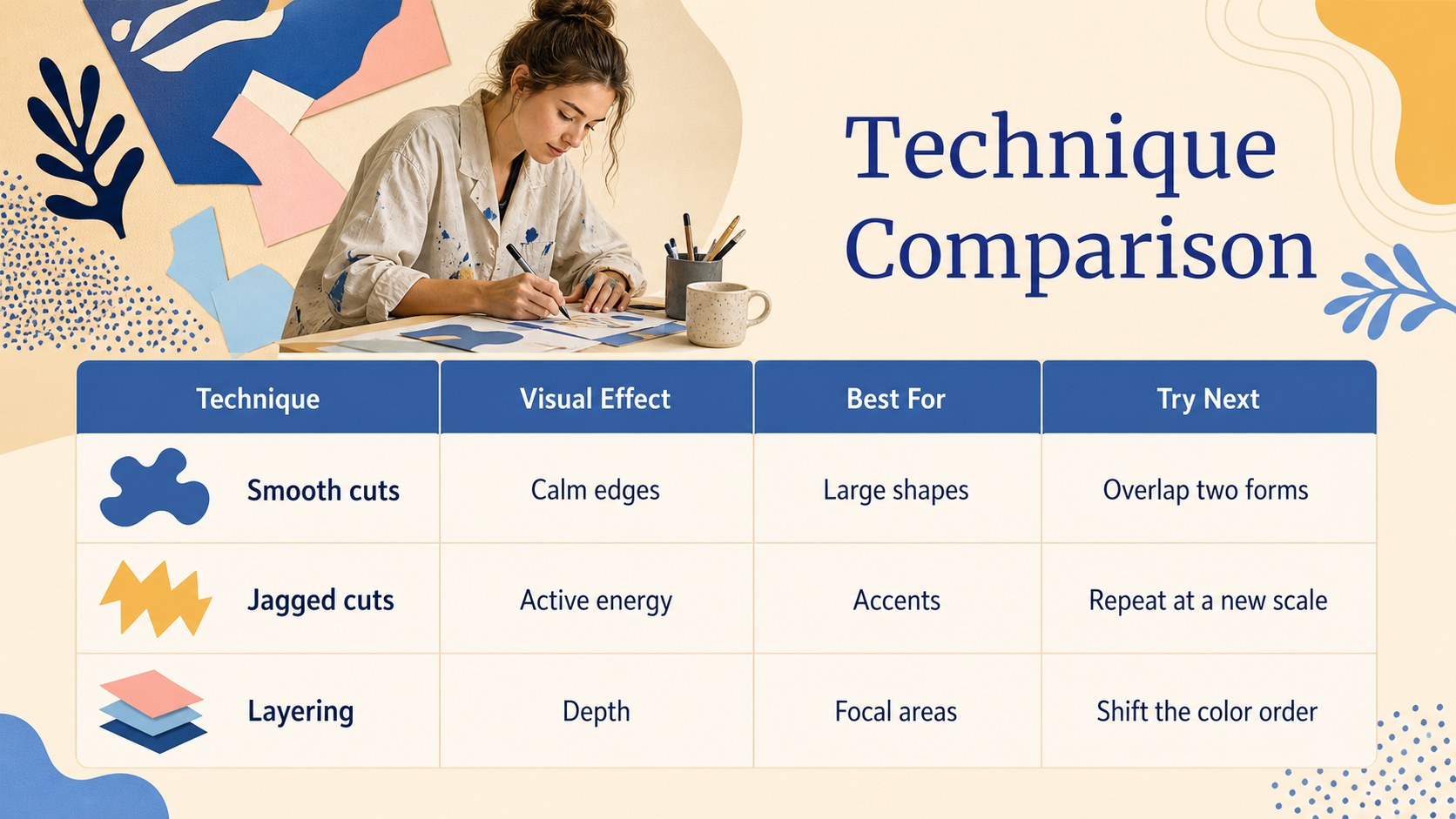
Design notes
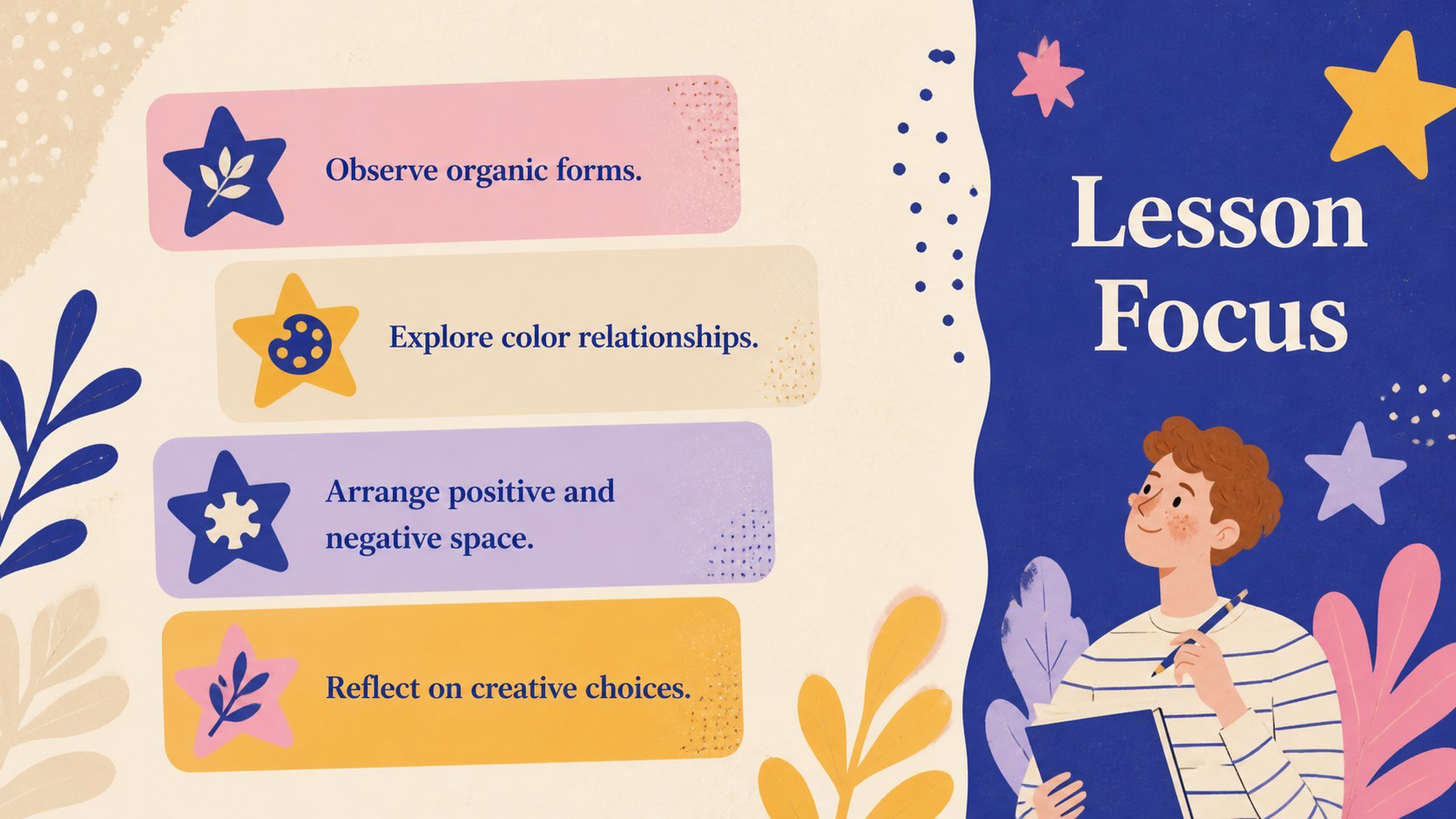
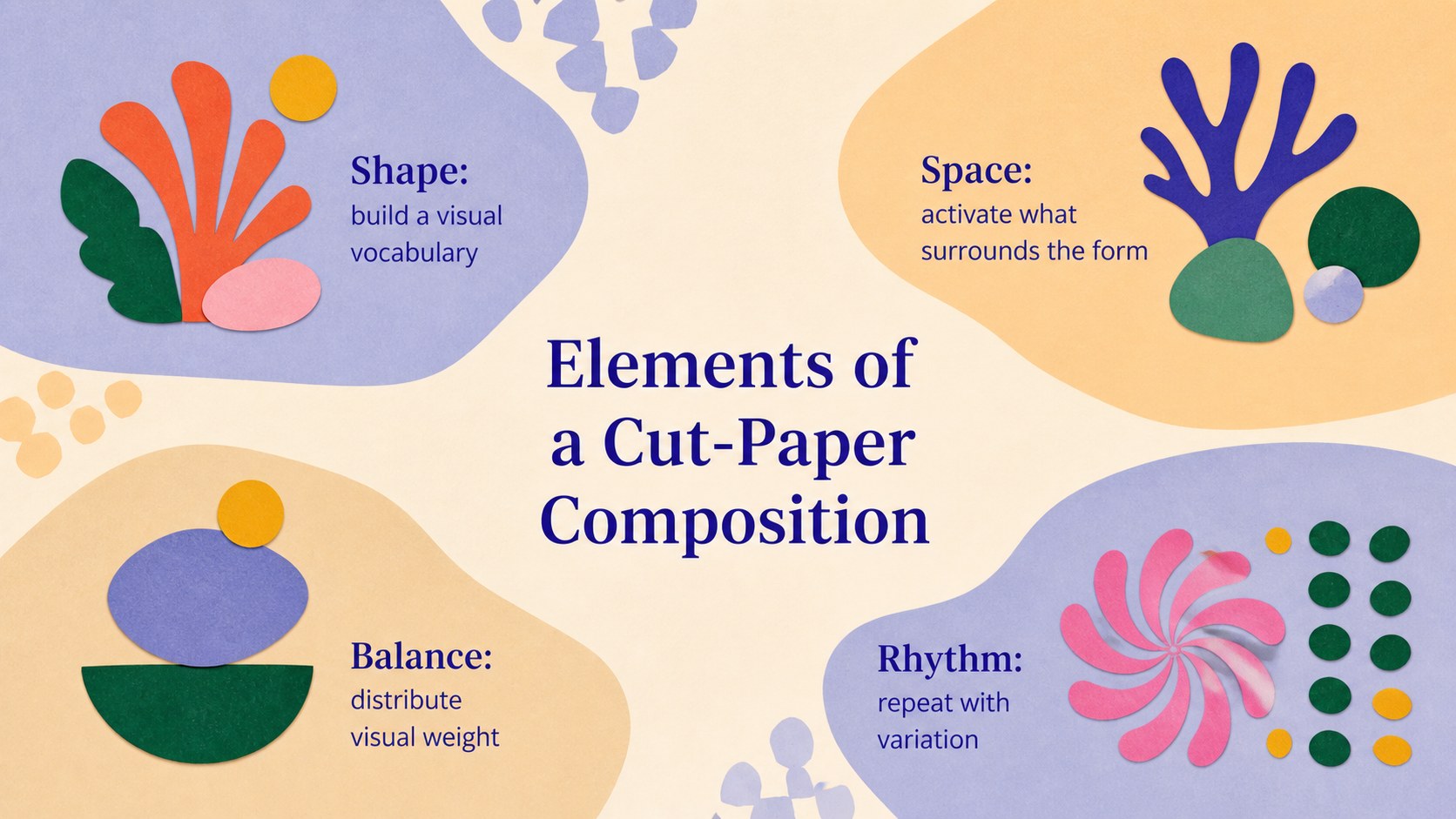
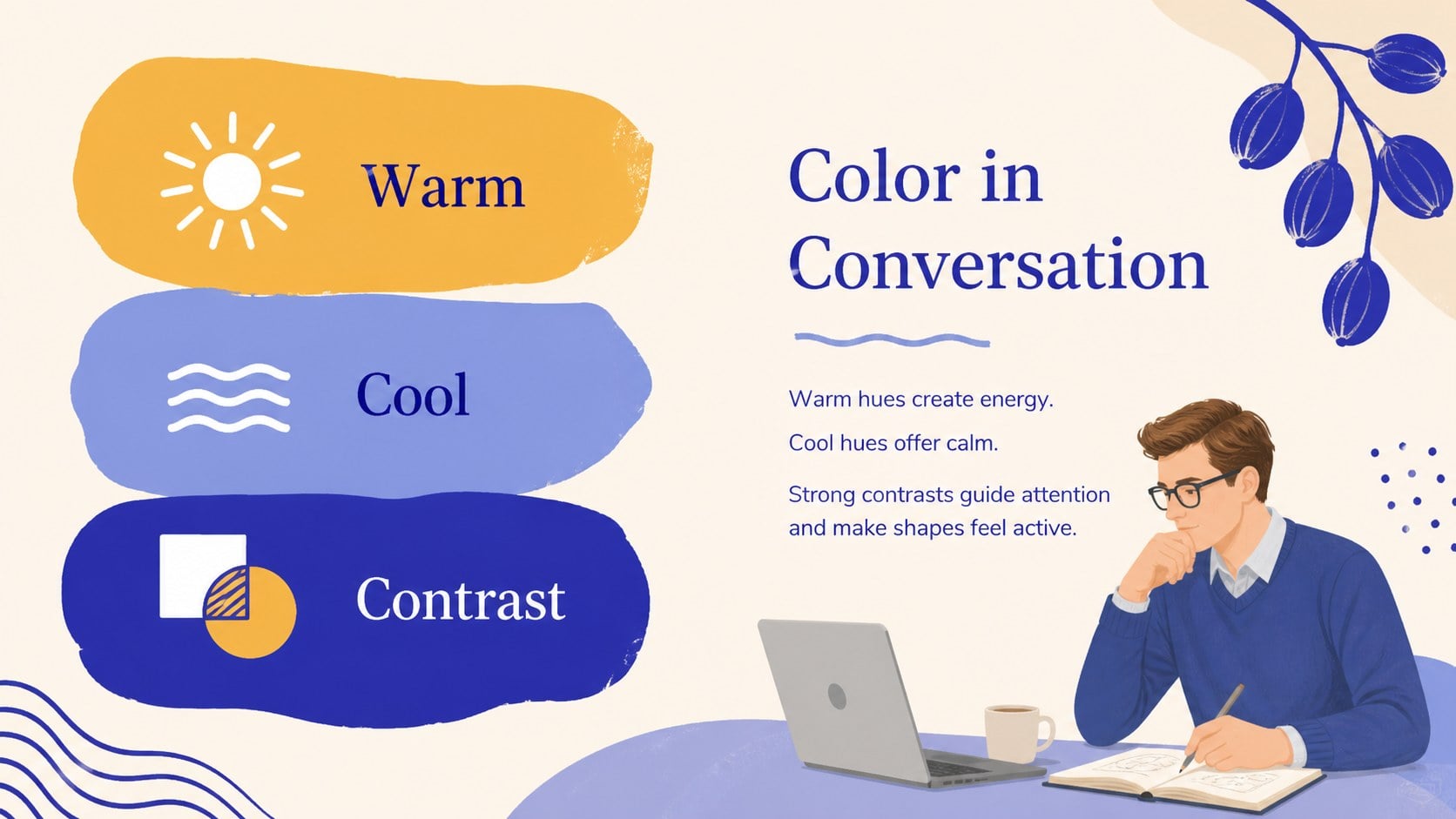
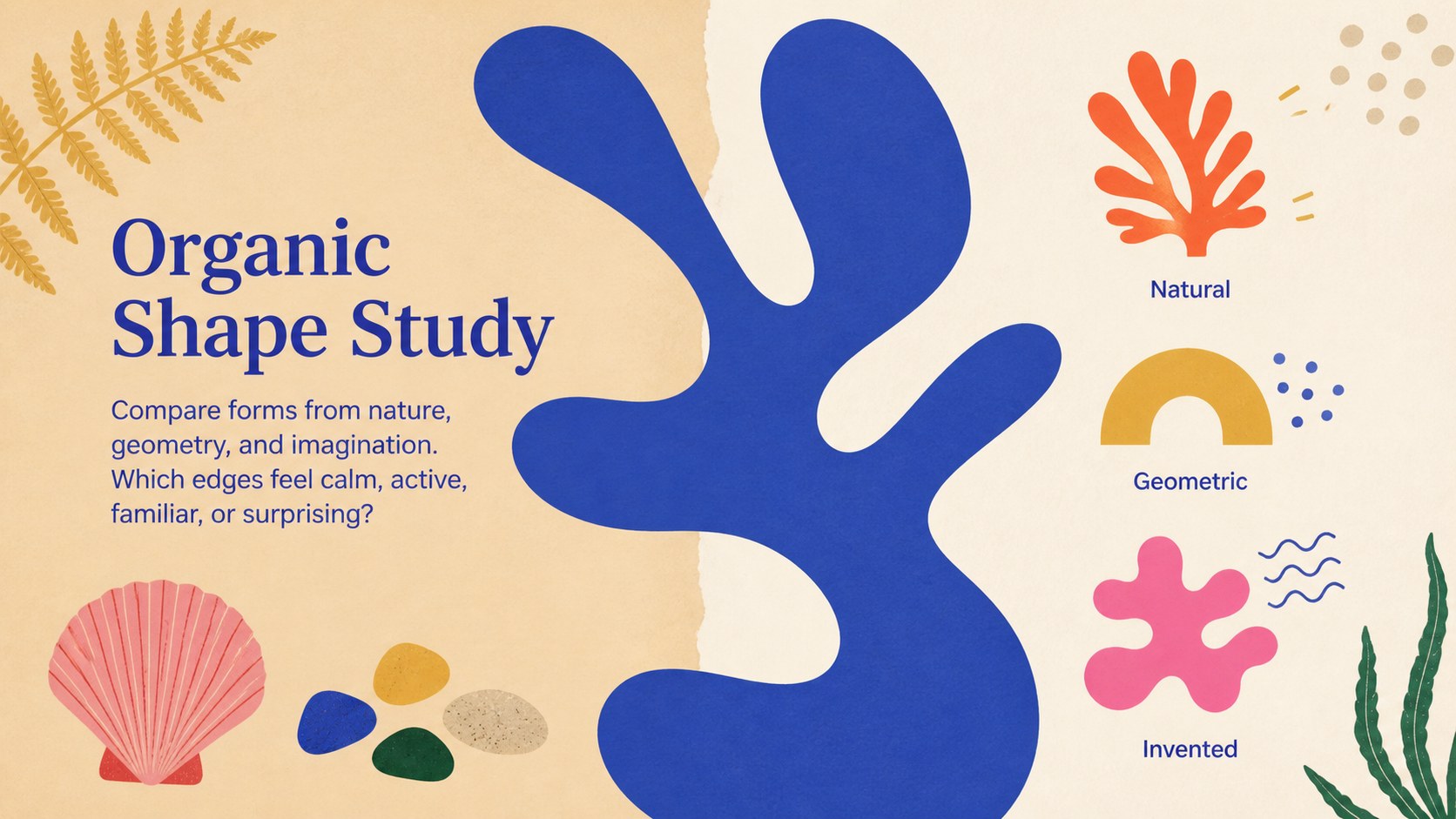
Bring modern art concepts to life with a cut-paper art classroom presentation designed around expressive shapes, layered textures, and a lively beige-and-blue palette. Inspired by Matisse's paper cutouts without relying on a conventional gallery aesthetic, the deck helps teachers introduce collage, positive and negative space, color relationships, and visual rhythm through clear, engaging layouts.
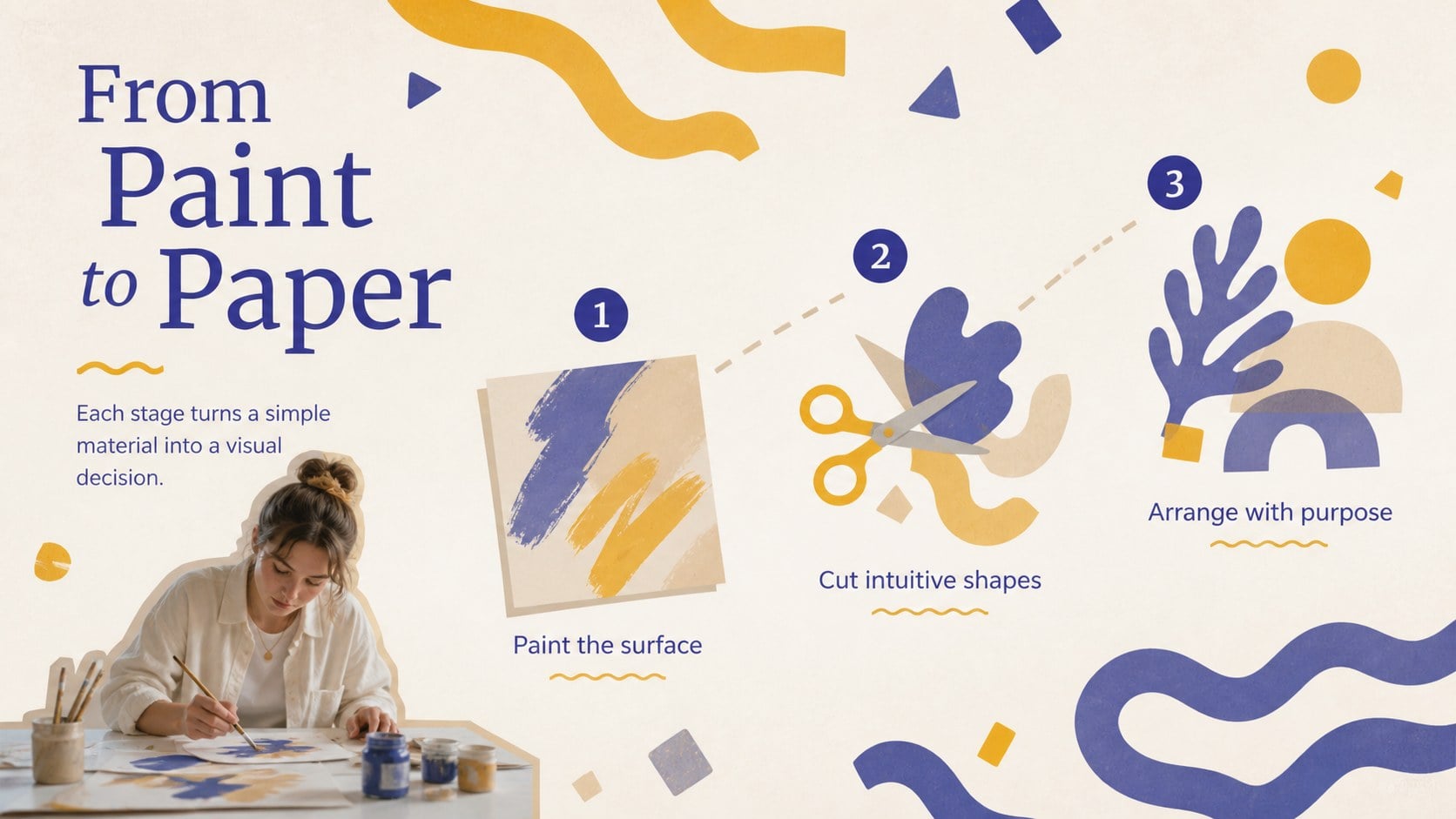
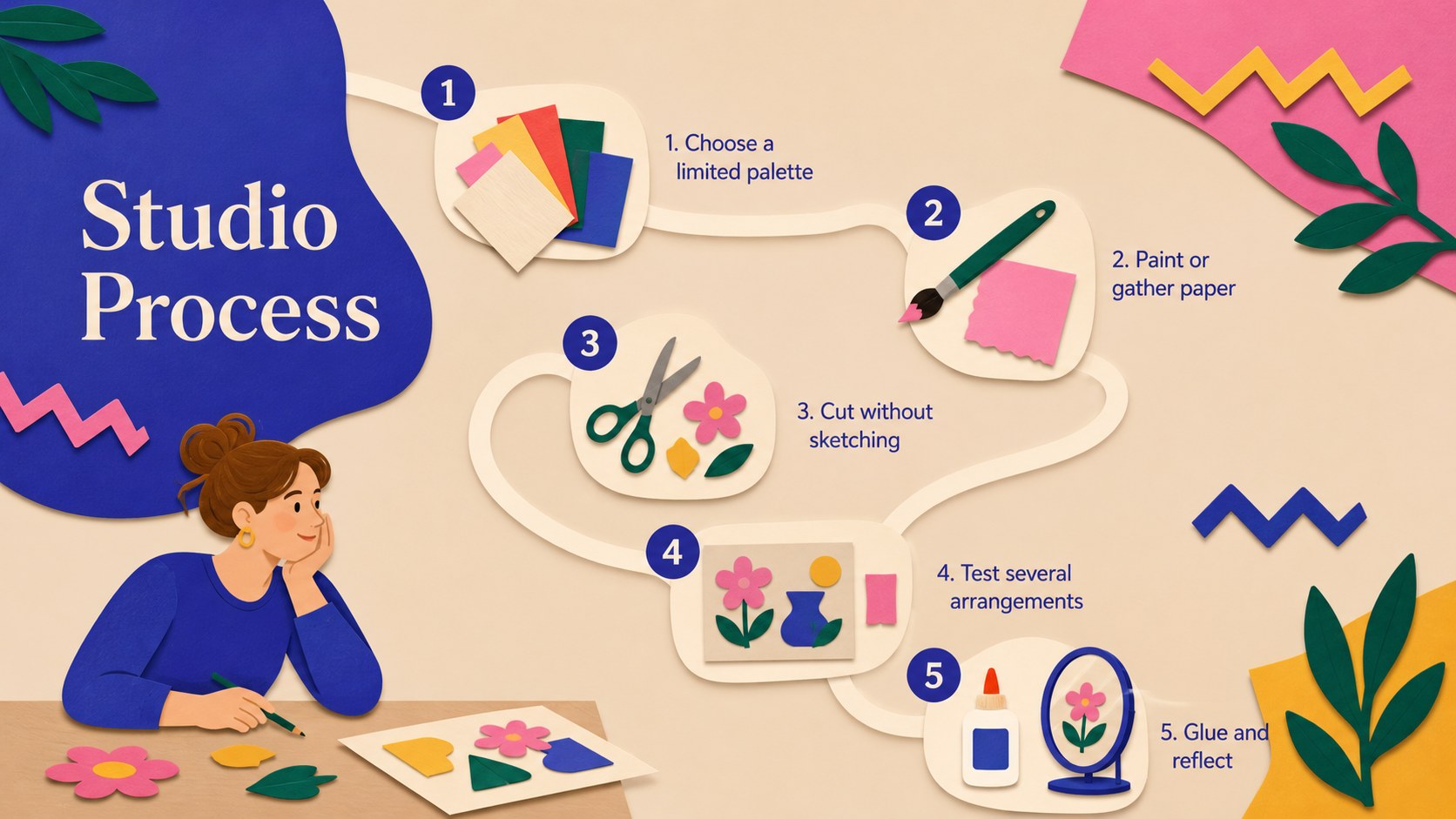
Inside, you will find more than 25 adaptable slide designs for lesson goals, artist context, technique demonstrations, project steps, artwork analysis, class discussions, assessment summaries, and student galleries. Use it as a cut paper collage lesson template, expand it into a modern art classroom slide deck, or customize selected pages for a student art exhibition PowerPoint. Organic botanical forms, printed-paper textures, and bold blue accents create visual energy while leaving ample room for instructions, images, diagrams, and learner reflections.
The presentation is suited to elementary and secondary art teachers, museum educators, creative workshop leaders, homeschool instructors, and school arts coordinators. Every layout can be edited in PowerPoint or Google Slides, including colors, fonts, images, shapes, and text. Add student artwork, adjust the sequence for your curriculum, or reuse individual slides for an art club, portfolio review, or program showcase. The cohesive design makes complex visual ideas approachable while keeping the focus on observation, experimentation, and creative confidence.
Perfect for: modern art history lesson; paper collage classroom project; student artwork exhibition; museum education workshop; art club technique demonstration.
Frequently asked questions
Can I edit every part of the presentation? Yes. You can replace the text, recolor shapes, move collage elements, change fonts, and add your own photographs or student artwork.
Practical details
Yes. You can replace the text, recolor shapes, move collage elements, change fonts, and add your own photographs or student artwork.
The template is designed for PowerPoint and Google Slides. Import behavior can vary slightly, so review font substitutions and transitions before presenting.
Yes. Simplify the prompts for younger learners or add art-history context, critique questions, and assessment criteria for secondary or adult classes.
Replace the sample organic forms with shapes connected to your lesson or student theme. Keep a limited beige, blue, and multicolor palette to preserve the deck's visual consistency.
Keep exploring
15Build stronger academic arguments with a college essay thesis builder featuring guided examples, revision prompts, and editable PowerPoint and Google Slides.
 15
15Build an engaging World UFO Day session with this flying saucer history lesson deck, featuring retro green-and-brown slides for PowerPoint and Google Slides.
 14
14Plan a memorable Lunar New Year campaign with the 2036 Dragon Year Celebration Theme, featuring bold red-and-yellow slides for lessons and events.
 15
15Build a thoughtful classroom discussion with this interfaith awareness lesson deck, featuring editable blue-and-white slides for PowerPoint and Google Slides.
 15
15Use this environmental awareness lesson deck to teach climate action through illustrated activities, discussion prompts, and ready-to-edit visuals.
 15
15Build playful lessons and party stories with a kid-friendly zombie celebration theme in purple, green and pastel blue for PowerPoint and Google Slides.
 15
15Build eerie lessons, campaigns, and story pitches with an undead survival scenario theme featuring editable slides for PowerPoint and Google Slides.
 16
16Turn environmental research into a clear story with a Watercolor Ecology Presentation Theme for PowerPoint and Google Slides in calming green and blue.