
 15
15presentation
College Essay Thesis Builder Slides
Build stronger academic arguments with a college essay thesis builder featuring guided examples, revision prompts, and editable PowerPoint and Google Slides.
Google SlidesPowerPoint
presentation · English
Use Cubism art history slides to explain fractured forms, multiple viewpoints, and geometric composition through a polished, classroom-ready visual deck.
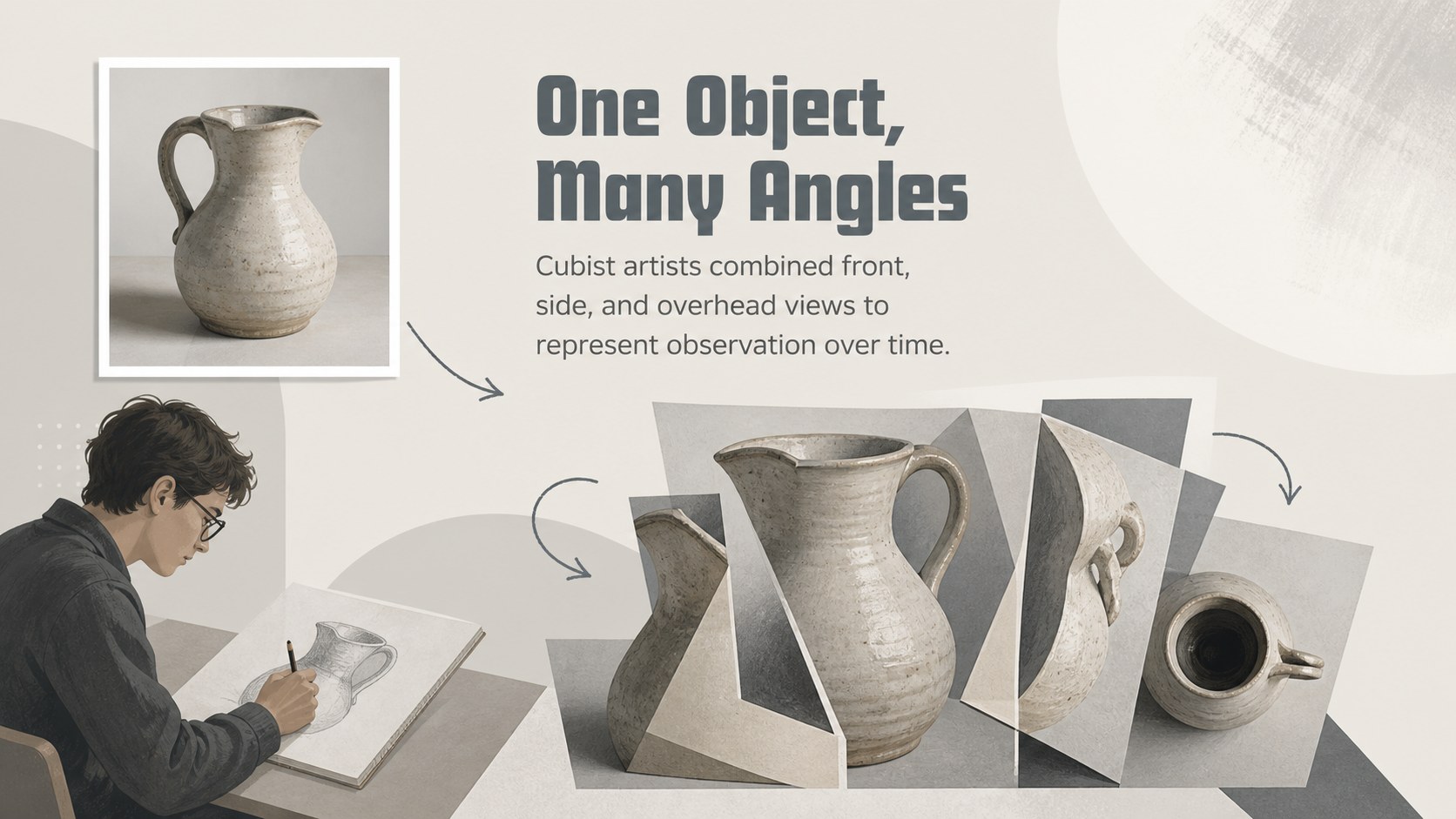
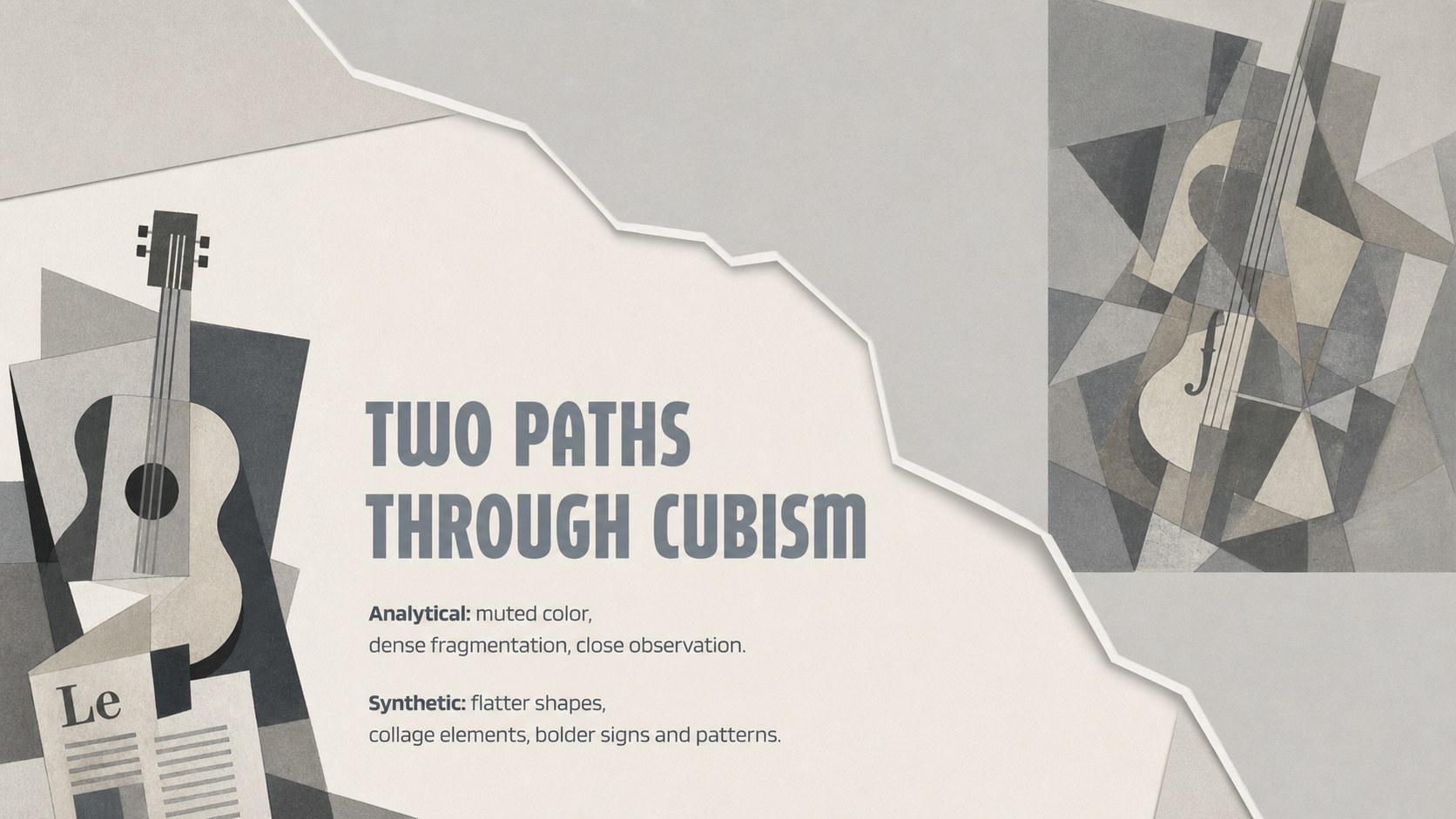
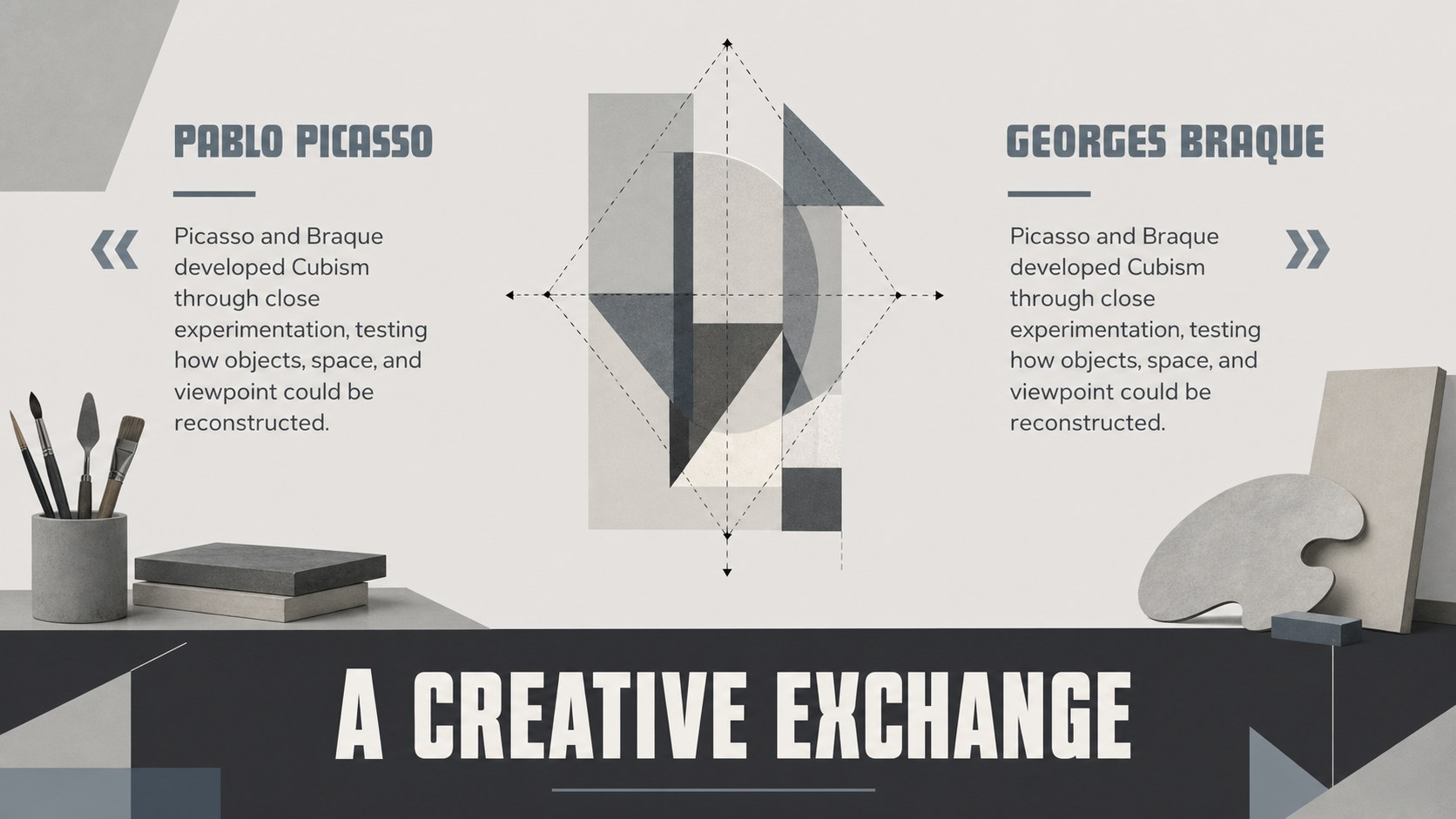
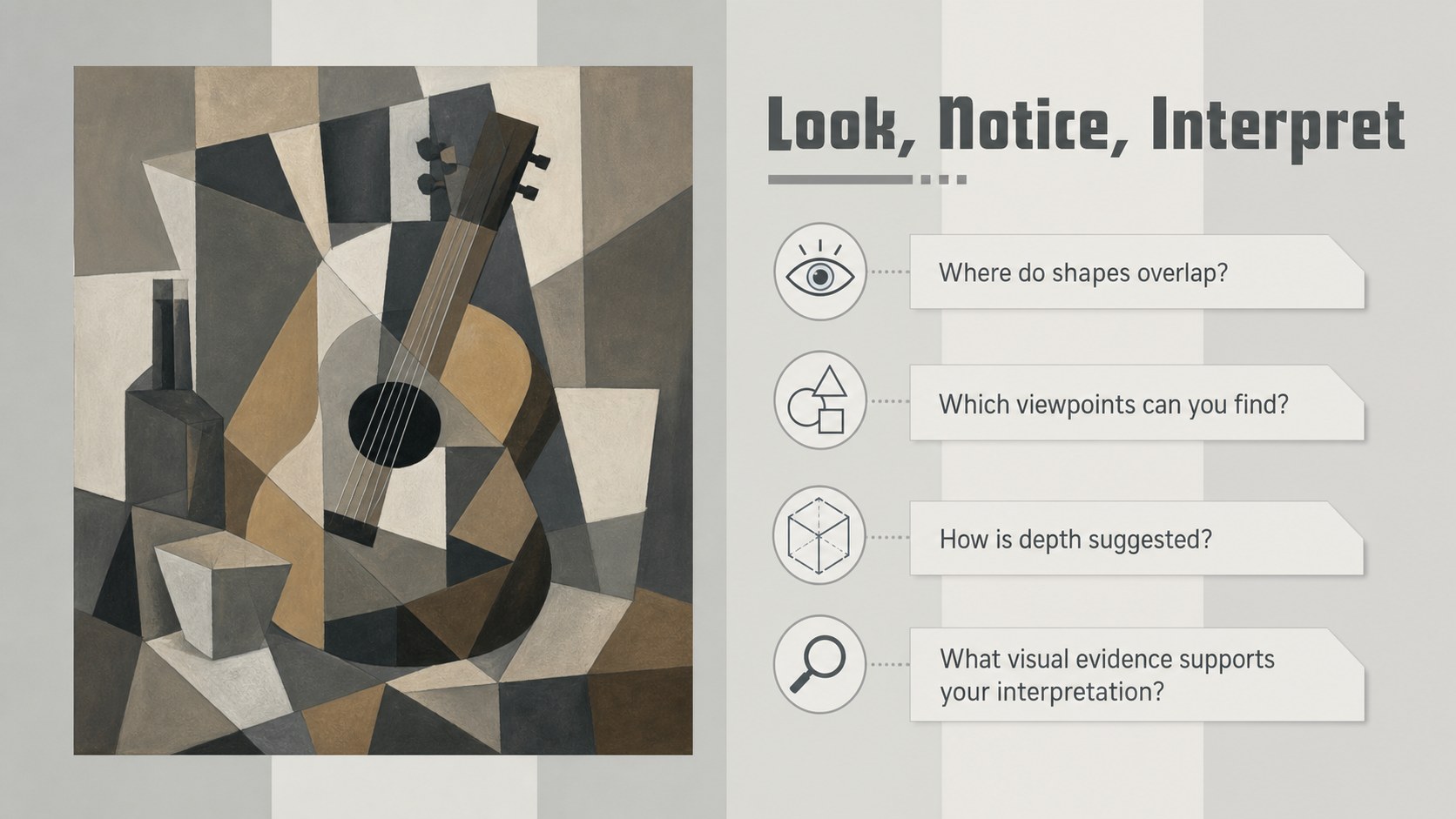
Design notes
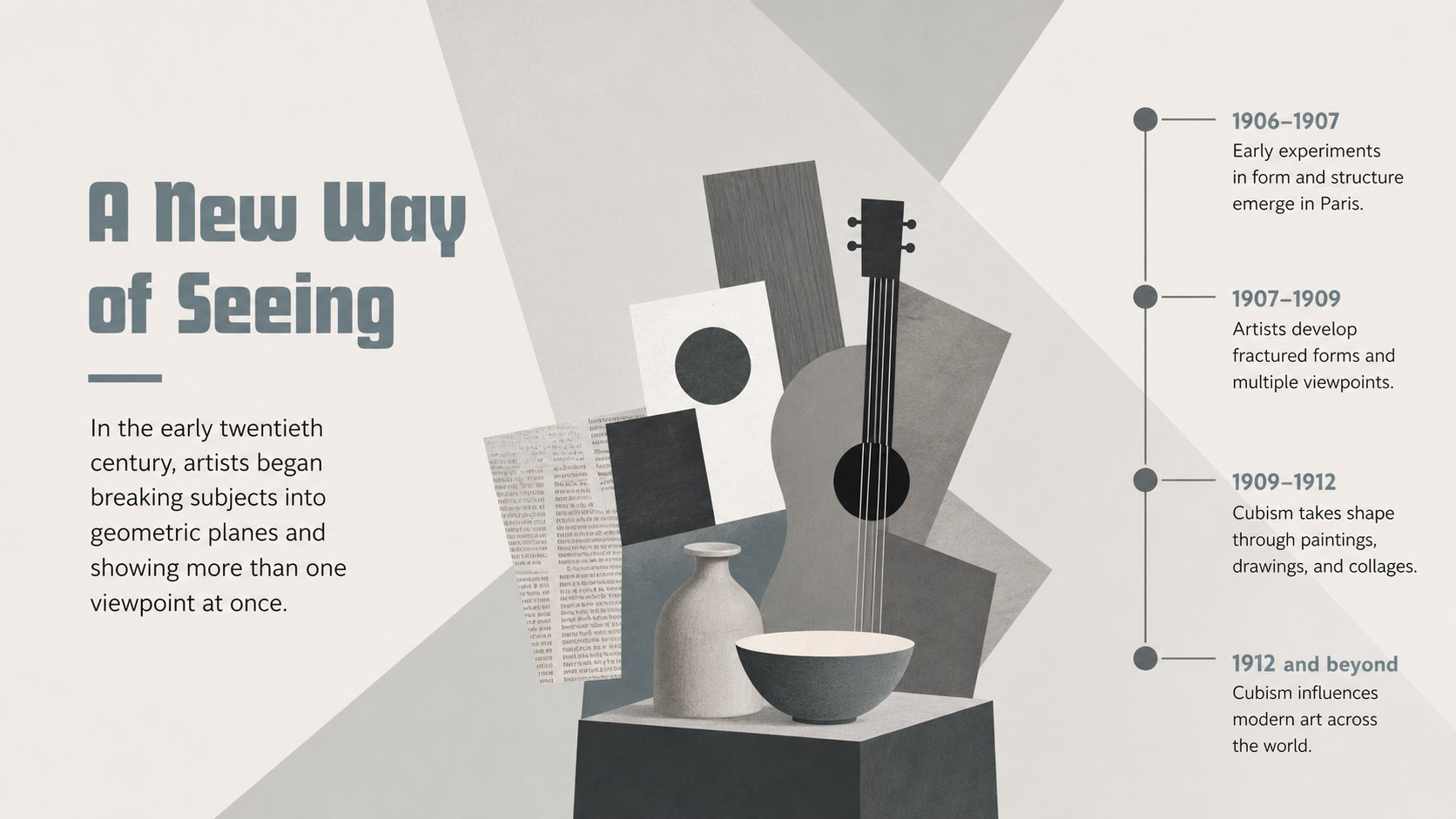
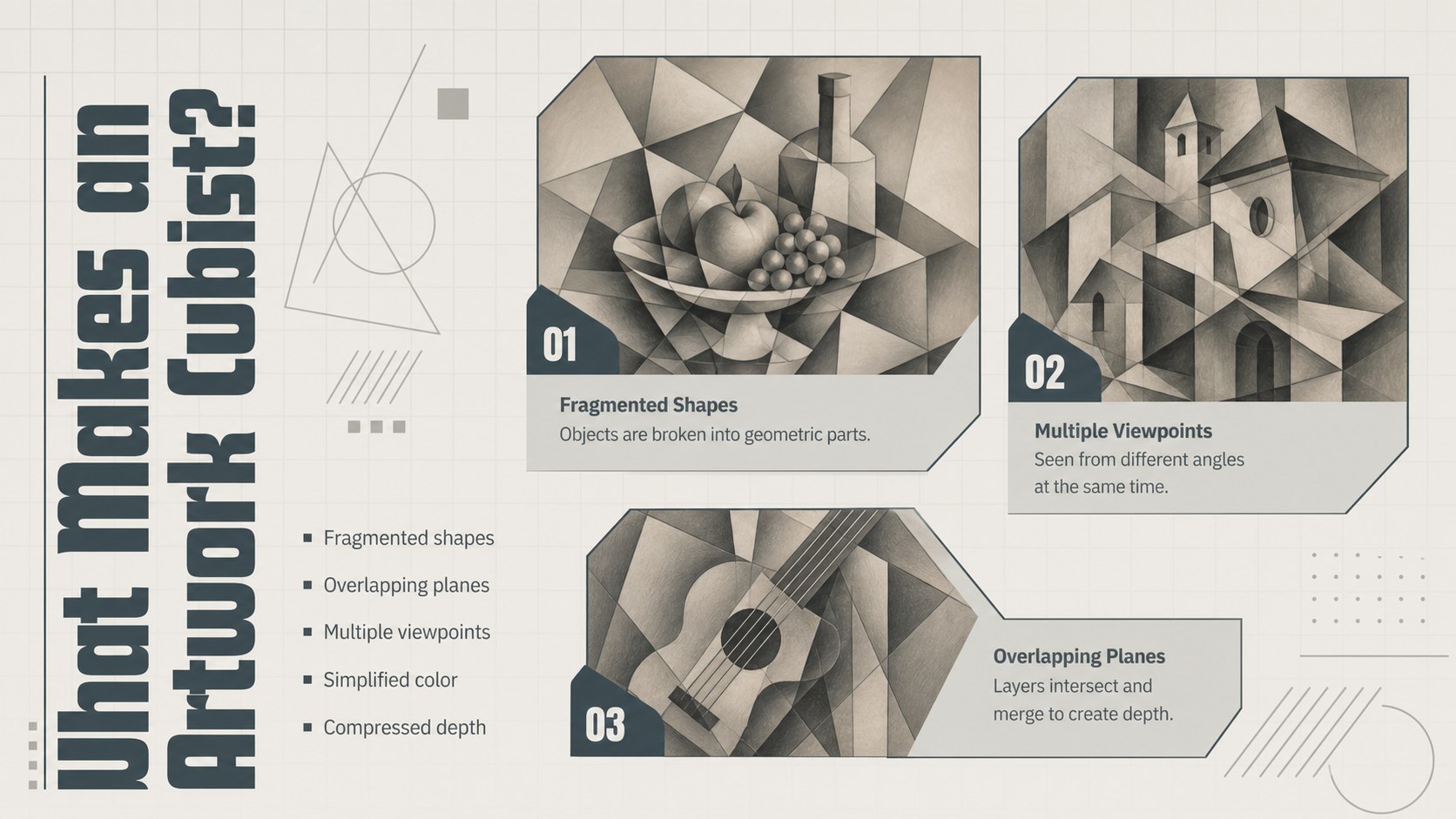
Cubism Art History Slides: Shapes in Perspective gives educators a clear visual framework for introducing one of modern art’s most influential movements. The restrained grey palette, crisp typography, and geometric illustrations complement the subject without distracting from the lesson. Use the deck to explain how Cubist artists broke objects into intersecting planes, combined multiple viewpoints, and challenged traditional ideas about realistic representation.
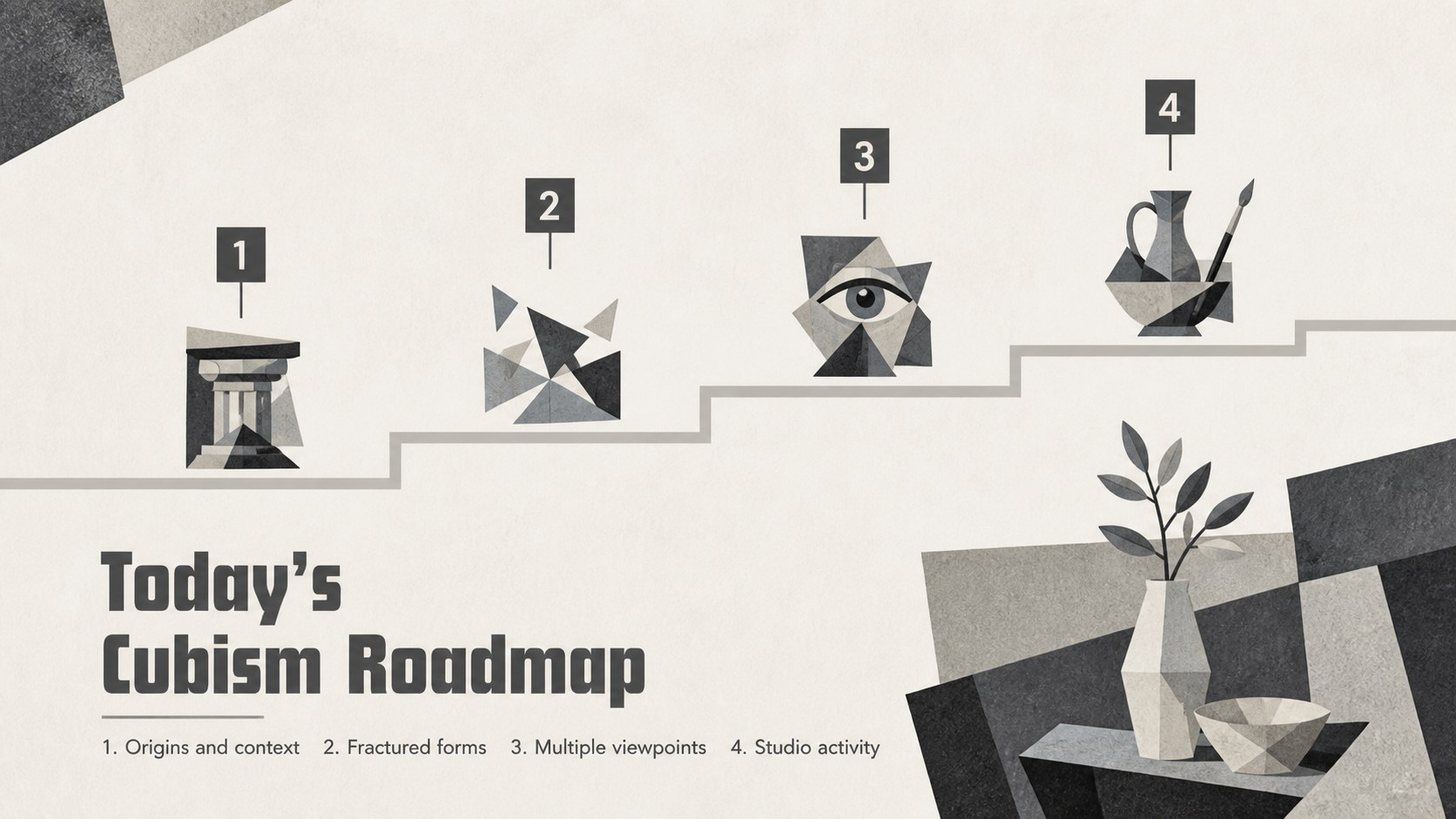
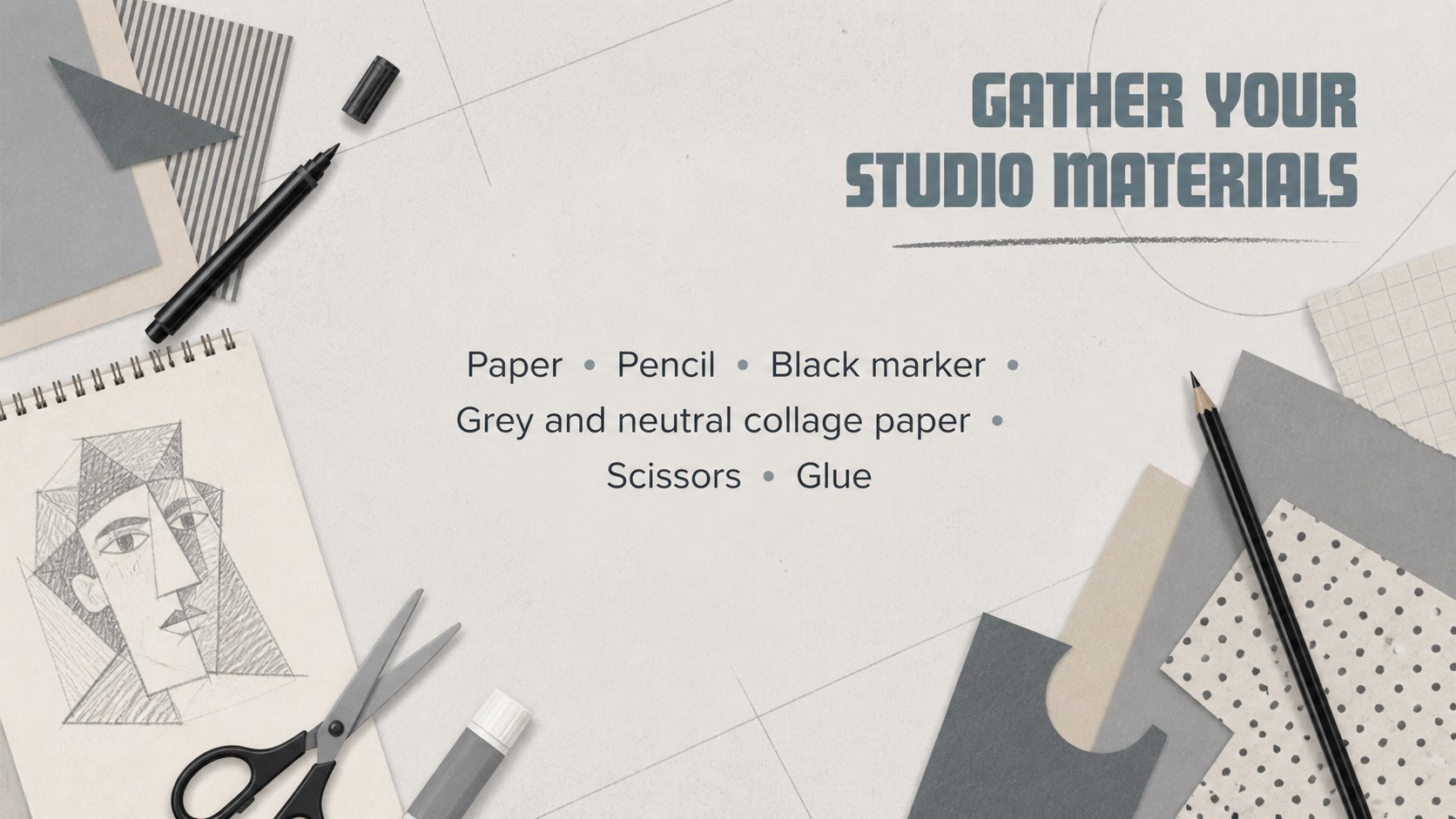
The presentation includes a lesson roadmap, historical context, defining characteristics, an artist comparison, artwork observation prompts, and a step-by-step composition activity. A Cubism techniques classroom presentation can support direct instruction, while the discussion and reflection layouts encourage students to interpret artworks in their own words. Editable diagrams and image spaces also make it easy to build a geometric art lesson slide deck around works already included in your curriculum.
Designed for art teachers, museum educators, workshop leaders, and homeschool instructors, these slides work well for secondary school, introductory college, and community learning settings. Customize the text, examples, and activity timing in PowerPoint or Google Slides. The flexible layouts can support a single class period, a longer modern art unit, or an interactive Cubist portrait workshop while maintaining a cohesive, understated visual style.
Perfect for: secondary school art history lesson; Cubist portrait classroom activity; museum education workshop; modern art unit introduction; homeschool visual arts lesson.
Frequently asked questions
Can I edit these slides in PowerPoint and Google Slides? Yes. The layouts, text, colors, and image placeholders can be customized in both PowerPoint and Google Slides. Font availability may vary, so check the typography after importing the deck.
Practical details
Yes. The layouts, text, colors, and image placeholders can be customized in both PowerPoint and Google Slides. Font availability may vary, so check the typography after importing the deck.
Yes. Replace the sample artwork spaces with licensed images, student work, or pieces from your existing lesson plan. The comparison and observation layouts are designed to accommodate different examples.
The deck is best suited to secondary school, introductory college, and adult learning settings. Teachers can simplify the terminology for younger students or expand the historical analysis for advanced classes.
Adjust the materials list, demonstration steps, and reflection questions to match your available time and supplies. You can also duplicate the activity slide to document planning, sketching, construction, and critique stages.
Keep exploring
15Build stronger academic arguments with a college essay thesis builder featuring guided examples, revision prompts, and editable PowerPoint and Google Slides.
 15
15Build an engaging World UFO Day session with this flying saucer history lesson deck, featuring retro green-and-brown slides for PowerPoint and Google Slides.
 14
14Plan a memorable Lunar New Year campaign with the 2036 Dragon Year Celebration Theme, featuring bold red-and-yellow slides for lessons and events.
 15
15Build a thoughtful classroom discussion with this interfaith awareness lesson deck, featuring editable blue-and-white slides for PowerPoint and Google Slides.
 15
15Use this environmental awareness lesson deck to teach climate action through illustrated activities, discussion prompts, and ready-to-edit visuals.
 15
15Build playful lessons and party stories with a kid-friendly zombie celebration theme in purple, green and pastel blue for PowerPoint and Google Slides.
 15
15Build eerie lessons, campaigns, and story pitches with an undead survival scenario theme featuring editable slides for PowerPoint and Google Slides.
 16
16Turn environmental research into a clear story with a Watercolor Ecology Presentation Theme for PowerPoint and Google Slides in calming green and blue.