
 15
15presentation
College Essay Thesis Builder Slides
Build stronger academic arguments with a college essay thesis builder featuring guided examples, revision prompts, and editable PowerPoint and Google Slides.
Google SlidesPowerPoint
presentation · English
Create polished lessons, reports, and portfolios with a crimson texture presentation theme featuring clear layouts for PowerPoint and Google Slides.

Design notes
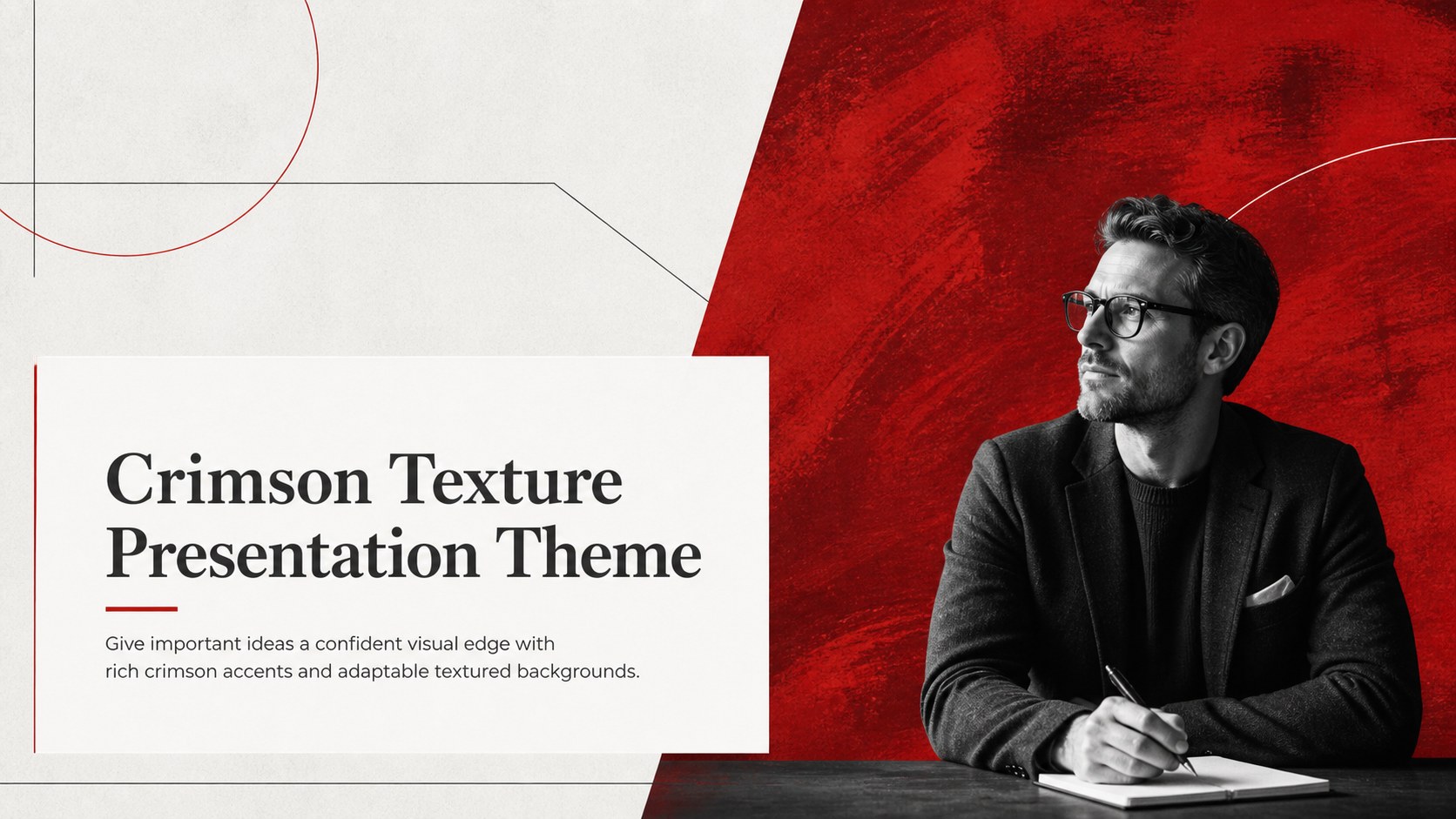
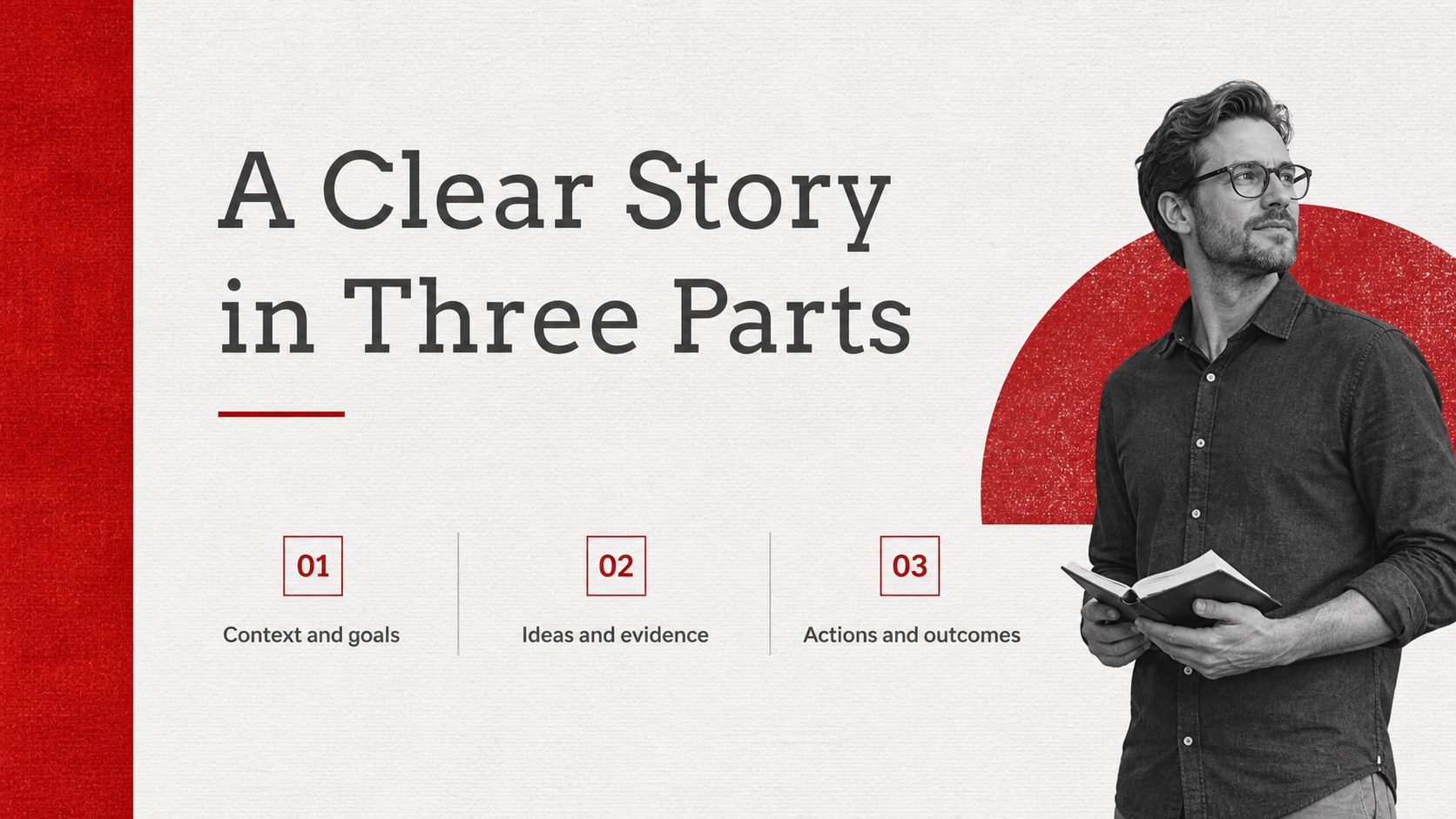
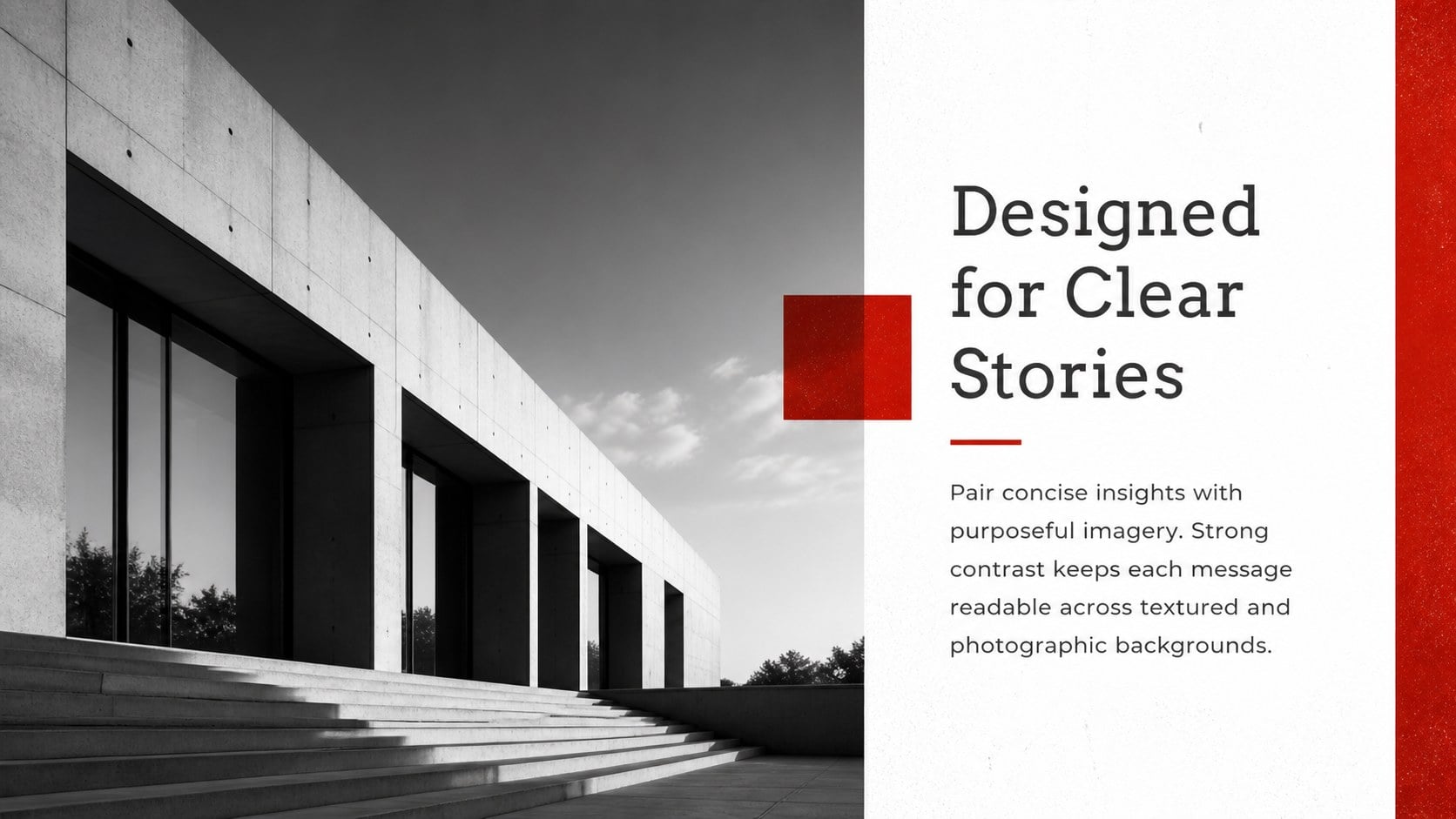
The Crimson Texture Presentation Theme pairs bold red tones with restrained gray typography to keep information clear over photographs, paper grain, water, wood, and other tactile backgrounds. Its balanced visual system gives presentations a distinctive character without competing with the message, making it a practical red textured slide theme for both formal and creative subjects.
The deck includes 25 editable slides covering opening statements, section breaks, text-led pages, image compositions, timelines, tables, charts, and closing messages. It also provides 80 adjustable icons and a customizable world map for geographic or data-focused stories. Every color, typeface, photo, icon, and layout can be modified, while slides may be duplicated, reordered, or removed to suit the length of your presentation. The 16:9 canvas works well on modern displays and can be converted to 4:3 when required, although some graphic positioning may need adjustment.
Use this crimson texture presentation theme for classroom talks, university assignments, project updates, creative portfolios, campaign concepts, or client reports. It works as a minimal red presentation for PowerPoint and an editable crimson Google Slides theme, allowing teams, educators, students, and independent creators to build a cohesive deck in their preferred platform. Finished presentations can also be exported as PDF or JPG files for sharing, review, or archiving.
Perfect for: creative portfolio review; classroom project presentation; client progress report; marketing campaign concept; university assignment defense.
Frequently asked questions
Can I edit the colors and textured backgrounds? Yes. The red palette, gray text, background images, fonts, and decorative elements can all be changed. You can replace the texture with a photograph or a subtler surface while preserving the established layouts.
Practical details
Yes. The red palette, gray text, background images, fonts, and decorative elements can all be changed. You can replace the texture with a photograph or a subtler surface while preserving the established layouts.
The theme is designed for Microsoft PowerPoint and Google Slides. Core layouts and editable elements work in both platforms, though minor font or spacing differences may occur.
Yes. Duplicate useful layouts, delete pages you do not need, and reorder sections to match your story. The included content formats can be reused across longer reports or condensed into a short pitch.
Yes. It contains sample charts, tables, icon layouts, and a customizable world map. Their colors and sizes can be adjusted to match your content and visual hierarchy.
Keep exploring
15Build stronger academic arguments with a college essay thesis builder featuring guided examples, revision prompts, and editable PowerPoint and Google Slides.
 15
15Build an engaging World UFO Day session with this flying saucer history lesson deck, featuring retro green-and-brown slides for PowerPoint and Google Slides.
 14
14Plan a memorable Lunar New Year campaign with the 2036 Dragon Year Celebration Theme, featuring bold red-and-yellow slides for lessons and events.
 15
15Build a thoughtful classroom discussion with this interfaith awareness lesson deck, featuring editable blue-and-white slides for PowerPoint and Google Slides.
 15
15Use this environmental awareness lesson deck to teach climate action through illustrated activities, discussion prompts, and ready-to-edit visuals.
 15
15Build playful lessons and party stories with a kid-friendly zombie celebration theme in purple, green and pastel blue for PowerPoint and Google Slides.
 15
15Build eerie lessons, campaigns, and story pitches with an undead survival scenario theme featuring editable slides for PowerPoint and Google Slides.
 16
16Turn environmental research into a clear story with a Watercolor Ecology Presentation Theme for PowerPoint and Google Slides in calming green and blue.