
 15
15presentation
College Essay Thesis Builder Slides
Build stronger academic arguments with a college essay thesis builder featuring guided examples, revision prompts, and editable PowerPoint and Google Slides.
Google SlidesPowerPoint
presentation · English
Turn scattered thoughts into clear next steps with Creative Idea Mapping Slides, a clean orange-and-green template for PowerPoint and Google Slides.

Design notes
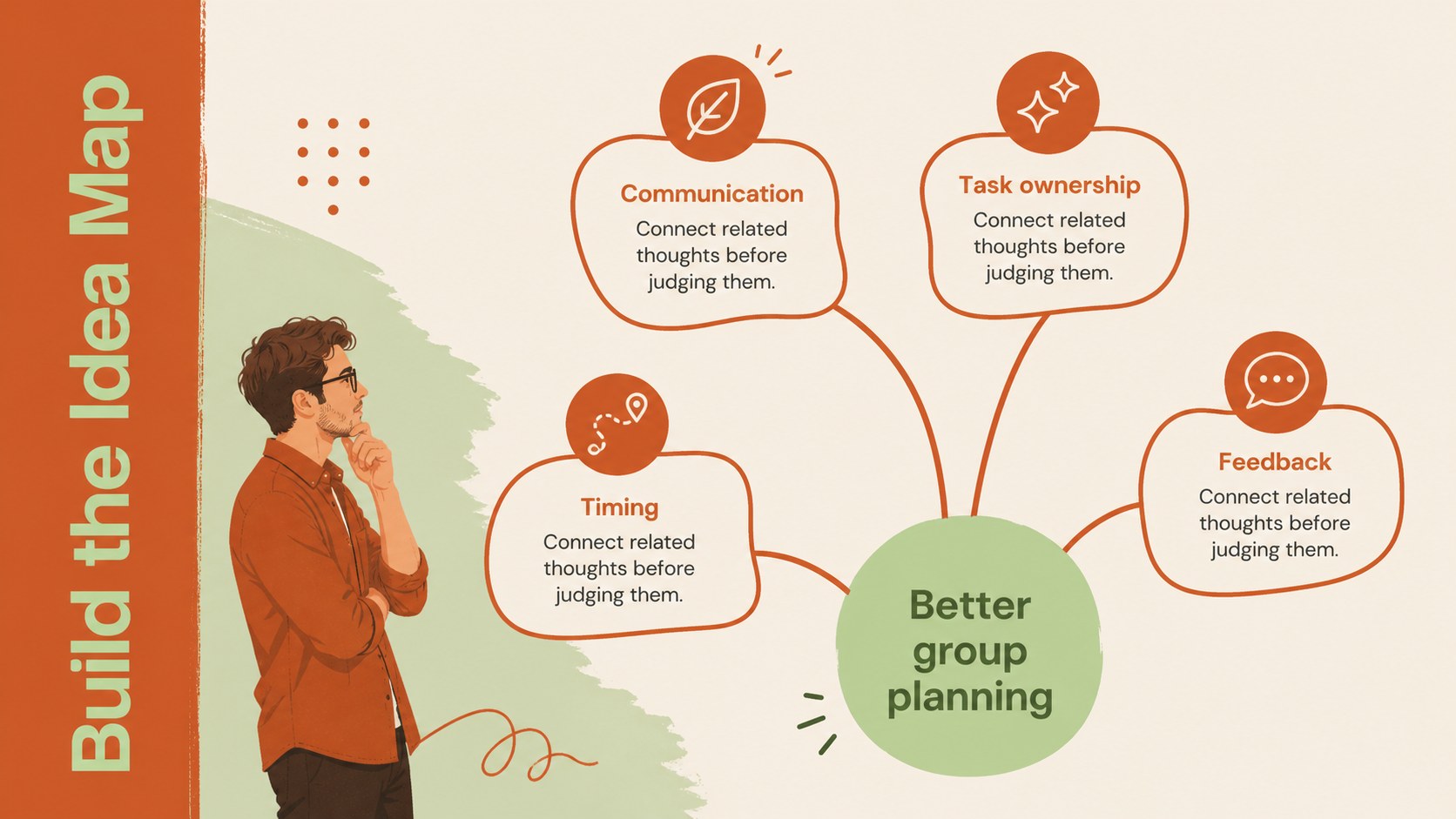
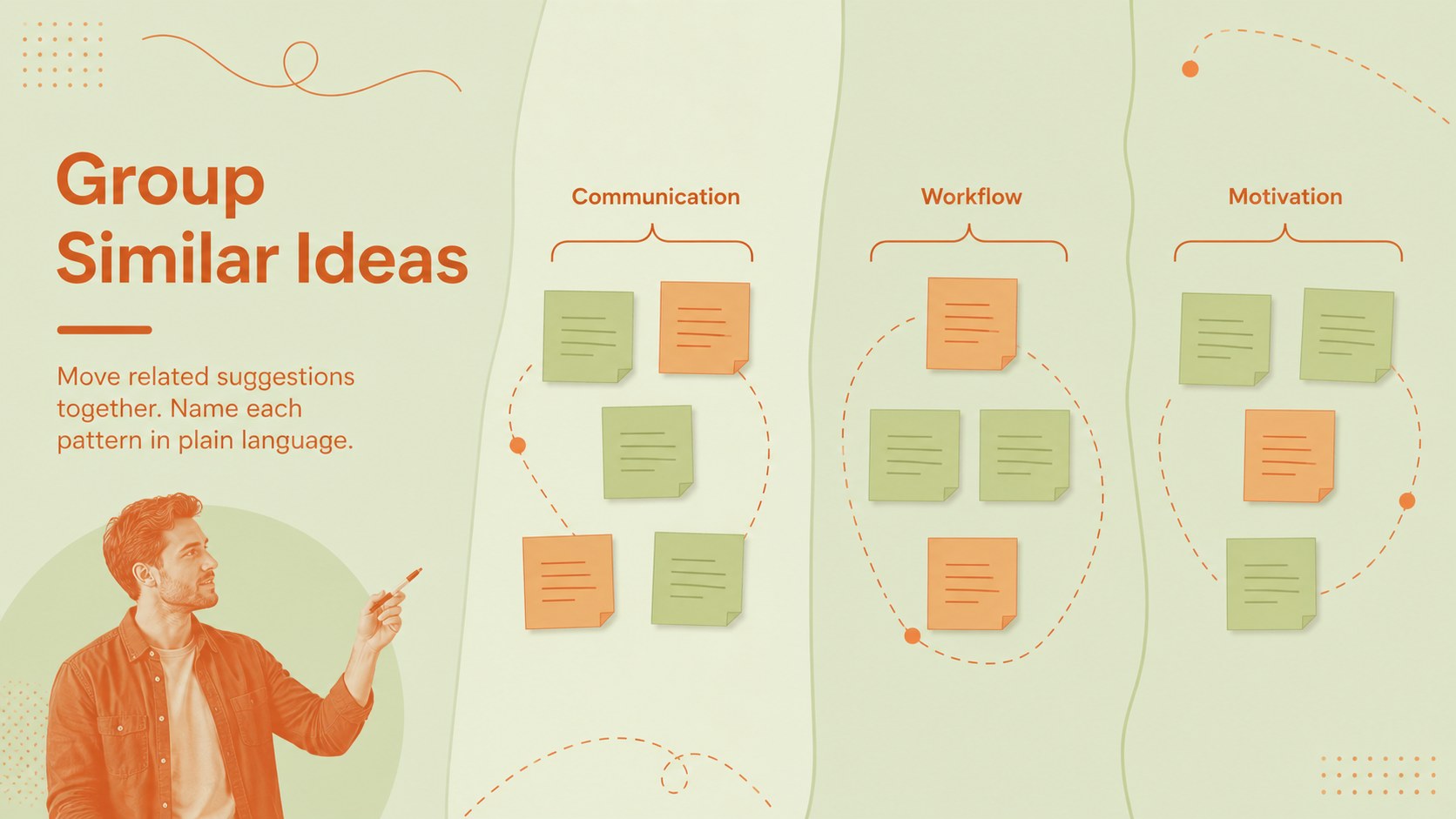
Creative Idea Mapping Slides help turn unstructured thoughts into focused concepts, practical priorities, and clear next steps. The minimalist design combines crisp monochrome foundations with fresh orange and green accents, creating an energetic workspace without distracting from the ideas. Use the deck in PowerPoint or Google Slides for classroom activities, project planning, creative meetings, and collaborative workshops.
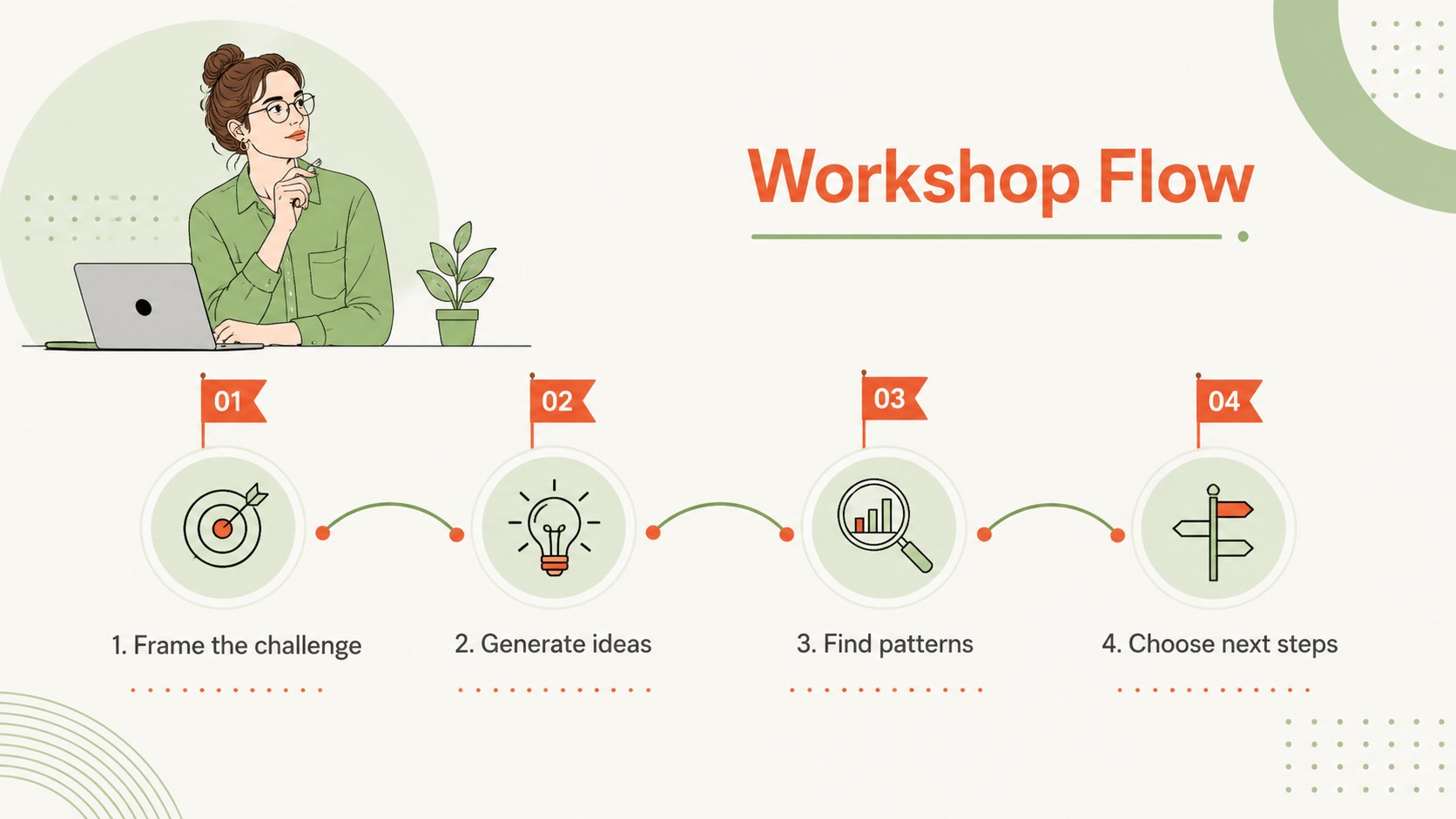
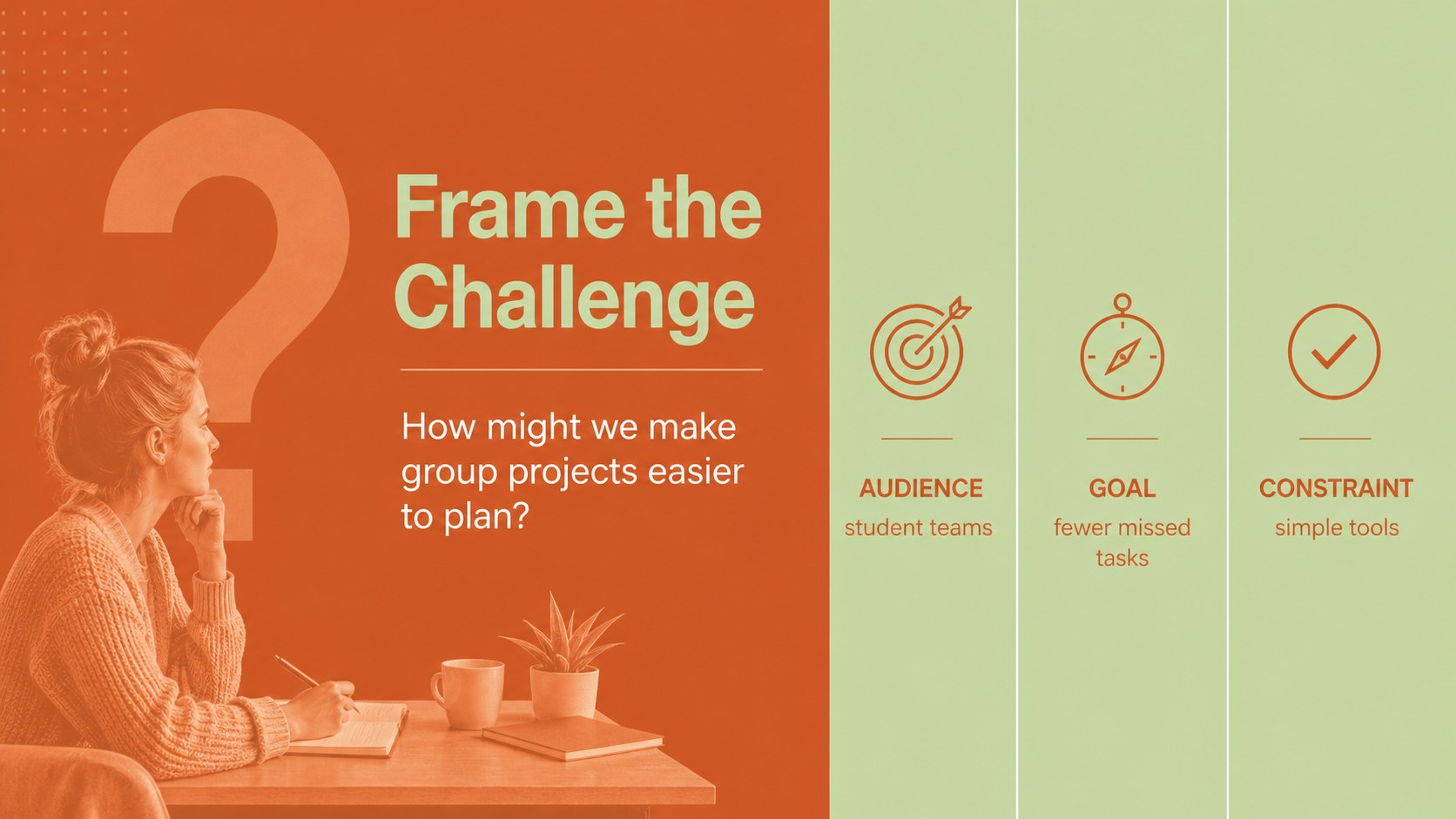
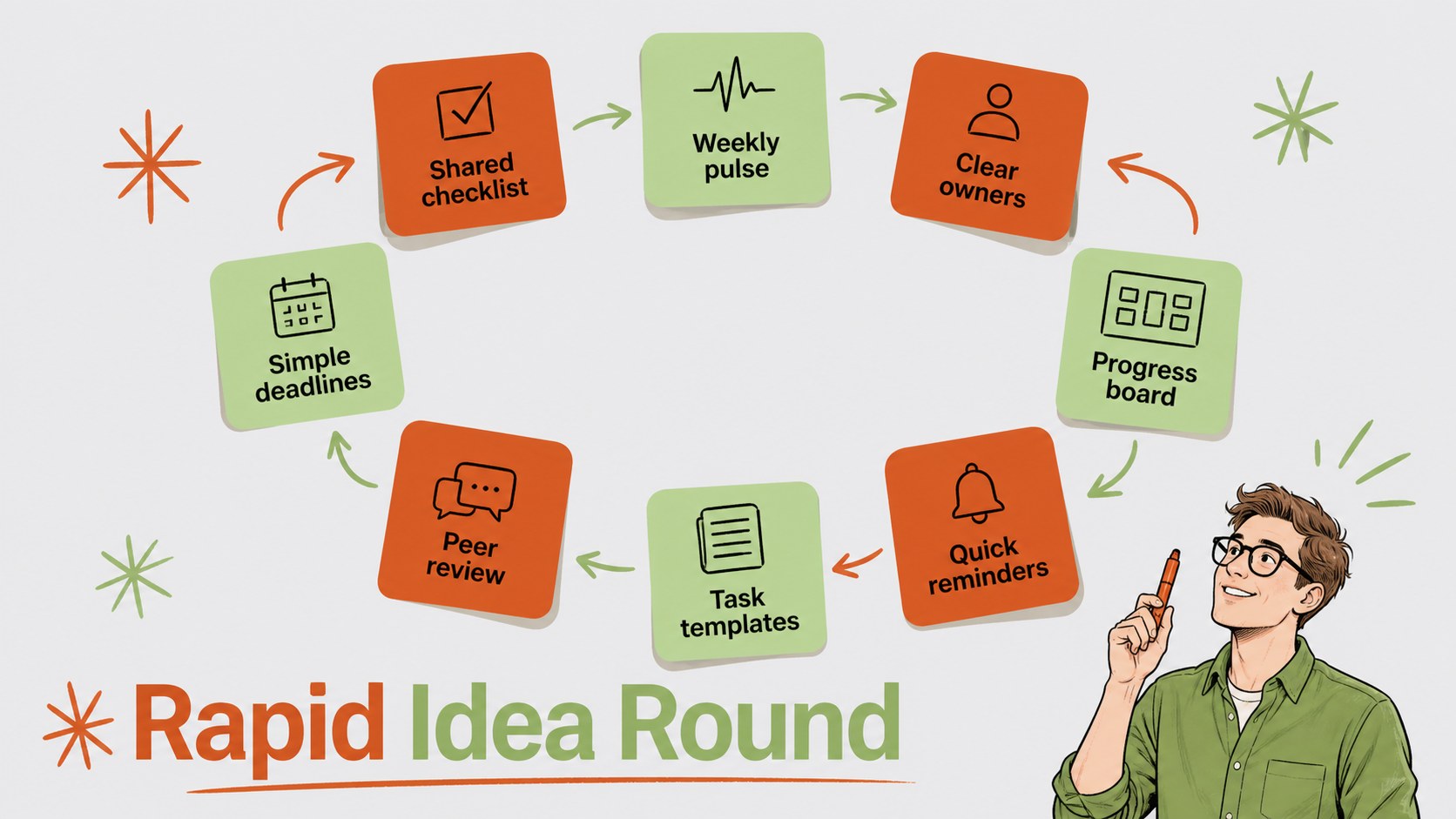
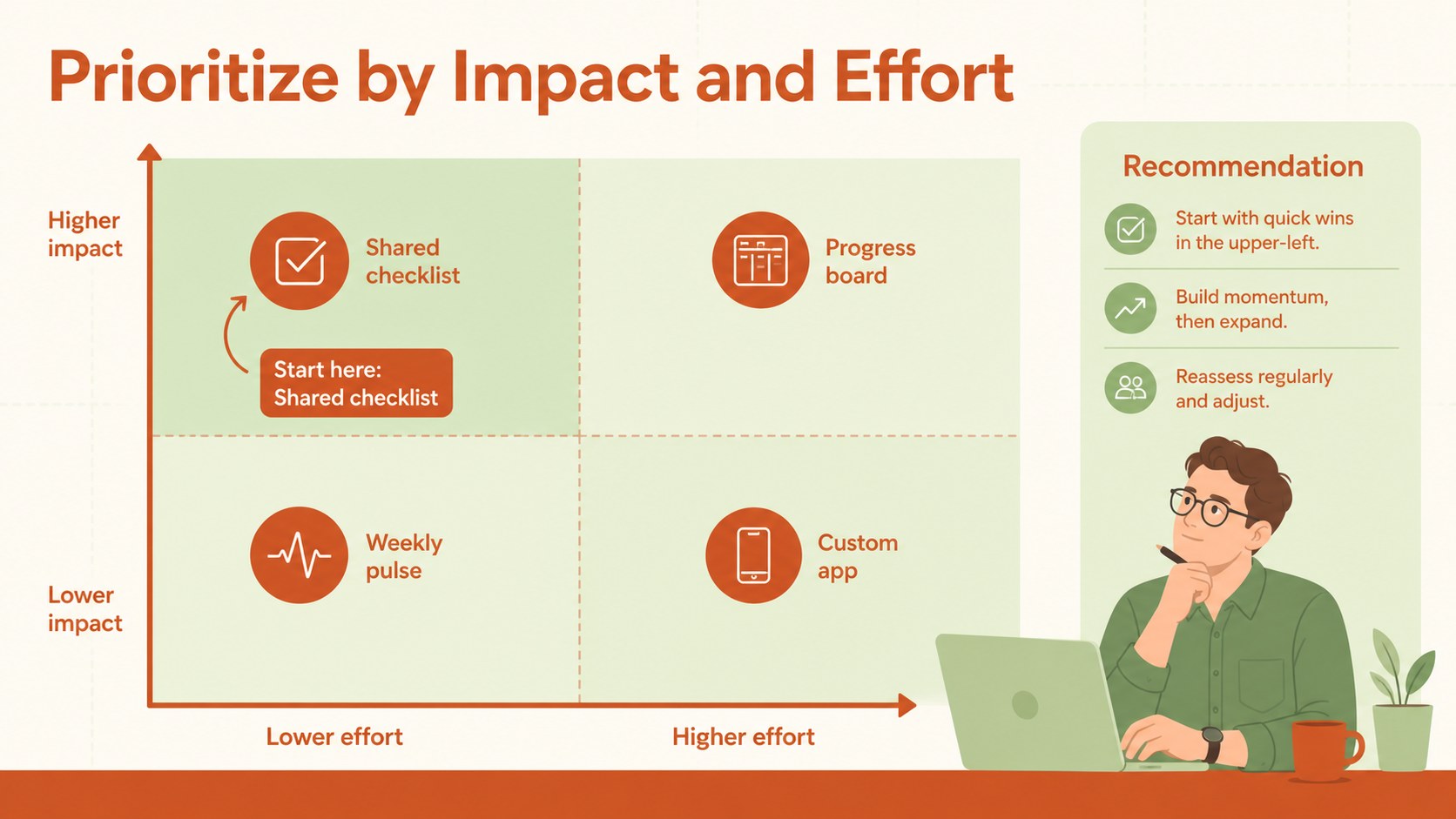
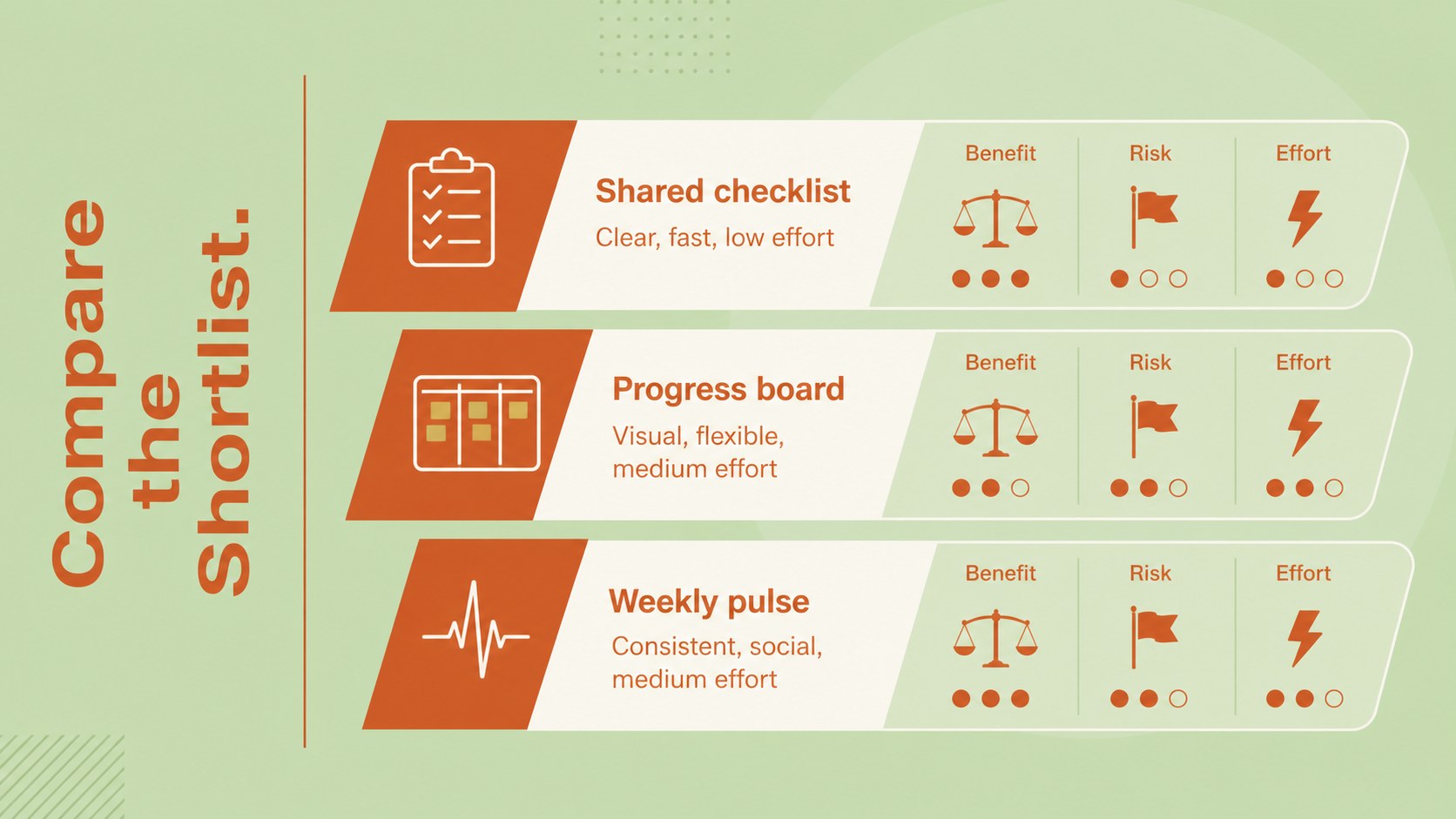
Across 15 editable slides, you will find layouts for opening questions, workshop agendas, rapid idea collection, mind maps, affinity groups, concept comparisons, priority grids, timelines, and action plans. A dedicated brainstorming workshop slide deck structure guides participants from defining the challenge to selecting a promising direction. Flexible diagrams, text areas, shapes, and visual markers make it easy to adapt every page to a new topic while maintaining a consistent style.
This minimalist idea generation presentation is designed for students, teachers, project teams, facilitators, and small businesses that want a polished alternative to plain notes or crowded whiteboards. It also works as an orange and green brainstorming template for assignments, campaign concepts, product discussions, and research planning. Replace the sample wording, adjust the colors, move the visual elements, and add your own diagrams or images. The spacious 16:9 format keeps information readable during live sessions, online meetings, and exported PDF reviews.
Perfect for: student group ideation session; creative thinking workshop; project concept planning; team idea prioritization; classroom mind mapping; campaign brainstorming meeting.
Frequently asked questions
Can I edit these slides in PowerPoint and Google Slides? Yes. The layouts, text, colors, and shapes can be edited in both PowerPoint and Google Slides. Some fonts or transitions may render slightly differently between the two platforms.
Practical details
Yes. The layouts, text, colors, and shapes can be edited in both PowerPoint and Google Slides. Some fonts or transitions may render slightly differently between the two platforms.
Replace the sample prompts with your central challenge, then update the idea categories and evaluation criteria. You can also duplicate activity slides when a workshop needs more time for exploration.
Yes. Apply your own theme colors to match a school, team, or organization while preserving the clean monochrome base. Check text contrast after changing lighter accent shades.
Yes. Share an editable Google Slides copy for live contribution, or use PowerPoint during a facilitated session. The idea collection, grouping, and voting layouts are designed for contributions from multiple participants.
Keep exploring
15Build stronger academic arguments with a college essay thesis builder featuring guided examples, revision prompts, and editable PowerPoint and Google Slides.
 15
15Build an engaging World UFO Day session with this flying saucer history lesson deck, featuring retro green-and-brown slides for PowerPoint and Google Slides.
 14
14Plan a memorable Lunar New Year campaign with the 2036 Dragon Year Celebration Theme, featuring bold red-and-yellow slides for lessons and events.
 15
15Build a thoughtful classroom discussion with this interfaith awareness lesson deck, featuring editable blue-and-white slides for PowerPoint and Google Slides.
 15
15Use this environmental awareness lesson deck to teach climate action through illustrated activities, discussion prompts, and ready-to-edit visuals.
 15
15Build playful lessons and party stories with a kid-friendly zombie celebration theme in purple, green and pastel blue for PowerPoint and Google Slides.
 15
15Build eerie lessons, campaigns, and story pitches with an undead survival scenario theme featuring editable slides for PowerPoint and Google Slides.
 16
16Turn environmental research into a clear story with a Watercolor Ecology Presentation Theme for PowerPoint and Google Slides in calming green and blue.