
 15
15presentation
College Essay Thesis Builder Slides
Build stronger academic arguments with a college essay thesis builder featuring guided examples, revision prompts, and editable PowerPoint and Google Slides.
Google SlidesPowerPoint
presentation · English
Showcase class projects and ideas with a creative doodle portfolio deck in teal and purple, built for easy editing in PowerPoint and Google Slides.
Design notes
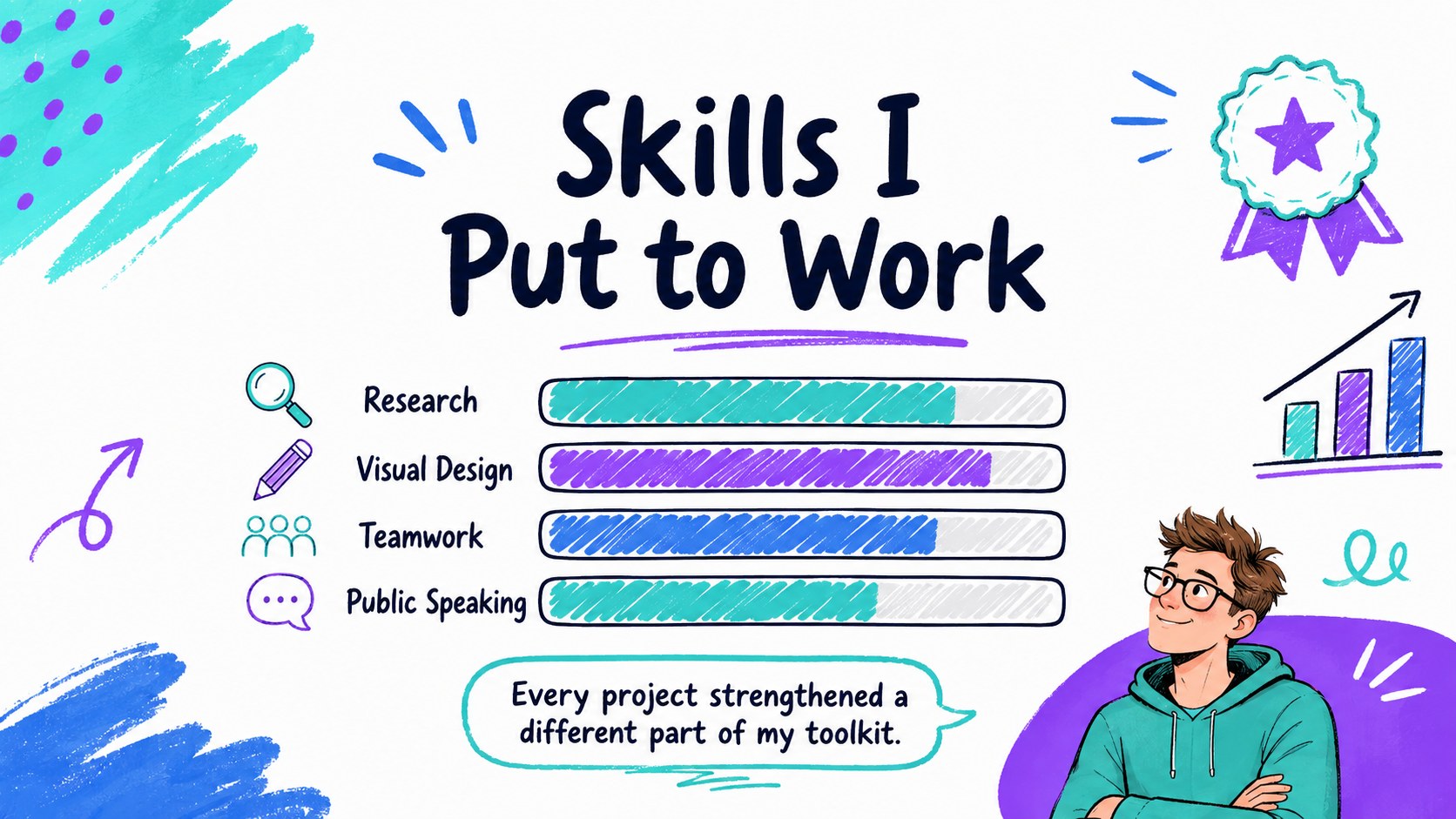
Make schoolwork memorable with a creative doodle portfolio deck designed for presenting projects, personal achievements, research, and original ideas. Its energetic whiteboard aesthetic combines teal, purple, and blue with playful hand-drawn accents, giving students and educators a polished format that still feels approachable.
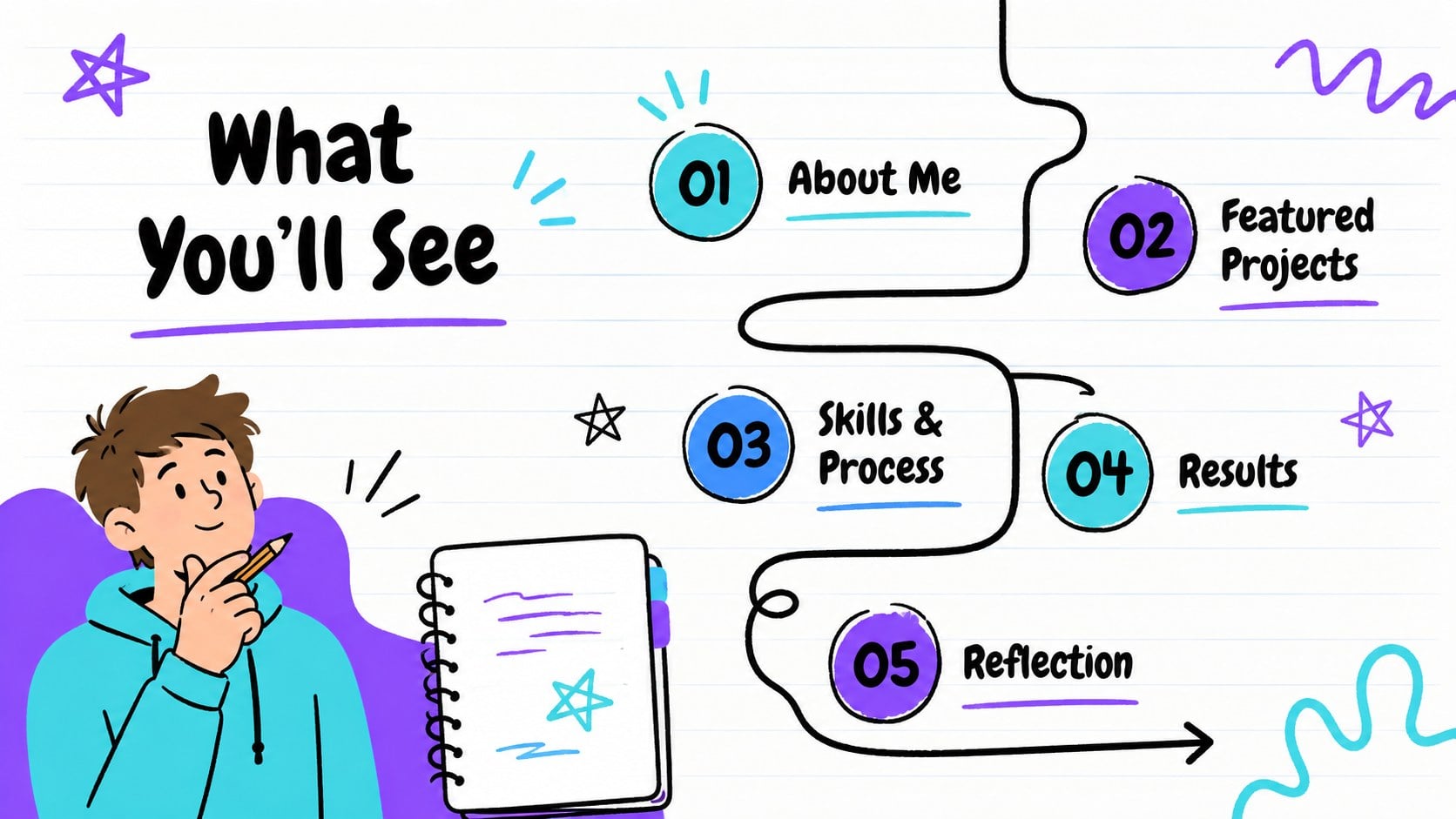
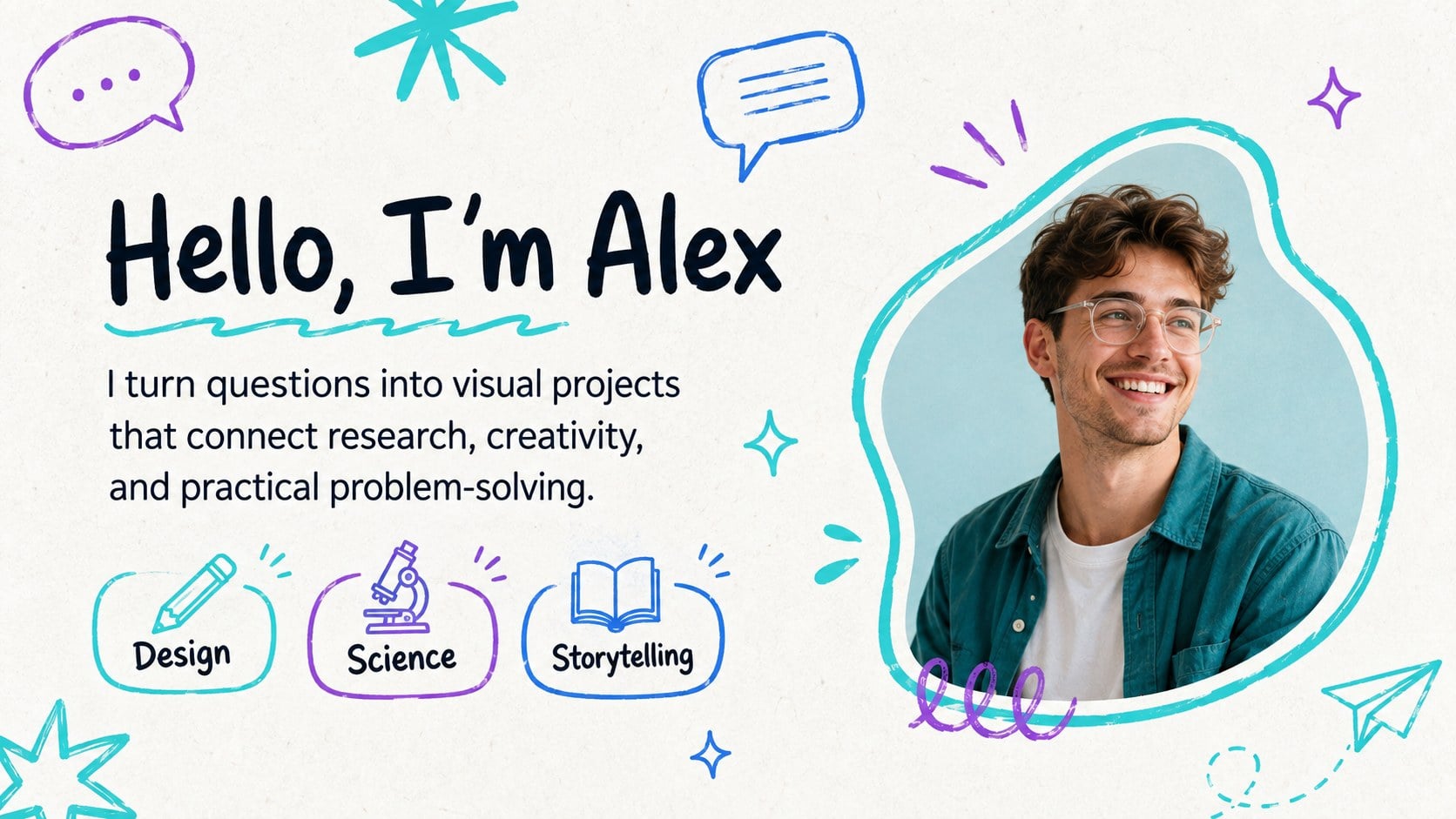
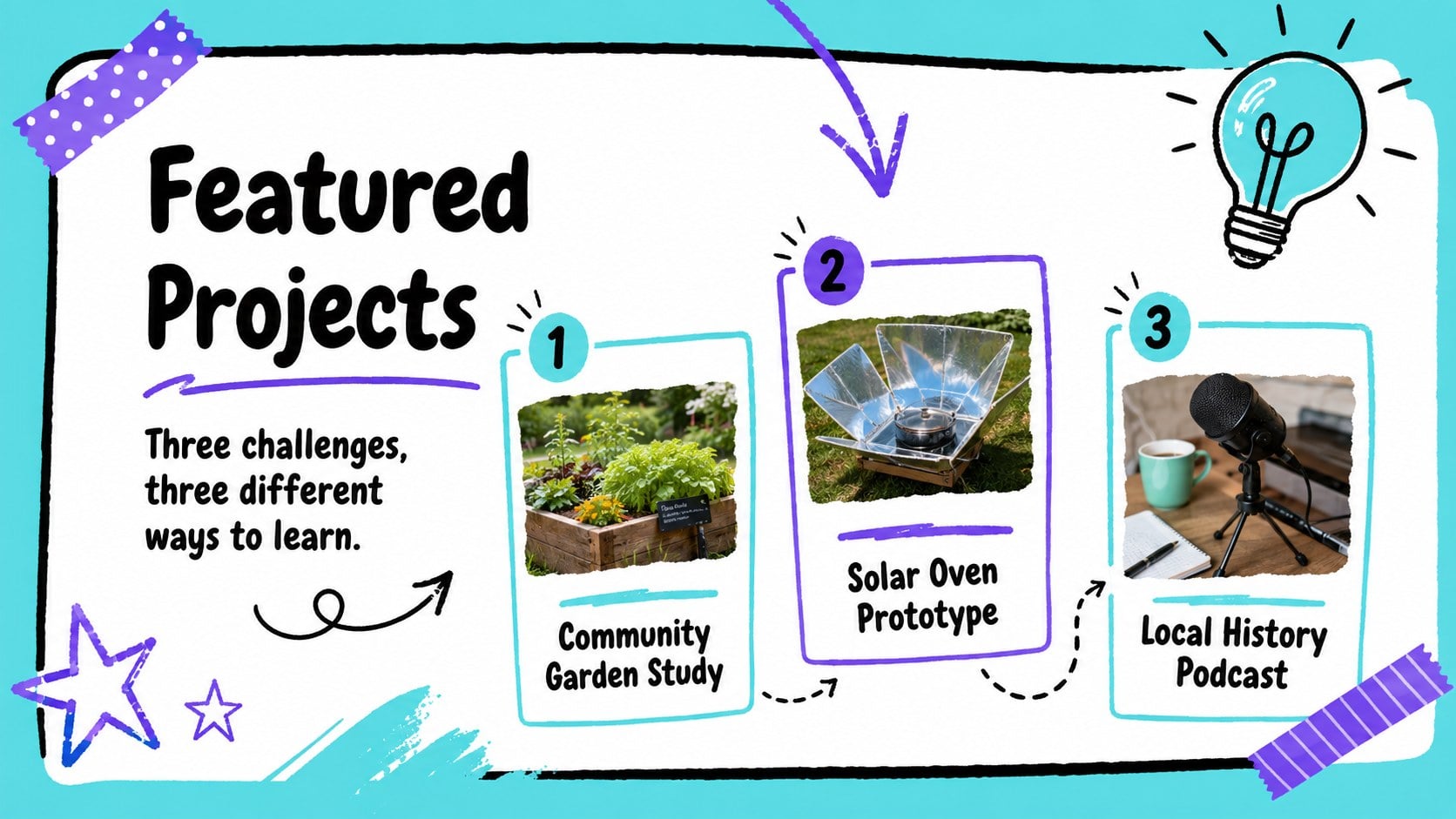
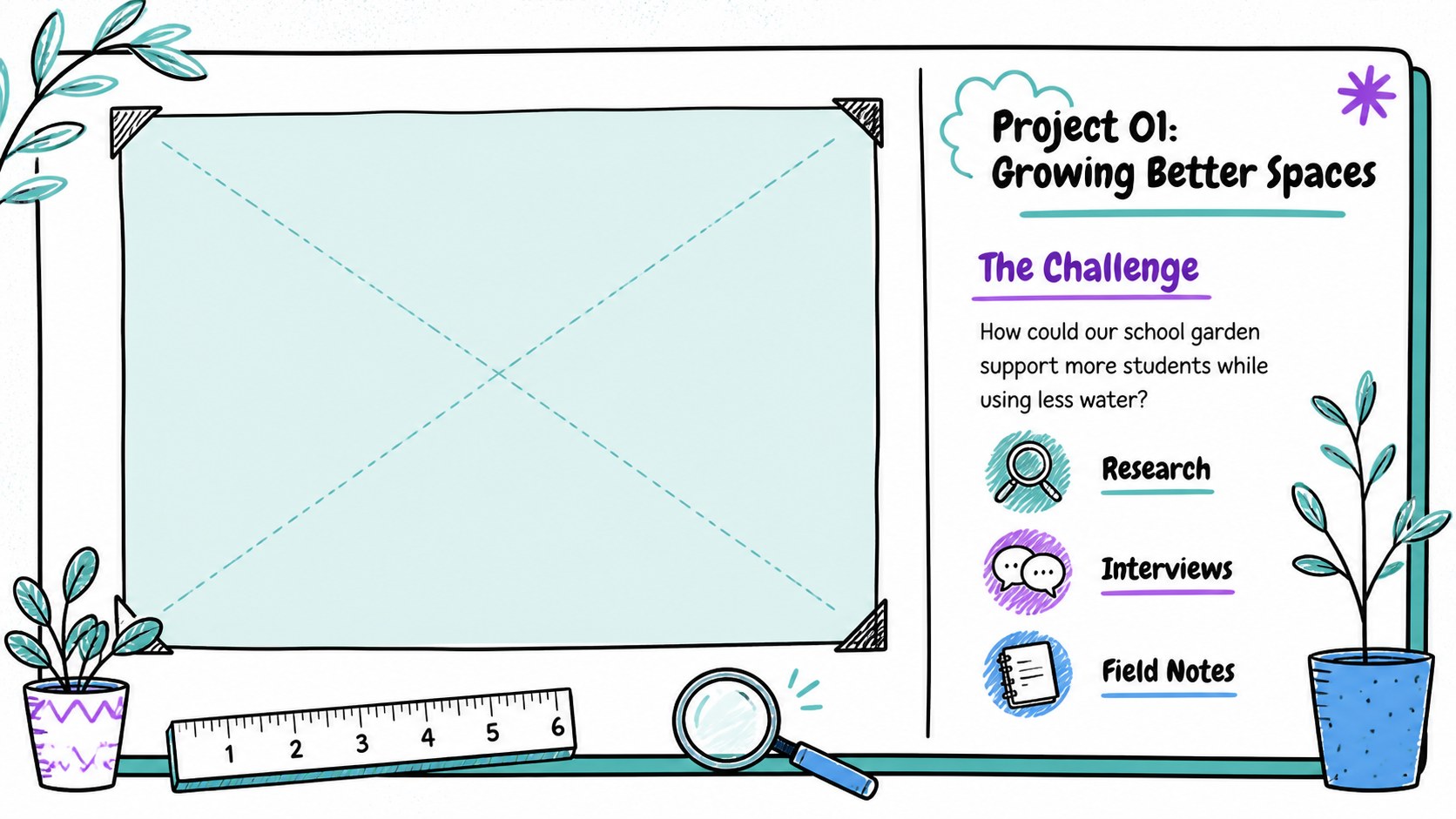
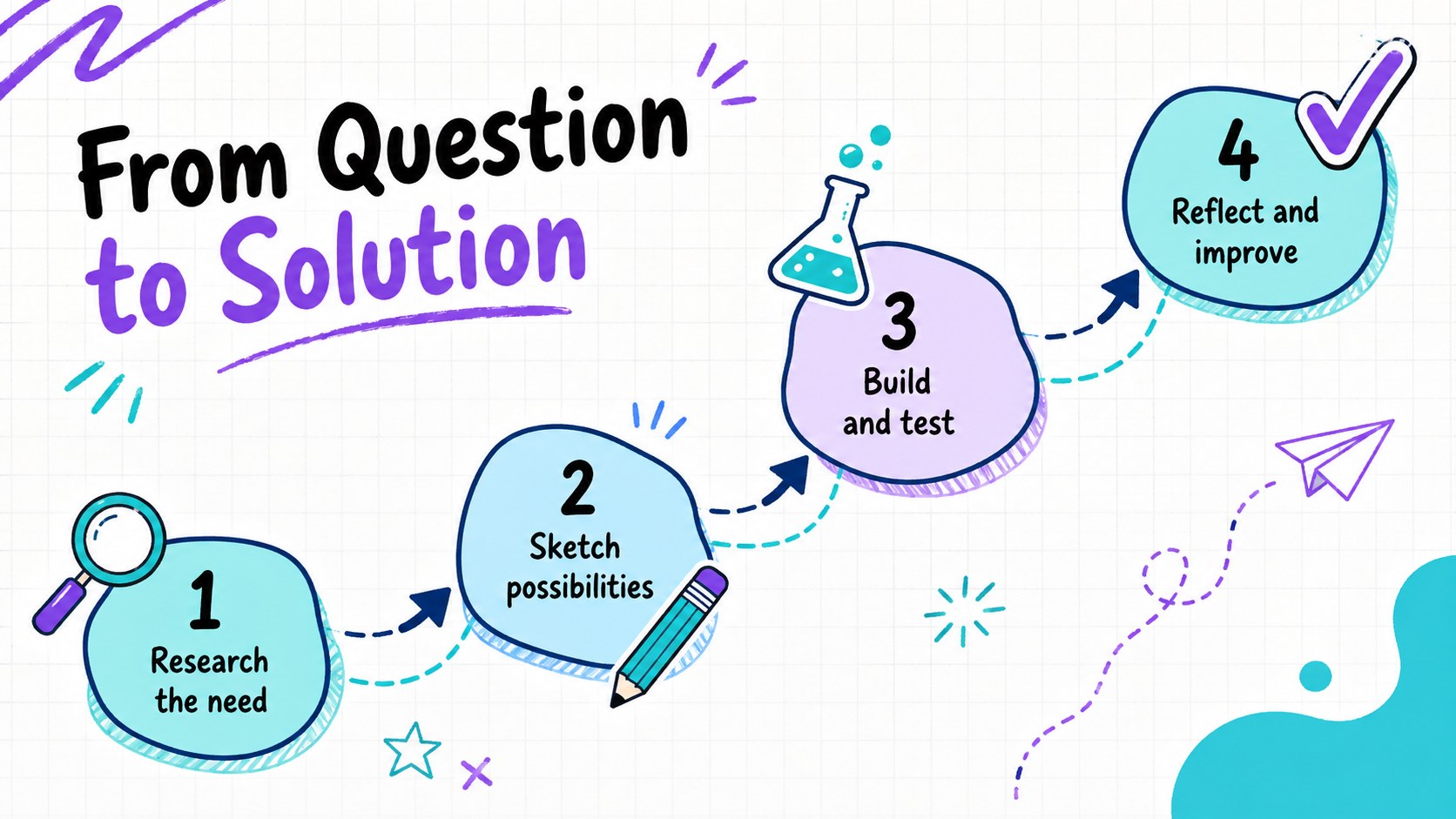
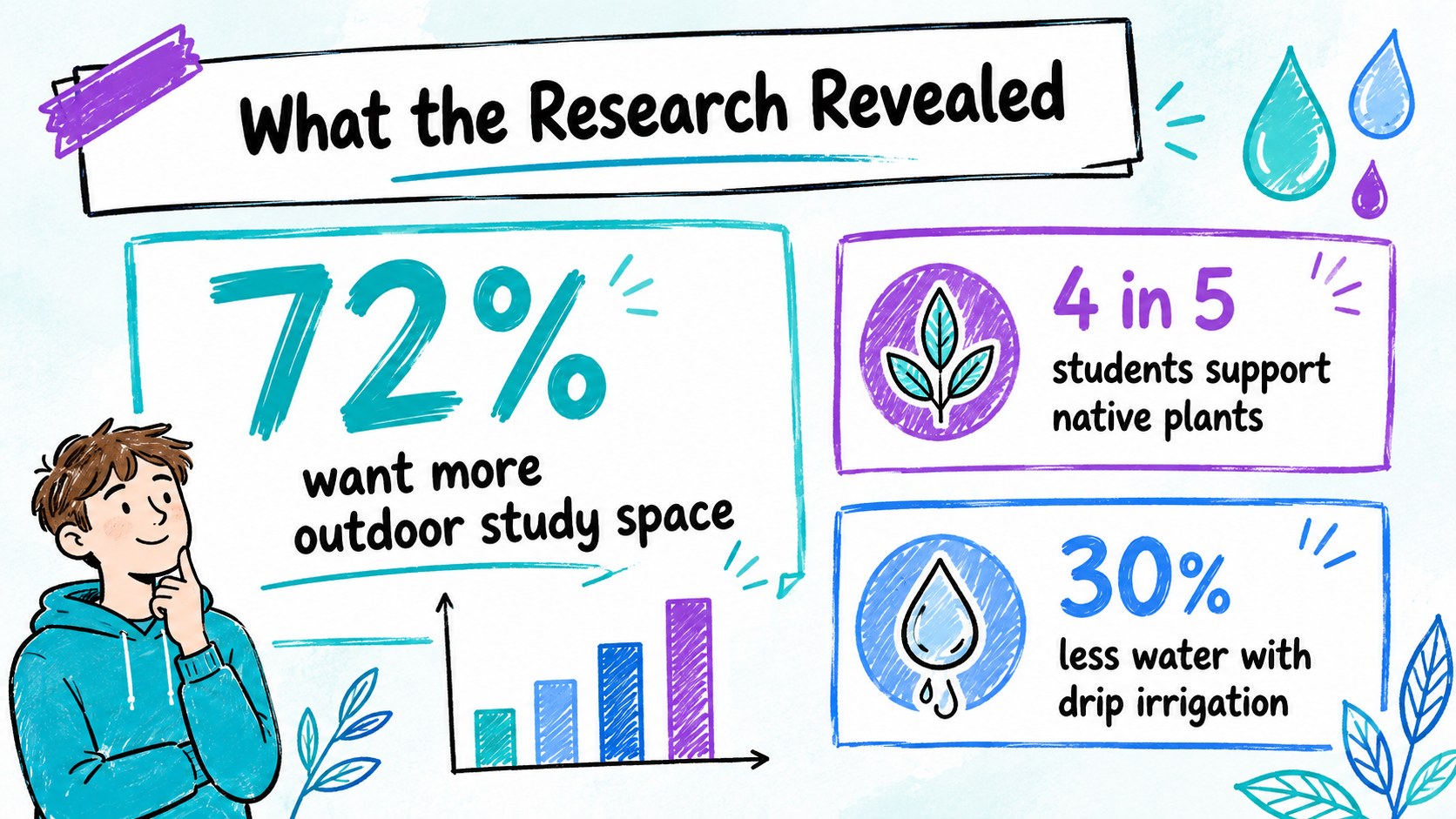
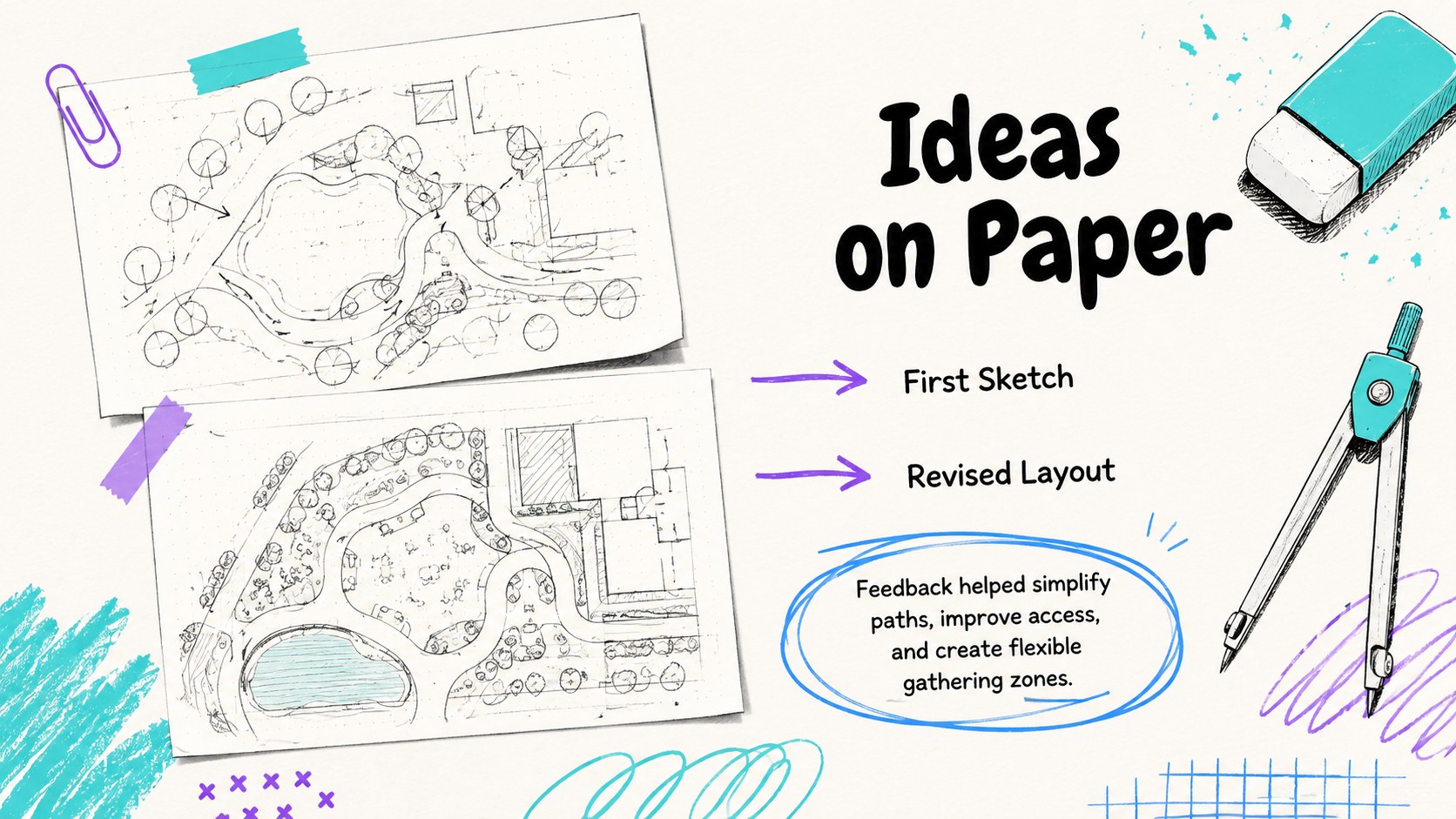
Inside, you will find adaptable layouts for an introduction, personal profile, project highlights, skills, research findings, creative process, timeline, charts, photo collections, testimonials, and contact details. The varied pages make this a practical school project showcase template as well as a flexible creative student portfolio presentation. Add your own photographs, illustrations, icons, diagrams, and concise captions while preserving the deck's visual rhythm. Charts and comparison layouts can be adjusted to explain results, progress, or key takeaways.
Use the template in PowerPoint or Google Slides for classroom assignments, course reflections, art portfolios, teaching examples, and academic presentations. It also works as a teal purple doodle slide theme for workshops, youth programs, and informal professional portfolios. Change the text, rearrange sections, update the colors, and apply transitions that suit your presentation style. The result is a cohesive portfolio that helps learners and creative professionals organize their work, communicate their thinking, and hold an audience's attention.
Perfect for: student project portfolio; classroom research presentation; art and design showcase; end-of-term reflection; youth workshop portfolio; creative professional introduction.
Frequently asked questions
Can I edit this portfolio in PowerPoint and Google Slides? Yes. The slide layouts, text, colors, shapes, and image areas can be edited in PowerPoint and Google Slides. Some fonts or transitions may vary slightly between the two platforms.
Practical details
Yes. The slide layouts, text, colors, shapes, and image areas can be edited in PowerPoint and Google Slides. Some fonts or transitions may vary slightly between the two platforms.
Replace the sample icons and illustrations with hand-drawn graphics that match your subject, then adjust the teal, purple, and blue accents as needed. Keep line weights and spacing consistent so the pages remain visually connected.
Yes. The deck includes layouts suited to photographs, artwork, screenshots, diagrams, and short project summaries. Images can be cropped or resized to fit the available frames.
It works well for educators, junior creatives, workshop leaders, and professionals who want an informal presentation style. Replace classroom language with client goals, outcomes, services, and contact information.
Keep exploring
15Build stronger academic arguments with a college essay thesis builder featuring guided examples, revision prompts, and editable PowerPoint and Google Slides.
 15
15Build an engaging World UFO Day session with this flying saucer history lesson deck, featuring retro green-and-brown slides for PowerPoint and Google Slides.
 14
14Plan a memorable Lunar New Year campaign with the 2036 Dragon Year Celebration Theme, featuring bold red-and-yellow slides for lessons and events.
 15
15Build a thoughtful classroom discussion with this interfaith awareness lesson deck, featuring editable blue-and-white slides for PowerPoint and Google Slides.
 15
15Use this environmental awareness lesson deck to teach climate action through illustrated activities, discussion prompts, and ready-to-edit visuals.
 15
15Build playful lessons and party stories with a kid-friendly zombie celebration theme in purple, green and pastel blue for PowerPoint and Google Slides.
 15
15Build eerie lessons, campaigns, and story pitches with an undead survival scenario theme featuring editable slides for PowerPoint and Google Slides.
 16
16Turn environmental research into a clear story with a Watercolor Ecology Presentation Theme for PowerPoint and Google Slides in calming green and blue.