
 15
15presentation
College Essay Thesis Builder Slides
Build stronger academic arguments with a college essay thesis builder featuring guided examples, revision prompts, and editable PowerPoint and Google Slides.
Google SlidesPowerPoint
presentation · English
Build lively lessons with a creative classroom presentation deck featuring pencil-inspired layouts, editable activities, charts, icons, and playful learning…
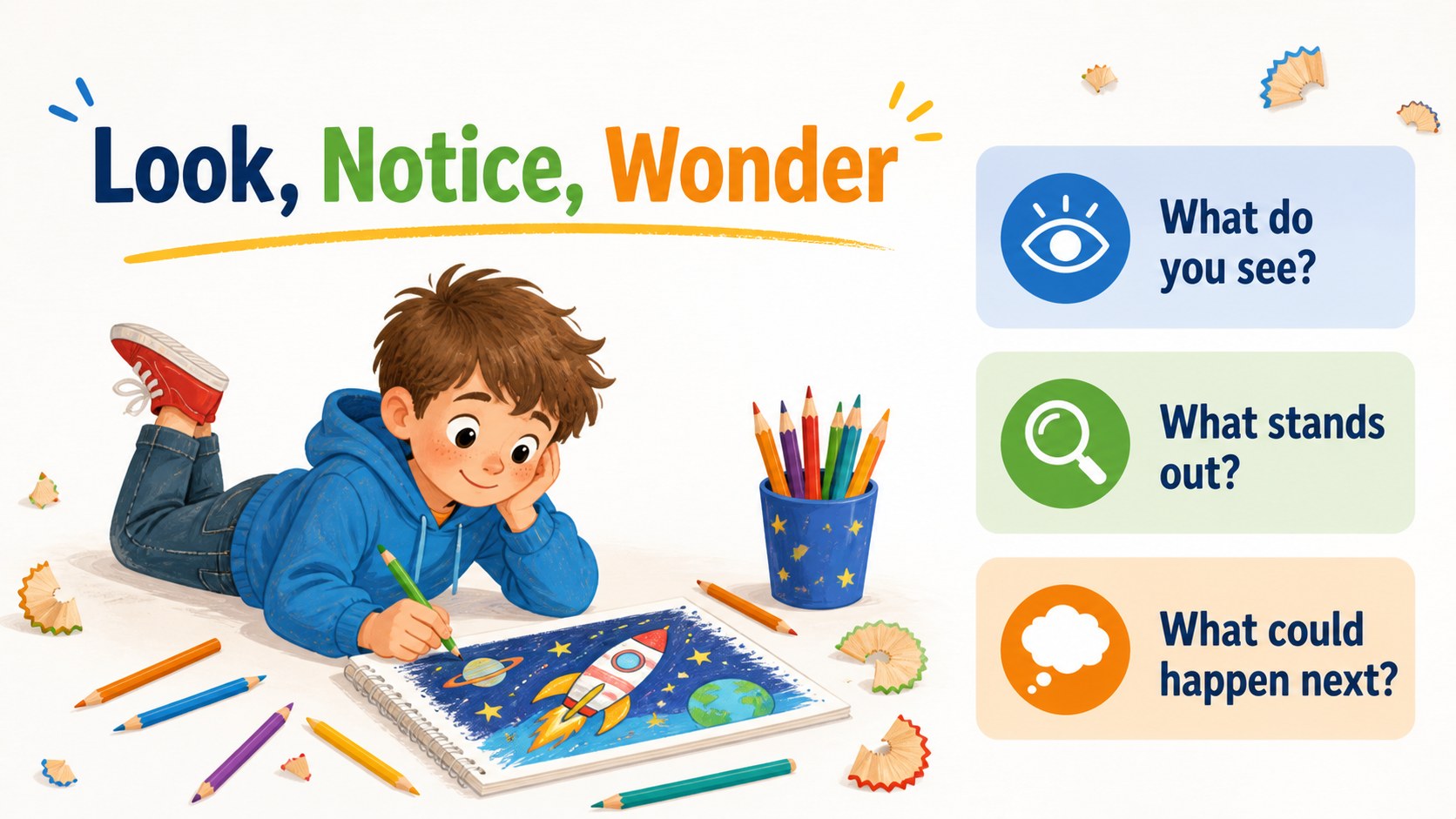
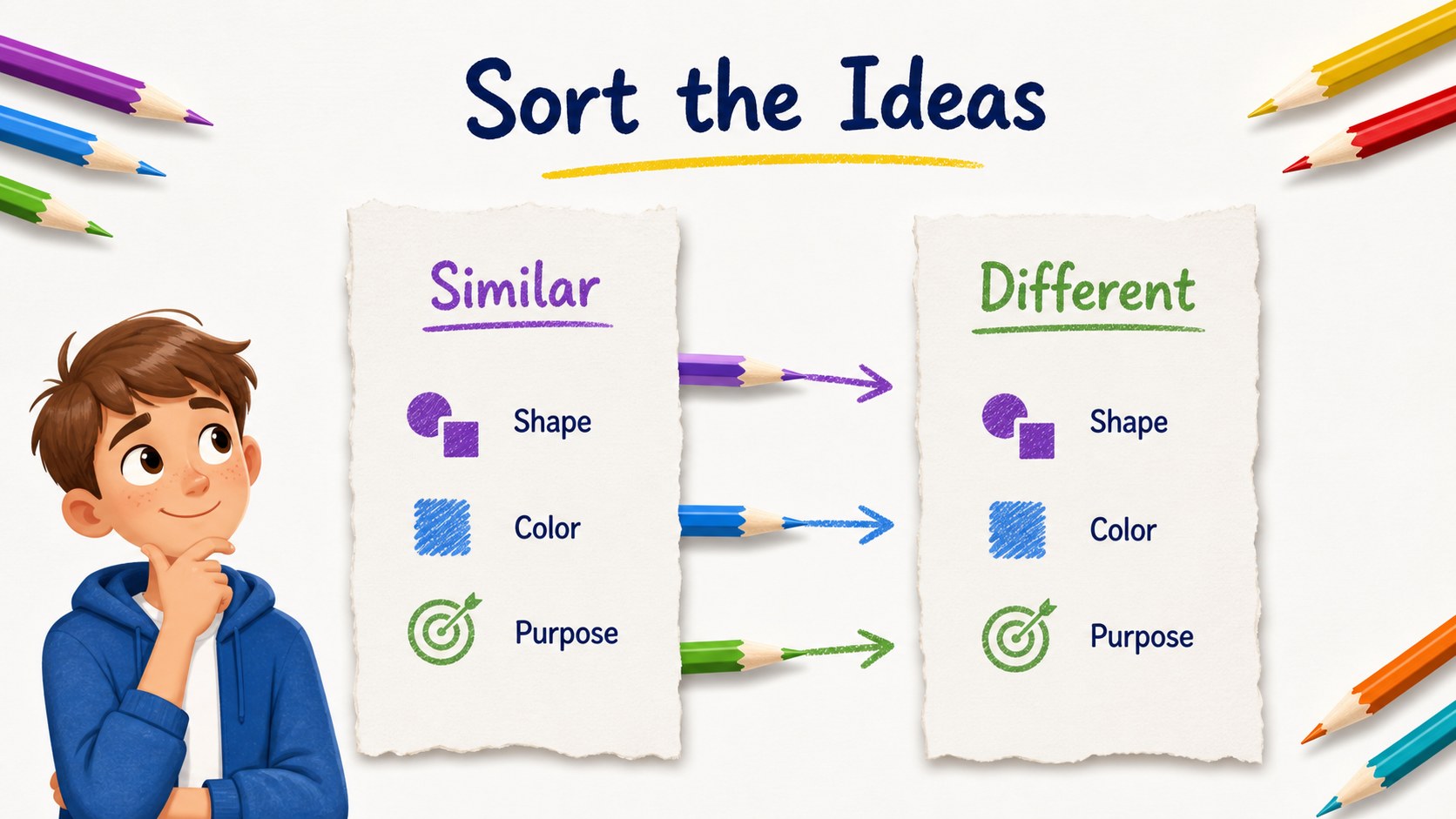
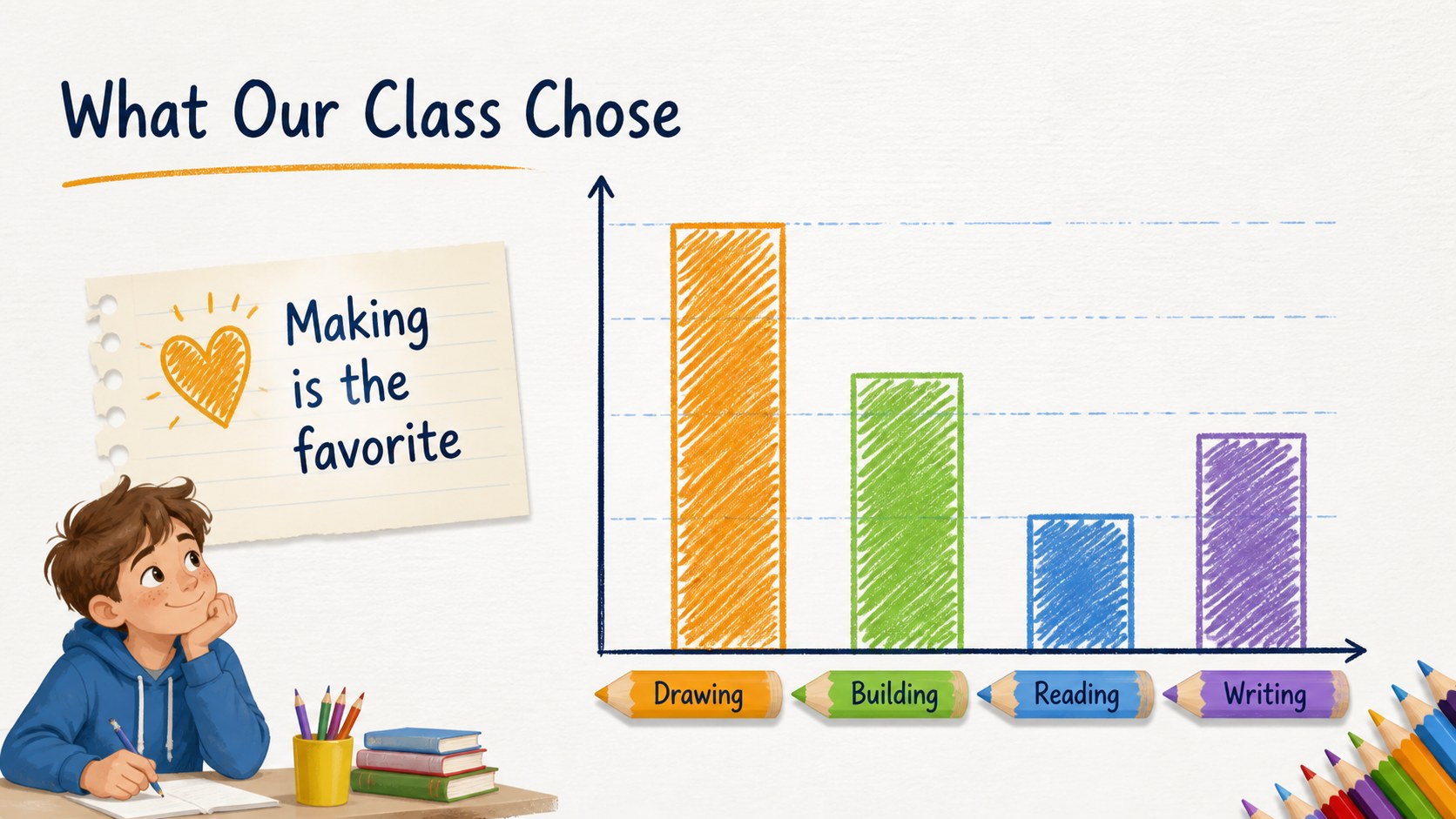
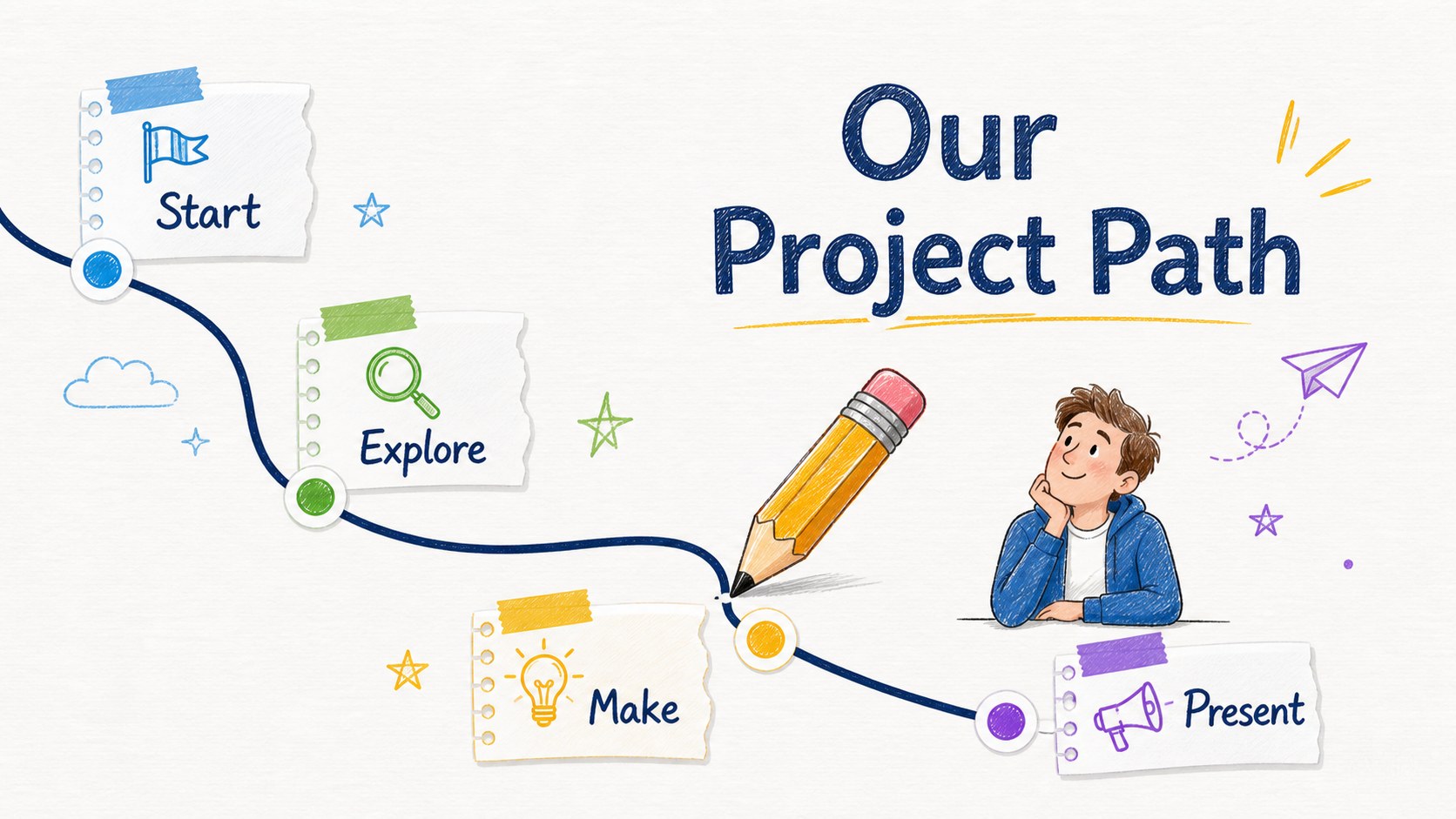
Design notes
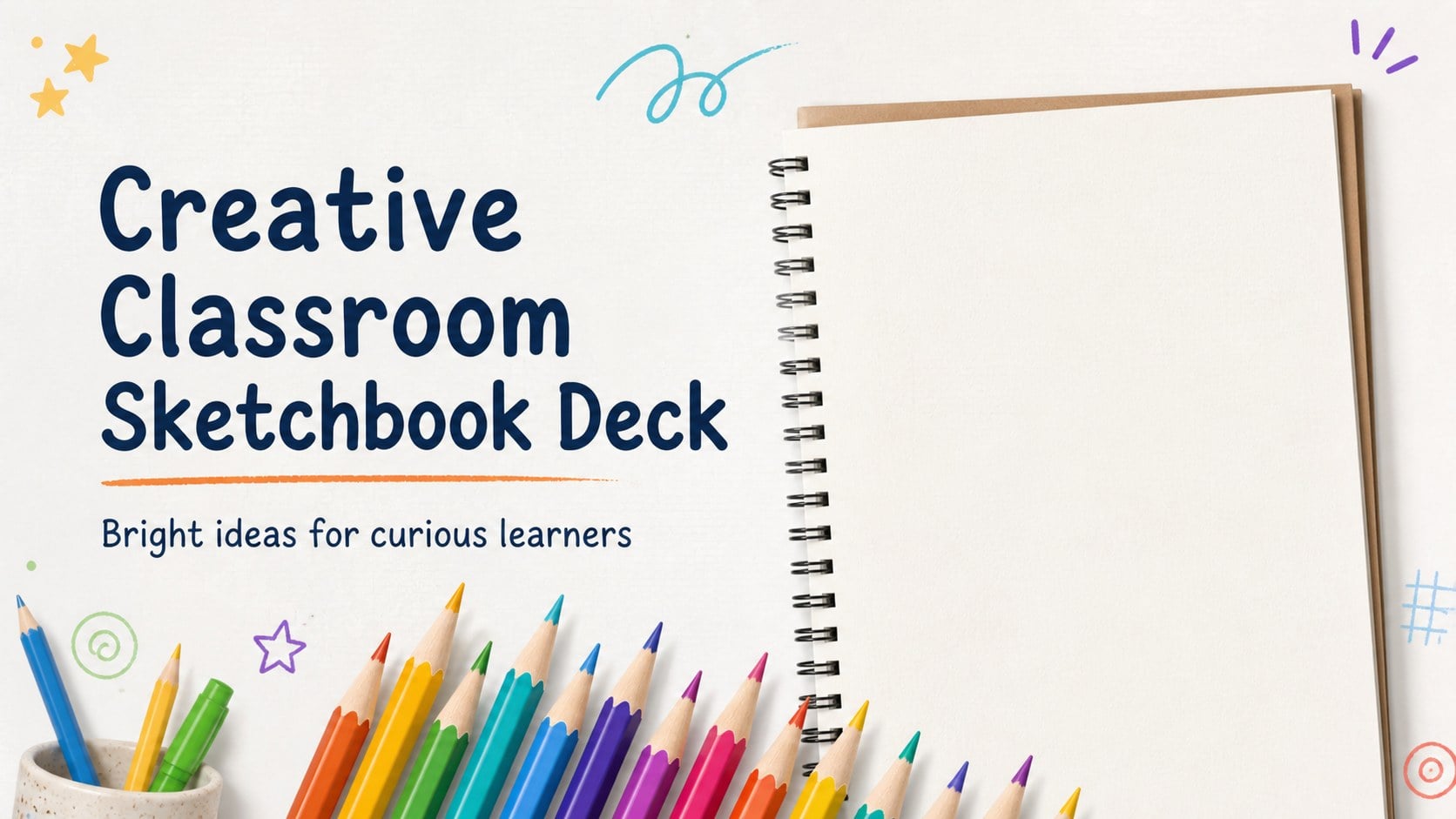
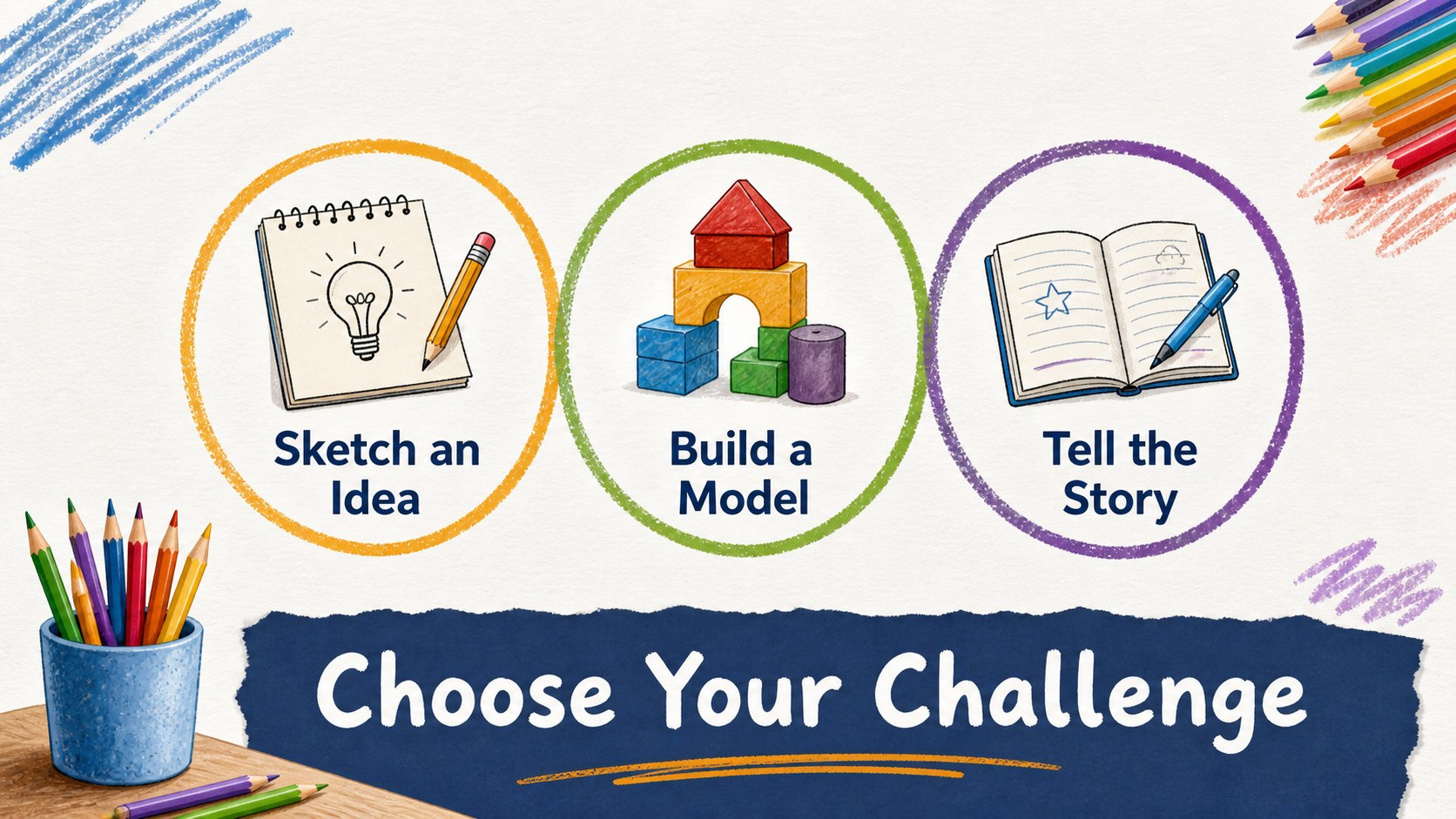
Creative Classroom Sketchbook Deck brings the energy of a well-used pencil case into a polished presentation format for teaching and learning. Its paper-like backgrounds, hand-drawn accents, and bright pencil colors help younger audiences stay focused while giving educators a flexible structure for explaining ideas.
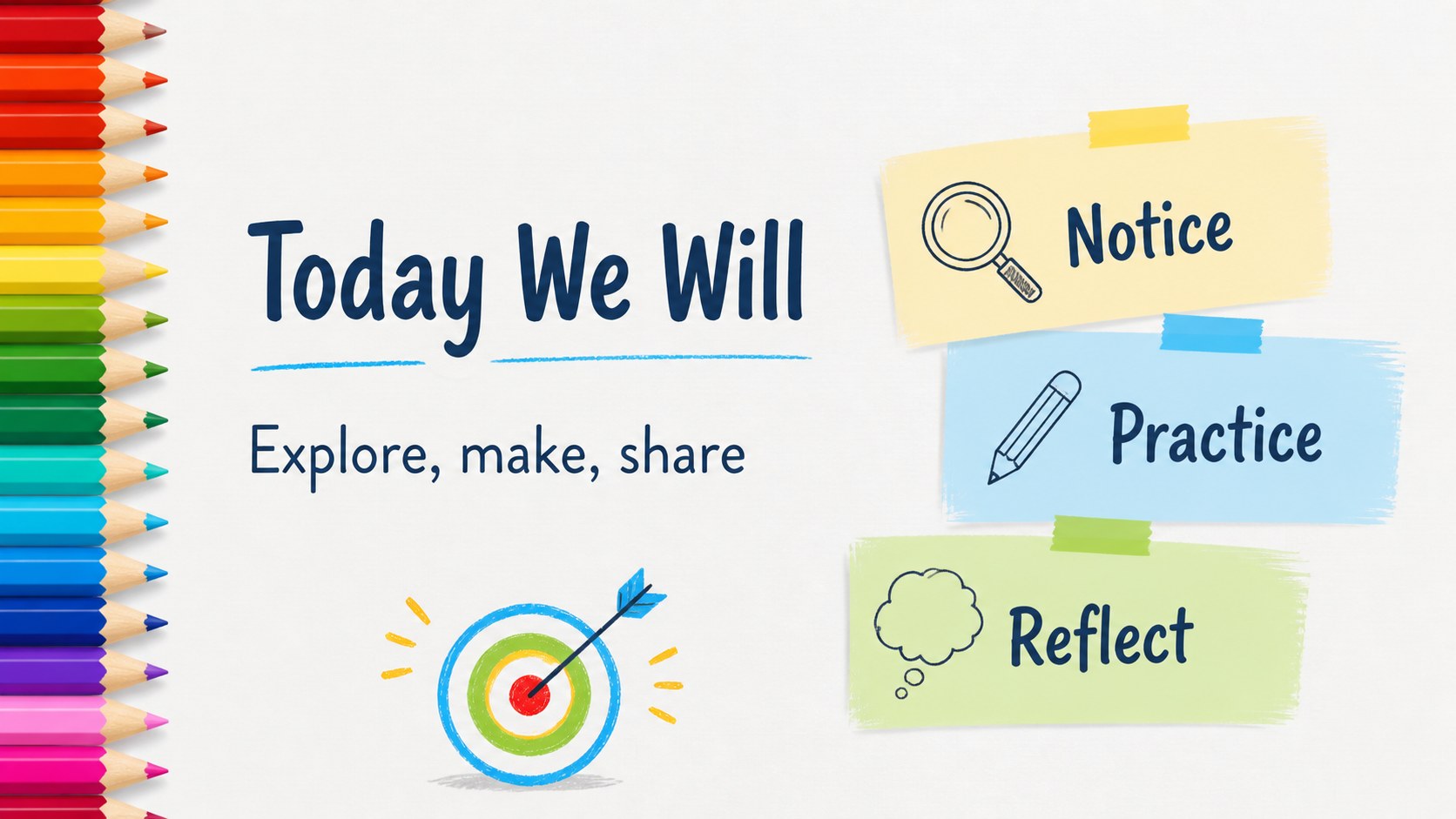
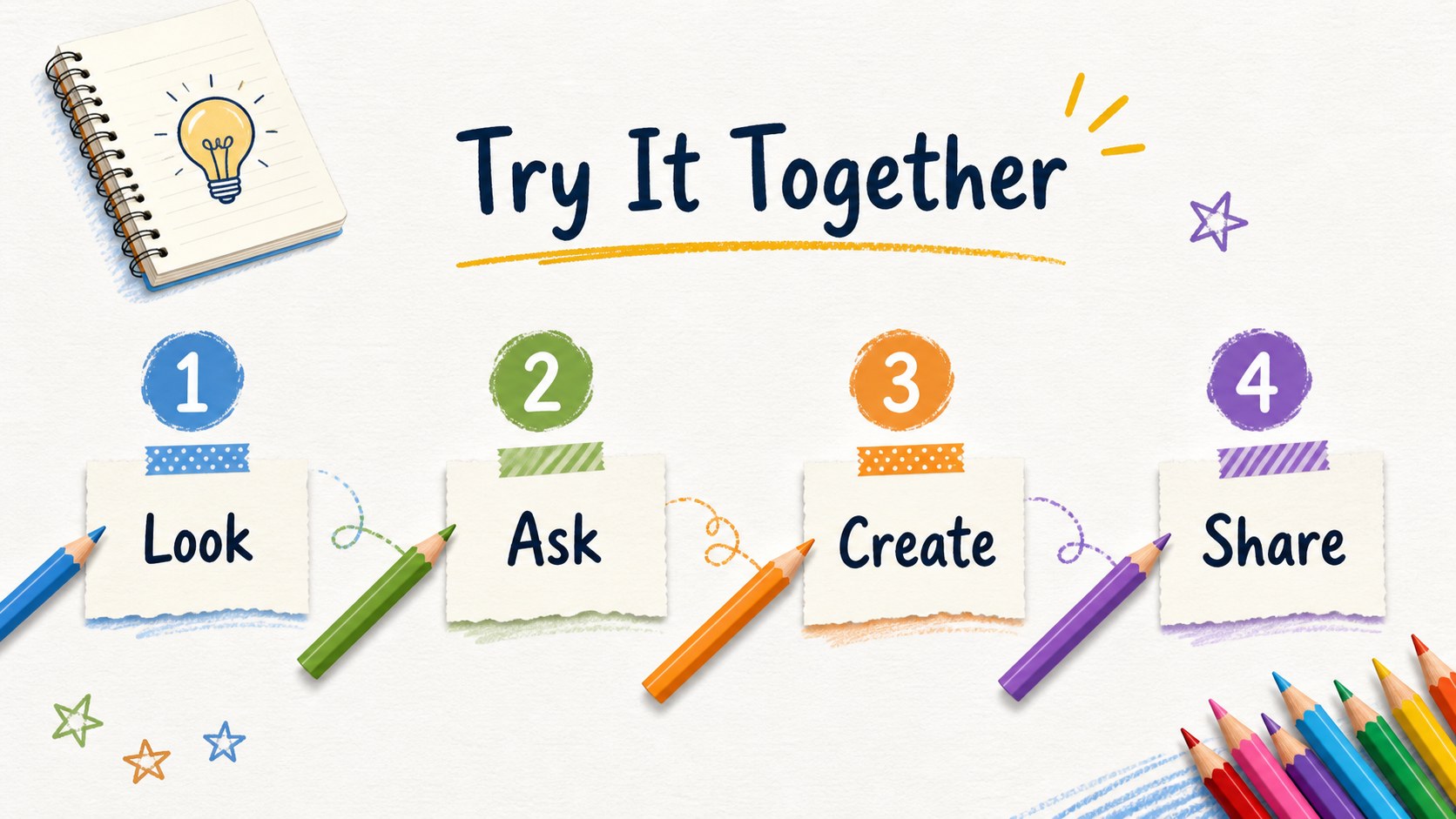
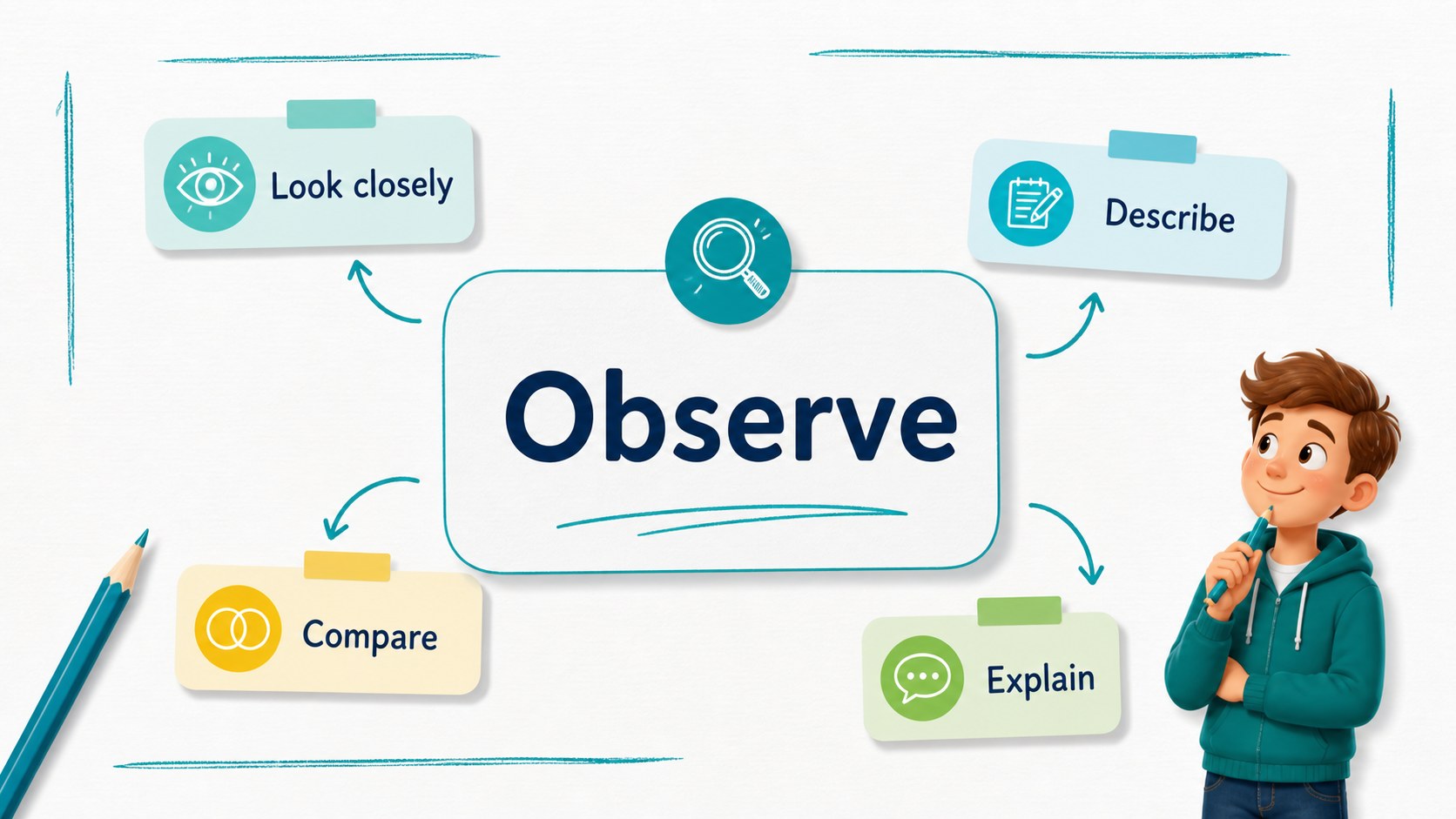
Inside, you will find 16:9 layouts for lesson objectives, classroom rules, step-by-step activities, key vocabulary, comparison points, timelines, simple data charts, and final review slides. The deck also includes editable tables, diagram elements, presentation tips, an 80-icon family, and a customizable world map. Update the text, replace images, adjust theme colors, or reorder pages to match your subject and teaching style.
This creative classroom presentation deck suits elementary teachers, tutors, after-school programs, education nonprofits, school supply brands, and businesses that want a friendly visual language. Use it for a science activity, reading workshop, art lesson, classroom introduction, or educational product overview. It works in Google Slides and PowerPoint, with exports available for formats such as PDF and JPG. Mali and Nunito fonts support the informal, welcoming look, while the white base and vivid accents keep information easy to scan.
Perfect for: elementary science lesson; reading workshop; classroom rules introduction; after-school activity; school supply product overview.
Frequently asked questions
Can I edit this deck in PowerPoint? Yes. Download it as a PowerPoint template and edit the text, images, colors, charts, and layouts on your computer. The slides use a 16:9 format by default.
Practical details
Yes. Download it as a PowerPoint template and edit the text, images, colors, charts, and layouts on your computer. The slides use a 16:9 format by default.
Yes, it is designed to work as a Google Slides theme. You can customize the pages online, rearrange or remove slides, and export the finished presentation to PDF or JPG.
Yes. Change the global theme colors to update the pencil accents and other coordinated elements. You can also replace images, edit text, and adjust individual shapes when needed.
The layouts support lesson goals, activities, vocabulary, comparisons, timelines, charts, tables, and recap pages. They work especially well for elementary education, tutoring, creative workshops, and school-related products.
Keep exploring
15Build stronger academic arguments with a college essay thesis builder featuring guided examples, revision prompts, and editable PowerPoint and Google Slides.
 15
15Build an engaging World UFO Day session with this flying saucer history lesson deck, featuring retro green-and-brown slides for PowerPoint and Google Slides.
 14
14Plan a memorable Lunar New Year campaign with the 2036 Dragon Year Celebration Theme, featuring bold red-and-yellow slides for lessons and events.
 15
15Build a thoughtful classroom discussion with this interfaith awareness lesson deck, featuring editable blue-and-white slides for PowerPoint and Google Slides.
 15
15Use this environmental awareness lesson deck to teach climate action through illustrated activities, discussion prompts, and ready-to-edit visuals.
 15
15Build playful lessons and party stories with a kid-friendly zombie celebration theme in purple, green and pastel blue for PowerPoint and Google Slides.
 15
15Build eerie lessons, campaigns, and story pitches with an undead survival scenario theme featuring editable slides for PowerPoint and Google Slides.
 16
16Turn environmental research into a clear story with a Watercolor Ecology Presentation Theme for PowerPoint and Google Slides in calming green and blue.