
 15
15presentation
College Essay Thesis Builder Slides
Build stronger academic arguments with a college essay thesis builder featuring guided examples, revision prompts, and editable PowerPoint and Google Slides.
Google SlidesPowerPoint
presentation · English
Organize overlapping ideas with a cosmic three-way comparison infographic featuring editable space visuals for PowerPoint and Google Slides lessons.
Design notes
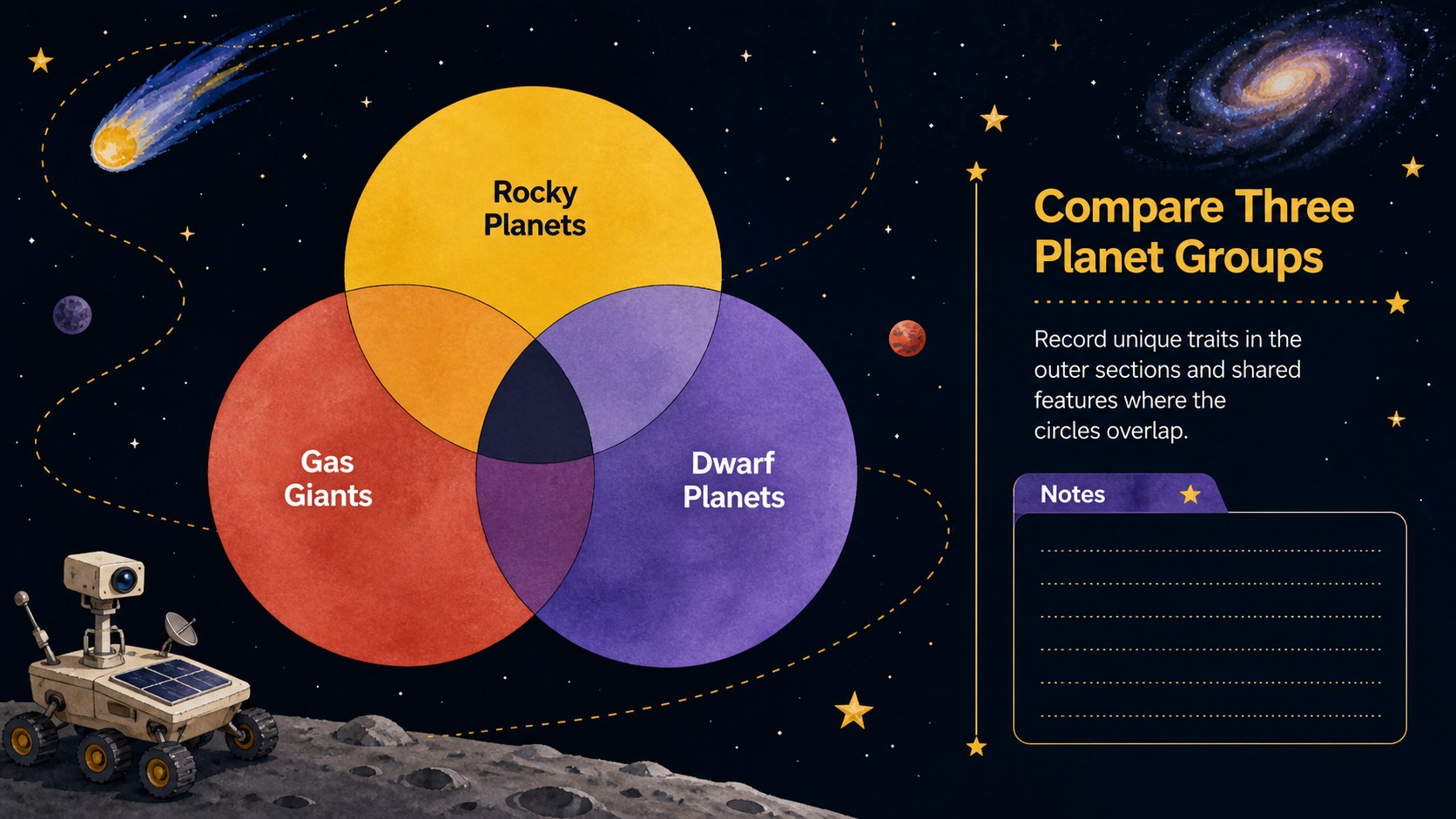
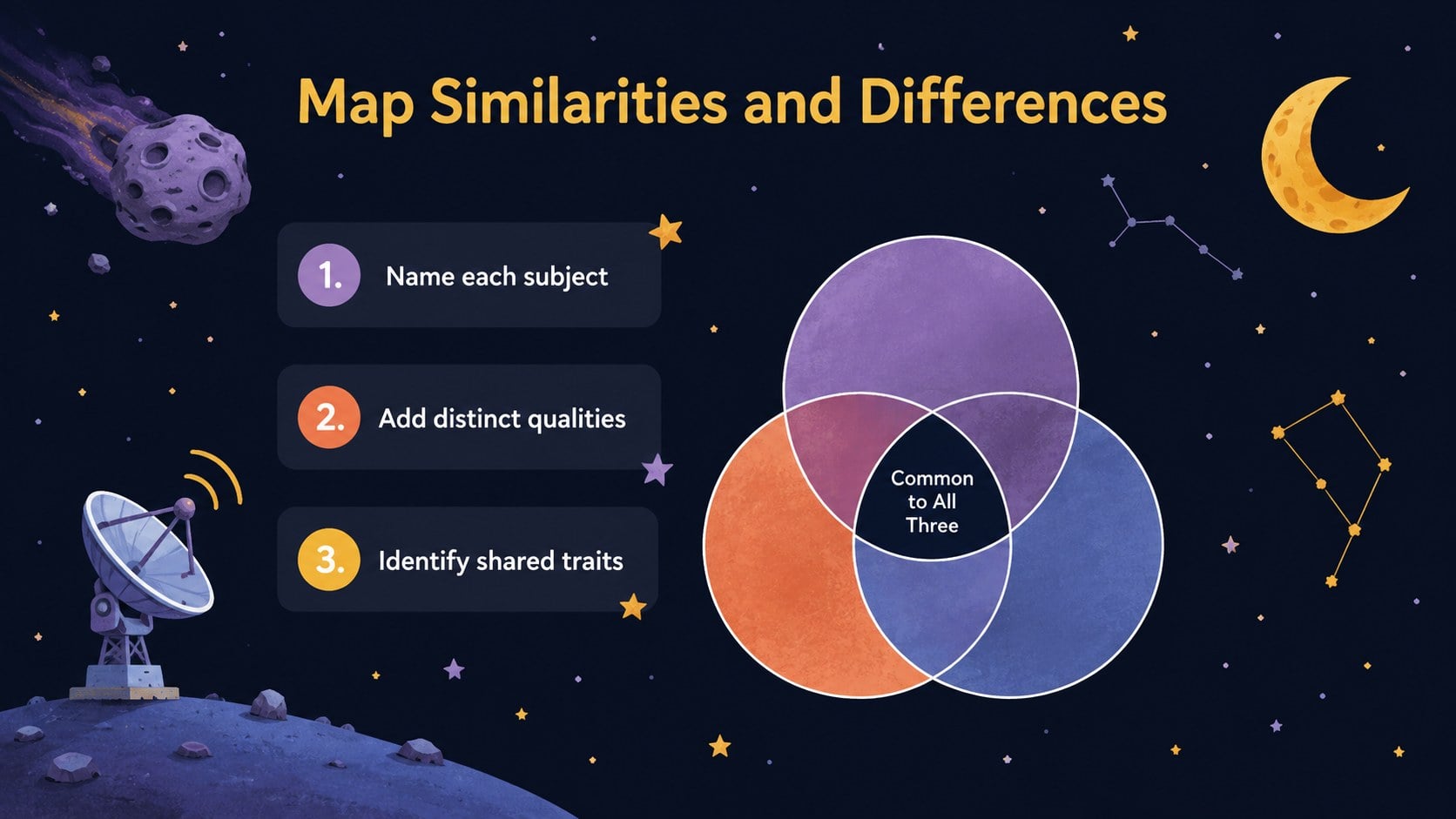
Make relationships between three subjects easier to understand with this cosmic three-way comparison infographic. Its dark, space-inspired palette and playful illustrated details give familiar comparison activities a fresh visual setting without distracting from the information. Edit the diagram in PowerPoint or Google Slides to present shared qualities, individual traits, and connections at a glance.
The deck includes a coordinated cover and multiple comparison layouts designed for concise labels, short explanations, or classroom prompts. Use the three circle Venn diagram template to organize planets, scientific processes, story elements, business options, or research findings. Each editable cosmic Venn diagram can be adapted with your own wording, colors, shapes, and supporting icons while retaining the black celestial design style.
This space comparison graphic organizer is particularly useful for teachers introducing astronomy concepts, students summarizing research, and teams evaluating three related proposals. It can support whole-class instruction, independent assignments, workshop conversations, or project planning sessions. The clear intersections help audiences identify similarities without losing sight of what makes each subject distinct.
All three slides are formatted in widescreen presentation dimensions and work with PowerPoint and Google Slides. Duplicate a layout for additional comparisons, simplify it for younger learners, or add more detailed notes for professional analysis.
Perfect for: comparing three planets; contrasting story elements; evaluating project options; organizing science concepts; summarizing research findings.
Frequently asked questions
Practical details
Yes. You can replace the labels, revise the supporting text, resize the circles, and adjust the colors or illustrations to fit your comparison.
The slides are designed for Microsoft PowerPoint and Google Slides. Some fonts or effects may render slightly differently between the two platforms.
Yes. Replace the sample wording and celestial graphics with content for literature, business, history, technology, or another subject while keeping the three-way comparison structure.
Use short labels or compact phrases so the intersections remain readable. Longer explanations can be placed beside the diagram or in the speaker notes.
Keep exploring
15Build stronger academic arguments with a college essay thesis builder featuring guided examples, revision prompts, and editable PowerPoint and Google Slides.
 15
15Build an engaging World UFO Day session with this flying saucer history lesson deck, featuring retro green-and-brown slides for PowerPoint and Google Slides.
 14
14Plan a memorable Lunar New Year campaign with the 2036 Dragon Year Celebration Theme, featuring bold red-and-yellow slides for lessons and events.
 15
15Build a thoughtful classroom discussion with this interfaith awareness lesson deck, featuring editable blue-and-white slides for PowerPoint and Google Slides.
 15
15Use this environmental awareness lesson deck to teach climate action through illustrated activities, discussion prompts, and ready-to-edit visuals.
 15
15Build playful lessons and party stories with a kid-friendly zombie celebration theme in purple, green and pastel blue for PowerPoint and Google Slides.
 15
15Build eerie lessons, campaigns, and story pitches with an undead survival scenario theme featuring editable slides for PowerPoint and Google Slides.
 16
16Turn environmental research into a clear story with a Watercolor Ecology Presentation Theme for PowerPoint and Google Slides in calming green and blue.