
 15
15presentation
College Essay Thesis Builder Slides
Build stronger academic arguments with a college essay thesis builder featuring guided examples, revision prompts, and editable PowerPoint and Google Slides.
Google SlidesPowerPoint
presentation · English
Build a smarter semester with this cosmic study schedule presentation, featuring neon pixel-art planners for lessons, deadlines, revision, and goals.

Design notes
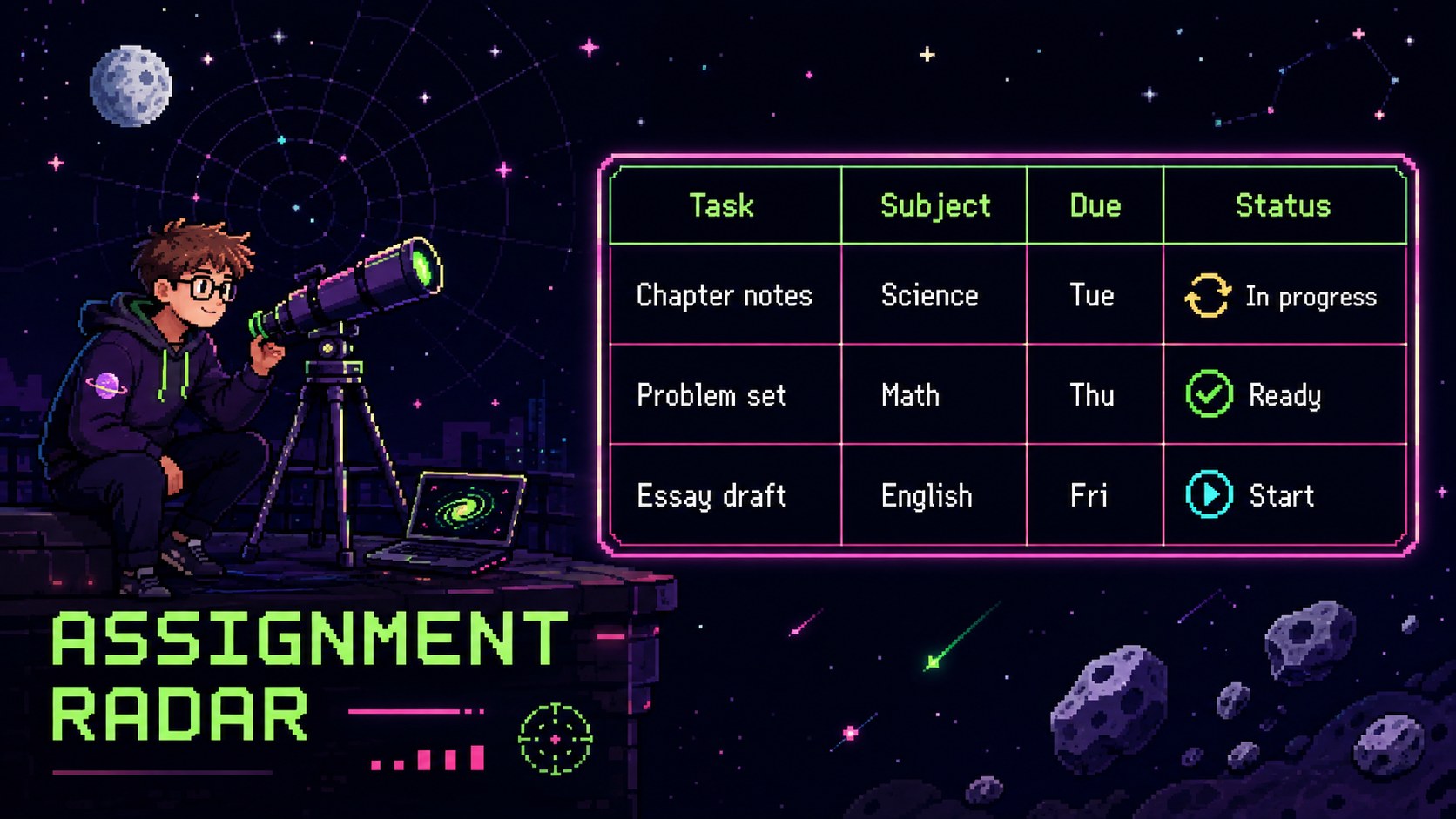
Bring structure to a busy school term with this cosmic study schedule presentation for PowerPoint and Google Slides. Dark space backgrounds, colorful neon accents, pixel-art planets, and playful rocket graphics create an energetic setting for organizing lessons, assignments, exams, and personal learning goals.
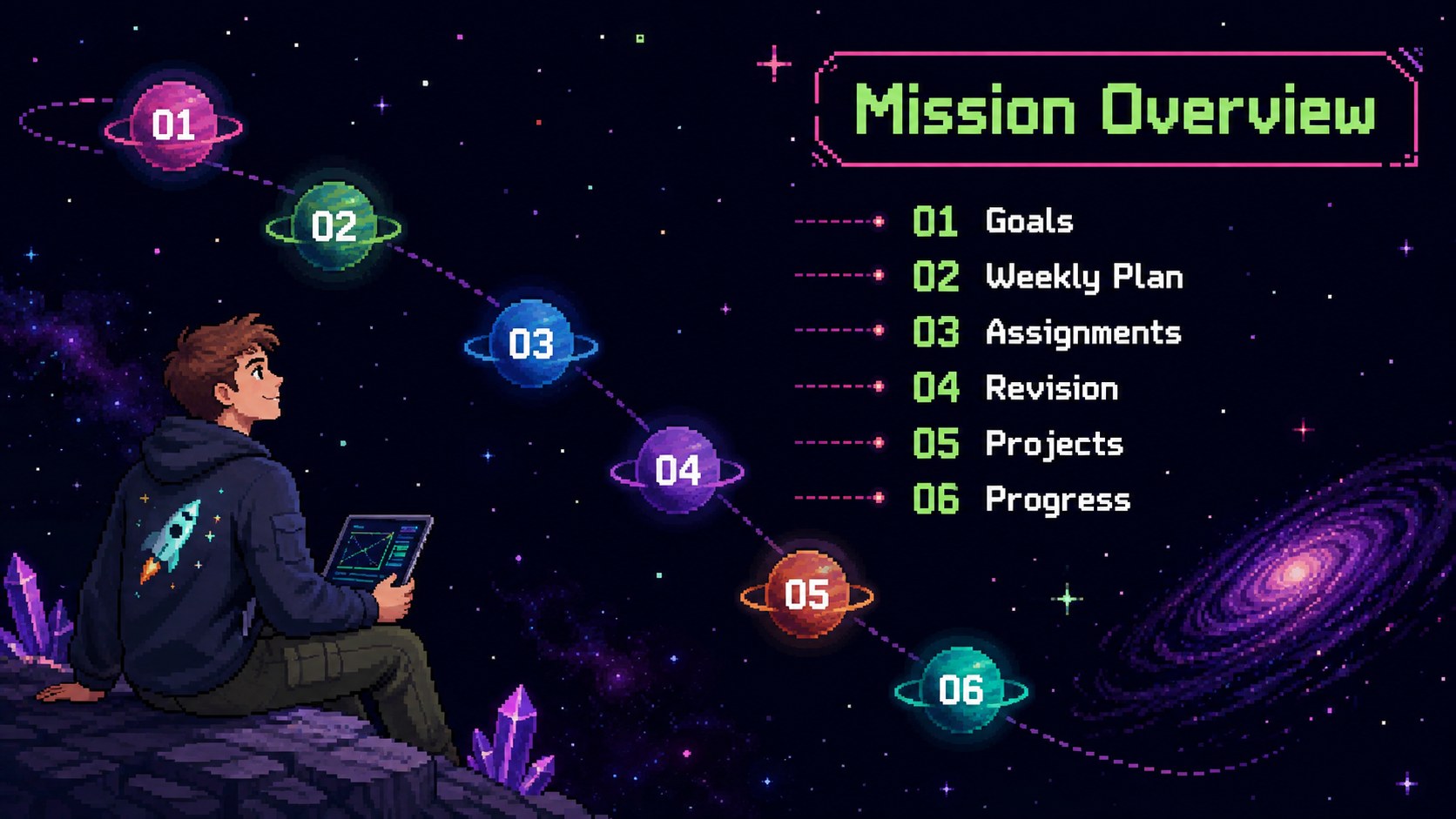
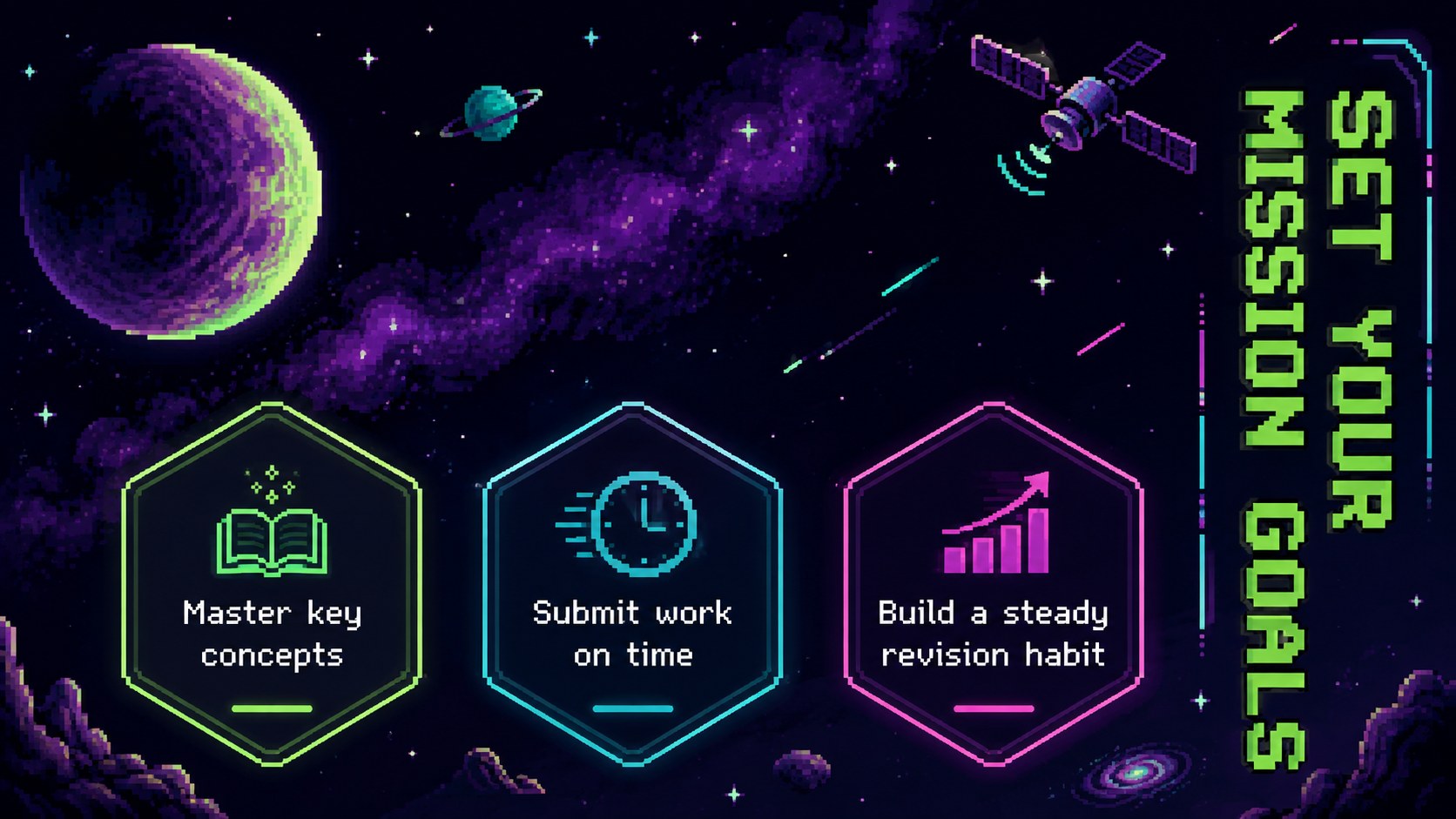
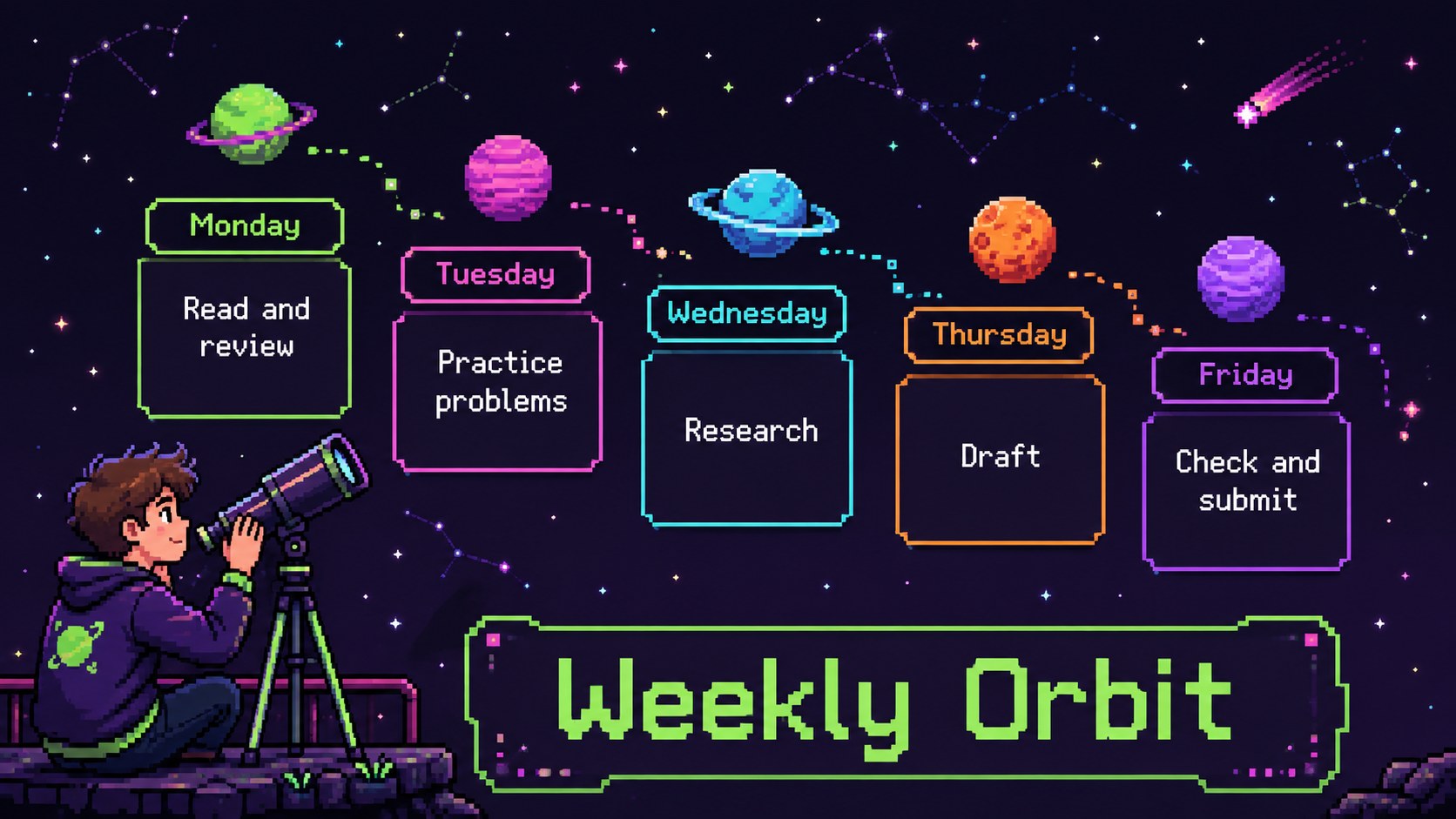
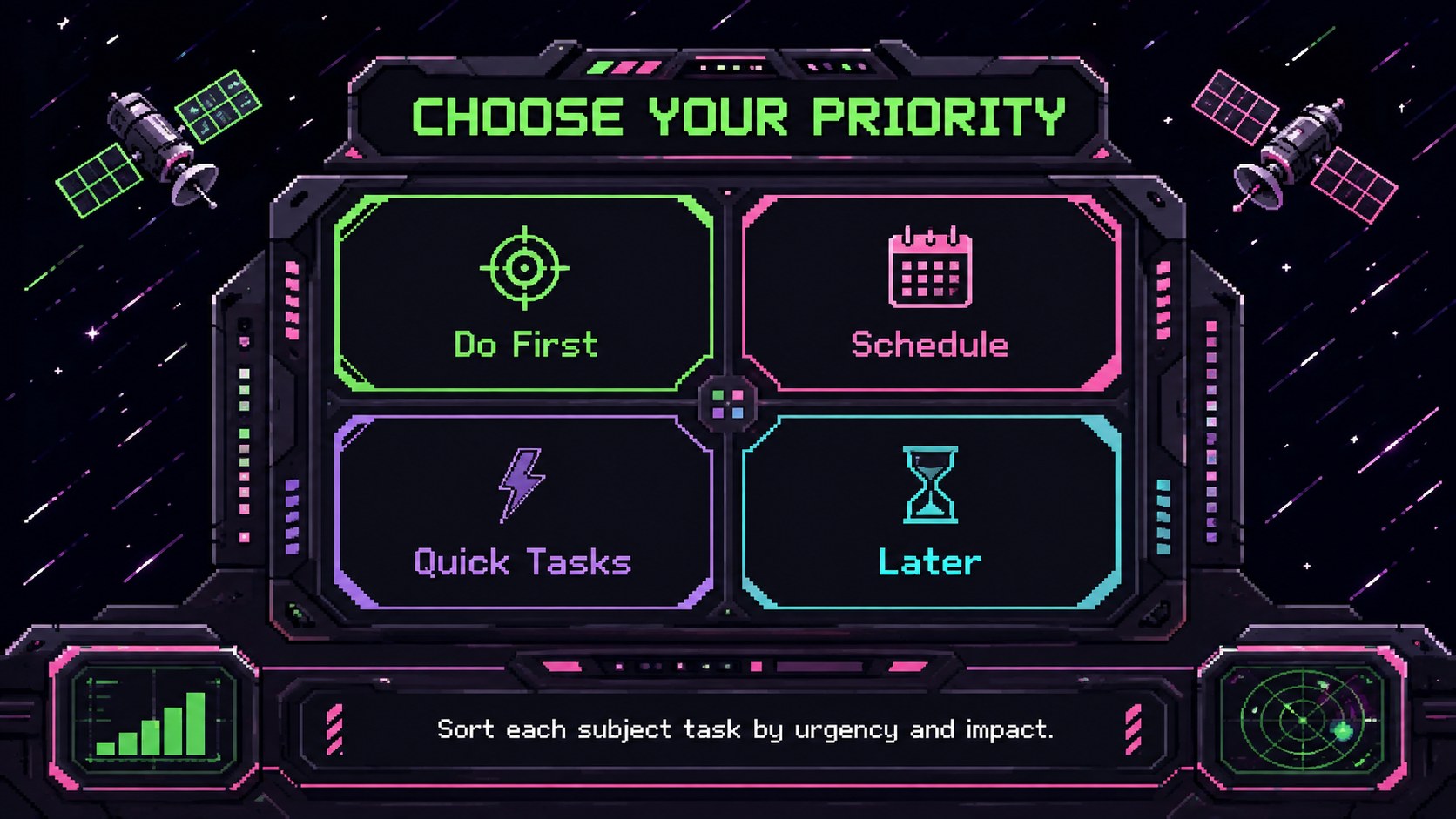
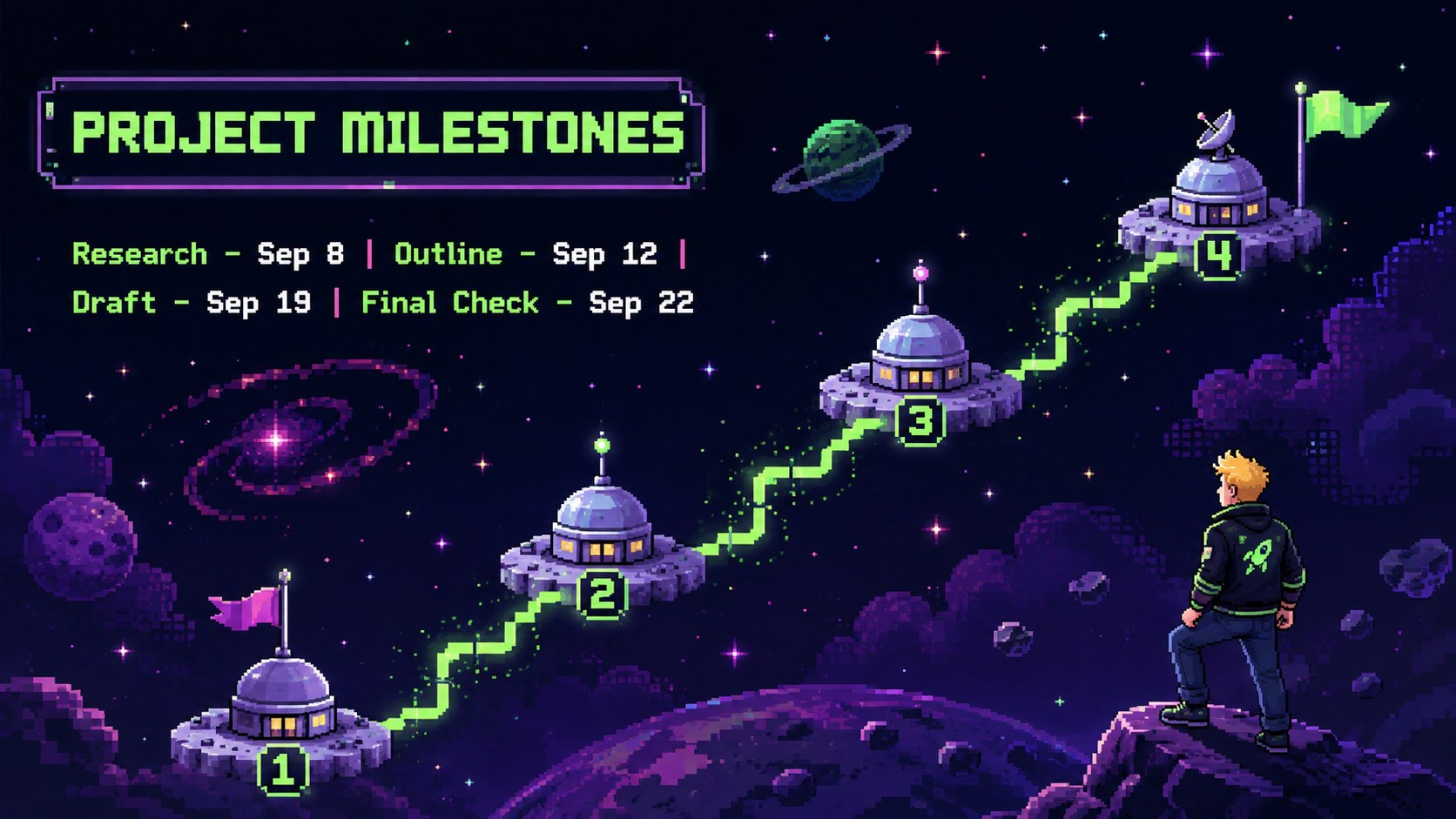
The deck includes adaptable layouts for weekly schedules, subject priorities, homework tracking, project milestones, revision sessions, resource lists, and progress reviews. Use it as a galaxy weekly study organizer, an astronomy homework tracker template, or a visual planning aid for an entire class. Clear content areas and simple planning prompts help students see what needs attention without losing the imaginative space theme.
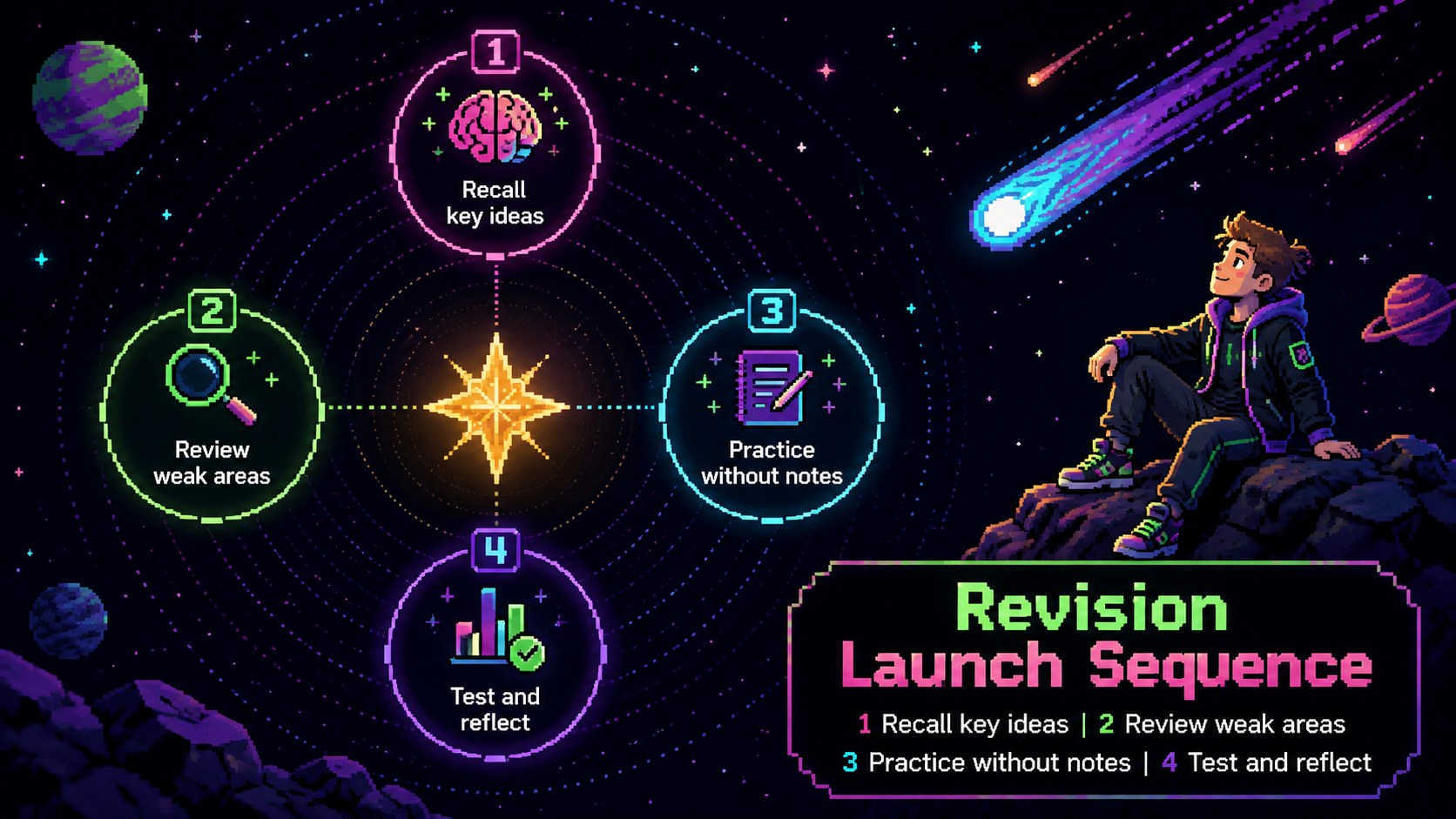
Designed for students, teachers, tutors, and academic support teams, the presentation works well for classroom planning, independent study, exam preparation, and parent-student check-ins. Educators can customize the colors, type, illustrations, and schedule details while preserving the dark, colorful neon pixel-art style. The slides can also support a cosmic exam revision planner by dividing large goals into manageable tasks and checkpoints.
Open the template in PowerPoint or Google Slides, replace the sample text, and adjust each layout to match a course, grade level, or study routine. The result is a practical academic planner with enough visual personality to keep learners engaged throughout the term.
Perfect for: weekly student study planning; exam revision scheduling; classroom assignment tracking; homework deadline organization; school project milestone planning; tutoring progress reviews.
Frequently asked questions
Practical details
Yes. Titles, task lists, dates, subject labels, colors, and illustrations can be adjusted to suit a specific course or routine.
The template is designed for Microsoft PowerPoint and Google Slides. Some fonts, transitions, or spacing may vary slightly between the two platforms.
Yes. Teachers can replace individual planning prompts with shared deadlines, lesson targets, group projects, and classroom reminders.
Keep the dark backgrounds and use bright cyan, magenta, yellow, green, and violet accents. Choose crisp pixel-style illustrations and limit each slide to a few high-contrast colors.
Keep exploring
15Build stronger academic arguments with a college essay thesis builder featuring guided examples, revision prompts, and editable PowerPoint and Google Slides.
 15
15Build an engaging World UFO Day session with this flying saucer history lesson deck, featuring retro green-and-brown slides for PowerPoint and Google Slides.
 14
14Plan a memorable Lunar New Year campaign with the 2036 Dragon Year Celebration Theme, featuring bold red-and-yellow slides for lessons and events.
 15
15Build a thoughtful classroom discussion with this interfaith awareness lesson deck, featuring editable blue-and-white slides for PowerPoint and Google Slides.
 15
15Use this environmental awareness lesson deck to teach climate action through illustrated activities, discussion prompts, and ready-to-edit visuals.
 15
15Build playful lessons and party stories with a kid-friendly zombie celebration theme in purple, green and pastel blue for PowerPoint and Google Slides.
 15
15Build eerie lessons, campaigns, and story pitches with an undead survival scenario theme featuring editable slides for PowerPoint and Google Slides.
 16
16Turn environmental research into a clear story with a Watercolor Ecology Presentation Theme for PowerPoint and Google Slides in calming green and blue.