
 15
15presentation
College Essay Thesis Builder Slides
Build stronger academic arguments with a college essay thesis builder featuring guided examples, revision prompts, and editable PowerPoint and Google Slides.
Google SlidesPowerPoint
presentation · English
Build clear, visual civics instruction with a political systems classroom deck for comparing democracy, monarchy, authoritarian rule, and more.
Design notes
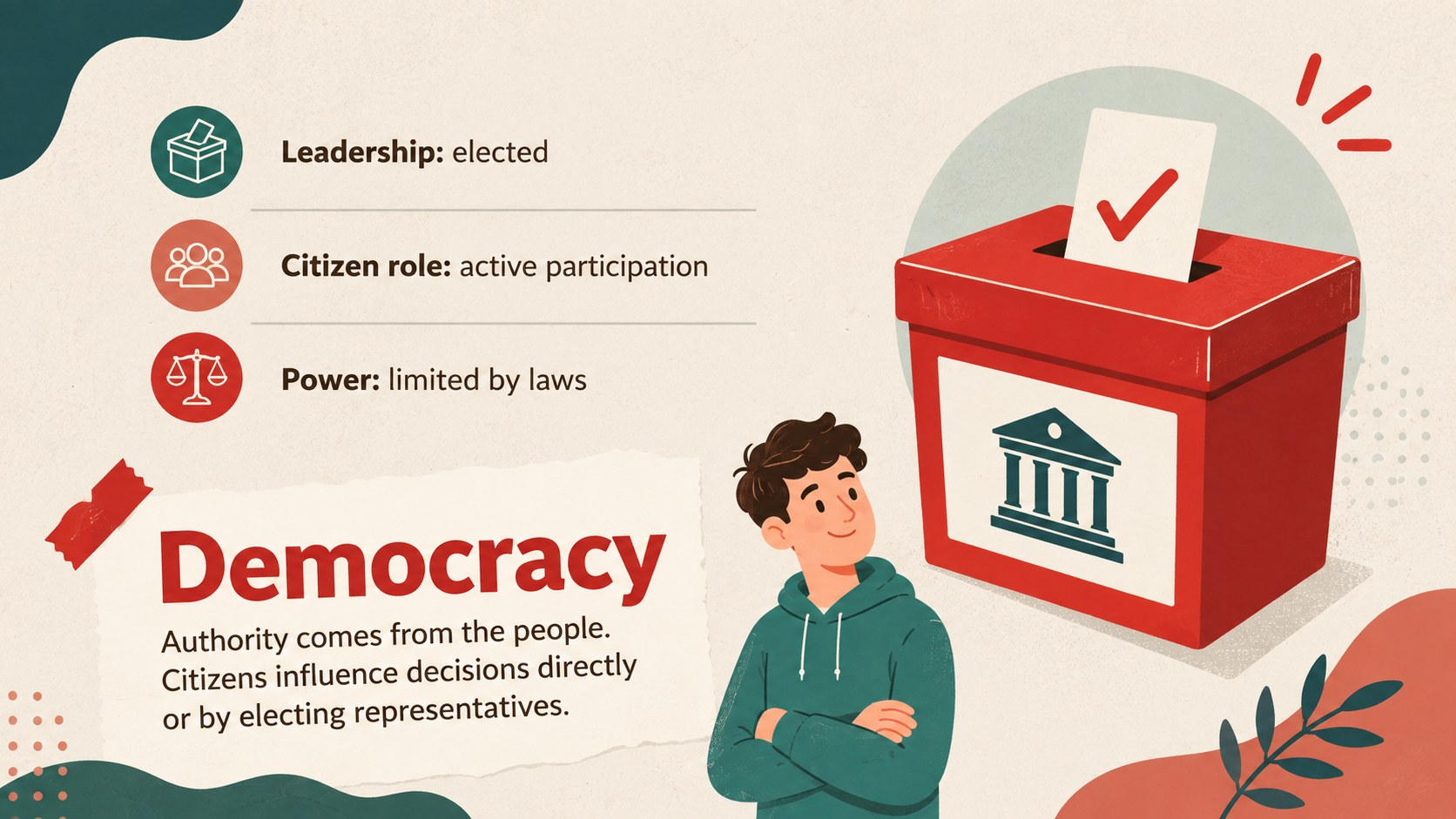
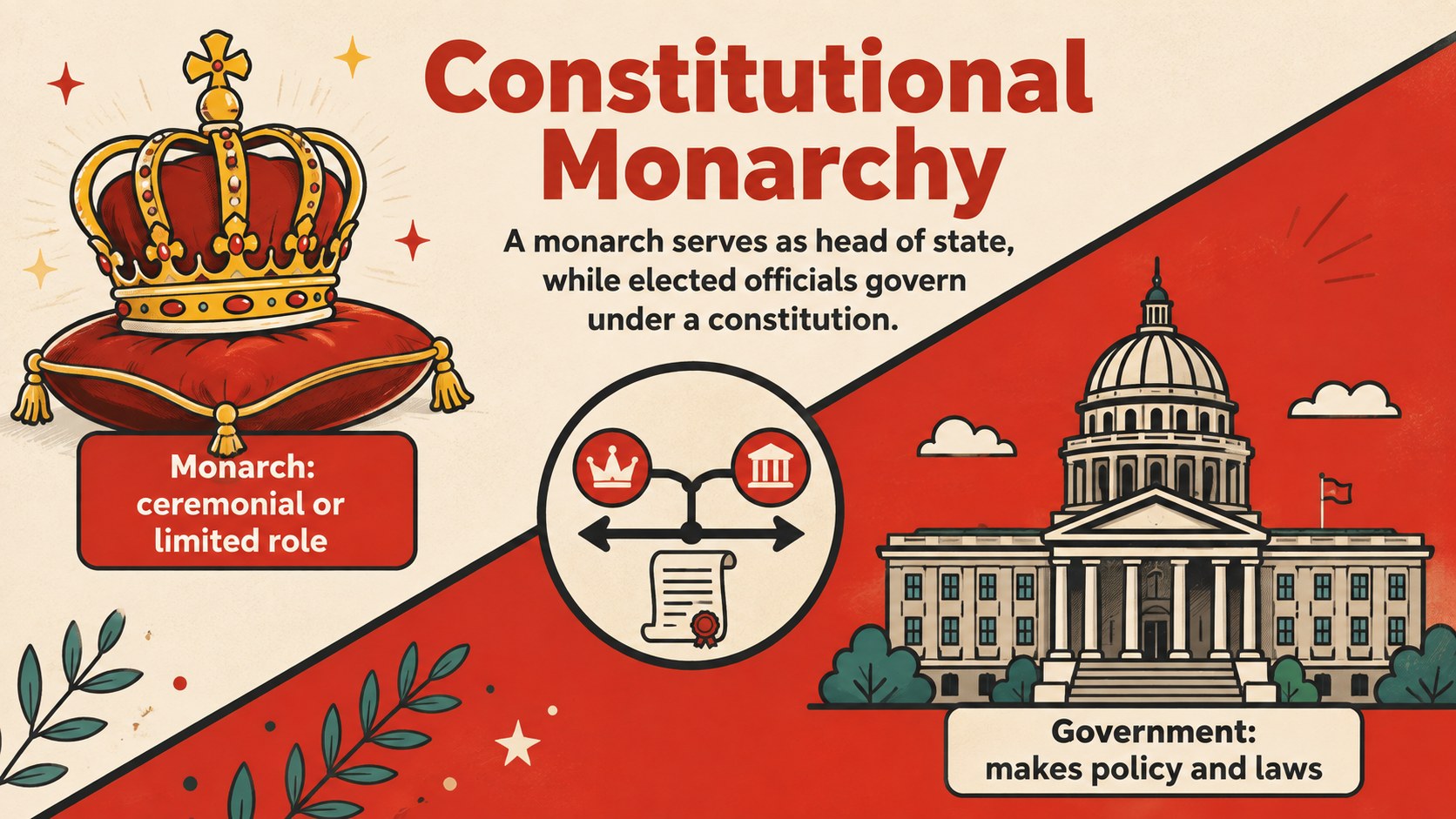
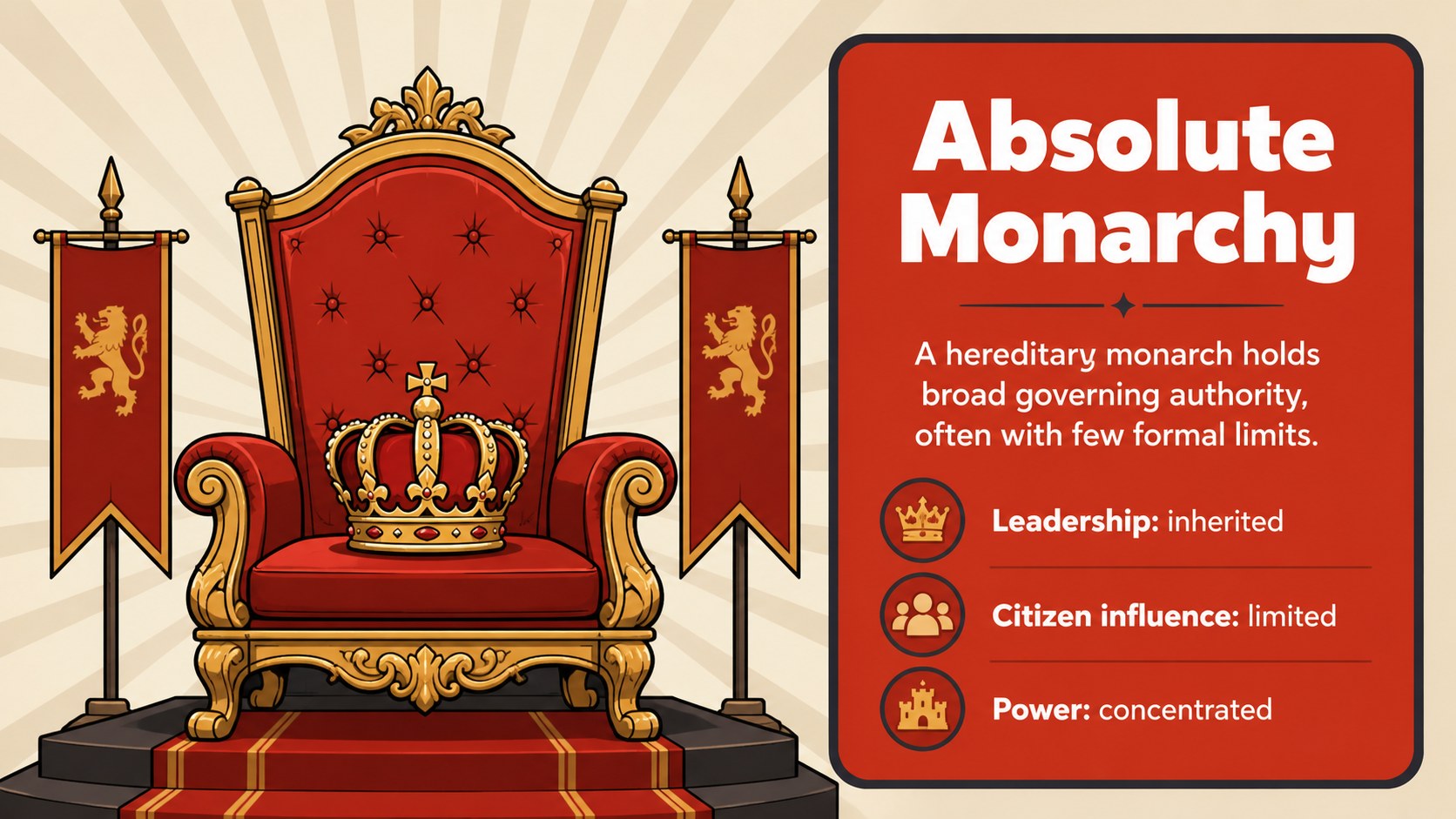
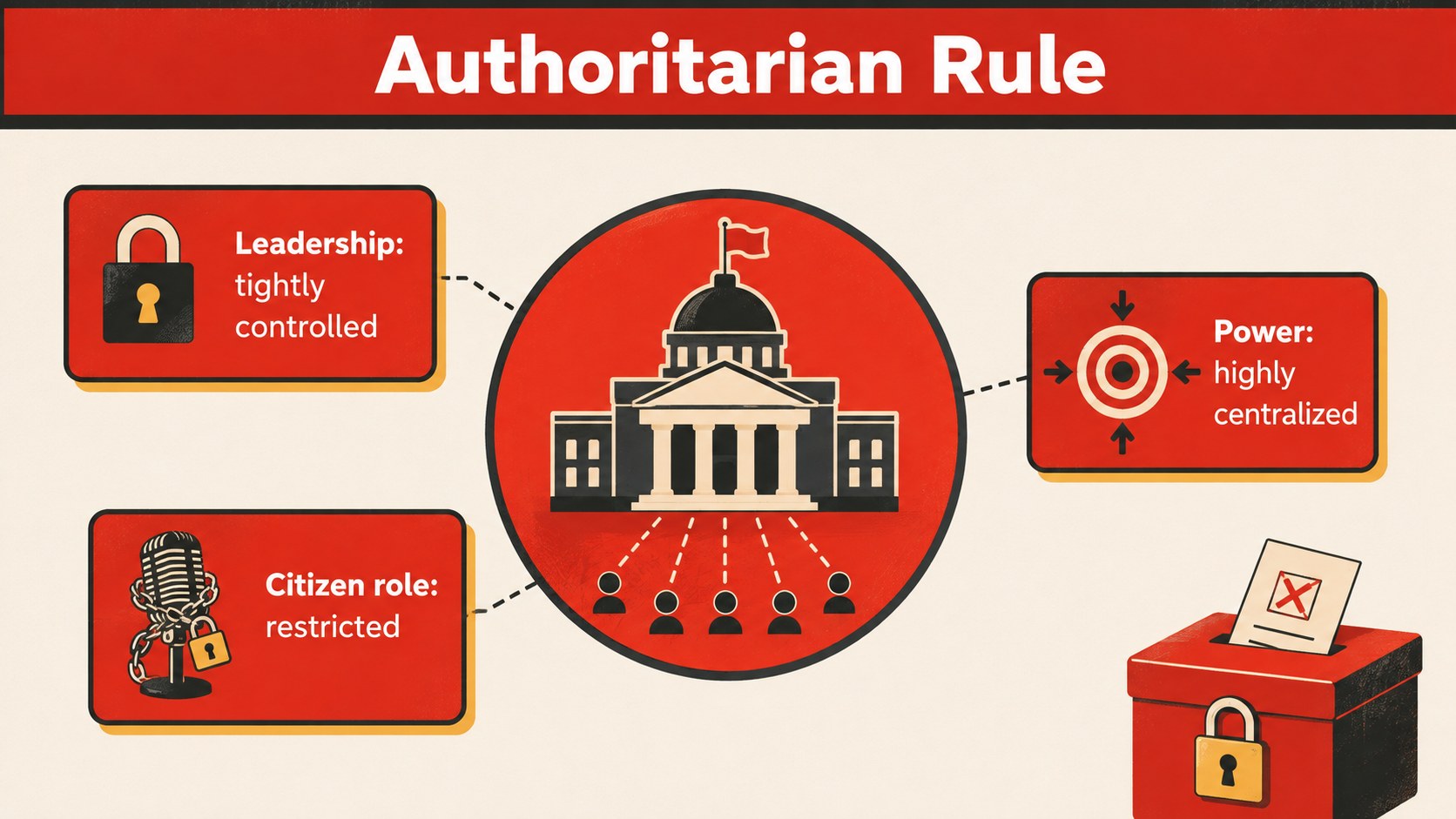
Make comparative civics easier to understand with this political systems classroom deck for PowerPoint and Google Slides. Designed around a bold red palette, friendly illustrations, and clearly organized content, it helps teachers explain how authority, citizen participation, leadership, and laws differ across political structures.
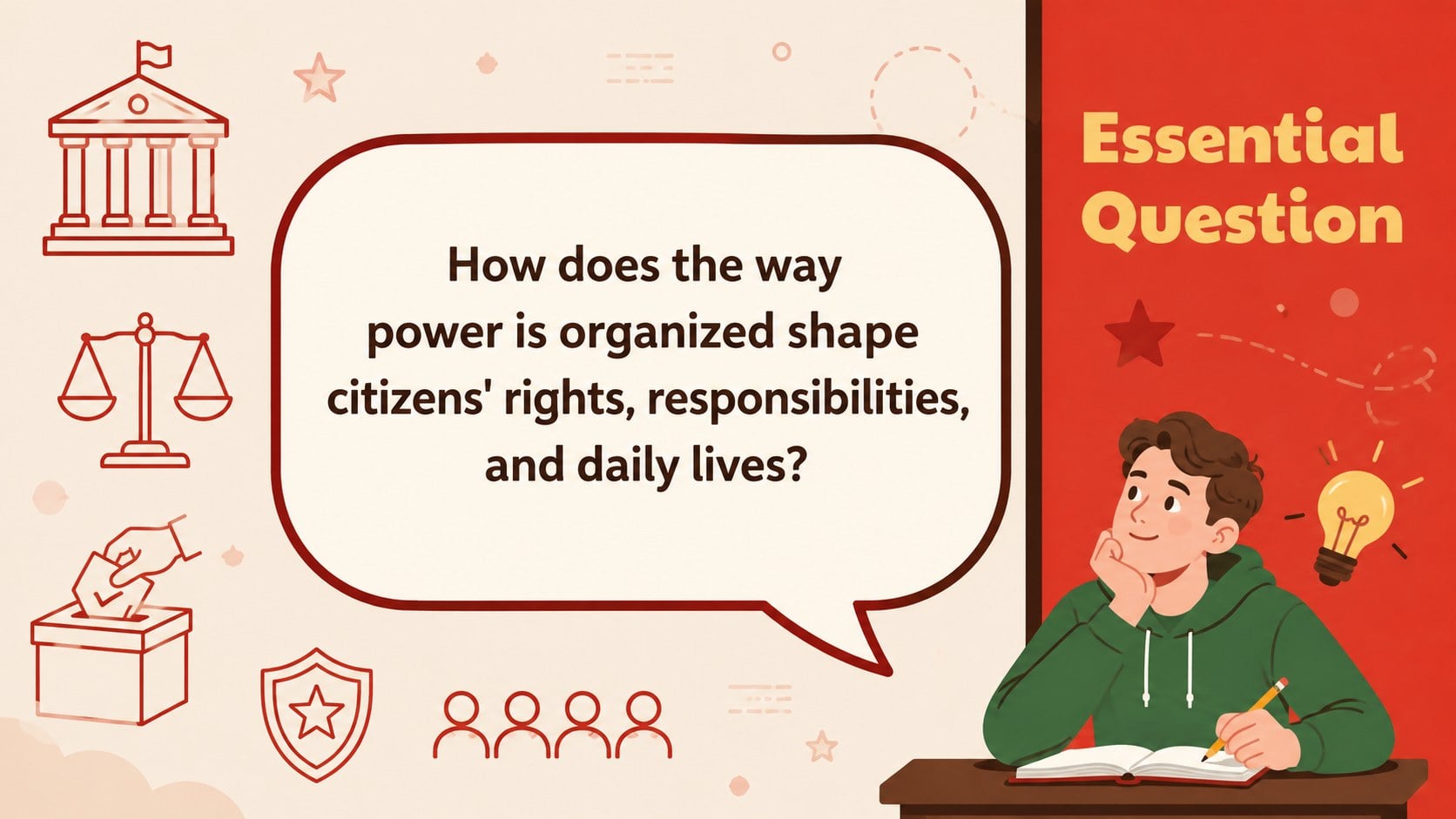
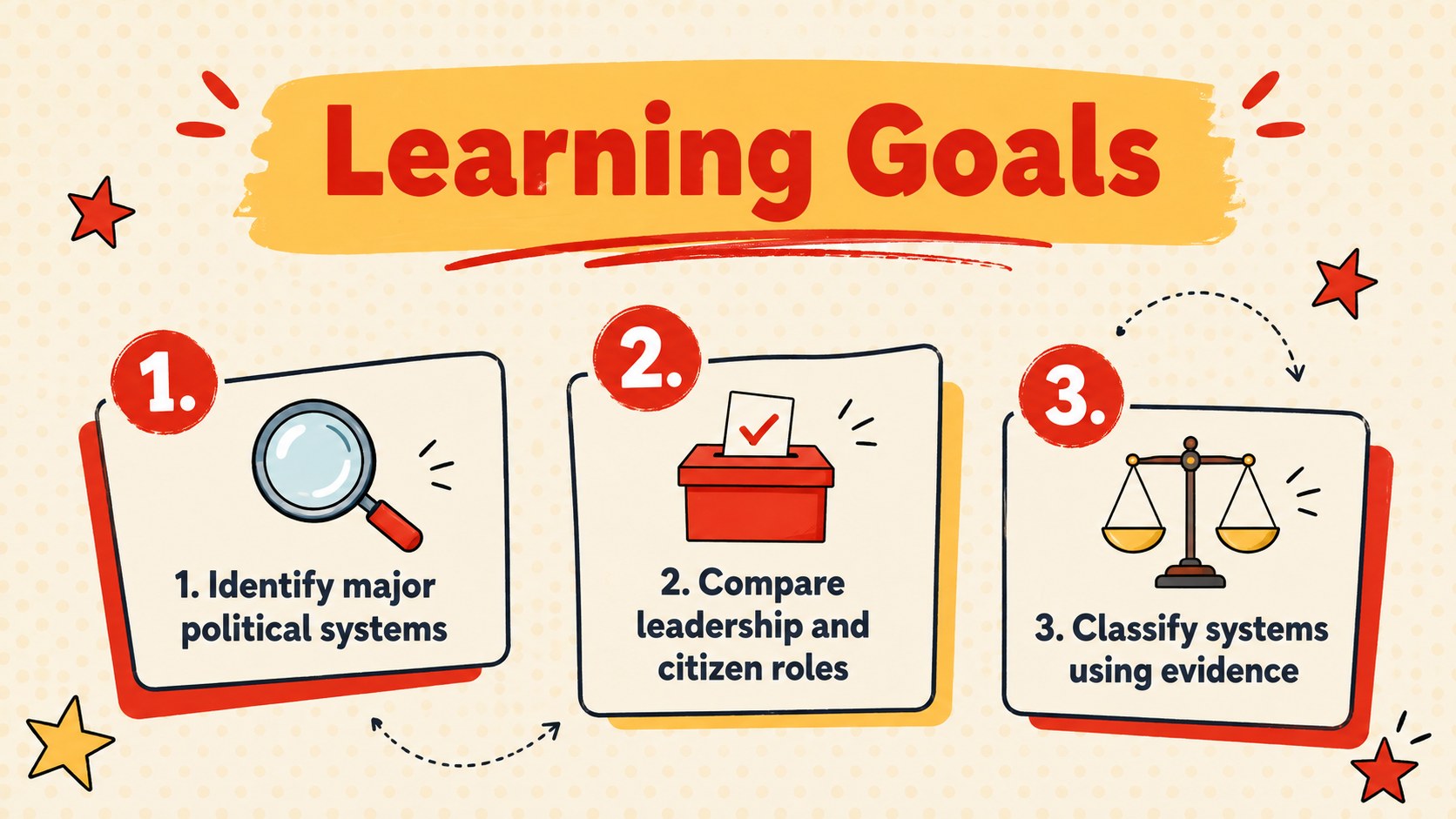
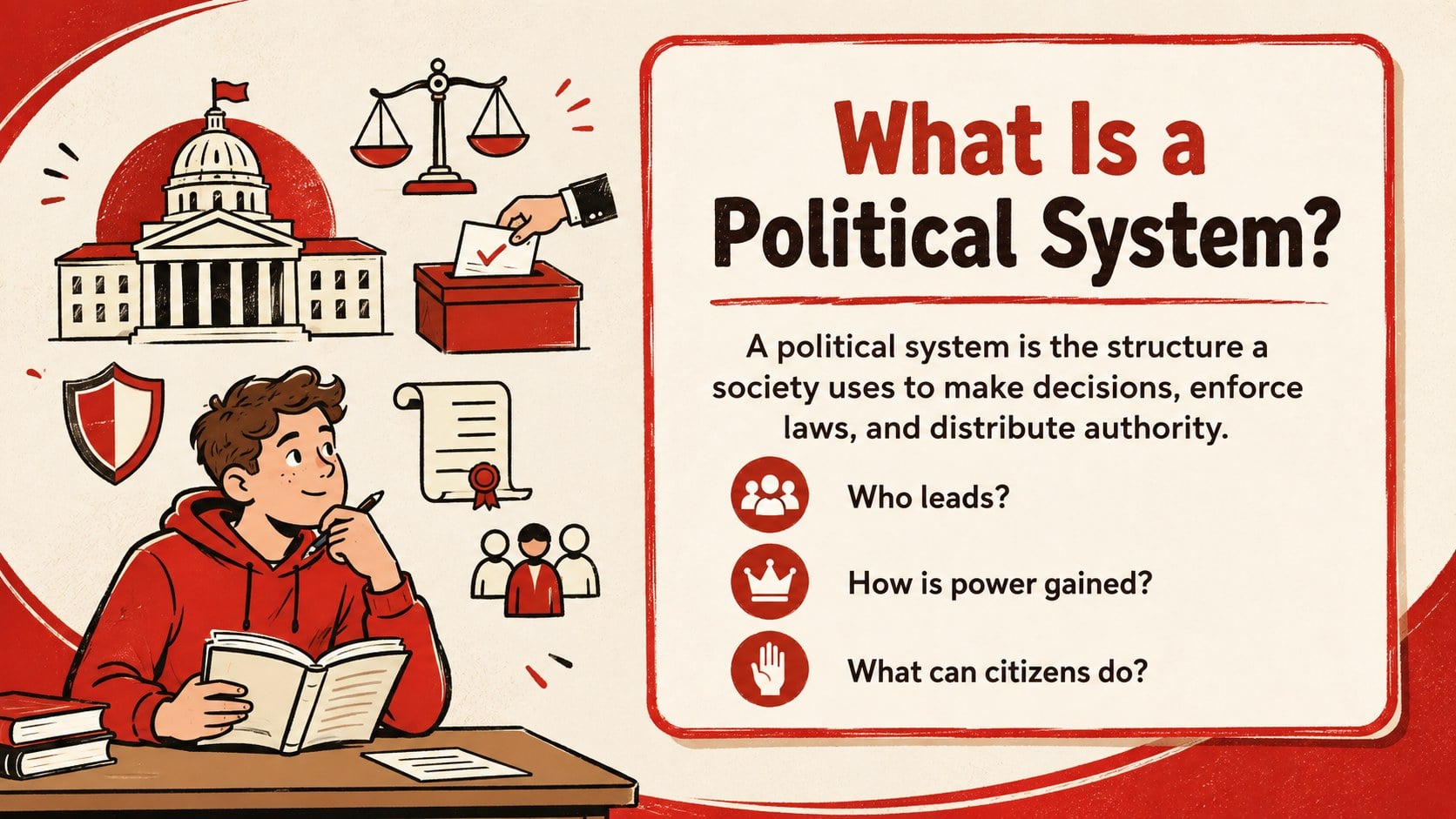
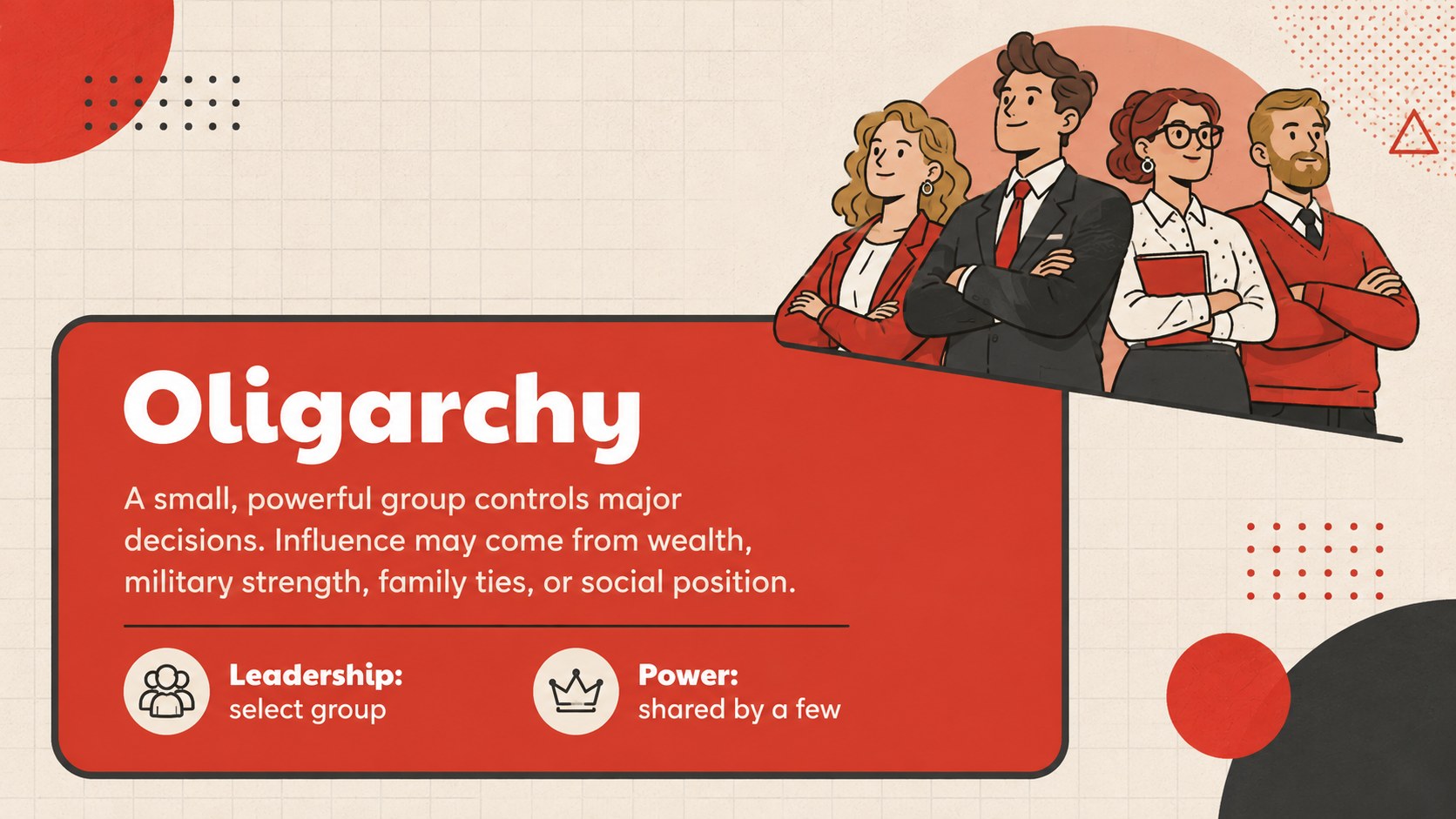
The deck includes an essential question, learning objectives, key vocabulary, concise profiles of democracy, monarchy, authoritarian rule, oligarchy, and theocracy, plus direct-versus-representative democracy examples. Forms of government comparison slides help learners evaluate who holds power, how leaders are selected, and what role citizens play. A visual spectrum, scenario-based classification activity, discussion prompts, and an exit ticket provide opportunities to check understanding throughout the lesson.
This civics lesson presentation template works well for middle school and introductory high school social studies classes, homeschool instruction, review sessions, and substitute-teacher plans. Educators can edit every heading, example, color, and activity in either supported platform. Use the complete sequence for a democracy monarchy dictatorship lesson, or select individual layouts for warm-ups, guided notes, group work, and assessment. The structured layouts are also suitable for student research presentations comparing political institutions in different countries.
Perfect for: middle school civics lesson; government systems comparison; social studies review session; homeschool political science unit; student research presentation; substitute teacher lesson.
Frequently asked questions
Can I edit the lesson content? Yes. Headings, definitions, examples, activities, colors, and illustrations can be adapted to match your curriculum and students' reading level.
Practical details
Yes. Headings, definitions, examples, activities, colors, and illustrations can be adapted to match your curriculum and students' reading level.
The deck is designed for Microsoft PowerPoint and Google Slides. Review fonts and spacing after importing to ensure consistent formatting on your device.
Yes. Duplicate one of the profile or comparison layouts, then replace its text and visual examples with the additional system you want to cover.
Yes. It includes discussion prompts, a classification scenario, comparison tasks, and an exit ticket that can be completed individually or in groups.
Keep exploring
15Build stronger academic arguments with a college essay thesis builder featuring guided examples, revision prompts, and editable PowerPoint and Google Slides.
 15
15Build an engaging World UFO Day session with this flying saucer history lesson deck, featuring retro green-and-brown slides for PowerPoint and Google Slides.
 14
14Plan a memorable Lunar New Year campaign with the 2036 Dragon Year Celebration Theme, featuring bold red-and-yellow slides for lessons and events.
 15
15Build a thoughtful classroom discussion with this interfaith awareness lesson deck, featuring editable blue-and-white slides for PowerPoint and Google Slides.
 15
15Use this environmental awareness lesson deck to teach climate action through illustrated activities, discussion prompts, and ready-to-edit visuals.
 15
15Build playful lessons and party stories with a kid-friendly zombie celebration theme in purple, green and pastel blue for PowerPoint and Google Slides.
 15
15Build eerie lessons, campaigns, and story pitches with an undead survival scenario theme featuring editable slides for PowerPoint and Google Slides.
 16
16Turn environmental research into a clear story with a Watercolor Ecology Presentation Theme for PowerPoint and Google Slides in calming green and blue.