
 15
15presentation
College Essay Thesis Builder Slides
Build stronger academic arguments with a college essay thesis builder featuring guided examples, revision prompts, and editable PowerPoint and Google Slides.
Google SlidesPowerPoint
presentation · English
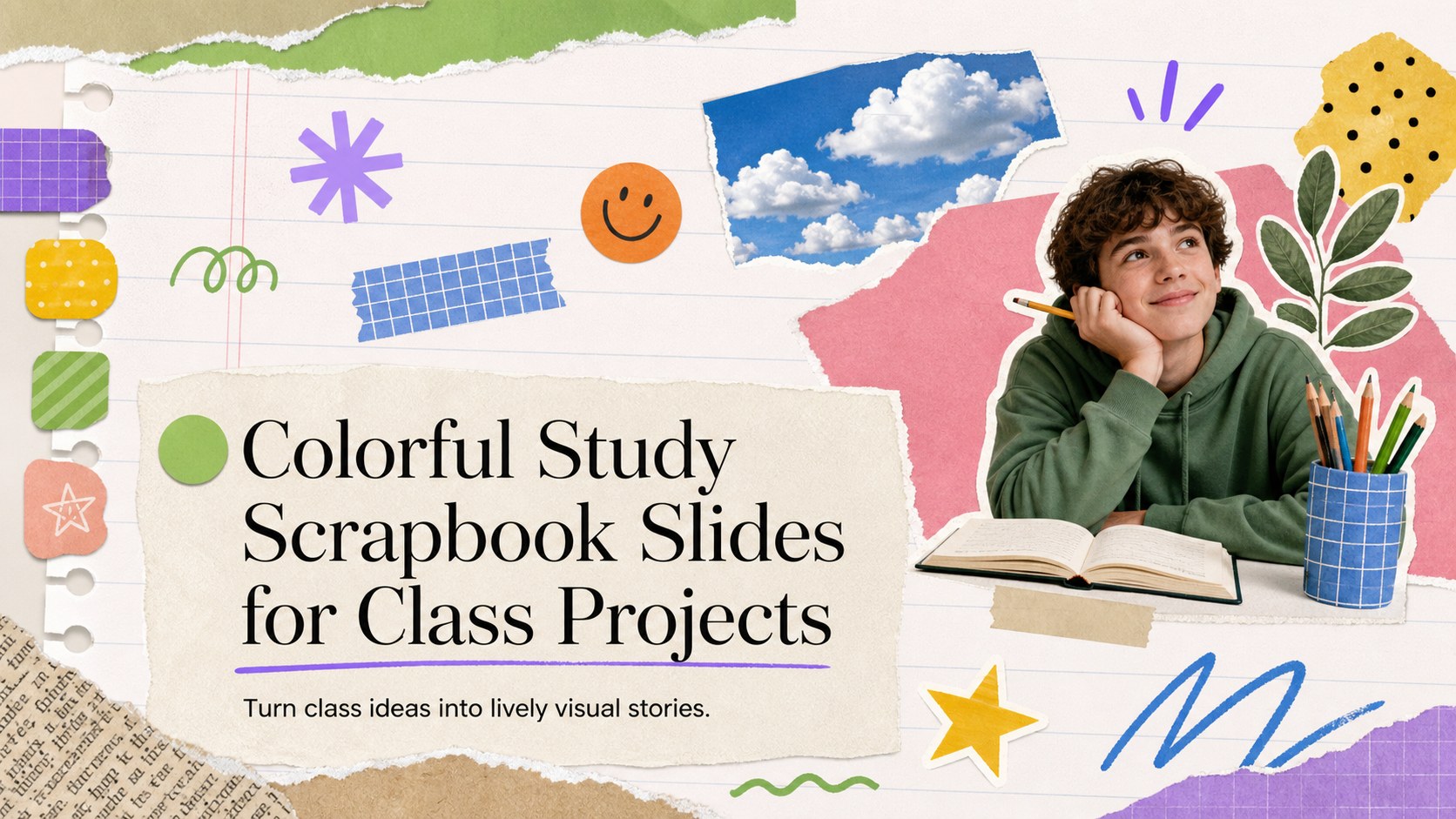
Build memorable class projects with colorful study scrapbook slides, animated collage accents, editable layouts-friendly tools for students and teachers.

Design notes
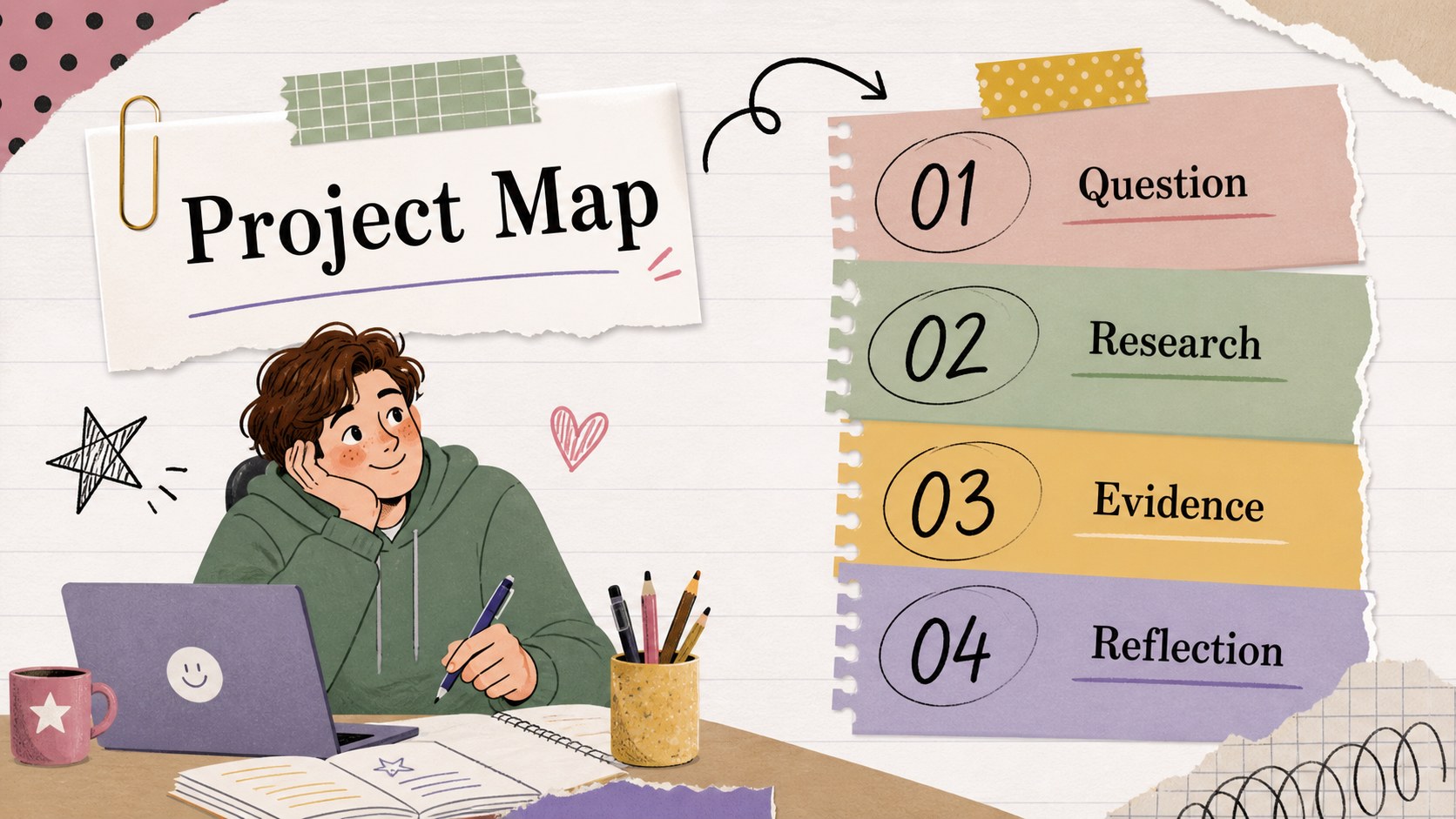
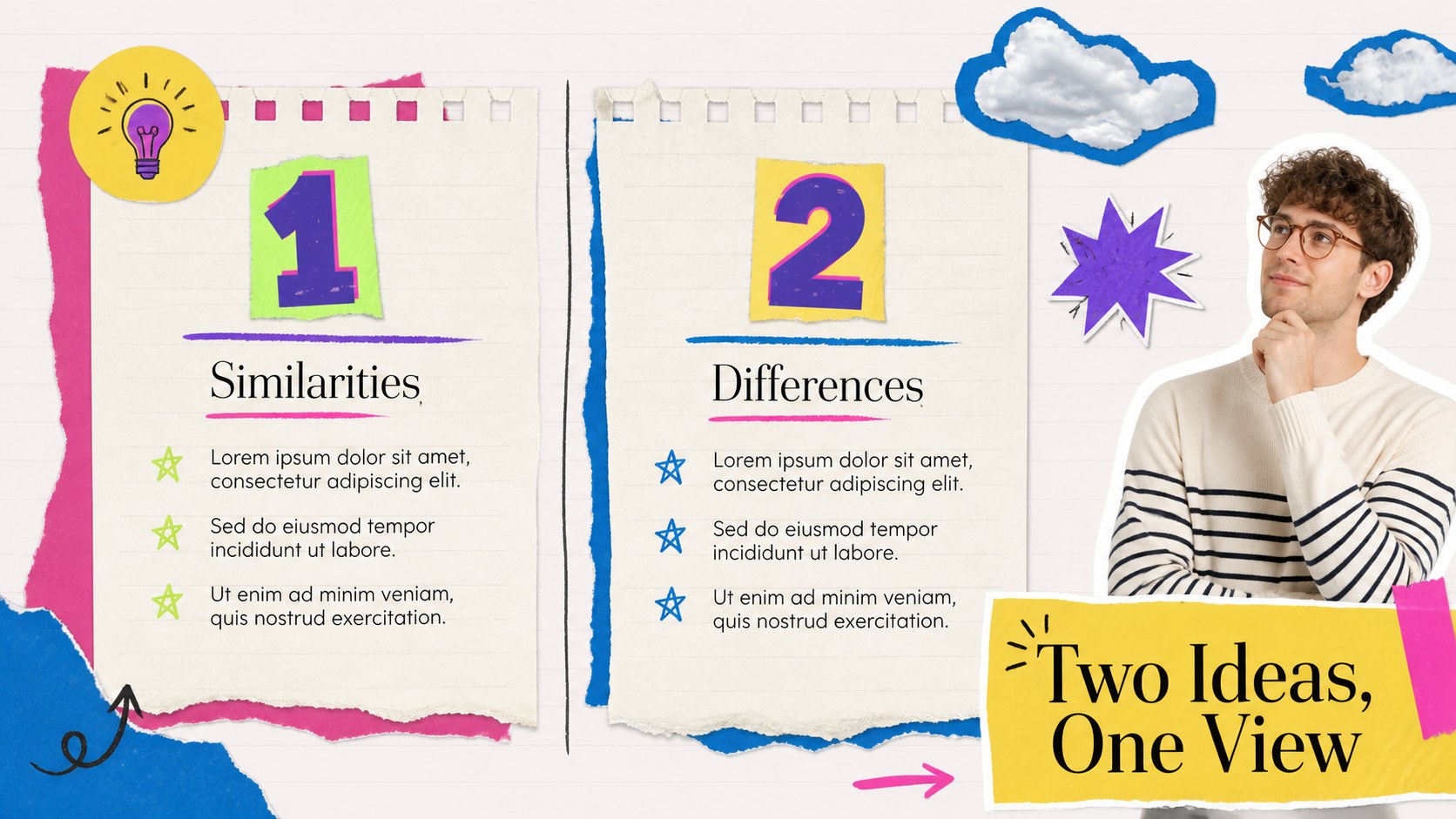
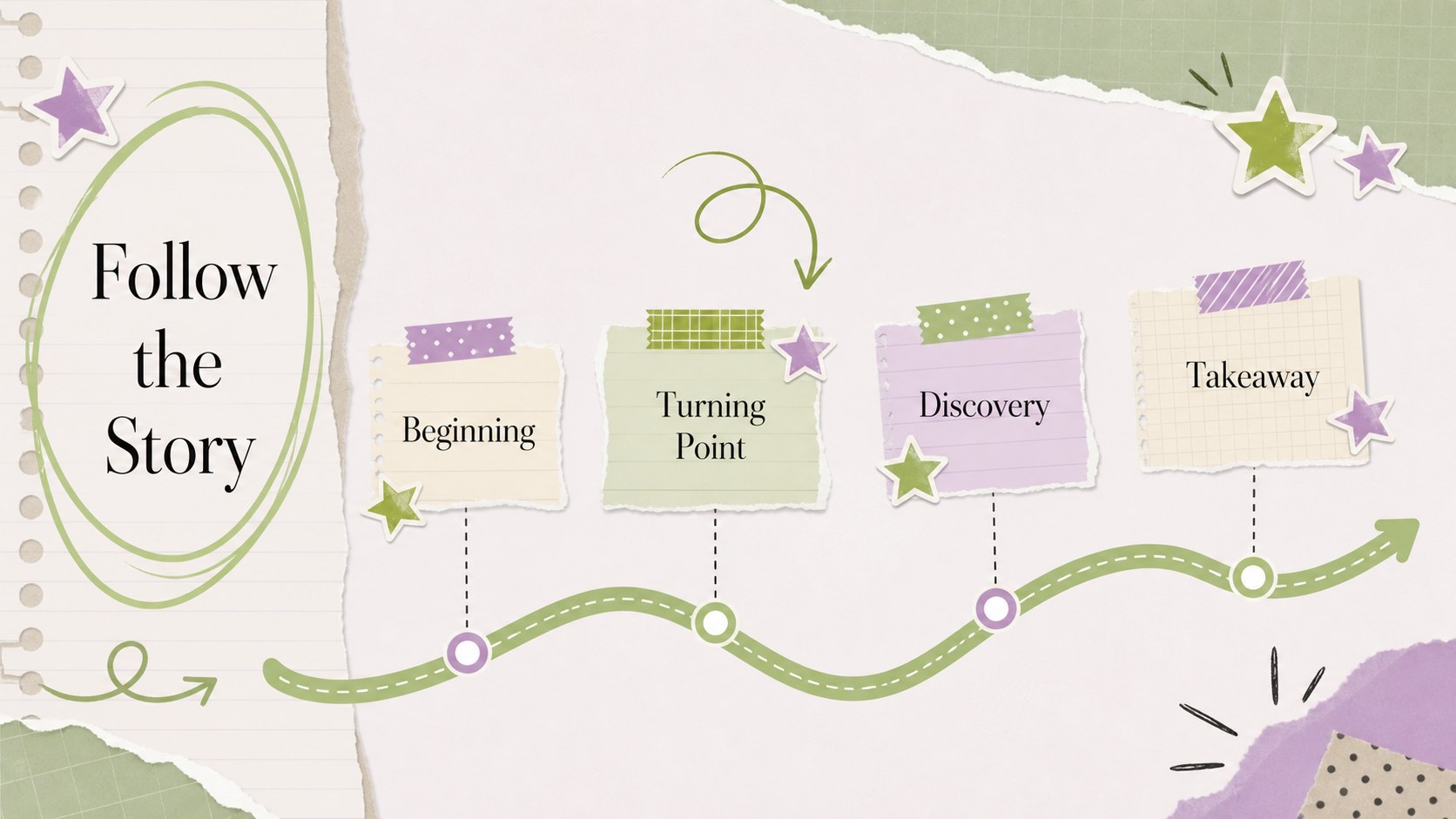
Colorful study scrapbook slides bring a handmade, energetic feel to classroom presentations without making the content difficult to follow. Layer notes, paper textures, cutout-style graphics, bright accents, and animated transitions to create a deck that feels personal and engaging. Use it for a book report, science topic, history project, creative writing showcase, or collaborative class assignment.
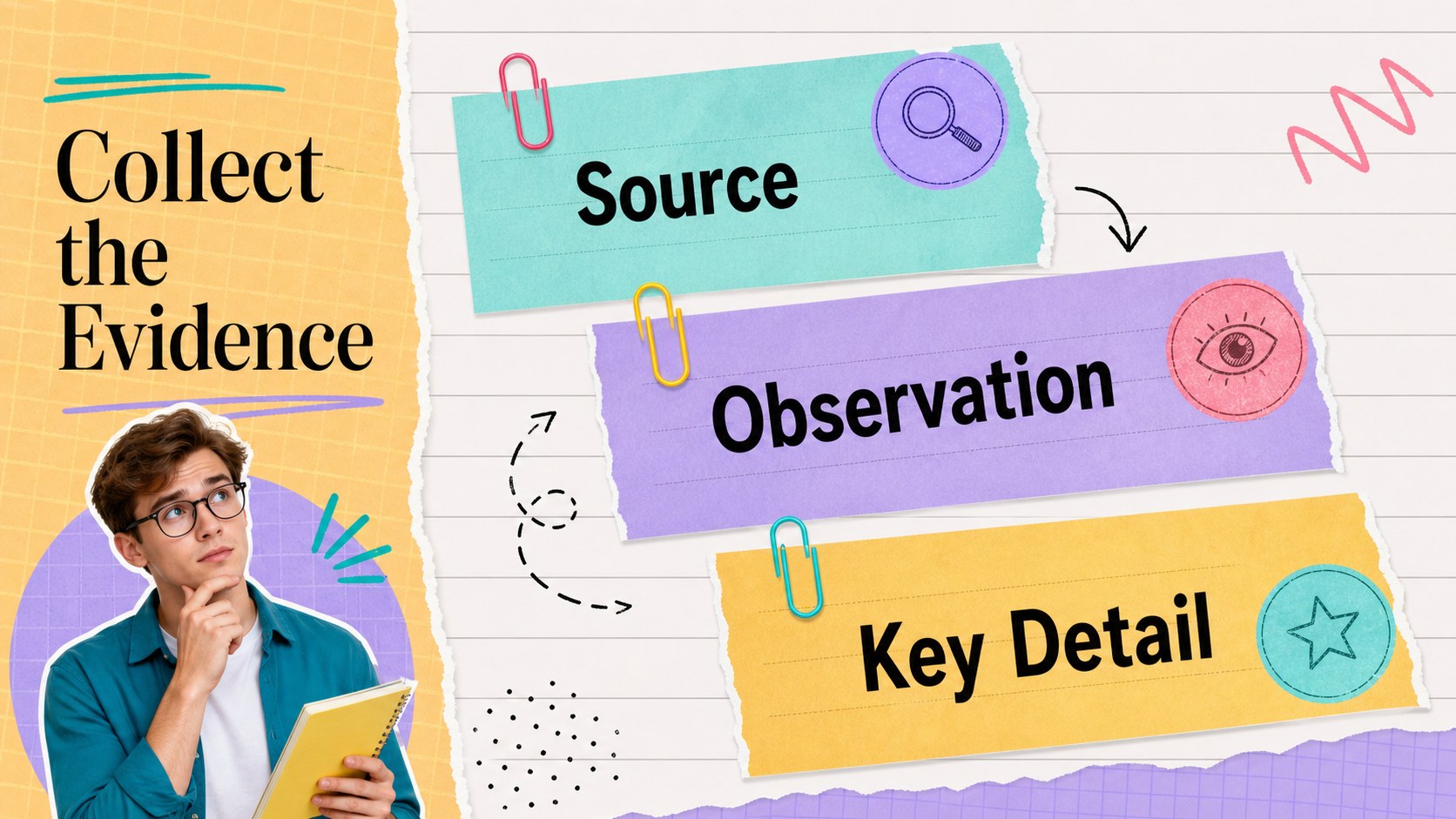
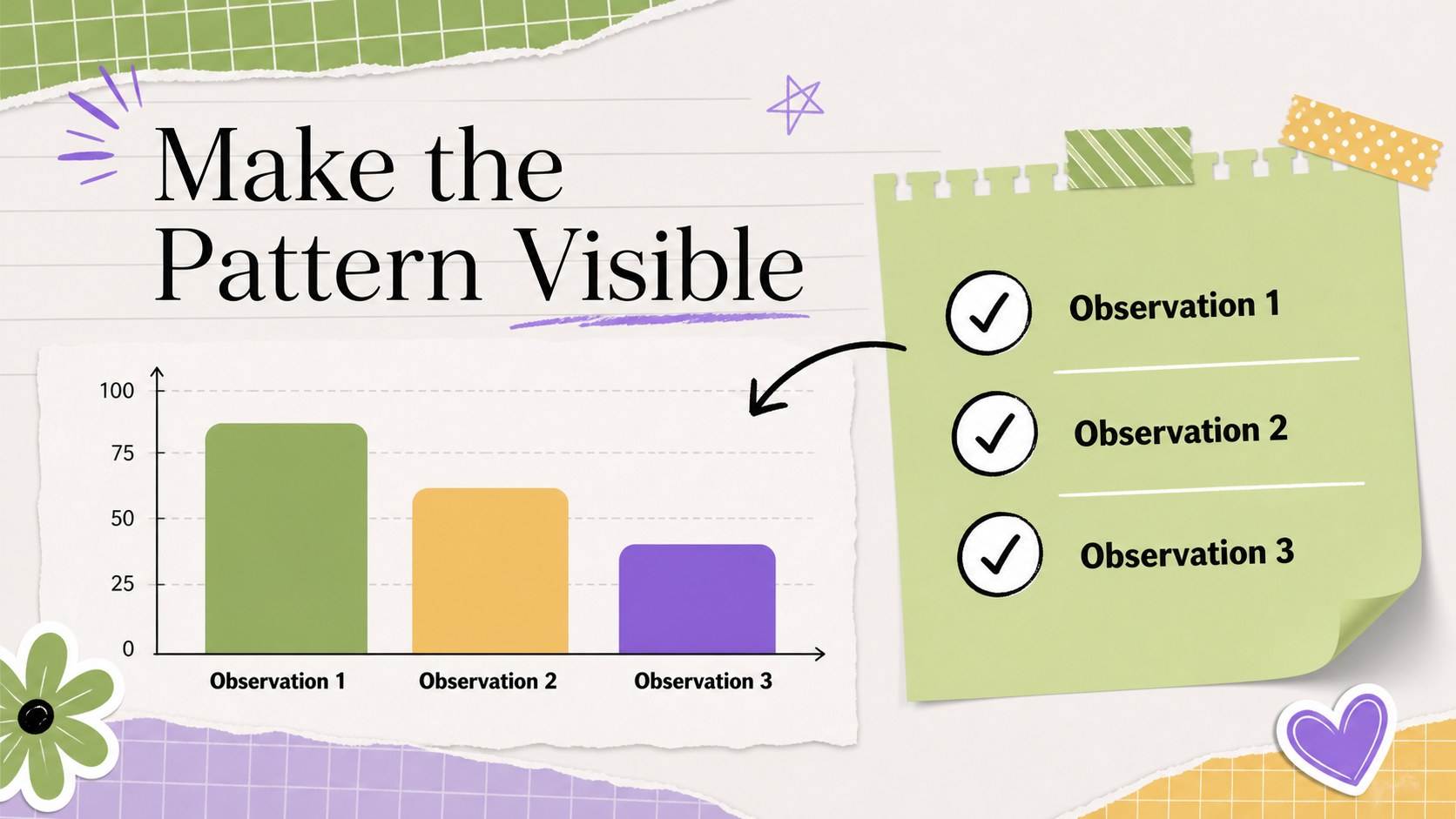
Inside, you will find 19 editable 16:9 layouts for opening a topic, organizing sections, comparing ideas, presenting timelines, highlighting quotes, displaying images, and wrapping up with a clear conclusion. Charts, frames, lines, shapes, emojis, and flexible text areas make it easy to adapt the visual language to different subjects. Animated elements can add movement when presenting digitally, while the layouts remain useful as static files for handouts or exported PDFs.
This template suits middle school and high school students, teachers preparing lesson materials, study groups, and anyone who wants a more expressive alternative to formal academic slides. editing supports drag-and-drop customization, shared projects, speaker notes, media searches, and exports to PowerPoint or Google Slides. Use the deck to turn scattered research into a polished classroom story while preserving a colorful, creative notebook aesthetic.
Perfect for: middle school book report; science research presentation; history project showcase; creative writing portfolio; group classroom assignment.
Frequently asked questions
Can I edit these slides? Yes. The layouts are designed for editing, where you can replace text, images, colors, shapes, and animations with drag-and-drop controls. You can also collaborate with classmates or colleagues in the same project.
Practical details
Yes. The layouts are designed for editing, where you can replace text, images, colors, shapes, and animations with drag-and-drop controls. You can also collaborate with classmates or colleagues in the same project.
Yes. Open the design and export it as a PPTX file for PowerPoint, or save an editable copy to Google Drive for Google Slides. Some animations, fonts, and interactive media may change slightly after conversion.
The flexible layouts work for book reports, science and history projects, creative writing, language assignments, and classroom reflections. Replace the decorative elements and imagery to match the subject while keeping the colorful scrapbook structure.
The deck includes 19 ready-to-edit 16:9 slides with options for introductions, section dividers, image-led content, comparisons, timelines, and conclusions. Charts, frames, shapes, and text areas can be rearranged to fit your project.
Keep exploring
15Build stronger academic arguments with a college essay thesis builder featuring guided examples, revision prompts, and editable PowerPoint and Google Slides.
 15
15Build an engaging World UFO Day session with this flying saucer history lesson deck, featuring retro green-and-brown slides for PowerPoint and Google Slides.
 14
14Plan a memorable Lunar New Year campaign with the 2036 Dragon Year Celebration Theme, featuring bold red-and-yellow slides for lessons and events.
 15
15Build a thoughtful classroom discussion with this interfaith awareness lesson deck, featuring editable blue-and-white slides for PowerPoint and Google Slides.
 15
15Use this environmental awareness lesson deck to teach climate action through illustrated activities, discussion prompts, and ready-to-edit visuals.
 15
15Build playful lessons and party stories with a kid-friendly zombie celebration theme in purple, green and pastel blue for PowerPoint and Google Slides.
 15
15Build eerie lessons, campaigns, and story pitches with an undead survival scenario theme featuring editable slides for PowerPoint and Google Slides.
 16
16Turn environmental research into a clear story with a Watercolor Ecology Presentation Theme for PowerPoint and Google Slides in calming green and blue.