
 15
15presentation
College Essay Thesis Builder Slides
Build stronger academic arguments with a college essay thesis builder featuring guided examples, revision prompts, and editable PowerPoint and Google Slides.
Google SlidesPowerPoint
presentation · English
Share interests, strengths, and future plans with colorful student introduction slides designed for high school classes in PowerPoint and Google Slides.
Design notes
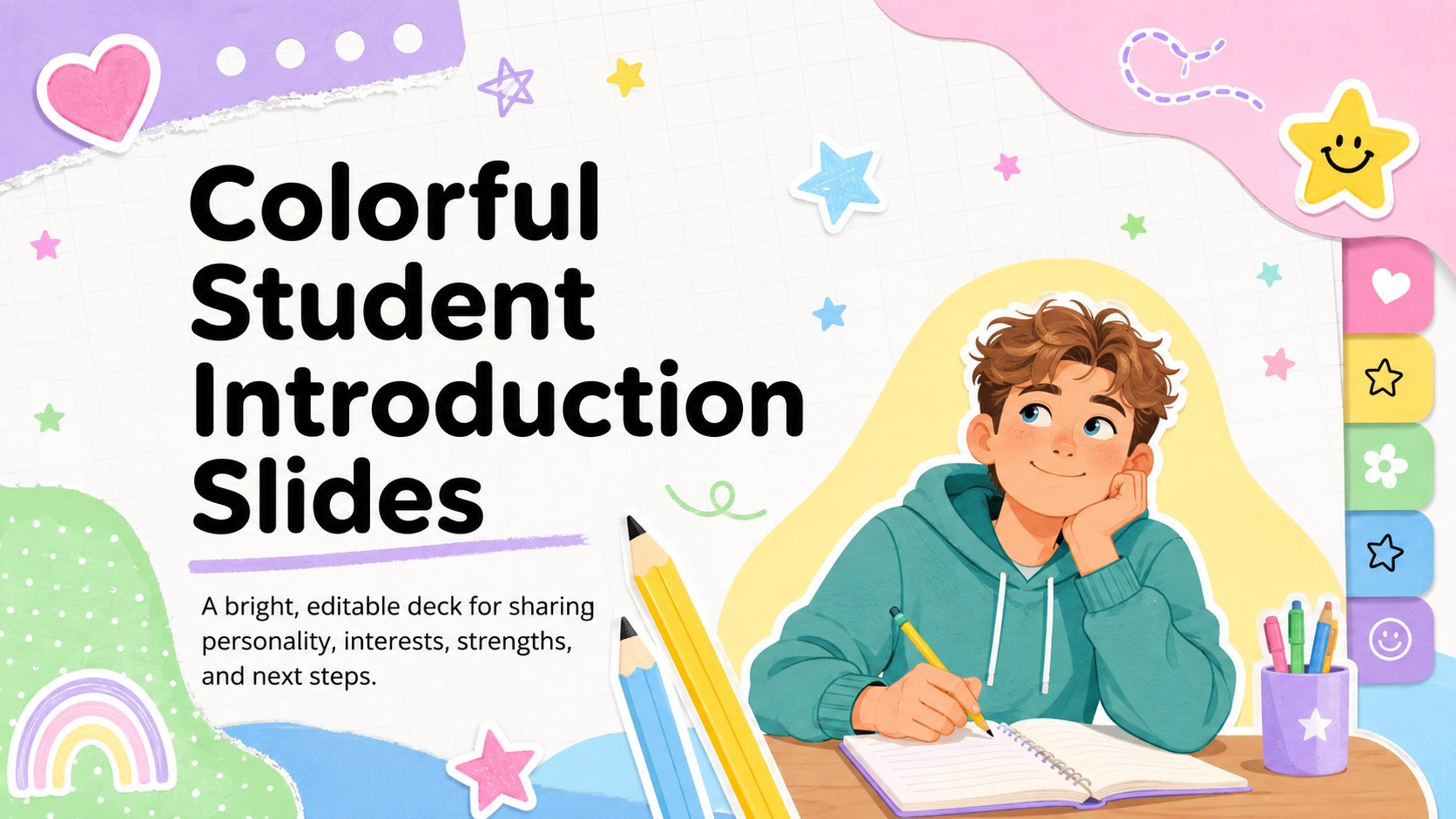
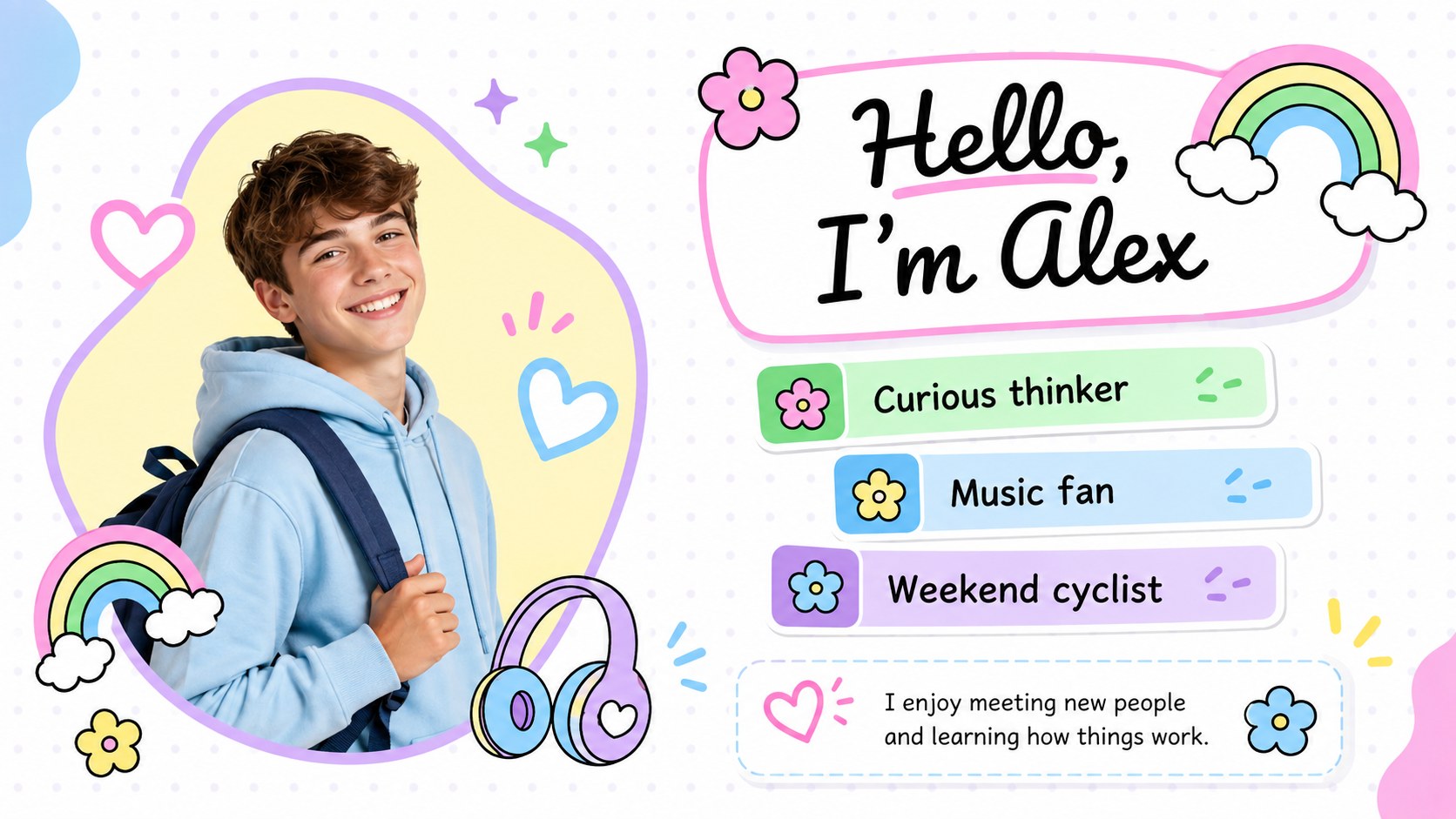
Colorful student introduction slides give teenagers a lively, organized way to tell classmates, teachers, or school groups who they are. The white canvas, cheerful pastel accents, playful shapes, and original illustrations create a welcoming look without distracting from each student’s story. Every layout can be edited in PowerPoint or Google Slides to reflect individual interests, experiences, and ambitions.
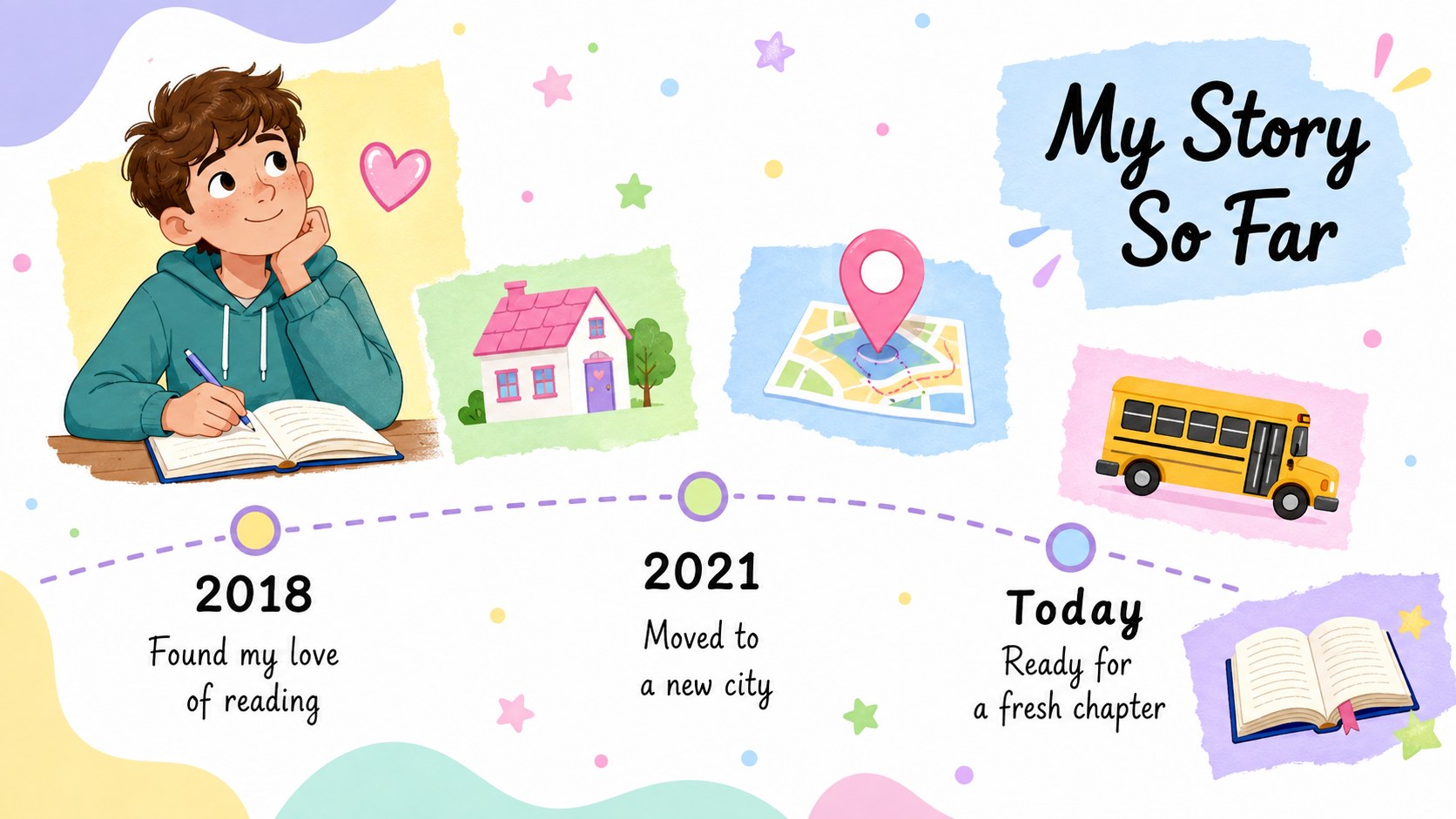
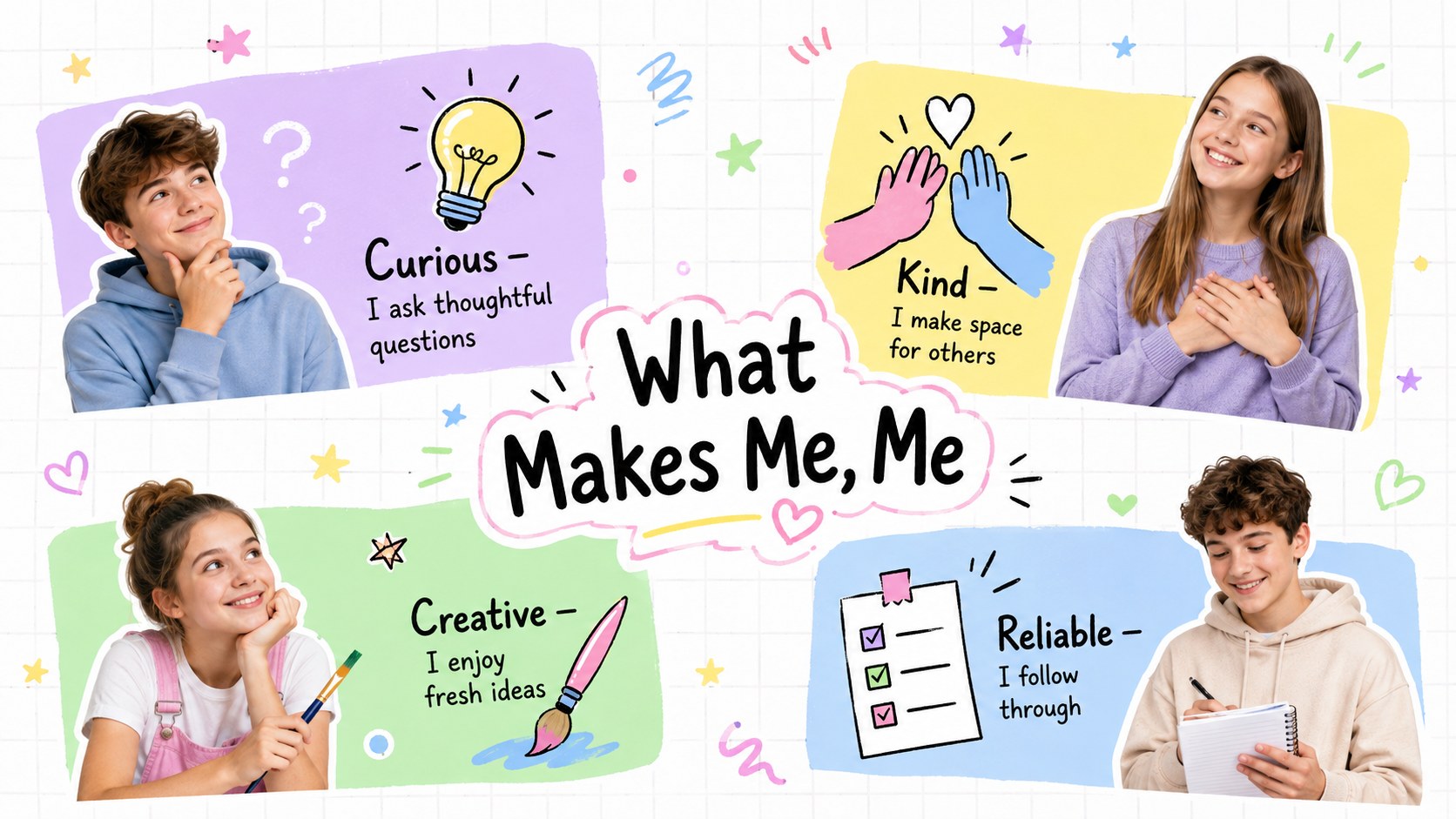
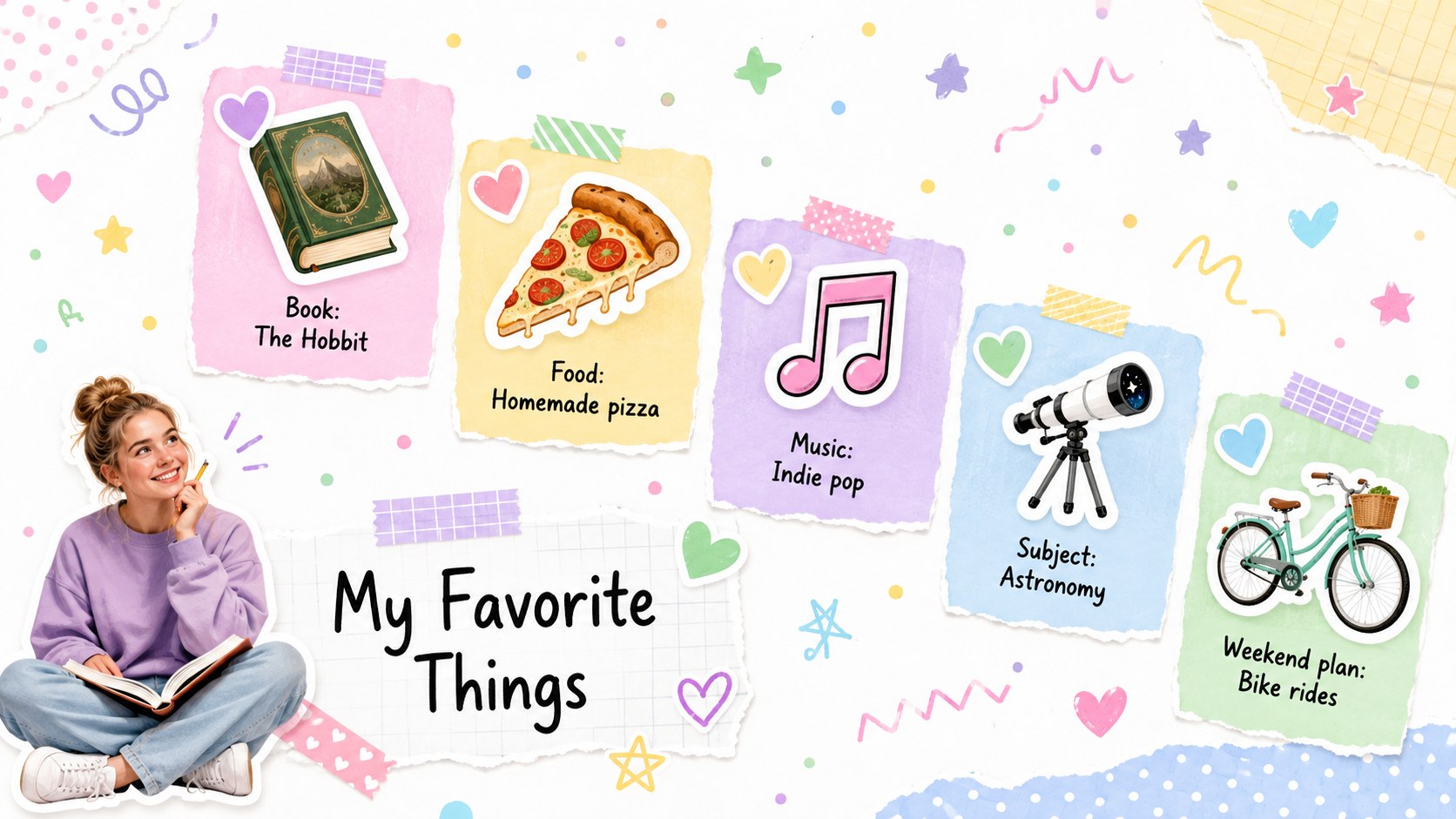
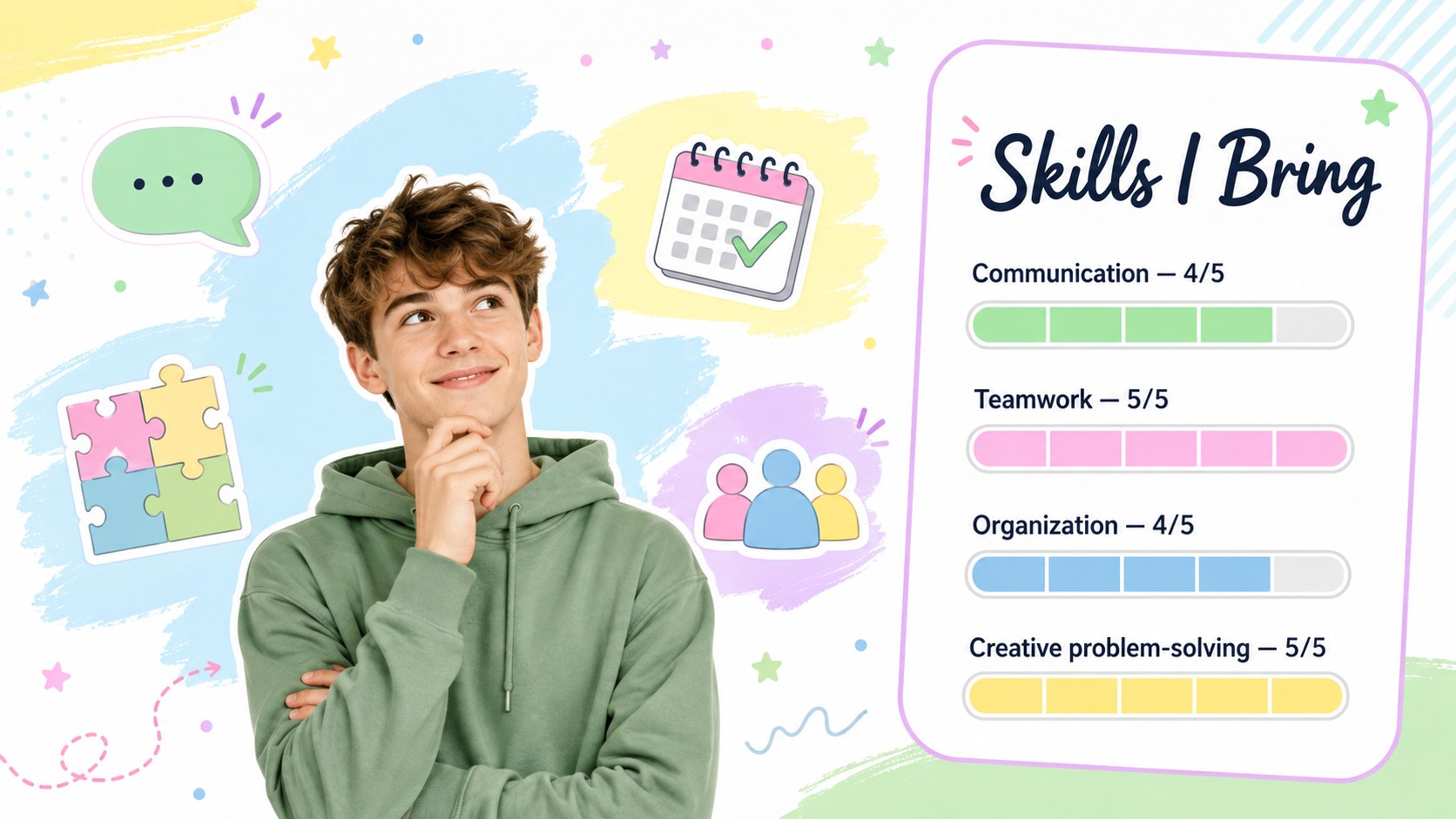
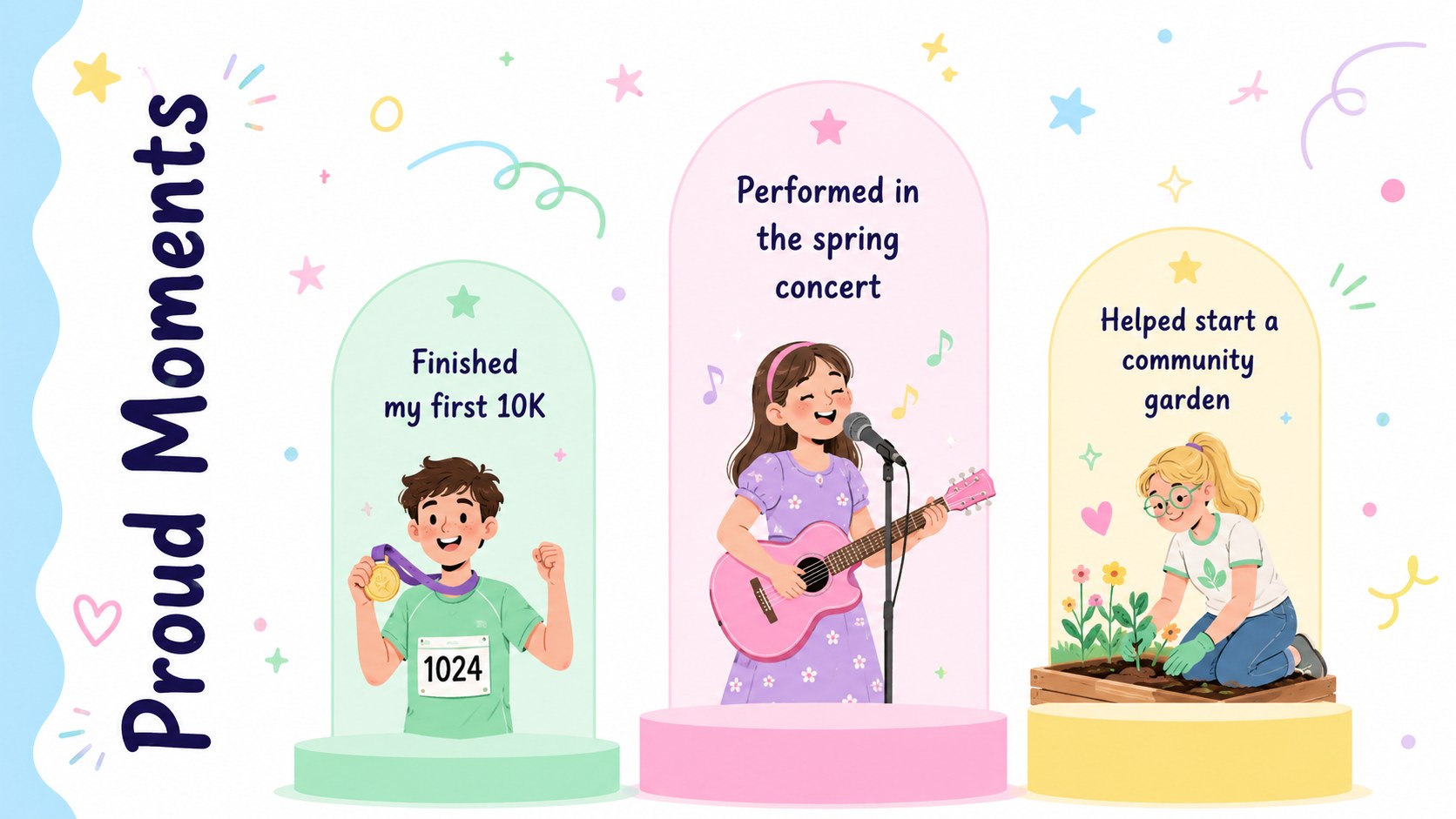
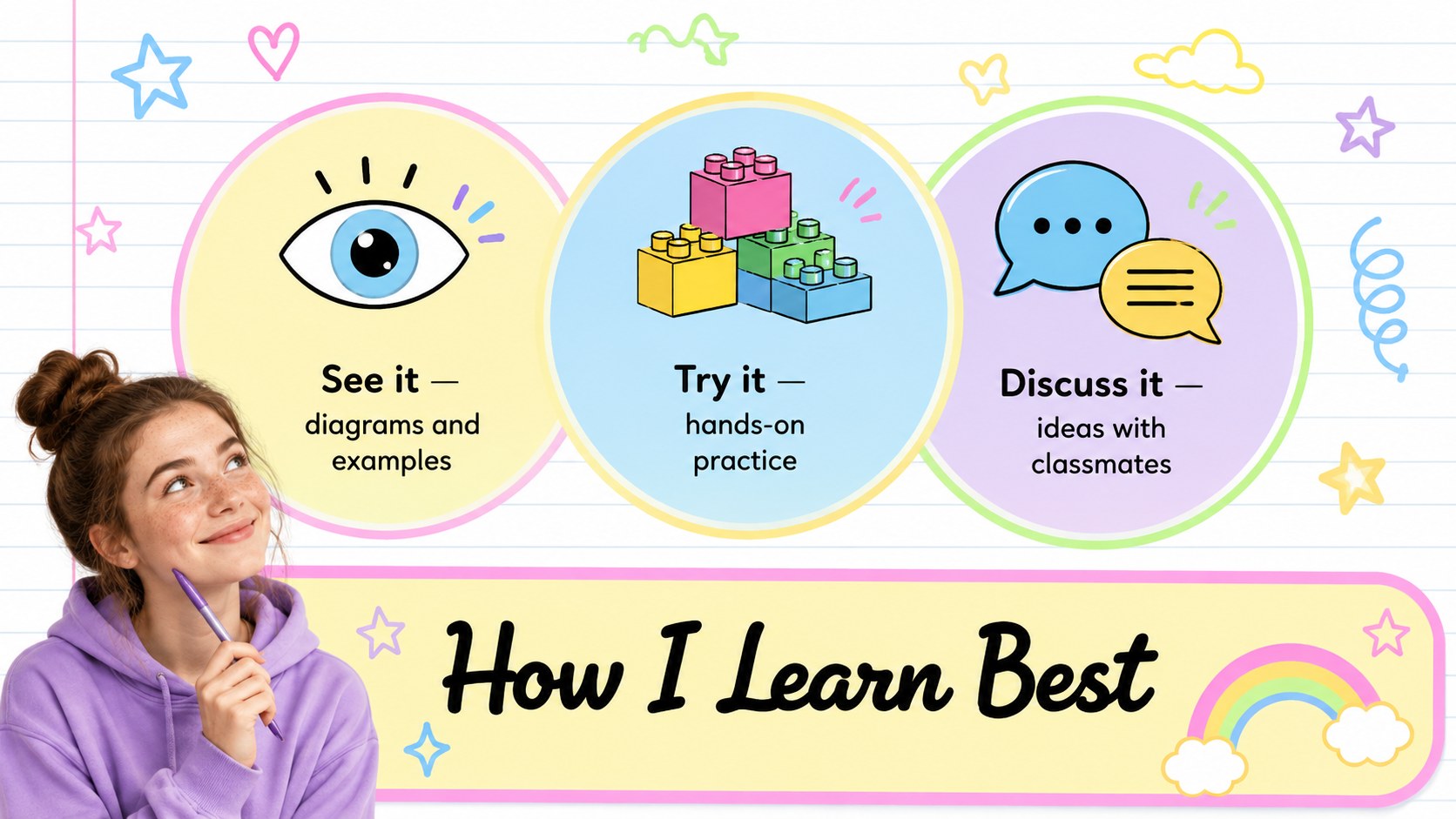
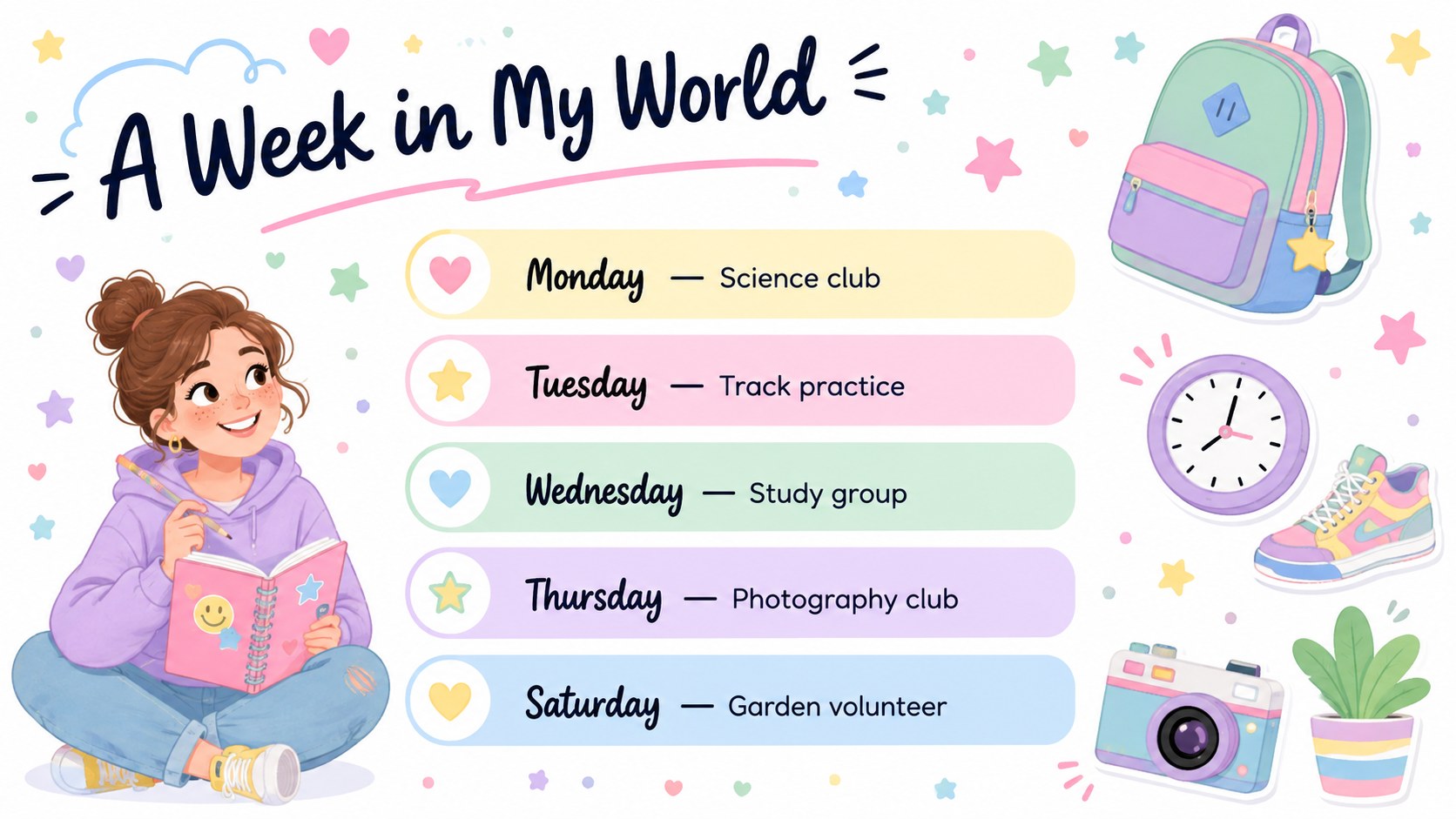
The 14-slide deck includes space for a personal profile, favorite things, strengths, proud moments, learning preferences, weekly activities, inspiring people, challenges, and future goals. Students can replace the sample text, adjust the colors, upload photos, and rearrange elements for a more personal result. Use it as a high school about me presentation, a student icebreaker slideshow template, or a personal goals presentation for teens. The widescreen format works well on classroom displays and during online lessons.
Designed for middle and high school students, this presentation also suits student council introductions, club meetings, advisory sessions, and college-readiness activities. Teachers can assign selected slides for a quick first-day activity or use the complete deck for a longer speaking project. The varied prompts help students plan what to say while giving them enough creative freedom to present an authentic, confident profile.
Perfect for: first-day classroom introduction; student council candidate speech; school club welcome meeting; advisory icebreaker activity; college-readiness personal profile.
Frequently asked questions
Can students edit every part of this presentation? Yes. Text, colors, illustrations, photos, and layout elements can be customized to match each student’s personality and story.
Practical details
Yes. Text, colors, illustrations, photos, and layout elements can be customized to match each student’s personality and story.
The deck is designed for PowerPoint and Google Slides. Its 16:9 format is suitable for classroom projectors, laptops, and online presentations.
Yes. Teachers can select only the profile, favorites, strengths, and goals slides for a shorter introduction exercise while keeping the visual style consistent.
Students can replace sample details, add their own photographs, recolor decorative shapes, and choose the layouts that best fit their story. They should also review text size and contrast before presenting.
Keep exploring
15Build stronger academic arguments with a college essay thesis builder featuring guided examples, revision prompts, and editable PowerPoint and Google Slides.
 15
15Build an engaging World UFO Day session with this flying saucer history lesson deck, featuring retro green-and-brown slides for PowerPoint and Google Slides.
 14
14Plan a memorable Lunar New Year campaign with the 2036 Dragon Year Celebration Theme, featuring bold red-and-yellow slides for lessons and events.
 15
15Build a thoughtful classroom discussion with this interfaith awareness lesson deck, featuring editable blue-and-white slides for PowerPoint and Google Slides.
 15
15Use this environmental awareness lesson deck to teach climate action through illustrated activities, discussion prompts, and ready-to-edit visuals.
 15
15Build playful lessons and party stories with a kid-friendly zombie celebration theme in purple, green and pastel blue for PowerPoint and Google Slides.
 15
15Build eerie lessons, campaigns, and story pitches with an undead survival scenario theme featuring editable slides for PowerPoint and Google Slides.
 16
16Turn environmental research into a clear story with a Watercolor Ecology Presentation Theme for PowerPoint and Google Slides in calming green and blue.