
 15
15presentation
College Essay Thesis Builder Slides
Build stronger academic arguments with a college essay thesis builder featuring guided examples, revision prompts, and editable PowerPoint and Google Slides.
Google SlidesPowerPoint
presentation · English
Turn evidence into a focused conversation with this Colorful Student Growth Meeting Portfolio for PowerPoint and Google Slides. Six editable pages included.
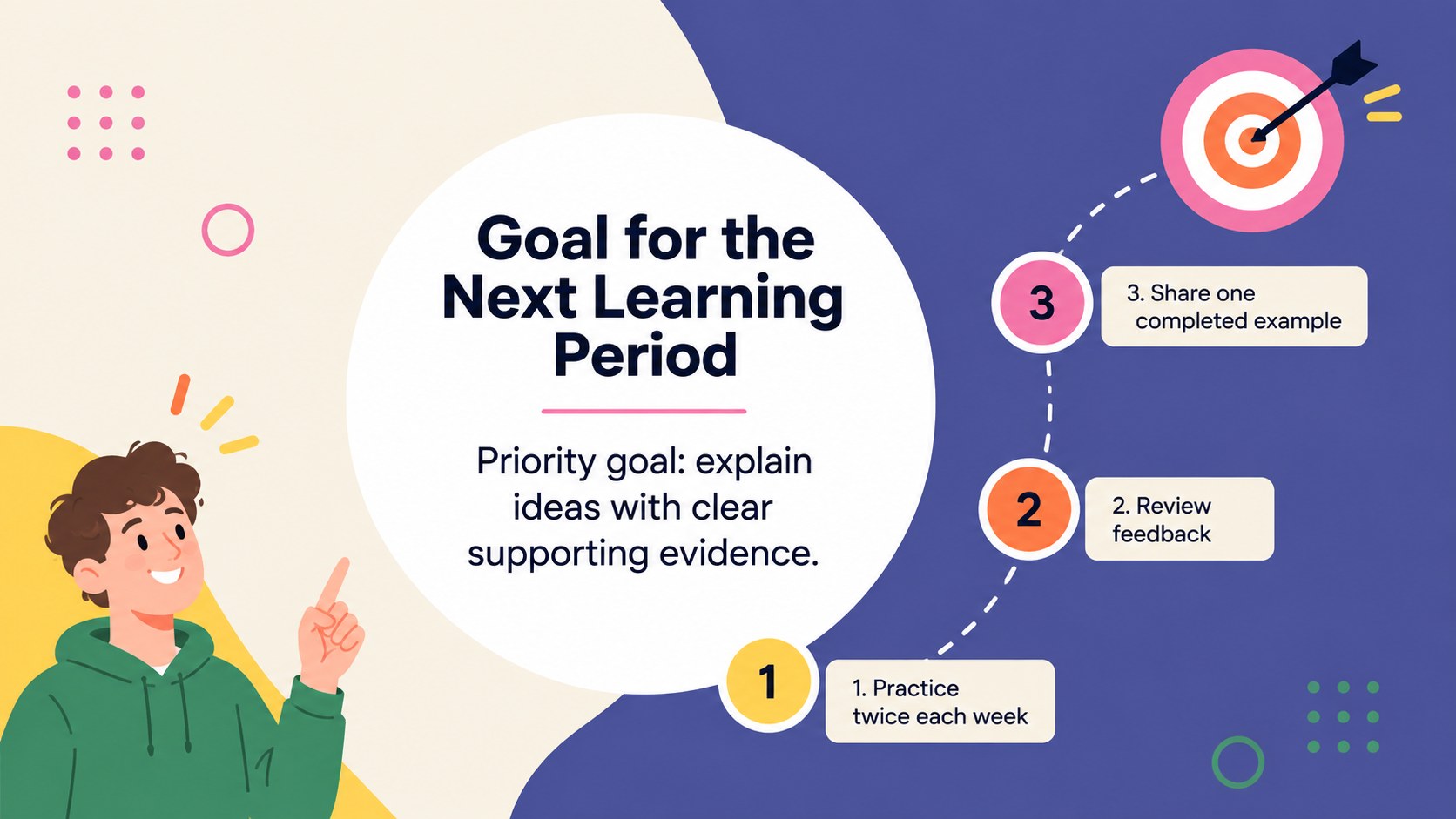
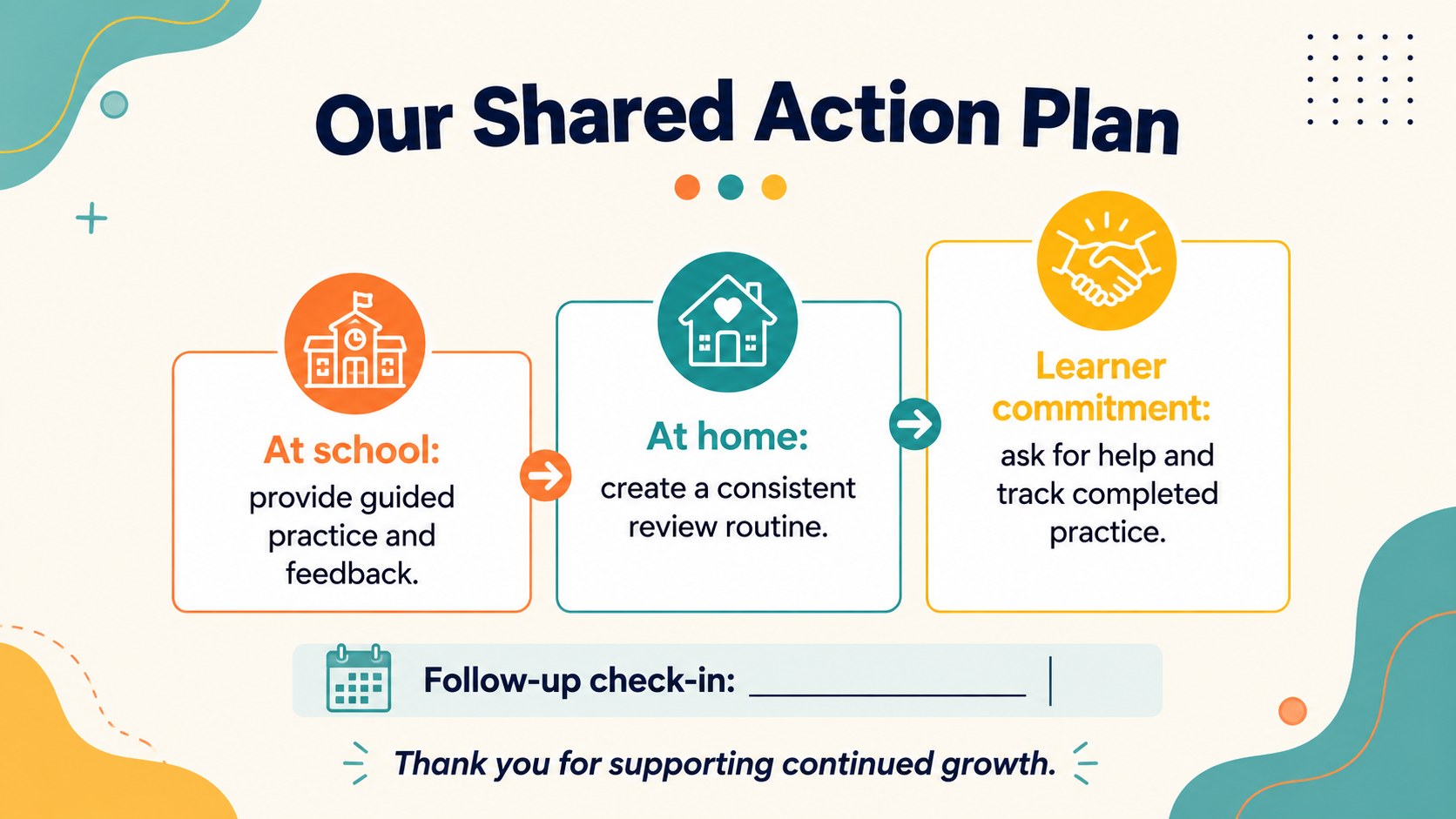
Design notes
The Colorful Student Growth Meeting Portfolio helps educators turn classroom observations, assessment results, and learner achievements into a focused family discussion. Its modern minimalist design uses an energetic multicolor palette, clean typography, and approachable visual details to make progress information easy to understand. Edit the full presentation in PowerPoint or Google Slides to match your class, subject, and meeting format.
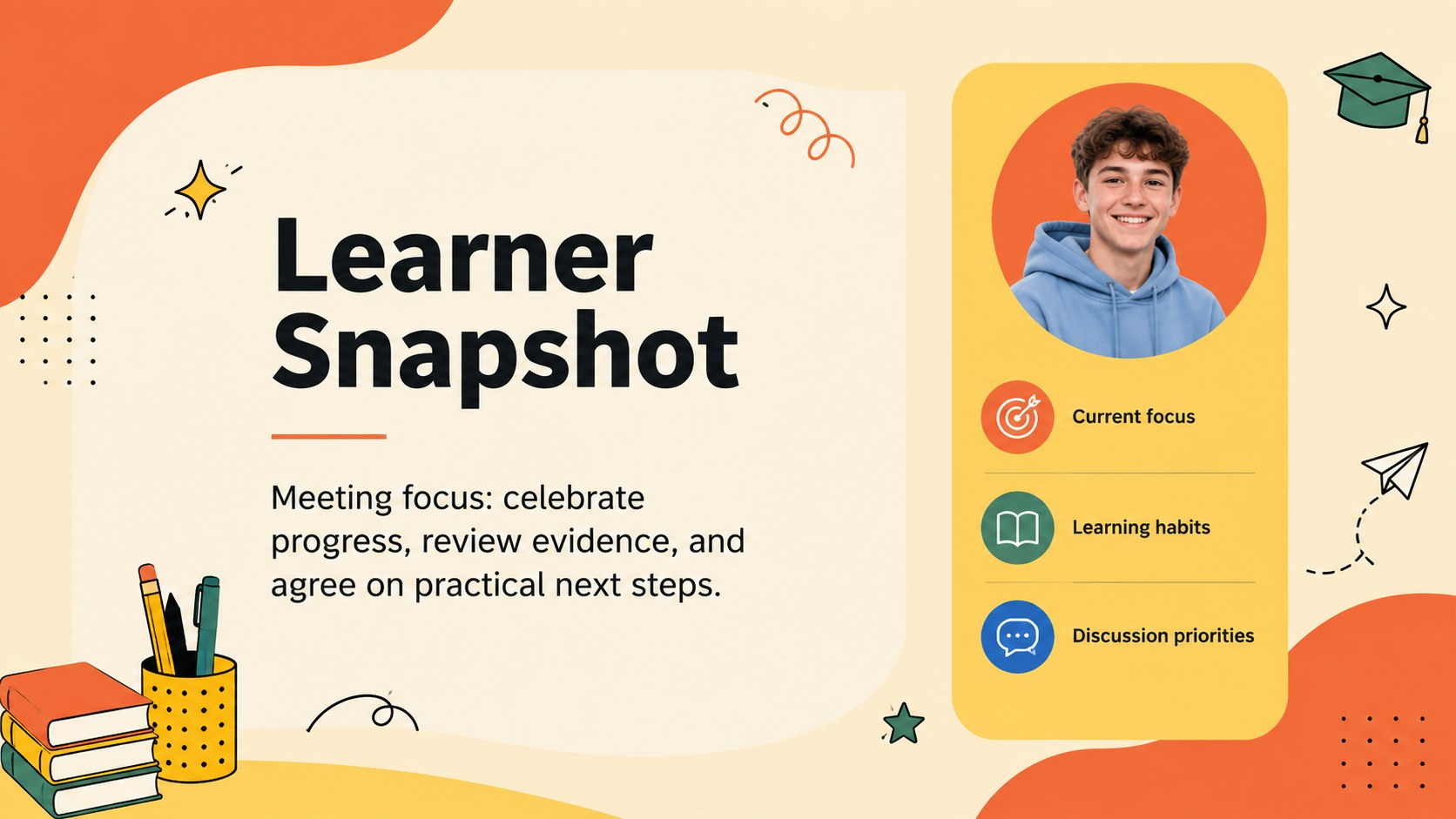
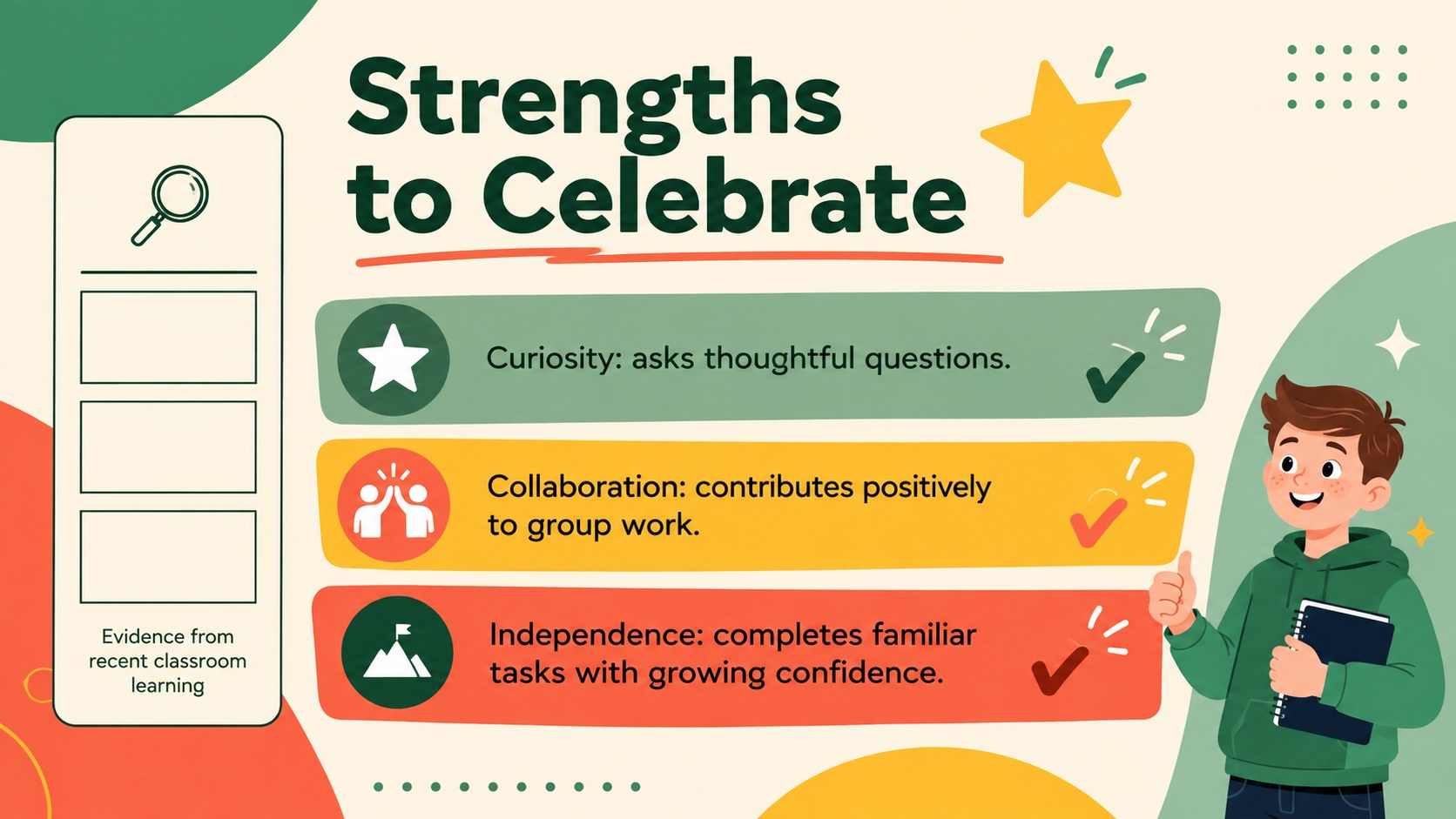
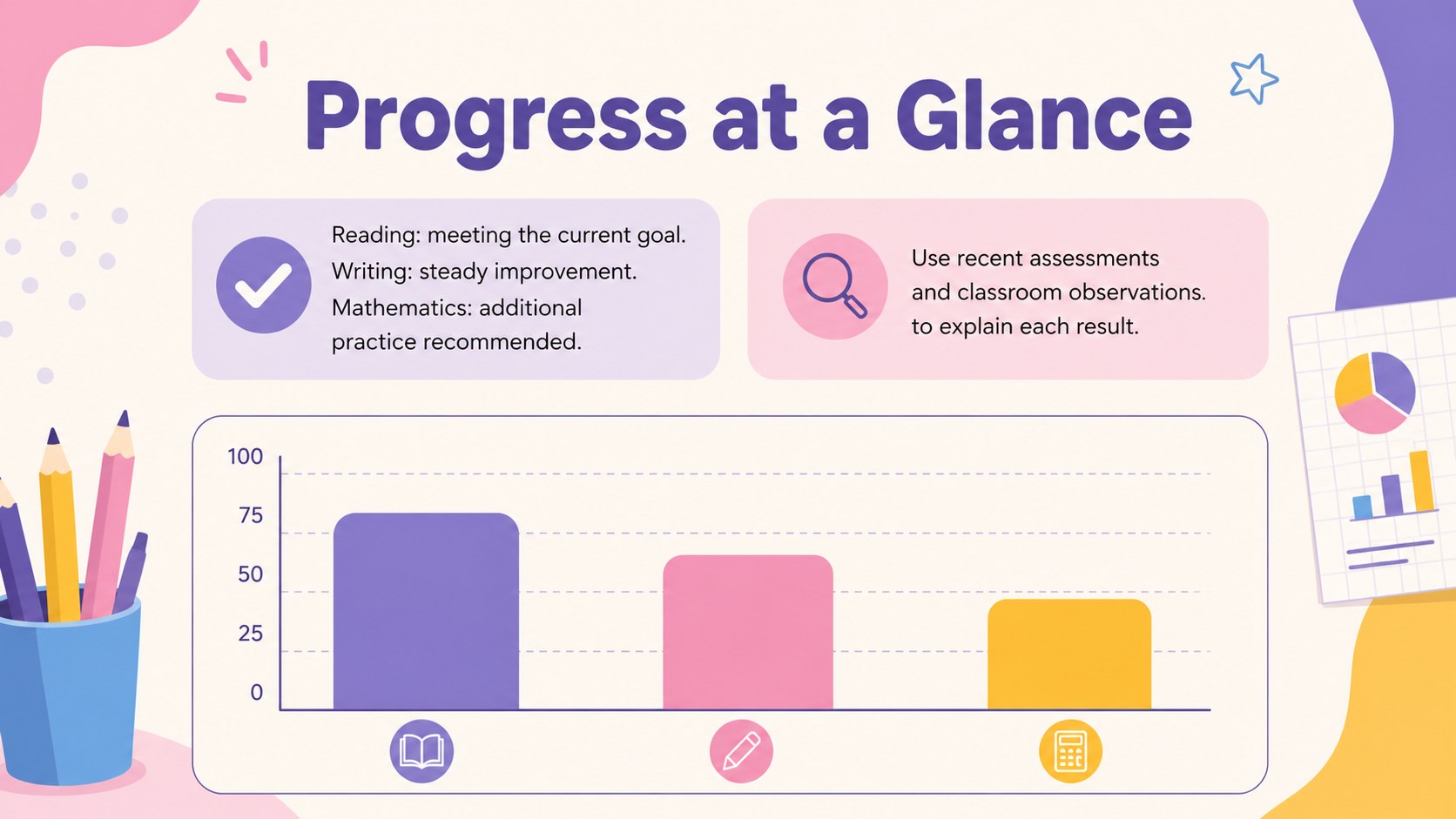
Six coordinated slides guide the conversation from an opening overview to practical next steps. Use the layouts to introduce the learner, summarize strengths, present academic evidence, discuss developing skills, establish goals, and record a shared action plan. Charts, concise text areas, and visual indicators make this a useful learning progress summary deck without overwhelming families with dense data. The student strengths and next steps slides can also be adapted with work samples, assessment notes, attendance information, or classroom observations.
Designed for teachers, tutors, school counselors, intervention teams, and learning support staff, this teacher family communication presentation works for elementary or secondary settings. Customize the colors, wording, fonts, and data displays while preserving the bright, modern-minimal character. Use it during scheduled conferences, intervention reviews, portfolio discussions, or individual progress check-ins to keep the meeting constructive, specific, and centered on the learner.
Perfect for: individual learner progress review; family conference discussion; academic intervention meeting; student portfolio showcase; term goal-setting session.
Frequently asked questions
Can I edit this portfolio in PowerPoint and Google Slides? Yes. Every slide can be edited in PowerPoint or Google Slides, including the headings, text, colors, charts, and visual elements. You can duplicate or remove sections to fit the length of your meeting.
Practical details
Yes. Every slide can be edited in PowerPoint or Google Slides, including the headings, text, colors, charts, and visual elements. You can duplicate or remove sections to fit the length of your meeting.
Replace the sample wording with the learner's achievements, assessment evidence, classroom observations, and agreed goals. You can also add work samples or a student photo where permitted by your school's privacy policy.
Yes. The structure works for elementary, middle, and high school meetings because the content areas are flexible. Adjust the vocabulary, performance measures, and goal categories for the learner's age and curriculum.
Yes. The concise layouts can be exported to PDF and printed for families or school records. Review the print preview first to confirm that charts and text remain legible in your chosen paper size.
Keep exploring
15Build stronger academic arguments with a college essay thesis builder featuring guided examples, revision prompts, and editable PowerPoint and Google Slides.
 15
15Build an engaging World UFO Day session with this flying saucer history lesson deck, featuring retro green-and-brown slides for PowerPoint and Google Slides.
 14
14Plan a memorable Lunar New Year campaign with the 2036 Dragon Year Celebration Theme, featuring bold red-and-yellow slides for lessons and events.
 15
15Build a thoughtful classroom discussion with this interfaith awareness lesson deck, featuring editable blue-and-white slides for PowerPoint and Google Slides.
 15
15Use this environmental awareness lesson deck to teach climate action through illustrated activities, discussion prompts, and ready-to-edit visuals.
 15
15Build playful lessons and party stories with a kid-friendly zombie celebration theme in purple, green and pastel blue for PowerPoint and Google Slides.
 15
15Build eerie lessons, campaigns, and story pitches with an undead survival scenario theme featuring editable slides for PowerPoint and Google Slides.
 16
16Turn environmental research into a clear story with a Watercolor Ecology Presentation Theme for PowerPoint and Google Slides in calming green and blue.