
 15
15presentation
College Essay Thesis Builder Slides
Build stronger academic arguments with a college essay thesis builder featuring guided examples, revision prompts, and editable PowerPoint and Google Slides.
Google SlidesPowerPoint
presentation · English
Turn announcements into attention-grabbing displays with a colorful school event flyer kit for PowerPoint and Google Slides, featuring four editable layouts.

Design notes
Give campus news a lively, organized home with this colorful school event flyer kit. Built for quick editing in PowerPoint and Google Slides, the collection combines bold typography, playful geometric shapes, and an energetic multicolored palette. Use these editable school event flyer slides to promote activities without designing every announcement from scratch.
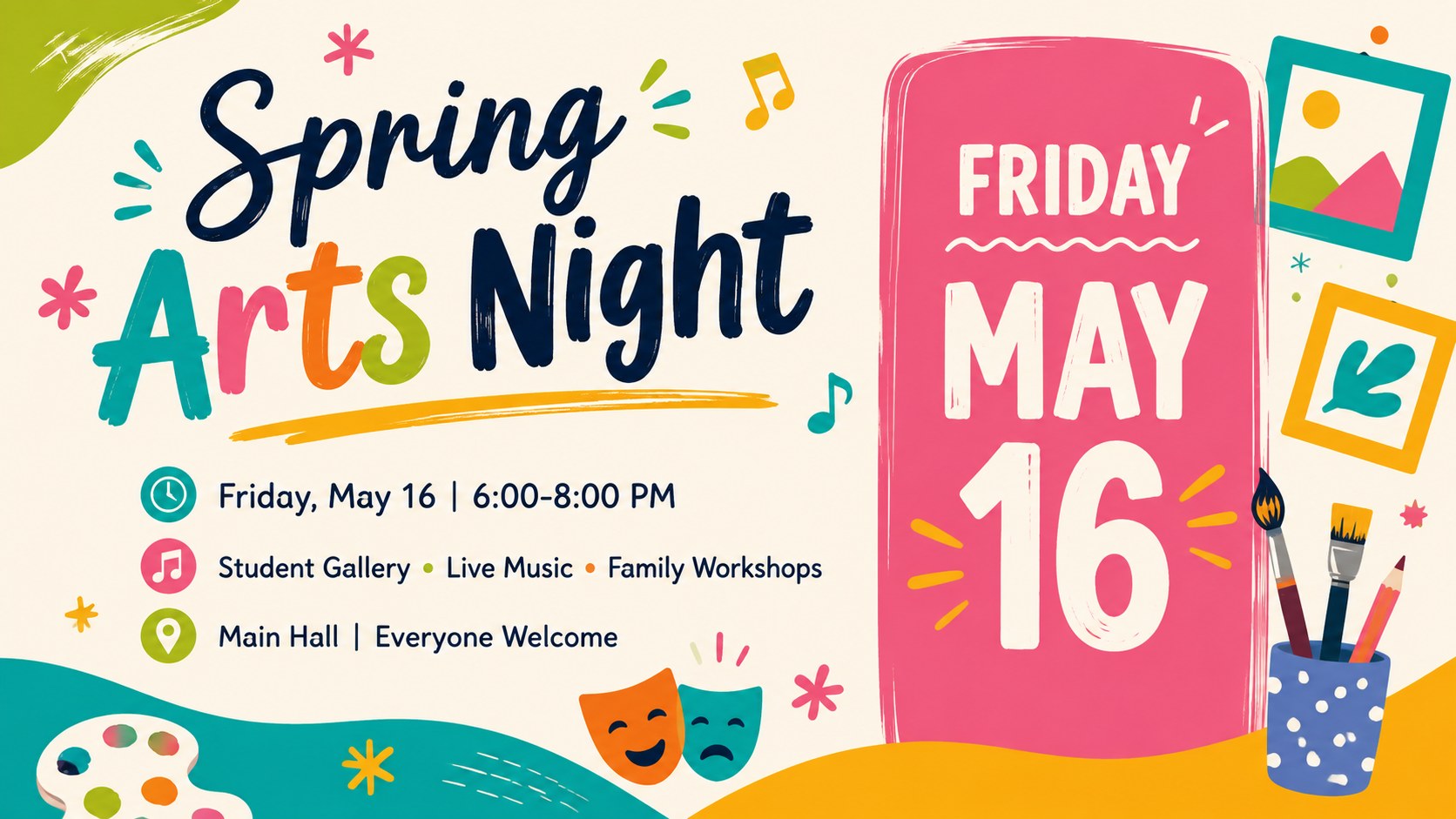
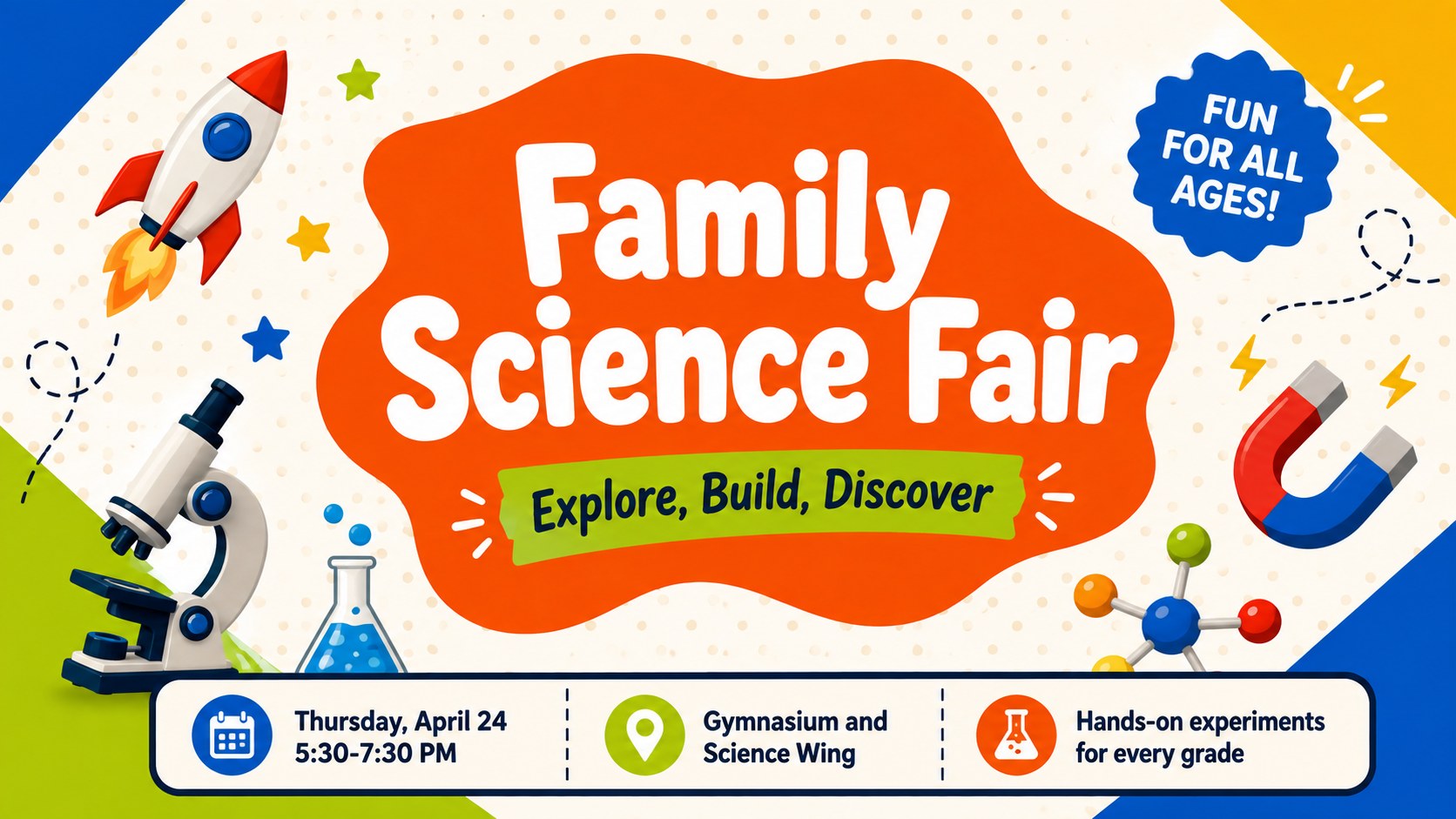
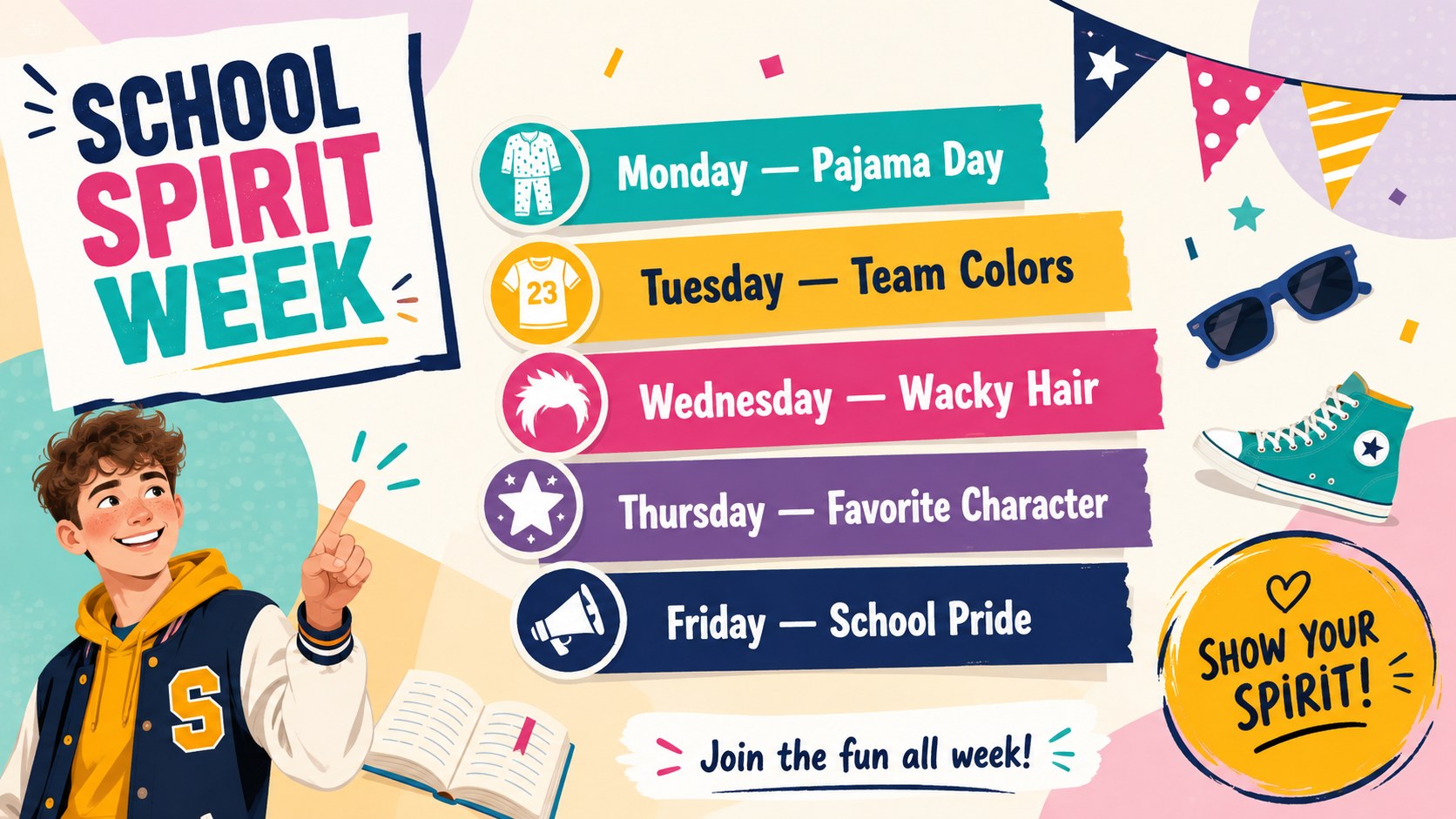
The kit includes four distinct 16:9 layouts: a general event cover, an arts night announcement, a science fair promotion, and a spirit week schedule. Each design provides clear areas for event names, dates, locations, program details, and short calls to action. Colors, fonts, icons, and text can be adjusted to match a school identity or a specific celebration. The structured layouts also work well on classroom displays, digital noticeboards, newsletters, and social channels.
Teachers, administrators, parent groups, student councils, and activity coordinators can adapt the designs for assemblies, fundraisers, performances, clubs, open houses, or family events. Whether you need a school open house flyer PowerPoint layout or a family night poster Google Slides design, the bright visual hierarchy keeps essential information readable. Duplicate a layout for recurring programs, rearrange sections for longer schedules, or simplify the graphics for formal campus communications.
Perfect for: school open house promotion; family activity night; student arts showcase; campus science fair; spirit week schedule.
Frequently asked questions
Can I edit every part of these flyer layouts? Yes. The headlines, event details, colors, fonts, shapes, and icons can be edited in PowerPoint or Google Slides. You can also duplicate, remove, or rearrange sections to suit different school programs.
Practical details
Yes. The headlines, event details, colors, fonts, shapes, and icons can be edited in PowerPoint or Google Slides. You can also duplicate, remove, or rearrange sections to suit different school programs.
The template is designed for PowerPoint and Google Slides. Both platforms support the core layouts and standard editing features, though font rendering may vary slightly between them.
Yes. Replace the sample colors and typography with your school palette, then add an approved logo or mascot artwork where appropriate. Keep strong contrast between text and background so dates and locations remain easy to read.
Yes. The layouts are created in a 16:9 format, but they can be resized or exported as PDF files for printing. Review margins and image resolution after resizing to ensure a clean printed result.
Keep exploring
15Build stronger academic arguments with a college essay thesis builder featuring guided examples, revision prompts, and editable PowerPoint and Google Slides.
 15
15Build an engaging World UFO Day session with this flying saucer history lesson deck, featuring retro green-and-brown slides for PowerPoint and Google Slides.
 14
14Plan a memorable Lunar New Year campaign with the 2036 Dragon Year Celebration Theme, featuring bold red-and-yellow slides for lessons and events.
 15
15Build a thoughtful classroom discussion with this interfaith awareness lesson deck, featuring editable blue-and-white slides for PowerPoint and Google Slides.
 15
15Use this environmental awareness lesson deck to teach climate action through illustrated activities, discussion prompts, and ready-to-edit visuals.
 15
15Build playful lessons and party stories with a kid-friendly zombie celebration theme in purple, green and pastel blue for PowerPoint and Google Slides.
 15
15Build eerie lessons, campaigns, and story pitches with an undead survival scenario theme featuring editable slides for PowerPoint and Google Slides.
 16
16Turn environmental research into a clear story with a Watercolor Ecology Presentation Theme for PowerPoint and Google Slides in calming green and blue.