
 15
15presentation
College Essay Thesis Builder Slides
Build stronger academic arguments with a college essay thesis builder featuring guided examples, revision prompts, and editable PowerPoint and Google Slides.
Google SlidesPowerPoint
presentation · English
Build clear company hierarchy mapping slides with colorful collage visuals, editable worksheets, and flexible layouts for PowerPoint and Google Slides.
Design notes
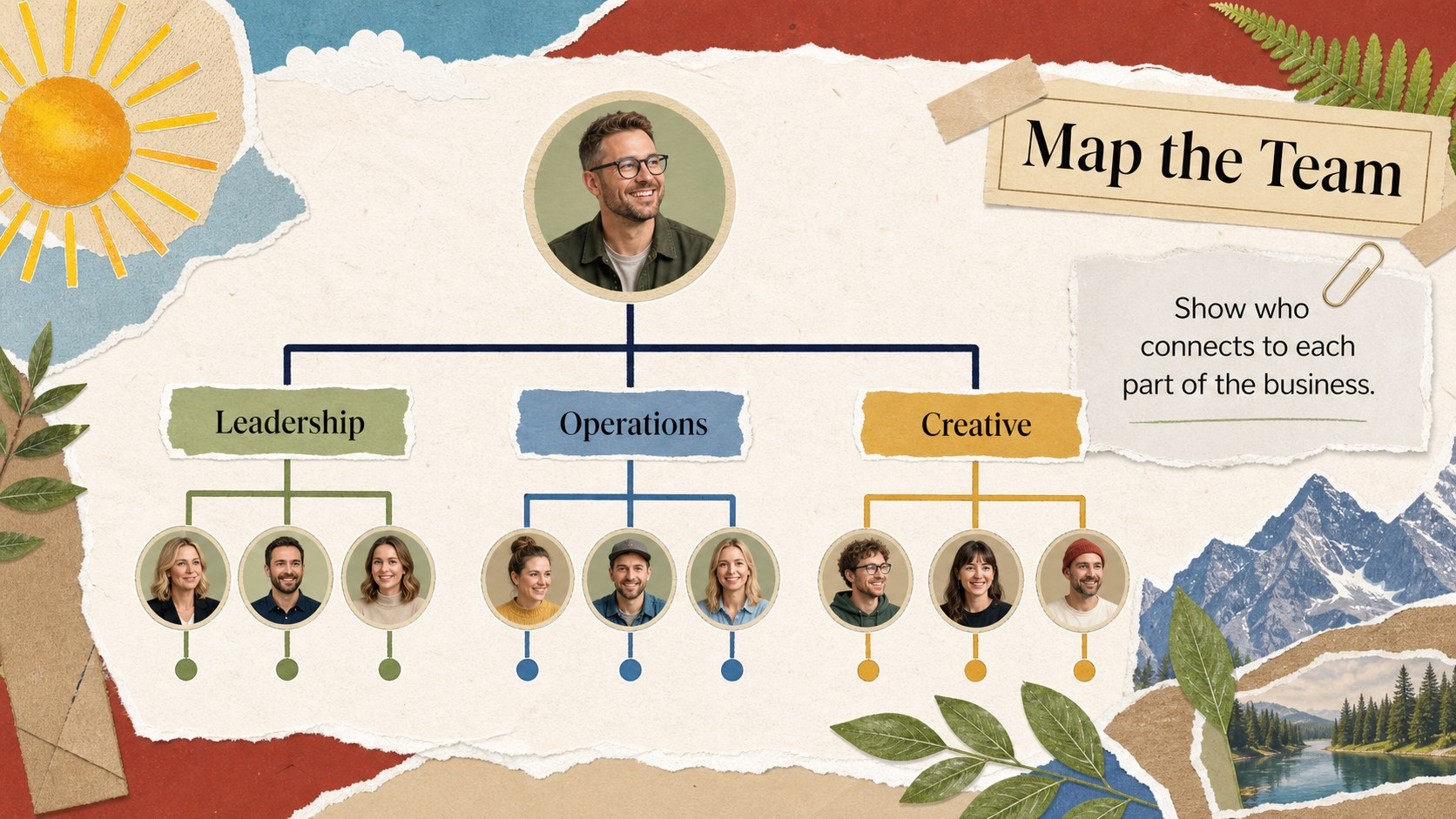
Company hierarchy mapping slides help teams explain reporting lines, departments, and business growth in a format that feels clear and memorable. This colorful collage-style presentation uses paper textures, playful cutout details, nature-inspired accents, and vivid colors to make organizational information easier to discuss. Use it to introduce a growing startup, clarify responsibilities, or connect company values with the people and teams who bring them to life.
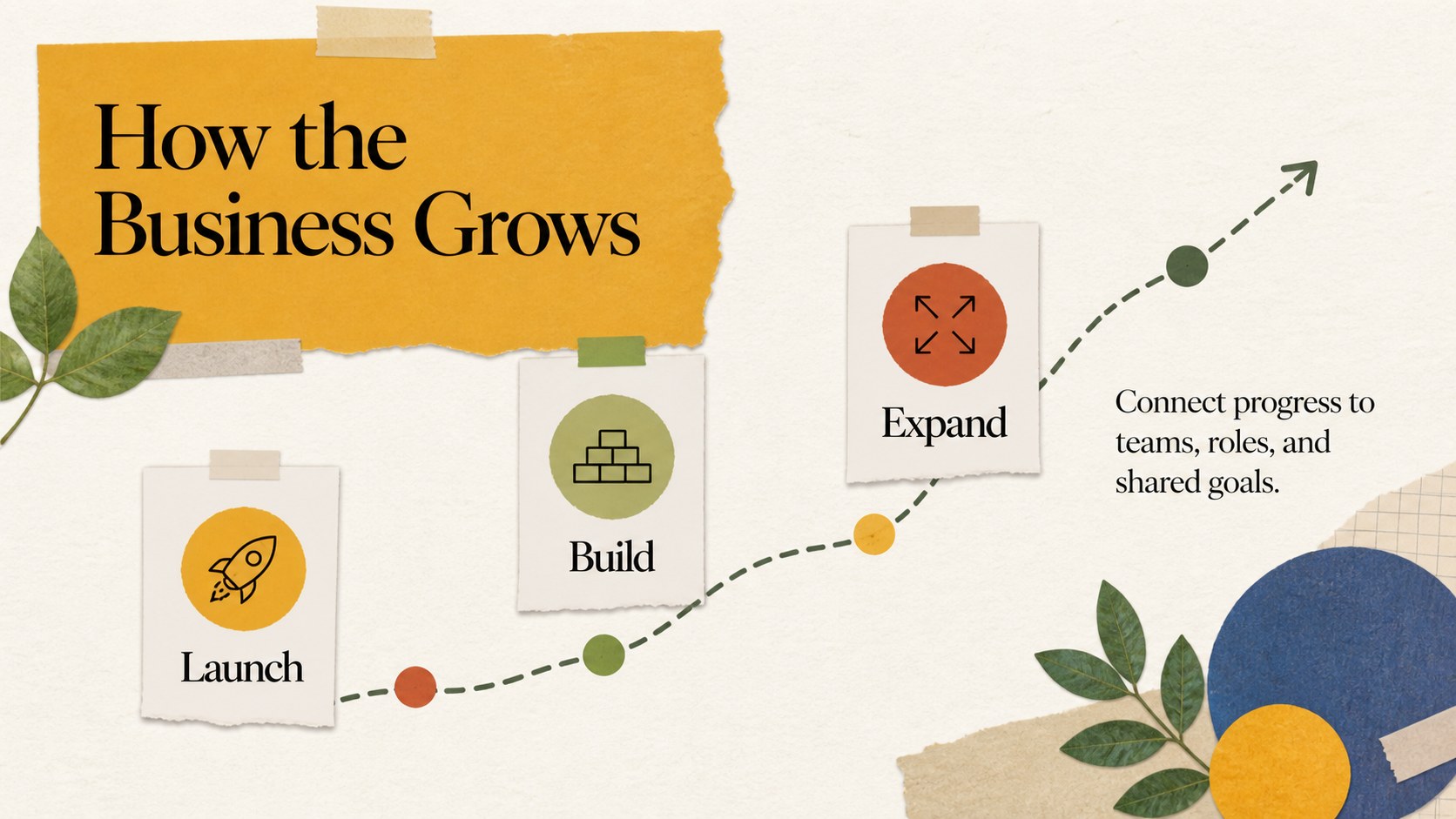
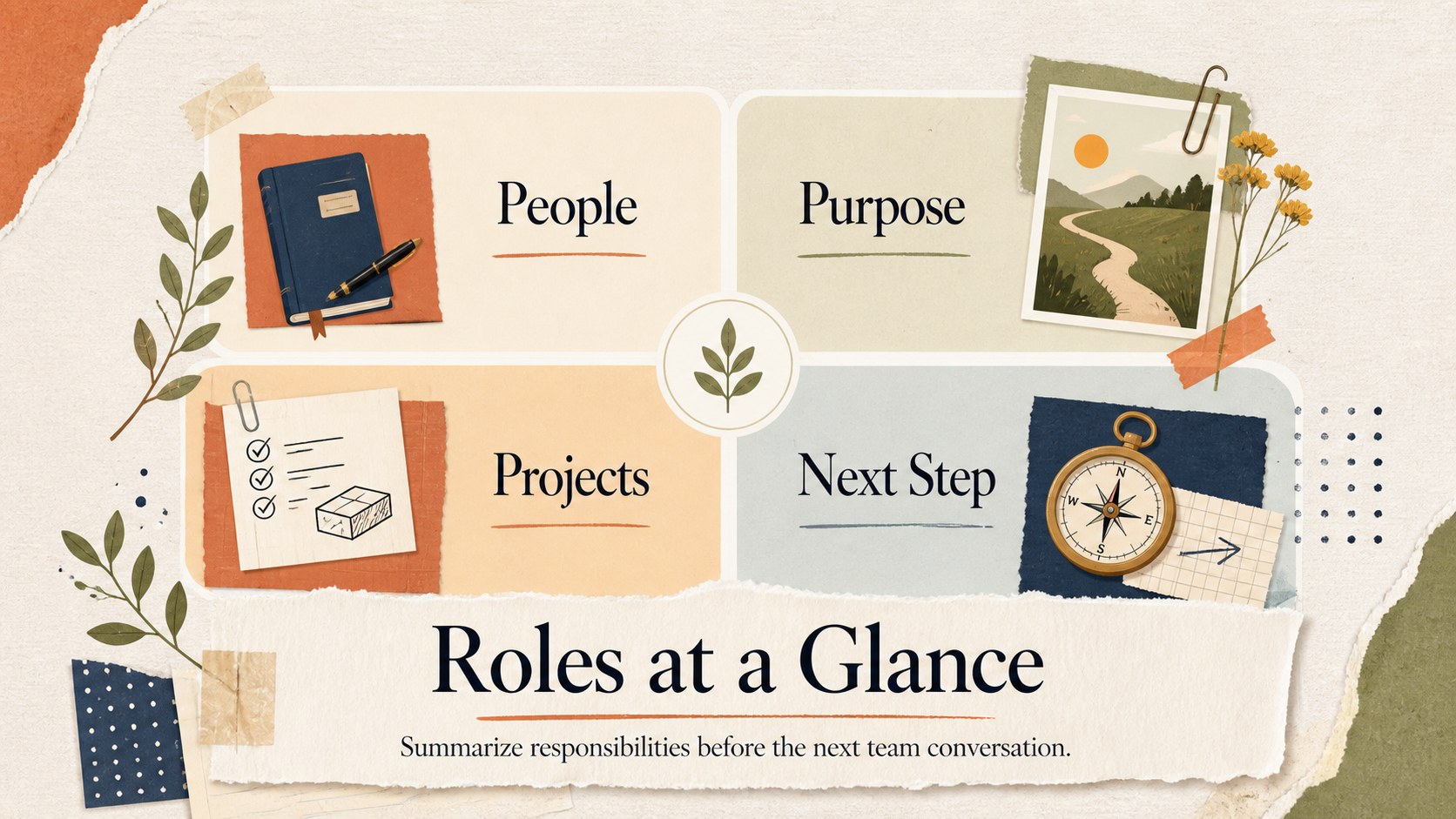
Inside, you’ll find four editable A4 worksheet layouts adapted for a 16:9 presentation workflow. The set includes a title slide, a company structure map, a branching growth diagram, and a summary worksheet for key roles or departments. Charts, frames, lines, shapes, text areas, and image placeholders can be rearranged to create an organizational structure worksheet or a company growth infographic. Add your own labels, team names, milestones, and supporting notes in PowerPoint or Google Slides.
This template suits business owners, HR teams, consultants, educators, and project leads preparing team meetings, onboarding sessions, strategy workshops, or internal reports. Its friendly visual language works especially well when a formal hierarchy diagram needs a more approachable presentation style.
Perfect for: startup team structure briefing; employee onboarding workshop; HR department overview; business growth strategy meeting; consultant organizational mapping session.
Frequently asked questions
Can I edit the hierarchy layouts in PowerPoint? Yes. The presentation layouts are designed for editing in PowerPoint, including text, colors, shapes, lines, frames, and image placeholders. You can adapt the diagrams to match your departments and reporting relationships.
Practical details
Yes. The presentation layouts are designed for editing in PowerPoint, including text, colors, shapes, lines, frames, and image placeholders. You can adapt the diagrams to match your departments and reporting relationships.
Yes, the slides can be opened and customized in Google Slides. Review fonts, spacing, and image placement after importing so the collage elements display as intended.
You can repurpose the branching diagrams and worksheet layouts to show milestones, expansion stages, or new departments. Replace the sample labels with your own dates, metrics, and business details.
The included layouts are based on A4 worksheet proportions and can be exported for printing. Check your printer margins and choose a high-quality PDF export when creating handouts.
Keep exploring
15Build stronger academic arguments with a college essay thesis builder featuring guided examples, revision prompts, and editable PowerPoint and Google Slides.
 15
15Build an engaging World UFO Day session with this flying saucer history lesson deck, featuring retro green-and-brown slides for PowerPoint and Google Slides.
 14
14Plan a memorable Lunar New Year campaign with the 2036 Dragon Year Celebration Theme, featuring bold red-and-yellow slides for lessons and events.
 15
15Build a thoughtful classroom discussion with this interfaith awareness lesson deck, featuring editable blue-and-white slides for PowerPoint and Google Slides.
 15
15Use this environmental awareness lesson deck to teach climate action through illustrated activities, discussion prompts, and ready-to-edit visuals.
 15
15Build playful lessons and party stories with a kid-friendly zombie celebration theme in purple, green and pastel blue for PowerPoint and Google Slides.
 15
15Build eerie lessons, campaigns, and story pitches with an undead survival scenario theme featuring editable slides for PowerPoint and Google Slides.
 16
16Turn environmental research into a clear story with a Watercolor Ecology Presentation Theme for PowerPoint and Google Slides in calming green and blue.