
 15
15presentation
College Essay Thesis Builder Slides
Build stronger academic arguments with a college essay thesis builder featuring guided examples, revision prompts, and editable PowerPoint and Google Slides.
Google SlidesPowerPoint
presentation · English
Plan lessons, tasks, and reminders with a colorful classroom schedule planner made for quick editing in PowerPoint and Google Slides each morning.

Design notes
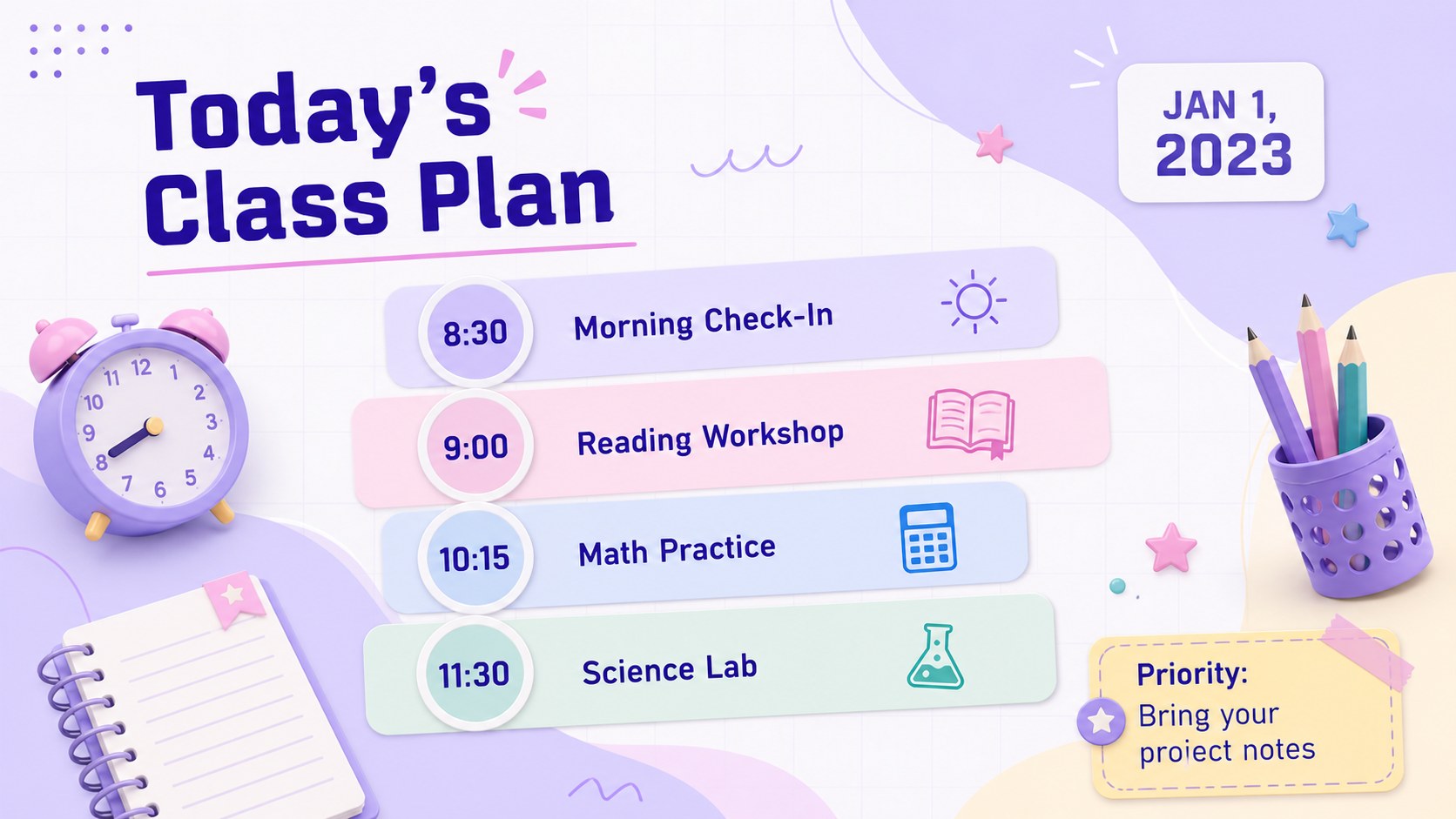
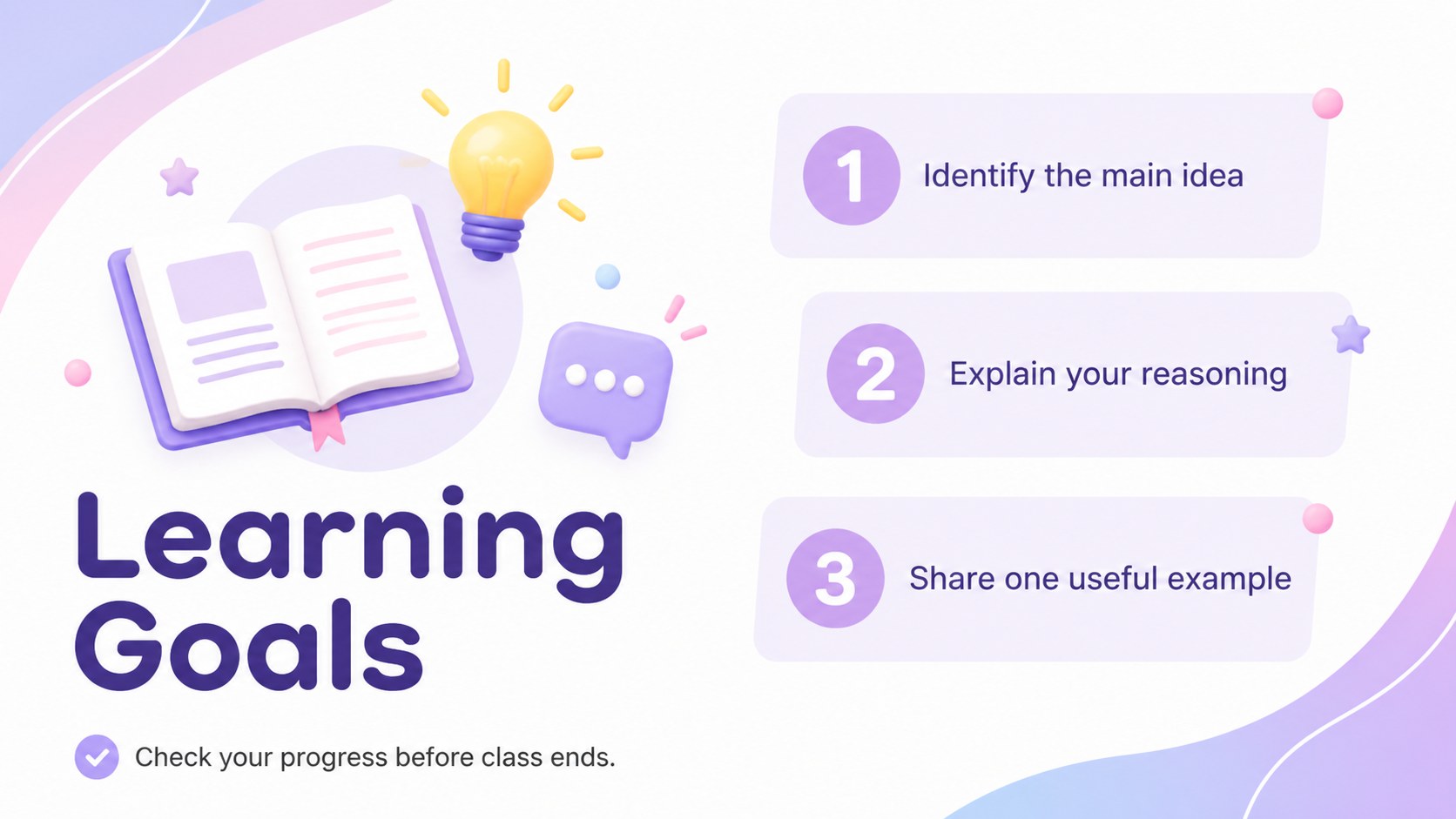
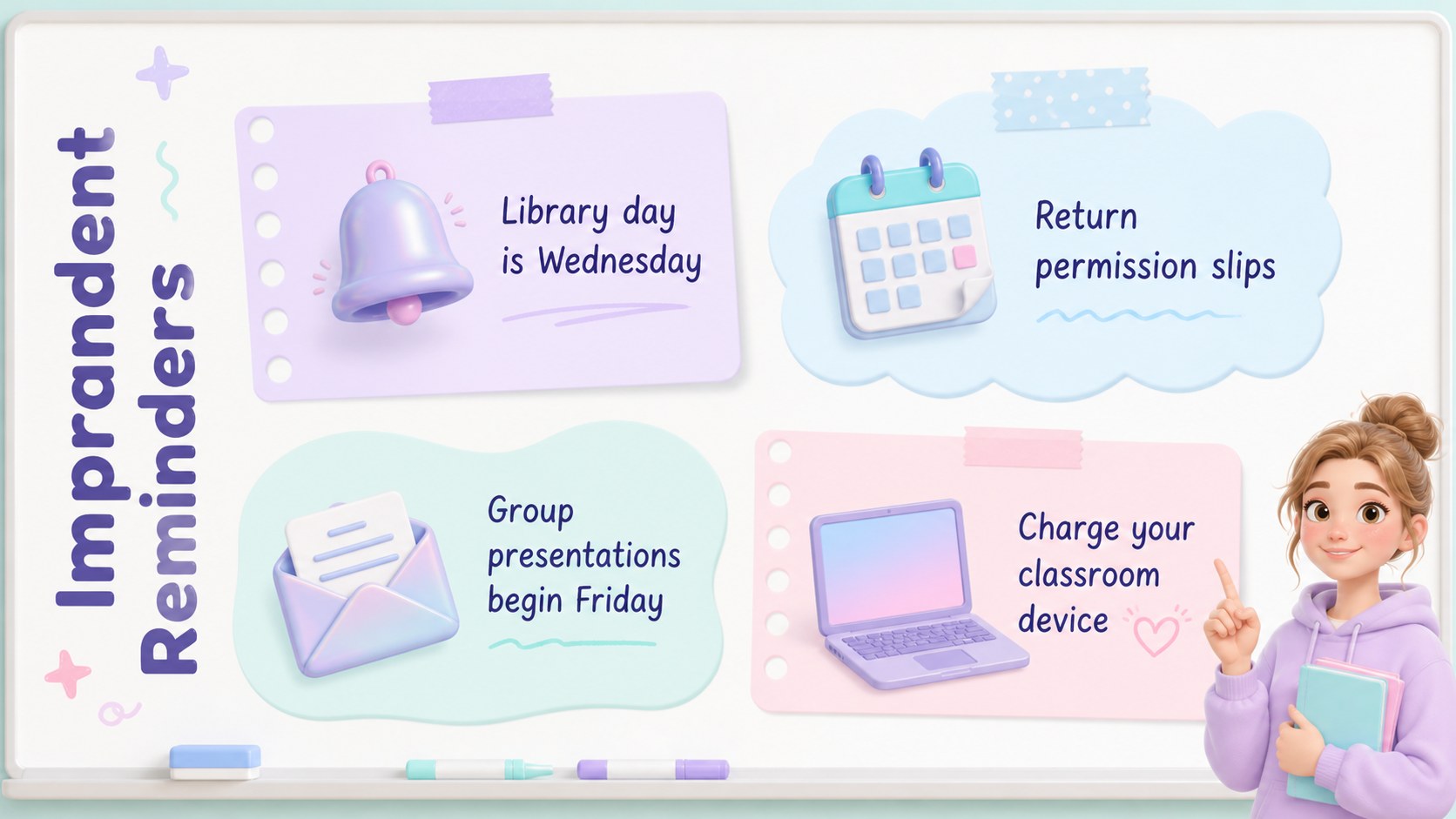
Bring structure to every school day with the Colorful Classroom Schedule Planner, a bright and practical resource for organizing lessons without making the schedule feel rigid. Soft pastel accents, clean white space, translucent panels, and playful classroom graphics create an inviting look that remains easy to scan. Use these editable teacher agenda slides to introduce the day's plan, share learning goals, and keep important tasks visible.
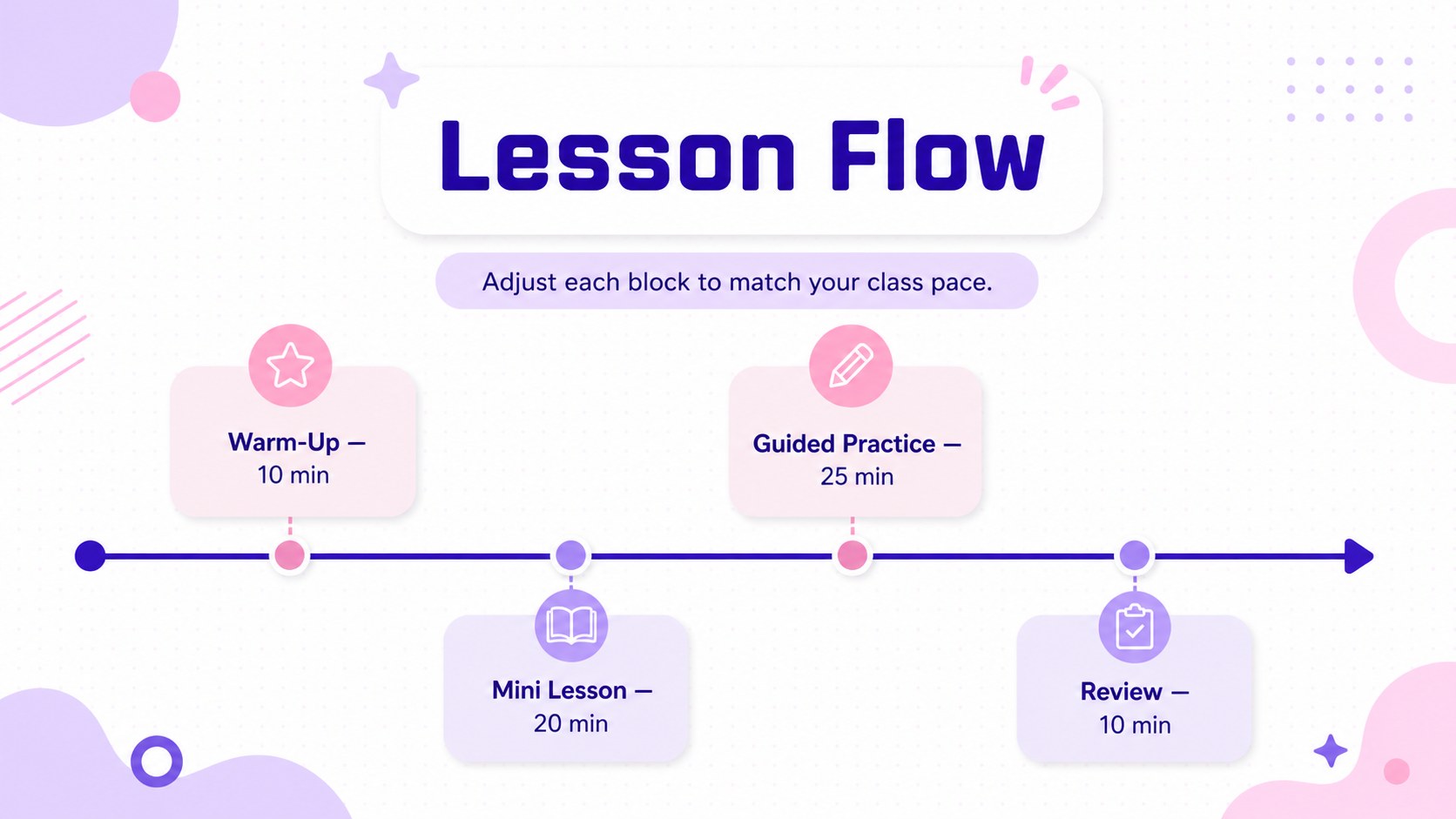
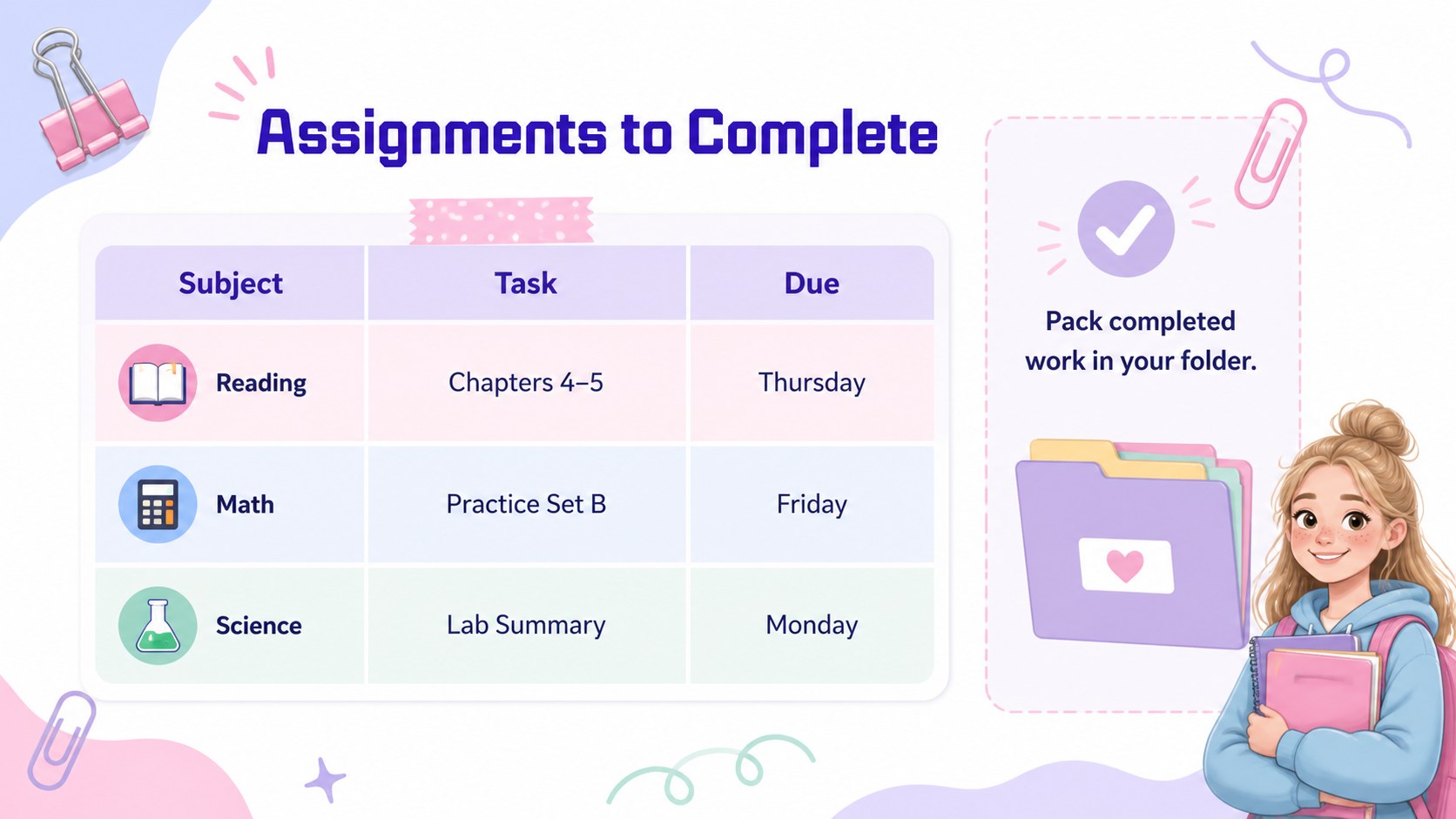
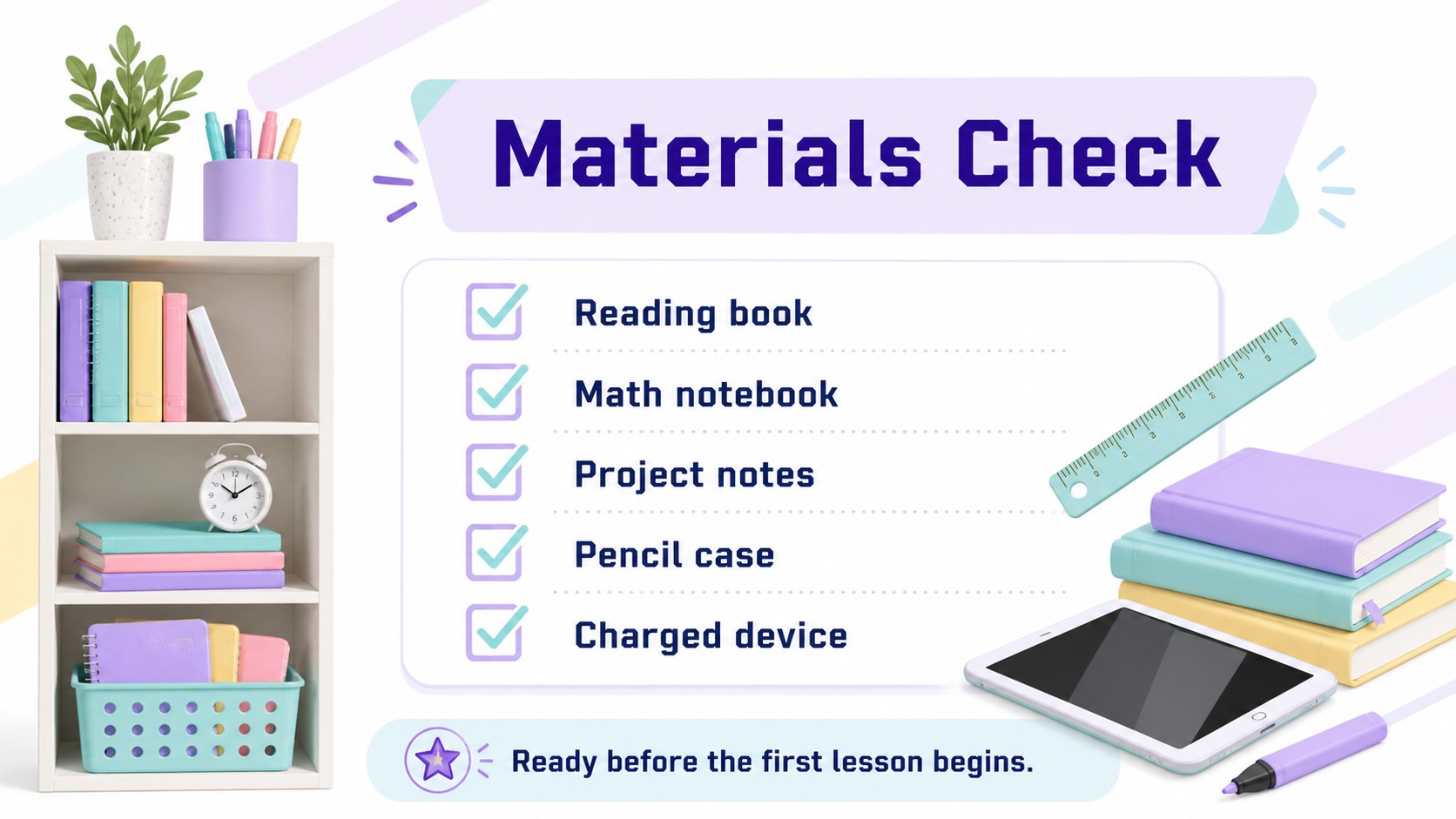
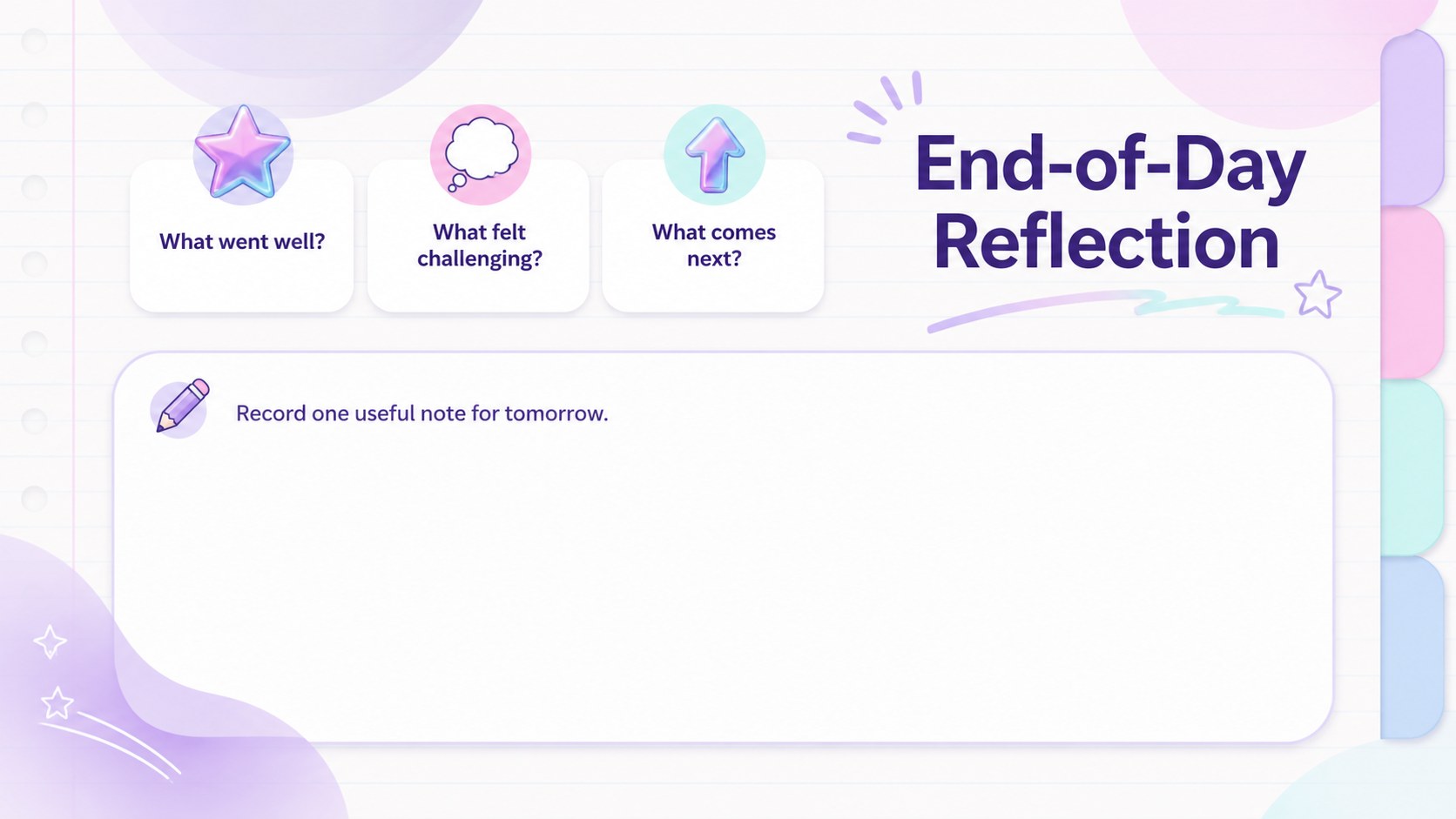
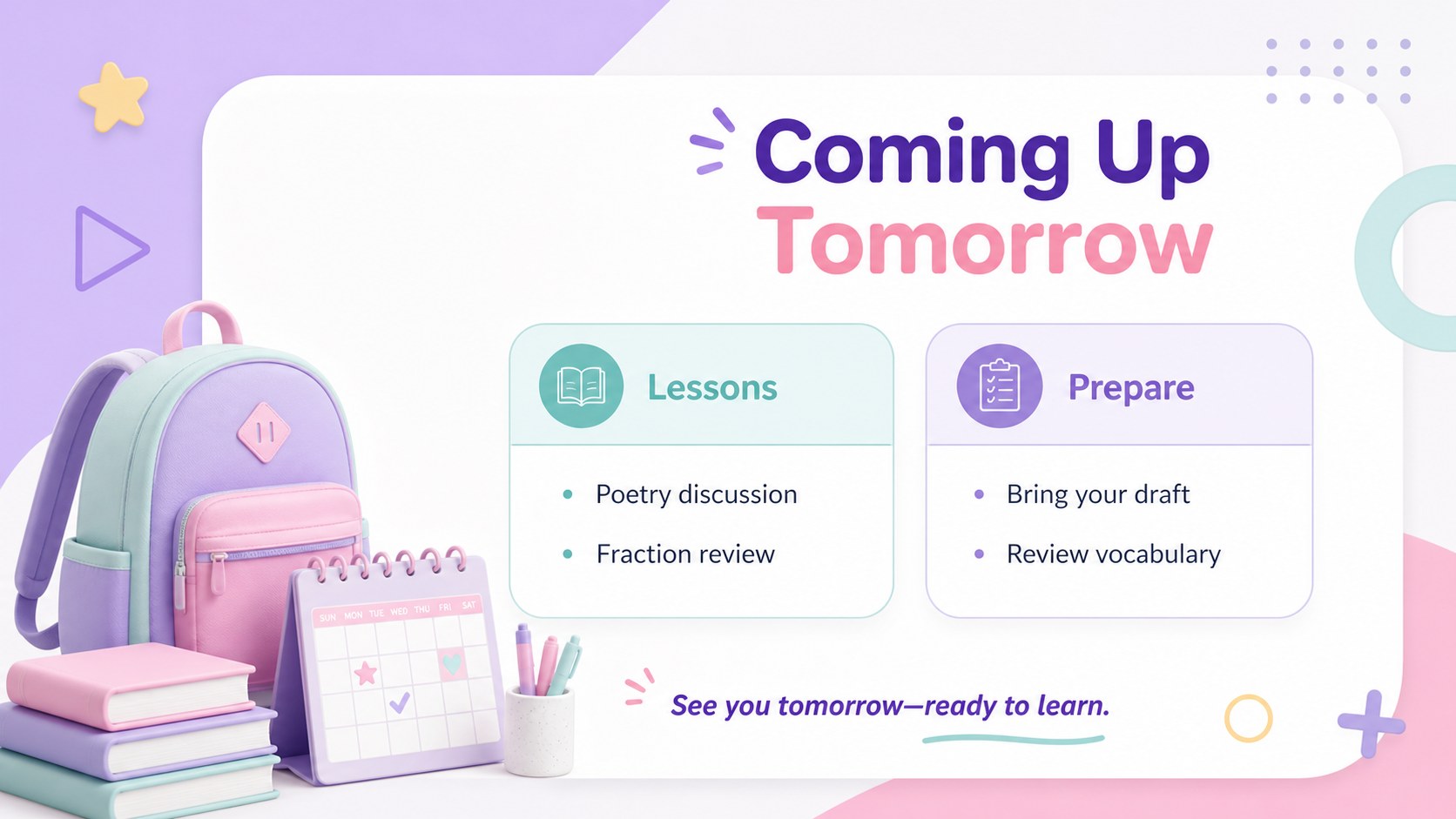
The nine-slide deck includes a cover, daily overview, learning objectives, lesson timeline, assignment tracker, reminder board, materials checklist, reflection page, and next-day preview. Each layout can be adjusted with your own subjects, times, instructions, and due dates. The pastel lesson planning template also provides room for short notes and priority items, helping teachers communicate expectations without crowding the page.
Designed for PowerPoint and Google Slides, this colorful classroom schedule planner works well for elementary and middle school teachers, substitute educators, tutors, and homeschool families. Present the daily school schedule slides on a classroom display, post them in a virtual learning space, or print selected pages for a planning binder. Change the wording, colors, fonts, and layout elements to match a classroom theme while preserving the deck's cheerful pastel-and-white design.
Perfect for: morning classroom agenda; daily lesson planning; student assignment overview; substitute teacher schedule; homeschool routine display; classroom reminder board.
Frequently asked questions
Can I edit the planner in PowerPoint and Google Slides? Yes. All text, colors, shapes, and schedule details can be edited in PowerPoint or Google Slides. Font availability may vary slightly between the two platforms.
Practical details
Yes. All text, colors, shapes, and schedule details can be edited in PowerPoint or Google Slides. Font availability may vary slightly between the two platforms.
Replace the sample lesson names, times, assignments, and reminders with your own class information. You can also duplicate layouts to create separate schedules for each subject or school day.
Yes. Export selected slides as PDF files and choose the fit-to-page option in your printer settings. Review the print preview first because the deck uses a 16:9 presentation format.
Yes. Recolor the editable shapes and accents to match your classroom theme while retaining the white background for readability. Keep sufficient contrast between text and translucent panels.
Keep exploring
15Build stronger academic arguments with a college essay thesis builder featuring guided examples, revision prompts, and editable PowerPoint and Google Slides.
 15
15Build an engaging World UFO Day session with this flying saucer history lesson deck, featuring retro green-and-brown slides for PowerPoint and Google Slides.
 14
14Plan a memorable Lunar New Year campaign with the 2036 Dragon Year Celebration Theme, featuring bold red-and-yellow slides for lessons and events.
 15
15Build a thoughtful classroom discussion with this interfaith awareness lesson deck, featuring editable blue-and-white slides for PowerPoint and Google Slides.
 15
15Use this environmental awareness lesson deck to teach climate action through illustrated activities, discussion prompts, and ready-to-edit visuals.
 15
15Build playful lessons and party stories with a kid-friendly zombie celebration theme in purple, green and pastel blue for PowerPoint and Google Slides.
 15
15Build eerie lessons, campaigns, and story pitches with an undead survival scenario theme featuring editable slides for PowerPoint and Google Slides.
 16
16Turn environmental research into a clear story with a Watercolor Ecology Presentation Theme for PowerPoint and Google Slides in calming green and blue.