
 15
15presentation
College Essay Thesis Builder Slides
Build stronger academic arguments with a college essay thesis builder featuring guided examples, revision prompts, and editable PowerPoint and Google Slides.
Google SlidesPowerPoint
presentation · English
Build an upbeat lesson or school project with a colorful classroom learning theme for PowerPoint and Google Slides, featuring editable layouts, icons and…





Design notes
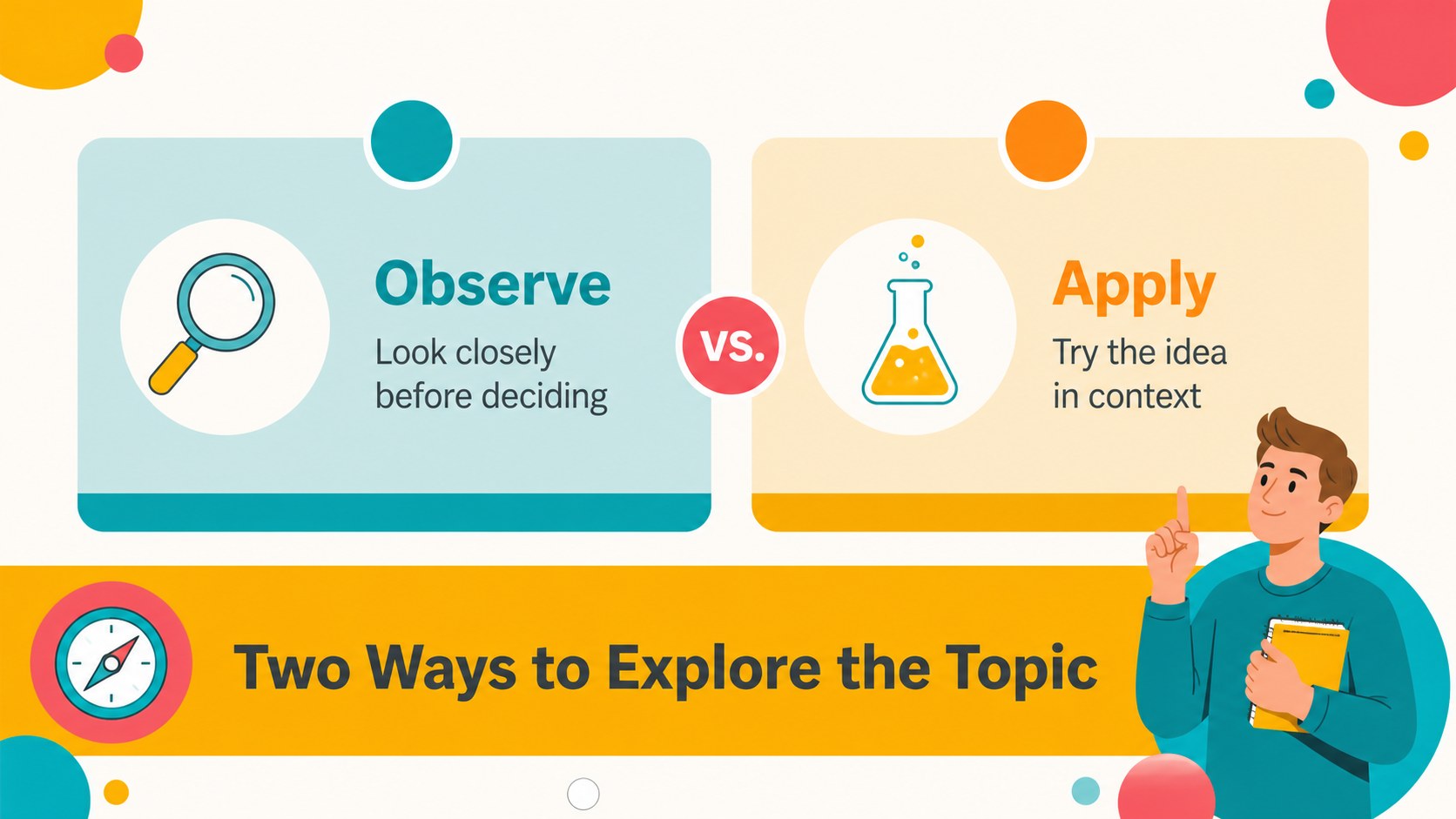
Colorful classroom learning theme brings an energetic, welcoming look to lessons, school projects and educational workshops. Bright circles, friendly icons and flexible layouts help presenters explain ideas with a positive rhythm while keeping the subject matter easy to scan. Use the colorful classroom learning theme for an engaging classroom presentation, a student project, or a short training session that needs more visual variety.
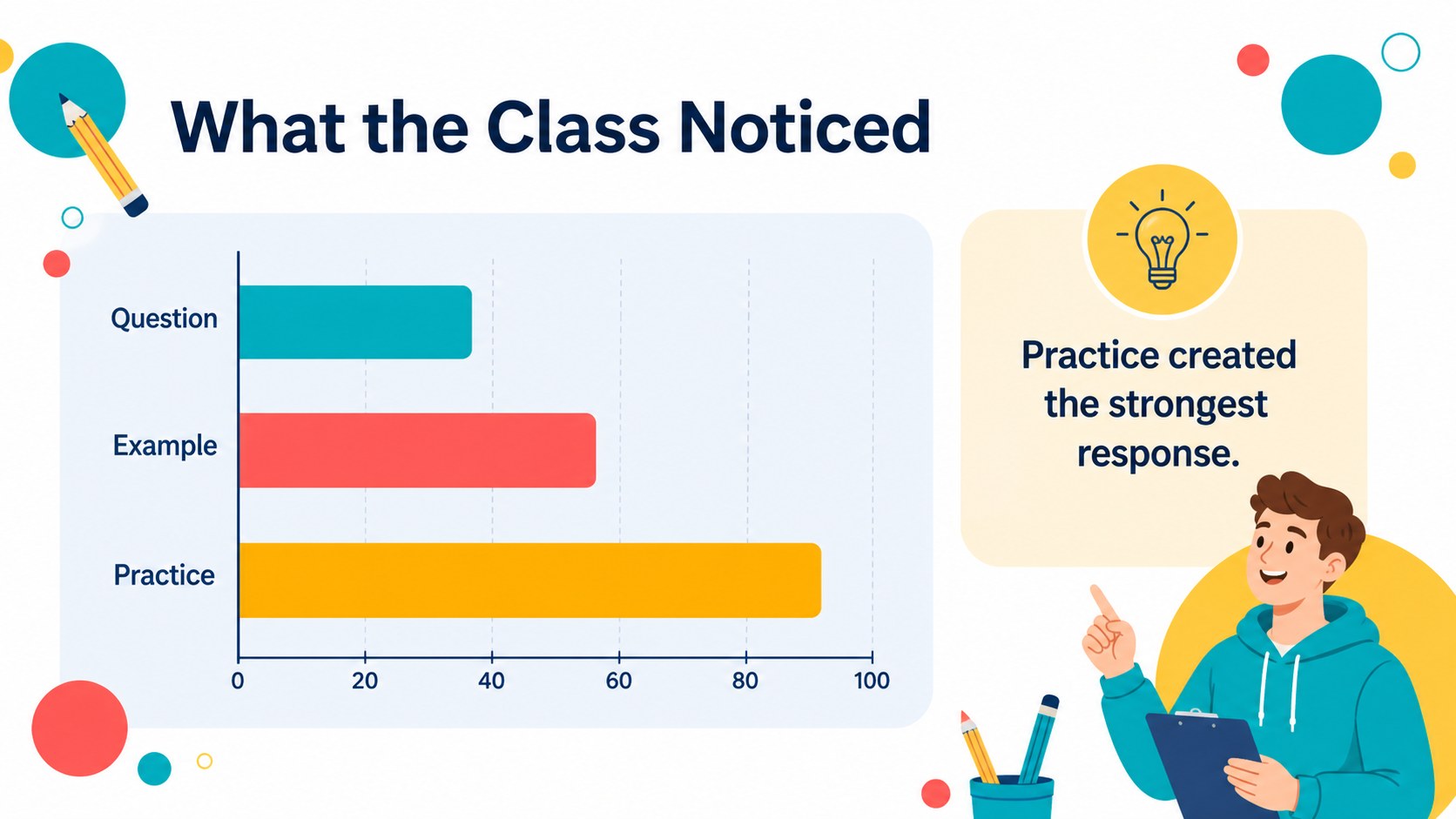
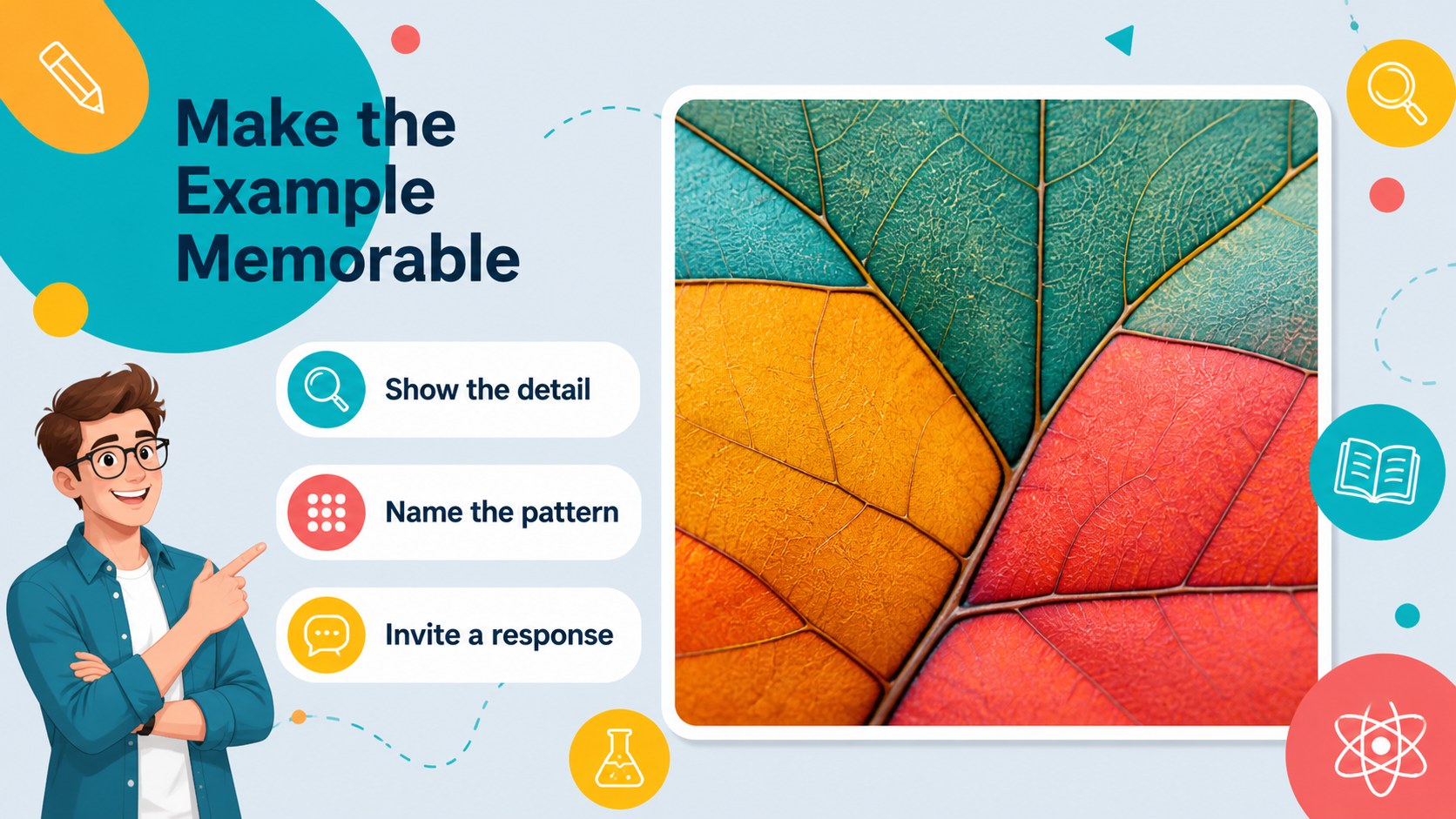
Inside, you’ll find 16:9 slides for an opening title, agenda, learning objectives, lesson sections, comparison points, data highlights, timelines, process steps and a clear closing summary. Editable text, photos, icons, charts and color accents make it simple to adapt the deck to different subjects or school brands. The included icon family and world map can be resized, recolored and rearranged as needed. The design is especially effective for concise content; long paragraphs may compete with the circular pattern and should be split across multiple slides.
The template is made for teachers, tutors, school administrators, education nonprofits and students preparing polished presentations. Edit it in PowerPoint or Google Slides, adjust the palette to match your project, and export the finished presentation to PDF or JPG when you need a shareable handout or image-based version.
Perfect for: classroom lesson presentation; student research project; teacher training workshop; school orientation session; education nonprofit briefing.
Frequently asked questions
Can I edit this template in PowerPoint? Yes. The presentation is fully editable in PowerPoint, including text, colors, icons, charts and image placeholders. You can also rearrange, duplicate or remove slides to fit your lesson.
Practical details
Yes. The presentation is fully editable in PowerPoint, including text, colors, icons, charts and image placeholders. You can also rearrange, duplicate or remove slides to fit your lesson.
Yes, it can be used as a Google Slides theme. Open the presentation in Google Slides, replace the sample content and adjust the layout or palette to suit your subject.
The decorative circles and icons are editable, so you can recolor, resize, move or remove them. Use fewer decorative elements when presenting dense information so the text remains clear.
It works well for concise classroom lessons, student projects, school events and educational workshops. The lively visual language is best for positive, accessible topics rather than formal text-heavy reports.
Keep exploring
15Build stronger academic arguments with a college essay thesis builder featuring guided examples, revision prompts, and editable PowerPoint and Google Slides.
 15
15Build an engaging World UFO Day session with this flying saucer history lesson deck, featuring retro green-and-brown slides for PowerPoint and Google Slides.
 14
14Plan a memorable Lunar New Year campaign with the 2036 Dragon Year Celebration Theme, featuring bold red-and-yellow slides for lessons and events.
 15
15Build a thoughtful classroom discussion with this interfaith awareness lesson deck, featuring editable blue-and-white slides for PowerPoint and Google Slides.
 15
15Use this environmental awareness lesson deck to teach climate action through illustrated activities, discussion prompts, and ready-to-edit visuals.
 15
15Build playful lessons and party stories with a kid-friendly zombie celebration theme in purple, green and pastel blue for PowerPoint and Google Slides.
 15
15Build eerie lessons, campaigns, and story pitches with an undead survival scenario theme featuring editable slides for PowerPoint and Google Slides.
 16
16Turn environmental research into a clear story with a Watercolor Ecology Presentation Theme for PowerPoint and Google Slides in calming green and blue.