
 15
15presentation
College Essay Thesis Builder Slides
Build stronger academic arguments with a college essay thesis builder featuring guided examples, revision prompts, and editable PowerPoint and Google Slides.
Google SlidesPowerPoint
presentation · English
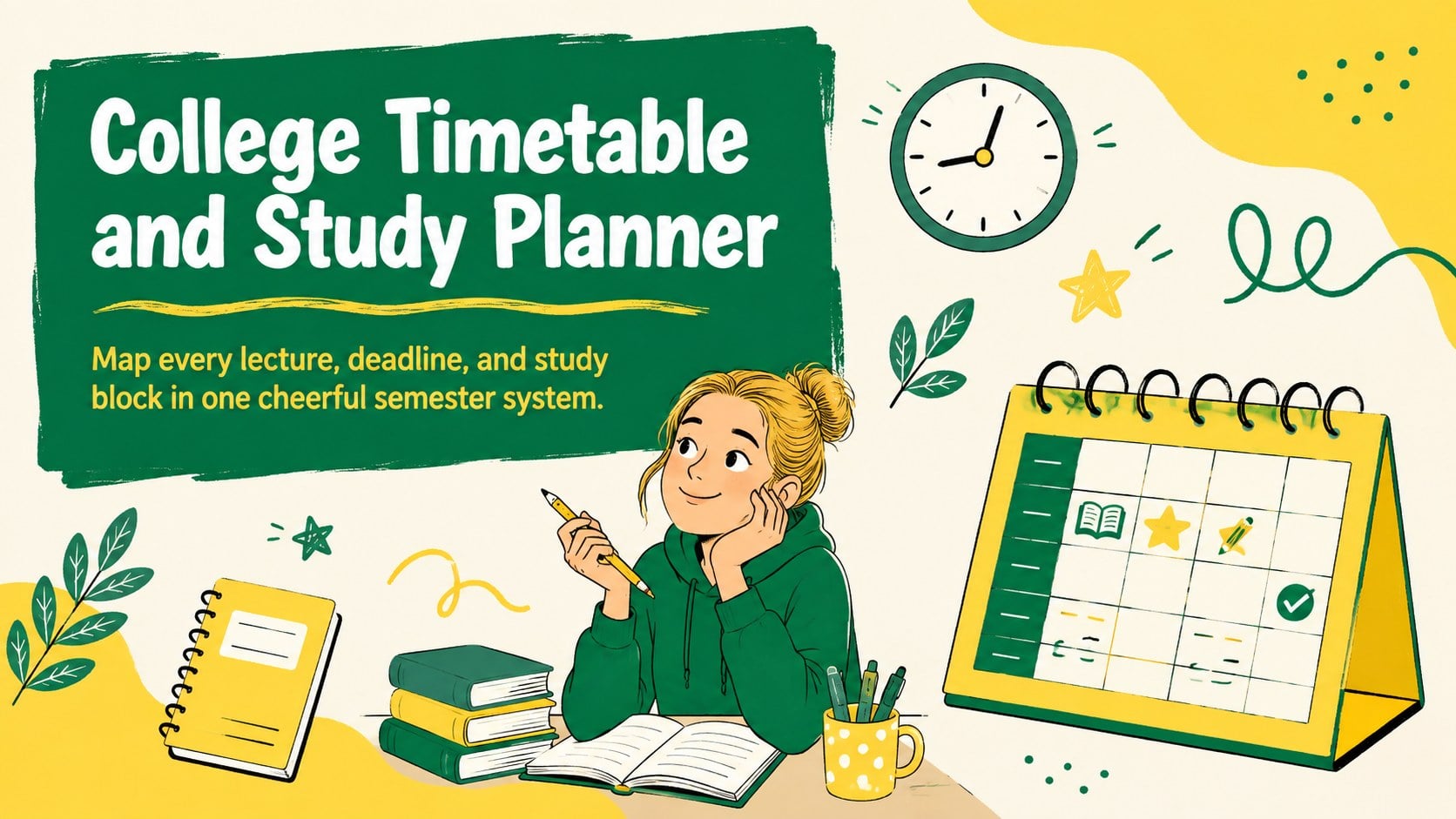
Build a calmer semester with this college timetable and study planner, featuring cheerful yellow-and-green layouts for classes, deadlines, and study time.
Design notes
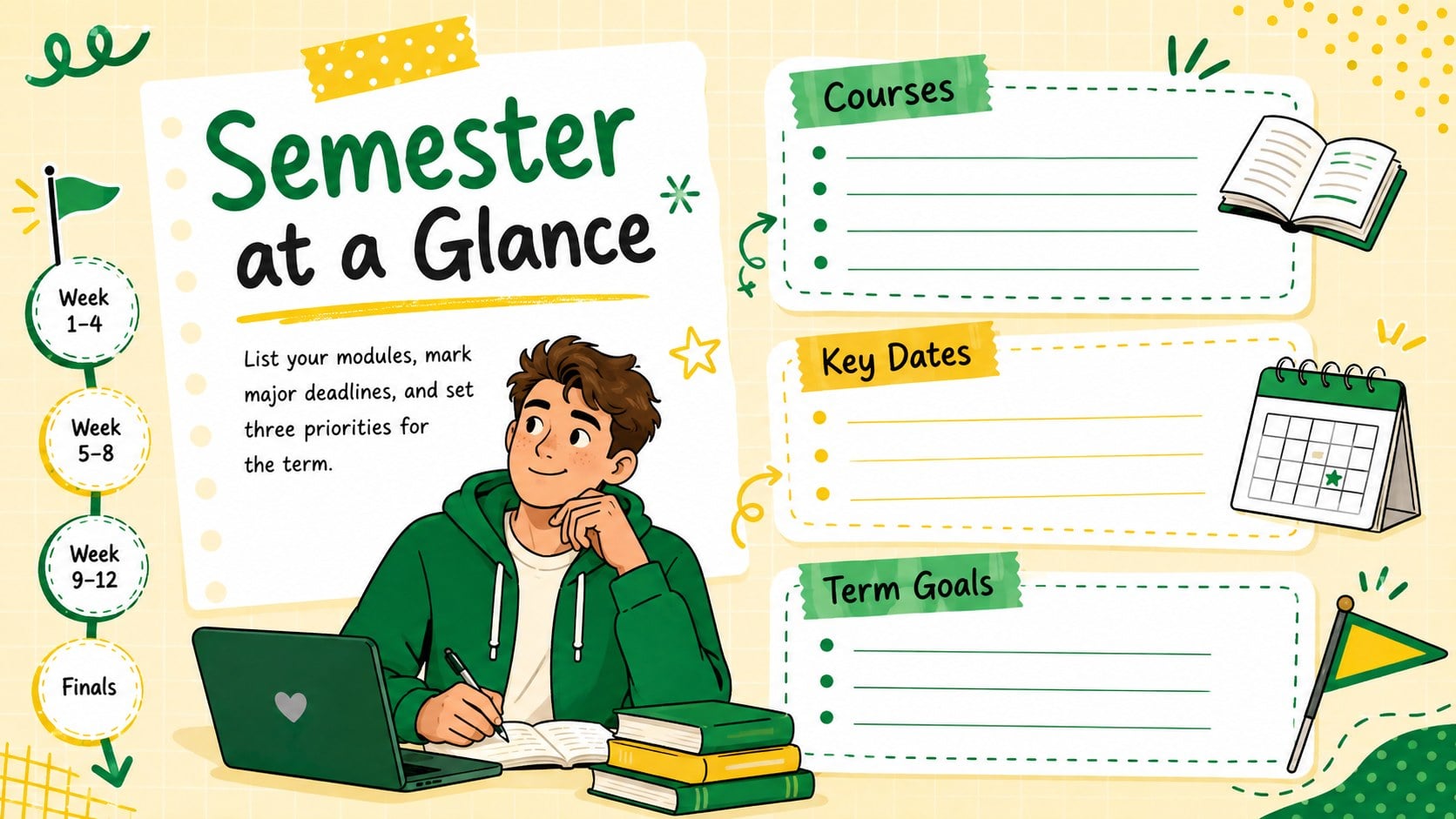
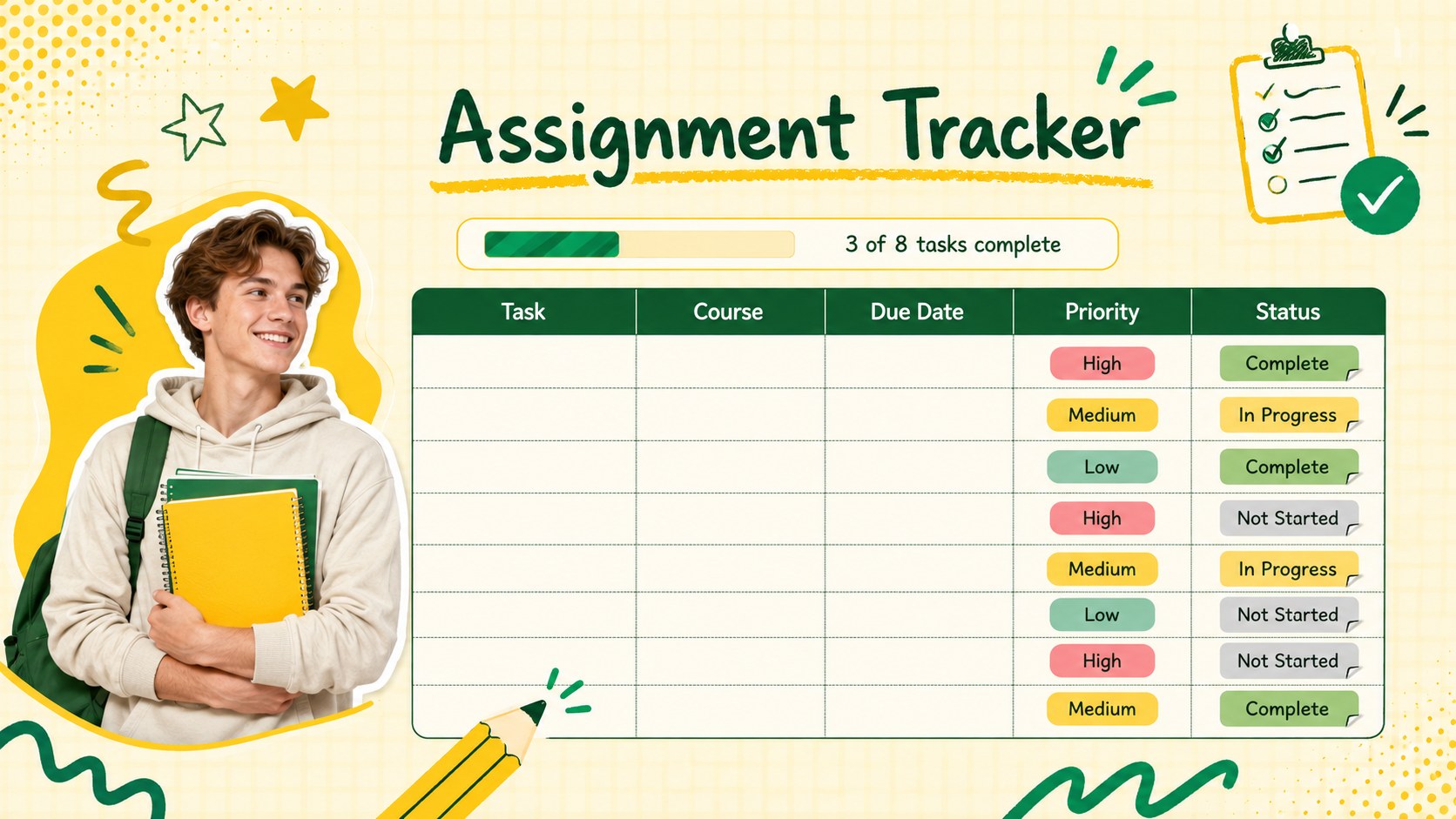
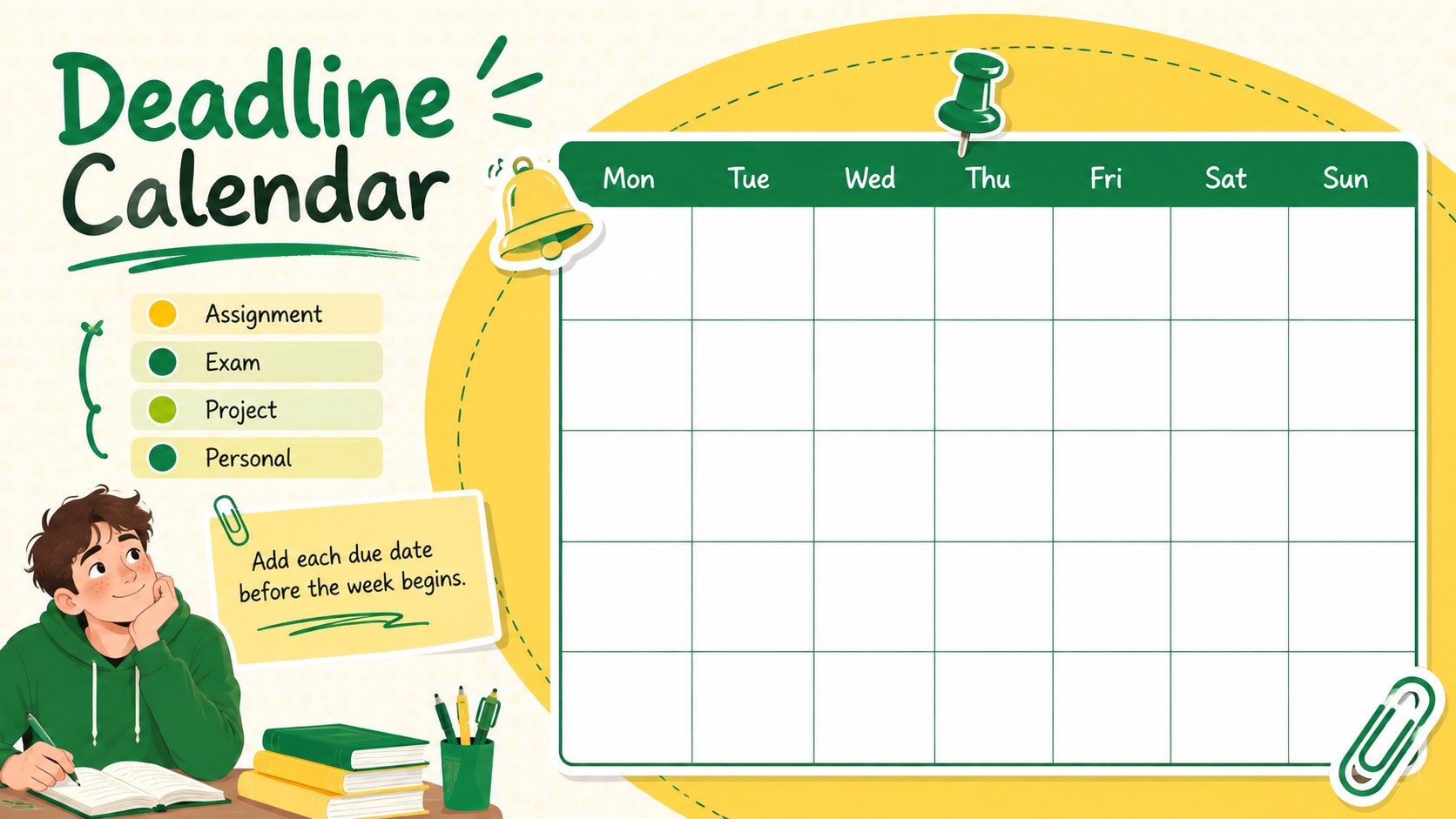
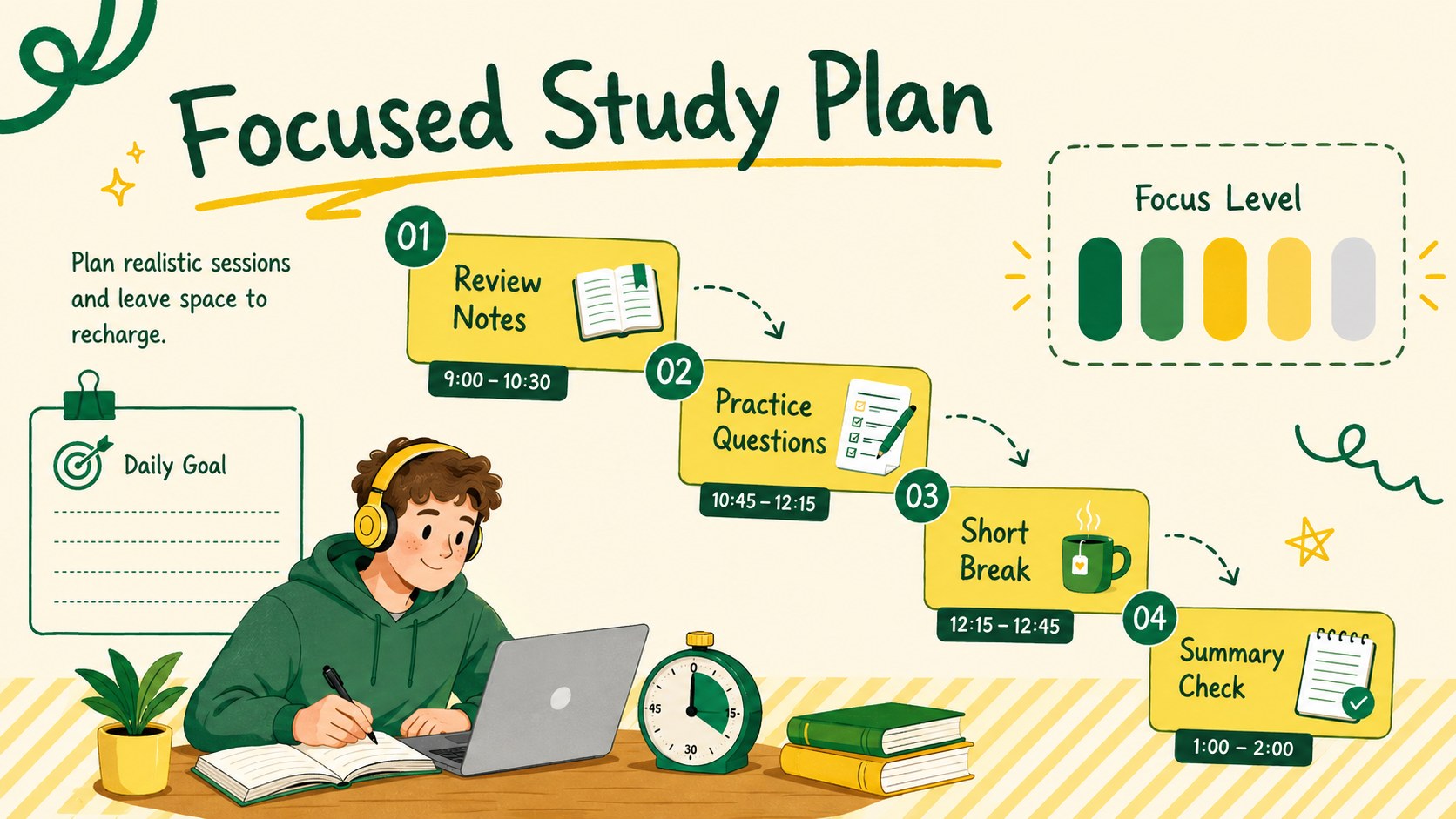
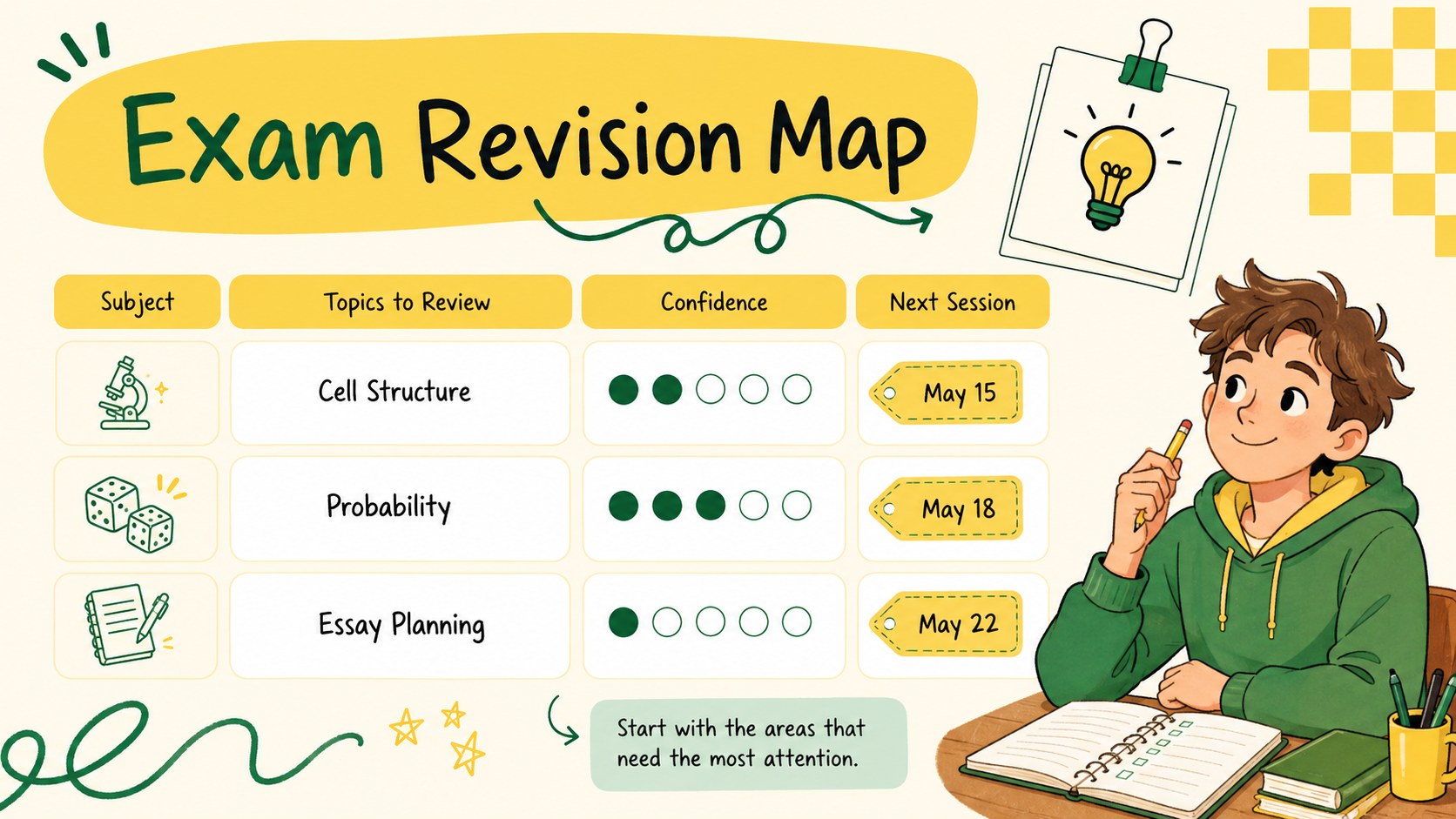
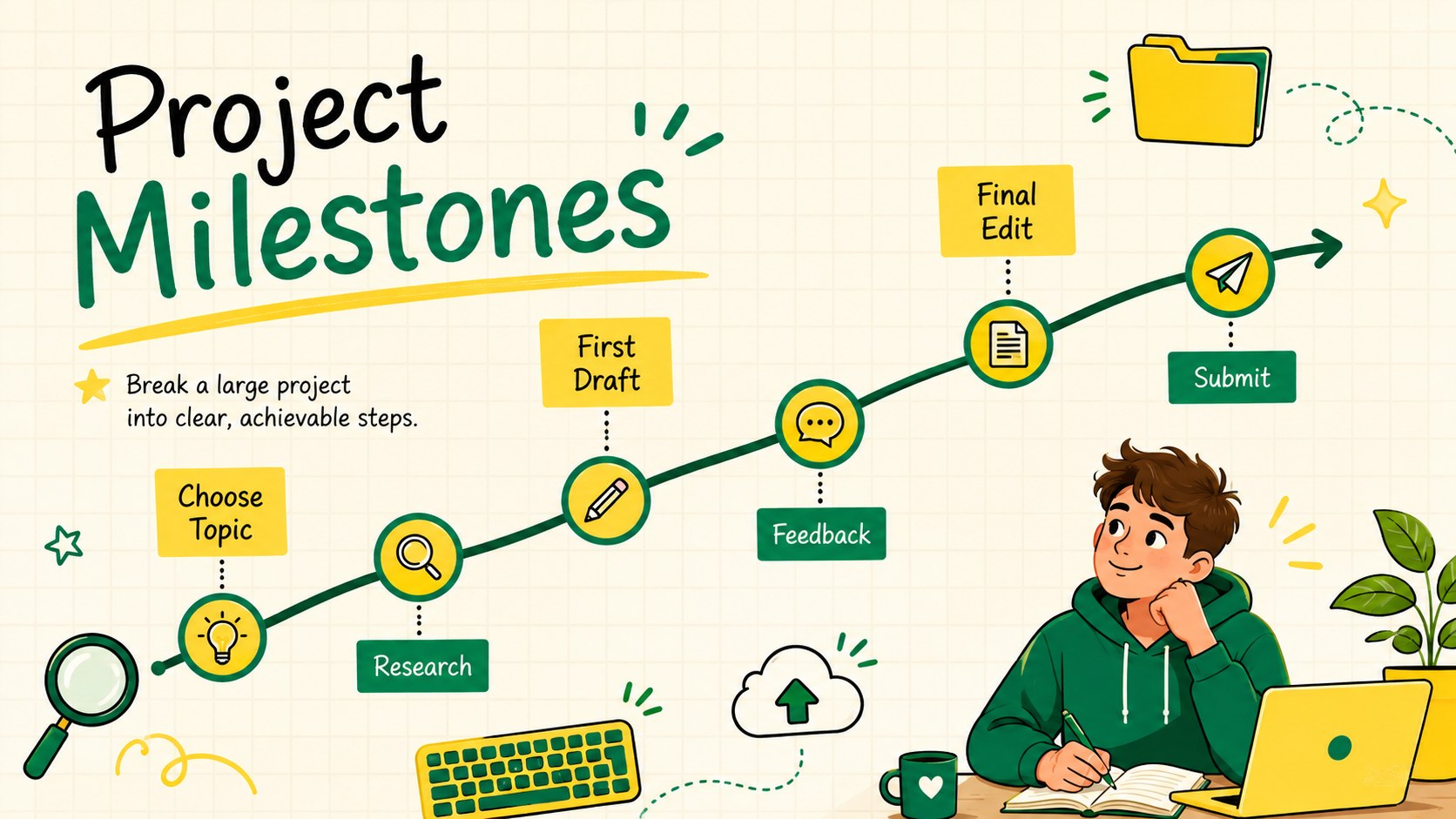
Bring structure to a busy term with this college timetable and study planner for PowerPoint and Google Slides. Its cheerful yellow-and-green palette, playful doodles, and friendly illustrated details make academic planning feel approachable while keeping essential information easy to scan.
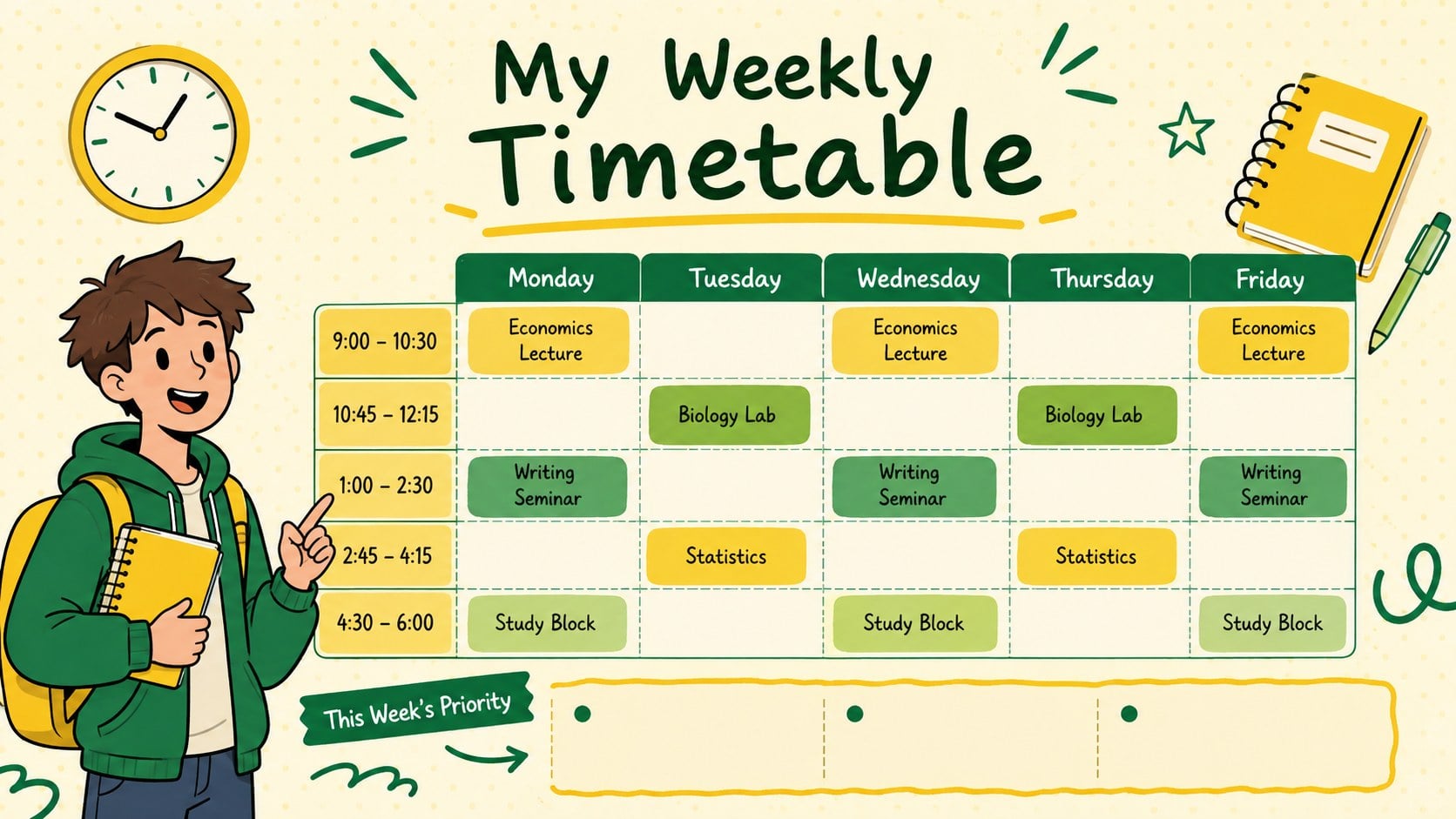
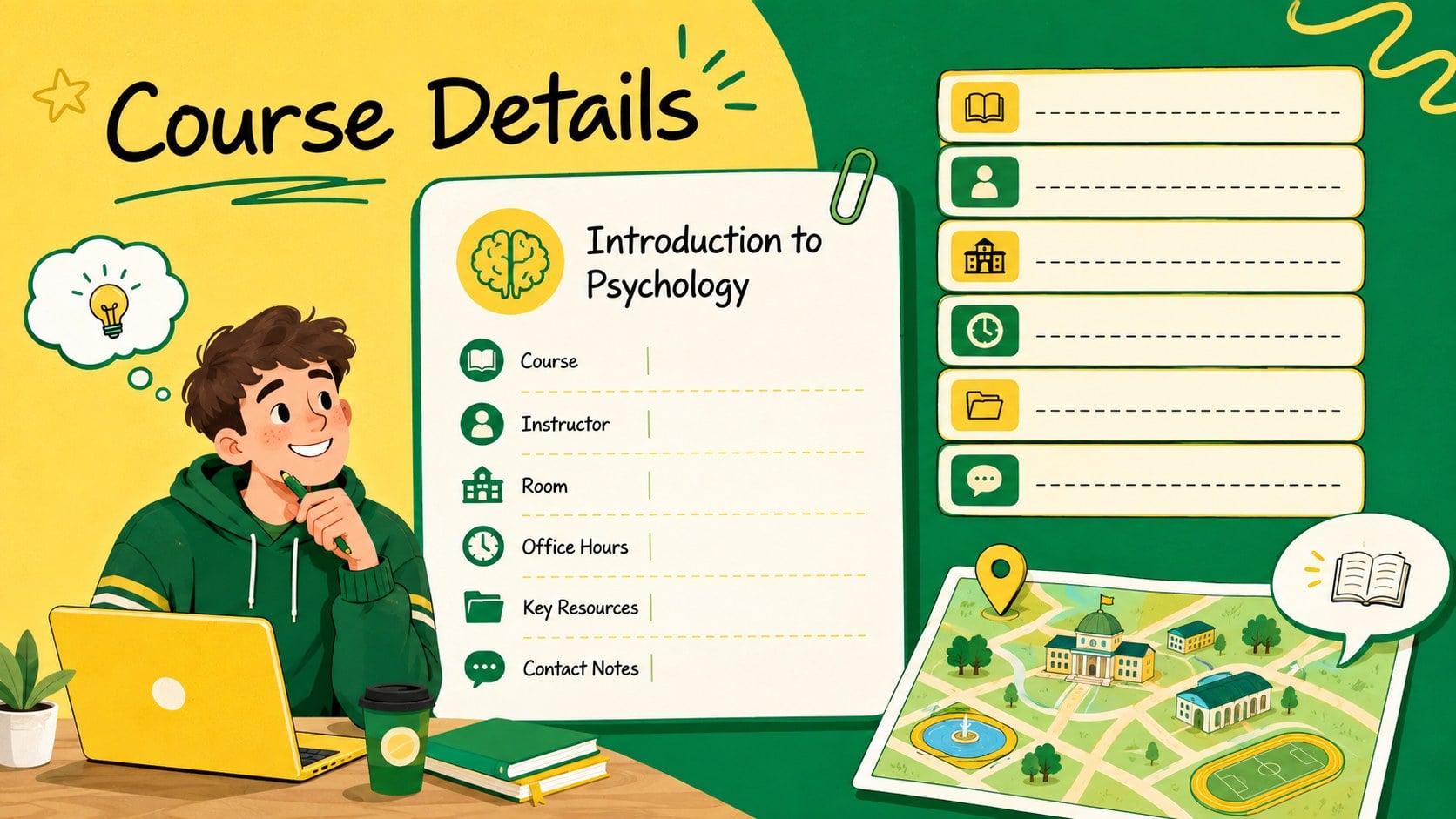
The deck includes 15 coordinated layouts for weekly classes, course details, assignment tracking, exam dates, study blocks, project milestones, priorities, and notes. Use the weekly college timetable template to see lectures and seminars at a glance, then organize upcoming work with semester assignment tracker slides and a dedicated college deadline calendar template. Editable tables, labels, icons, charts, and schedule blocks help you adapt the system to different modules, routines, and campus commitments.
Designed for university and college students, the slides also work well for academic advisors, orientation leaders, tutors, and study-skills workshops. Every page can be customized in PowerPoint or Google Slides, including the wording, colors, type, and layout elements. Duplicate pages for additional weeks or courses, move schedule blocks as plans change, and present the finished planner digitally or export selected pages for printing. The result is a practical academic organizer with enough personality to stay inviting throughout the semester.
Perfect for: weekly lecture scheduling; semester assignment tracking; exam revision planning; student orientation workshop; academic advising session; course deadline overview.
Frequently asked questions
Can I edit the timetable for my own courses? Yes. You can replace course names, times, rooms, instructors, and deadlines, then duplicate schedule blocks or entire pages as needed.
Practical details
Yes. You can replace course names, times, rooms, instructors, and deadlines, then duplicate schedule blocks or entire pages as needed.
The template is designed for Microsoft PowerPoint and Google Slides. Its text, colors, shapes, tables, and illustrations can be adjusted in either platform.
Yes. Apply your preferred colors to the backgrounds, timetable blocks, labels, and decorative elements while preserving the deck's clear visual hierarchy.
Yes. Choose the pages you need and export them as PDF files before printing. Review printer scaling and margins to ensure the 16:9 layouts fit your selected paper size.
Keep exploring
15Build stronger academic arguments with a college essay thesis builder featuring guided examples, revision prompts, and editable PowerPoint and Google Slides.
 15
15Build an engaging World UFO Day session with this flying saucer history lesson deck, featuring retro green-and-brown slides for PowerPoint and Google Slides.
 14
14Plan a memorable Lunar New Year campaign with the 2036 Dragon Year Celebration Theme, featuring bold red-and-yellow slides for lessons and events.
 15
15Build a thoughtful classroom discussion with this interfaith awareness lesson deck, featuring editable blue-and-white slides for PowerPoint and Google Slides.
 15
15Use this environmental awareness lesson deck to teach climate action through illustrated activities, discussion prompts, and ready-to-edit visuals.
 15
15Build playful lessons and party stories with a kid-friendly zombie celebration theme in purple, green and pastel blue for PowerPoint and Google Slides.
 15
15Build eerie lessons, campaigns, and story pitches with an undead survival scenario theme featuring editable slides for PowerPoint and Google Slides.
 16
16Turn environmental research into a clear story with a Watercolor Ecology Presentation Theme for PowerPoint and Google Slides in calming green and blue.