
 15
15presentation
College Essay Thesis Builder Slides
Build stronger academic arguments with a college essay thesis builder featuring guided examples, revision prompts, and editable PowerPoint and Google Slides.
Google SlidesPowerPoint
presentation · English
Build a college readiness presentation deck for orientation, planning, and student support with editable grey and red doodle slides for and more.

Design notes
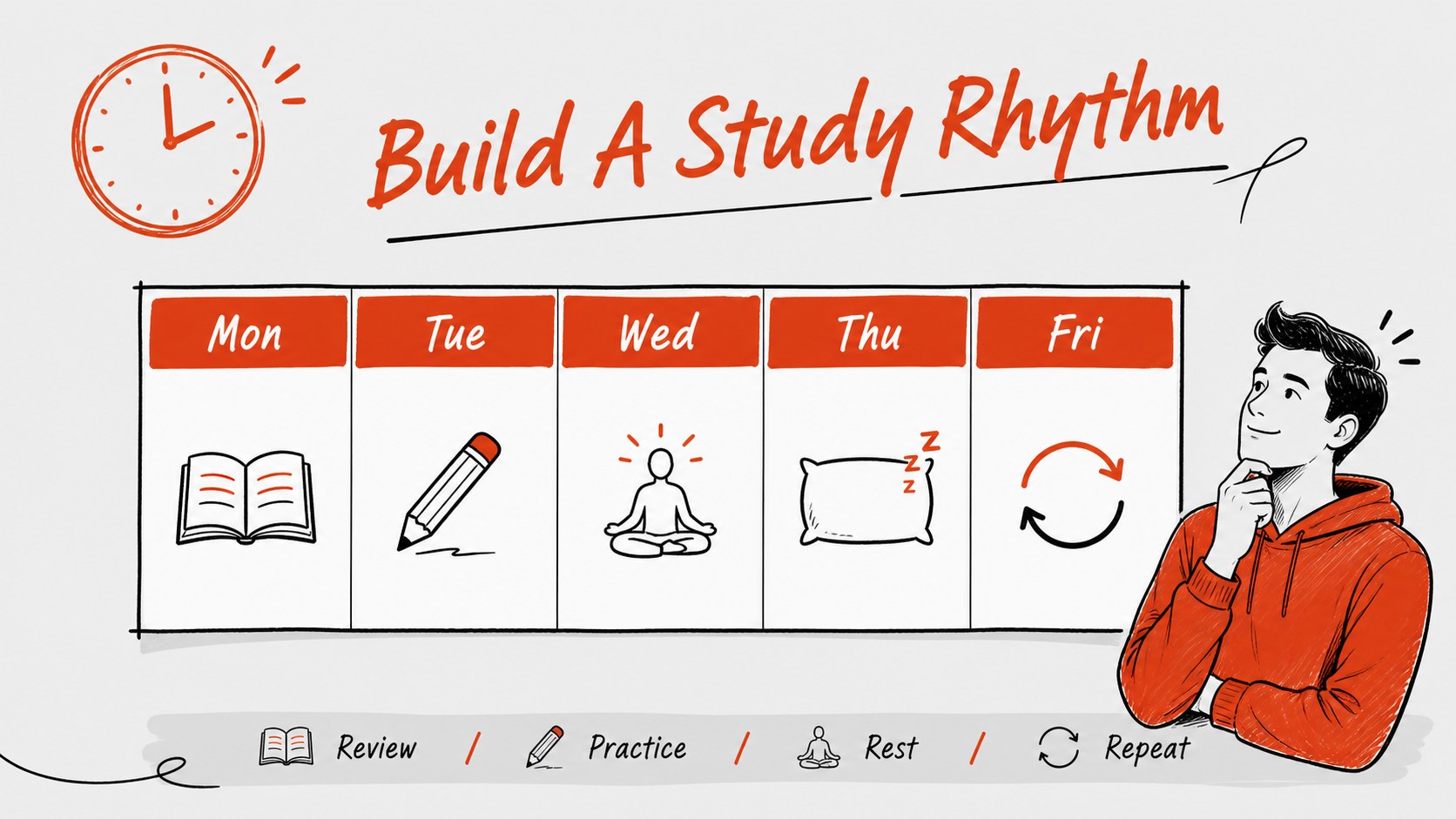
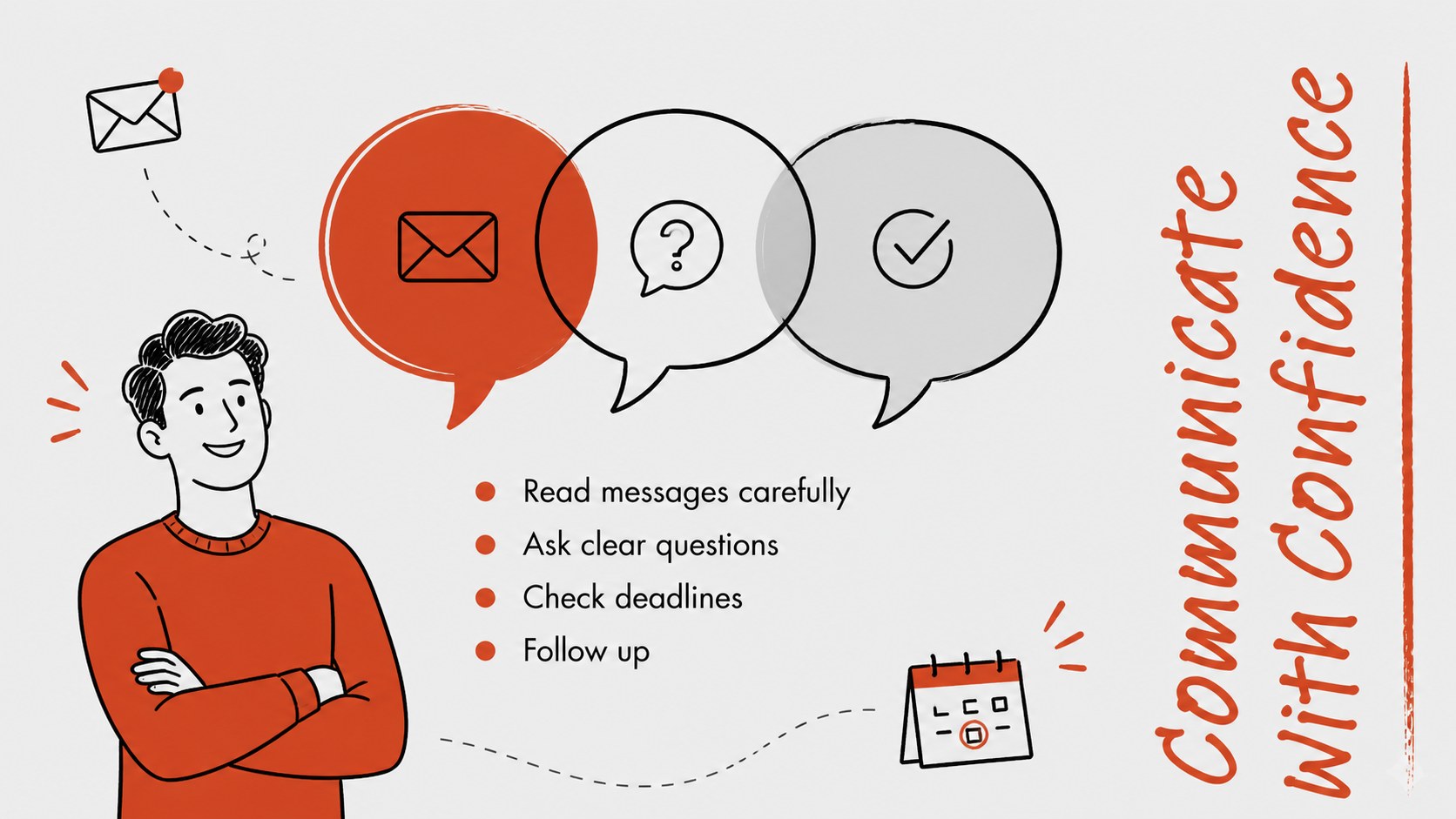
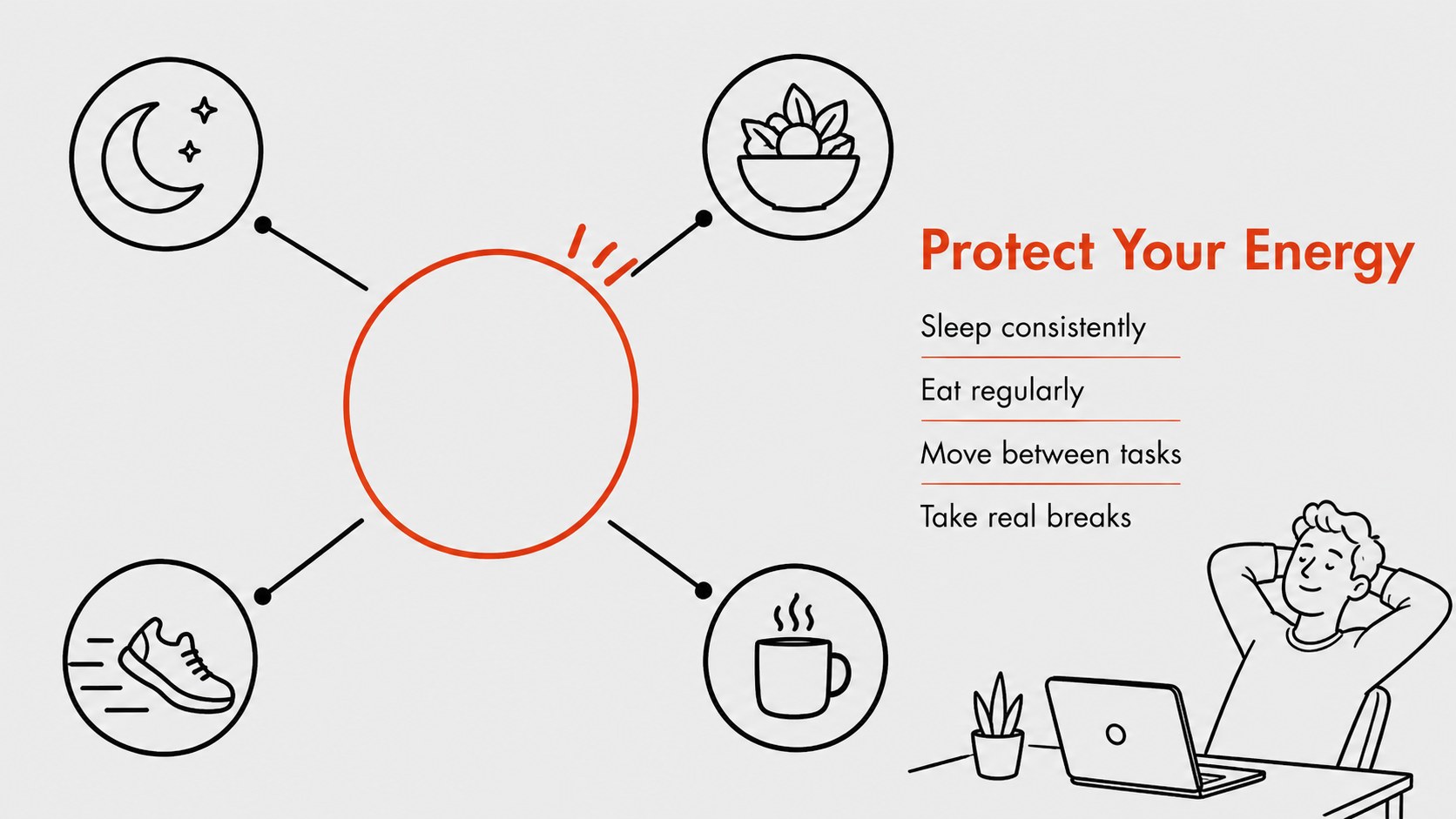
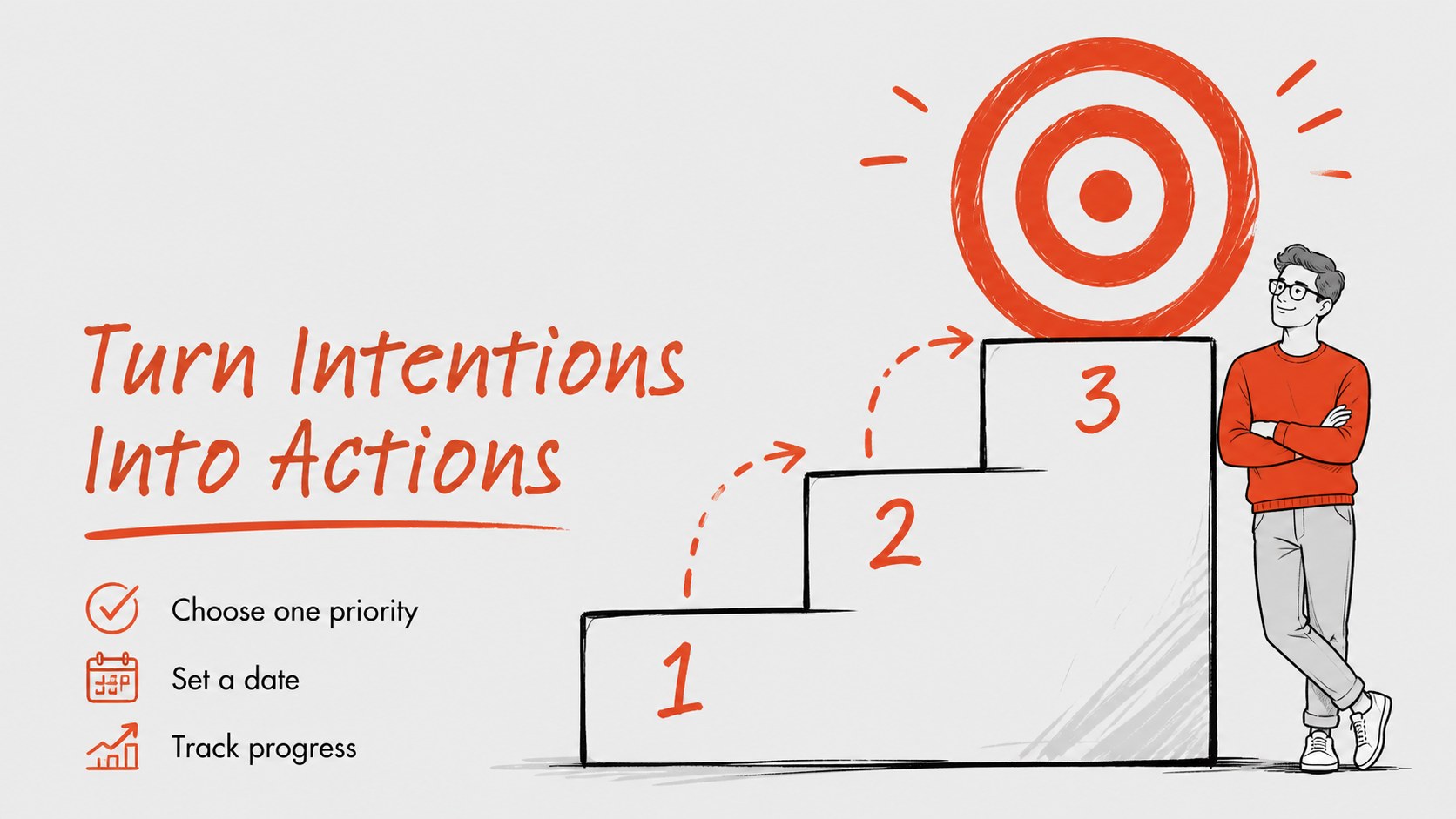
College Readiness Presentation Deck is a flexible template for helping students prepare for the transition into higher education. Use its modern grey and red doodle aesthetic to introduce campus routines, organize priorities, explain essential resources, or guide an orientation conversation without making the material feel overly formal.
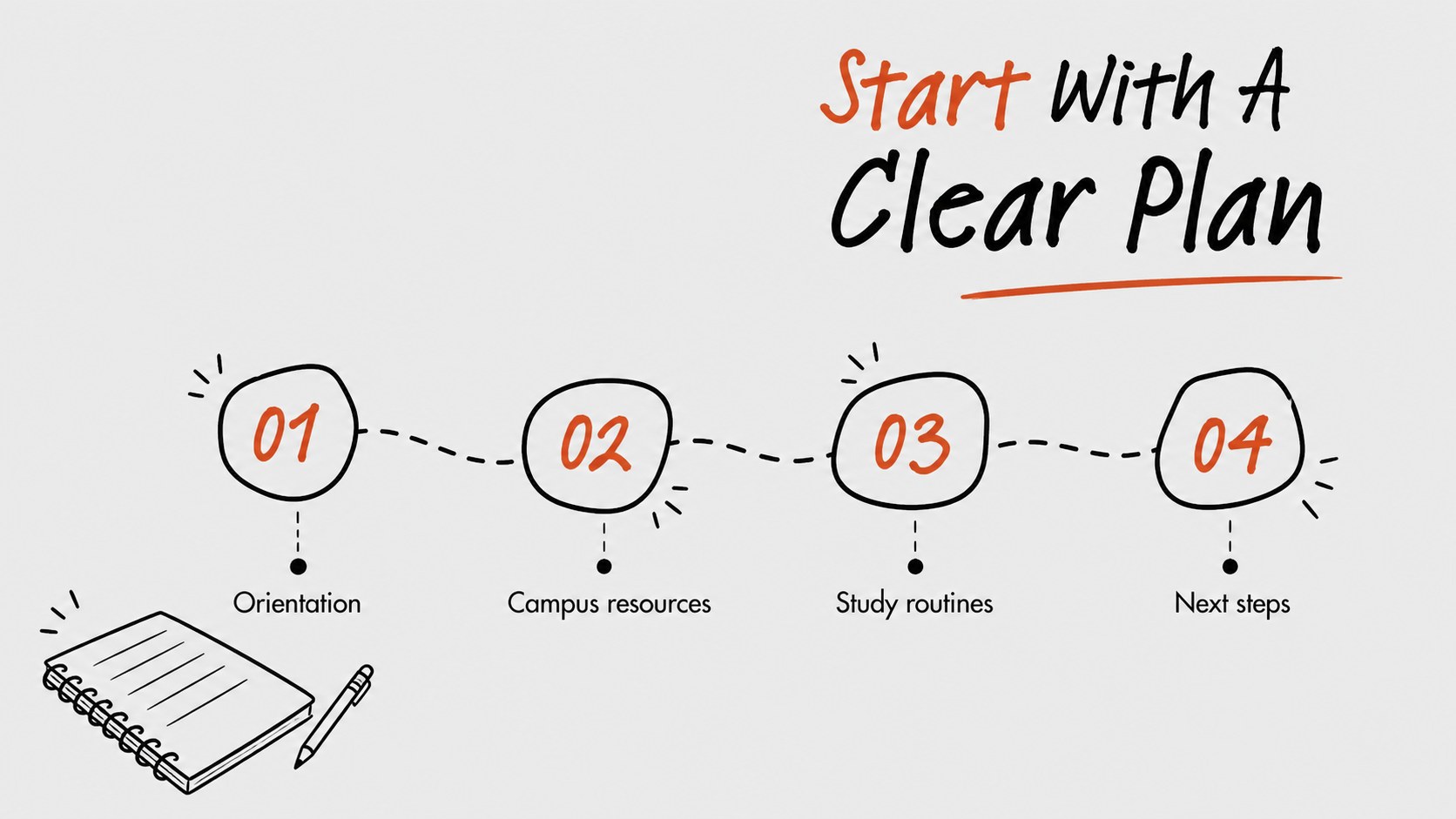
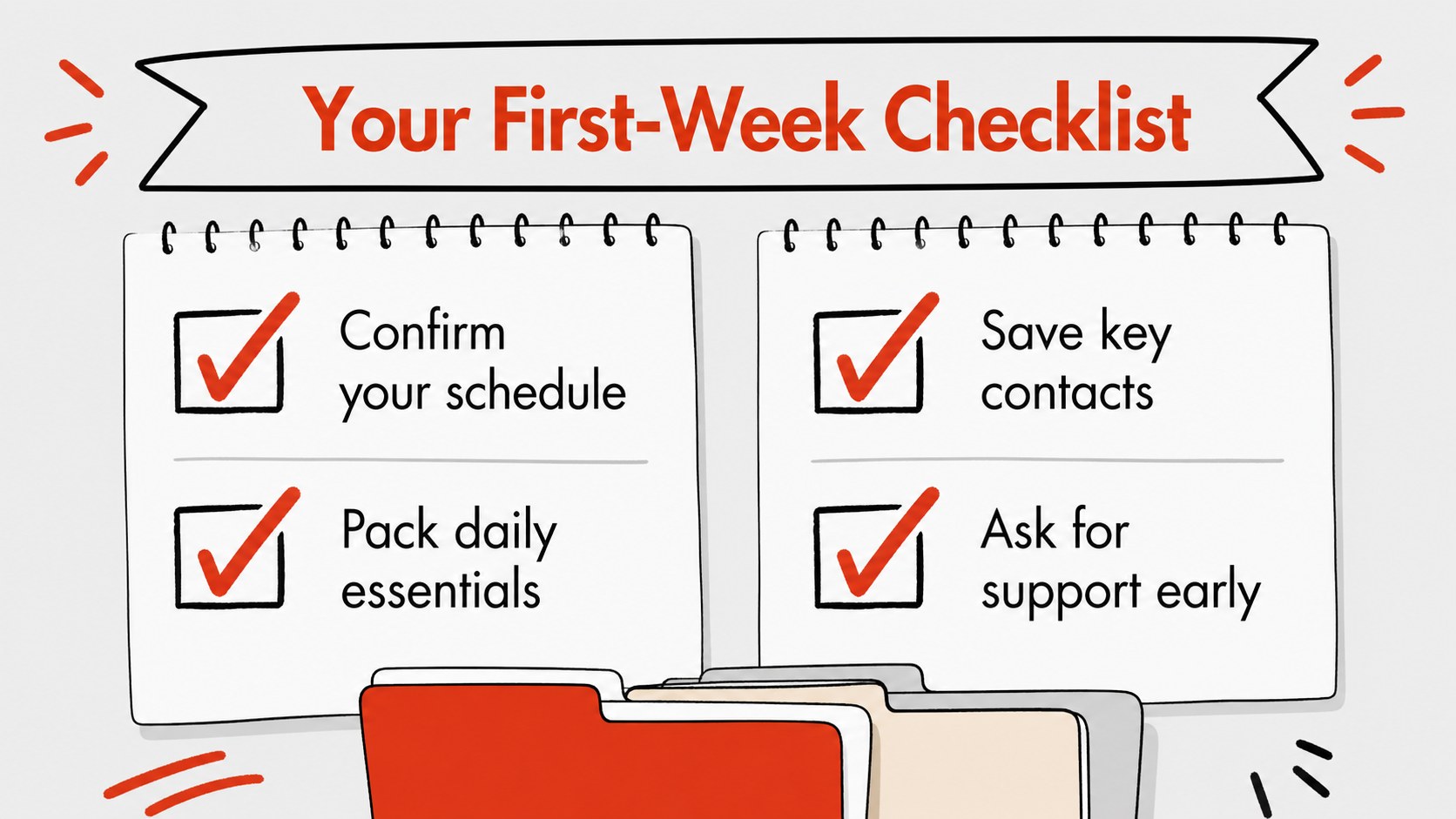
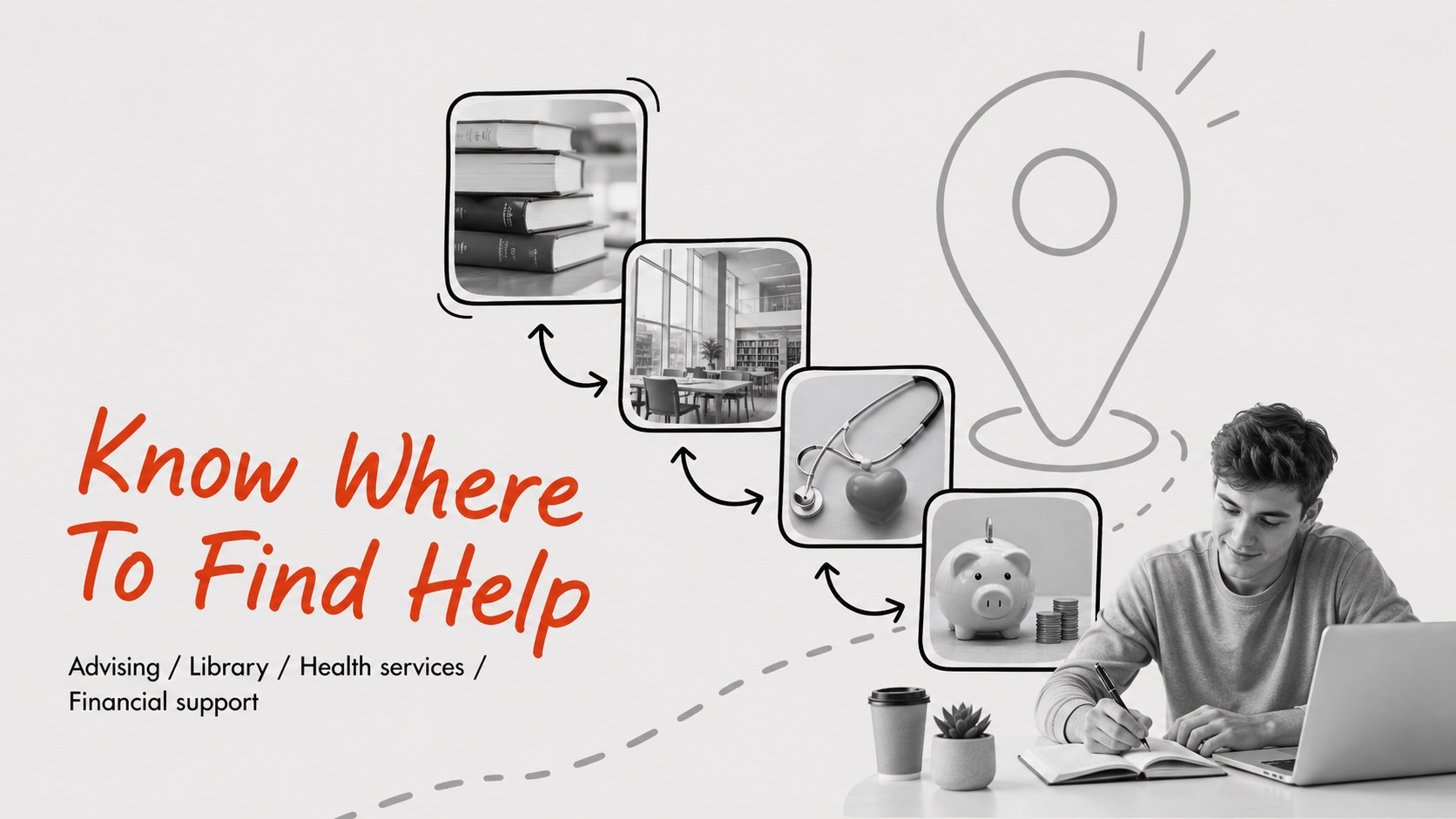
Inside, you will find 15 editable 16:9 slides for an agenda, preparation checklist, weekly planning, campus resources, study habits, budget reminders, communication tips, and a final action plan. Simple illustrations, bold red accents, and spacious layouts make key information visible from a distance while leaving room for examples, icons, charts, and notes. The college orientation slides can be adapted for first-year seminars, student services, residence life, or peer mentoring.
The template works well for teachers, academic advisors, counselors, student leaders, and education teams. Edit text, rearrange sections, change illustrations, and add school-specific details, then export to PowerPoint or Google Slides when needed. Use this college student preparation deck for workshops, welcome events, advising appointments, or a downloadable guide that helps learners move from uncertainty to an organized first semester.
Perfect for: first-year student orientation; academic advising workshop; campus resource briefing; student success seminar; residence life welcome session.
Frequently asked questions
Can I edit this college readiness presentation deck? Yes. Open the template to replace text, adjust colors, move elements, and add school-specific content with the drag-and-drop editor. The layouts are designed for straightforward customization.
Practical details
Yes. Open the template to replace text, adjust colors, move elements, and add school-specific content with the drag-and-drop editor. The layouts are designed for straightforward customization.
Yes. After opening the design, export it as a PowerPoint file or save an editable copy to Google Drive for Google Slides. Some -only elements may need minor adjustments after export.
The layouts can support checklists, study routines, campus resources, budgeting reminders, communication guidance, and semester goals. You can also replace these sections with content for a specific program or institution.
It is suitable for teachers, counselors, academic advisors, student leaders, and campus support teams. Use it for orientation meetings, workshops, advising sessions, and welcome events.
Keep exploring
15Build stronger academic arguments with a college essay thesis builder featuring guided examples, revision prompts, and editable PowerPoint and Google Slides.
 15
15Build an engaging World UFO Day session with this flying saucer history lesson deck, featuring retro green-and-brown slides for PowerPoint and Google Slides.
 14
14Plan a memorable Lunar New Year campaign with the 2036 Dragon Year Celebration Theme, featuring bold red-and-yellow slides for lessons and events.
 15
15Build a thoughtful classroom discussion with this interfaith awareness lesson deck, featuring editable blue-and-white slides for PowerPoint and Google Slides.
 15
15Use this environmental awareness lesson deck to teach climate action through illustrated activities, discussion prompts, and ready-to-edit visuals.
 15
15Build playful lessons and party stories with a kid-friendly zombie celebration theme in purple, green and pastel blue for PowerPoint and Google Slides.
 15
15Build eerie lessons, campaigns, and story pitches with an undead survival scenario theme featuring editable slides for PowerPoint and Google Slides.
 16
16Turn environmental research into a clear story with a Watercolor Ecology Presentation Theme for PowerPoint and Google Slides in calming green and blue.