
 15
15presentation
College Essay Thesis Builder Slides
Build stronger academic arguments with a college essay thesis builder featuring guided examples, revision prompts, and editable PowerPoint and Google Slides.
Google SlidesPowerPoint
document · English
Build a focused application narrative with this College Essay Drafting Workbook, featuring guided prompts and editable PowerPoint and Google Slides layouts.
Design notes
Turn early ideas into a clear, memorable application narrative with the College Essay Drafting Workbook. Its guided pages help students identify meaningful experiences, choose a central message, and organize supporting details before drafting. A restrained blue gradient, simple typography, and spacious layouts keep attention on the writing rather than the formatting.
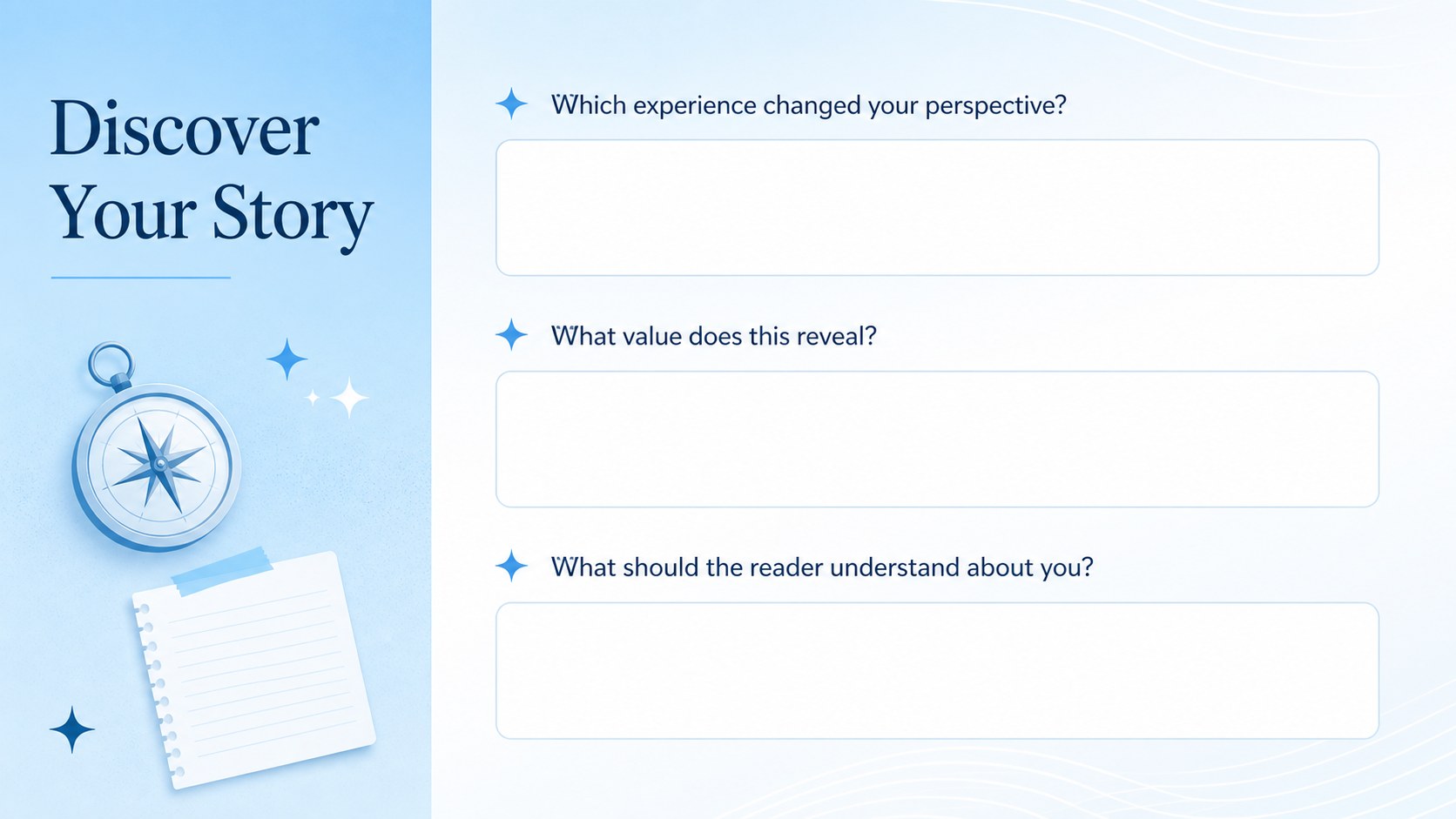
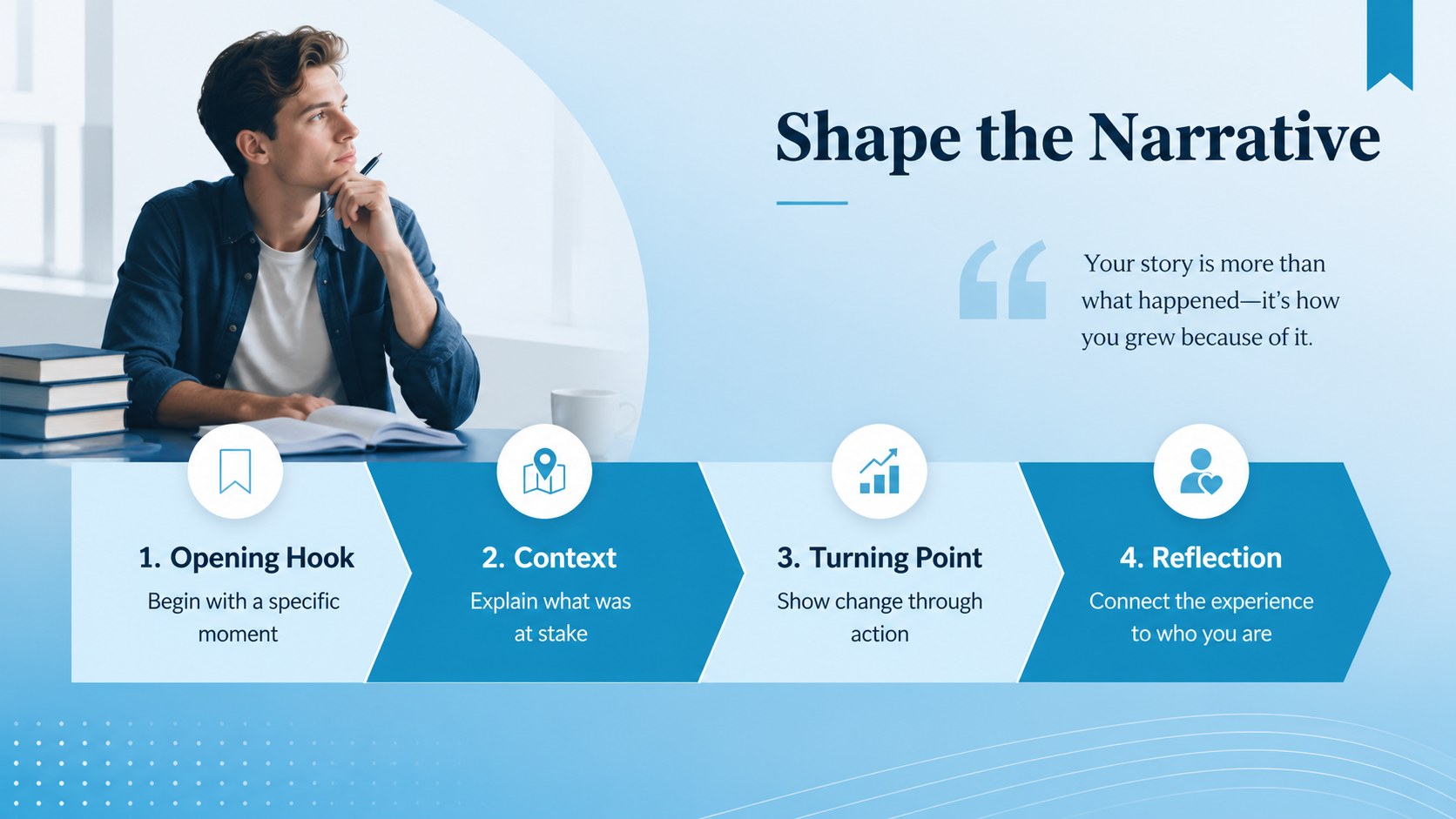
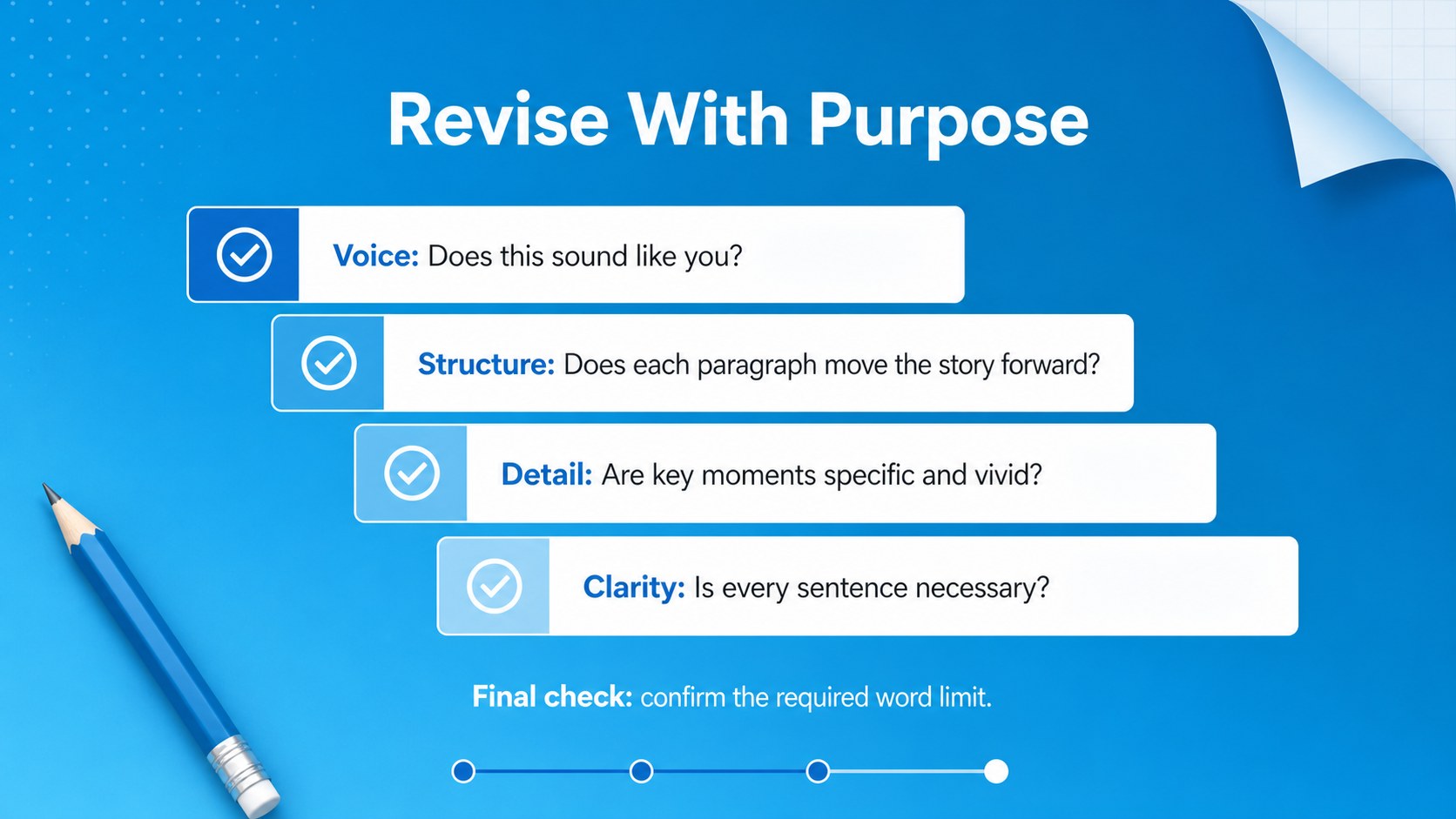
Inside, you will find a personal statement brainstorming workbook, a college admissions narrative organizer, an editable application essay outline, and a practical revision checklist. Prompts encourage specific reflection on challenges, values, turning points, and future goals. Story-planning sections provide room to map an opening hook, key scenes, personal insight, and a purposeful conclusion. Students can also review clarity, authenticity, structure, and word choice before finalizing their essays.
This resource is designed for high school seniors, transfer applicants, counselors, tutors, and college-readiness instructors. Use it during individual planning sessions, admissions workshops, classroom writing activities, or peer-review meetings. Every heading, prompt, color, and text box can be adjusted in PowerPoint or Google Slides. Add notes, rearrange planning sections, duplicate pages for multiple essay topics, or export the completed workbook as a PDF for review. The flexible structure supports both first drafts and later revisions while giving each student space to develop an original voice.
Perfect for: college application essay planning; personal statement brainstorming; admissions counseling session; classroom writing workshop; peer essay review; application essay revision.
Frequently asked questions
Can I edit this workbook in PowerPoint and Google Slides? Yes. The layouts, prompts, headings, and colors are editable in both PowerPoint and Google Slides. Font availability may vary slightly between the two platforms.
Practical details
Yes. The layouts, prompts, headings, and colors are editable in both PowerPoint and Google Slides. Font availability may vary slightly between the two platforms.
Yes. Replace the sample prompts, duplicate planning pages, and rearrange sections to match each college or scholarship application. You can also create separate copies for multiple essay topics.
Yes. The brainstorming, story mapping, drafting, and revision sections can support Common Application essays and other personal statements. Students should still check the current prompt and word-limit requirements before submitting.
Present the pages during a workshop or share an editable copy with each student. Completed slides can be discussed during individual conferences, peer reviews, or classroom feedback sessions.
Keep exploring
15Build stronger academic arguments with a college essay thesis builder featuring guided examples, revision prompts, and editable PowerPoint and Google Slides.
 15
15Build an engaging World UFO Day session with this flying saucer history lesson deck, featuring retro green-and-brown slides for PowerPoint and Google Slides.
 14
14Plan a memorable Lunar New Year campaign with the 2036 Dragon Year Celebration Theme, featuring bold red-and-yellow slides for lessons and events.
 15
15Build a thoughtful classroom discussion with this interfaith awareness lesson deck, featuring editable blue-and-white slides for PowerPoint and Google Slides.
 15
15Use this environmental awareness lesson deck to teach climate action through illustrated activities, discussion prompts, and ready-to-edit visuals.
 15
15Build playful lessons and party stories with a kid-friendly zombie celebration theme in purple, green and pastel blue for PowerPoint and Google Slides.
 15
15Build eerie lessons, campaigns, and story pitches with an undead survival scenario theme featuring editable slides for PowerPoint and Google Slides.
 16
16Turn environmental research into a clear story with a Watercolor Ecology Presentation Theme for PowerPoint and Google Slides in calming green and blue.