
 15
15presentation
College Essay Thesis Builder Slides
Build stronger academic arguments with a college essay thesis builder featuring guided examples, revision prompts, and editable PowerPoint and Google Slides.
Google SlidesPowerPoint
presentation · English
Build a clear cold war closure history lesson with red and gray slides for classroom timelines, political context, key events, and discussion.

Design notes
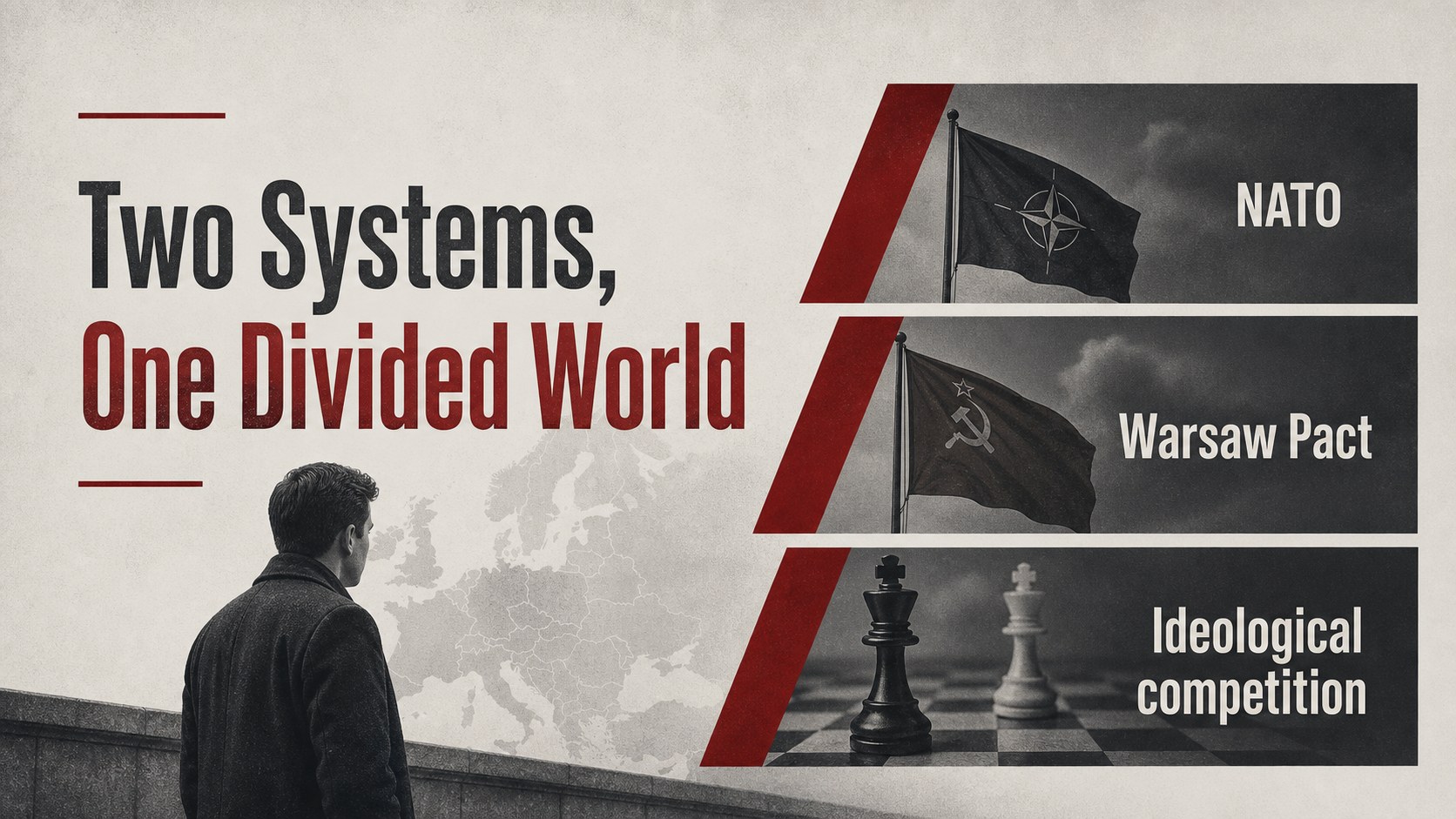
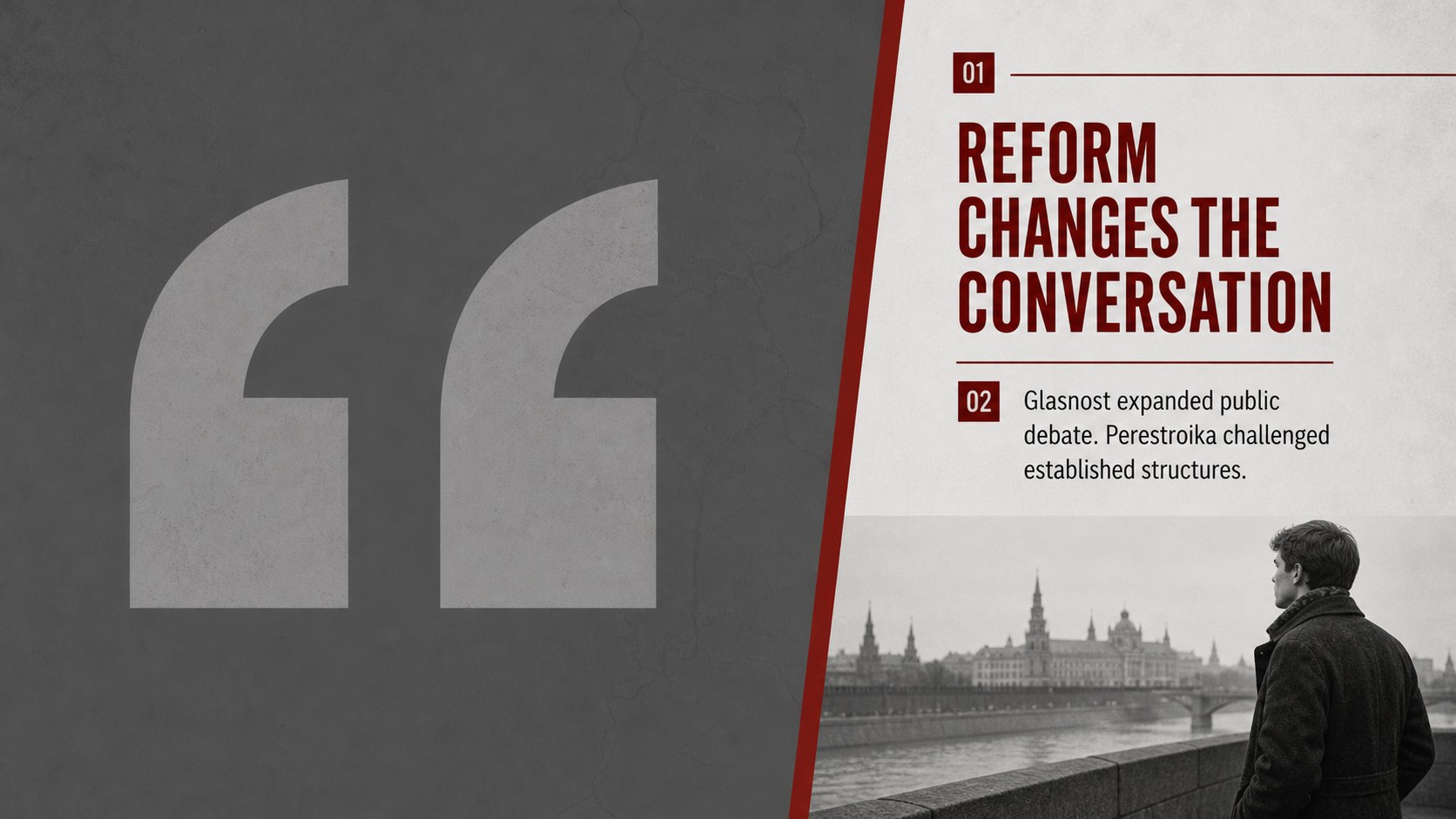
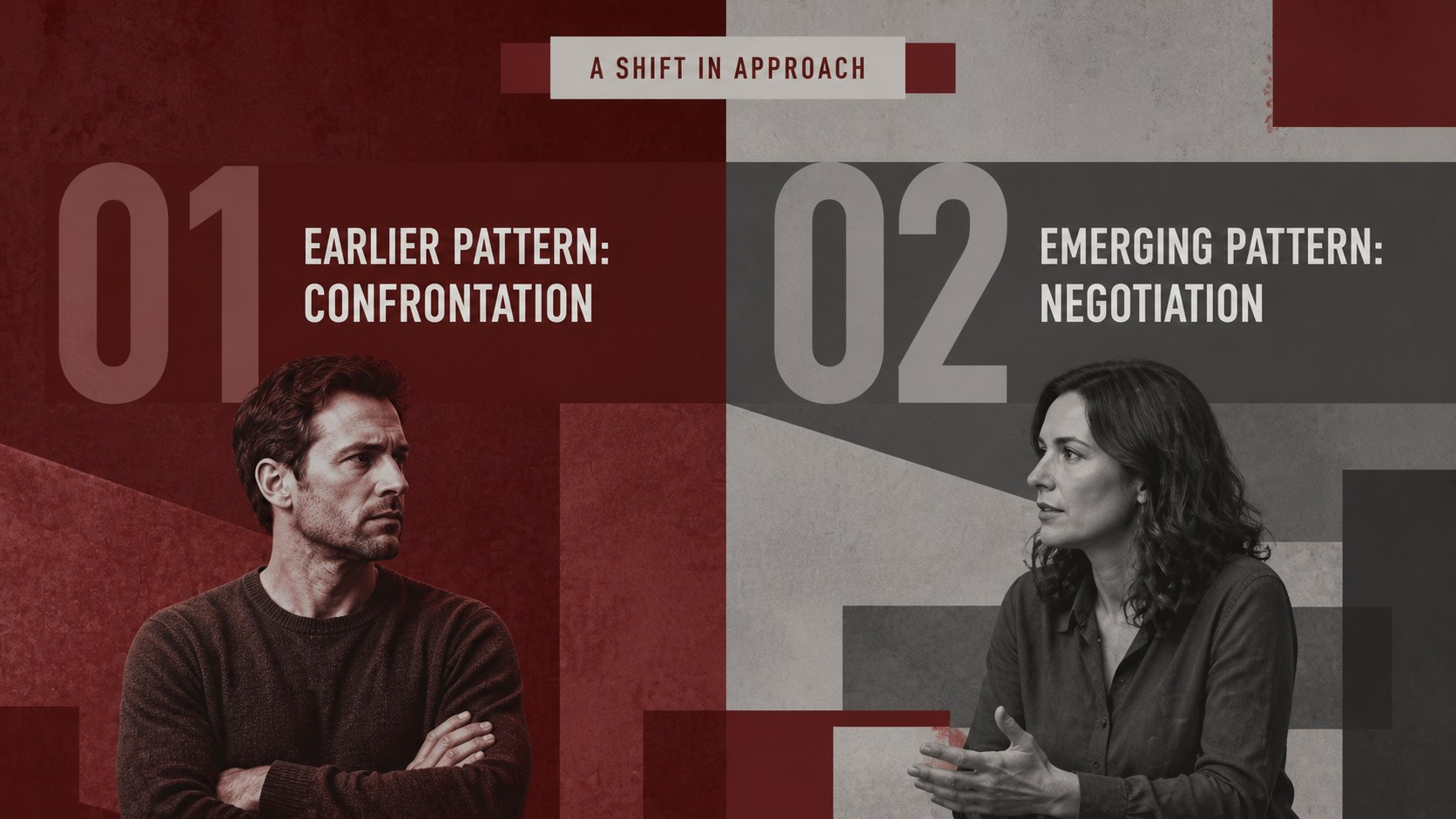
Cold War closure history lesson slides give teachers a structured way to explain how decades of rivalry moved toward negotiation, reform, and political change. The restrained red-and-gray visual system creates a serious historical mood while keeping dates, quotations, maps, and discussion prompts easy to read. Use the deck for a history class, social studies unit, lecture, or student-led review.
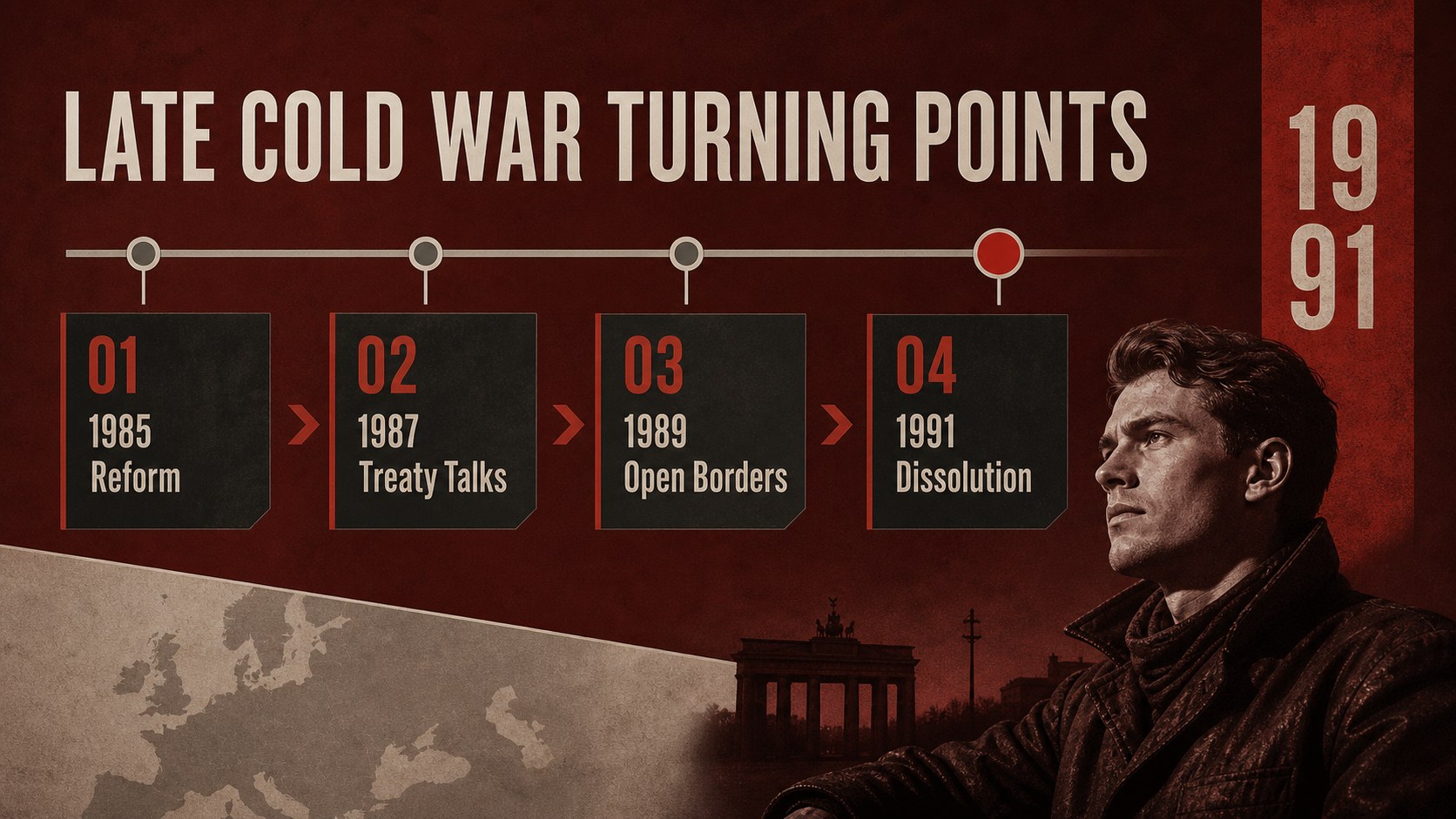
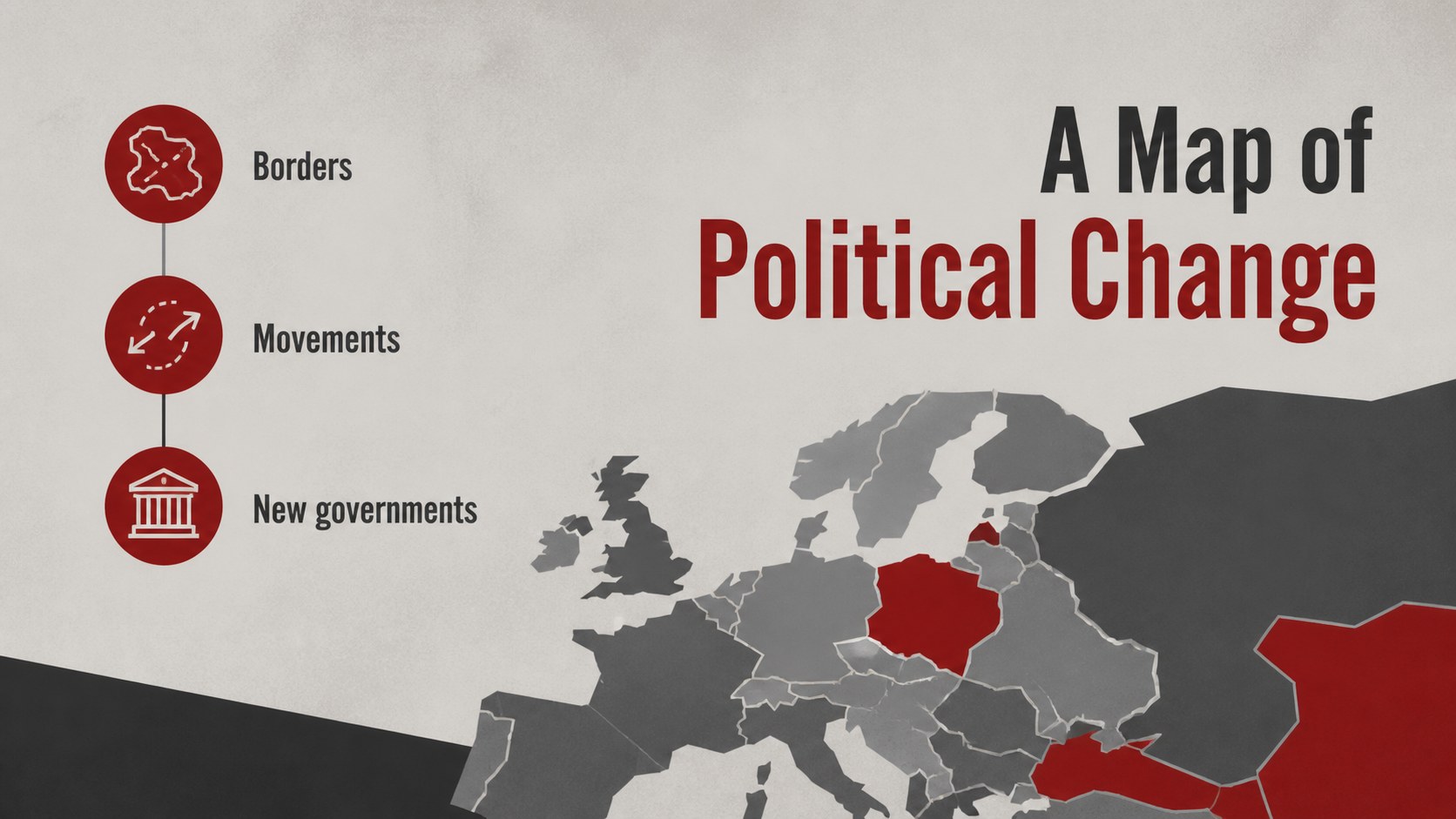
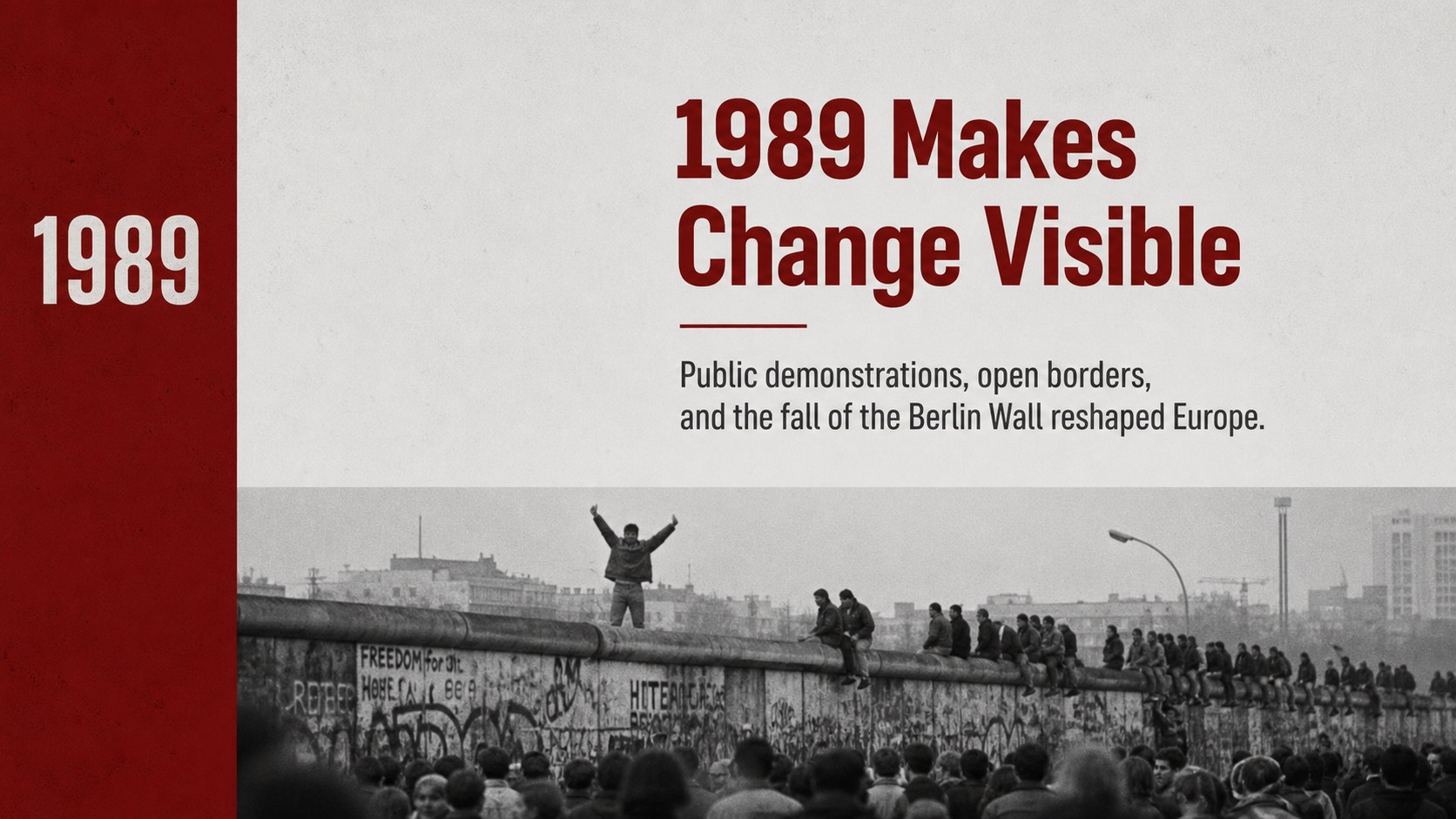
Inside, you will find 16 fully editable 16:9 slides for introducing the topic, framing major tensions, organizing a late Cold War timeline, comparing political developments, and summarizing the consequences of 1989 and the dissolution of the Soviet Union. Layouts include title pages, text-and-image compositions, timeline structures, comparison panels, data callouts, and conclusion slides. The design uses Asap Condensed and Staatliches, with a limited gray and red palette that suits archival imagery and documentary-style teaching materials.
The template works in PowerPoint and Google Slides. Replace the sample wording, adjust the sequence for your curriculum, add primary sources, or turn the timeline into a review activity. It is useful for secondary teachers, college instructors, museum educators, and students preparing a presentation about Cold War conclusion events, diplomatic change, or the transition from a divided Europe.
Perfect for: secondary history lesson; college social studies lecture; 1989 events review session; Cold War timeline assignment; museum education workshop.
Frequently asked questions
Can I edit this deck in PowerPoint? Yes. The presentation is designed for PowerPoint and includes editable text, shapes, charts, and layout elements. You can change the wording, images, colors, and slide order to fit your lesson.
Practical details
Yes. The presentation is designed for PowerPoint and includes editable text, shapes, charts, and layout elements. You can change the wording, images, colors, and slide order to fit your lesson.
Yes, you can open and customize the presentation in Google Slides. After importing it, review the fonts and spacing, then replace the sample content with your own sources and notes.
The timeline and comparison layouts can be shortened for younger students or expanded for advanced courses. Add dates, primary-source excerpts, maps, or discussion questions without changing the overall design system.
It uses a minimal documentary-inspired style with red and gray accents, condensed typography, and restrained graphic details. The palette is suited to historical photographs, political maps, and archival material.
Keep exploring
15Build stronger academic arguments with a college essay thesis builder featuring guided examples, revision prompts, and editable PowerPoint and Google Slides.
 15
15Build an engaging World UFO Day session with this flying saucer history lesson deck, featuring retro green-and-brown slides for PowerPoint and Google Slides.
 14
14Plan a memorable Lunar New Year campaign with the 2036 Dragon Year Celebration Theme, featuring bold red-and-yellow slides for lessons and events.
 15
15Build a thoughtful classroom discussion with this interfaith awareness lesson deck, featuring editable blue-and-white slides for PowerPoint and Google Slides.
 15
15Use this environmental awareness lesson deck to teach climate action through illustrated activities, discussion prompts, and ready-to-edit visuals.
 15
15Build playful lessons and party stories with a kid-friendly zombie celebration theme in purple, green and pastel blue for PowerPoint and Google Slides.
 15
15Build eerie lessons, campaigns, and story pitches with an undead survival scenario theme featuring editable slides for PowerPoint and Google Slides.
 16
16Turn environmental research into a clear story with a Watercolor Ecology Presentation Theme for PowerPoint and Google Slides in calming green and blue.