
 15
15presentation
College Essay Thesis Builder Slides
Build stronger academic arguments with a college essay thesis builder featuring guided examples, revision prompts, and editable PowerPoint and Google Slides.
Google SlidesPowerPoint
presentation · English
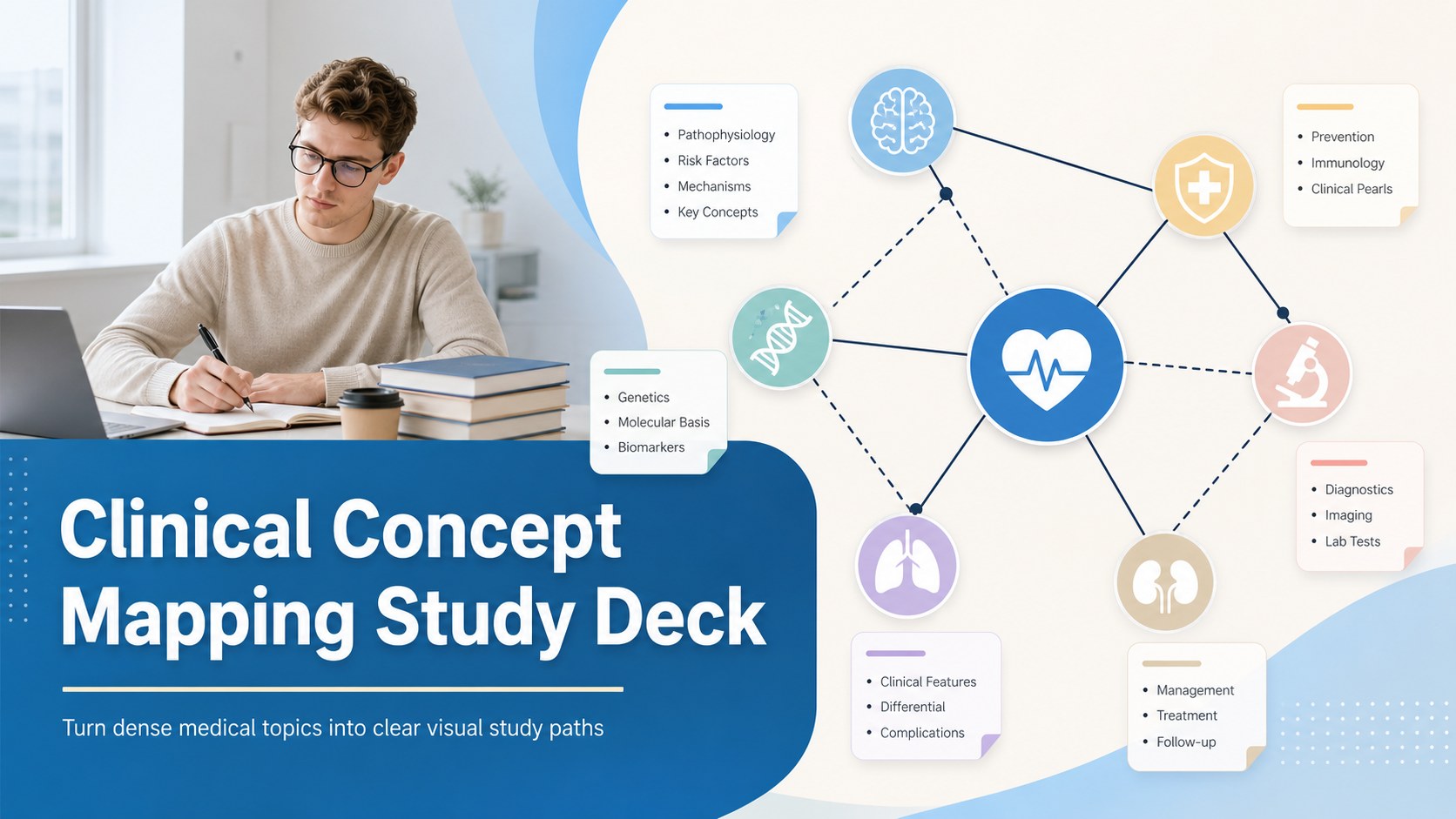
Build clearer study sessions with a clinical concept mapping study deck for anatomy, diagnosis, and exam review in editable PowerPoint or Google Slides.

Design notes
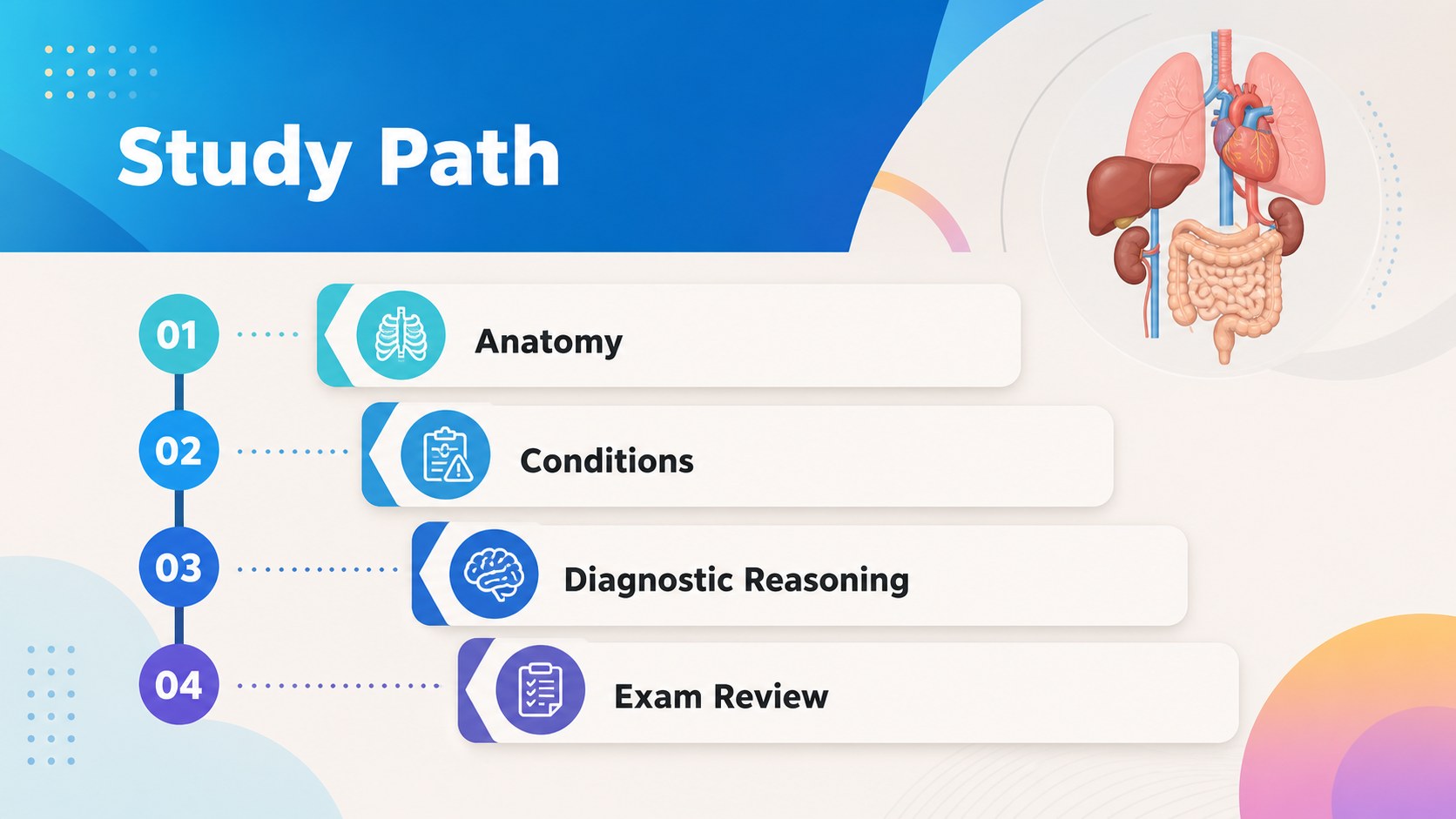
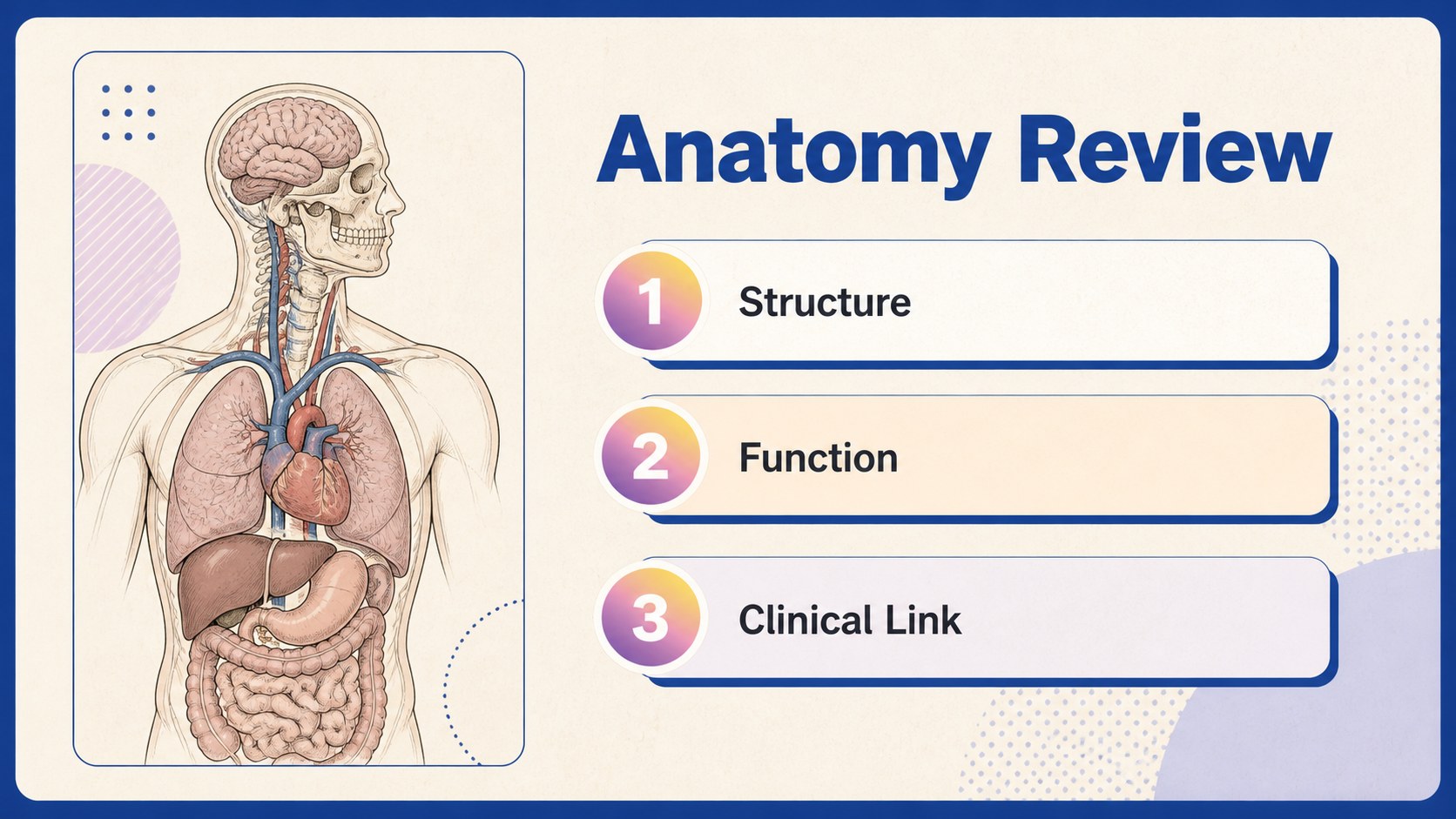
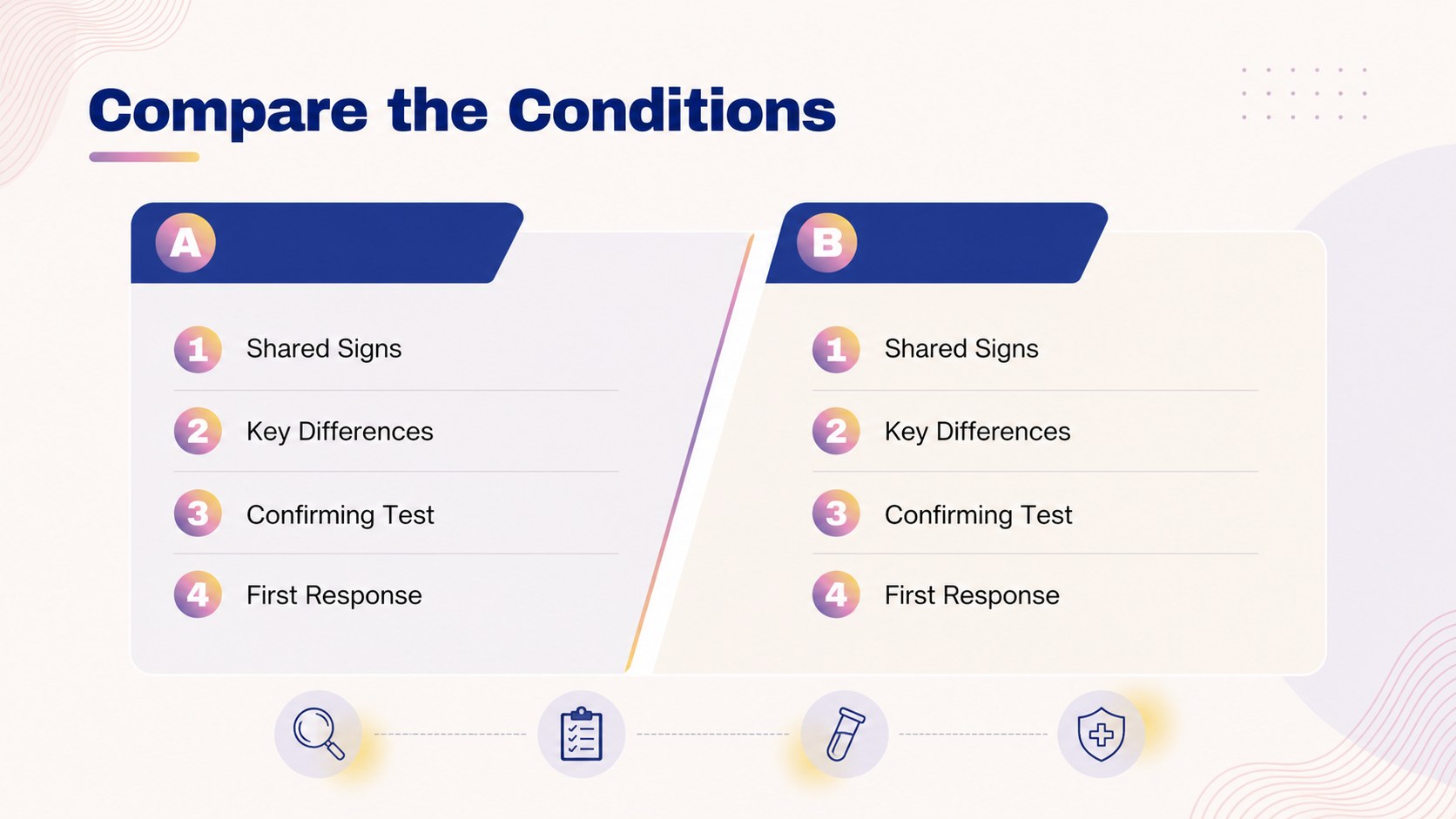
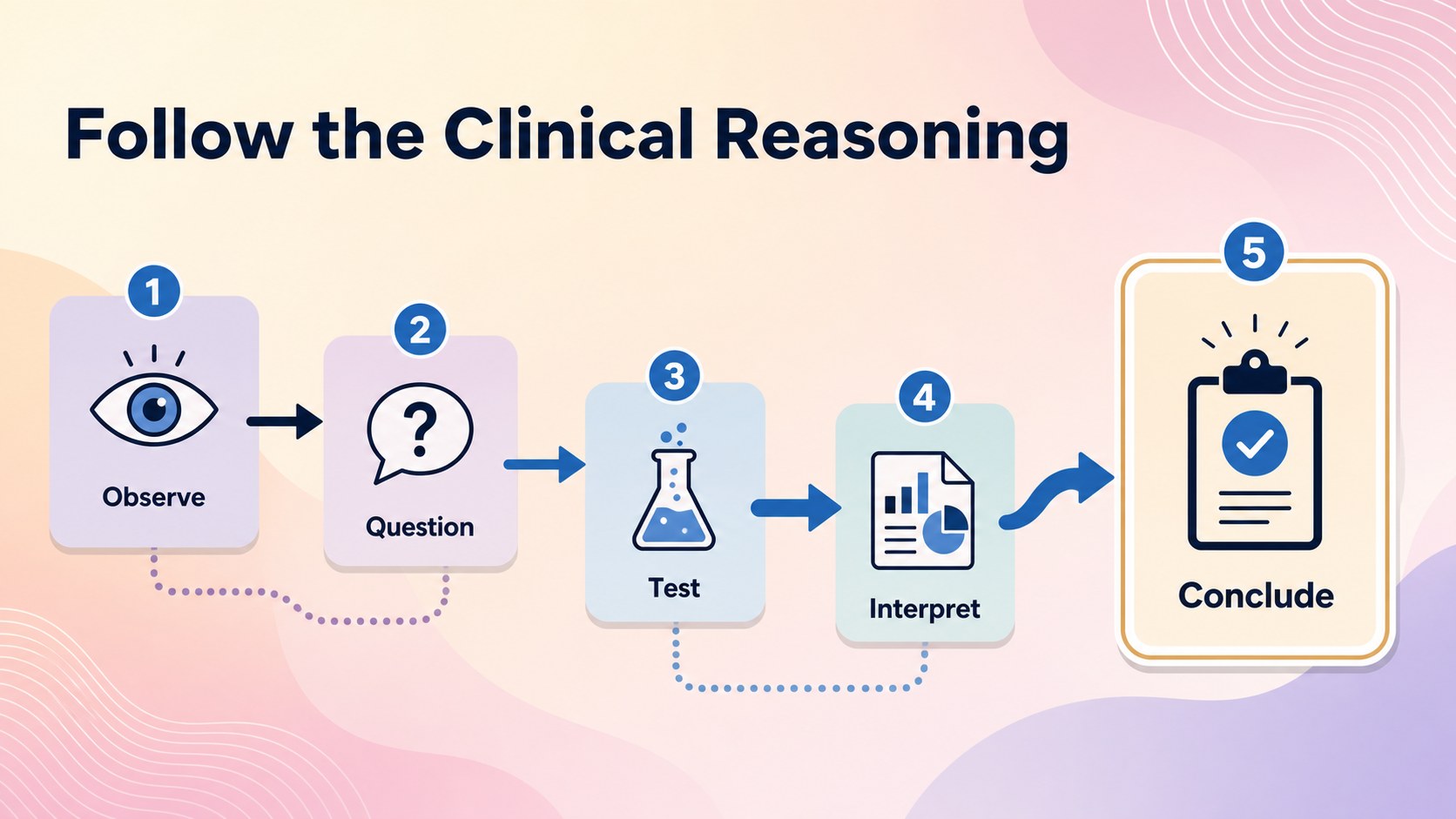
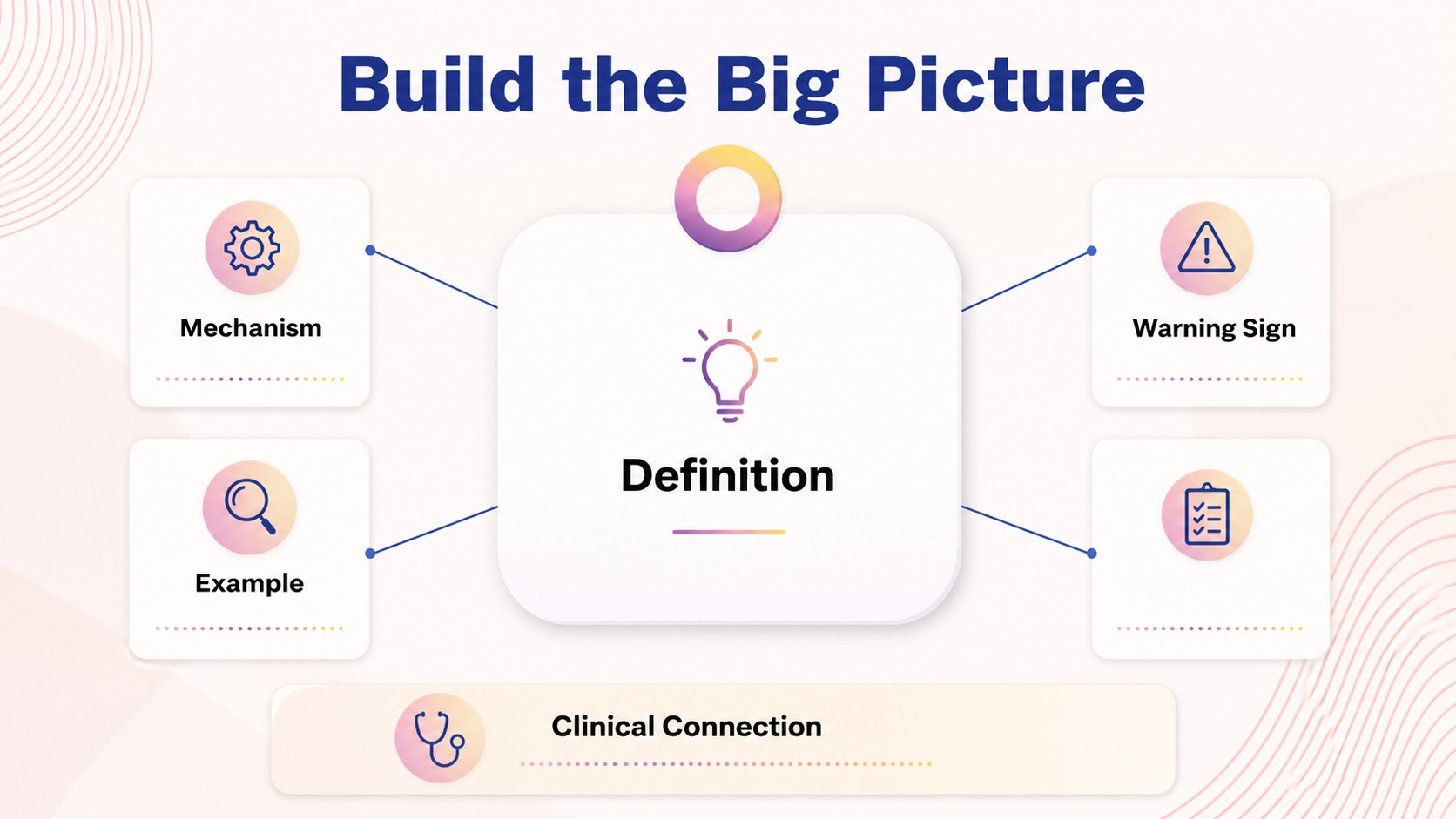
Turn dense medical topics into clear visual study paths with this clinical concept mapping study deck. The blue, beige, and black palette creates a calm academic setting, while bold typography and illustrated diagram elements help learners separate major concepts from supporting details. Use the layouts to map anatomy systems, compare conditions, trace diagnostic reasoning, or summarize a challenging lecture.
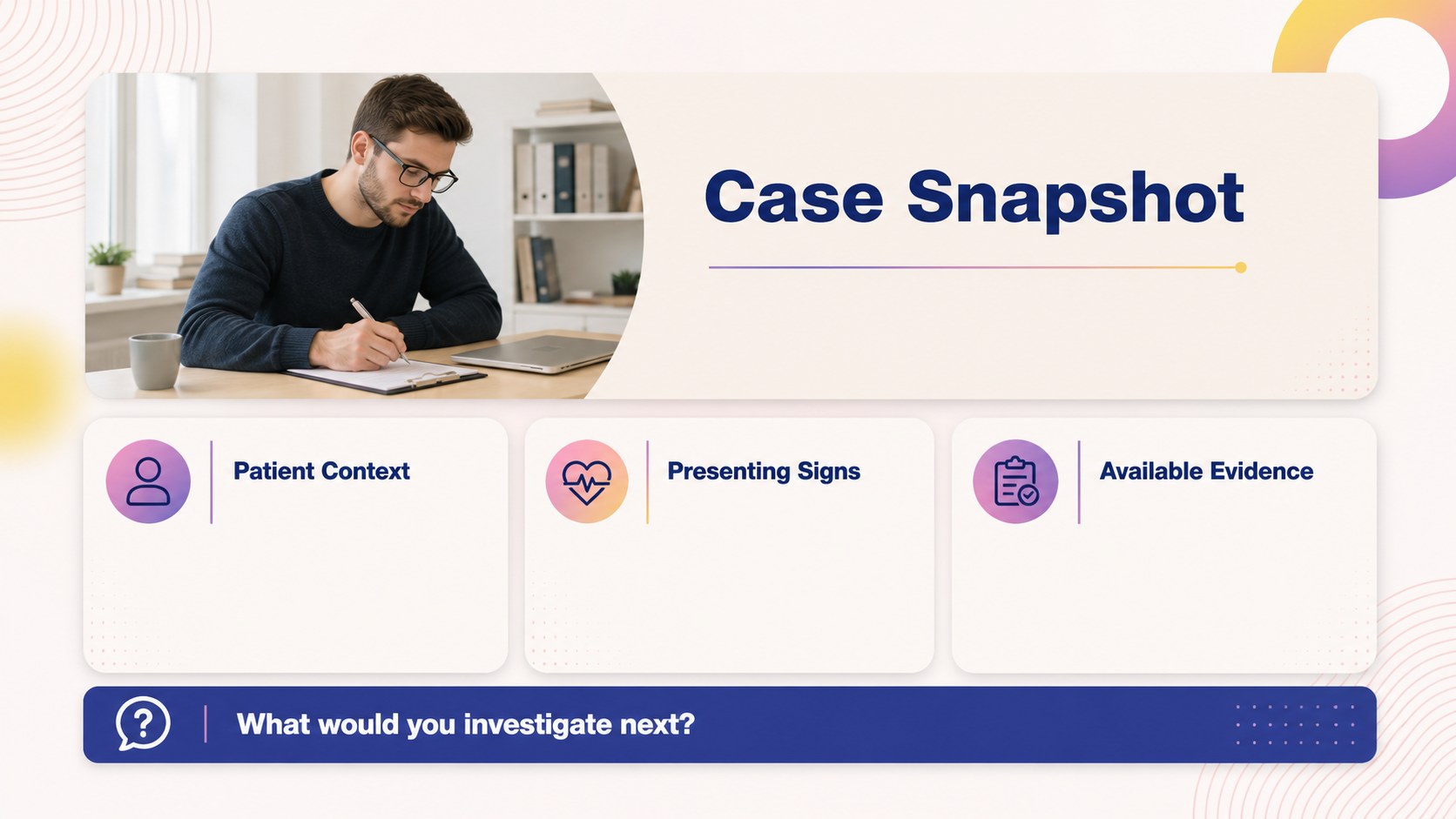
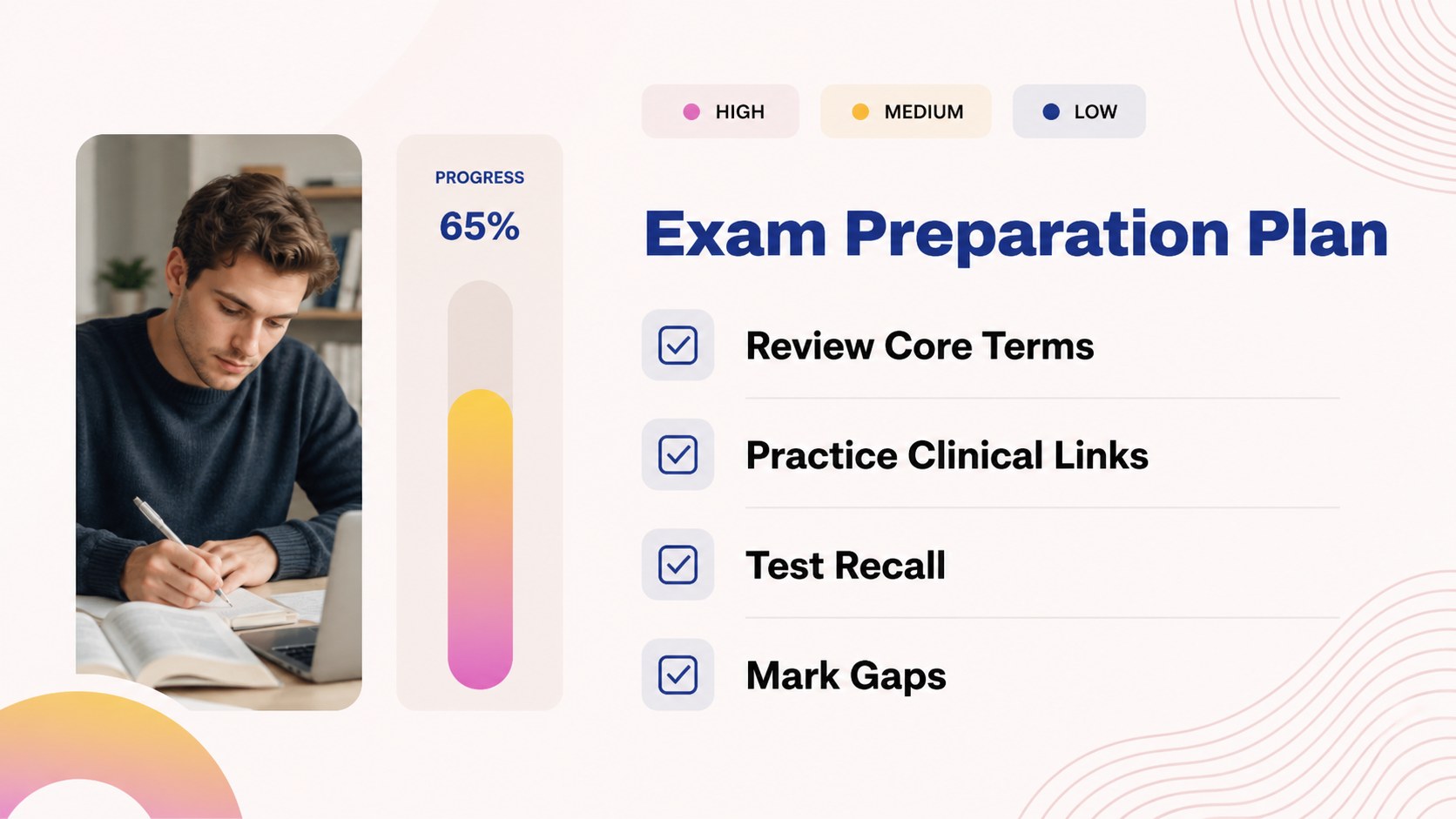
Inside, you’ll find more than 25 editable slide layouts for a medical study presentation, including a cover, section dividers, labeled diagrams, comparison pages, question prompts, process maps, summary boards, and review checklists. The structure works well for a clinical concept map, a small-group teaching session, or a personal revision file. Add icons, images, notes, arrows, and color-coded labels to match your subject and study method.
This template is designed for medical students, nursing students, tutors, lecturers, and healthcare teams preparing educational material. Edit it in PowerPoint or Google Slides, adjust the blue and beige accents, and replace the sample text with your own terminology. It is especially useful for anatomy review slides, pathology overviews, case-based learning, and exam preparation sessions where relationships between facts matter.
Perfect for: anatomy exam revision; case-based learning session; pathology lecture summary; clinical reasoning workshop; small-group medical tutoring.
Frequently asked questions
Can I edit this template in PowerPoint? Yes. The deck is designed for PowerPoint editing, with changeable text, colors, diagrams, shapes, and image areas. Replace the sample medical content with your own course material or case notes.
Practical details
Yes. The deck is designed for PowerPoint editing, with changeable text, colors, diagrams, shapes, and image areas. Replace the sample medical content with your own course material or case notes.
Yes, you can open and customize the presentation in Google Slides. Check each imported layout for minor font or spacing changes, then update the file with your preferred academic content.
Yes. Update the theme colors or individual shapes to create a different visual hierarchy while preserving the original medical-study style. A restrained accent color can also help distinguish symptoms, findings, and conclusions.
The layouts suit anatomy, pathology, pharmacology, diagnosis, and case-based learning. Use the mapping pages to show relationships between systems, symptoms, tests, treatments, and outcomes.
Keep exploring
15Build stronger academic arguments with a college essay thesis builder featuring guided examples, revision prompts, and editable PowerPoint and Google Slides.
 15
15Build an engaging World UFO Day session with this flying saucer history lesson deck, featuring retro green-and-brown slides for PowerPoint and Google Slides.
 14
14Plan a memorable Lunar New Year campaign with the 2036 Dragon Year Celebration Theme, featuring bold red-and-yellow slides for lessons and events.
 15
15Build a thoughtful classroom discussion with this interfaith awareness lesson deck, featuring editable blue-and-white slides for PowerPoint and Google Slides.
 15
15Use this environmental awareness lesson deck to teach climate action through illustrated activities, discussion prompts, and ready-to-edit visuals.
 15
15Build playful lessons and party stories with a kid-friendly zombie celebration theme in purple, green and pastel blue for PowerPoint and Google Slides.
 15
15Build eerie lessons, campaigns, and story pitches with an undead survival scenario theme featuring editable slides for PowerPoint and Google Slides.
 16
16Turn environmental research into a clear story with a Watercolor Ecology Presentation Theme for PowerPoint and Google Slides in calming green and blue.