
 15
15presentation
College Essay Thesis Builder Slides
Build stronger academic arguments with a college essay thesis builder featuring guided examples, revision prompts, and editable PowerPoint and Google Slides.
Google SlidesPowerPoint
presentation · English
Build clearer patient updates with Clinical Care Video Briefing Slides, a polished blue template for medical teams using PowerPoint or Google Slides.








Design notes
Clinical Care Video Briefing Slides gives health professionals a focused way to turn complex updates into visual narratives that patients, colleagues, and decision-makers can follow. Built around a crisp blue palette and motion-ready layouts, the deck supports video clips, clinical photography, charts, and concise talking points without crowding the screen. Use it as a patient care update presentation or for departmental reviews where clarity and pace matter.
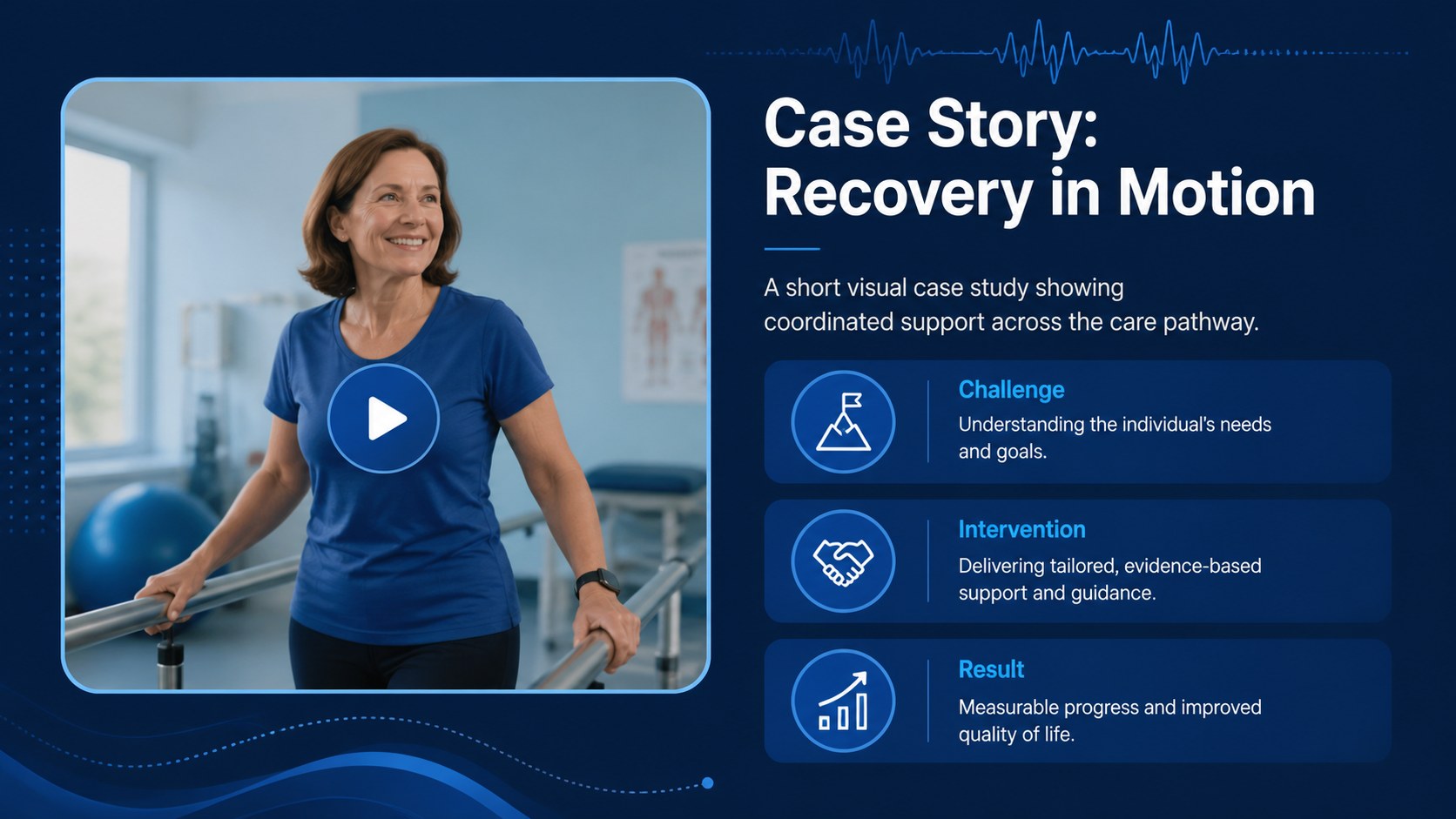
The 15-slide collection includes an opening cover, briefing agenda, patient journey, center profile, service overview, outcome metrics, research findings, training workflow, case story, safety protocol, team introduction, implementation timeline, resource chart, action plan, and closing screen. Editable diagrams, data displays, image areas, and video placeholders make it easy to adapt the presentation to your organization while retaining a consistent visual system.
Designed for clinicians, hospital administrators, educators, researchers, and communications teams, this template can become a hospital staff training deck, clinical research briefing, or medical service overview presentation. Every layout is customizable in PowerPoint and Google Slides, including colors, typography, images, charts, and transitions. Add your own approved media, replace sample figures with current data, and adjust the sequence to match internal meetings, professional conferences, or community health sessions.
Perfect for: patient care update meeting; hospital staff training; clinical research briefing; medical service overview; healthcare outcome review.
Frequently asked questions
Can I edit these healthcare slides in PowerPoint and Google Slides? Yes. All text, colors, charts, image areas, and layout elements can be customized in PowerPoint or Google Slides. Animation behavior may vary slightly between the two platforms.
Practical details
Yes. All text, colors, charts, image areas, and layout elements can be customized in PowerPoint or Google Slides. Animation behavior may vary slightly between the two platforms.
Select the relevant media placeholder and insert an approved video or image from your organization. Confirm that you have permission to use the media and remove identifying patient information before presenting.
Yes. Update the theme colors and fonts to apply your healthcare organization's visual identity throughout the deck. Check contrast after editing so labels, charts, and captions remain legible.
The layouts can support internal clinical updates, but the template does not provide privacy or compliance controls. Follow your organization's policies and applicable regulations when adding, storing, or sharing patient data.
Keep exploring
15Build stronger academic arguments with a college essay thesis builder featuring guided examples, revision prompts, and editable PowerPoint and Google Slides.
 15
15Build an engaging World UFO Day session with this flying saucer history lesson deck, featuring retro green-and-brown slides for PowerPoint and Google Slides.
 14
14Plan a memorable Lunar New Year campaign with the 2036 Dragon Year Celebration Theme, featuring bold red-and-yellow slides for lessons and events.
 15
15Build a thoughtful classroom discussion with this interfaith awareness lesson deck, featuring editable blue-and-white slides for PowerPoint and Google Slides.
 15
15Use this environmental awareness lesson deck to teach climate action through illustrated activities, discussion prompts, and ready-to-edit visuals.
 15
15Build playful lessons and party stories with a kid-friendly zombie celebration theme in purple, green and pastel blue for PowerPoint and Google Slides.
 15
15Build eerie lessons, campaigns, and story pitches with an undead survival scenario theme featuring editable slides for PowerPoint and Google Slides.
 16
16Turn environmental research into a clear story with a Watercolor Ecology Presentation Theme for PowerPoint and Google Slides in calming green and blue.