
 15
15presentation
College Essay Thesis Builder Slides
Build stronger academic arguments with a college essay thesis builder featuring guided examples, revision prompts, and editable PowerPoint and Google Slides.
Google SlidesPowerPoint
presentation · English
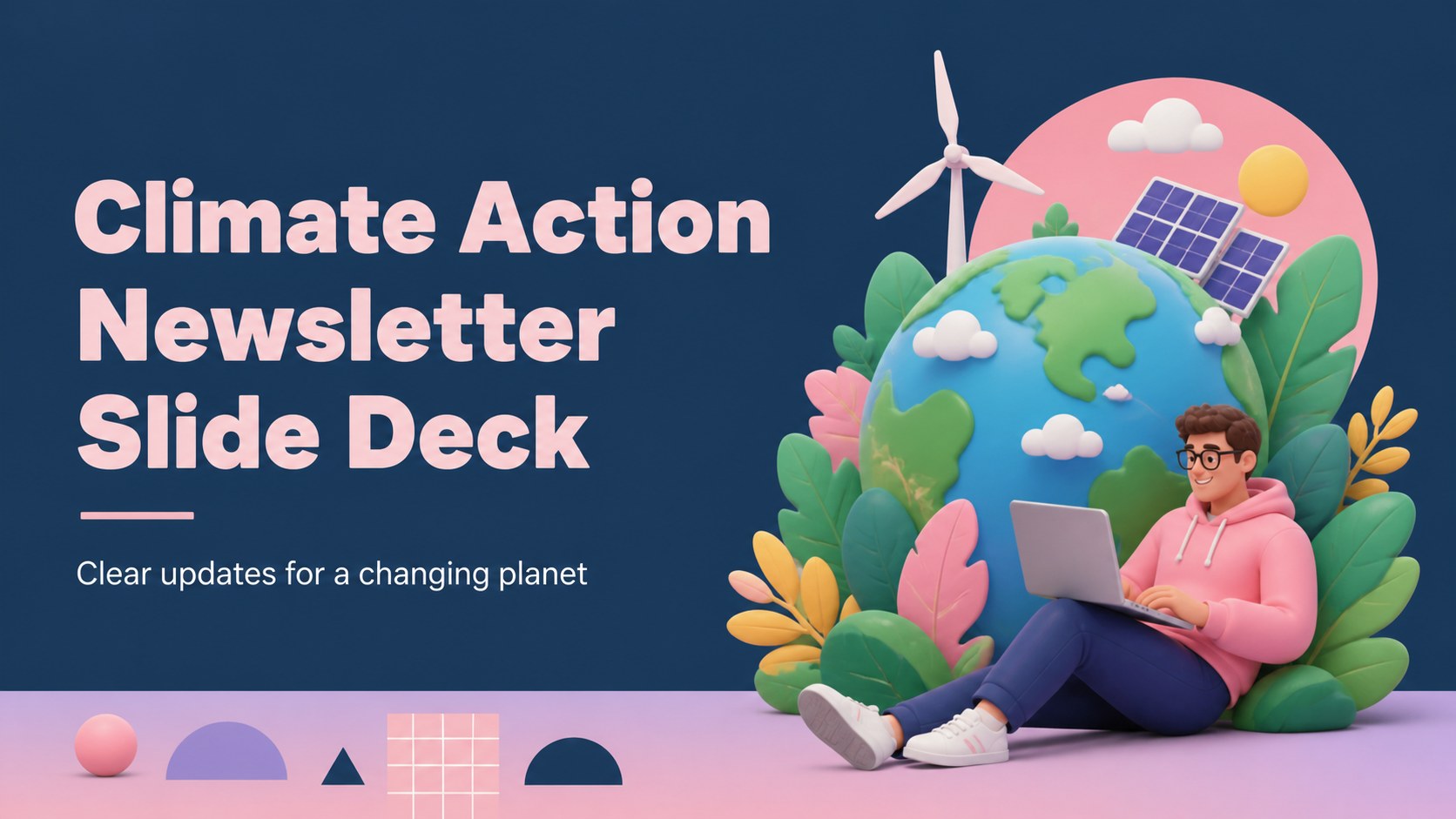
Create a bright climate action newsletter with editable PowerPoint and Google Slides layouts for school lessons, community updates, webinars, and campaigns.

Design notes
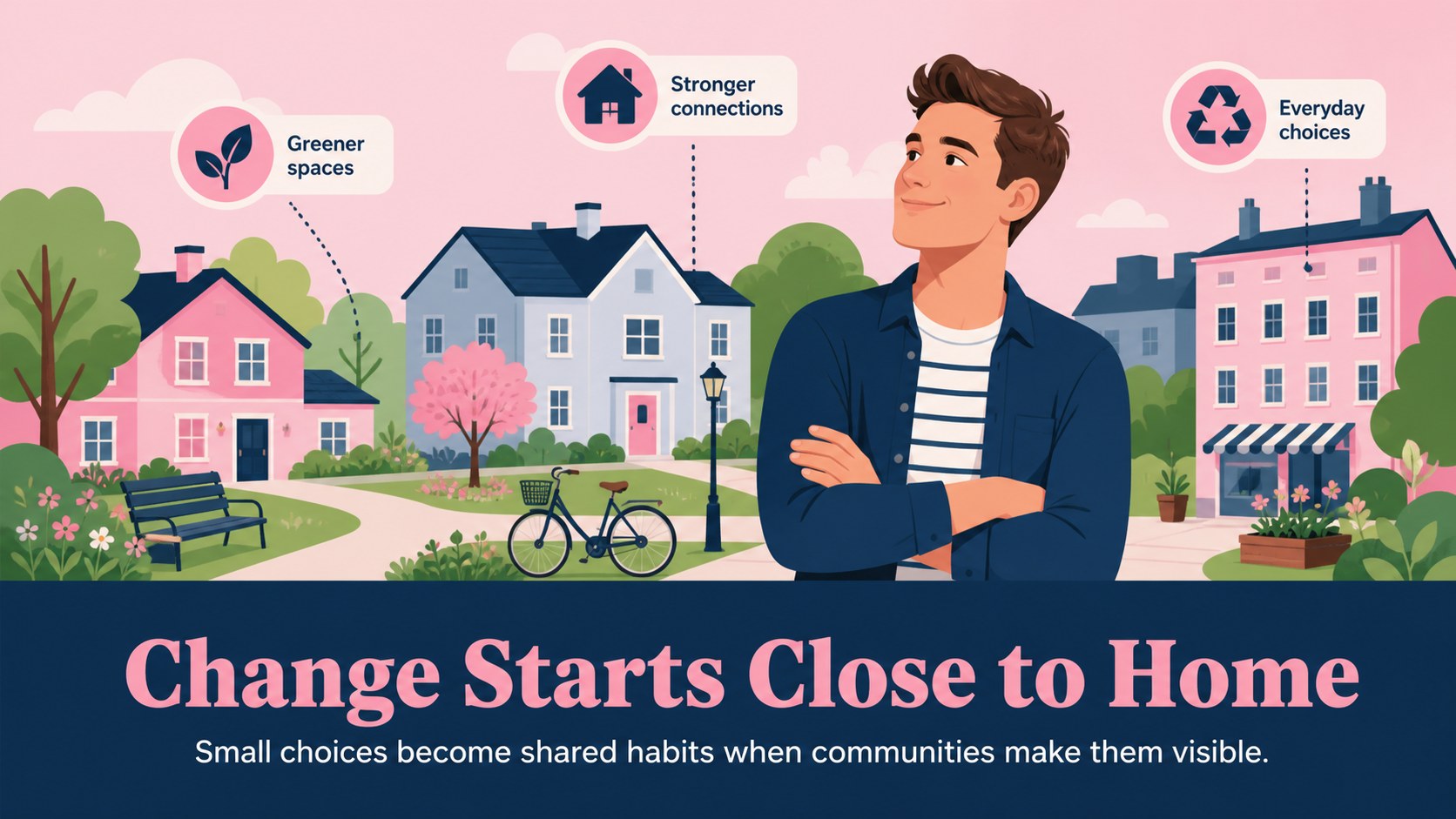
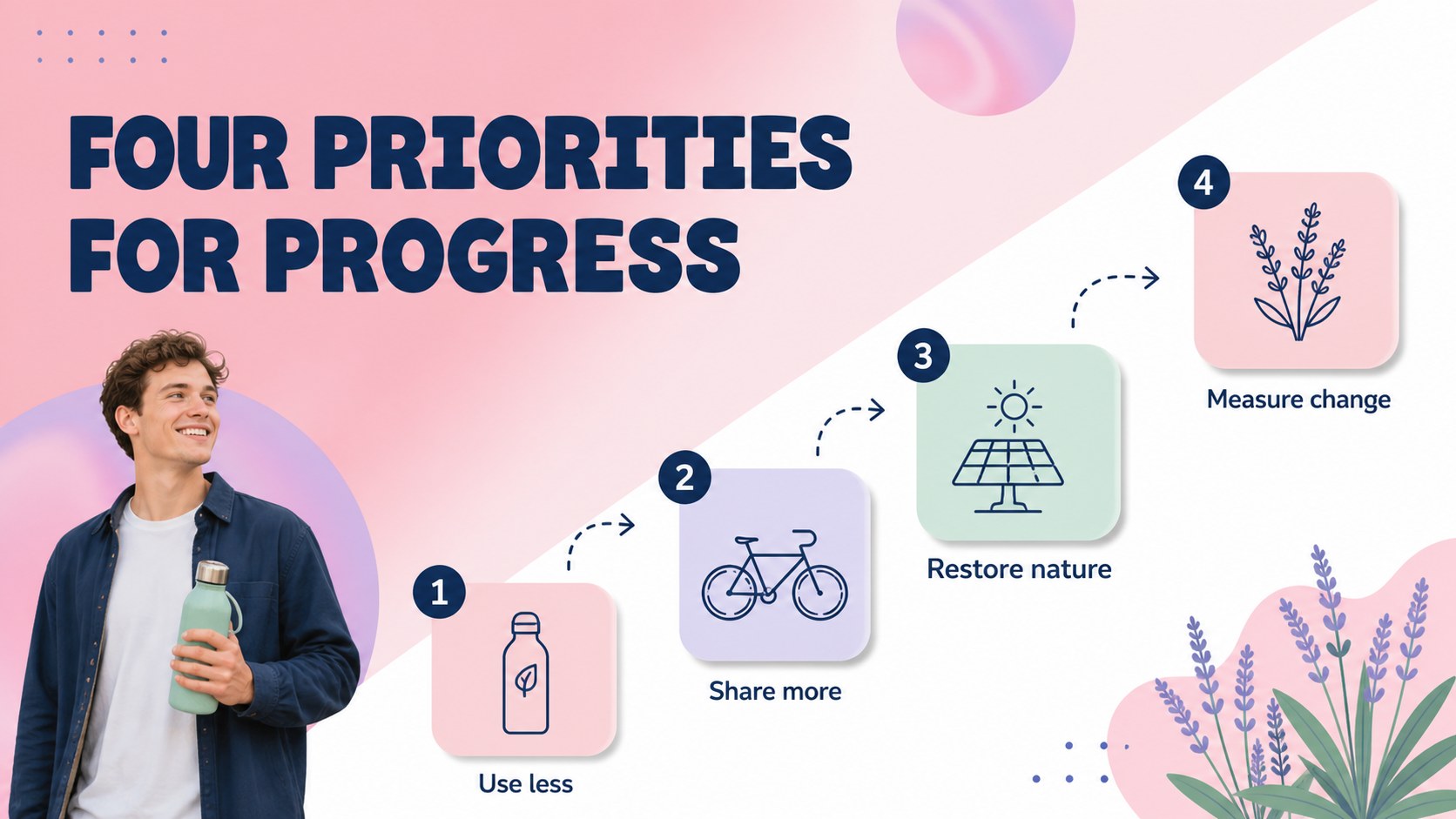
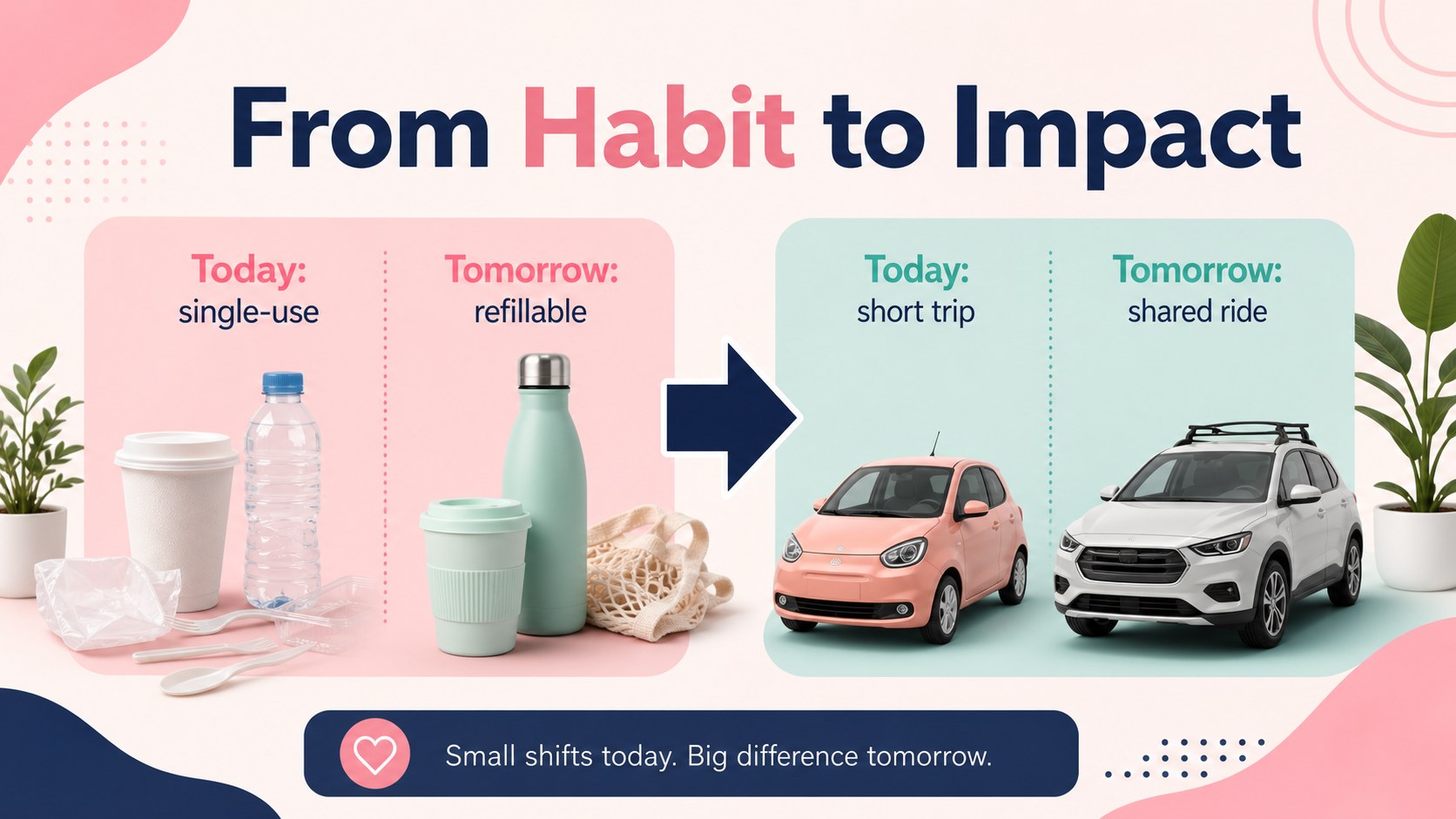
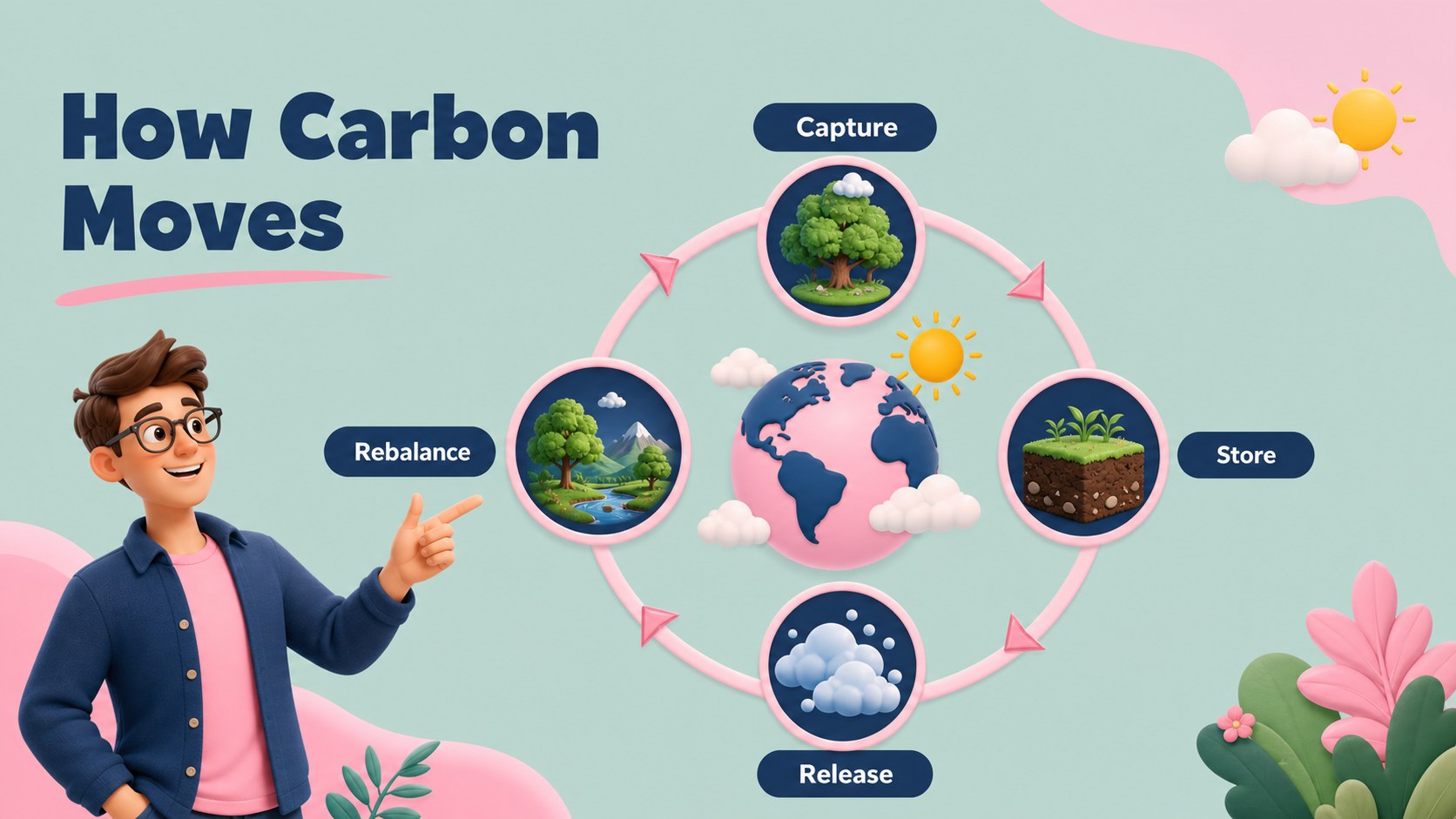
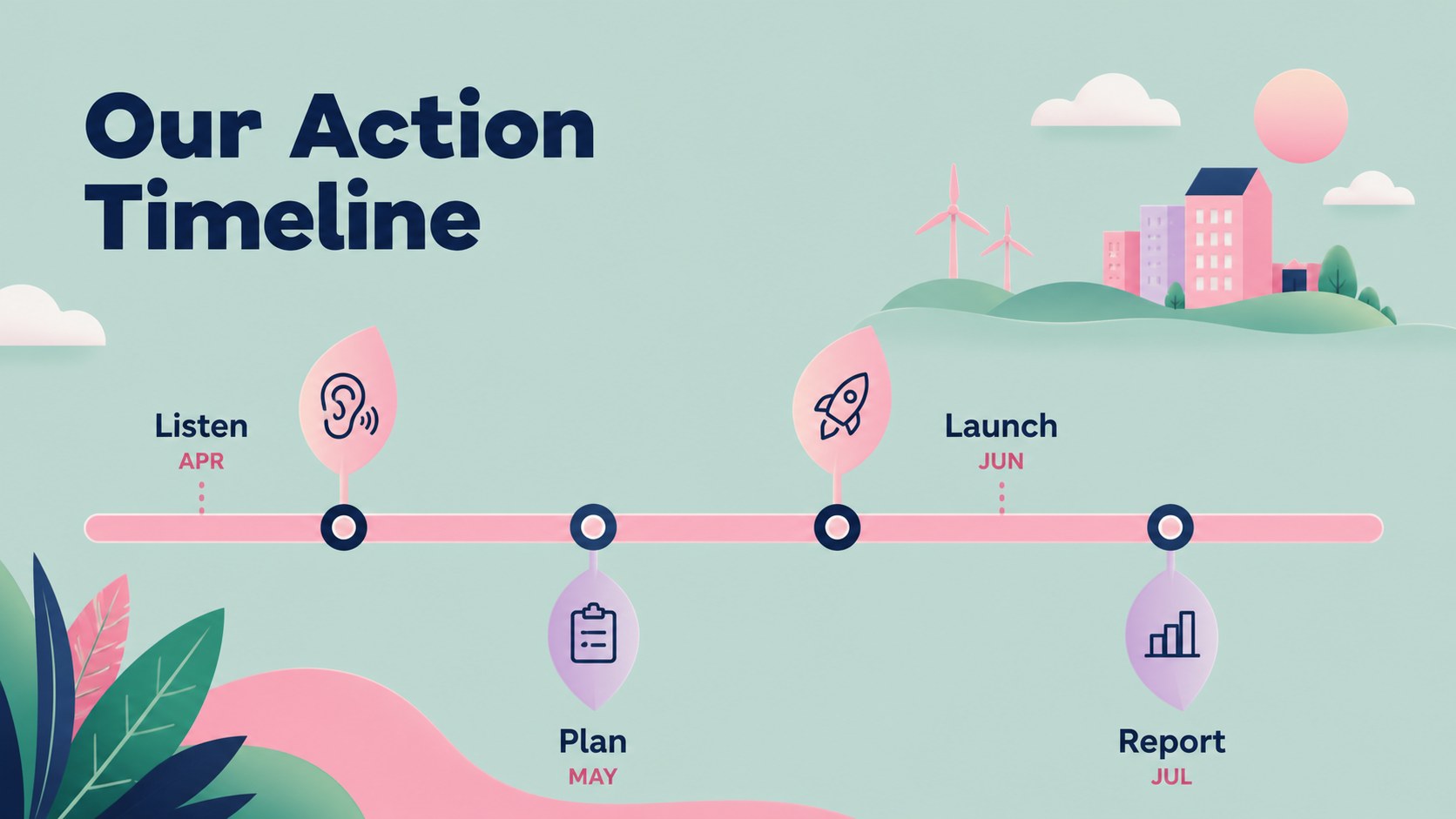
Climate action newsletter slides give educators, nonprofit teams, and marketing professionals a polished way to explain environmental priorities. The bright pink and navy palette, soft geometric details, and playful 3D illustration style make complex climate topics approachable without losing a clean, organized structure.
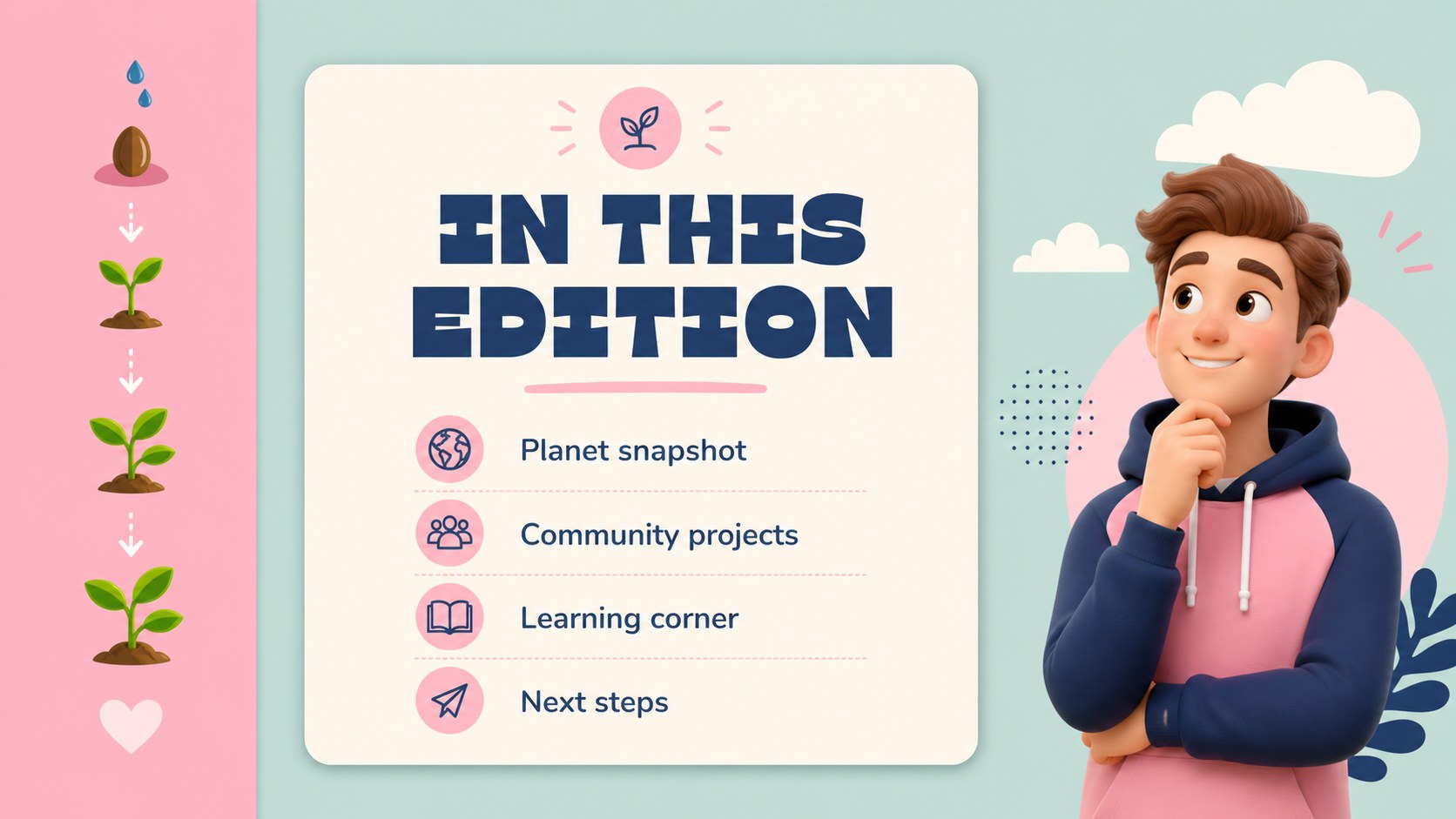
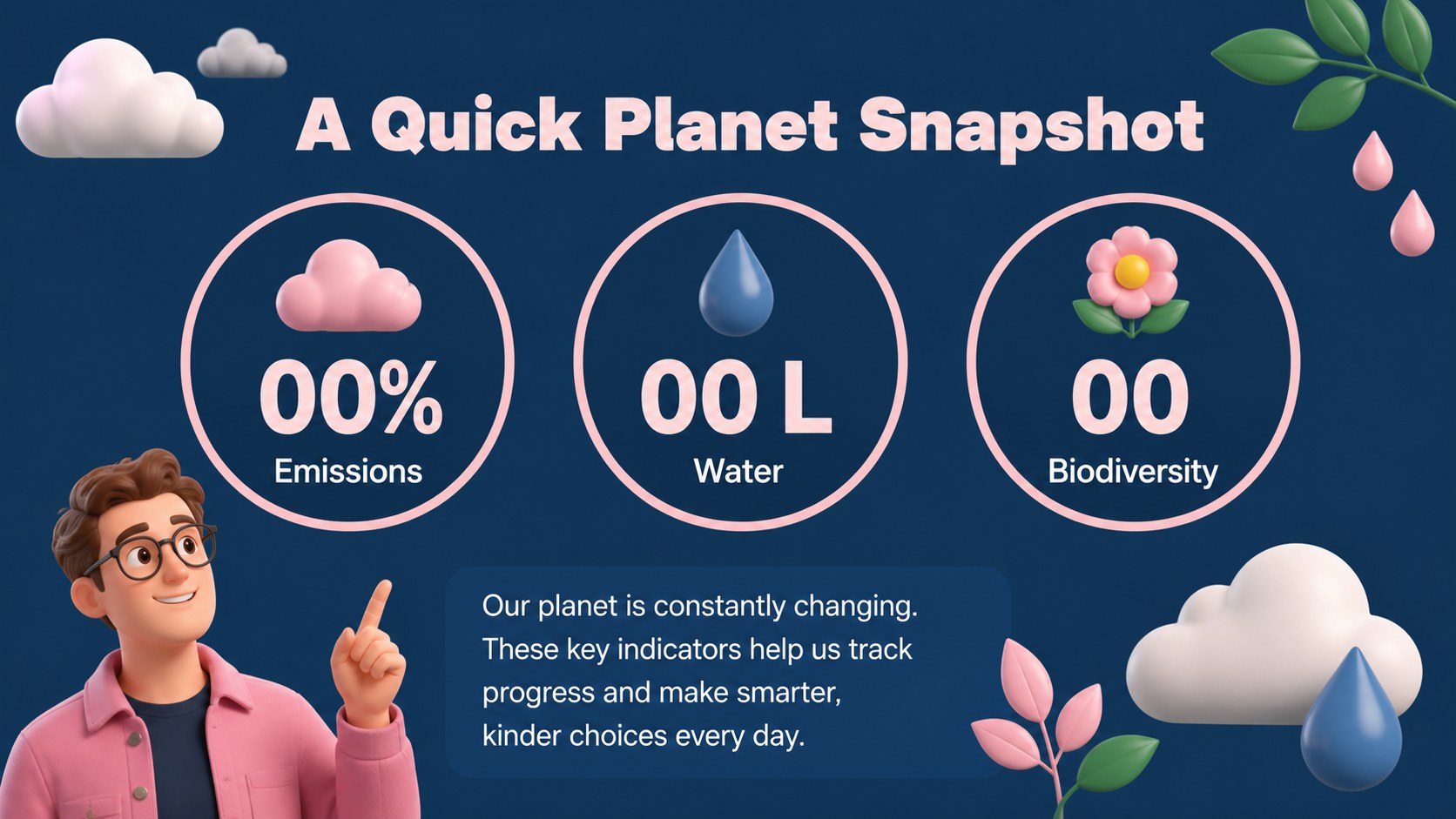
Inside, you will find more than 25 editable layouts for a newsletter-style presentation, including an opening message, environmental facts, campaign goals, educational content, event announcements, comparison sections, image-led updates, charts, and a closing call to action. Use the layouts to build a climate awareness webinar, prepare an Earth Day classroom lesson, or share a concise sustainability update with a local audience.
The deck works in PowerPoint and Google Slides, so teams can adjust text, images, charts, colors, and layout elements to match their project. It is especially useful for environmental nonprofits, schools, youth programs, community organizers, and brands communicating responsible business initiatives. With flexible climate education presentation layouts and an accessible visual system, you can turn research and announcements into a memorable story that is easy to present, share, and revisit.
Perfect for: climate awareness webinar; Earth Day classroom lesson; nonprofit campaign update; community sustainability briefing; corporate environmental initiative.
Frequently asked questions
Can I edit this deck in PowerPoint? Yes. The template is designed for PowerPoint editing, including text, images, charts, shapes, and colors. Replace the sample content with your own environmental data and campaign details.
Practical details
Yes. The template is designed for PowerPoint editing, including text, images, charts, shapes, and colors. Replace the sample content with your own environmental data and campaign details.
Yes, you can open and customize the deck in Google Slides. Check fonts and animation behavior after importing, then make any small adjustments needed for your presentation.
Use the slides for climate facts, sustainability announcements, event invitations, educational explanations, progress reports, and calls to action. The modular layouts also support charts, comparisons, and image-based updates.
Yes. Update the theme colors to match your organization, school, or campaign while keeping the original visual hierarchy. You can also swap the illustrations and photography for project-specific assets.
Keep exploring
15Build stronger academic arguments with a college essay thesis builder featuring guided examples, revision prompts, and editable PowerPoint and Google Slides.
 15
15Build an engaging World UFO Day session with this flying saucer history lesson deck, featuring retro green-and-brown slides for PowerPoint and Google Slides.
 14
14Plan a memorable Lunar New Year campaign with the 2036 Dragon Year Celebration Theme, featuring bold red-and-yellow slides for lessons and events.
 15
15Build a thoughtful classroom discussion with this interfaith awareness lesson deck, featuring editable blue-and-white slides for PowerPoint and Google Slides.
 15
15Use this environmental awareness lesson deck to teach climate action through illustrated activities, discussion prompts, and ready-to-edit visuals.
 15
15Build playful lessons and party stories with a kid-friendly zombie celebration theme in purple, green and pastel blue for PowerPoint and Google Slides.
 15
15Build eerie lessons, campaigns, and story pitches with an undead survival scenario theme featuring editable slides for PowerPoint and Google Slides.
 16
16Turn environmental research into a clear story with a Watercolor Ecology Presentation Theme for PowerPoint and Google Slides in calming green and blue.