
 15
15presentation
College Essay Thesis Builder Slides
Build stronger academic arguments with a college essay thesis builder featuring guided examples, revision prompts, and editable PowerPoint and Google Slides.
Google SlidesPowerPoint
presentation · English
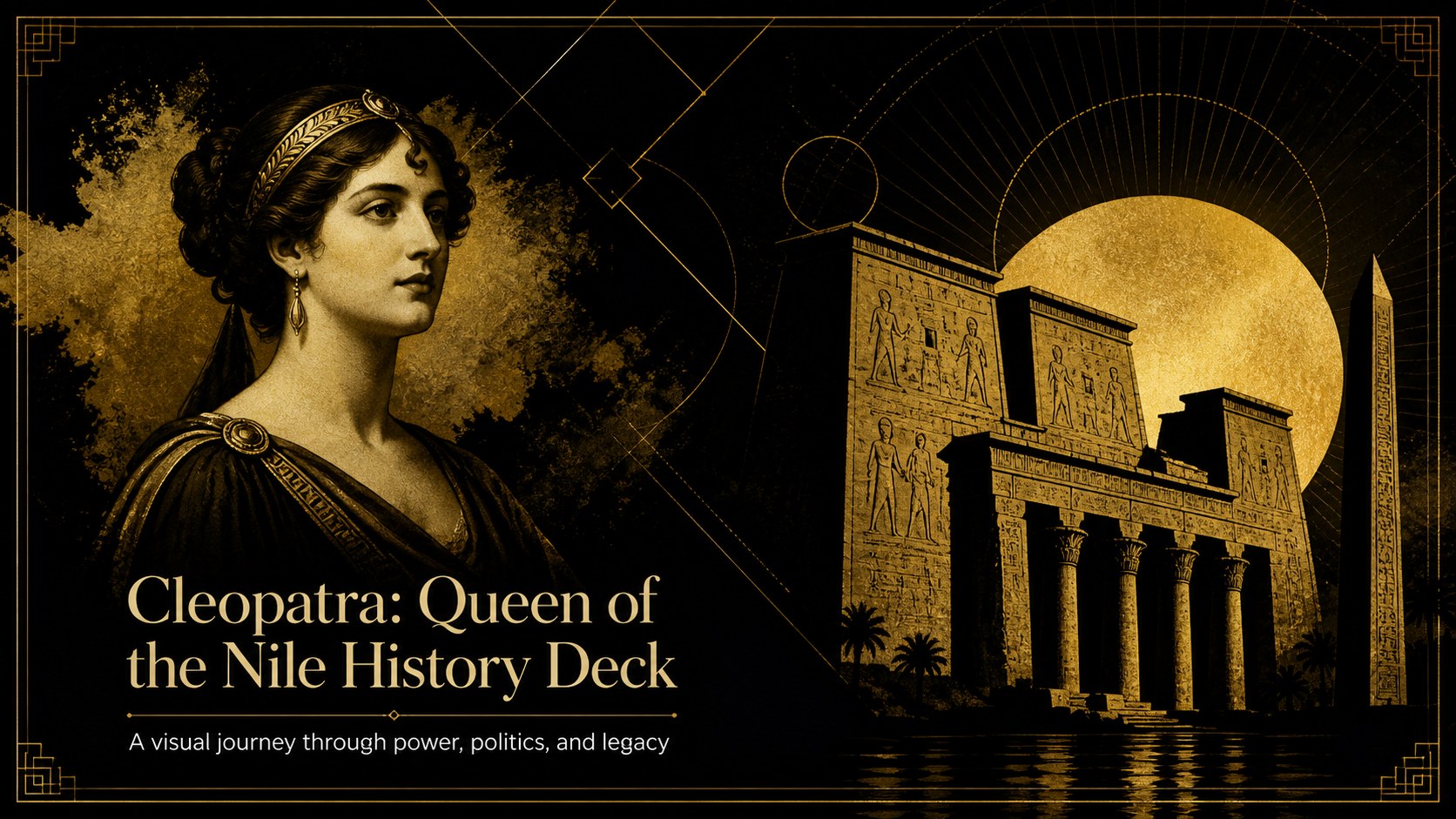
Build a memorable lesson on Cleopatra with a black-and-gold queen of the Nile history deck for PowerPoint and Google Slides, made for clear storytelling.
Design notes
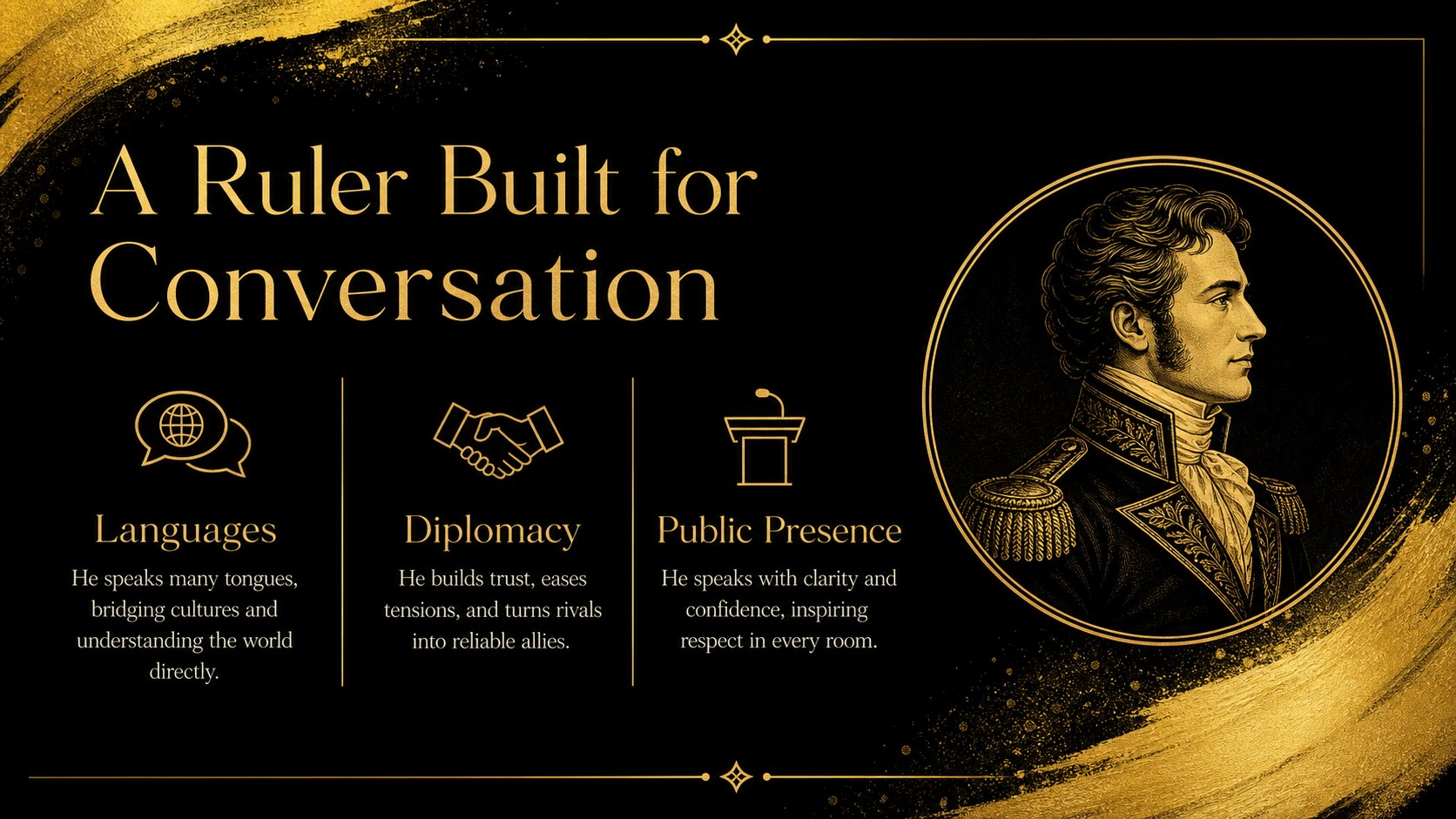
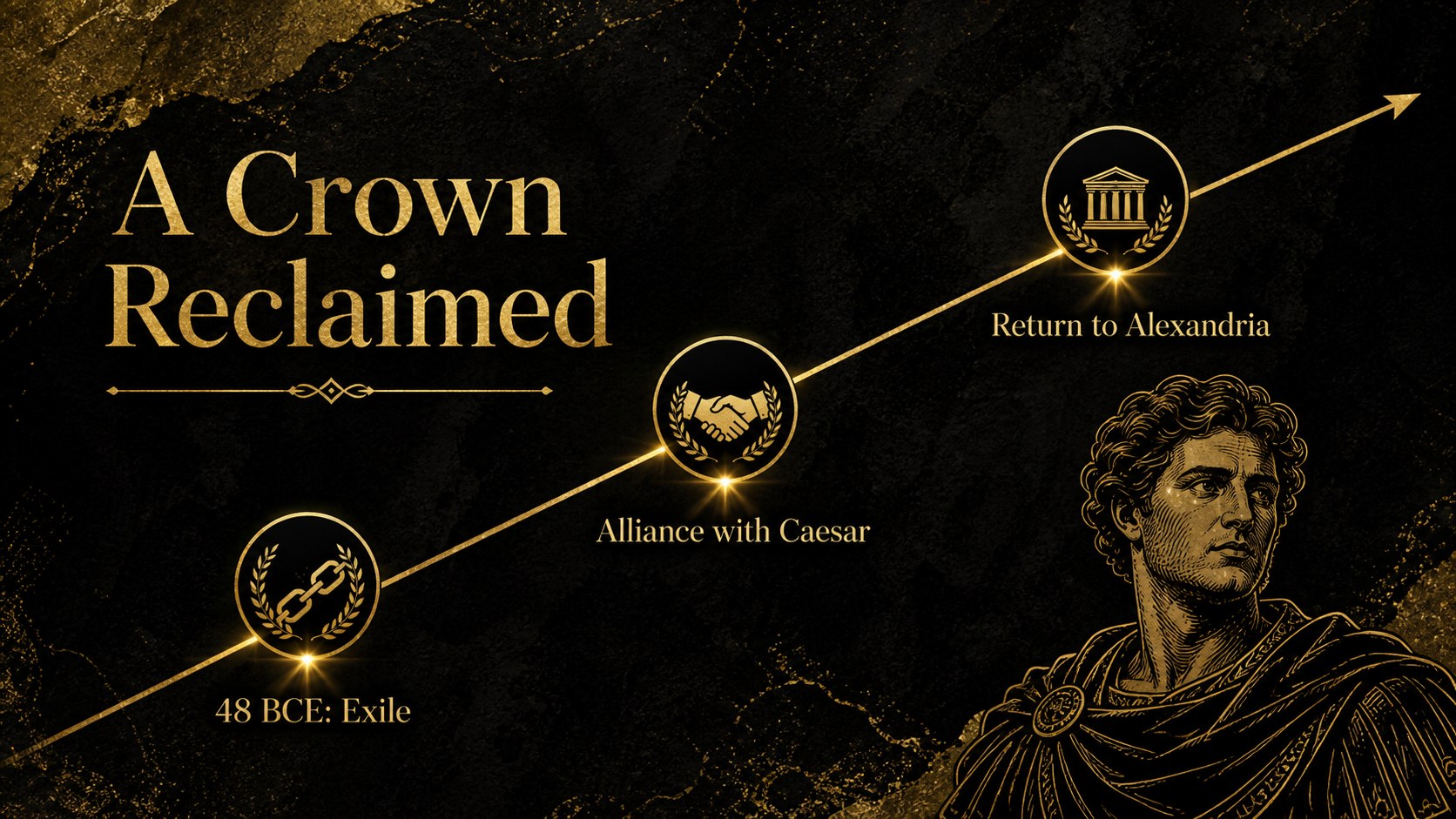
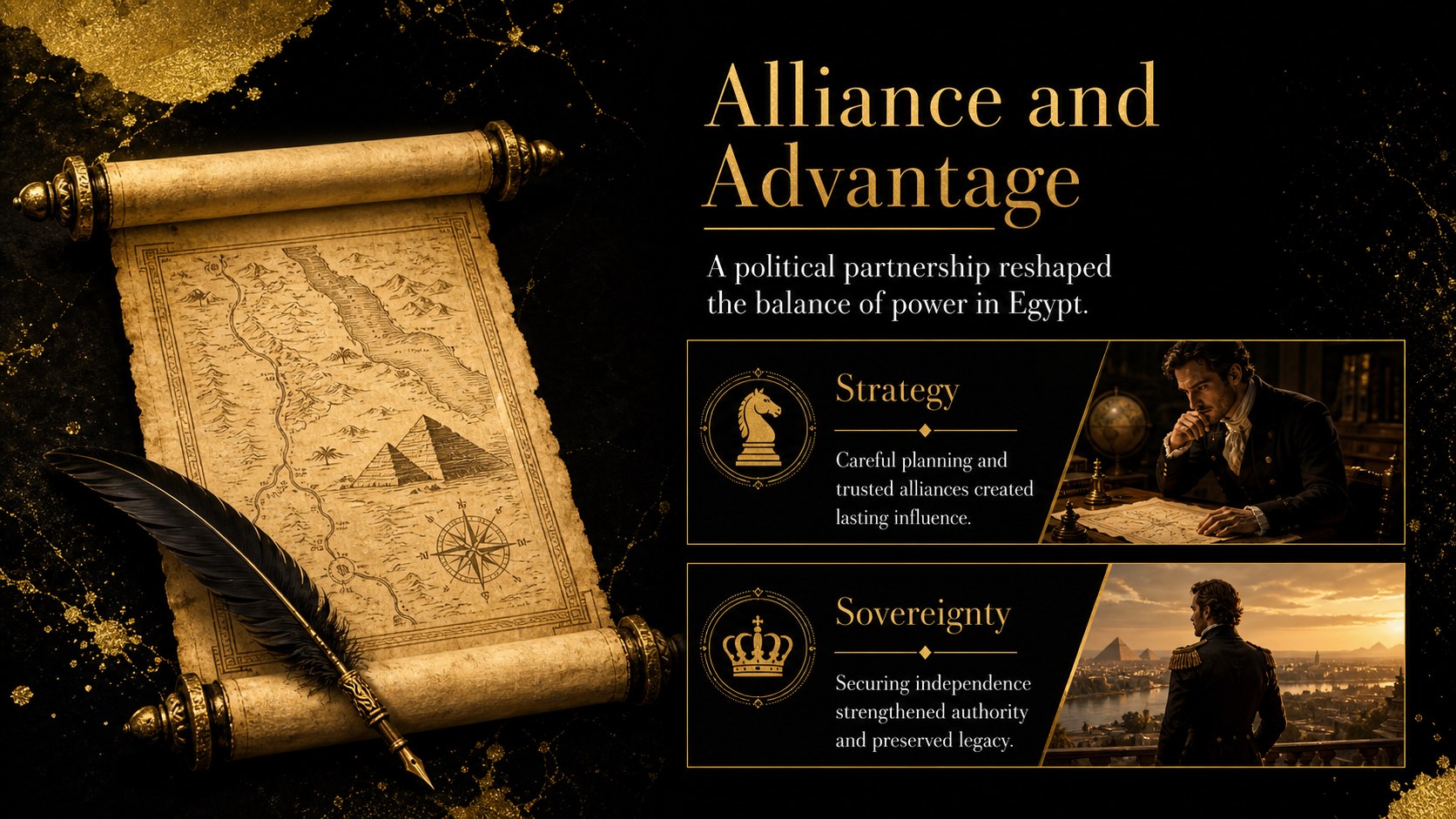
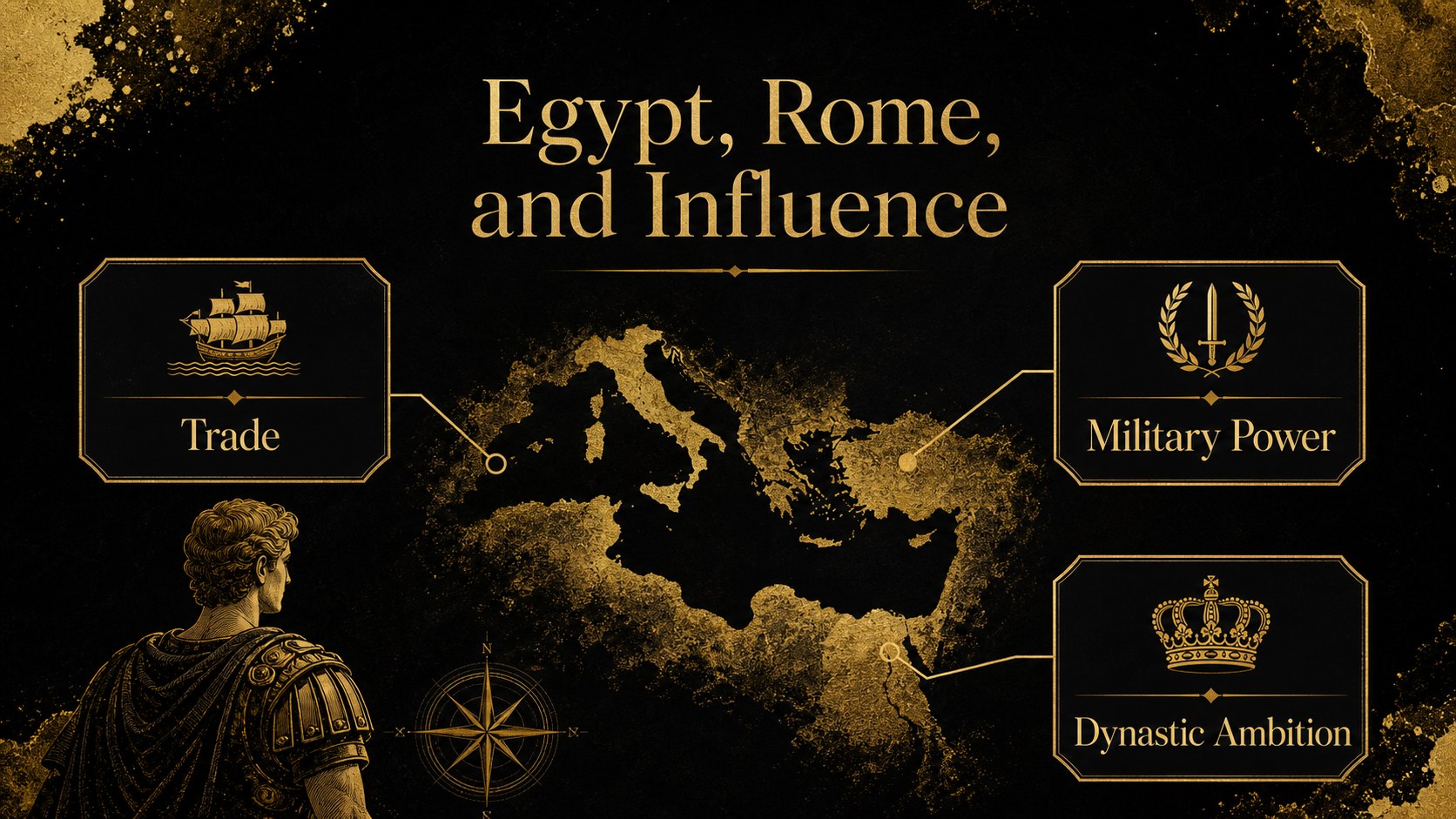
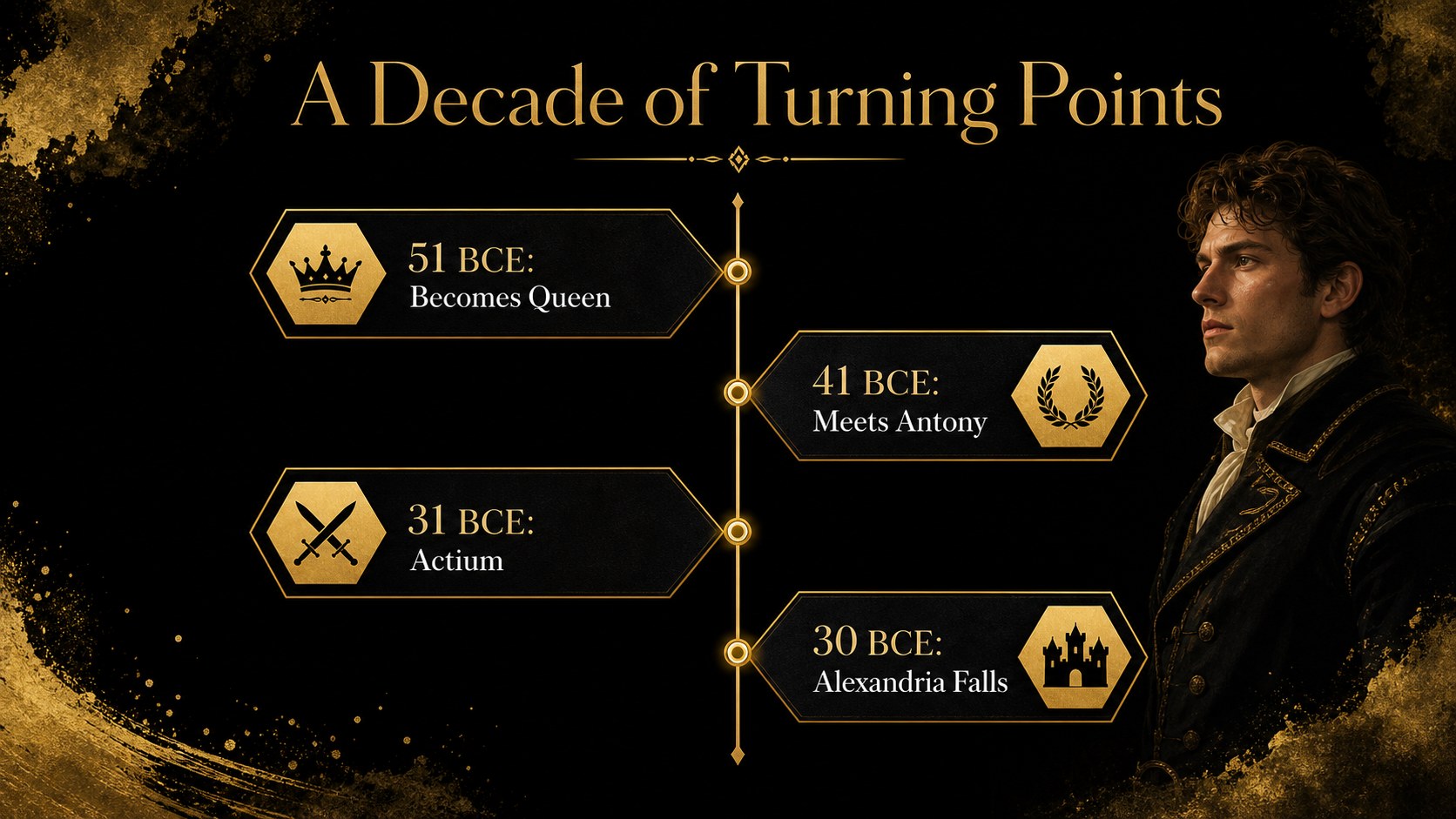
Bring the story of Cleopatra VII to life with a polished queen of the Nile history deck designed for classroom teaching, museum talks, and independent study. Its dramatic black-and-gold visual system combines Egyptian-inspired ornament, editorial typography, and illustrated historical details to give each topic a strong sense of place without overwhelming the audience.
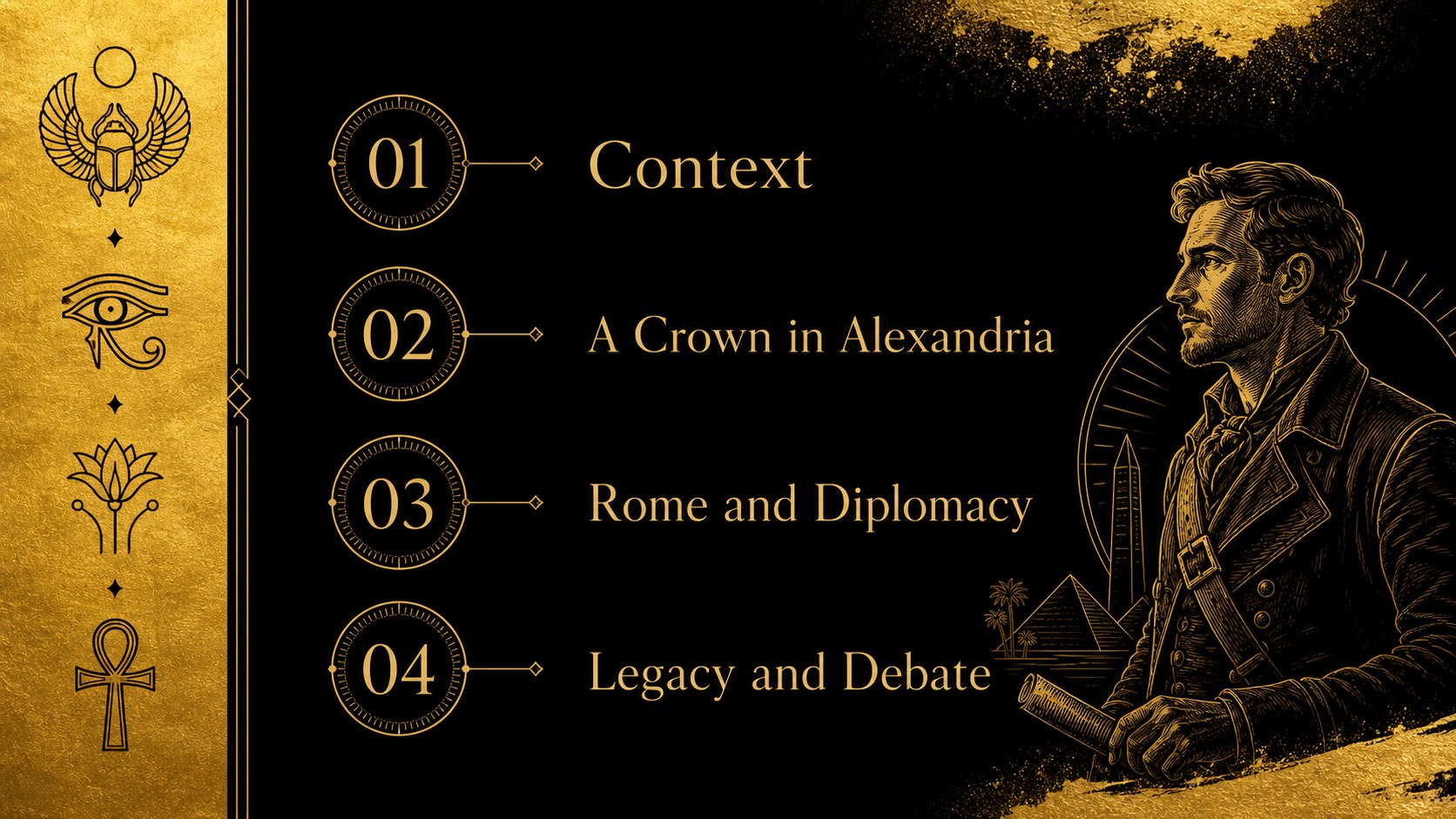
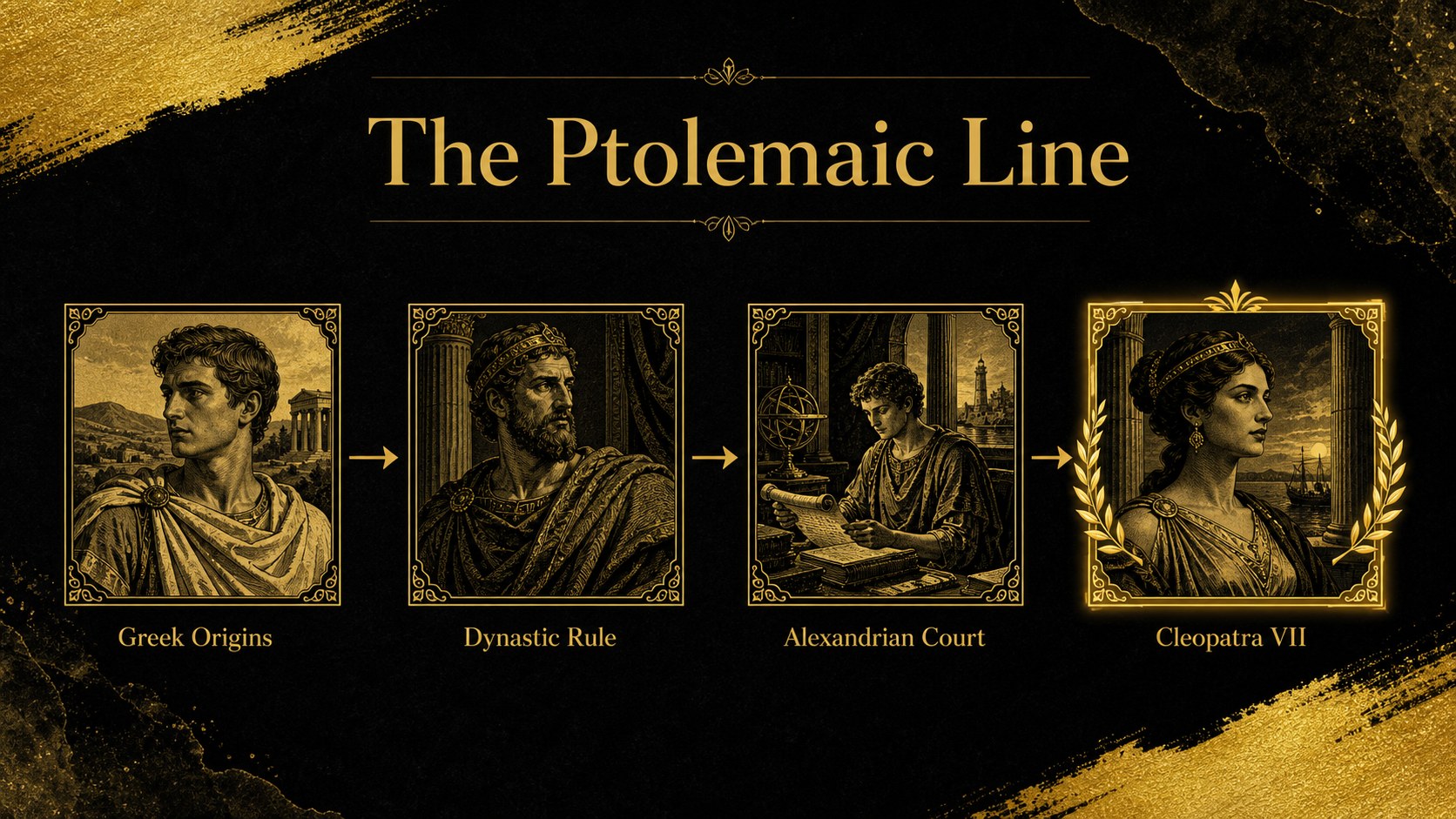
Inside, you will find 15 editable 16:9 slides for introducing Cleopatra, mapping the Ptolemaic dynasty, explaining her rise to power, exploring diplomacy with Rome, and summarizing her lasting influence. Timeline layouts, comparison sections, profile slides, quote treatments, map-inspired compositions, and closing discussion prompts make it easy to shape a complete narrative. Replace the sample copy, adjust colors and typography, and add your own images in PowerPoint or Google Slides.
This Cleopatra history presentation is suited to secondary classrooms, university seminars, history clubs, cultural programs, and educational video planning. It also works as a foundation for a biography project or ancient Egypt lecture, giving presenters a cohesive structure from opening context through final reflection.
Perfect for: secondary school history lesson; university ancient Egypt seminar; museum education talk; biography research project; history club presentation.
Frequently asked questions
Can I edit this deck in PowerPoint? Yes. The presentation is designed for PowerPoint and uses editable text, shapes, and layouts. Replace the sample content with your lesson material and adjust the visual hierarchy as needed.
Practical details
Yes. The presentation is designed for PowerPoint and uses editable text, shapes, and layouts. Replace the sample content with your lesson material and adjust the visual hierarchy as needed.
Yes, you can open and edit the deck in Google Slides. Check imported fonts and spacing after upload, then make any small alignment adjustments before presenting.
Yes. Keep the original palette for a dramatic historical look or adapt the accent colors to match your institution or project. The layouts are flexible enough for maps, portraits, quotations, and data visuals.
Use it for Cleopatra's education, leadership, alliances with Julius Caesar and Mark Antony, the Ptolemaic dynasty, and her cultural legacy. The sequence can also be shortened for a focused biography or expanded with your own research slides.
Keep exploring
15Build stronger academic arguments with a college essay thesis builder featuring guided examples, revision prompts, and editable PowerPoint and Google Slides.
 15
15Build an engaging World UFO Day session with this flying saucer history lesson deck, featuring retro green-and-brown slides for PowerPoint and Google Slides.
 14
14Plan a memorable Lunar New Year campaign with the 2036 Dragon Year Celebration Theme, featuring bold red-and-yellow slides for lessons and events.
 15
15Build a thoughtful classroom discussion with this interfaith awareness lesson deck, featuring editable blue-and-white slides for PowerPoint and Google Slides.
 15
15Use this environmental awareness lesson deck to teach climate action through illustrated activities, discussion prompts, and ready-to-edit visuals.
 15
15Build playful lessons and party stories with a kid-friendly zombie celebration theme in purple, green and pastel blue for PowerPoint and Google Slides.
 15
15Build eerie lessons, campaigns, and story pitches with an undead survival scenario theme featuring editable slides for PowerPoint and Google Slides.
 16
16Turn environmental research into a clear story with a Watercolor Ecology Presentation Theme for PowerPoint and Google Slides in calming green and blue.