
 15
15presentation
College Essay Thesis Builder Slides
Build stronger academic arguments with a college essay thesis builder featuring guided examples, revision prompts, and editable PowerPoint and Google Slides.
Google SlidesPowerPoint
presentation · English
Make vocabulary practice more engaging with a classroom word hunt activity featuring editable, kid-friendly puzzle pages for PowerPoint and Google Slides.
Design notes
Turn everyday vocabulary review into a cheerful classroom word hunt activity that encourages focus, spelling practice, and independent problem-solving. Designed for elementary learners, this colorful resource combines a playful blue, white, and brown palette with bold lettering and friendly school-themed illustrations. Teachers can present the activity on screen or prepare printed copies for individual work.
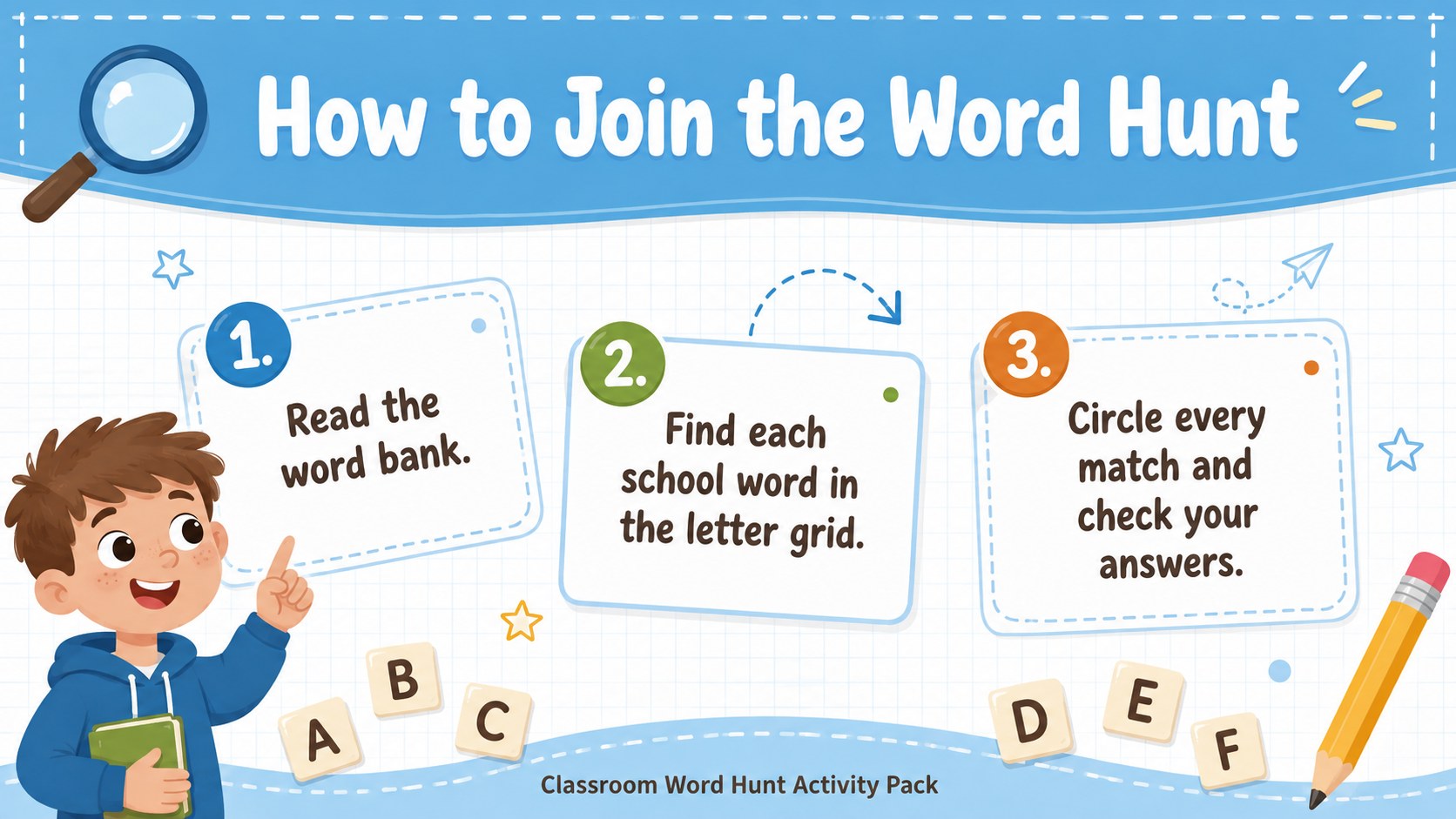
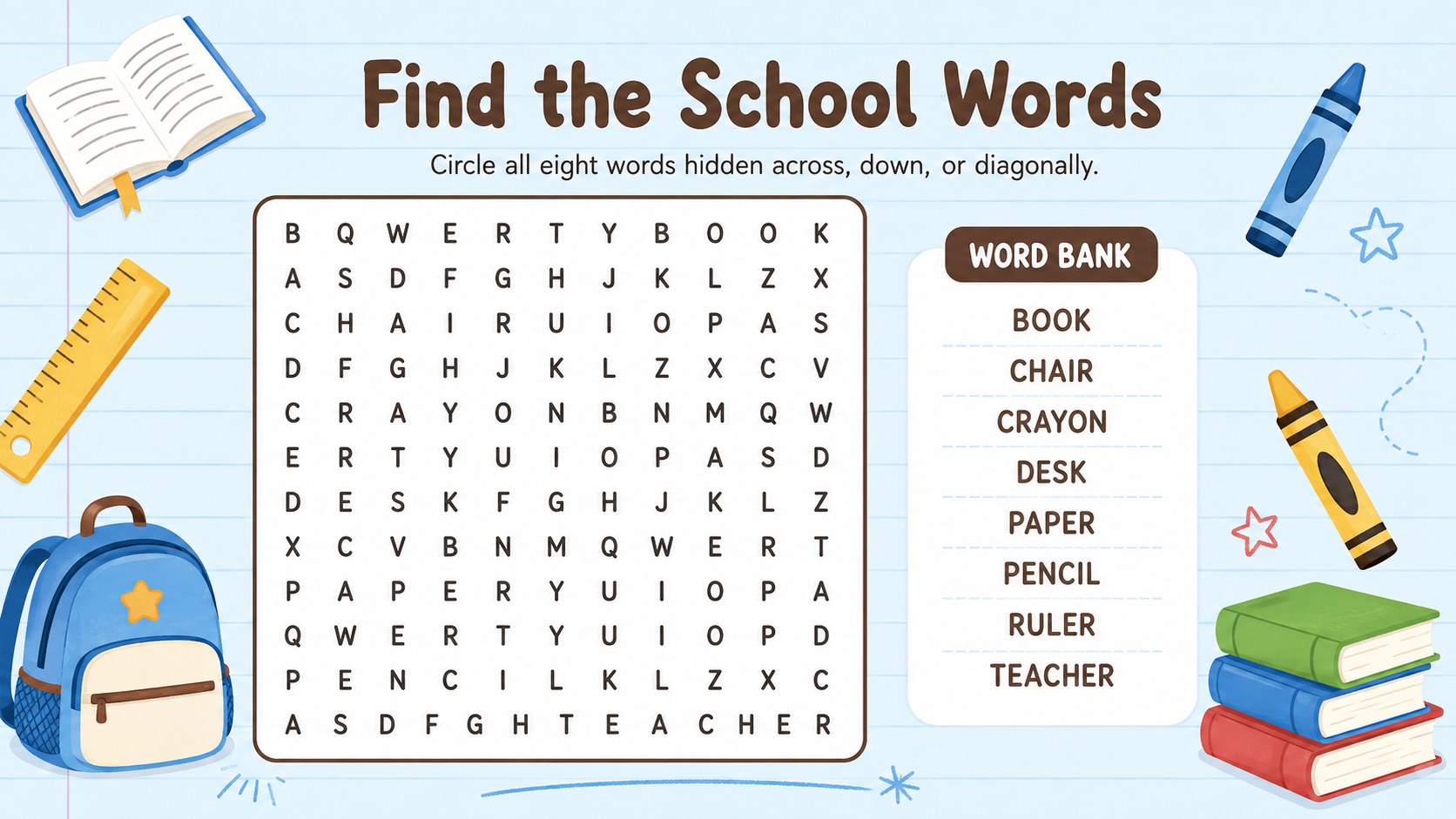
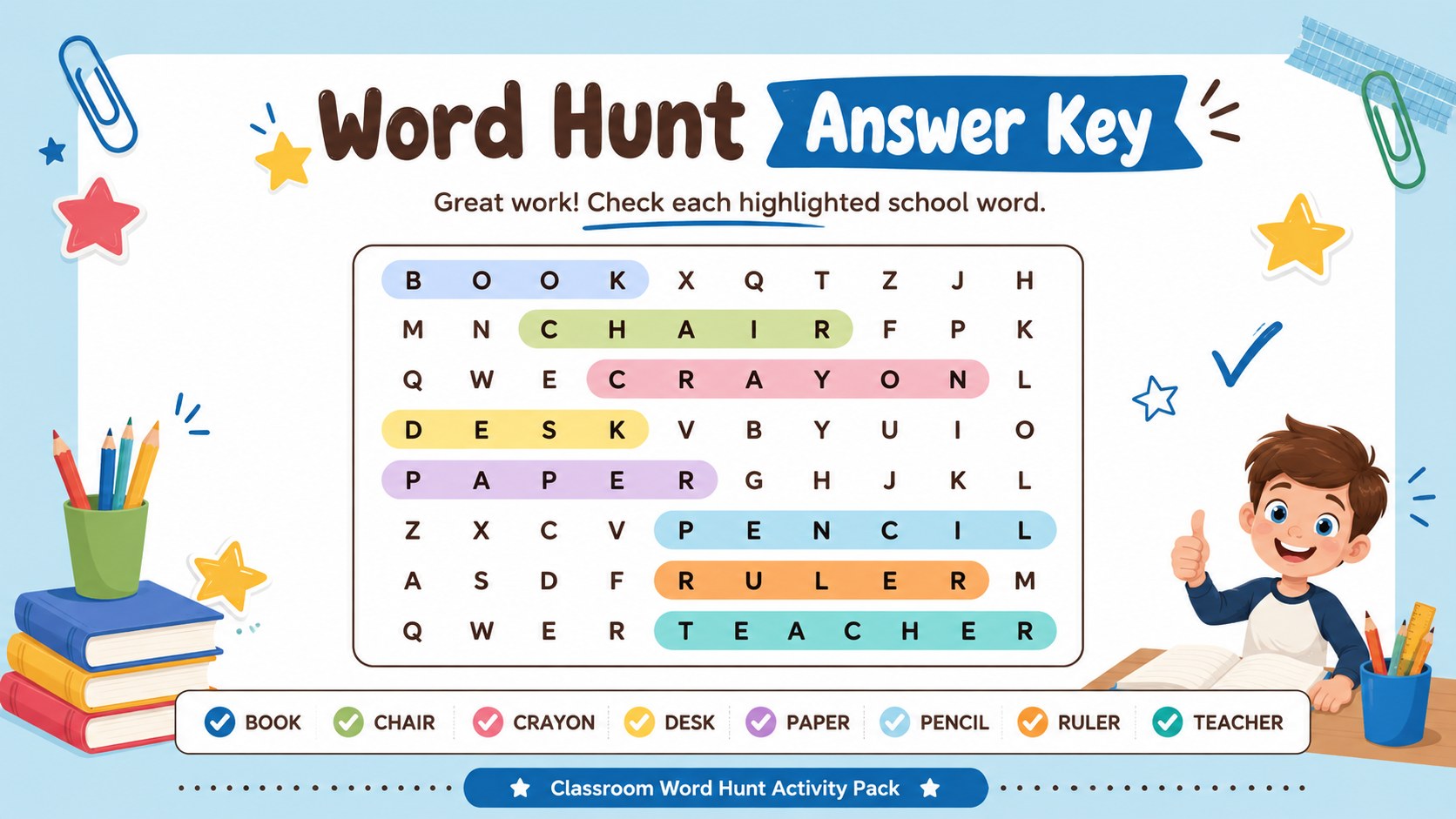
The pack includes a welcoming cover, simple directions, a school vocabulary puzzle, and a coordinated answer key. Every page is editable in PowerPoint and Google Slides, so you can replace the sample terms, adjust instructions, change typefaces, or adapt the difficulty level. Use it as an editable word search for elementary students, add words from a current reading unit, or create a personalized challenge for your class. The clear portrait-inspired worksheet layouts are reformatted for convenient 16:9 classroom display while retaining plenty of usable puzzle space.
This printable vocabulary puzzle template works well for morning activities, literacy centers, early-finisher tasks, tutoring sessions, and relaxed assessment review. It can also become a back to school word hunt by adding classroom objects, routines, or classmates' names. Whether learners work independently, in pairs, or as a whole group, the approachable design helps make vocabulary practice feel like a game rather than another assignment.
Perfect for: morning classroom warm-up; elementary literacy center; early-finisher vocabulary task; back-to-school review; small-group spelling practice.
Frequently asked questions
Can I replace the words in the puzzle? Yes. Open the template in PowerPoint or Google Slides to edit the word bank, directions, headings, and puzzle content. You can tailor the terms to a spelling list, reading unit, or classroom theme.
Practical details
Yes. Open the template in PowerPoint or Google Slides to edit the word bank, directions, headings, and puzzle content. You can tailor the terms to a spelling list, reading unit, or classroom theme.
The files are designed for PowerPoint and Google Slides. Both platforms let you present the pages digitally or export them for printing.
Yes. Shorten the word list and use simpler terms for younger students, or add longer vocabulary and diagonal or backward placements for a greater challenge.
Yes. A coordinated solution page highlights the hidden vocabulary so teachers can review answers quickly or display them during a class check.
Keep exploring
15Build stronger academic arguments with a college essay thesis builder featuring guided examples, revision prompts, and editable PowerPoint and Google Slides.
 15
15Build an engaging World UFO Day session with this flying saucer history lesson deck, featuring retro green-and-brown slides for PowerPoint and Google Slides.
 14
14Plan a memorable Lunar New Year campaign with the 2036 Dragon Year Celebration Theme, featuring bold red-and-yellow slides for lessons and events.
 15
15Build a thoughtful classroom discussion with this interfaith awareness lesson deck, featuring editable blue-and-white slides for PowerPoint and Google Slides.
 15
15Use this environmental awareness lesson deck to teach climate action through illustrated activities, discussion prompts, and ready-to-edit visuals.
 15
15Build playful lessons and party stories with a kid-friendly zombie celebration theme in purple, green and pastel blue for PowerPoint and Google Slides.
 15
15Build eerie lessons, campaigns, and story pitches with an undead survival scenario theme featuring editable slides for PowerPoint and Google Slides.
 16
16Turn environmental research into a clear story with a Watercolor Ecology Presentation Theme for PowerPoint and Google Slides in calming green and blue.