
 15
15presentation
College Essay Thesis Builder Slides
Build stronger academic arguments with a college essay thesis builder featuring guided examples, revision prompts, and editable PowerPoint and Google Slides.
Google SlidesPowerPoint
presentation · English
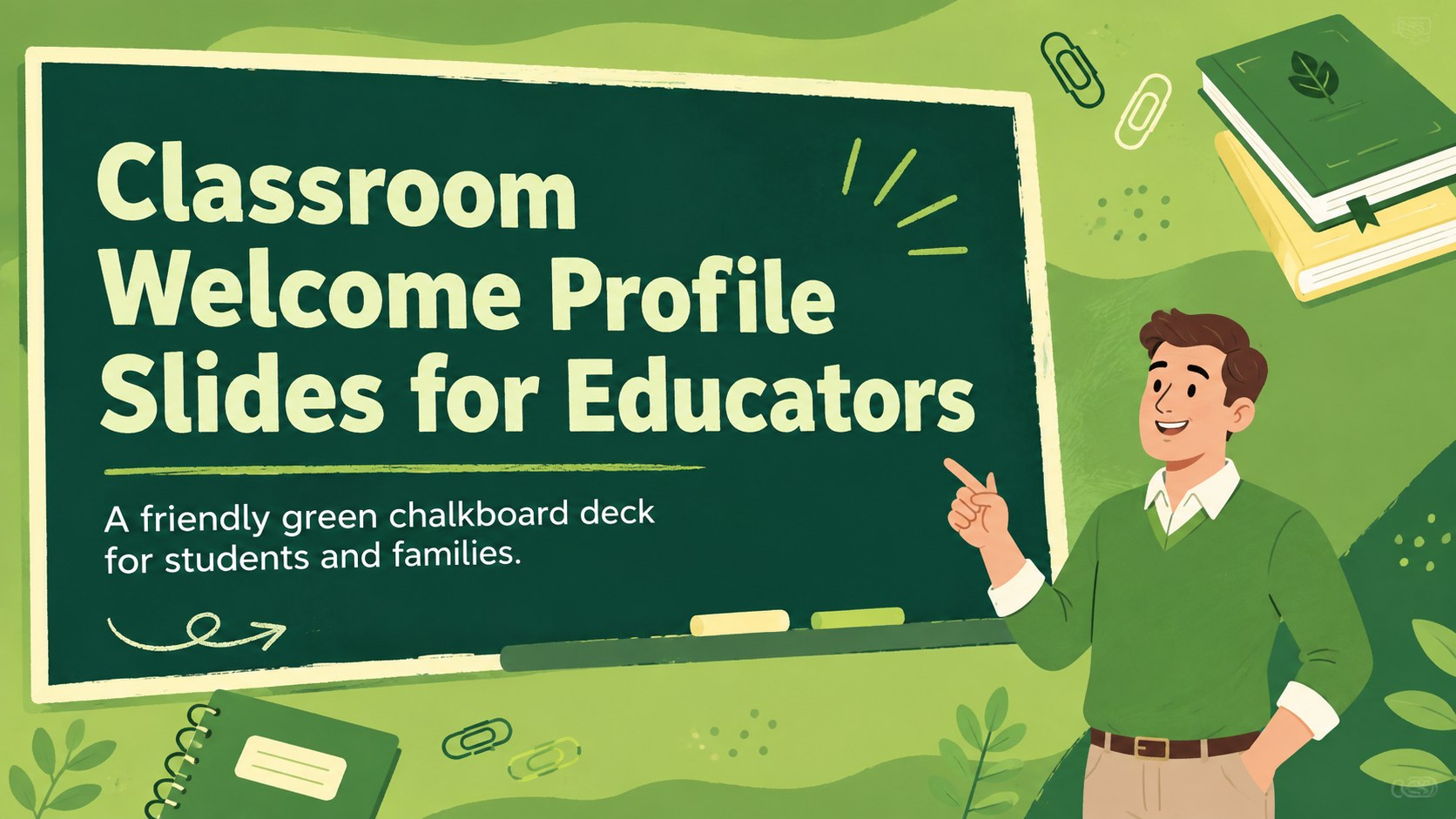
Build an approachable first-day introduction with classroom welcome profile slides featuring green chalkboard visuals for PowerPoint and Google Slides.
Design notes
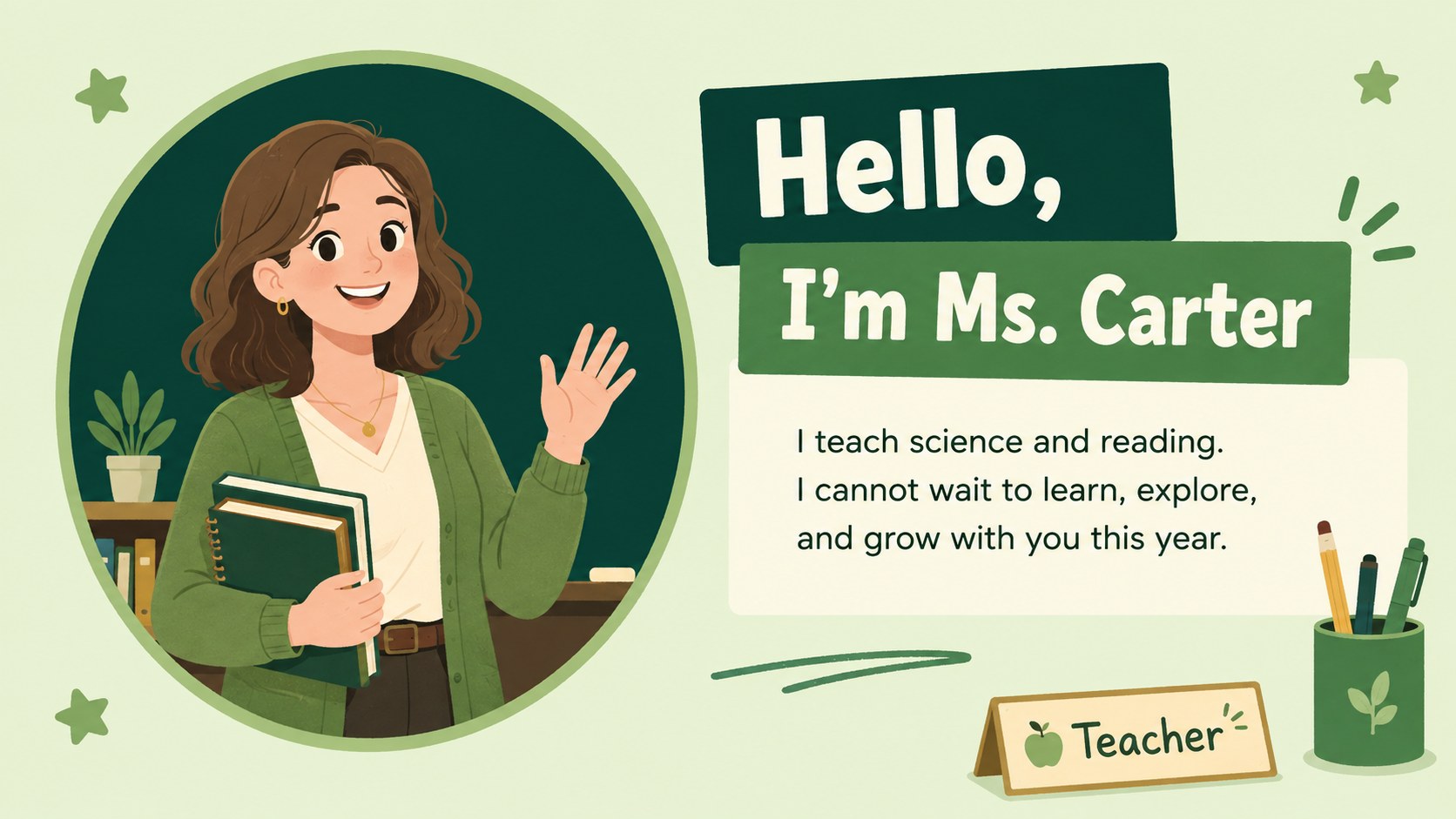
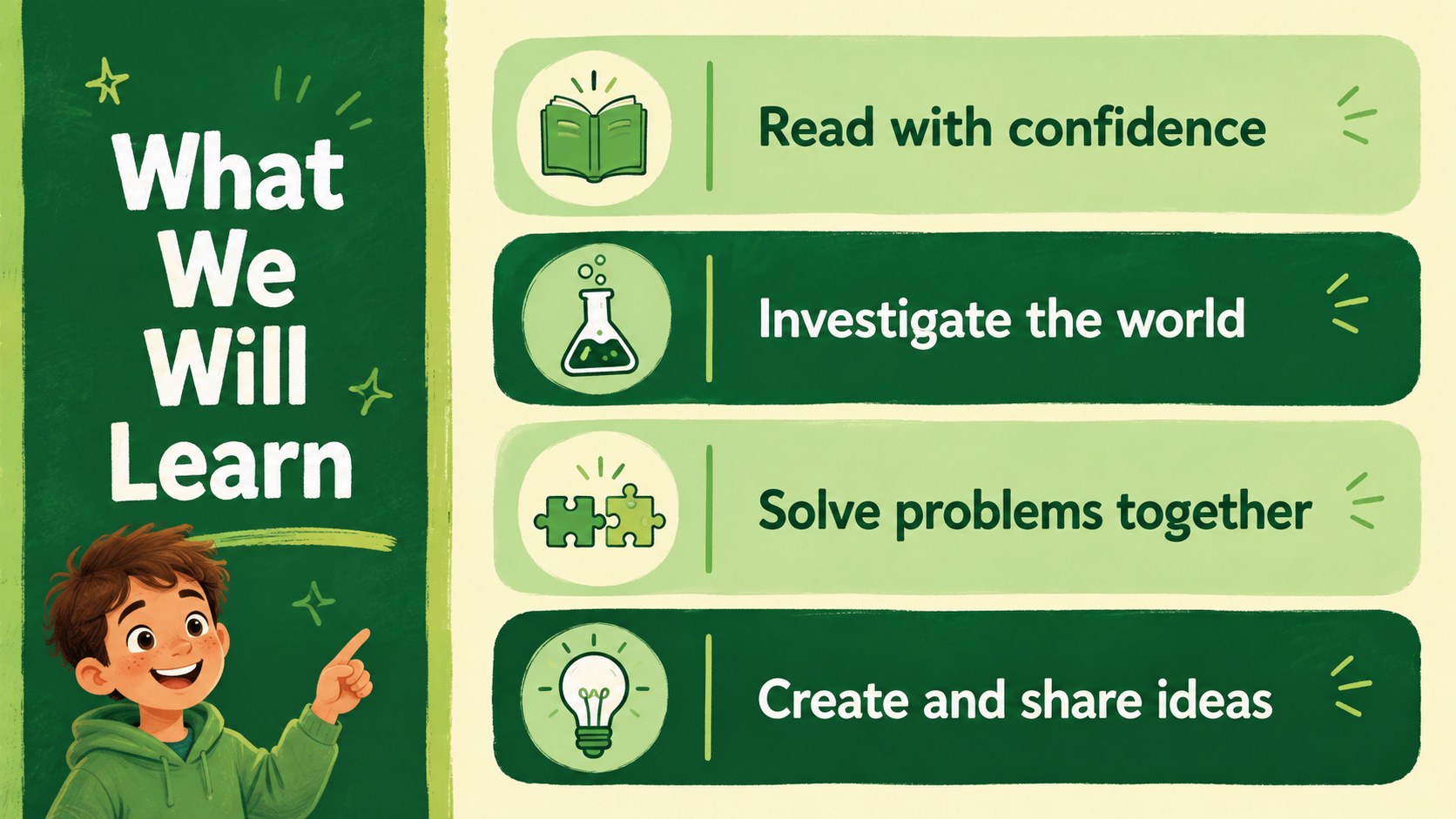
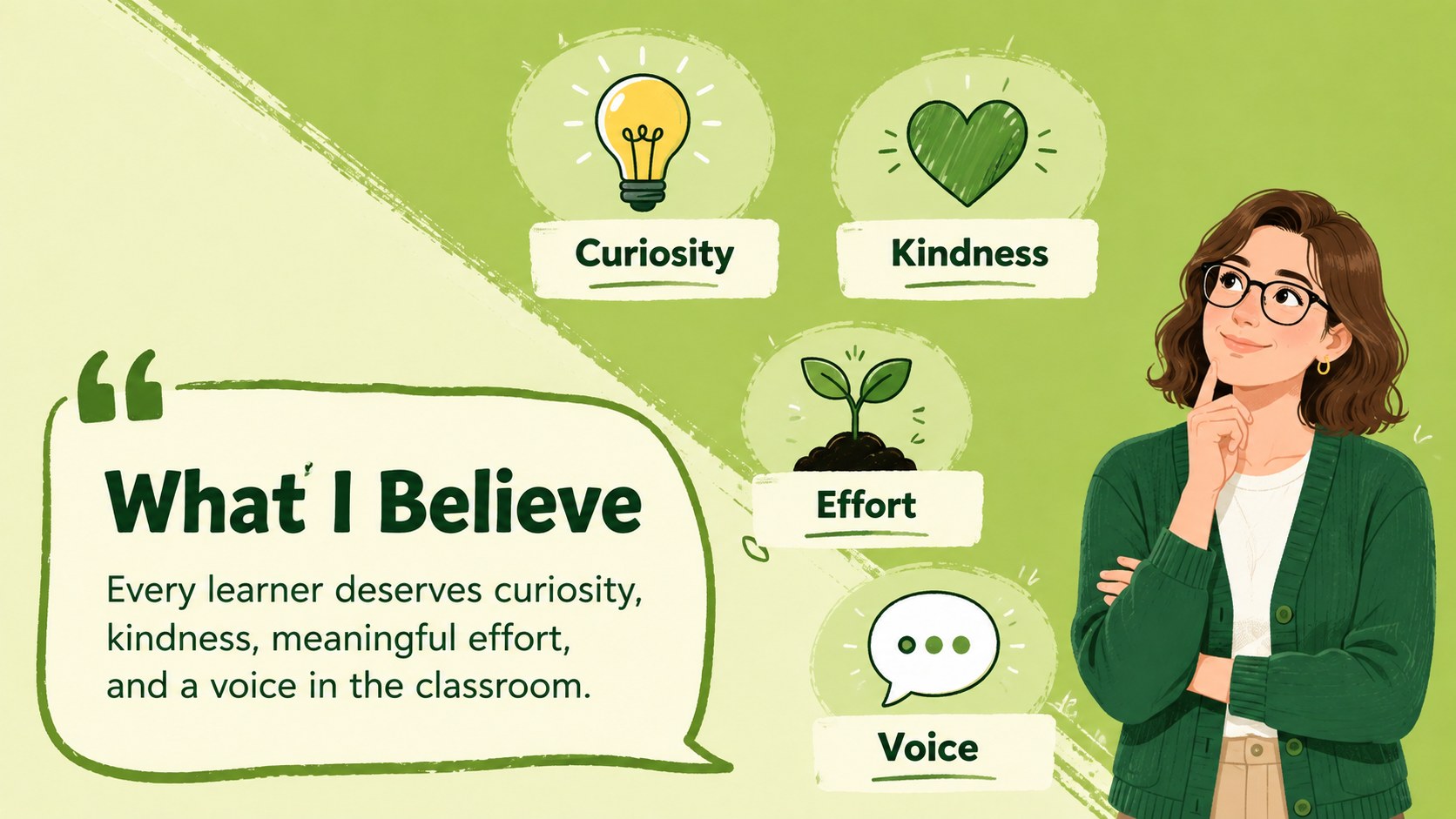
Classroom welcome profile slides give educators an engaging way to introduce themselves before lessons begin. Combining a lively green palette with illustrated chalkboard details, this presentation creates a friendly first impression without feeling overly formal. Customize it in PowerPoint or Google Slides to share your personality, professional background, teaching approach, and expectations.
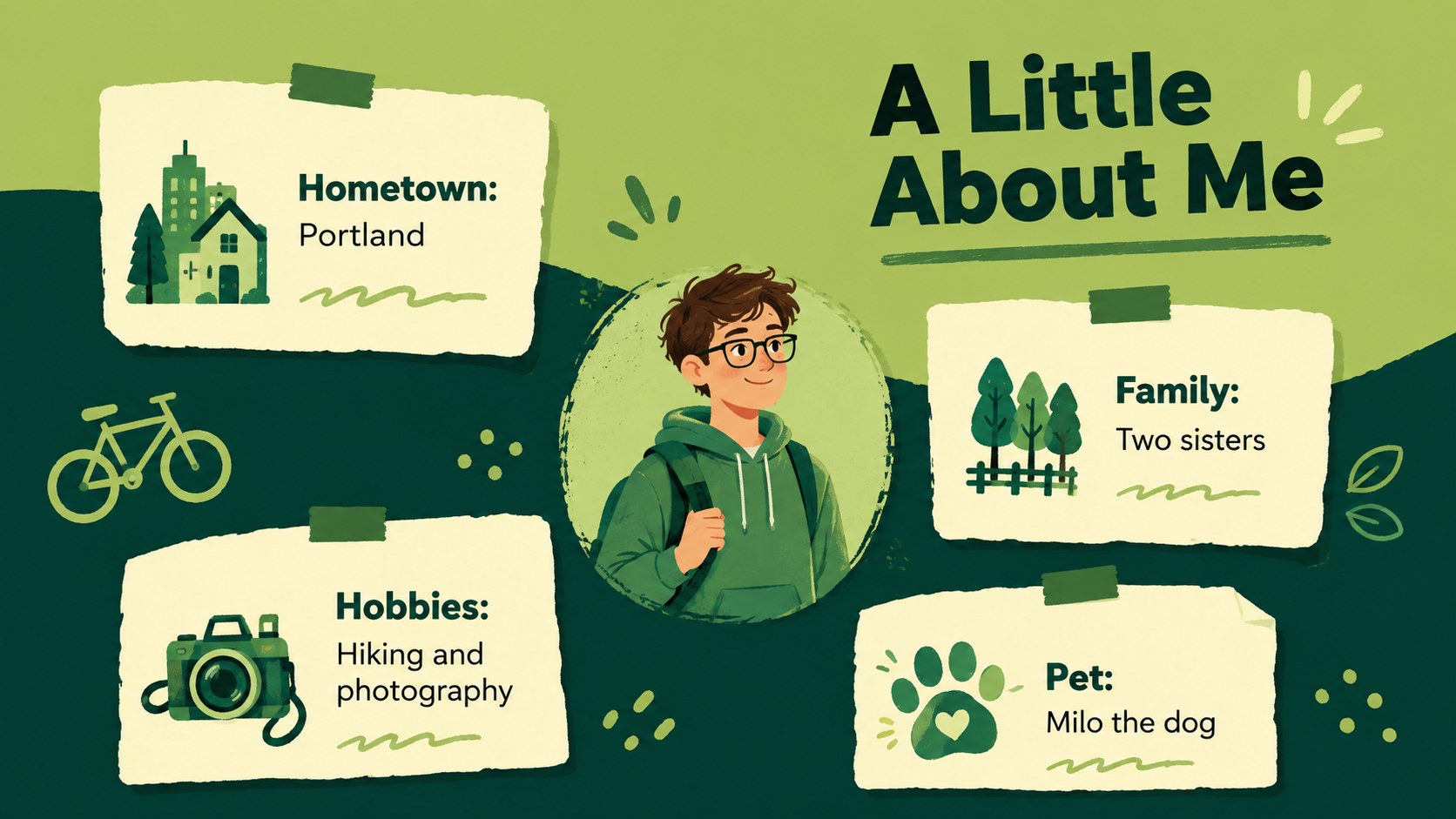
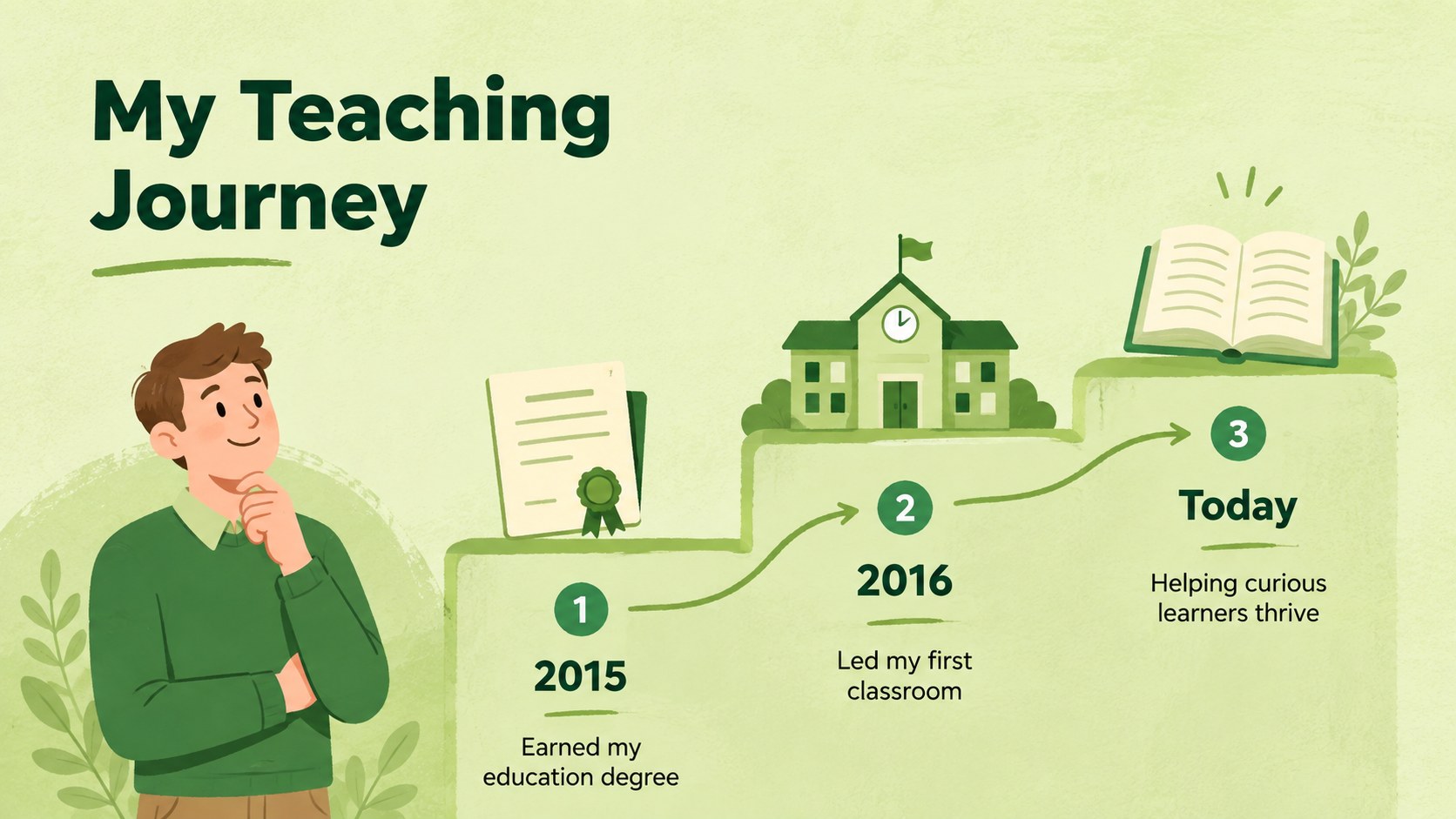
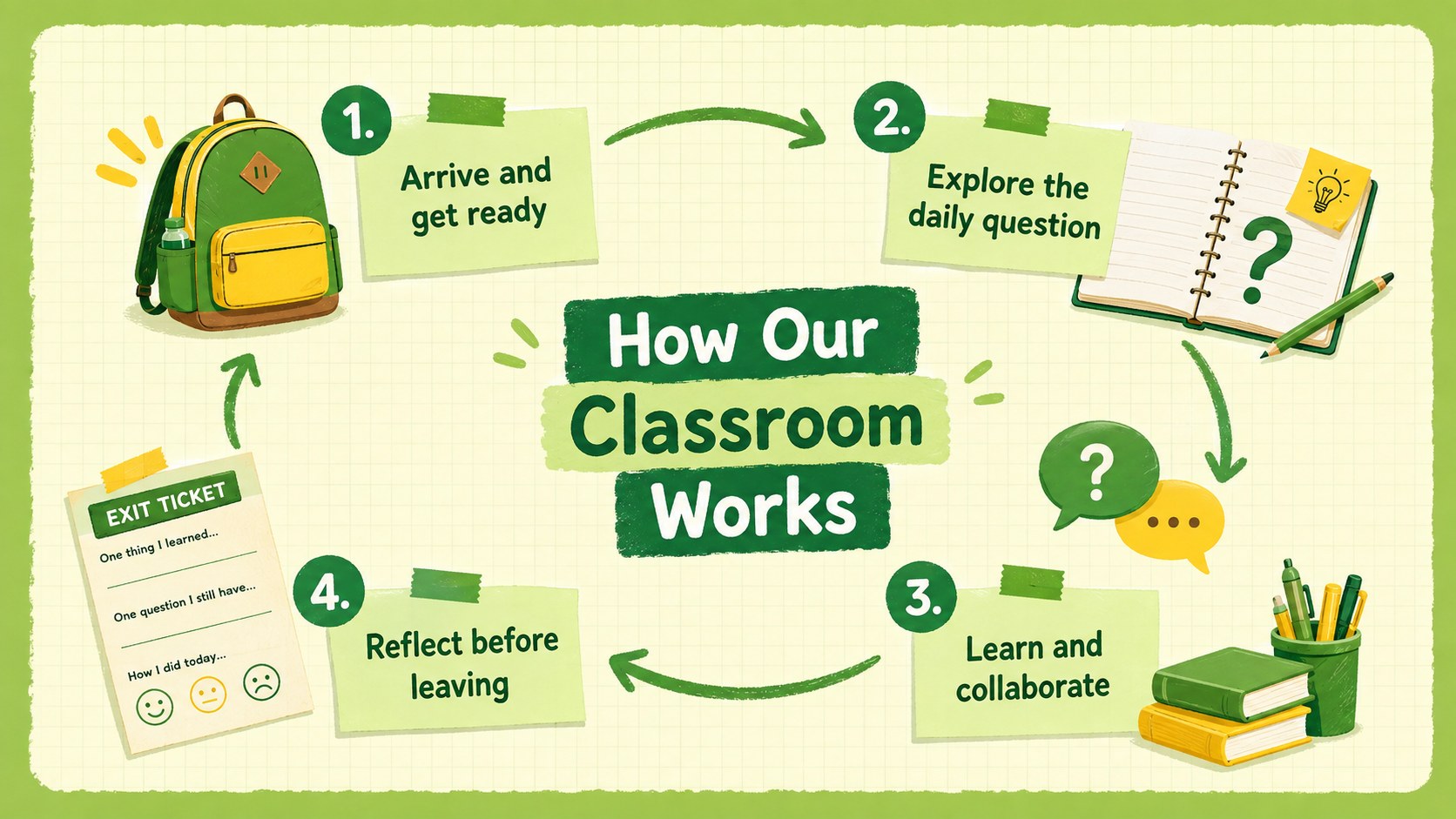
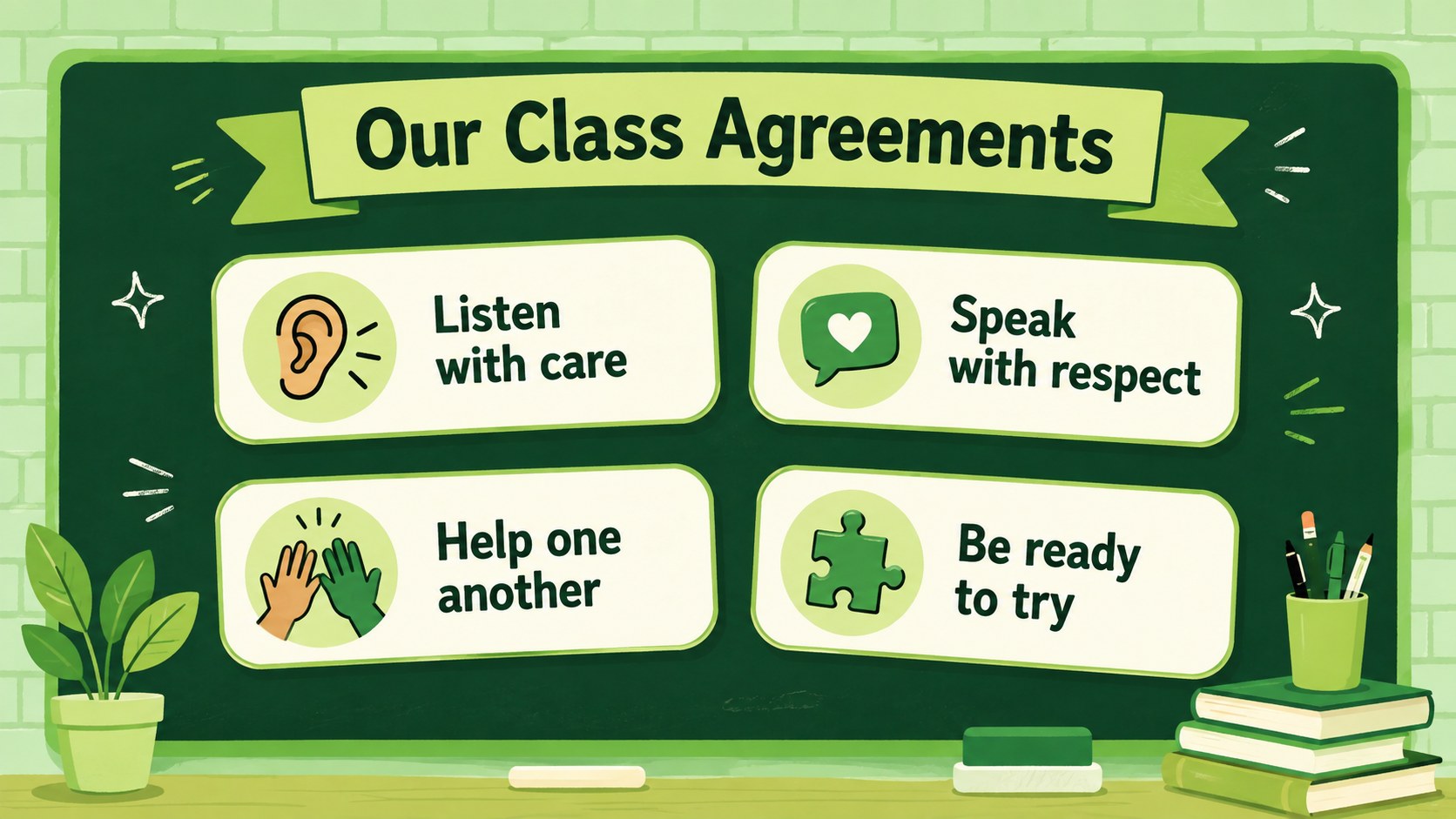
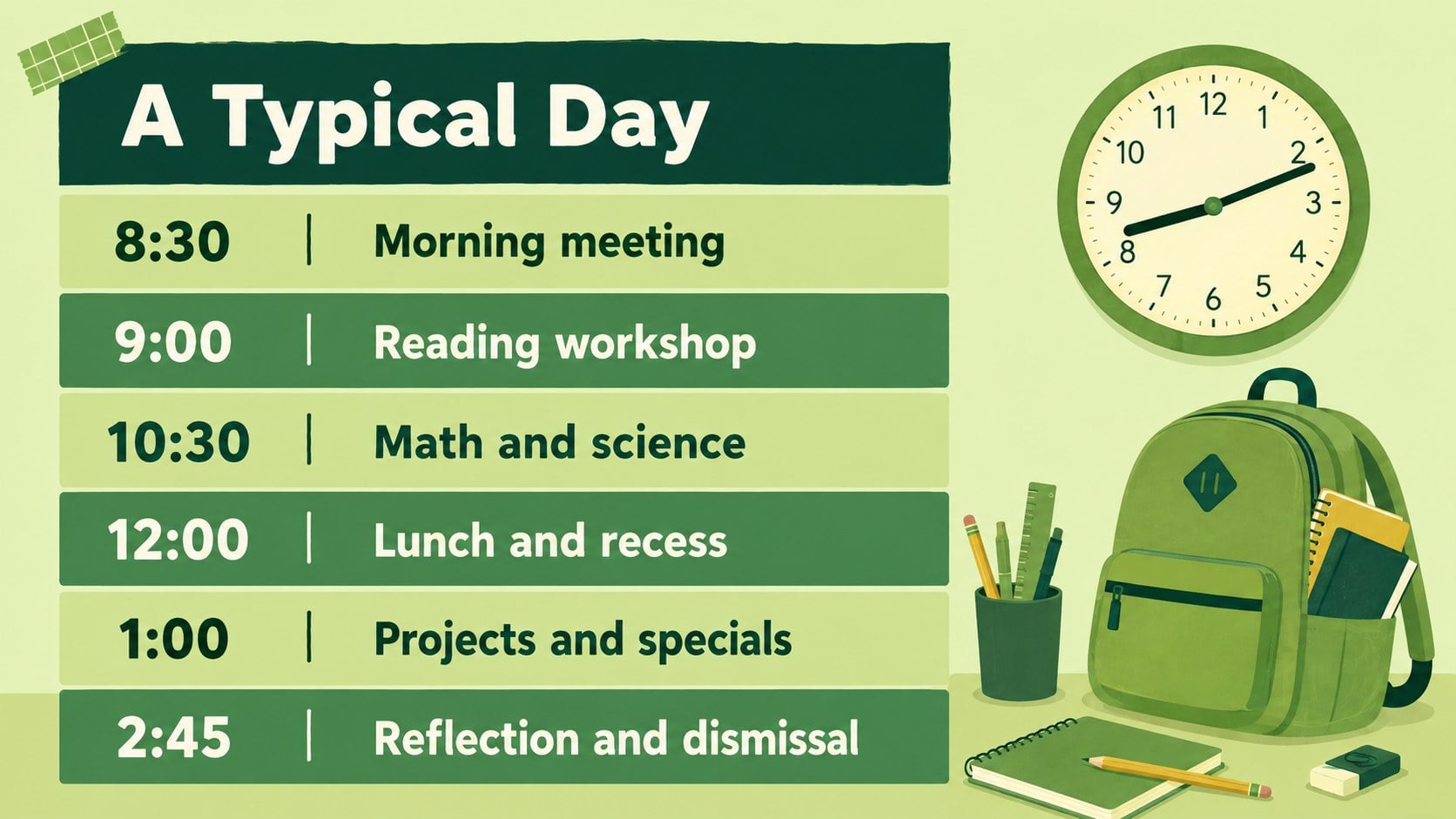
The 15-slide deck includes layouts for a welcome message, personal profile, teaching journey, classroom values, learning goals, daily routines, class agreements, favorite things, communication details, and first-week plans. A visual timeline, student question page, and closing slide help turn a basic introduction into a complete first day teacher introduction template. Every layout uses editable text, adaptable graphics, and a clear 16:9 format suitable for classroom displays or online meetings.
This green chalkboard educator presentation works well for elementary and middle school teachers, subject specialists, substitute educators, and new faculty members. Use it as a teacher profile presentation for parents during an open house, present it directly to students on the first day, or post selected slides in a digital classroom space. The illustrated design remains playful and approachable while keeping important information organized and easy to scan.
Perfect for: first-day classroom introduction; school open house presentation; new teacher welcome session; family orientation night; virtual classroom introduction.
Frequently asked questions
Can I edit these classroom welcome profile slides? Yes. You can replace the sample wording, adjust colors, move illustrations, and add your own photos or classroom details. The layouts are designed to accommodate both short introductions and more detailed educator profiles.
Practical details
Yes. You can replace the sample wording, adjust colors, move illustrations, and add your own photos or classroom details. The layouts are designed to accommodate both short introductions and more detailed educator profiles.
The deck is designed for PowerPoint and Google Slides. Both platforms support editing the text, rearranging objects, presenting in 16:9 format, and exporting the finished presentation.
Yes. Keep the background, teaching philosophy, communication, and classroom routine pages, then add contact details or family-specific information. You can hide any student-focused slides that are not relevant to the event.
Replace the sample character or portrait with an original illustration or your own photograph. You can also update clothing colors, accessories, classroom objects, and decorative details to reflect your subject and grade level.
Keep exploring
15Build stronger academic arguments with a college essay thesis builder featuring guided examples, revision prompts, and editable PowerPoint and Google Slides.
 15
15Build an engaging World UFO Day session with this flying saucer history lesson deck, featuring retro green-and-brown slides for PowerPoint and Google Slides.
 14
14Plan a memorable Lunar New Year campaign with the 2036 Dragon Year Celebration Theme, featuring bold red-and-yellow slides for lessons and events.
 15
15Build a thoughtful classroom discussion with this interfaith awareness lesson deck, featuring editable blue-and-white slides for PowerPoint and Google Slides.
 15
15Use this environmental awareness lesson deck to teach climate action through illustrated activities, discussion prompts, and ready-to-edit visuals.
 15
15Build playful lessons and party stories with a kid-friendly zombie celebration theme in purple, green and pastel blue for PowerPoint and Google Slides.
 15
15Build eerie lessons, campaigns, and story pitches with an undead survival scenario theme featuring editable slides for PowerPoint and Google Slides.
 16
16Turn environmental research into a clear story with a Watercolor Ecology Presentation Theme for PowerPoint and Google Slides in calming green and blue.