
 15
15presentation
College Essay Thesis Builder Slides
Build stronger academic arguments with a college essay thesis builder featuring guided examples, revision prompts, and editable PowerPoint and Google Slides.
Google SlidesPowerPoint
presentation · English
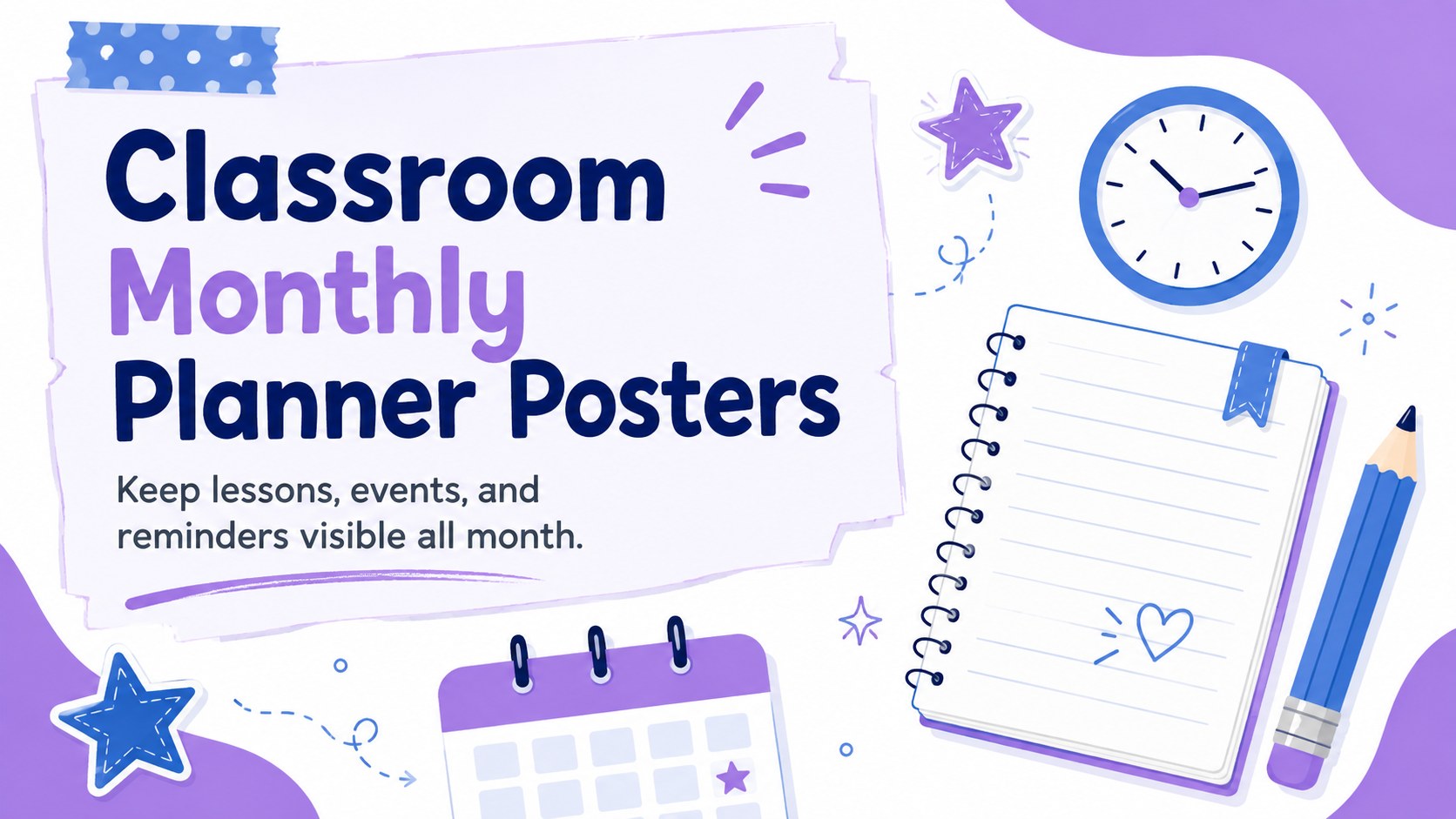
Plan lessons, events, and reminders with classroom monthly planner posters in a playful blue, white, and purple format for PowerPoint and Google Slides.
Design notes
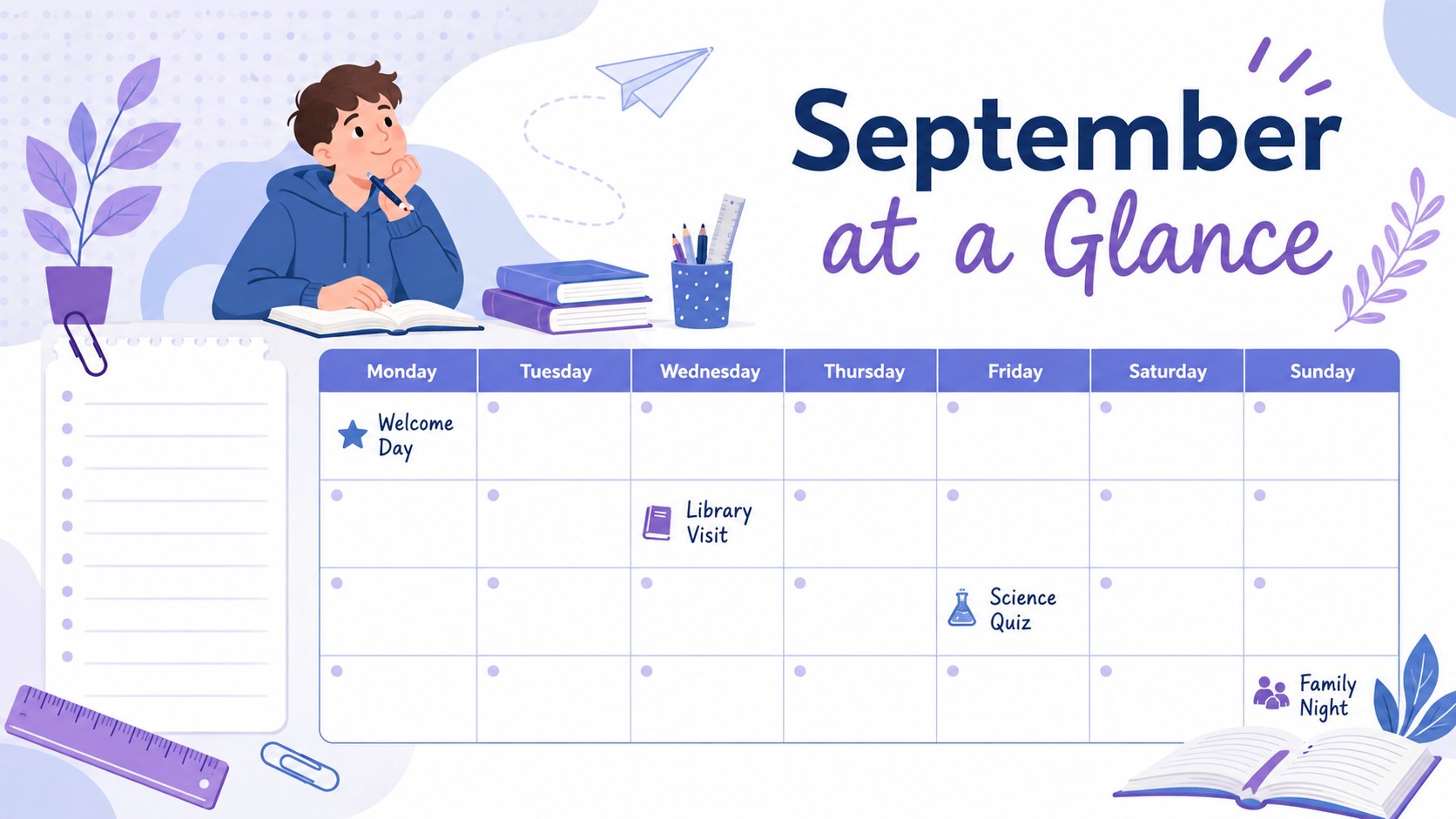
Classroom Monthly Planner Posters give teachers a bright, practical way to display upcoming lessons, activities, deadlines, and celebrations. The illustrated blue, white, and purple design feels playful enough for younger learners while remaining clear and useful for busy classrooms. Edit the layouts in PowerPoint or Google Slides, then present them digitally or export them for printing.
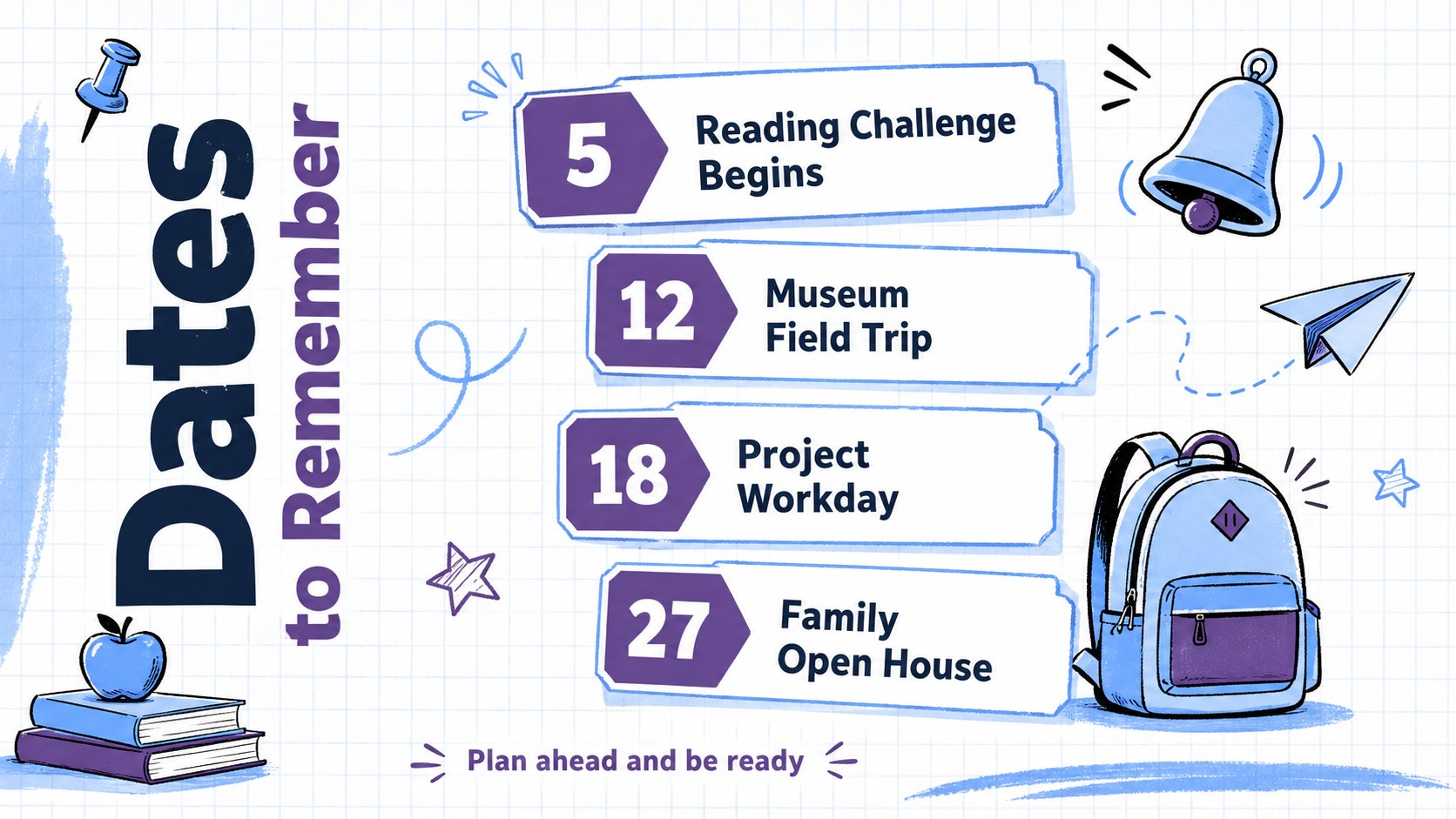
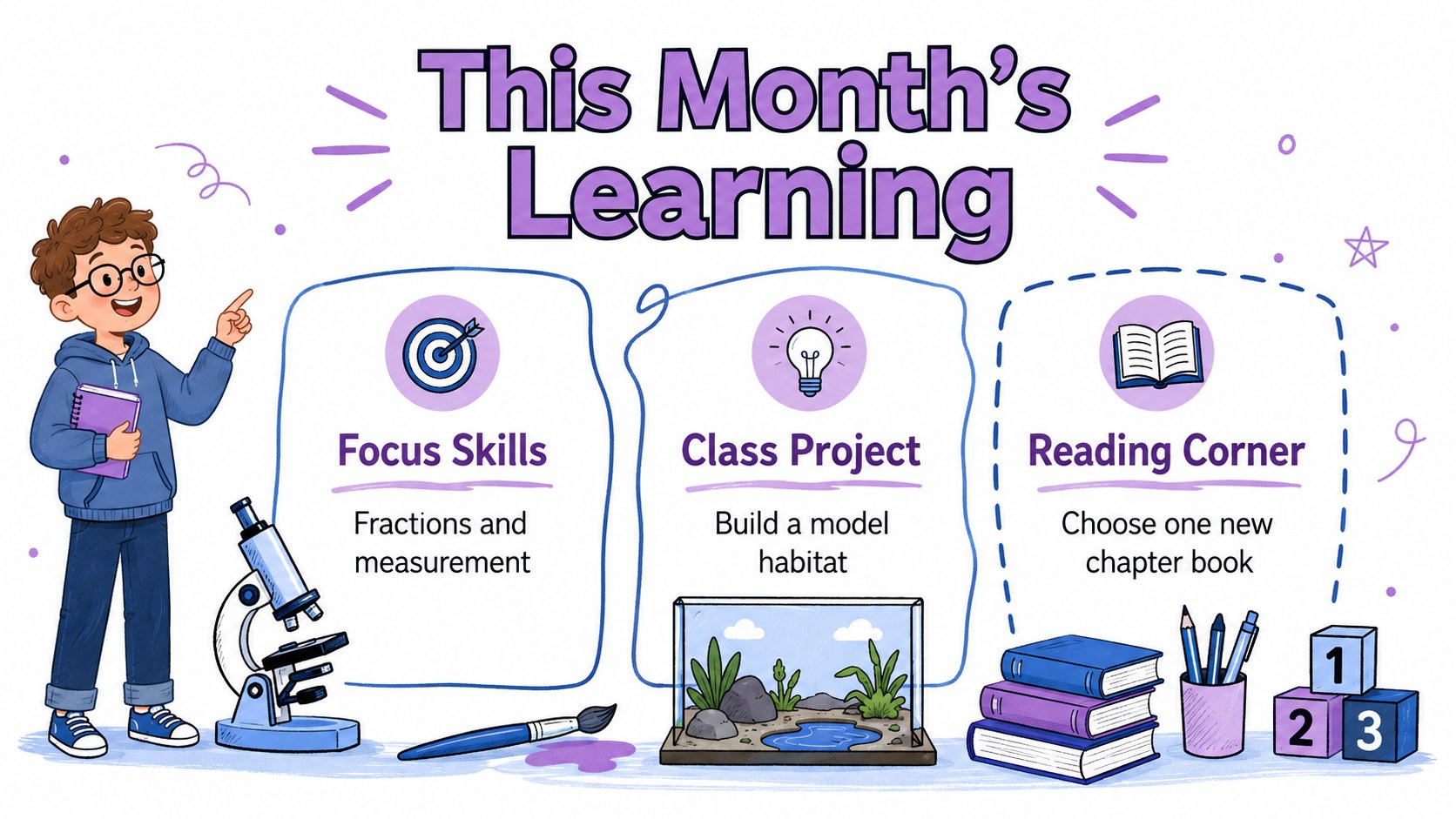
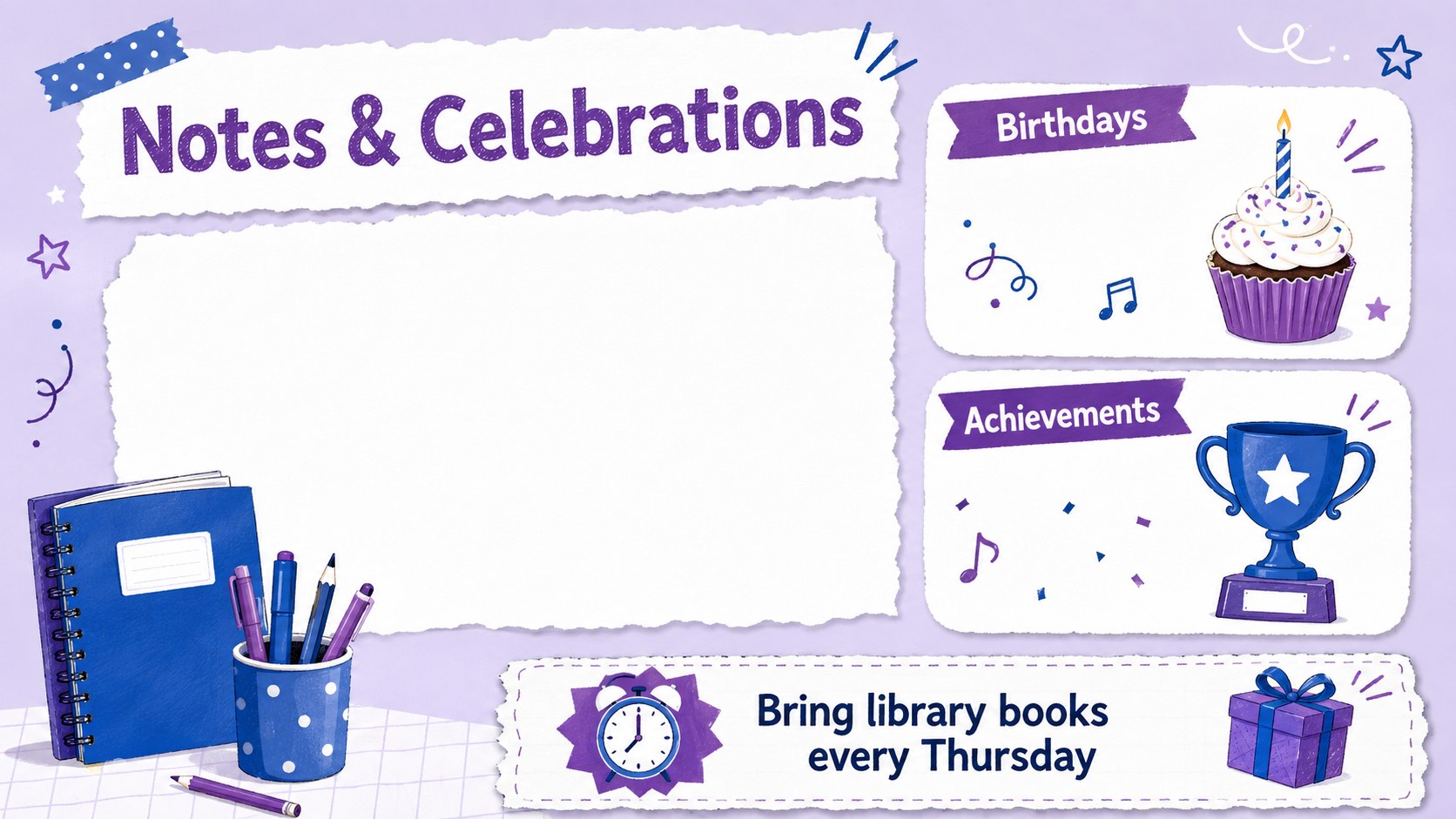
Inside are four coordinated poster layouts for monthly dates, important reminders, learning priorities, and classroom celebrations. Each page includes editable text areas, flexible date sections, and cheerful doodle-style accents. Use the set as a monthly classroom planning template, adapt one page into a school event schedule poster, or combine all four layouts as a coordinated bulletin board display.
These posters are designed for elementary teachers, homeroom educators, tutors, school administrators, and after-school program leaders. Update colors, typefaces, headings, and illustrations to suit a grade level, term, or classroom theme. The layouts can highlight field trips, assessments, holidays, birthdays, project milestones, or family events without making the information feel crowded.
Whether displayed on a classroom screen or printed for the wall, the set helps students and families see what is coming next. It also works well as teacher wall calendar slides for weekly check-ins, morning meetings, and back-to-school planning.
Perfect for: monthly classroom schedule; school bulletin board display; morning meeting calendar; student deadline tracker; class event planning.
Frequently asked questions
Practical details
Yes. You can replace the headings, dates, reminders, colors, and decorative elements to match your classroom schedule and grade level.
The layouts are designed for PowerPoint and Google Slides. Both platforms allow you to edit the content, present it on screen, or export pages for printing.
Yes. After customizing a layout, export it as a PDF or image and select the paper size supported by your printer. Review the print preview before producing larger bulletin board copies.
You can include lessons, tests, field trips, birthdays, holidays, project deadlines, assemblies, and family events. The editable sections can also be renamed for weekly goals or classroom reminders.
Keep exploring
15Build stronger academic arguments with a college essay thesis builder featuring guided examples, revision prompts, and editable PowerPoint and Google Slides.
 15
15Build an engaging World UFO Day session with this flying saucer history lesson deck, featuring retro green-and-brown slides for PowerPoint and Google Slides.
 14
14Plan a memorable Lunar New Year campaign with the 2036 Dragon Year Celebration Theme, featuring bold red-and-yellow slides for lessons and events.
 15
15Build a thoughtful classroom discussion with this interfaith awareness lesson deck, featuring editable blue-and-white slides for PowerPoint and Google Slides.
 15
15Use this environmental awareness lesson deck to teach climate action through illustrated activities, discussion prompts, and ready-to-edit visuals.
 15
15Build playful lessons and party stories with a kid-friendly zombie celebration theme in purple, green and pastel blue for PowerPoint and Google Slides.
 15
15Build eerie lessons, campaigns, and story pitches with an undead survival scenario theme featuring editable slides for PowerPoint and Google Slides.
 16
16Turn environmental research into a clear story with a Watercolor Ecology Presentation Theme for PowerPoint and Google Slides in calming green and blue.